

A steadier phone screen
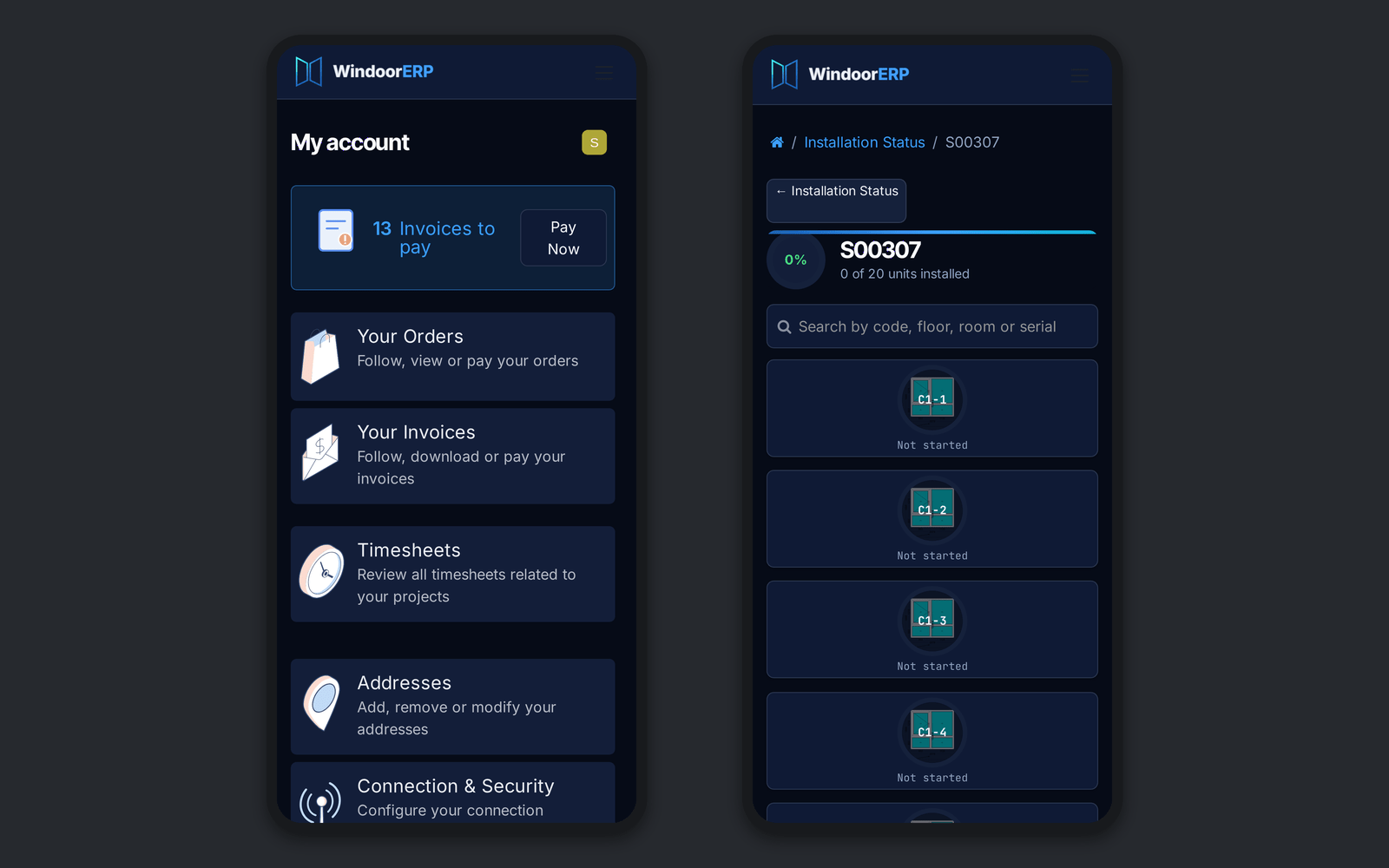
On the phone, the pinned search bar keeps a solid background and the app dock steps aside while you scroll down, then returns.
Ask about this
Link copied
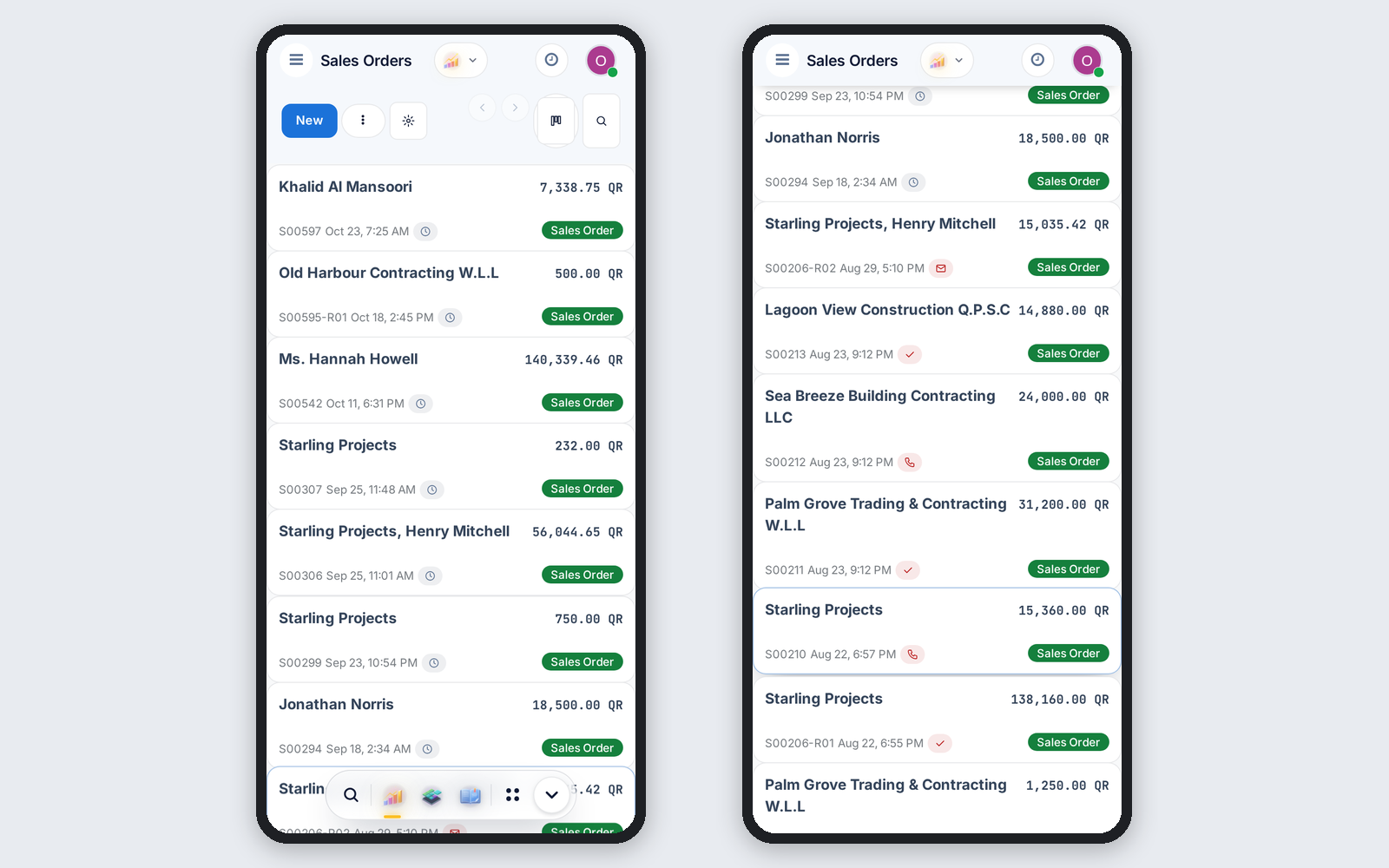
On the phone, the pinned search bar keeps a solid background and the app dock steps aside while you scroll down, then returns.
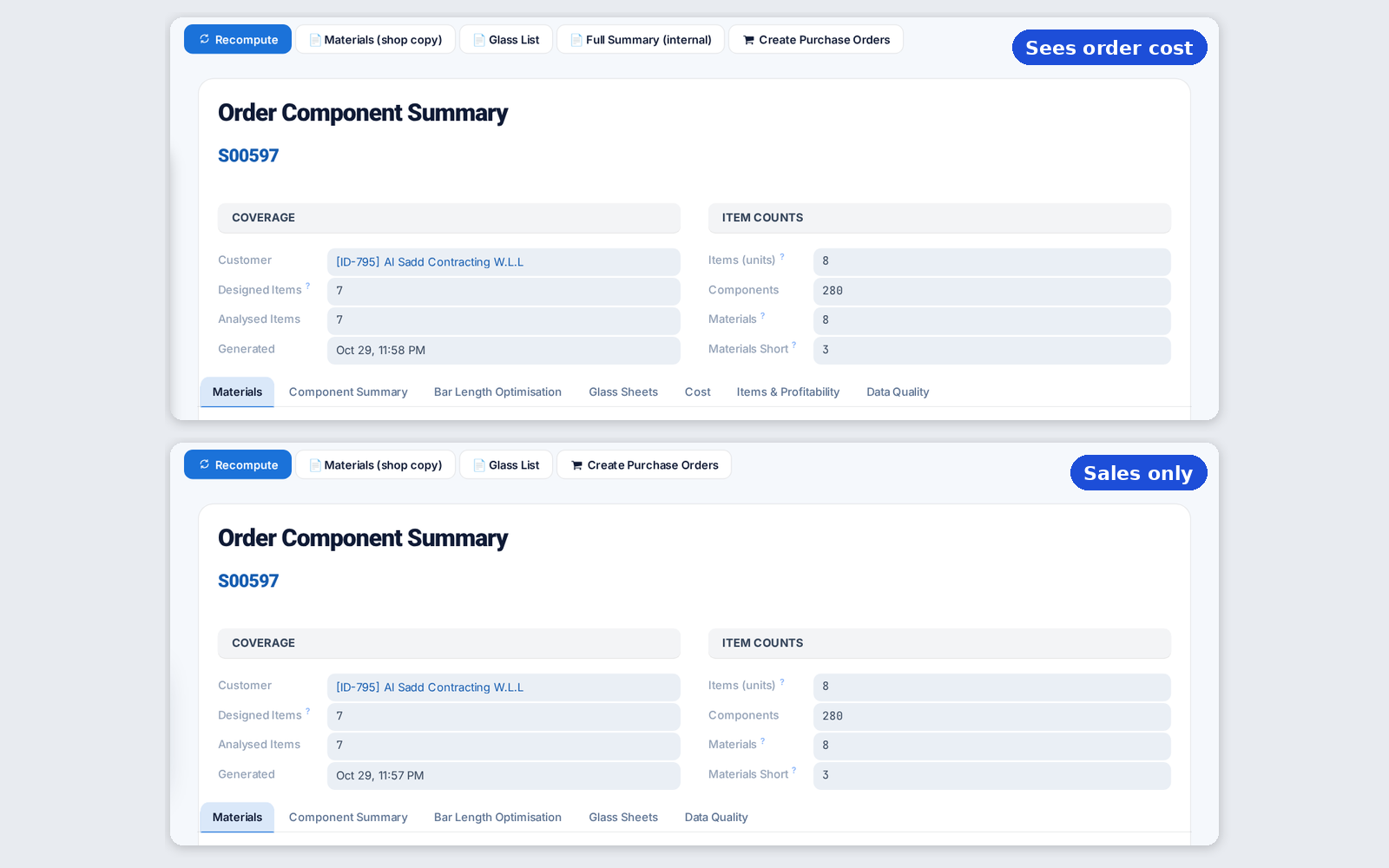
Once confirmers are named, cost and margin show only to people with the order cost right, on screens, prints and exports, long-piece savings included.
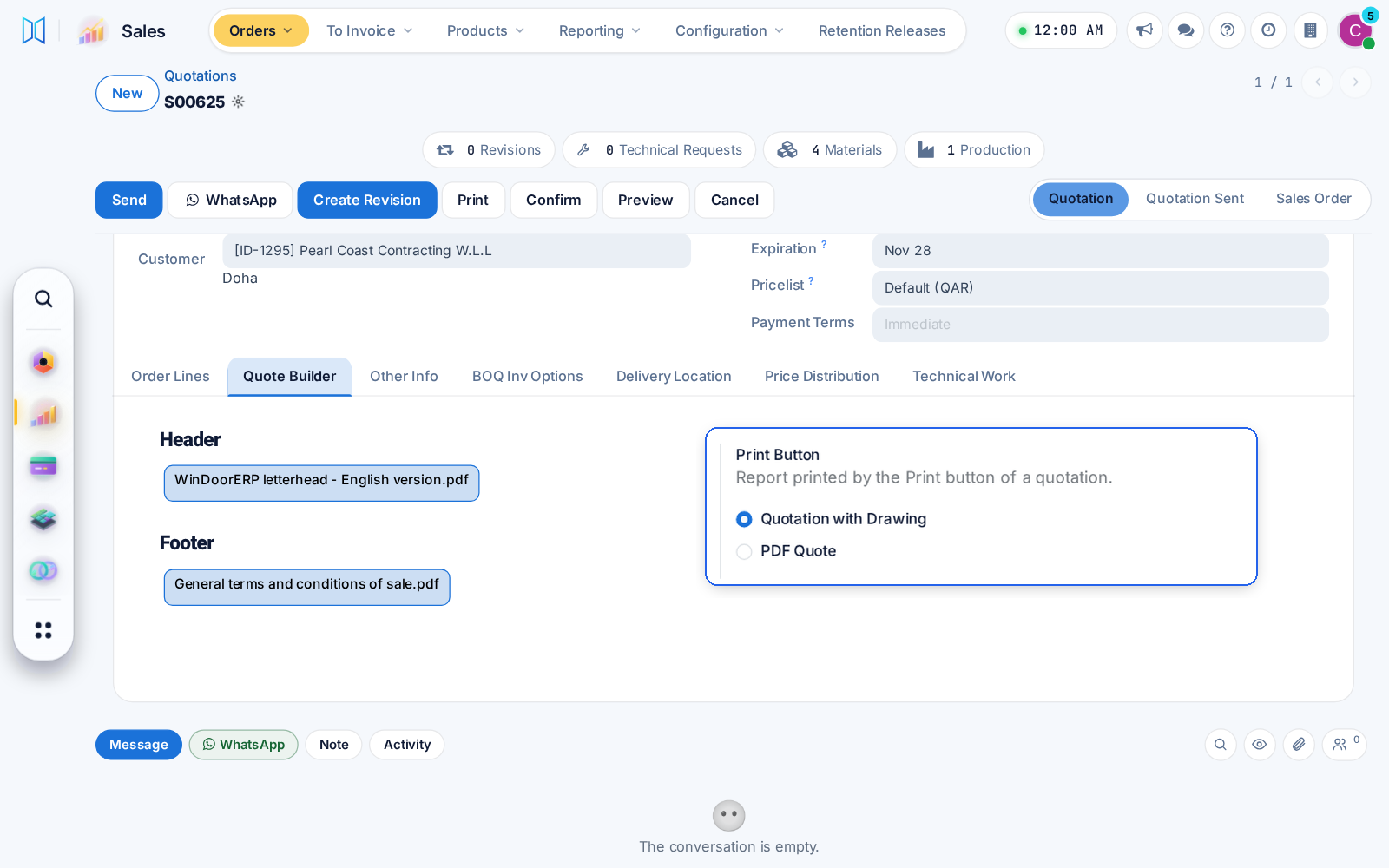
The quotation with drawings now carries the header, product and footer pages chosen on the order, and a Sales setting picks what the Print button prints.
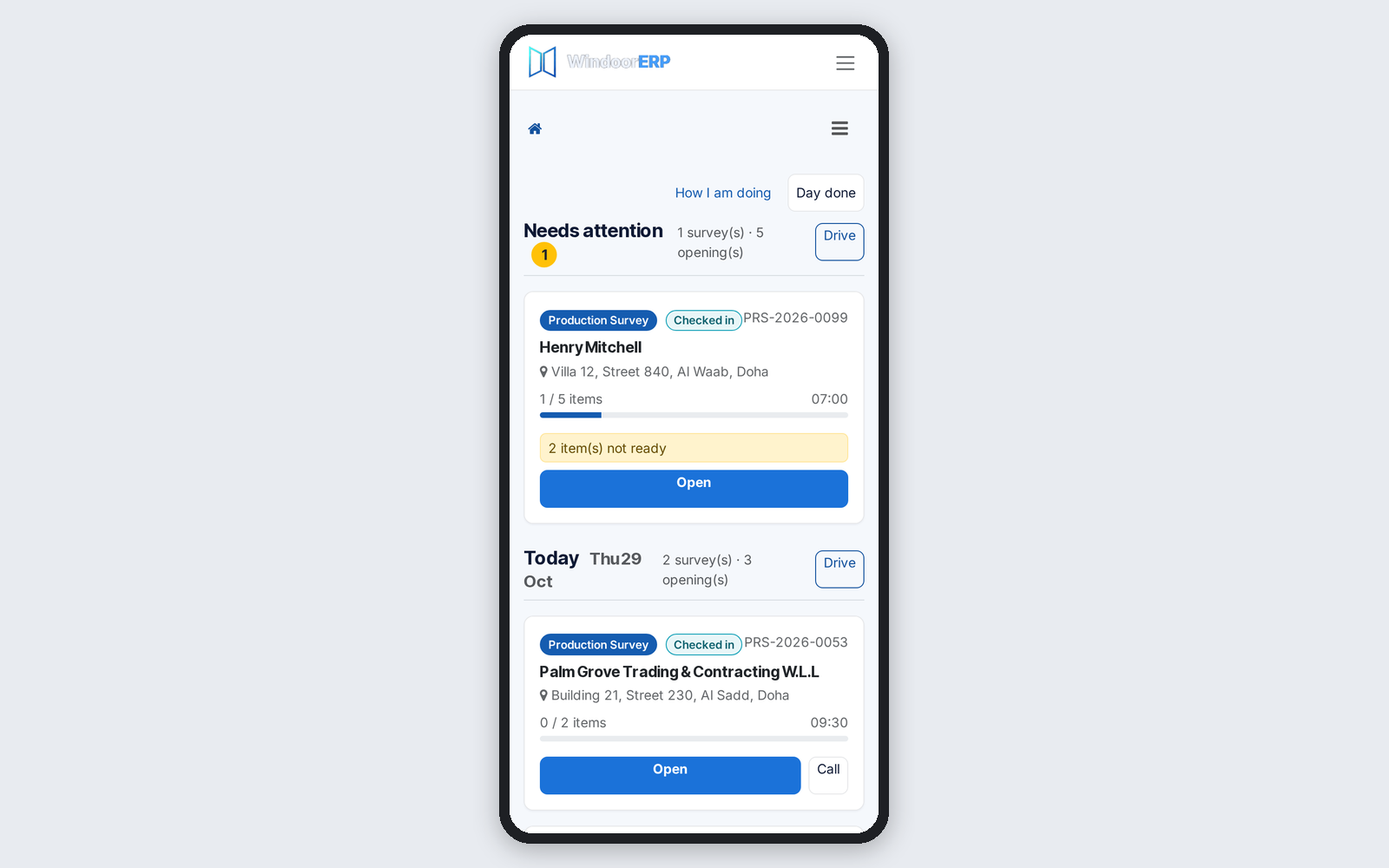
Phone survey cards and search rows show the site address, and a city search finds the site city. Bookings count only the items that need measuring.
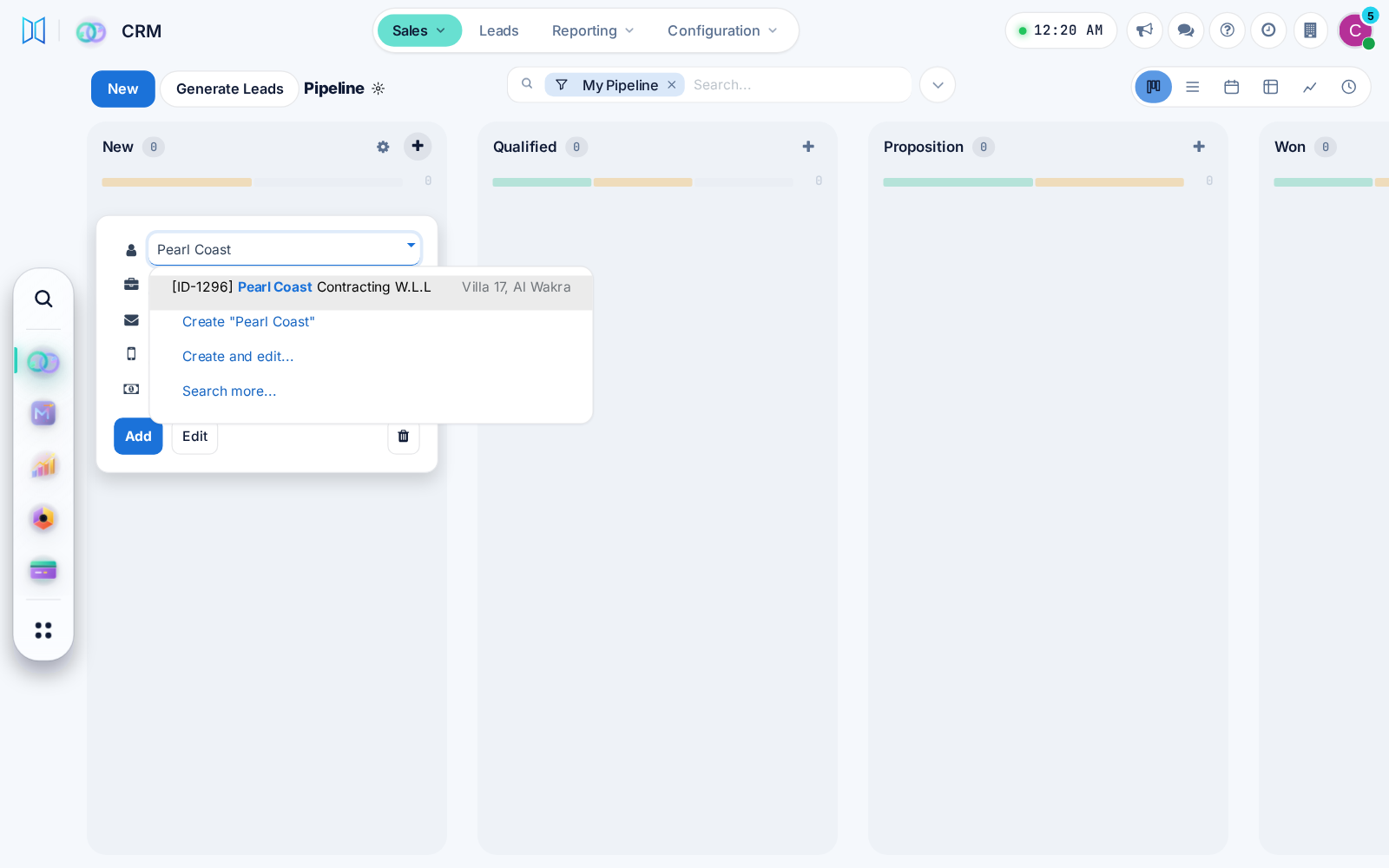
A new CRM opportunity card asks for the customer contact, so every deal has someone to call. One CRM setting brings the Company field back.
The help centre follows dark mode and opens in a drawer under every top bar. Task mode and PDF export show the full article again.

Each user can choose a modern or classic menu and view style, with simpler phone screens and a probability ring on CRM opportunities.
Design Pilot will propose or replace window designs on any editable quotation, price them at once, and keep replaced designs restorable for 30 days.
A profile now holds all its bar lengths and colours as one product. Production picks the length that wastes least, or one already in stock.
Before: Each length was a separate product.
Your customer's job page now groups openings by floor and adds a search box on larger jobs, so any window is found in seconds.
Before: Openings were one long list.
Work packages now take each produced unit with its size and serial, show the site photos per opening, and after-sales checks warranty by serial.
Before: Serials and later batches could be lost.
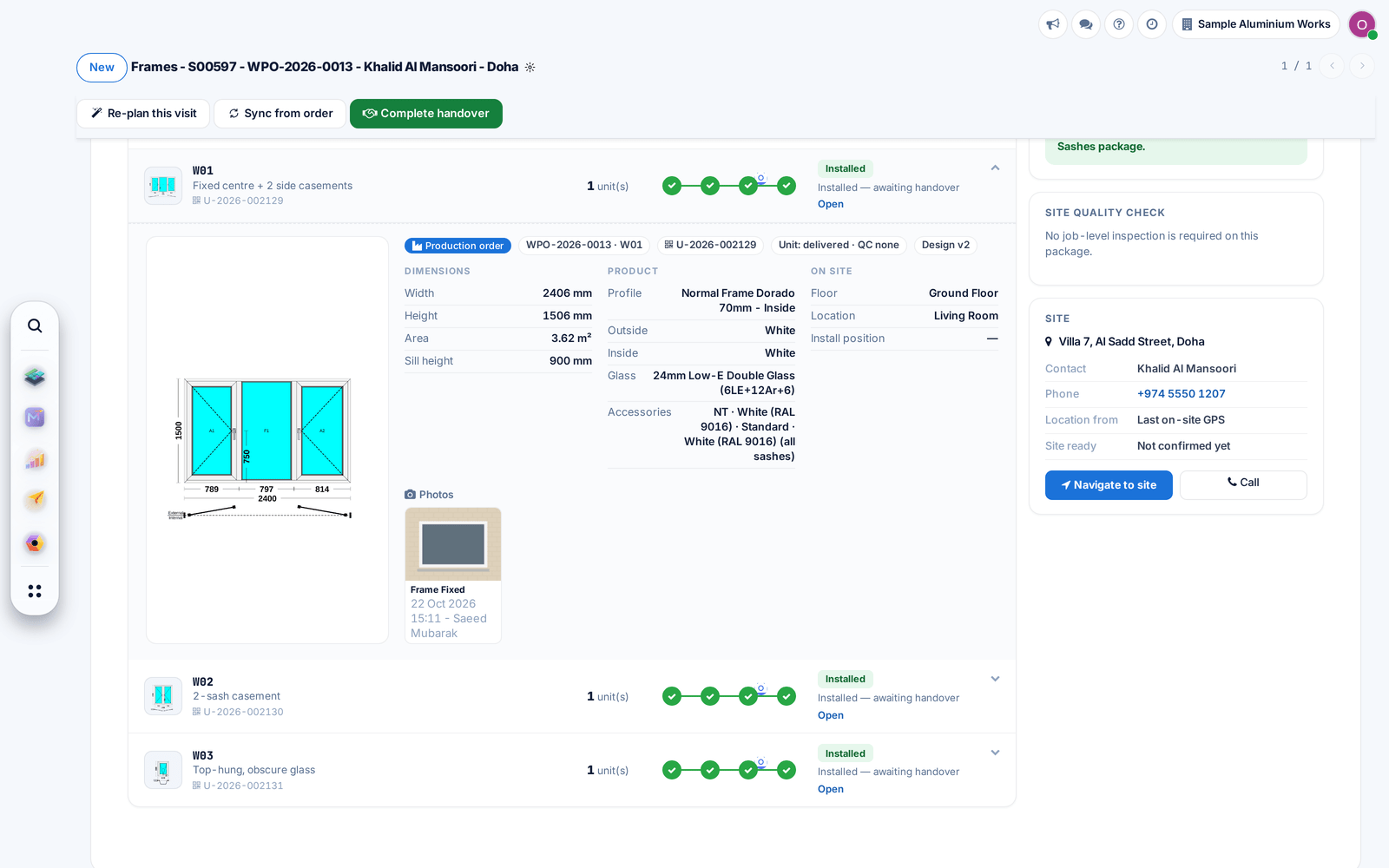
Every portal page and the survey measuring app now follow dark mode, with a light setting for installers working in bright sun.
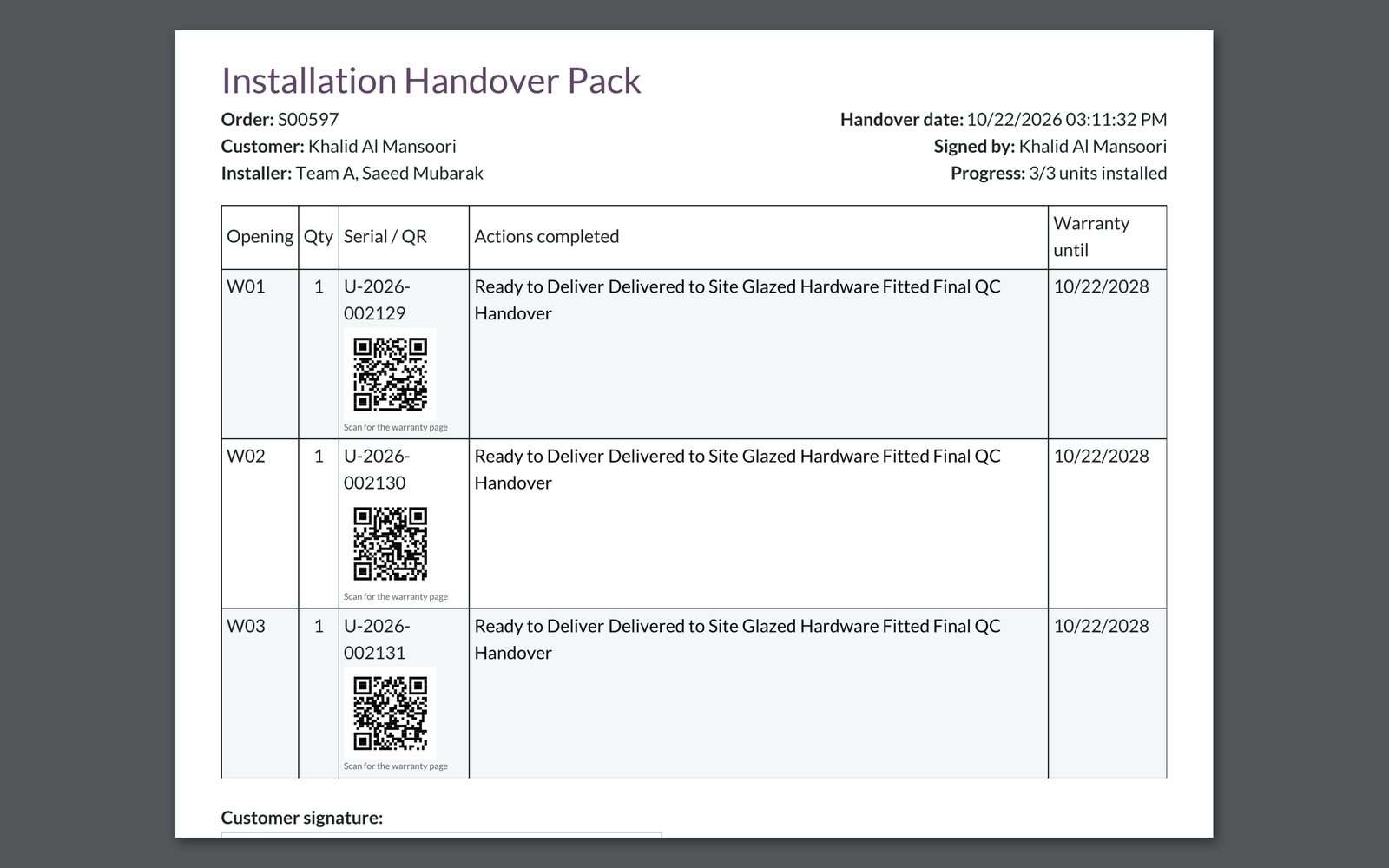
The handover pack prints a QR code next to each window that opens its warranty page.
Before: The QR column was empty.
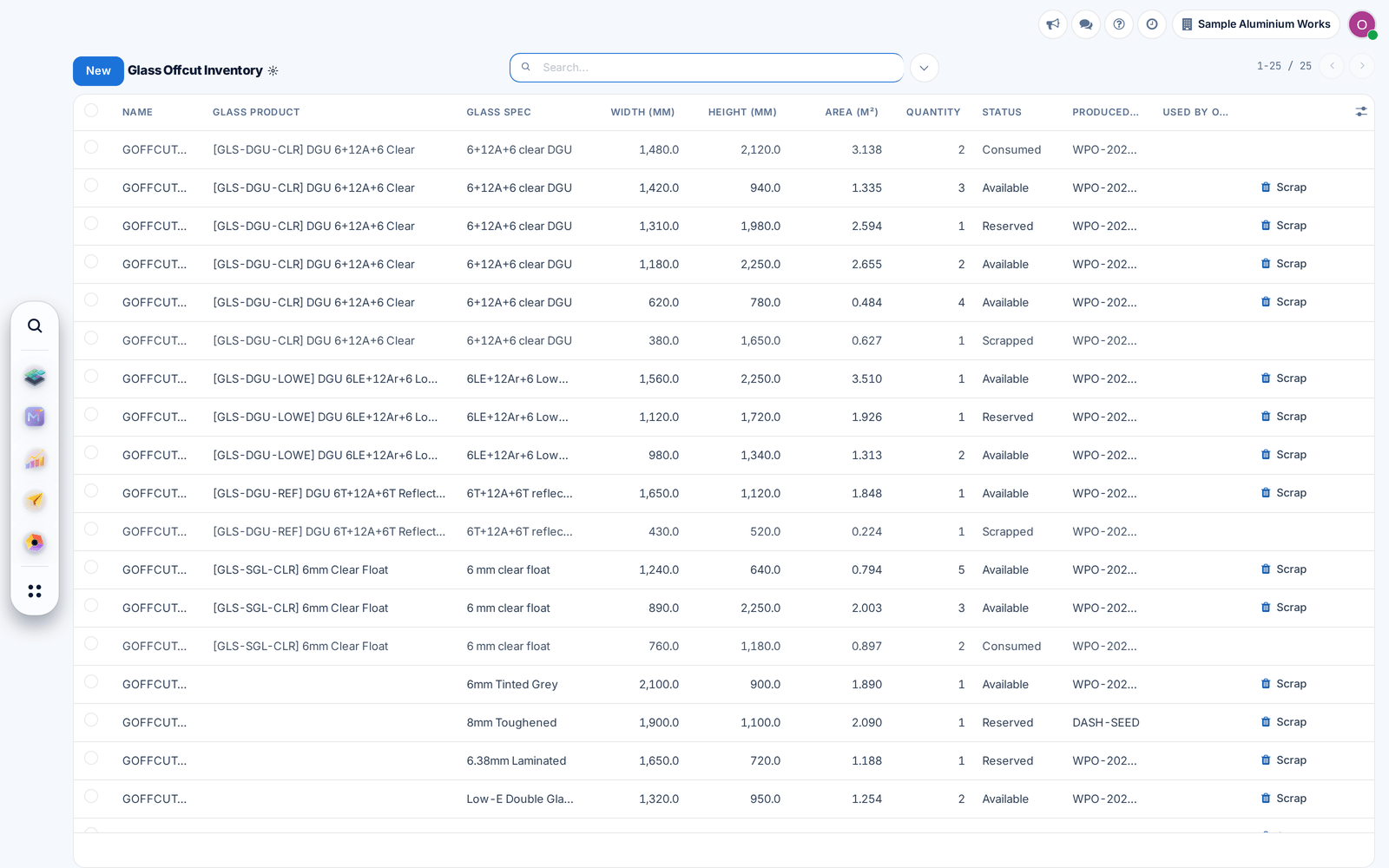
Glass nesting now cuts panes from fitting offcuts of the same glass before opening new sheets, and marks the used offcuts consumed.
Before: Offcuts were stored but never cut from.
The production order now opens on its windows: click one to see its drawing, material and progress, with promised and actual dates on the form.
Before: Details were spread over many tabs.
The cutting report draws every bar with its named pieces and tick boxes for the operator, and stickers print from the same place on A4 or thermal printers.
Confirming a production order now lists material lines with no stock product behind them, so the store is never surprised.
Before: The order confirmed silently.
Dark mode now covers the screens it used to miss, from lists and messages to dashboards and survey lines. Light mode is unchanged.
Extra material for a production order is now one request with several items and a reason, issued directly or after approval, keeping the order's material cost right.
Before: Each extra item was a one-off action.
Production stock operations are created for each warehouse, and finished windows are delivered following that warehouse's own delivery steps.