
The Excel import numbers your items
Items without a code get the floor code and a running number with no gaps, and repeated codes become C1 and C1 (2).
Ask about this
Link copied
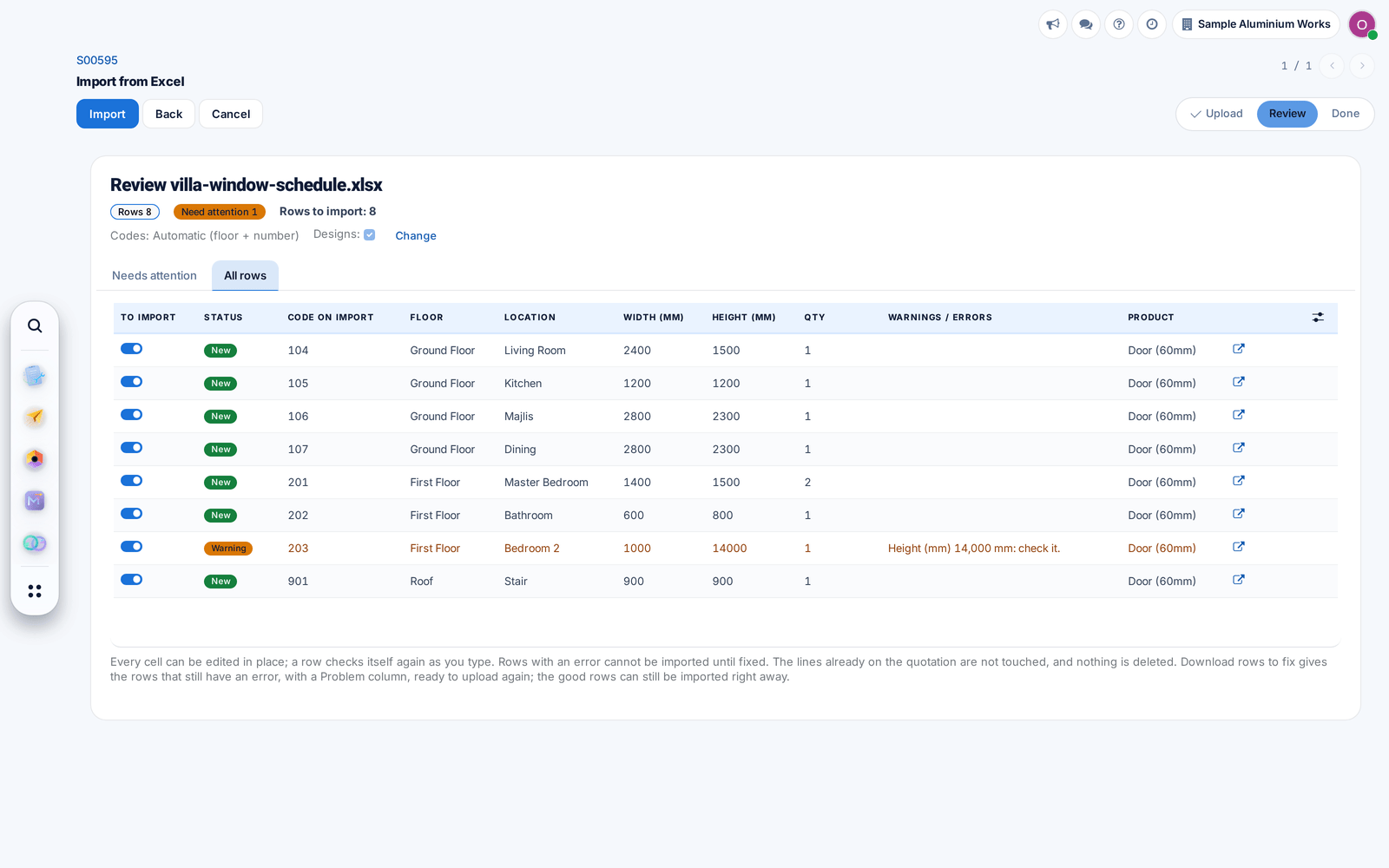
Items without a code get the floor code and a running number with no gaps, and repeated codes become C1 and C1 (2).
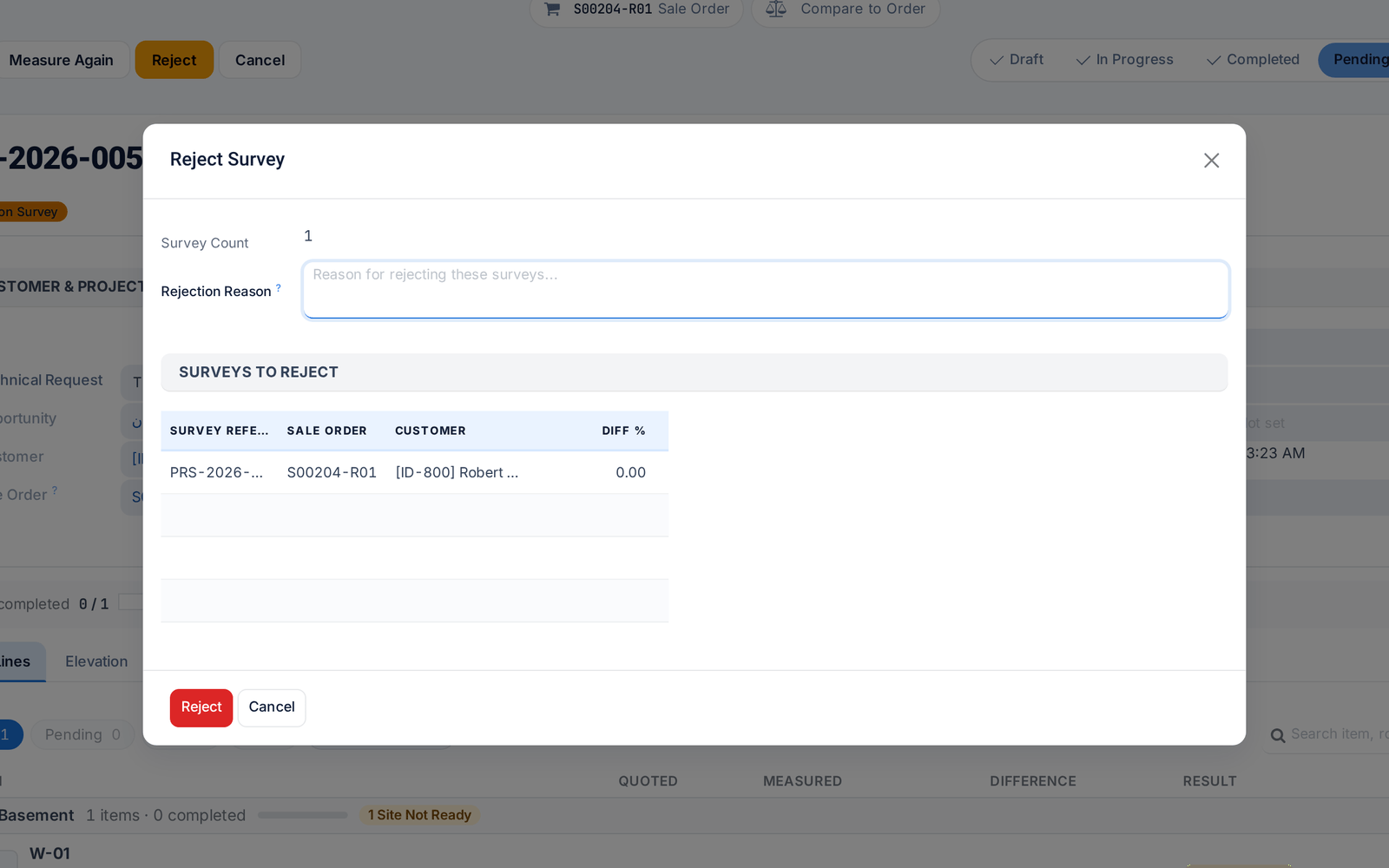
Rejecting a survey now requires a reason, which reaches the surveyor in their own language and shows on the job in the field app.
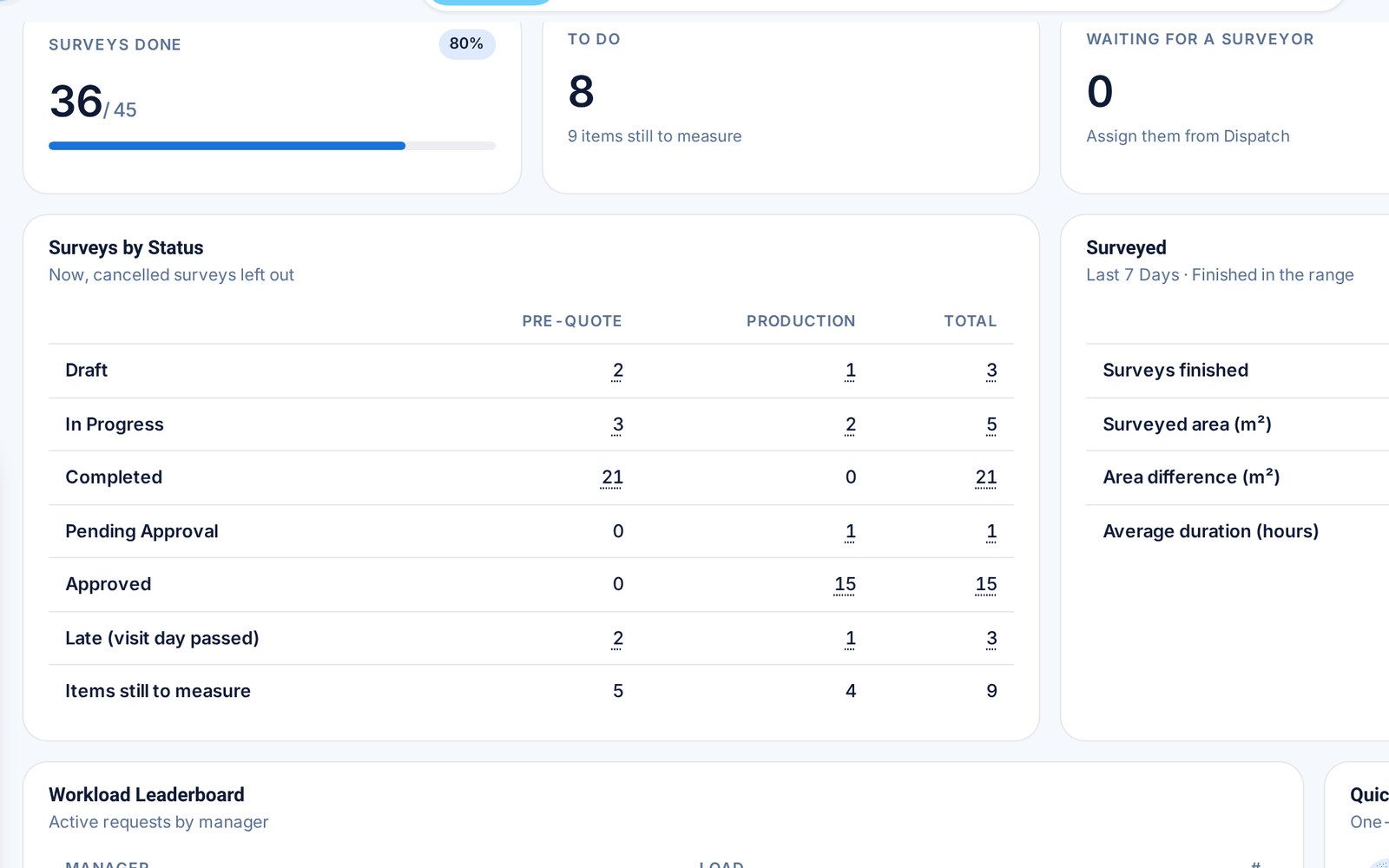
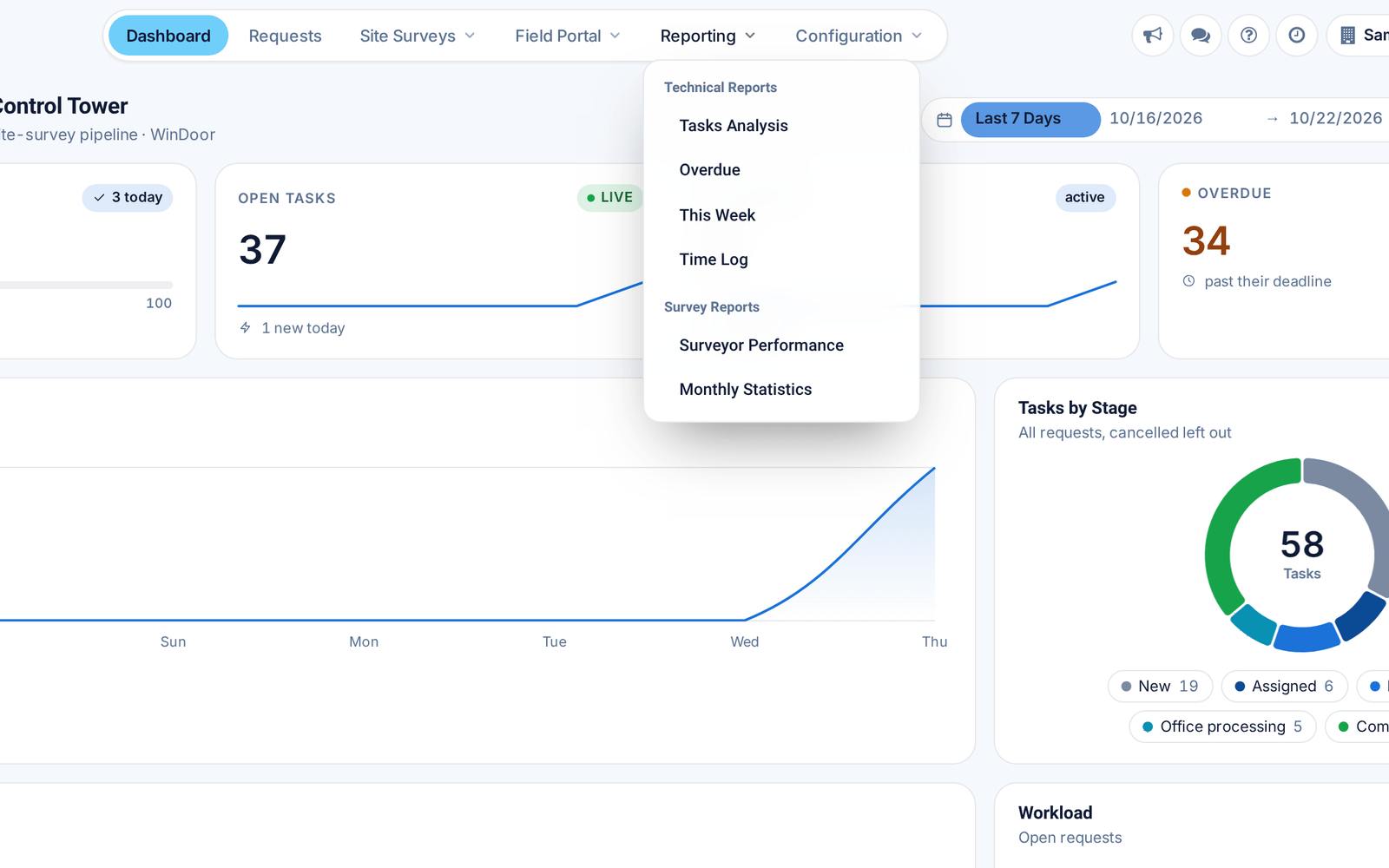
Survey counts now sit inside the Control Tower, and every card opens exactly the records behind its number.
Before: Surveys had a separate dashboard.
When a surveyor submits a survey, the app offers to settle the items left open, so the office receives it with no loose ends.
The field app supports more Bluetooth laser meters, reads their units correctly and reconnects by itself. Each item records which meter measured it.
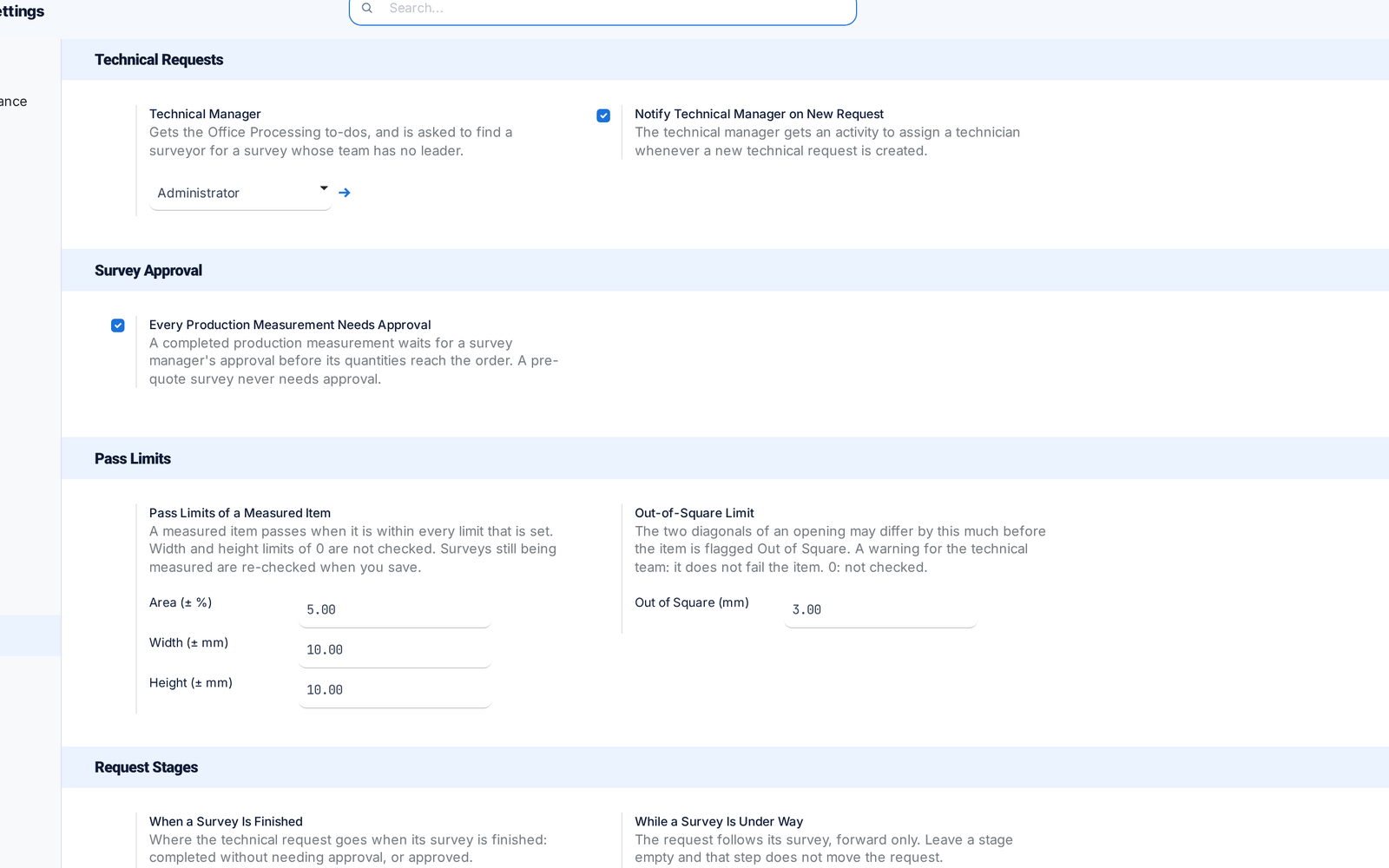
All survey settings, including the Technical Manager, now sit on one Settings page. Switches that did nothing are gone.
Before: Settings were split across two places.
Surveyors check in on site with one press and keep measuring without signal. Work is saved on the phone and sent when the connection returns.
Before: A dropped connection could lose work.
A revised survey now replaces the earlier quantities on the order instead of adding to them, and posted measurements stay locked.
Before: Revisions added on top.
Field Portal moved to the top bar and Reporting now holds both technical and survey reports, so everything is one click from the top.
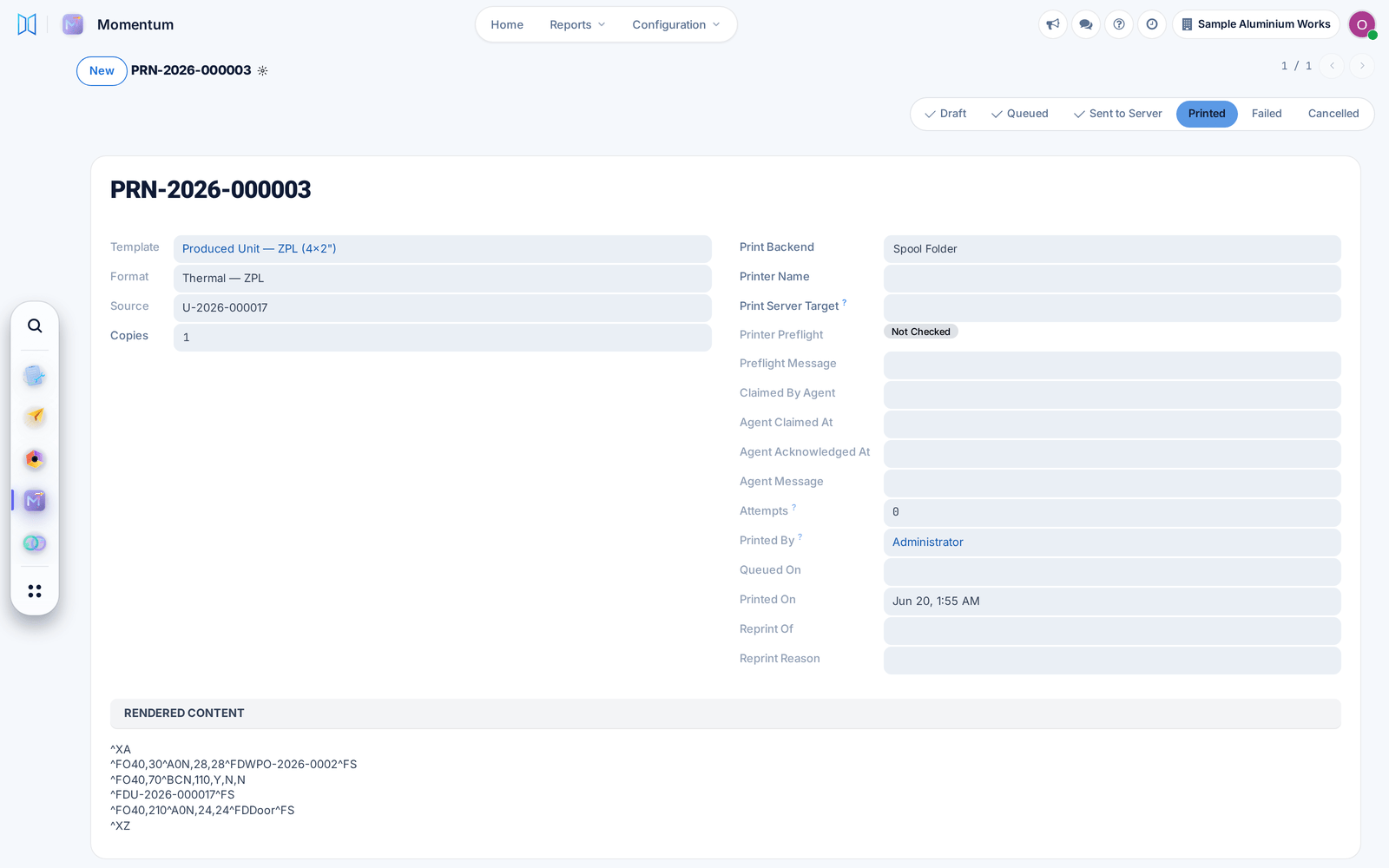
Each label is now a tracked print job: failed prints retry by themselves, stuck jobs return to the queue, and every reprint records who asked and why.
Before: Some labels stayed stuck and never printed.
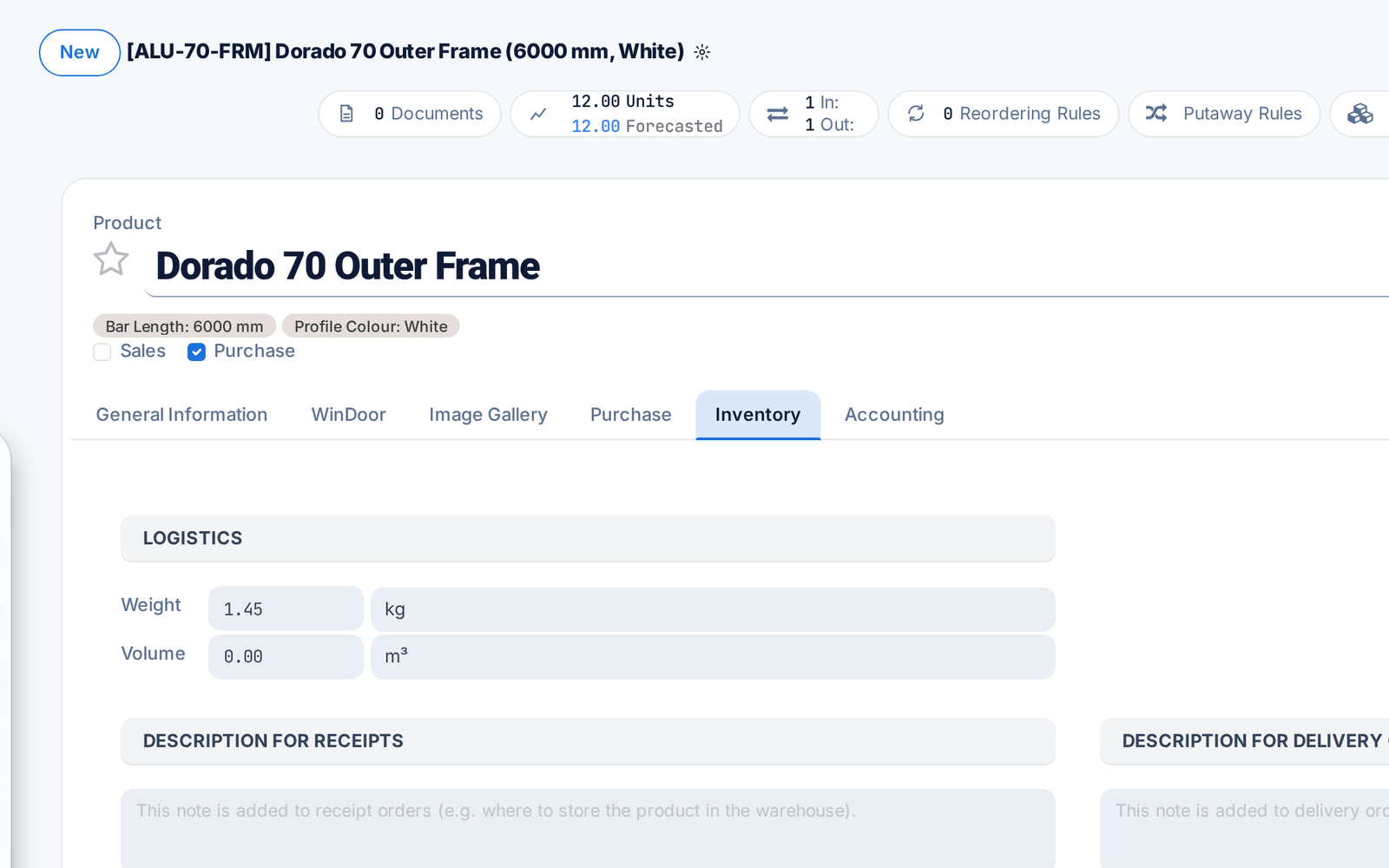
A profile's weight per metre now lives only in the product's standard Weight field, so cut lists, material summaries and quotations all use the same value.
Before: The weight could be typed twice and disagree.
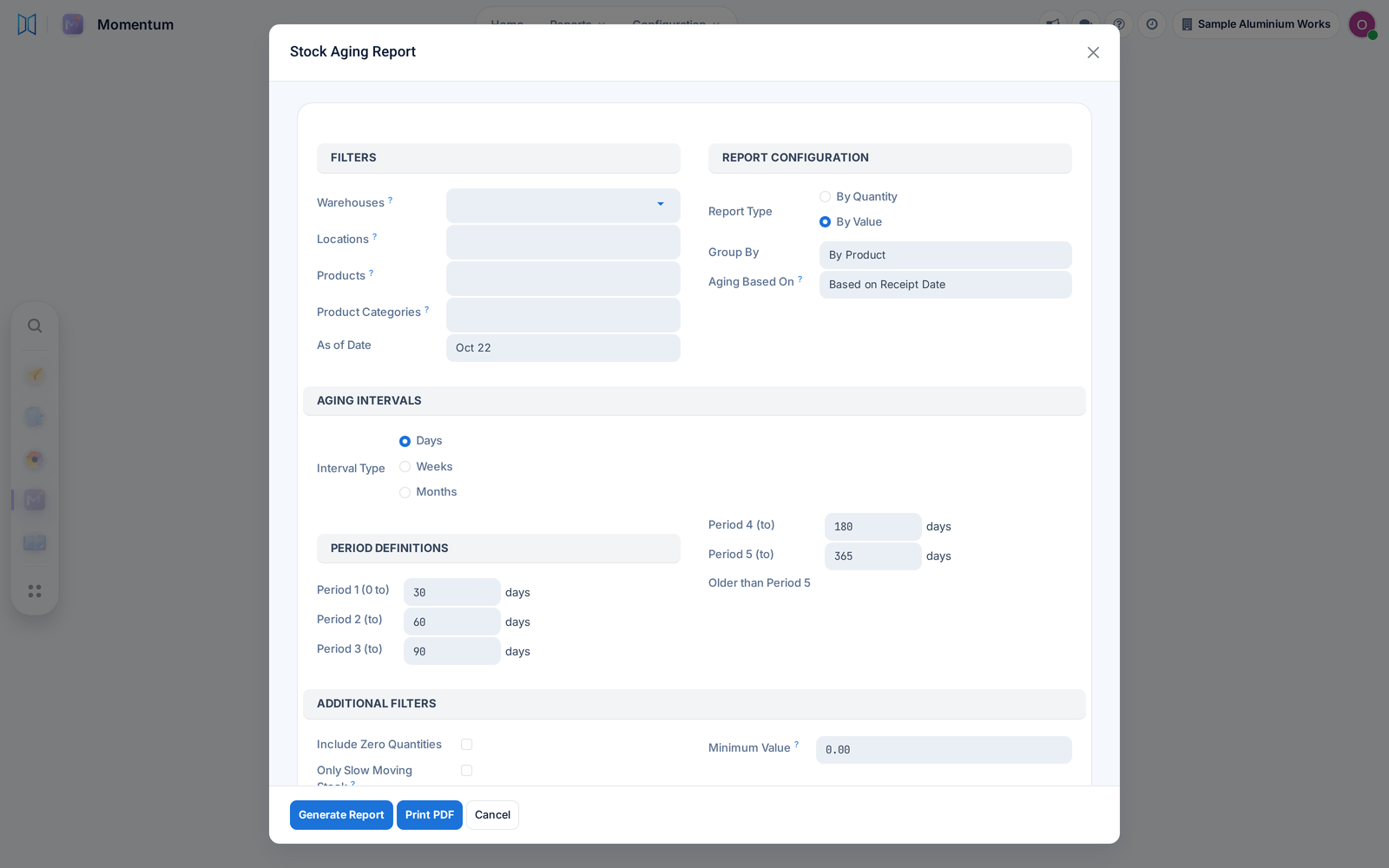
The stock aging report now rebuilds your stock as it stood on the date you choose, aged first in, first out and valued at each receipt's cost.
Before: The chosen date was ignored.