
Skip to Content
What's new

Every change we ship, shown and explained.

Latest release 29 Oct 2026
The Friday email

Only in weeks when something ships.

12 Oct

2026 Release 2026.10.12 2 new
New Inventory & WarehouseLogistics & Installation

Deliveries per sale order, with delivery notes

Finished windows can ship on one delivery per sale order, with a delivery note that shows each window's drawing. Each step has its own switch.

Ask about this Link copied
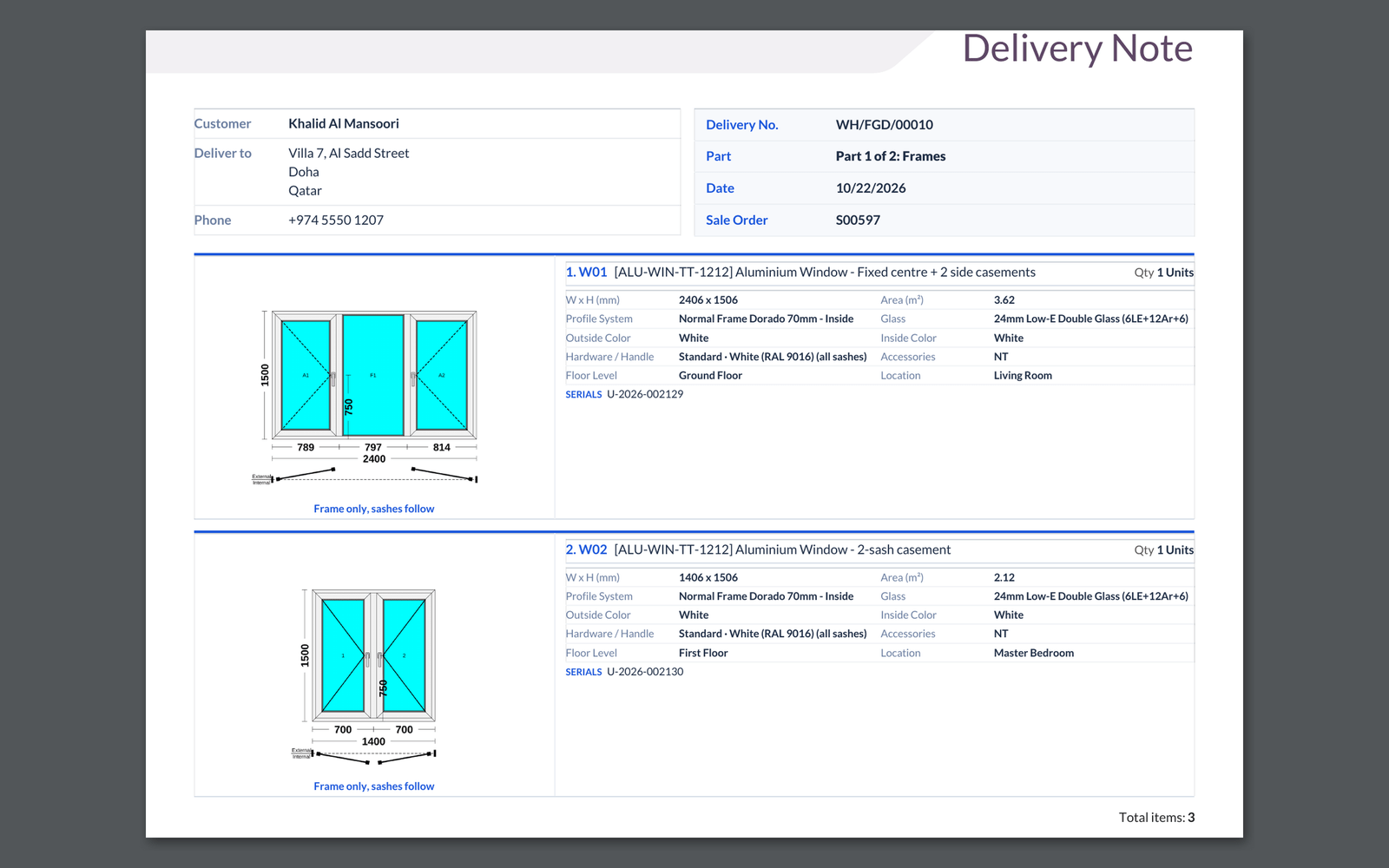
A delivery note with a drawing of each window, part 1 of 2: frames
New Whole system

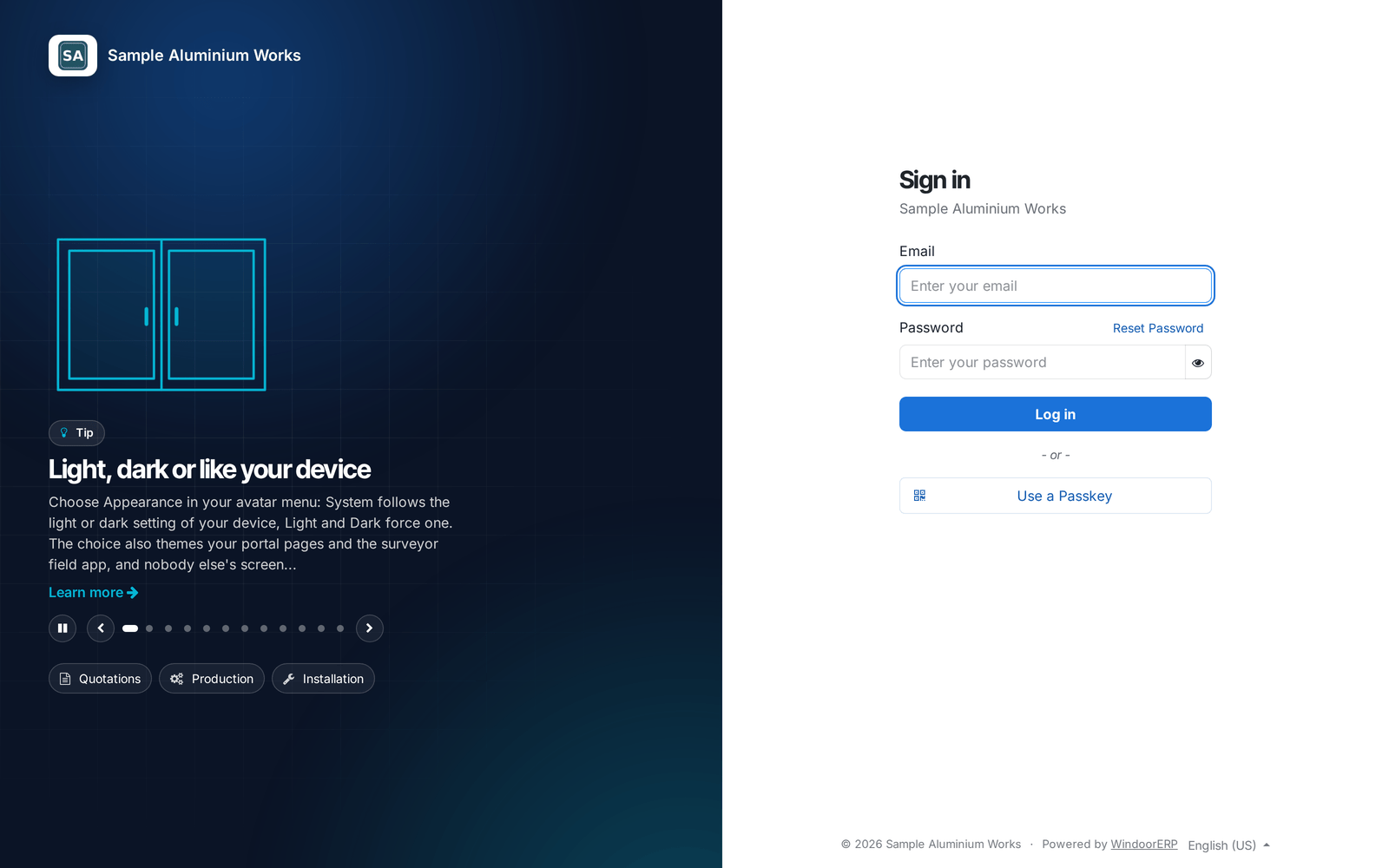
Your sign-in page, with a tip of the day

The sign-in page shows your company name and rotating tips from the help centre, with quick links to the portal and help for staff.

Ask about this Link copied
The sign-in page with the company name and a tip of the day

8 Oct

2026 Release 2026.10.08 1 new
New Design & EstimationCutting & Optimization

Choose the profile for each mullion, frame and sash

Pick the profile product for each mullion, frame side or sash in the designer. The drawing width and the cut list follow your choice.

Before: One default profile served every member.

Ask about this Link copied

2 Oct

2026 Release 2026.10.02 1 new
New Production & Shop FloorWhole system

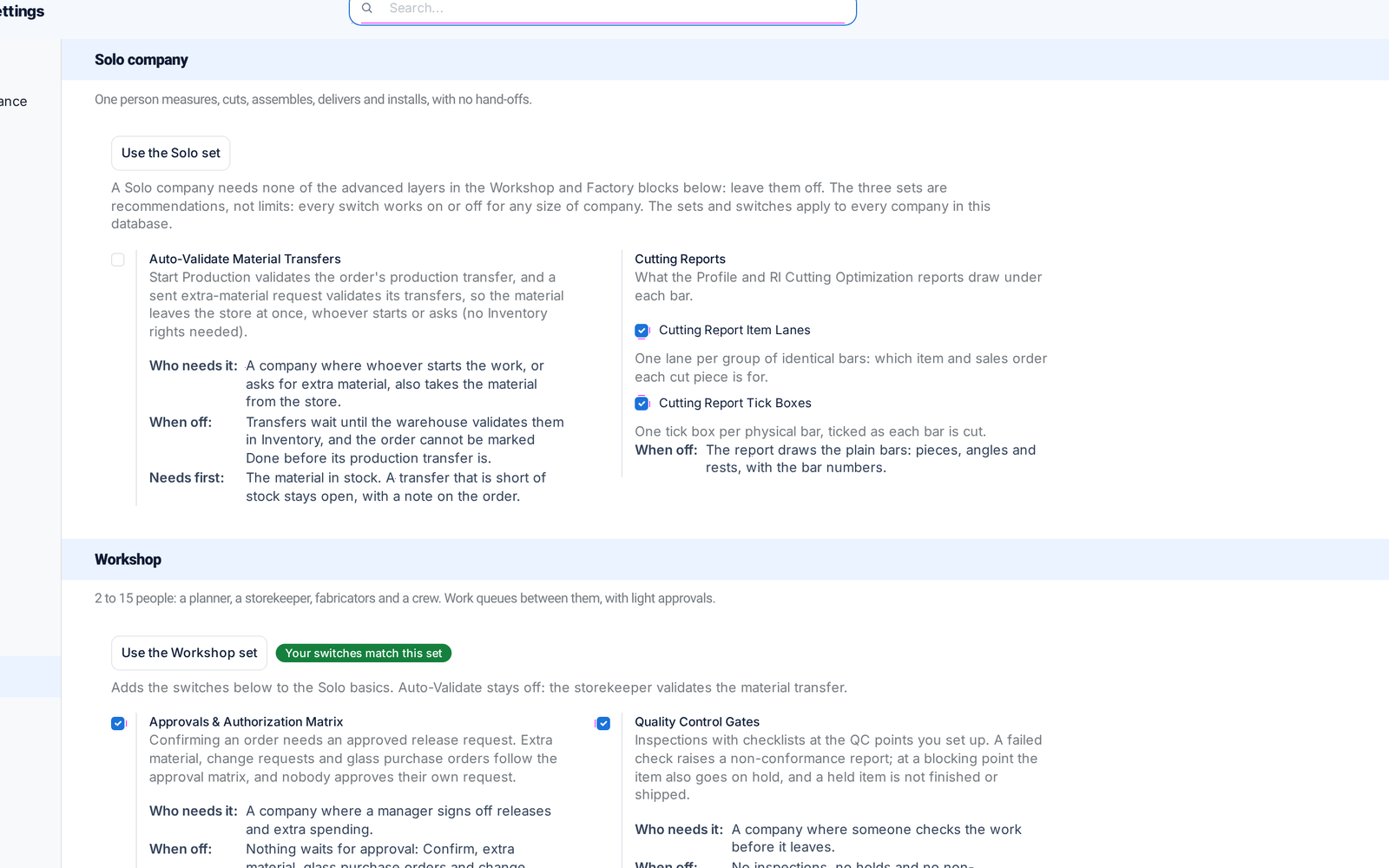
Solo, Workshop or Factory production setup

Every production feature now has its switch on one page, with recommended sets by company size. Features you switch off disappear from menus and screens.

Ask about this Link copied
Production settings with the Solo and Workshop sets and their switches

28 Sep

2026 Release 2026.09.28 1 new
New Sales & QuotationsDesign & Estimation

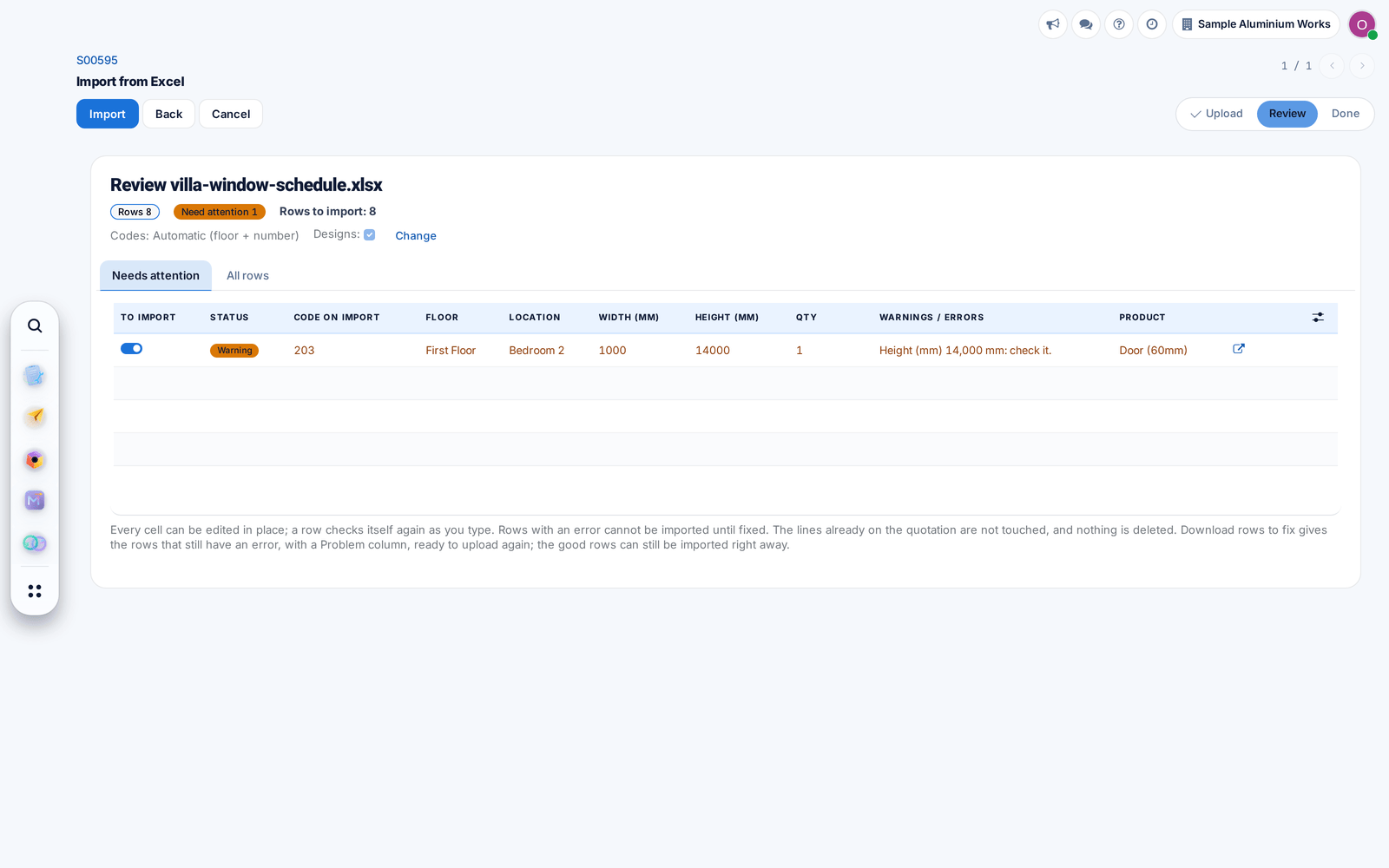
Import quotation lines from Excel

Load a window schedule from Excel, in English or Arabic, into a draft quotation. Lines are added and drawn automatically, with doubtful rows held back for checking.

Ask about this Link copied
The review of an Excel window schedule with one row held back for checking

27 Sep

2026 Release 2026.09.27 3 new
New Technical Office & Survey

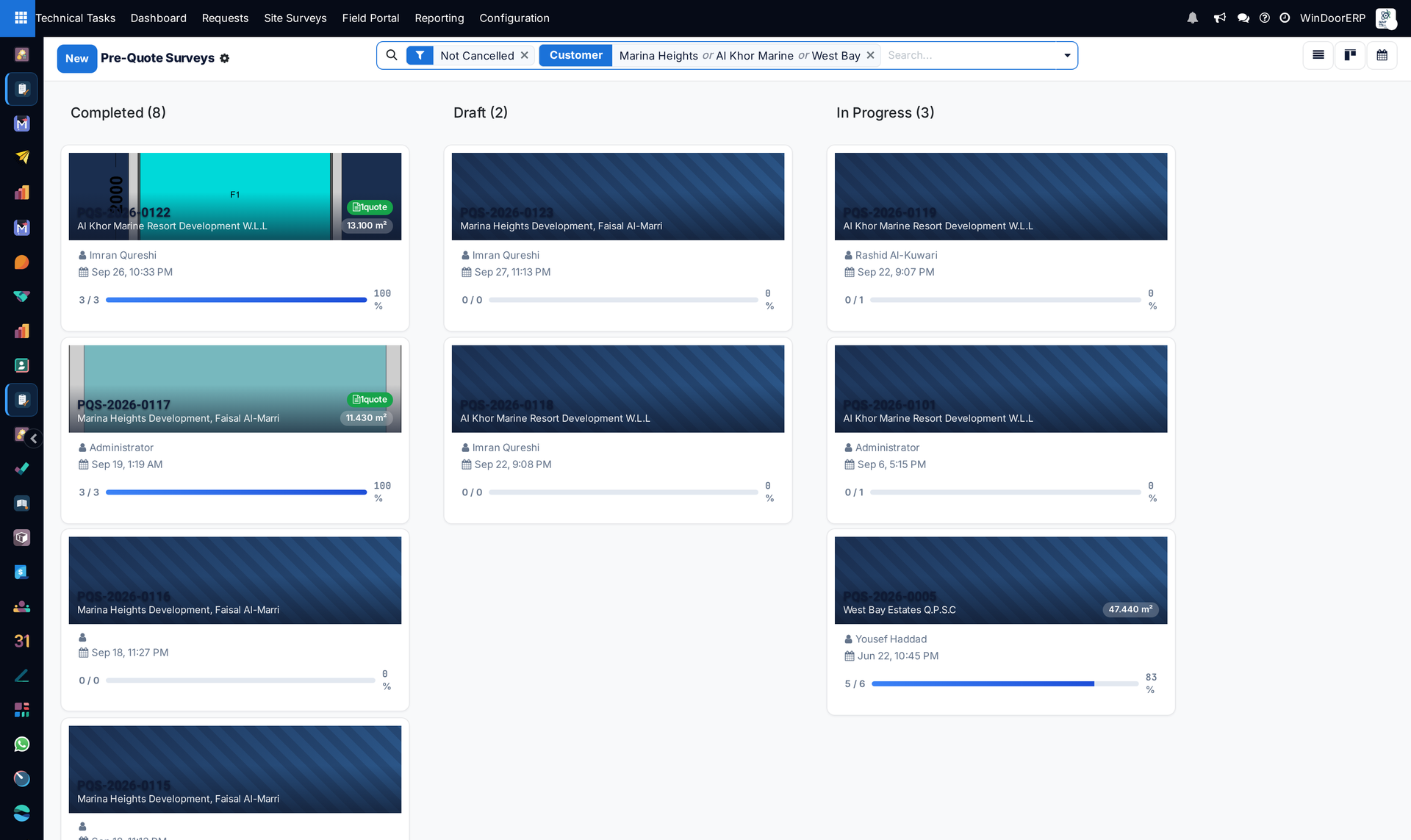
Pre-quote surveys get their own list

Measurements taken before the price now have their own list, without an approval step, while the combined views still show both kinds of survey.

Ask about this Link copied
Pre-quote surveys grouped by status, each card with its customer, surveyor, date and progress
New Technical Office & Survey

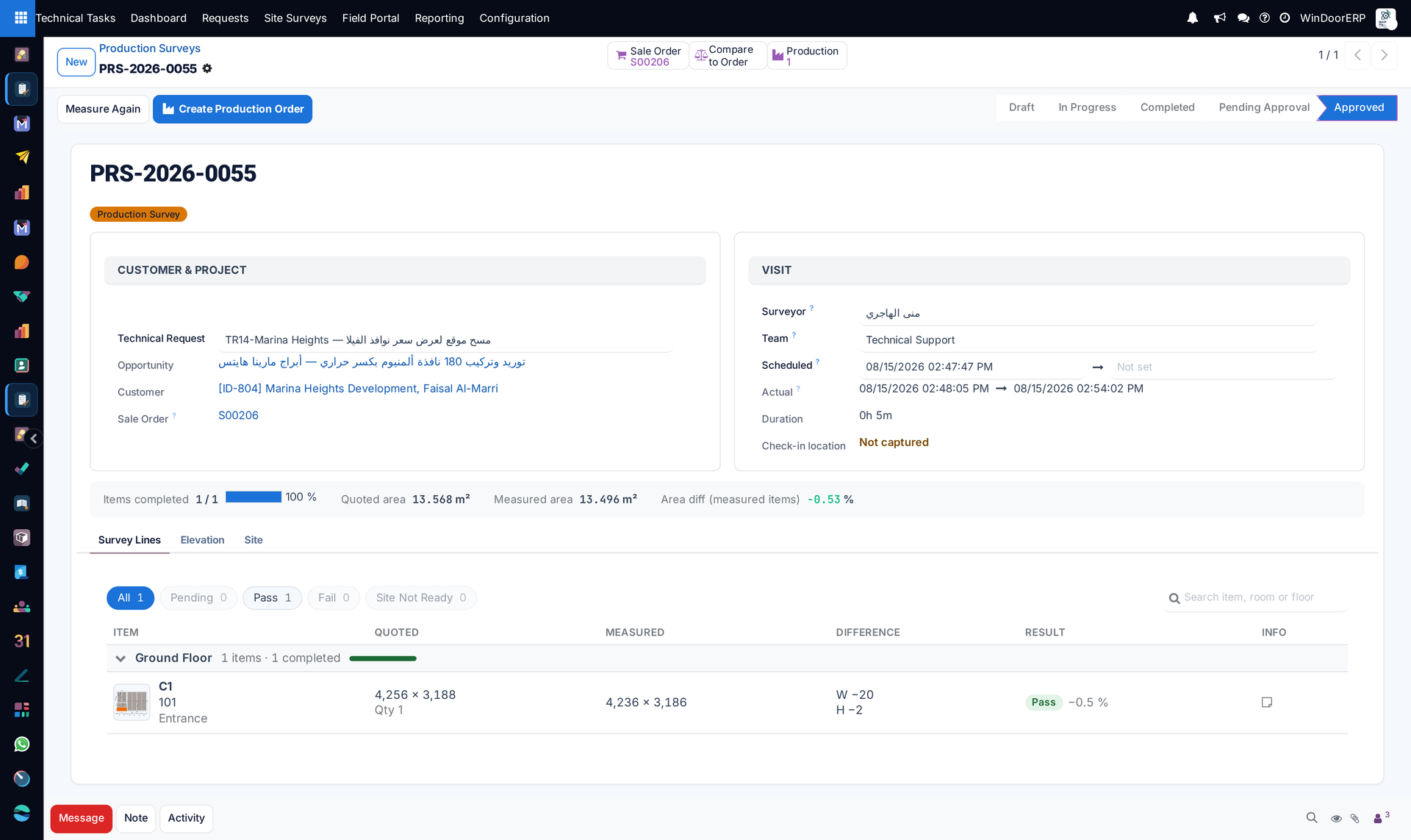
Measure Again

Send chosen items back to site with a reason and a visit date. Sizes already on the order stay until the new ones are approved.

Ask about this Link copied
A production survey with the Measure Again button, quoted and measured sizes side by side and the difference per item
New Technical Office & Survey

Survey reminders every morning

Every morning the system sends the day-before visit reminder and the overdue survey notice, once an outgoing mail server is set up.

Before: Nothing sent these reminders.

Ask about this Link copied

20 Sep

2026 Release 2026.09.20 1 new
New Sales & QuotationsTechnical Office & Survey

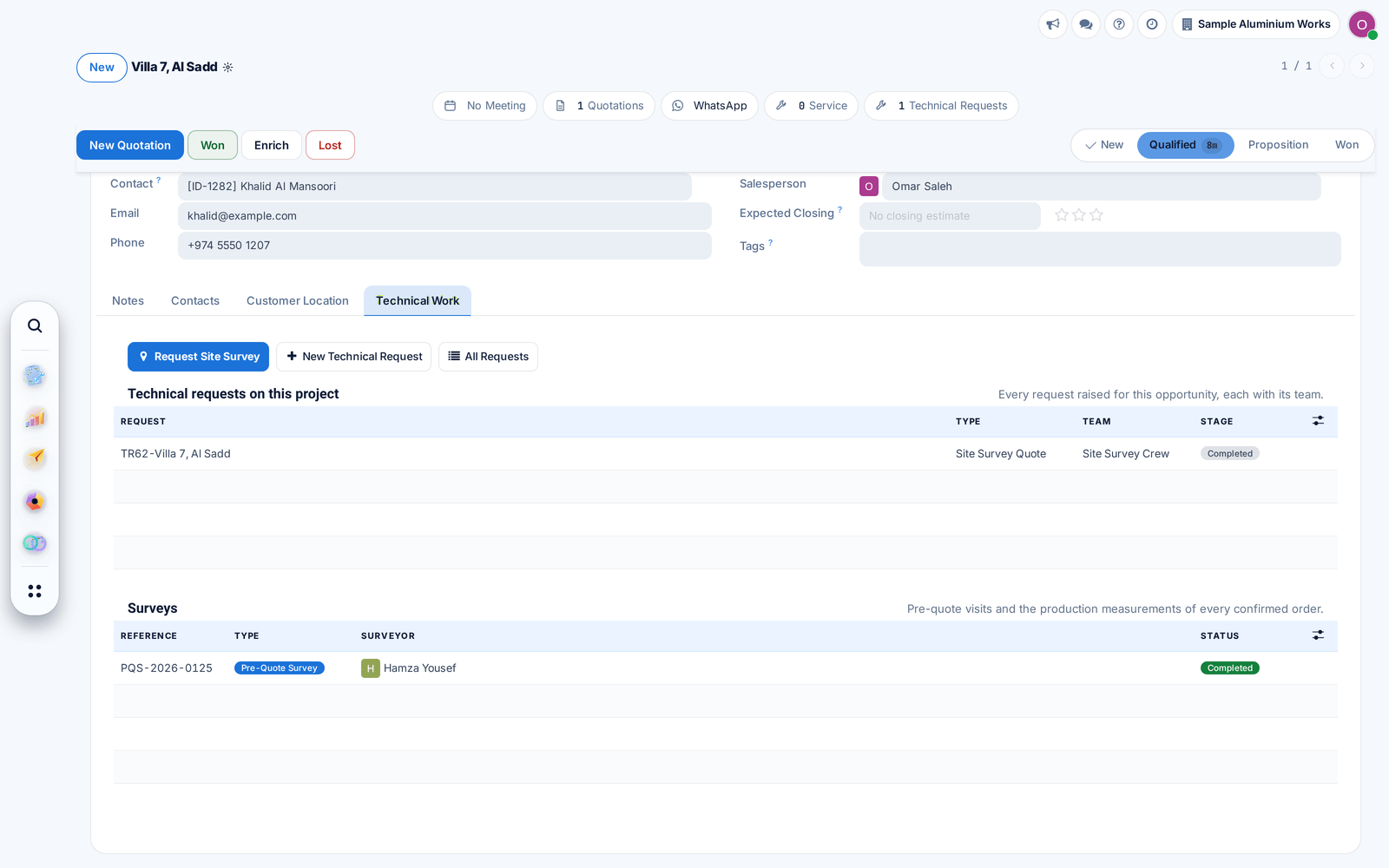
Technical Work tab and Dispatch

A technical request shows its surveys, quotations and measurements on one tab. Unassigned surveys wait for dispatch, and requests move forward as the work is done.

Before: Each step was moved by hand.

Ask about this Link copied
The Technical Work tab of an opportunity with its requests and surveys

13 Sep

2026 Release 2026.09.13 1 new
New Sales & QuotationsDesign & Estimation

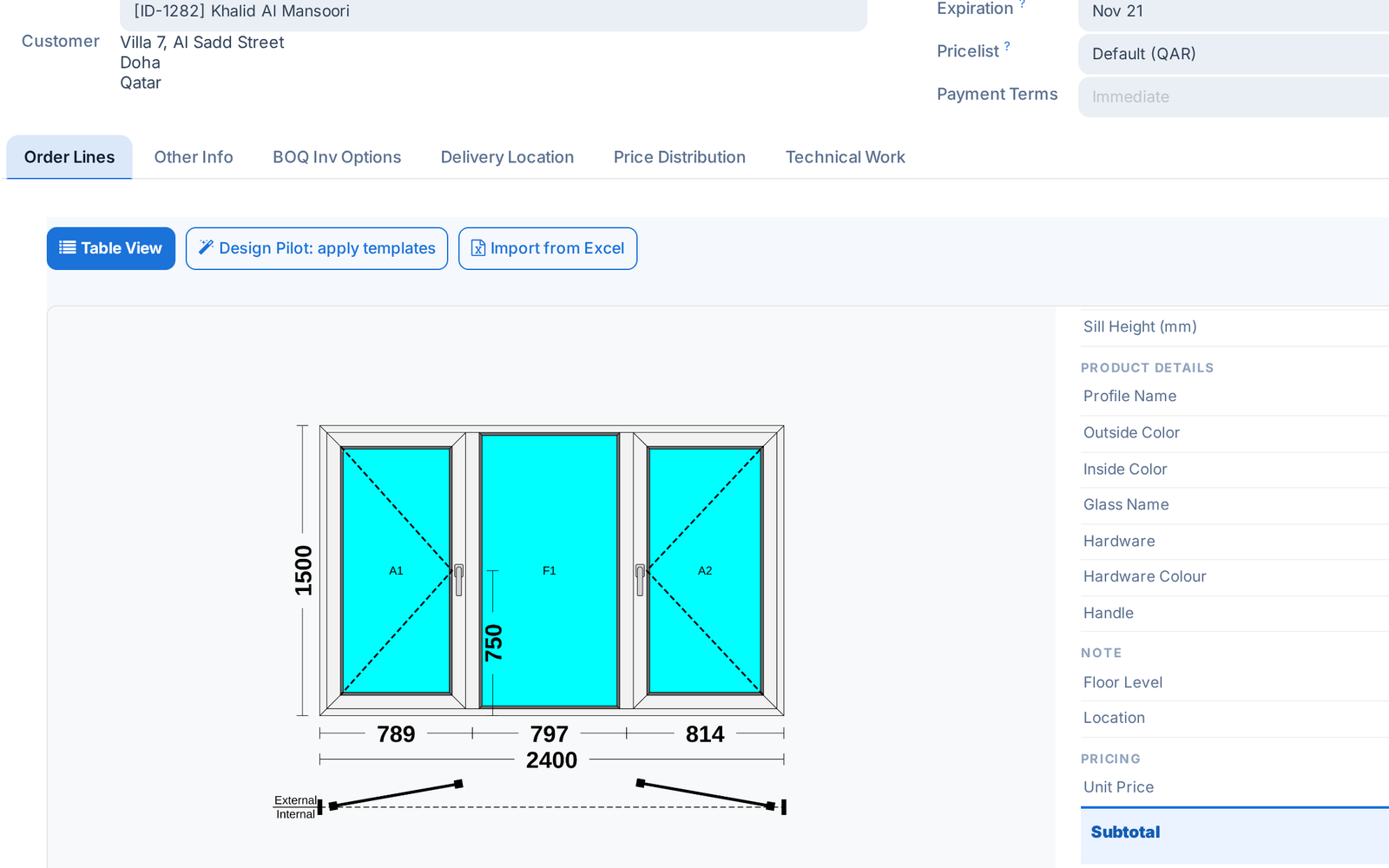
Hardware colours and handles, priced as extras

Choose the hardware colour and handle type per window. The difference from the series' standard set is priced as an extra on the quotation line.

Ask about this Link copied
A quotation line card with the hardware colour and handle of the window

4 Sep

2026 Release 2026.09.04 2 new
New Cutting & OptimizationProduction & Shop Floor

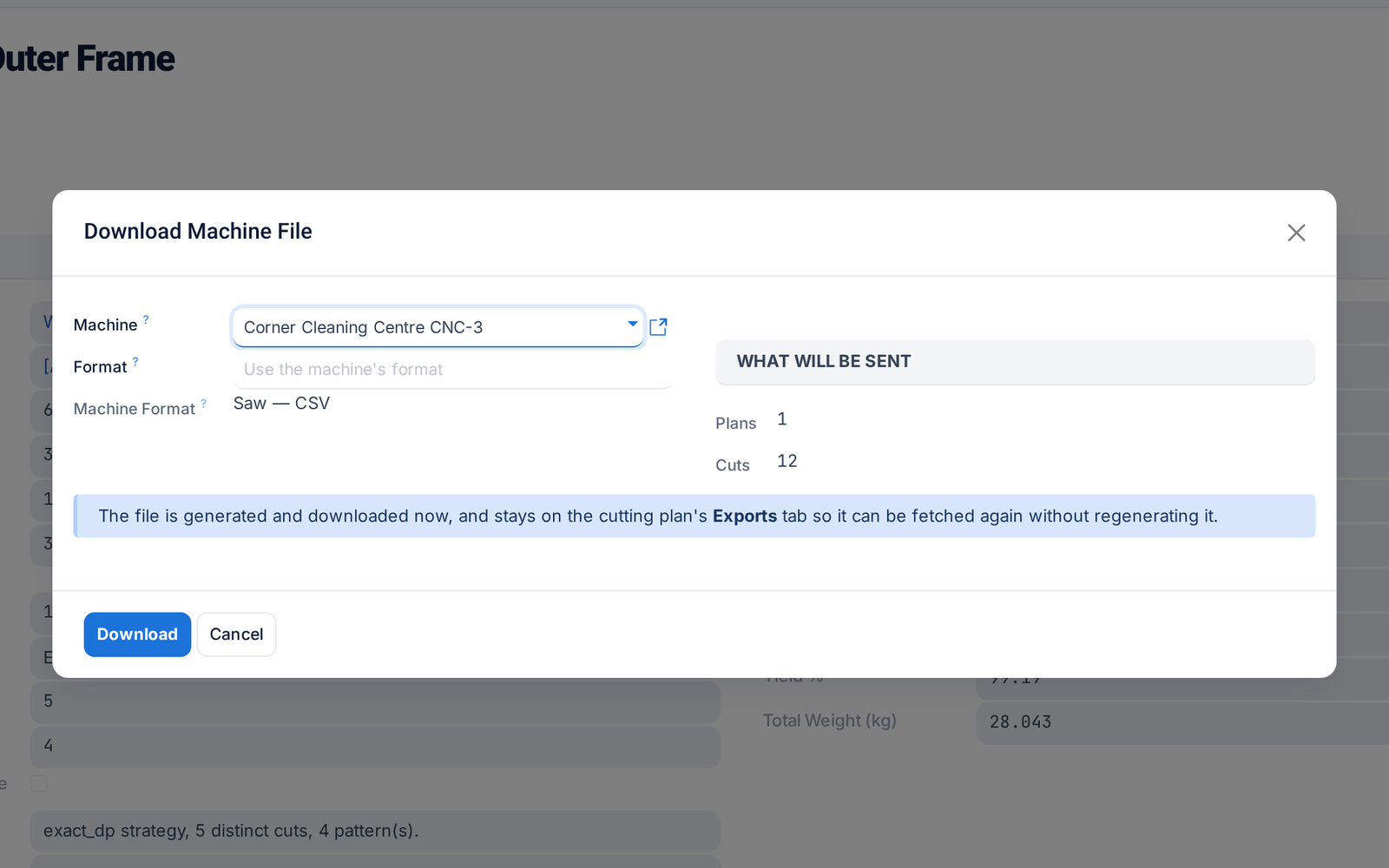
Send cutting plans to your machines

Send a cutting plan straight to the saw or machining centre in its own format, including DXF and G-code. Every file sent is logged and can be downloaded again.

Before: Generating and delivering the file were separate.

Ask about this Link copied
Download Machine File on a cutting plan: the machine, its format and what will be sent
New Logistics & Installation

Cockpits for installation projects and work packages

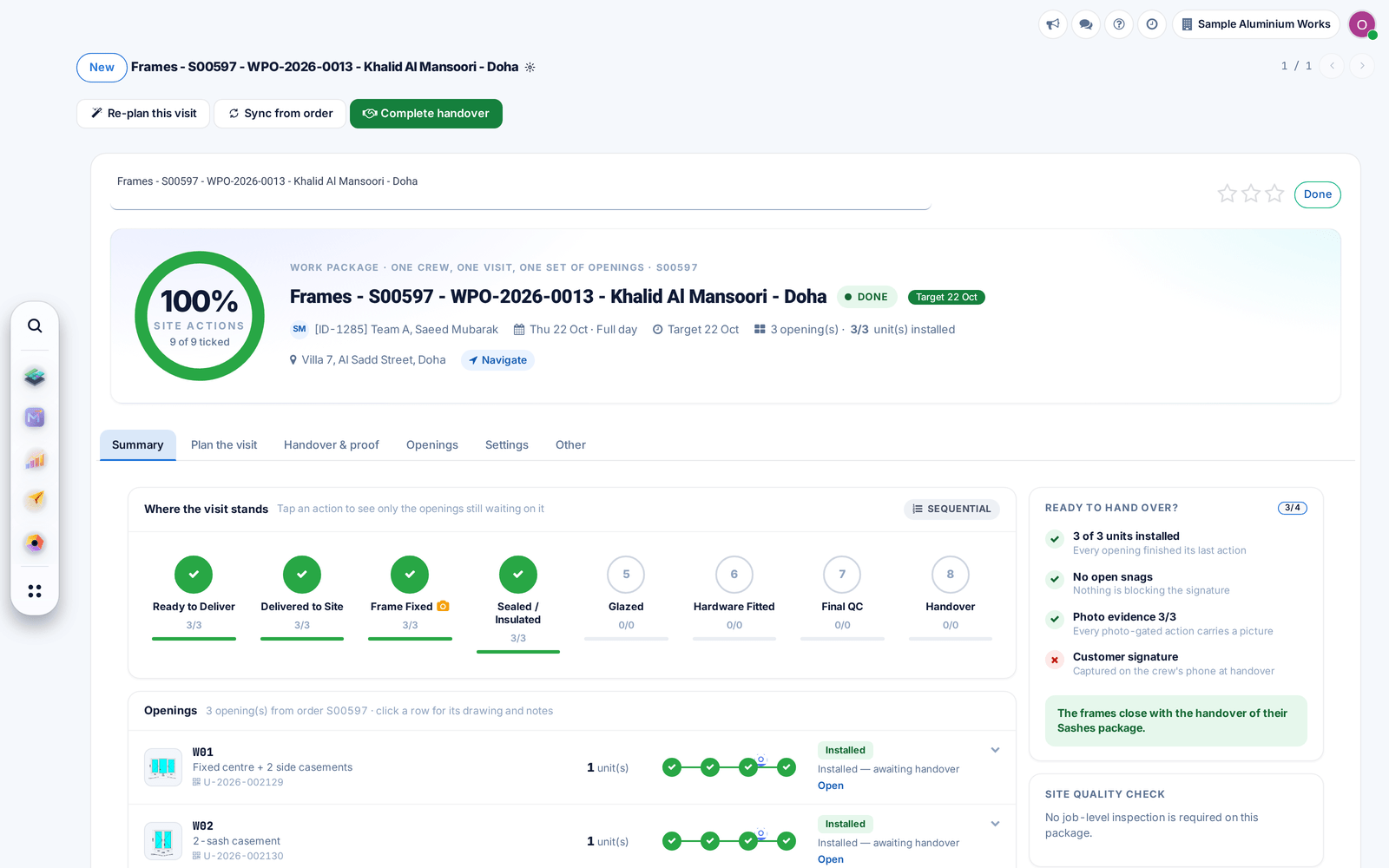
Installation projects and work packages now open on one cockpit with plan, openings, quality and handover together, showing what still stands before the customer's signature.

Ask about this Link copied
A work package cockpit: progress ring, site actions per step and what stands before handover