Hero
Every size of shop
Connected departments
Work centres and routes
Machines and maintenance
Production schedule
Live floor plan
Shop-floor terminal
Scan-driven progress
Andon escalation
Operator skills
Approvals
Unit serialisation
Piece stickers
Numbers
Next
CTA
Make09 of 17 · Production manager, operators
Built for gloved hands, and operators need no paid user licence.
The floor is the hardest place to put software, because the people on it are wearing gloves and are not sitting down. This window production software is built for them, and it grows with you: a one-person shop ticks windows done on the order, a full factory runs stations, routes and a live floor.
01Every size of shop
From a one-person shop to a full factory
SoloWorkshopFactory
- Pick Solo, Workshop or Factory in Settings; each switches on what a shop that size needs
- Solo: confirm the order and tick windows done, with no stations or work orders
- Workshop: cutting plans, stickers, quality gates, approvals and finished goods when you want them
- Factory: work orders, routes, station terminals, Andon, quality gates and the live floor
- Every part can still be switched on or off on its own, so you grow without changing system

02Connected departments
Production talks to every department
SoloWorkshopFactory
- Technical office: the approved survey and production design release the order; the signed quotation stays untouched
- Sales: every order line shows how many windows are produced, delivered and installed, without a phone call
- Store: material goes to production and installation material to the site, the moment the order is confirmed
- Glass buying: the glass order opens on confirmation, one per supplier, with the cutting list attached
- Installation: delivered windows are ticked on the crew's work package by themselves

03Work centres and routes
Work centres, and a route for every product line
WorkshopFactory
- Work centres per production line: cut, weld, corner clean, glaze, hardware, check, pack
- Each line its own route: tilt-and-turn, sliding and fixed windows follow different steps
- Capacity and cost per hour on every work centre
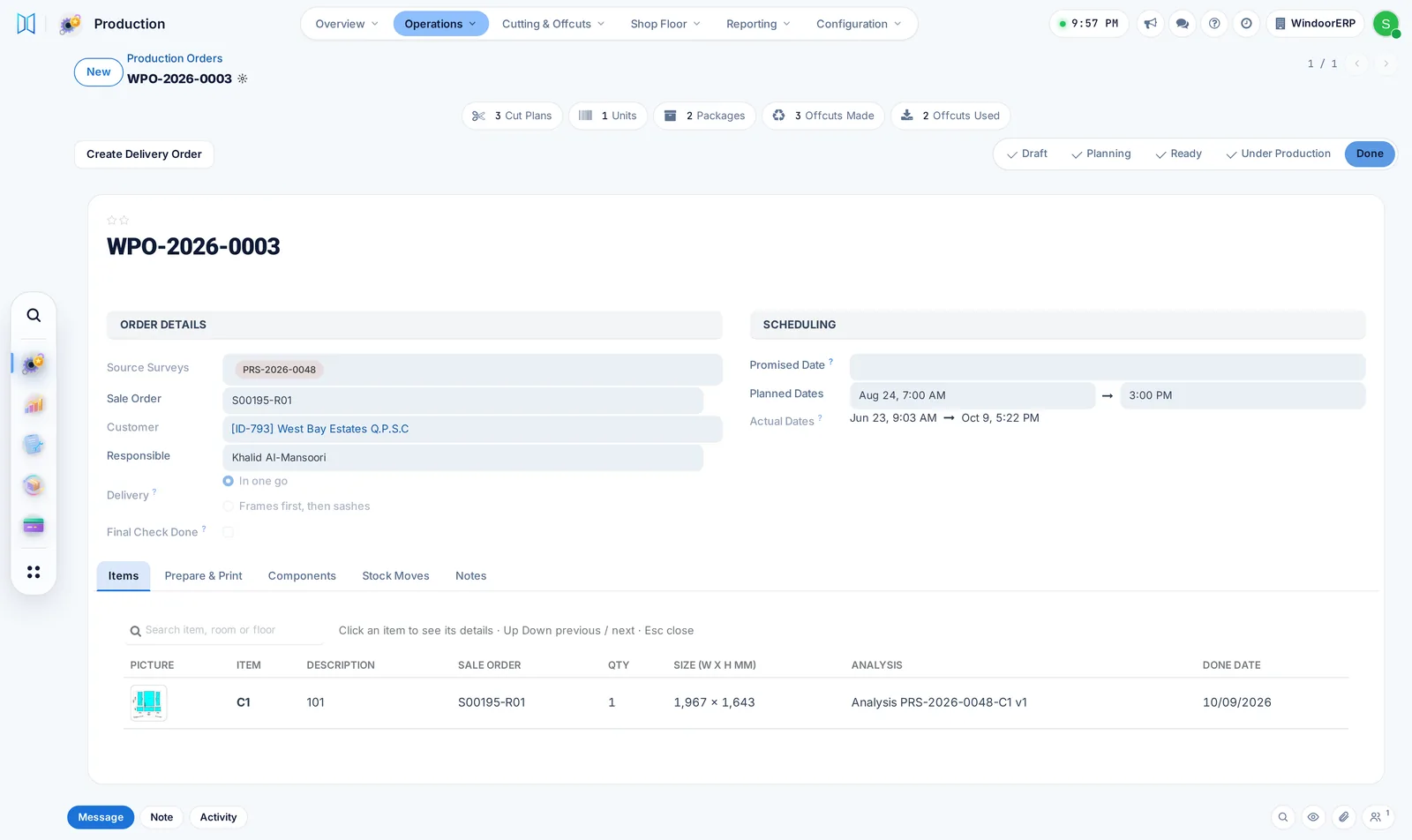
- Each window follows its route as a chain of work orders; a step opens when the one before it is done

04Machines and maintenance
Machines planned, serviced and counted
WorkshopFactory
- Every machine with its type, capacity, cycle time and cost per hour
- Preventive maintenance plans per machine raise their own requests when due
- A machine under maintenance shows as down, and the downtime lands in OEE
- Breakdowns recorded as corrective requests, with their downtime minutes


05Production schedule
The production schedule on a timeline
SoloWorkshopFactory
- Every production order as a bar: day, week, month, quarter or year
- Progress shown on each bar; drag a bar to reschedule
- The same timeline for installation and after-sales

06Live floor plan
Your factory floor, live
Factory
- Your floor drawn to scale, with every machine where it stands
- Each machine shows its live state: running, idle, down or blocked
- Zones for cutting, machining, welding, glazing, quality and dispatch
- Try a new layout or a new machine before you buy it

07Shop-floor terminal
A terminal your operators can actually use
Factory
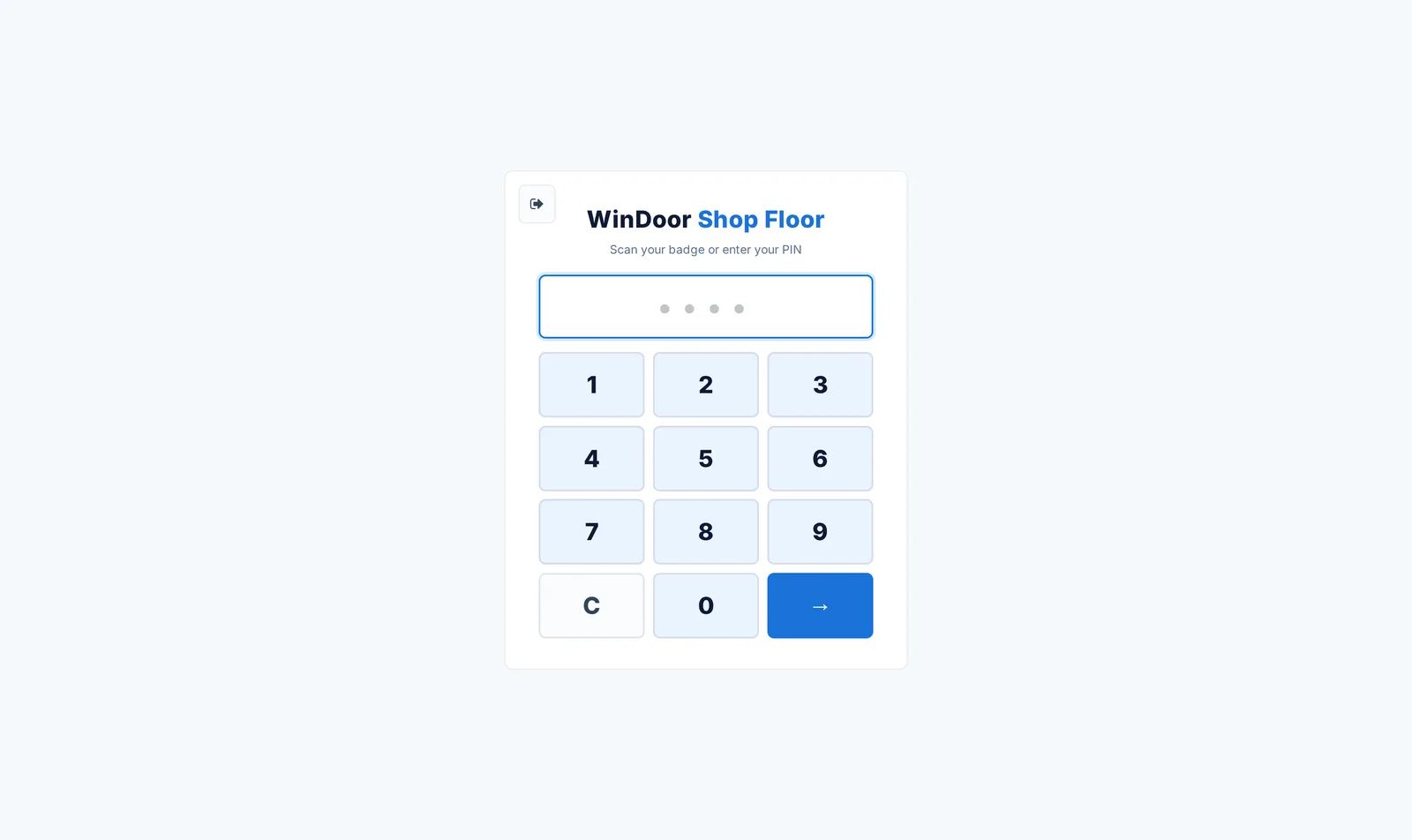
- Operators sign in with a PIN or a badge
- Work centres filtered to the ones that operator is qualified on
- Advance, scrap, pause, report a problem, call a manager, print a label — per piece
- No paid user licence per operator
08Scan-driven progress
Scan to advance, and a trail behind every scan
Factory
- Scan the work order, or the serial on the unit itself
- Minutes at each stage recorded as the piece moves
- A scrapped piece raises a non-conformance and holds the unit, automatically

09Andon escalation
Andon calls that escalate on a clock
Factory
- A call goes to every production manager the moment it is raised
- Unacknowledged calls re-escalate every few minutes, up to three levels
- Open, acknowledged and resolved, with the waiting time on the record

10Operator skills
Who is qualified on which station
WorkshopFactory
- Each operator's level per work centre, with the date they were certified
- The station screen offers an operator only the work centres they are qualified on

11Approvals
Approvals and an authorisation matrix
WorkshopFactory
- Release to production, extra material, changes and glass orders wait for the right approver
- Steps with a value and a quantity threshold
- You cannot approve a request you raised; delegation never goes back to the person who asked
- Off until you need it; until then nothing waits

12Unit serialisation
A serial per unit, from cut to delivered
WorkshopFactory
- Each window has its own serial and record, from cutting to delivery
- Thermal labels with a reprint audit chain
- A window counts as delivered only when it has really left stock

13Piece stickers
Stickers for every piece, rest, window and pane
SoloWorkshopFactory
- Every cut piece labelled with its window, side, length and angles
- A finished-window sticker with the window drawn as designed, its room and floor
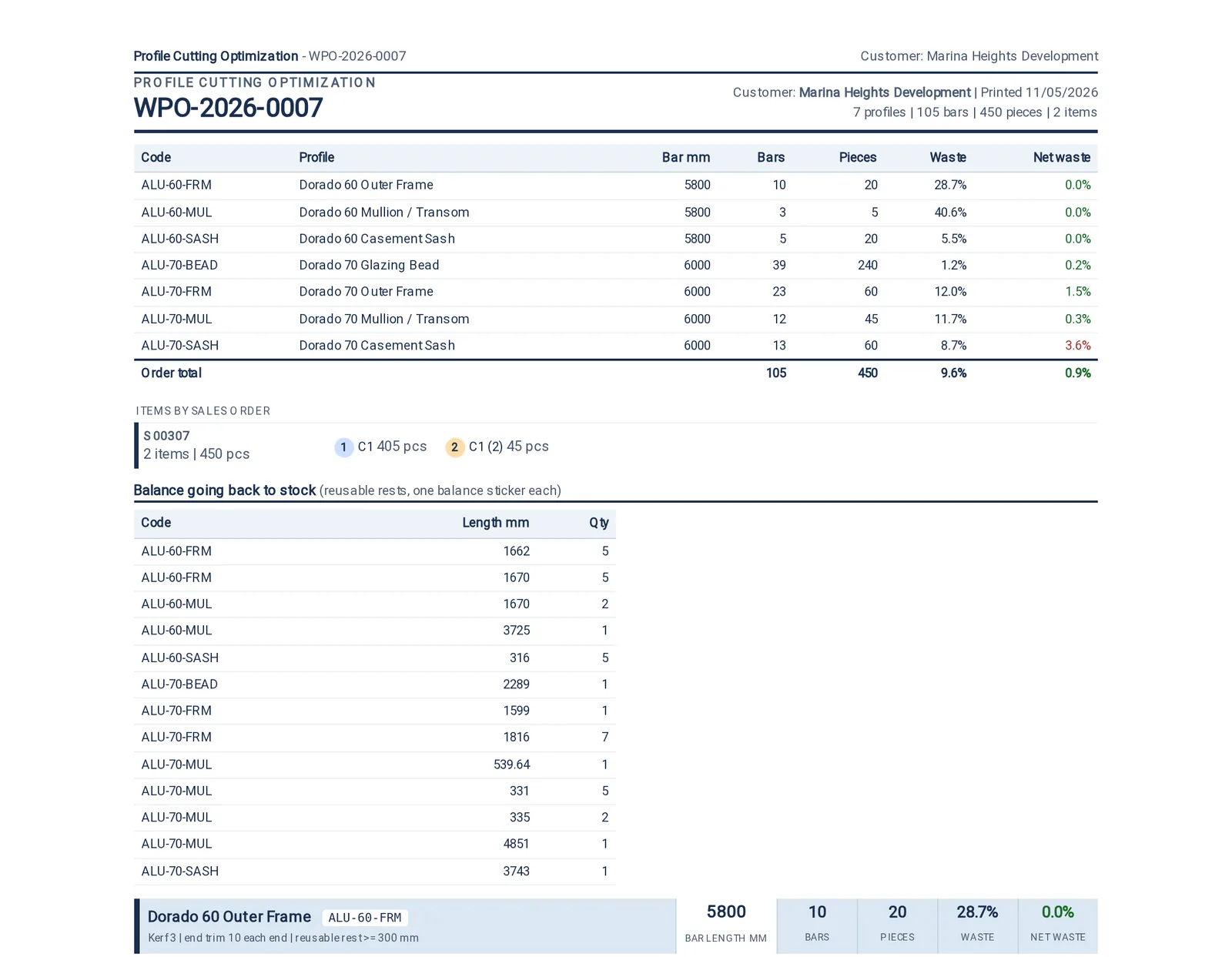
- Balance stickers for off-cuts and a sticker for every glass pane
- Printed on a thermal label printer or on A4 sheets


What this desk watches
The numbers on the wall
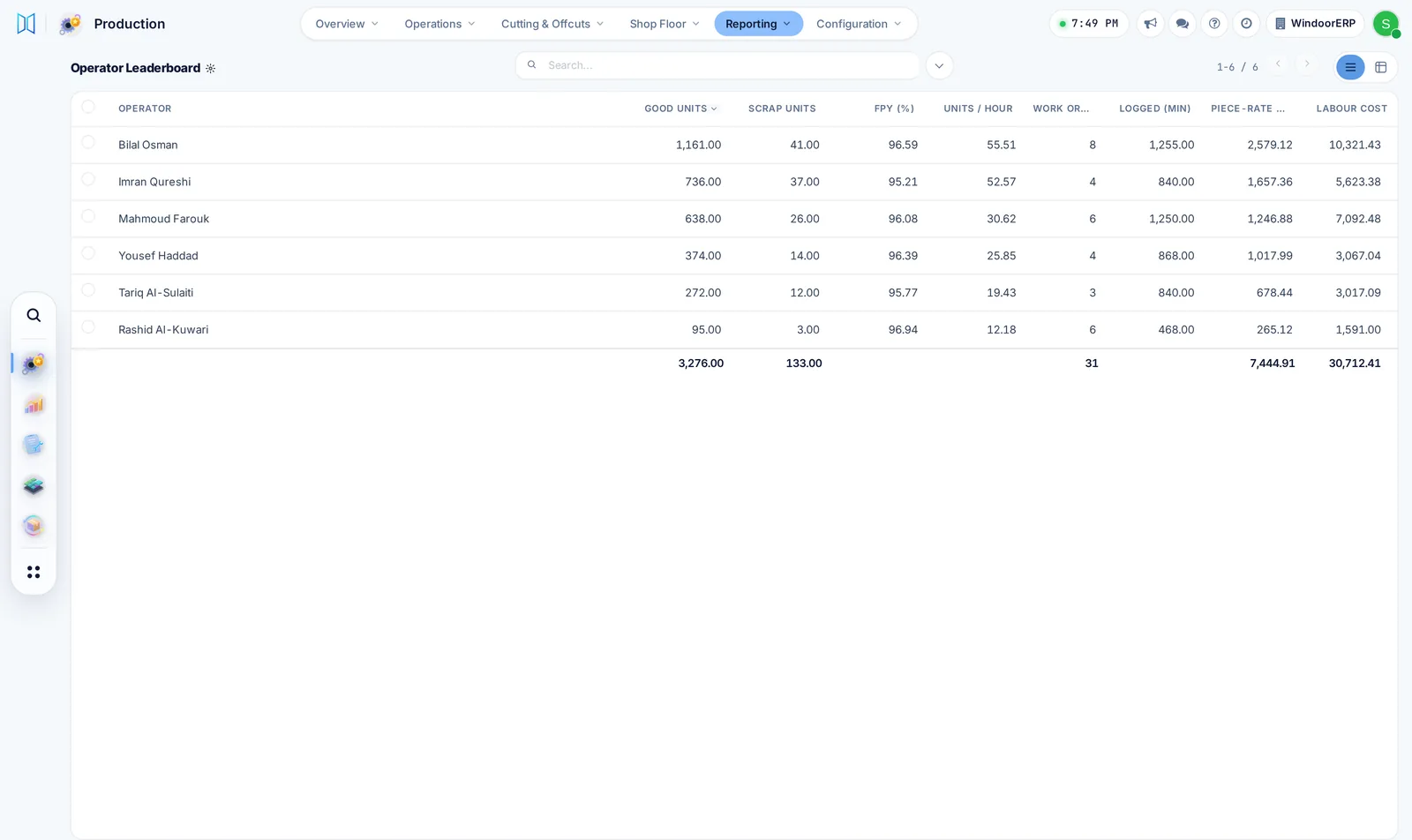
Production Control: an OEE radial against your target band, active orders, waste rate with a sparkline, output against capacity, a downtime Pareto and live work-centre status. It shows zeros on an empty database rather than dressing one up.
Output against capacity
Waste rate
Andon response time
What it produces
01A work order traveller
02Piece labels
03A produced unit with its serial
04A delivery note