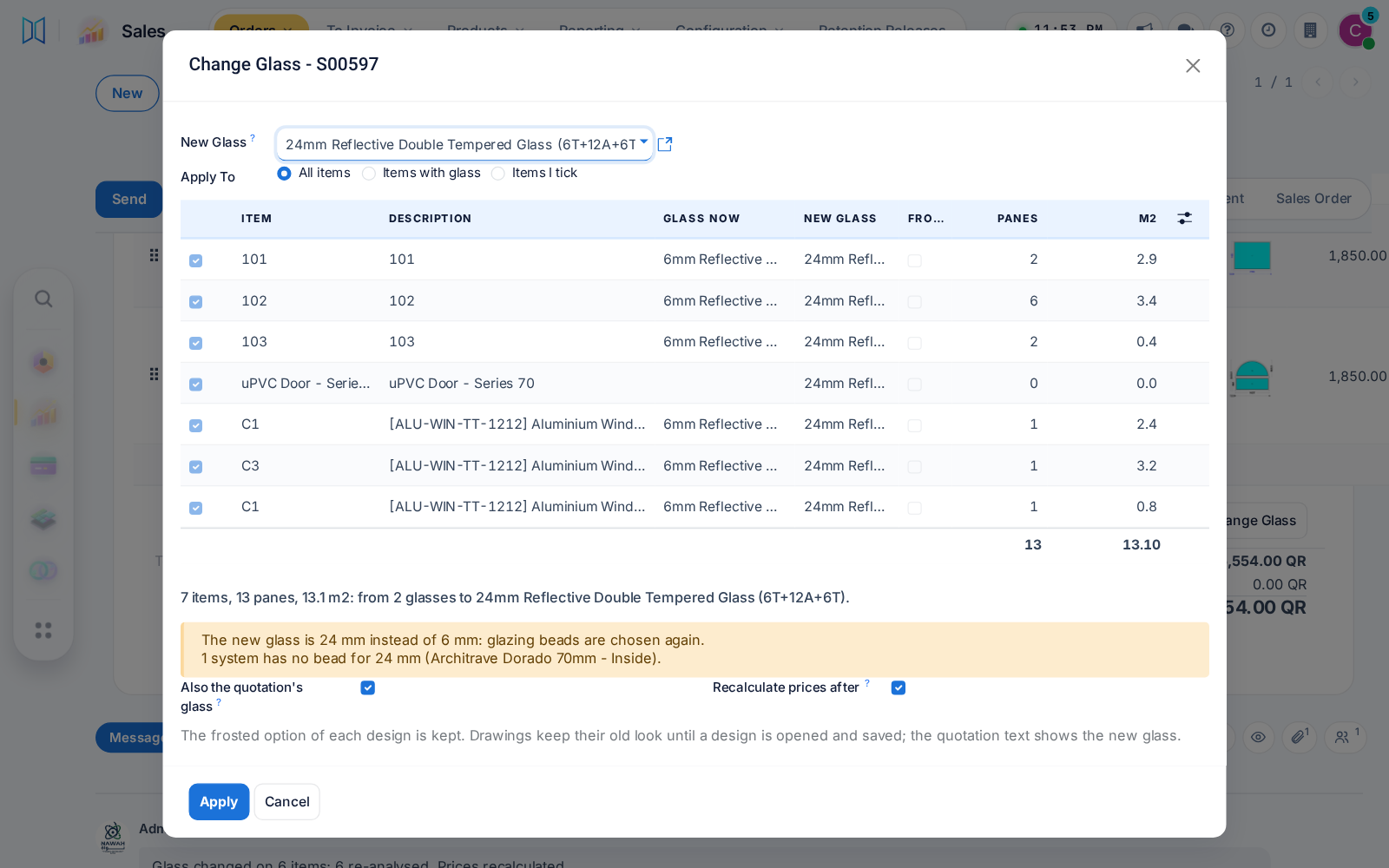

Change the glass on a whole quotation
One action swaps the glass on every item of a quotation, refreshes each design's material and recalculates the prices. Beads change only where the thickness does.
Before: Item by item in the designer.
One action swaps the glass on every item of a quotation, refreshes each design's material and recalculates the prices. Beads change only where the thickness does.
Before: Item by item in the designer.
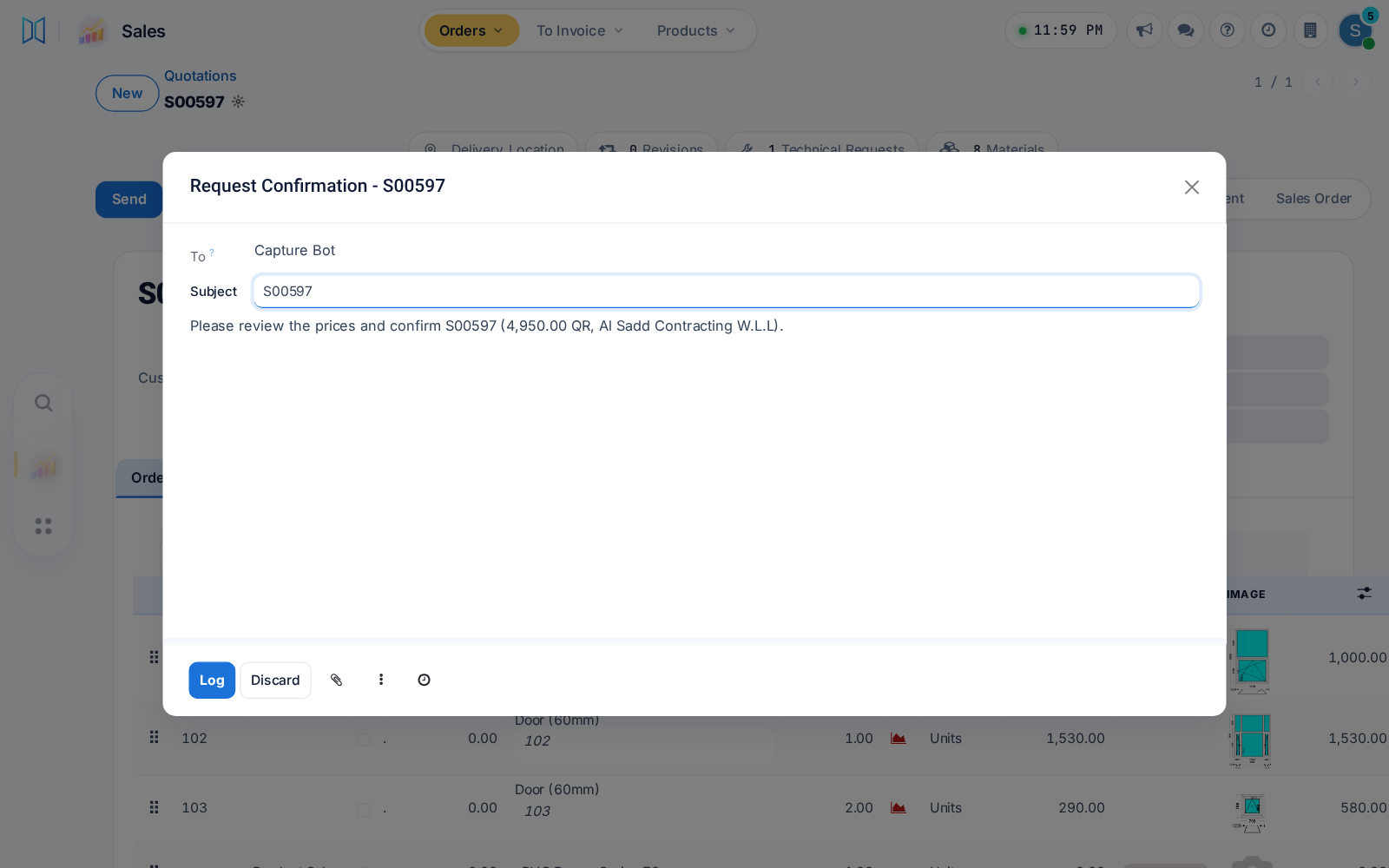
Name the users or groups who may confirm orders; others press Request Confirmation, and orders signed or paid online wait for them. An empty list keeps today's way.
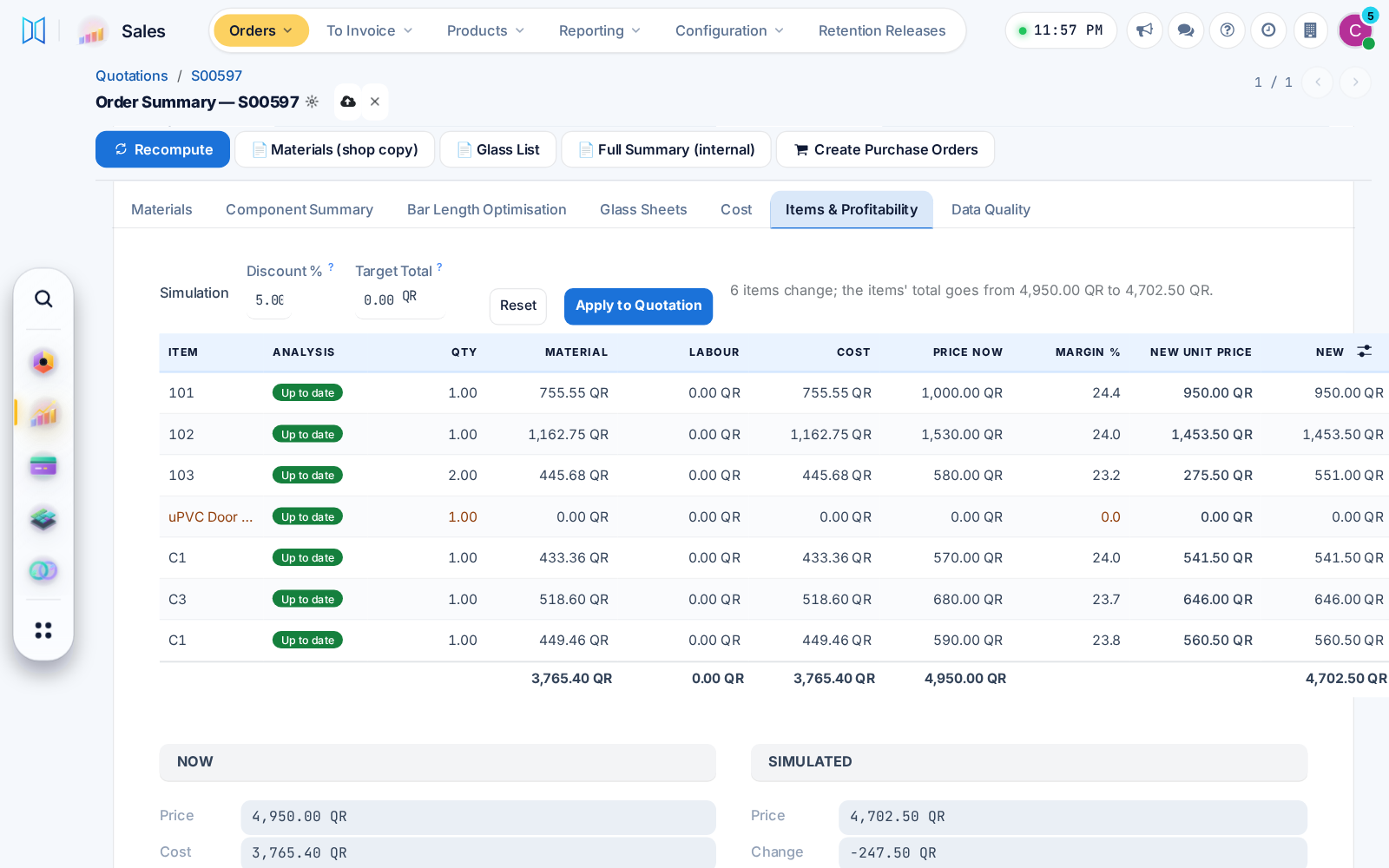
Items & Profitability simulates a new unit price, discount or target total and shows the new margin. A confirmer applies it to the quotation in one press, logged on the order.
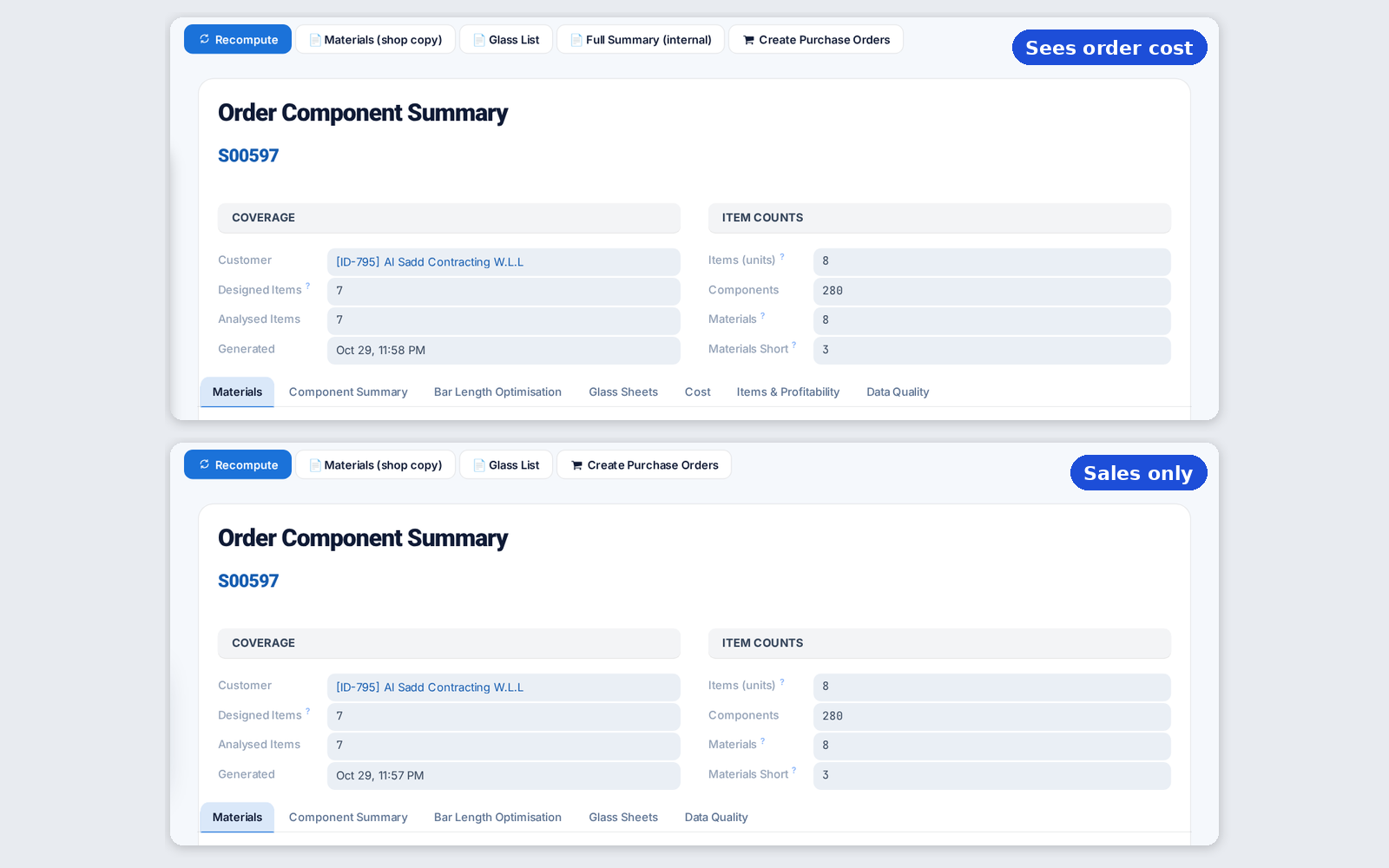
Once confirmers are named, cost and margin show only to people with the order cost right, on screens, prints and exports, long-piece savings included.
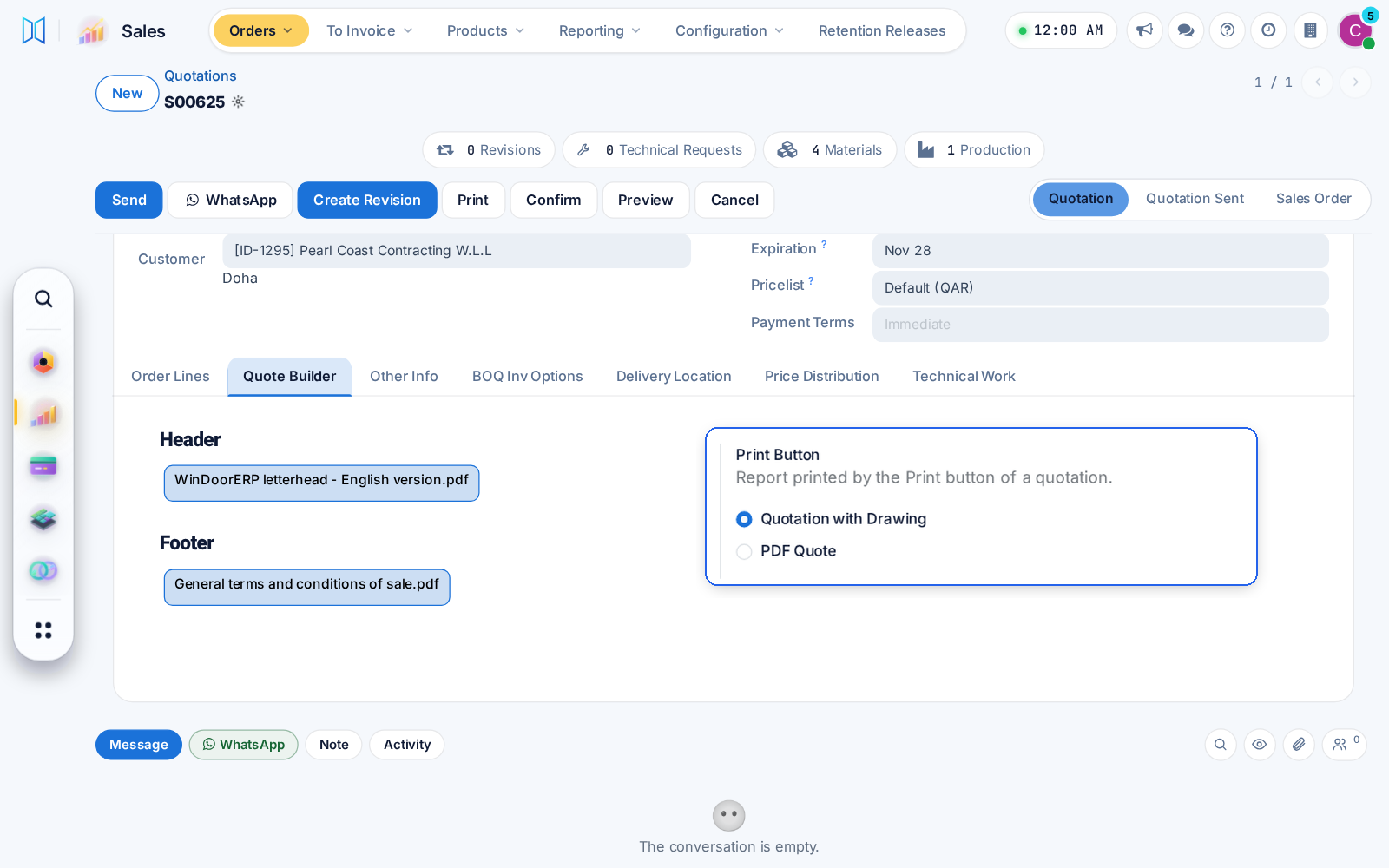
The quotation with drawings now carries the header, product and footer pages chosen on the order, and a Sales setting picks what the Print button prints.
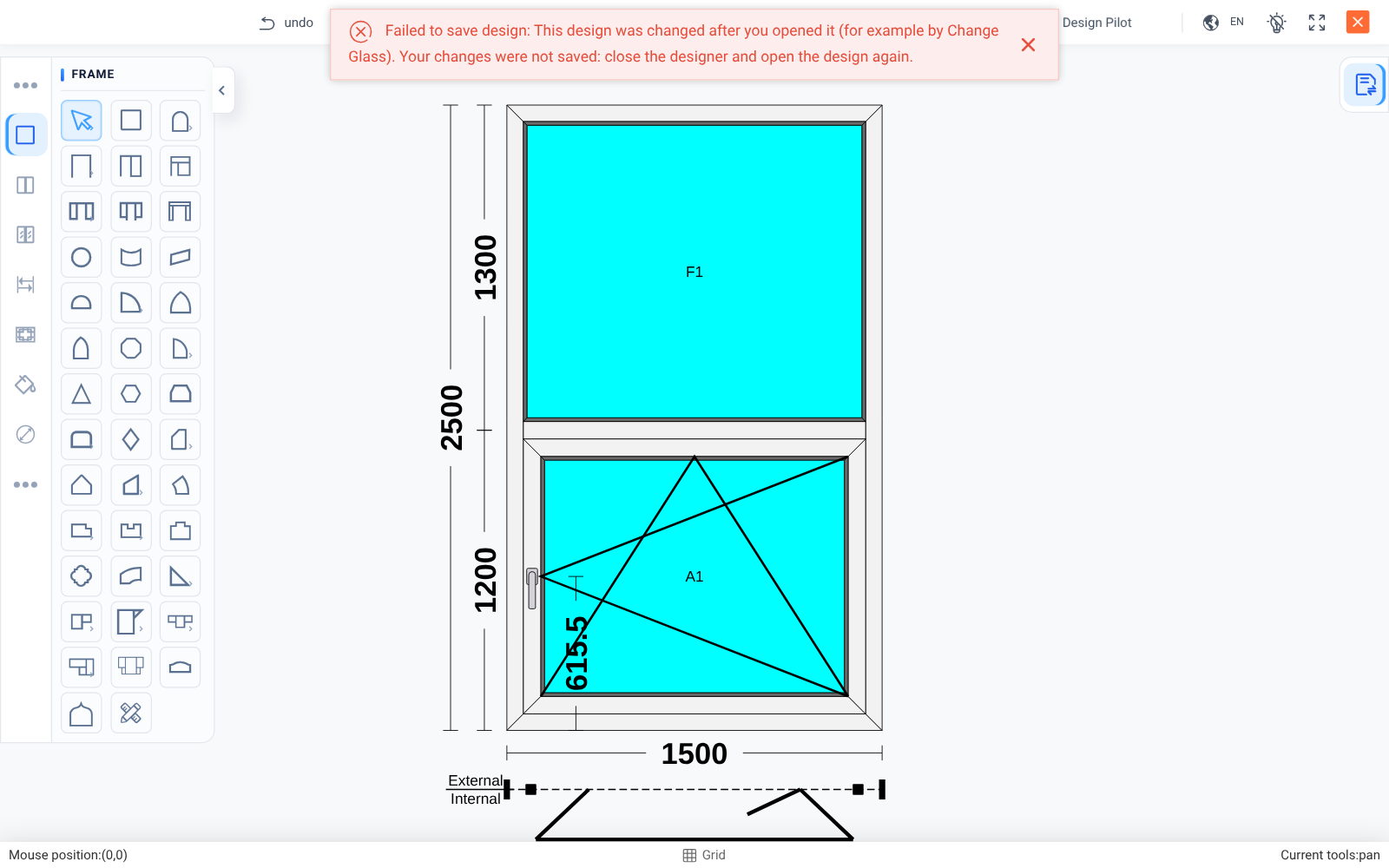
A designer left open can no longer save over a design changed since, for example by Change Glass. It says so and asks you to reopen.
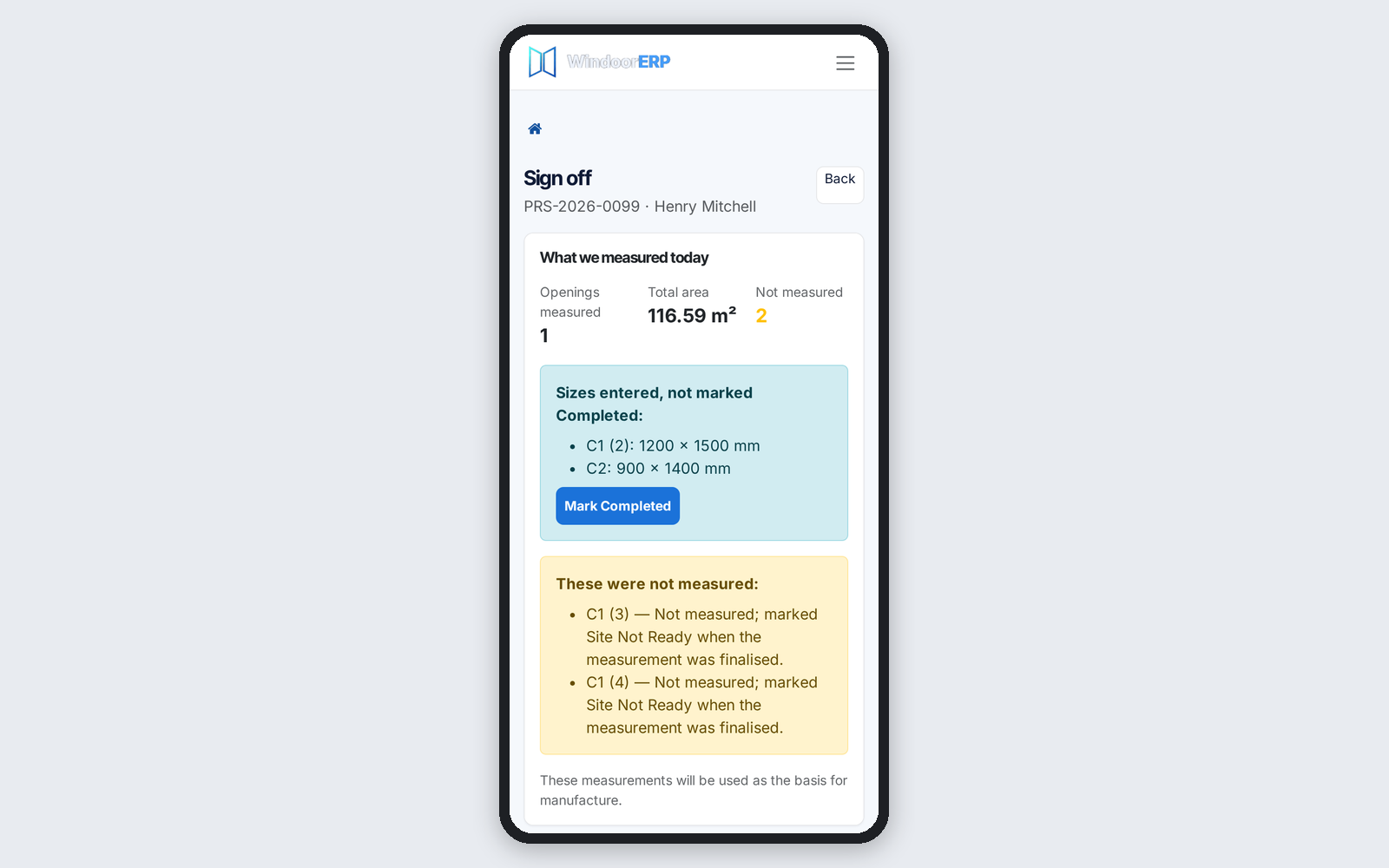
An item with sizes but no Completed tick is now listed apart and ticked in one press, in the office and on the phone. Site Not Ready only takes items without sizes.
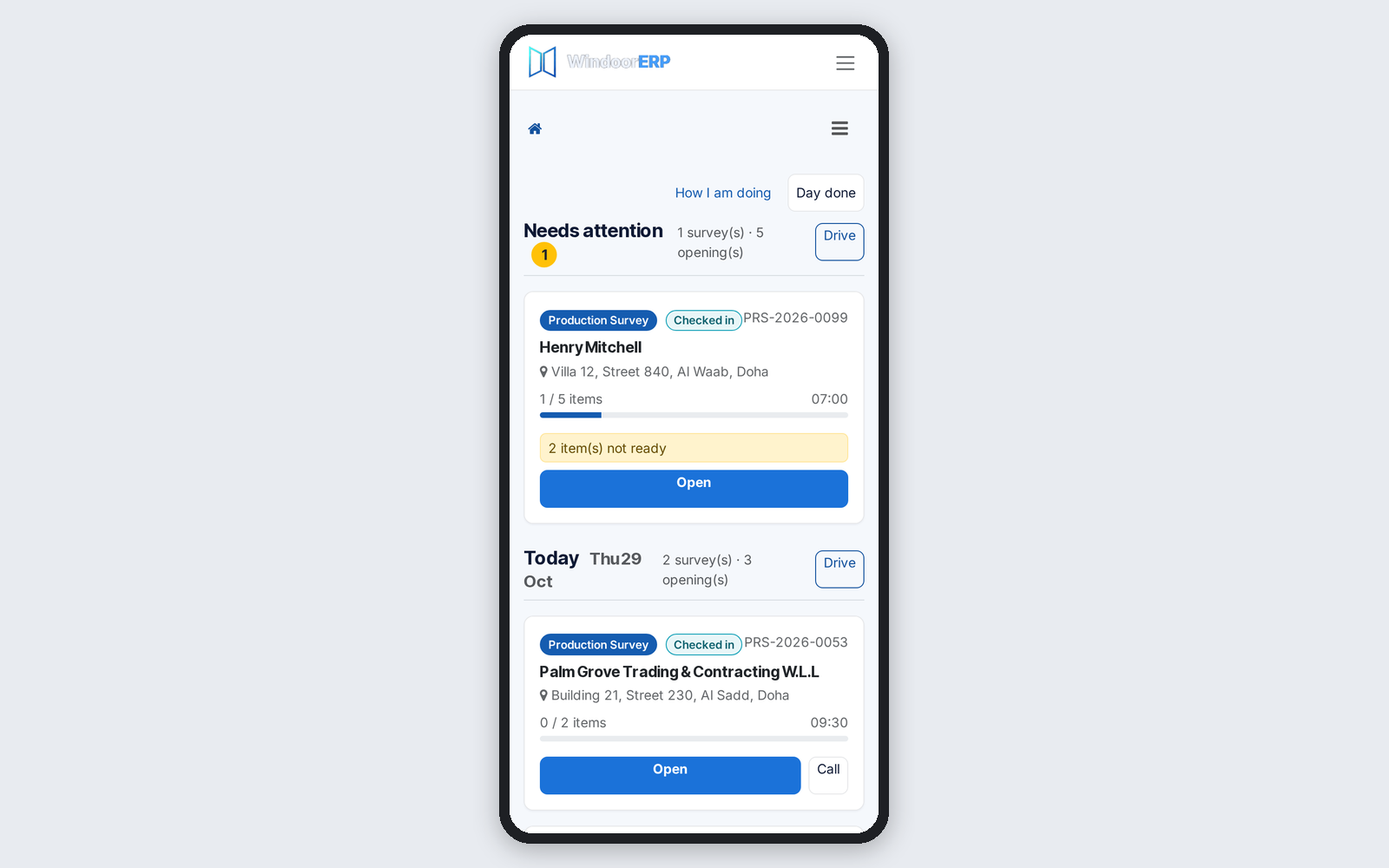
Phone survey cards and search rows show the site address, and a city search finds the site city. Bookings count only the items that need measuring.
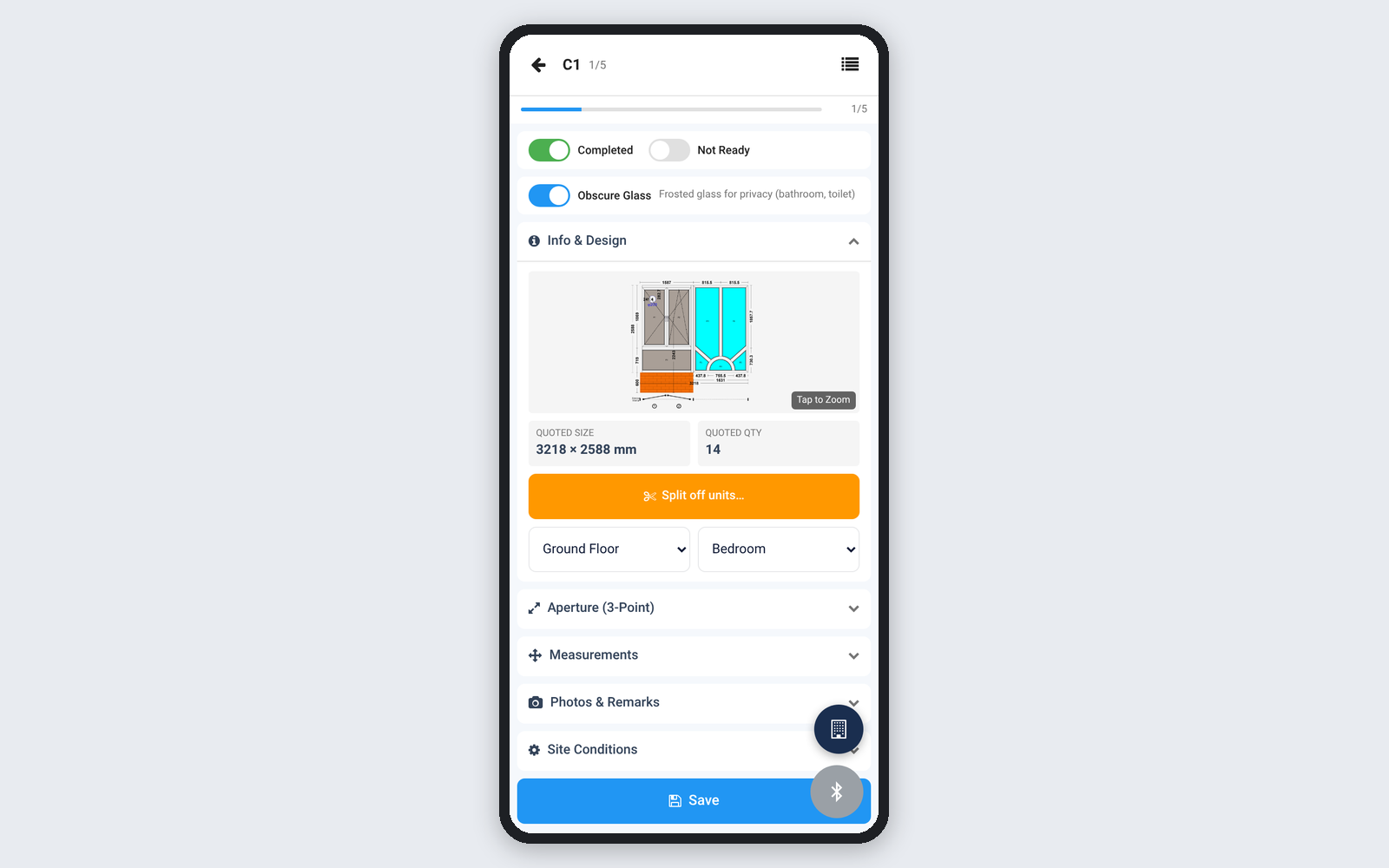
Surveyors can mark obscure glass on both phone measuring sheets, and the choice reaches the office with the item's sizes.
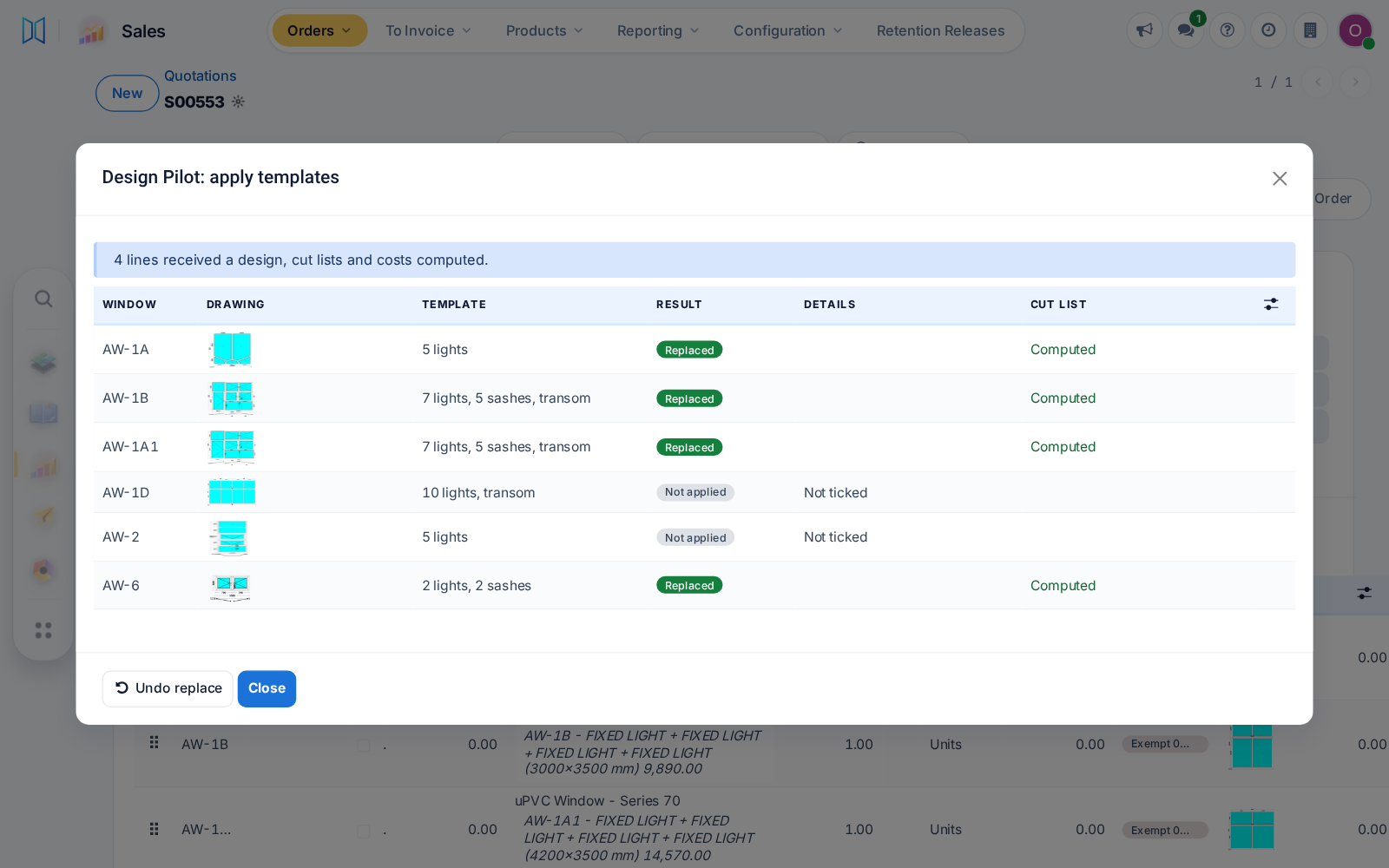
Design Pilot's finished list shows each line's own drawing, large quotations price faster, and revisions or copies keep their hardware extras instead of resetting them to zero.
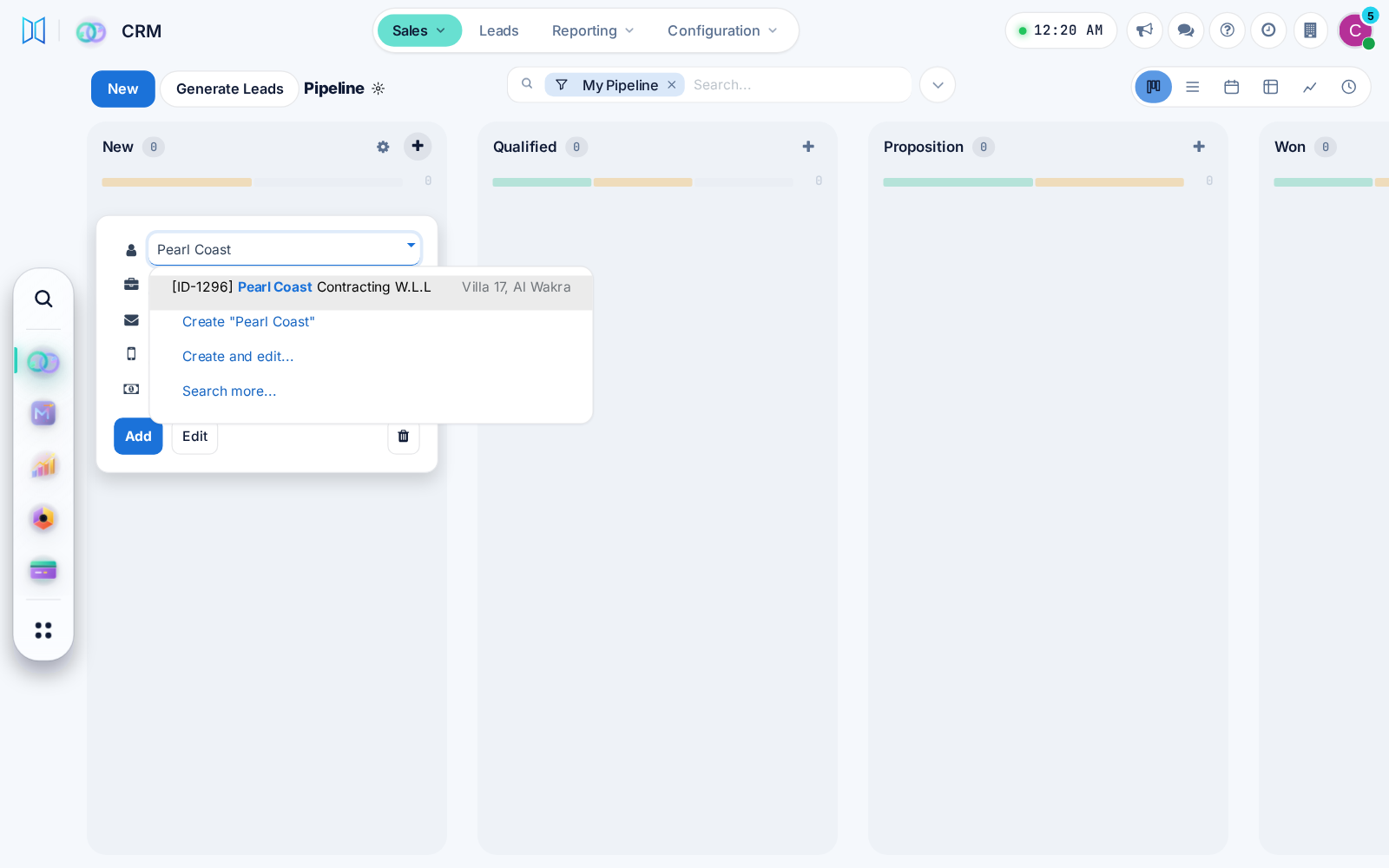
A new CRM opportunity card asks for the customer contact, so every deal has someone to call. One CRM setting brings the Company field back.
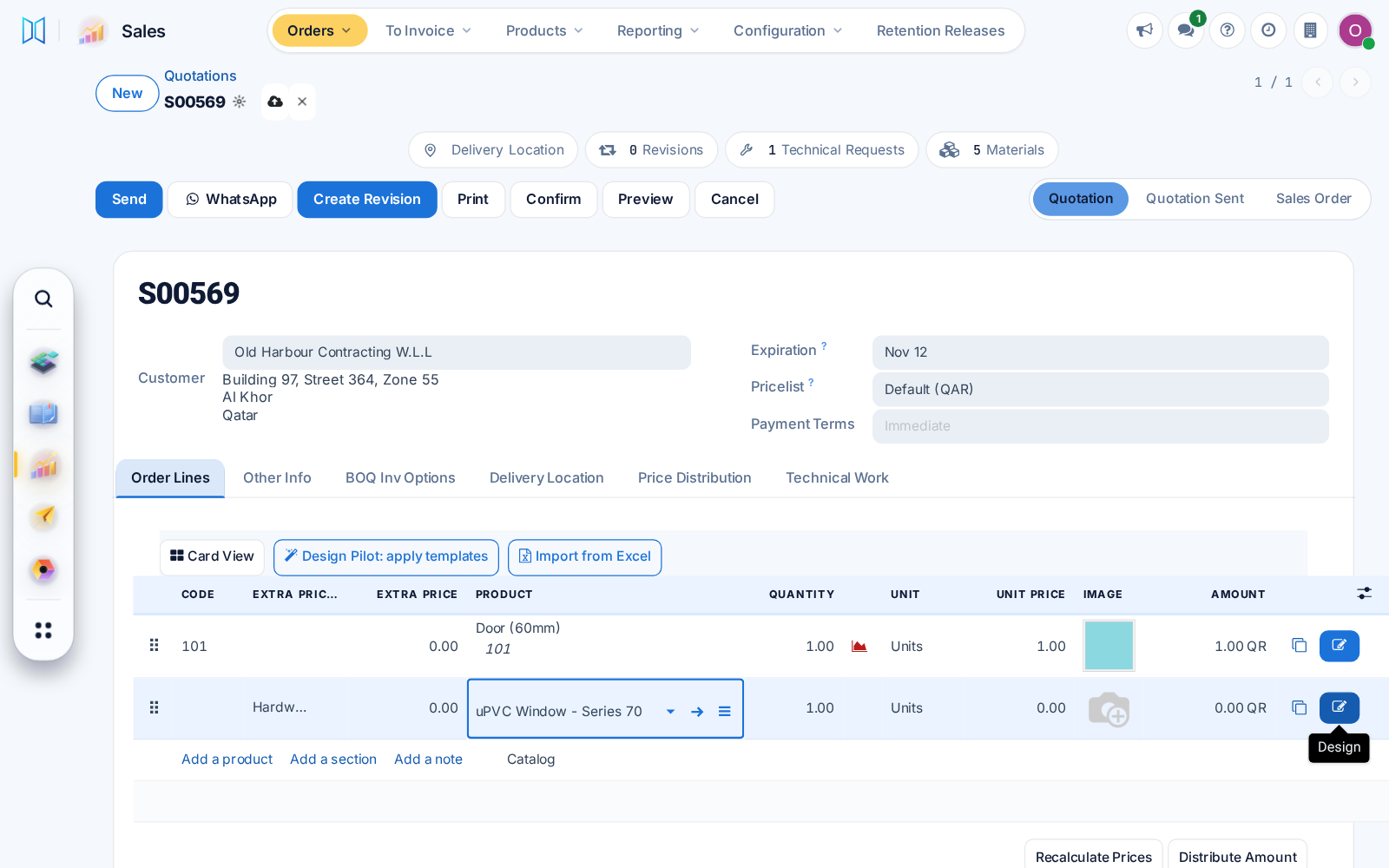
Pressing Design on a new order line now saves the order first, on the desktop and in the phone popup, so the designer always opens on the right line.
Each user can choose a modern or classic menu and view style, with simpler phone screens and a probability ring on CRM opportunities.
Design Pilot will propose or replace window designs on any editable quotation, price them at once, and keep replaced designs restorable for 30 days.
Profile setup now records the finish as Profile Colour and never adds a second colour to a profile that has one.
The quotation Card View follows dark mode, window pictures always save in light colours for clean prints, and product forms no longer repeat fields.
A length correction can now apply to chosen products only, such as a support mullion cut to full frame height. Existing cut lists do not change.
Reading a hand sketch now stops quickly with a clear message when it cannot be read, and screens keep working when your browser translates the page.
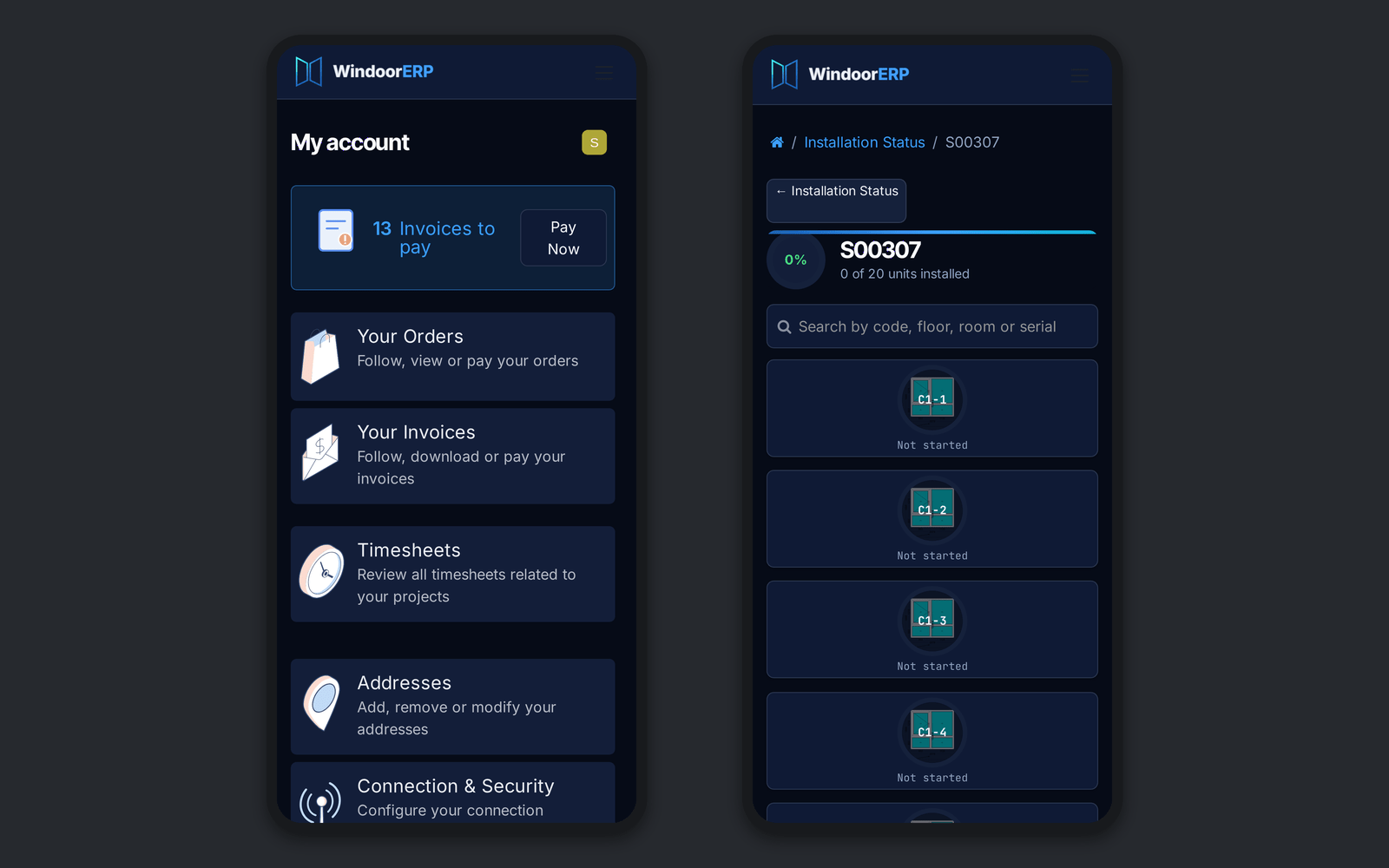
Every portal page and the survey measuring app now follow dark mode, with a light setting for installers working in bright sun.
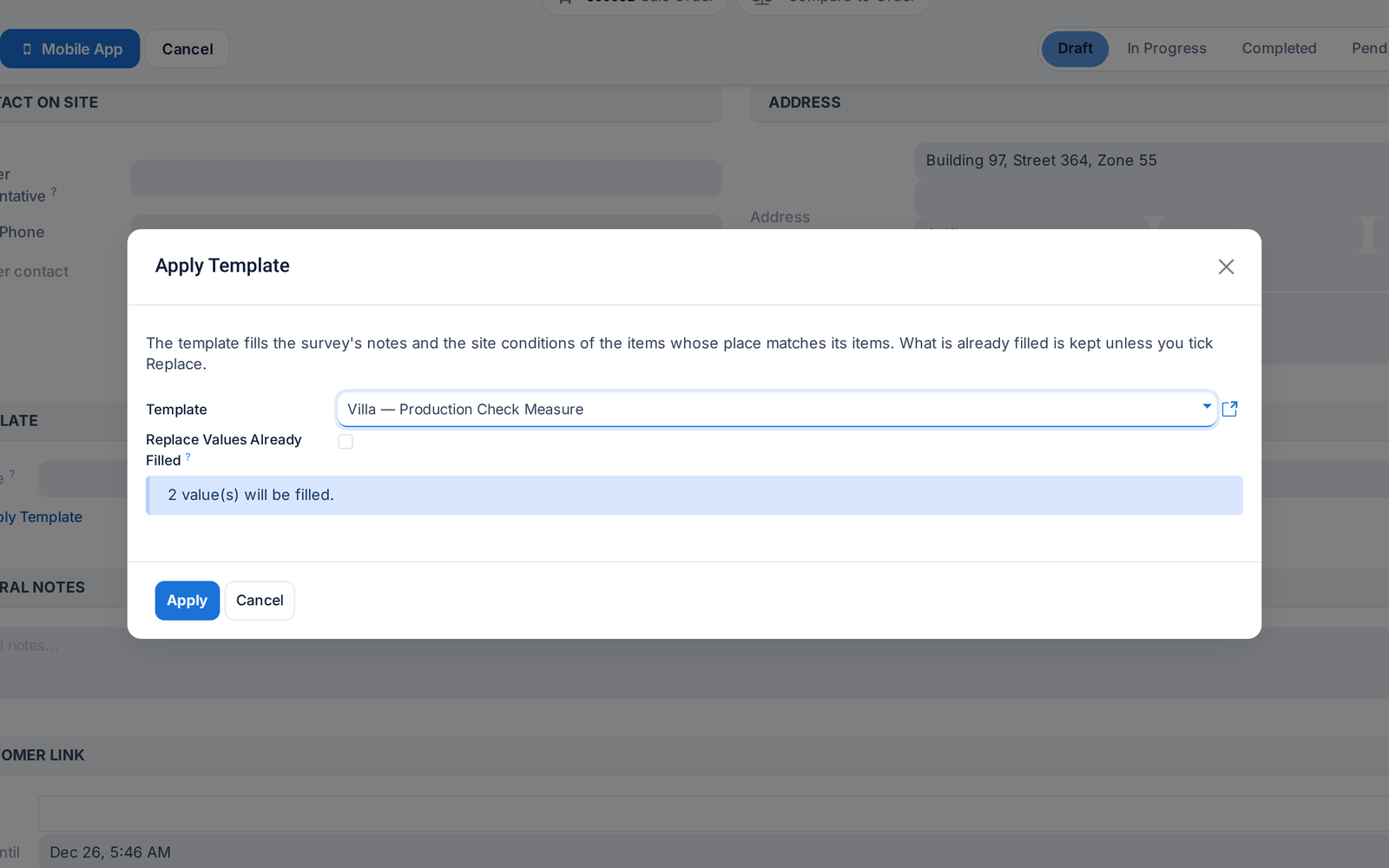
Survey templates can now be applied to a new or draft survey, filling empty values and keeping what is already filled.
Before: Templates could not be applied.