
Draw a window by hand, get a drawing
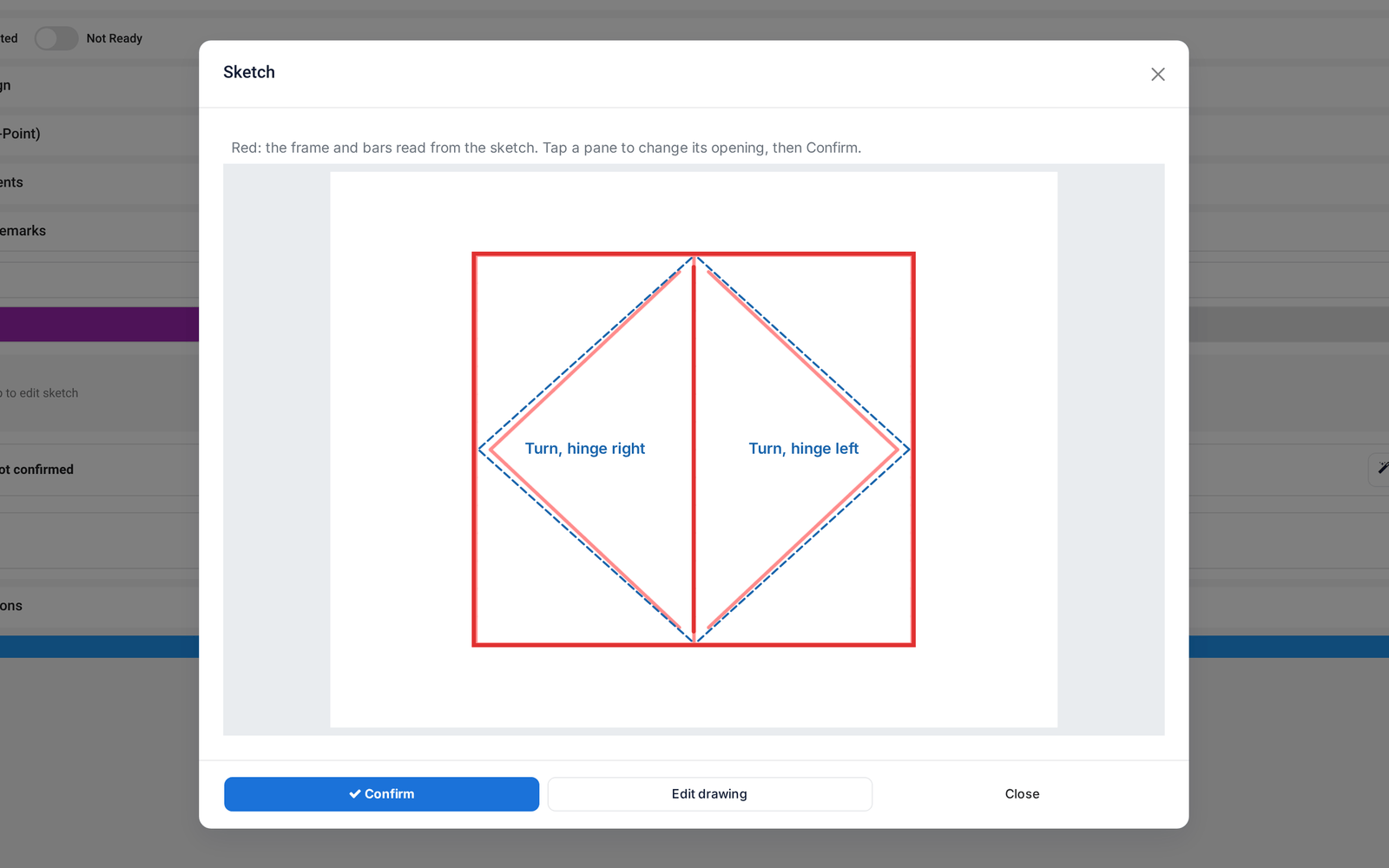
A hand sketch of a window becomes a real layout, on site in the measuring app or in the designer, and is matched to the right order line. No AI needed.
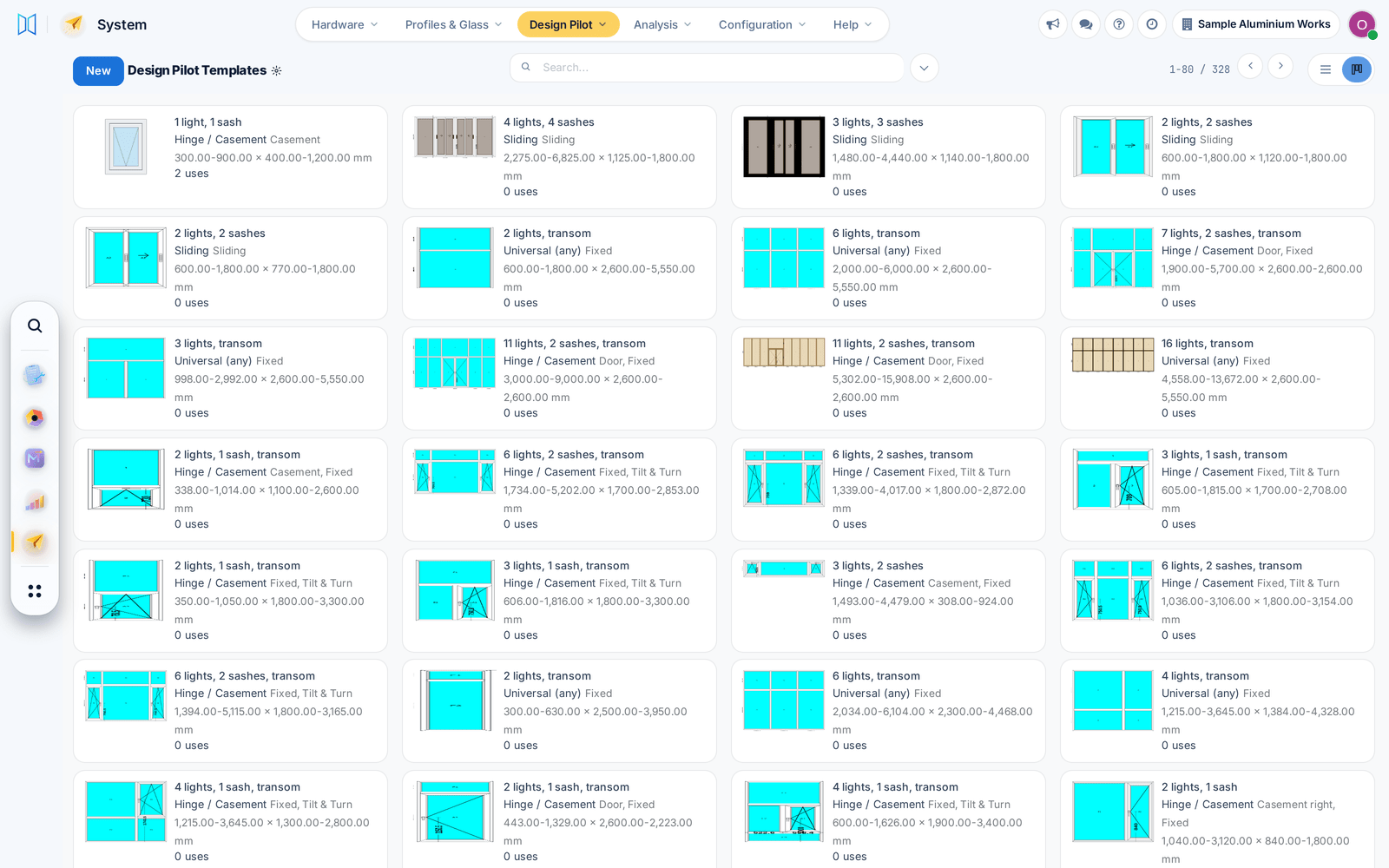
Design Pilot comes with a few hundred ready layouts, and near-identical layouts in your library can be merged, with undo.
Design Pilot suggests layouts from your library that fit each window's size, ready to apply in the designer or to every undrawn line of a quotation.
Saving a design no longer fails when two saves meet, and item reports and stickers print their pages again.
Before: Those prints came out empty.
The production order now opens on its windows: click one to see its drawing, material and progress, with promised and actual dates on the form.
Before: Details were spread over many tabs.
The cutting report draws every bar with its named pieces and tick boxes for the operator, and stickers print from the same place on A4 or thermal printers.
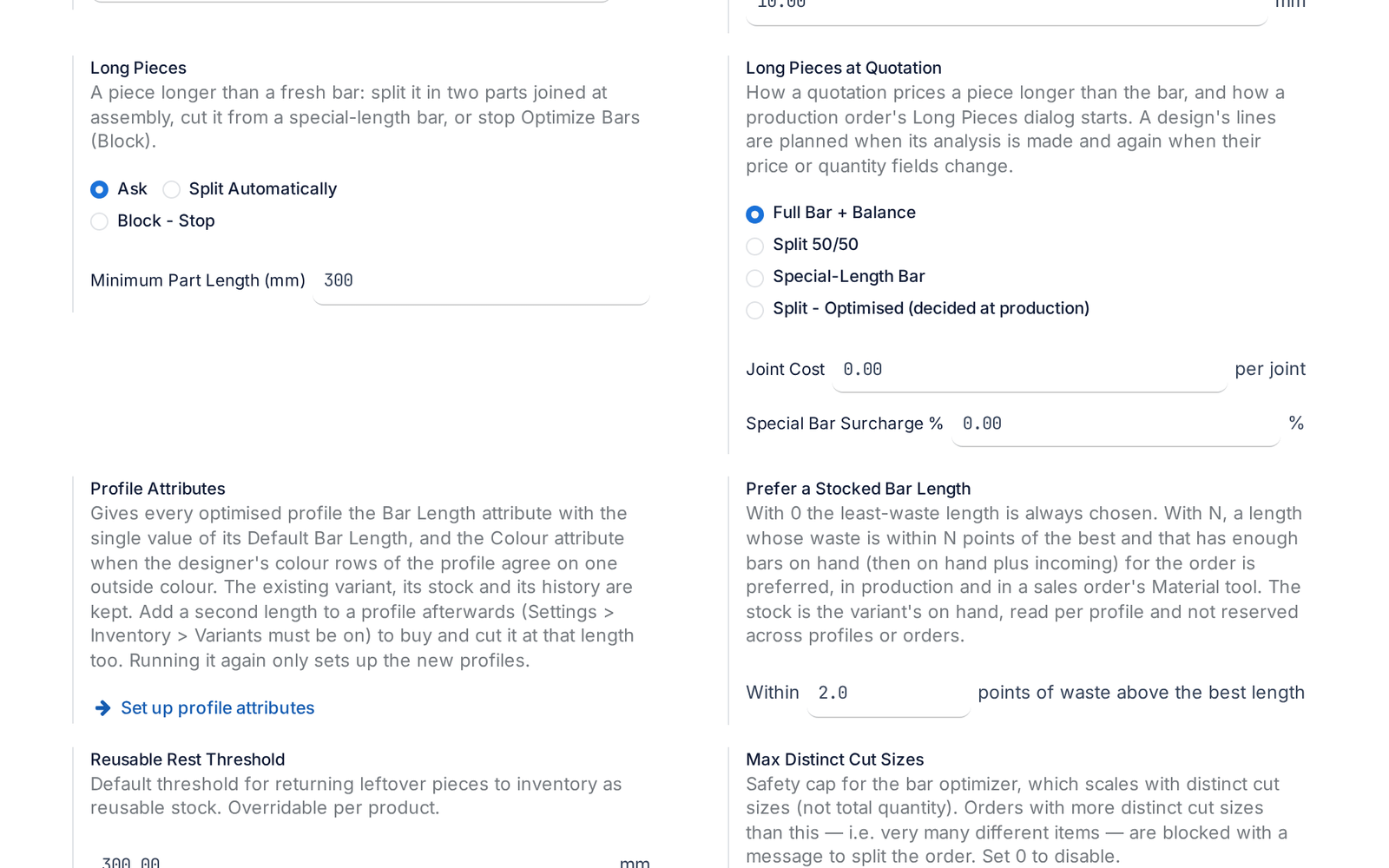
A piece longer than any stock bar is split with a joint or ordered as a special bar, and the quotation already prices it.
Before: Such a piece stopped the optimisation.
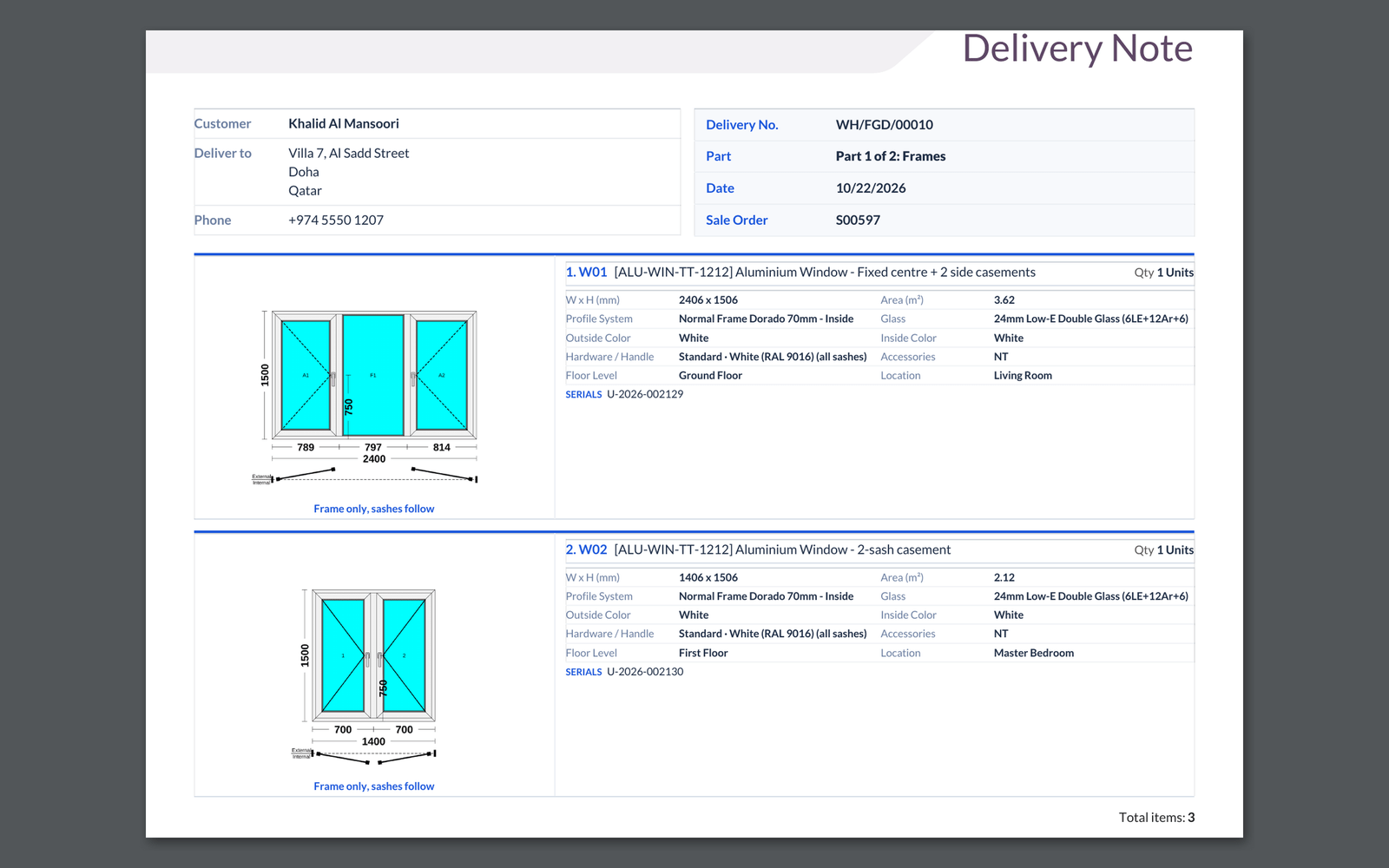
Finished windows can ship on one delivery per sale order, with a delivery note that shows each window's drawing. Each step has its own switch.
Confirming a production order now lists material lines with no stock product behind them, so the store is never surprised.
Before: The order confirmed silently.
Dark mode now covers the screens it used to miss, from lists and messages to dashboards and survey lines. Light mode is unchanged.
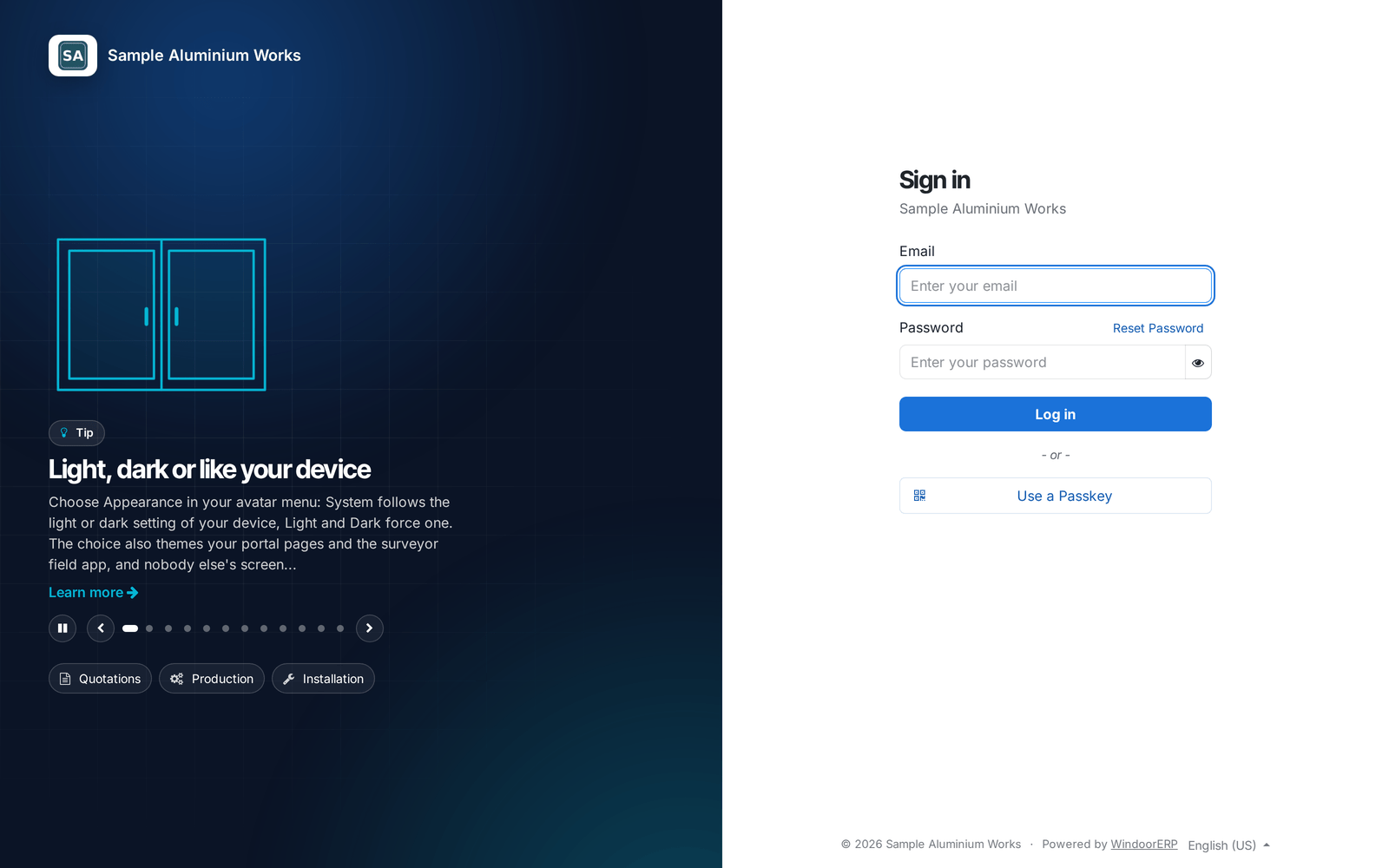
The sign-in page shows your company name and rotating tips from the help centre, with quick links to the portal and help for staff.
The welcome wizard stays closed once finished and works in dark mode, and a keyboard shortcut no longer blanks the screen.
Pick the profile product for each mullion, frame side or sash in the designer. The drawing width and the cut list follow your choice.
Before: One default profile served every member.
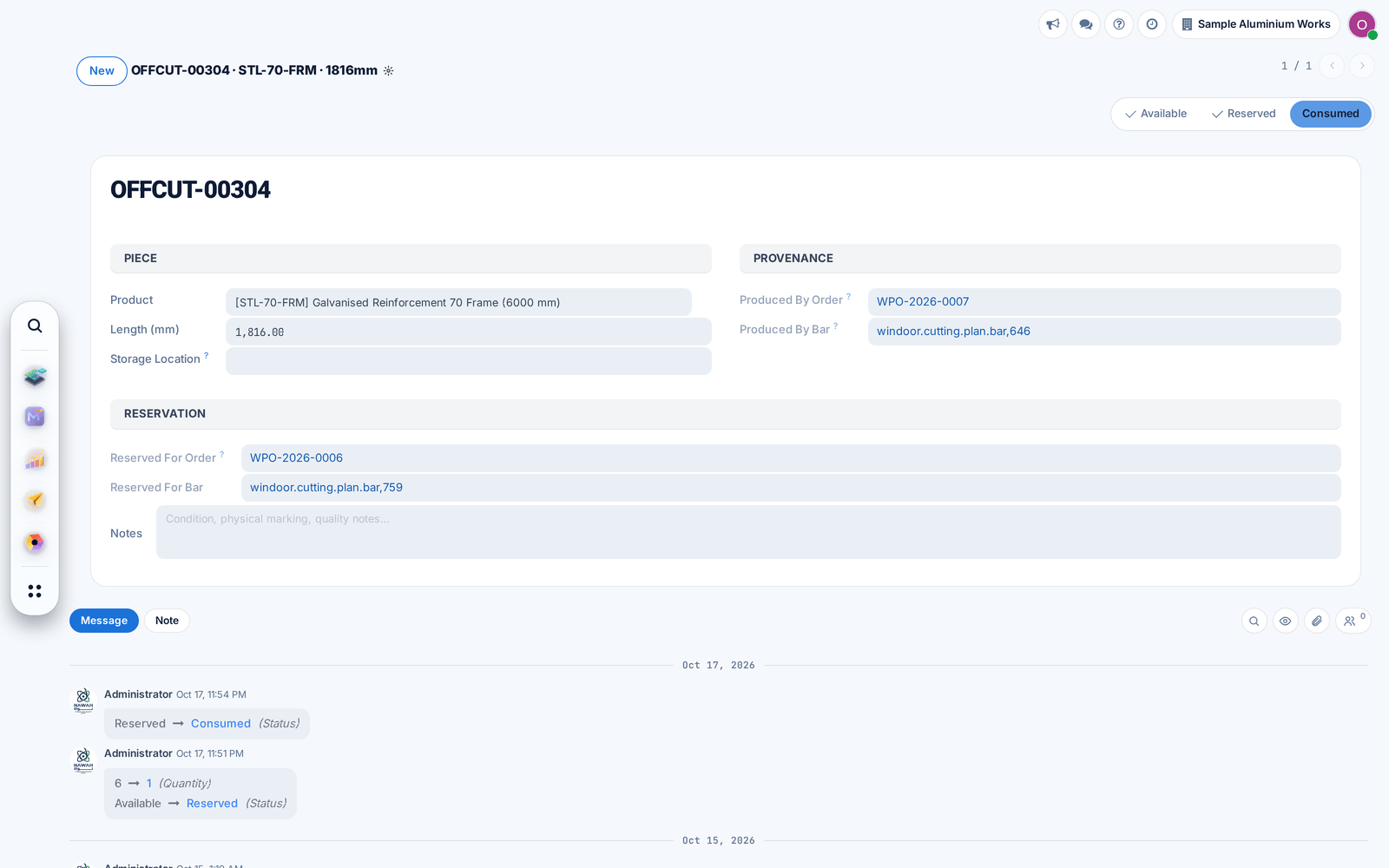
Offcuts open with a history of their changes, and finished or cancelled production orders hide the material buttons that no longer apply.
Before: Opening an offcut raised an error.
Production users can now open every production screen and do their work without stock, purchase or sales rights.
Before: Some screens stopped with an access error.
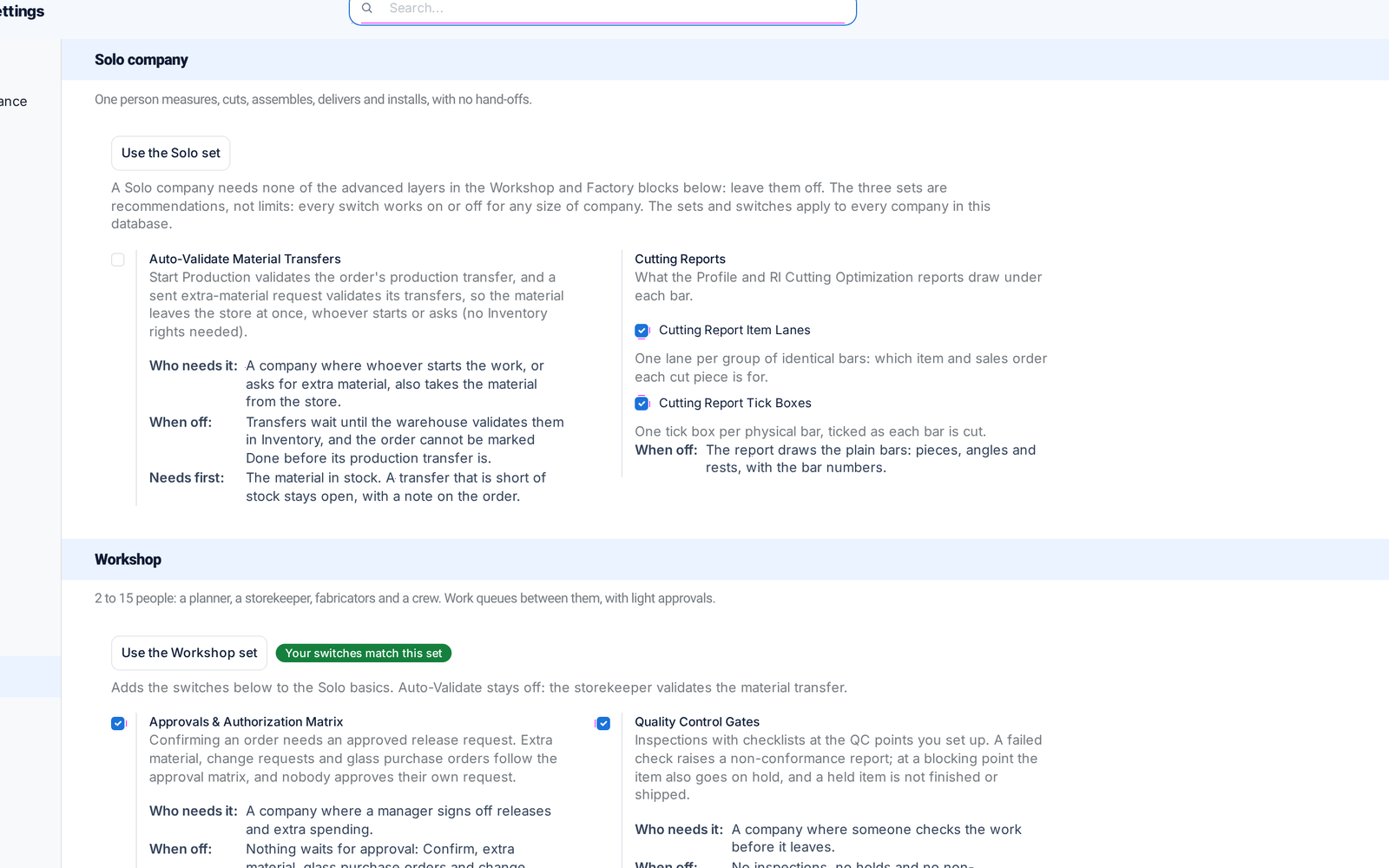
Every production feature now has its switch on one page, with recommended sets by company size. Features you switch off disappear from menus and screens.
Extra material for a production order is now one request with several items and a reason, issued directly or after approval, keeping the order's material cost right.
Before: Each extra item was a one-off action.
Production stock operations are created for each warehouse, and finished windows are delivered following that warehouse's own delivery steps.
Pricelist discounts now apply to products priced by the price calculation, and recalculated totals show at once.
Before: The discount was skipped.
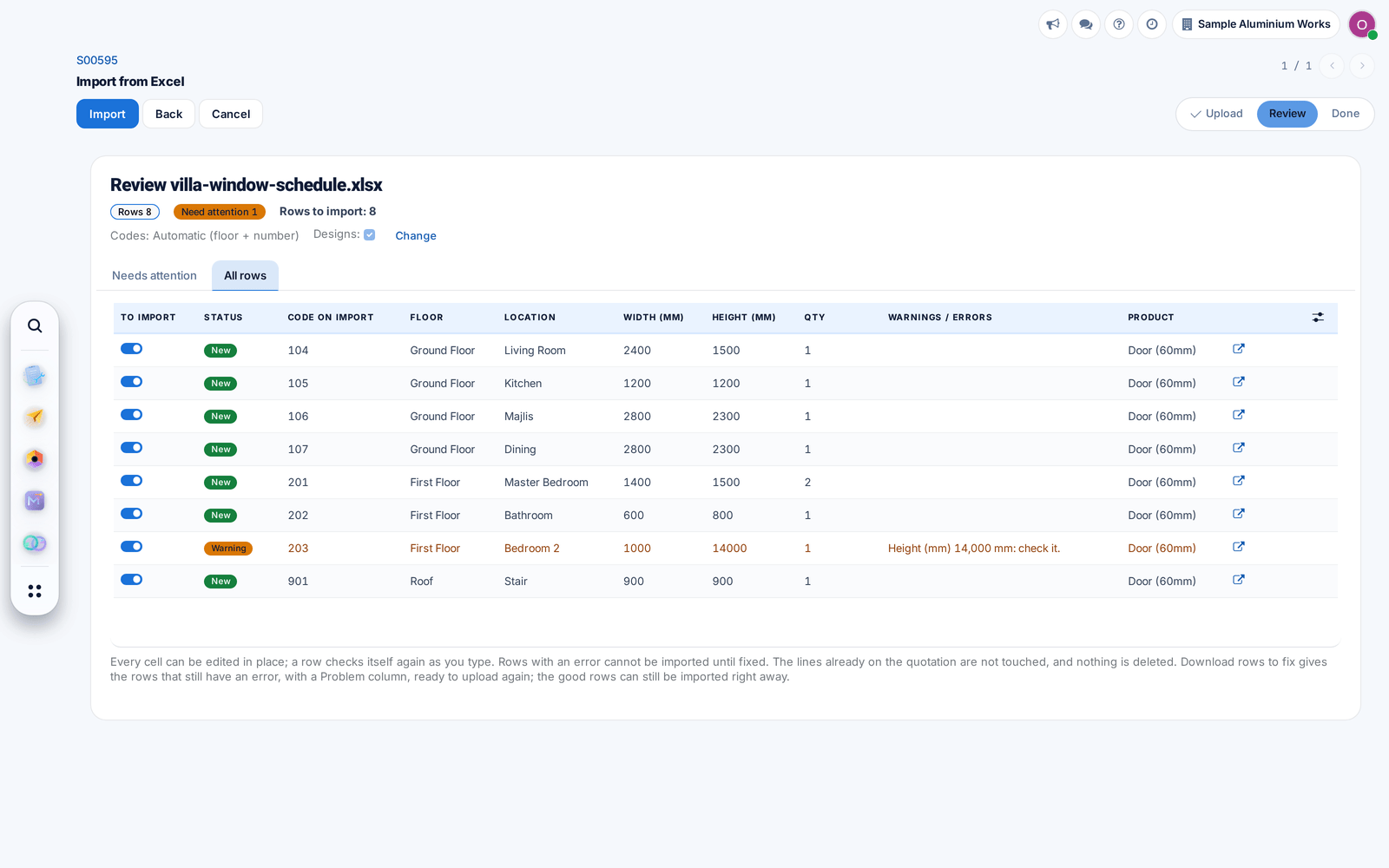
Items without a code get the floor code and a running number with no gaps, and repeated codes become C1 and C1 (2).