WindoorERP الدليل 19.0

تهيئة خطط الحسابات التحليلية، بوابات الدفع الإلكتروني والإعدادات العامة

2 دقيقة قراءة آخر تحديث 2026-08-28 WindoorERP 19.0

الغرض

يهيئ أبعاد مراكز التكلفة التحليلية، نماذج التوزيع التلقائي، بوابات الدفع الإلكتروني للعملاء (مدى، فيزا، أبل باي)، وإعدادات المحاسبة العامة.

قبل أن تبدأ

  • صلاحيات مدير النظام.

الخطوات
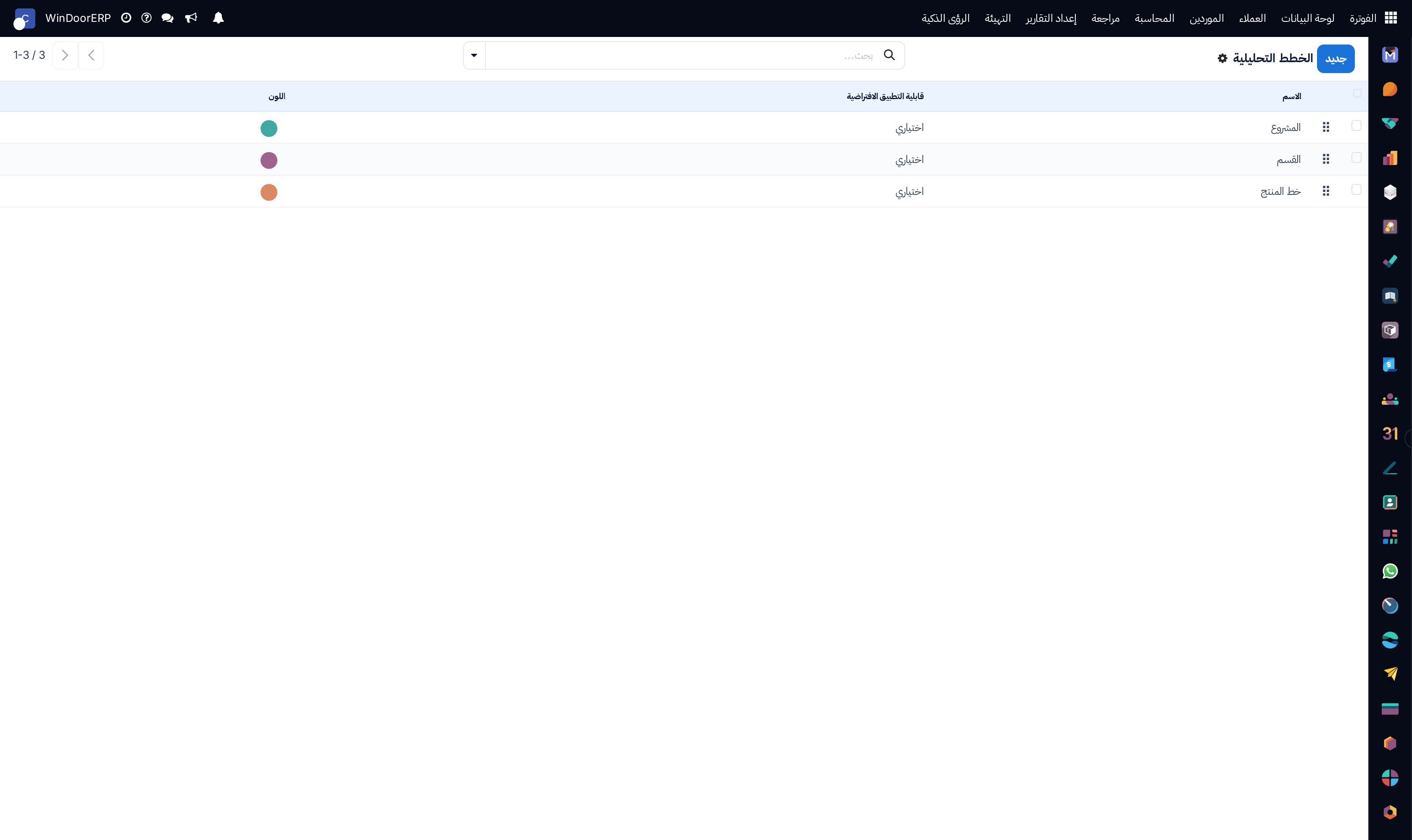
Analytic plans multi-dimension hierarchy list

\n

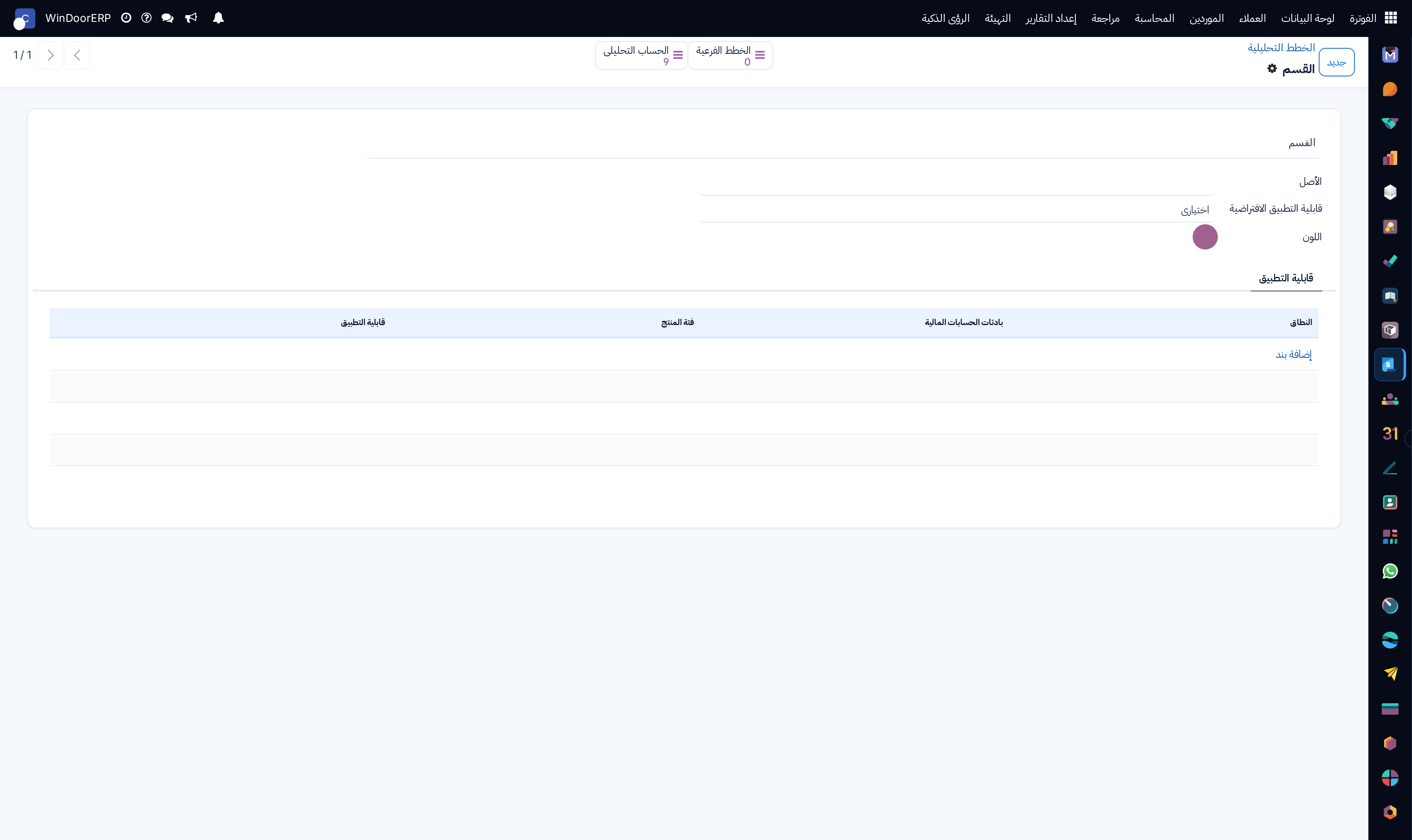
Analytic plan editor defining mandatory cost dimensions

\n

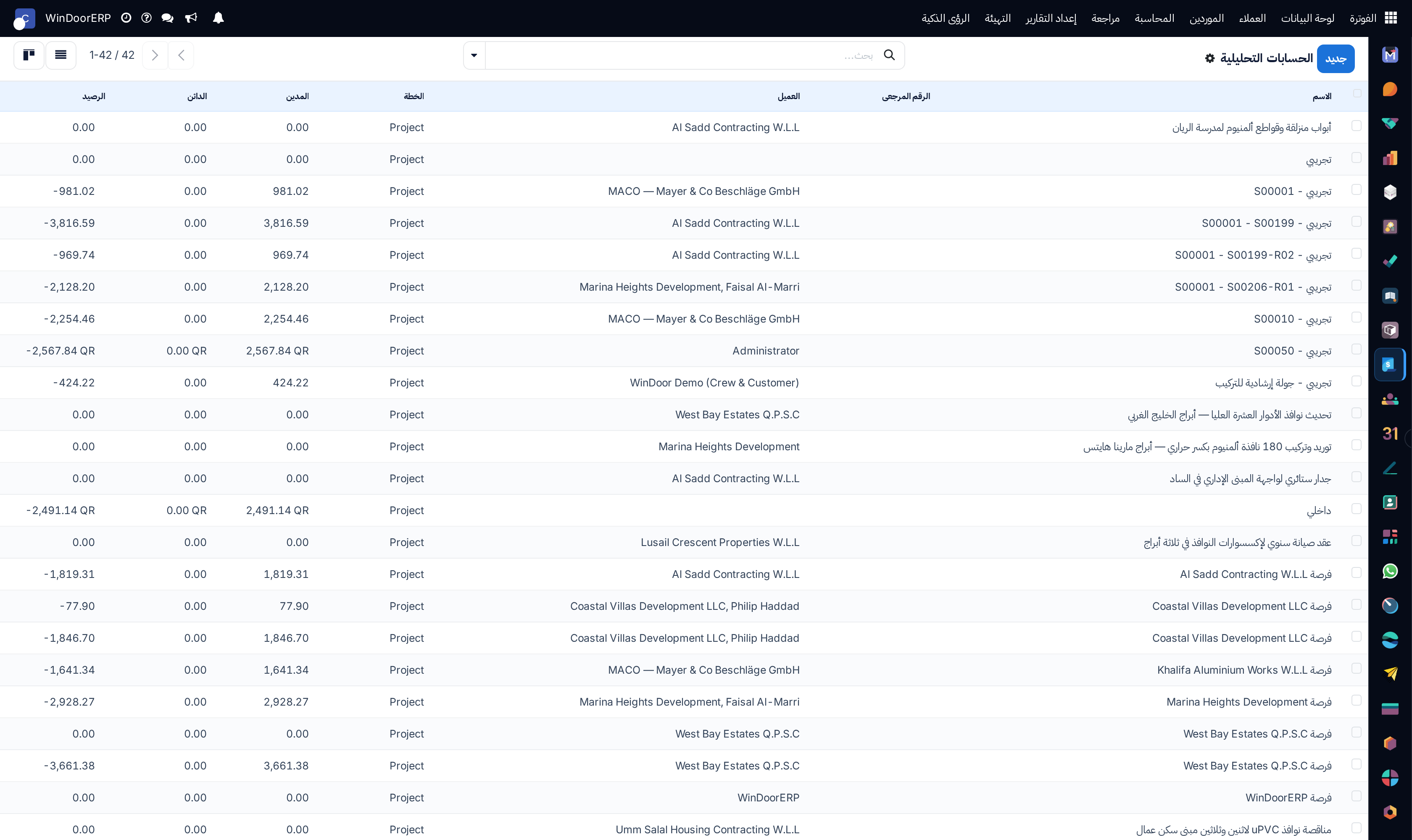
Analytic accounts master list with total debit and credit amounts

\n

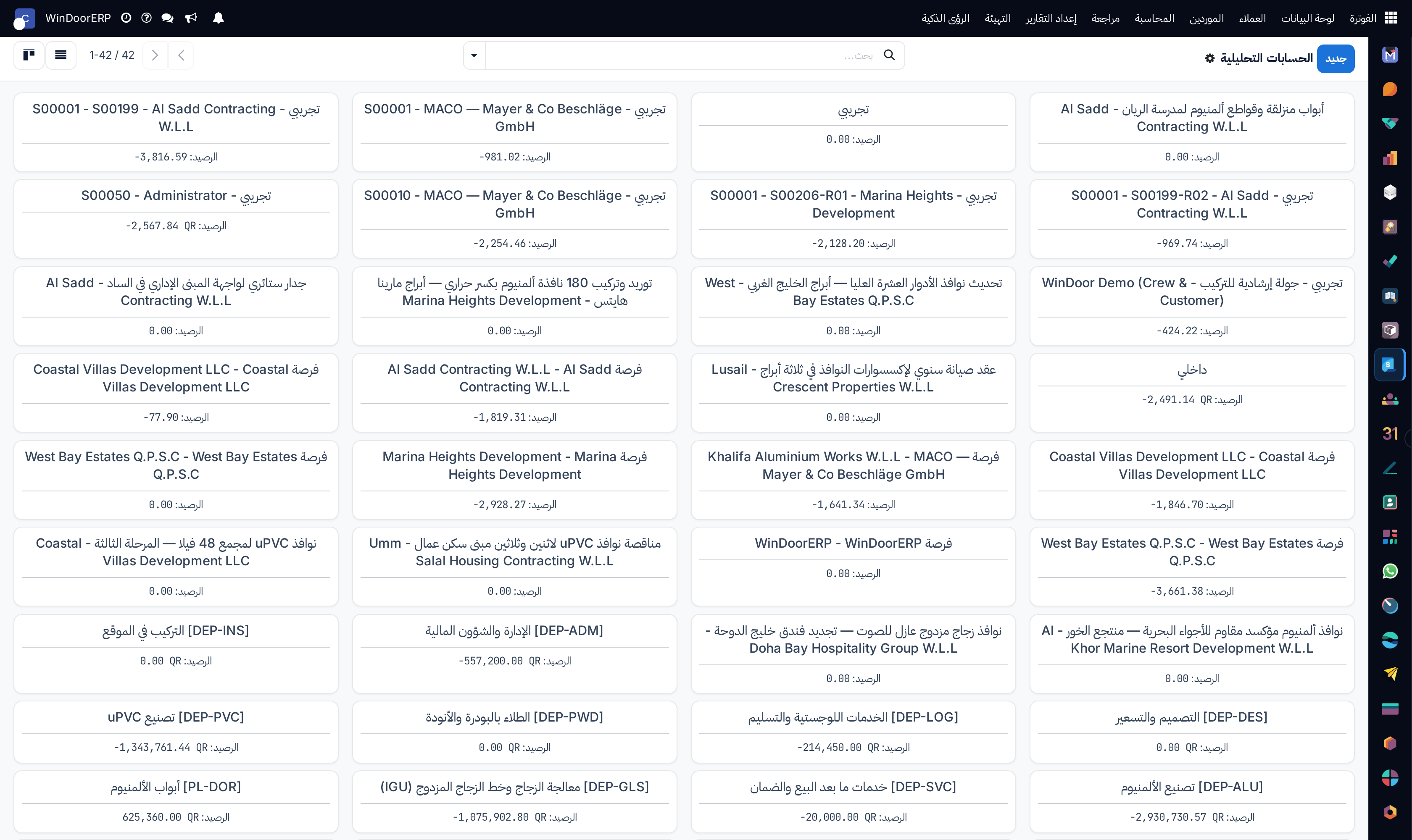
Analytic accounts kanban overview

\n

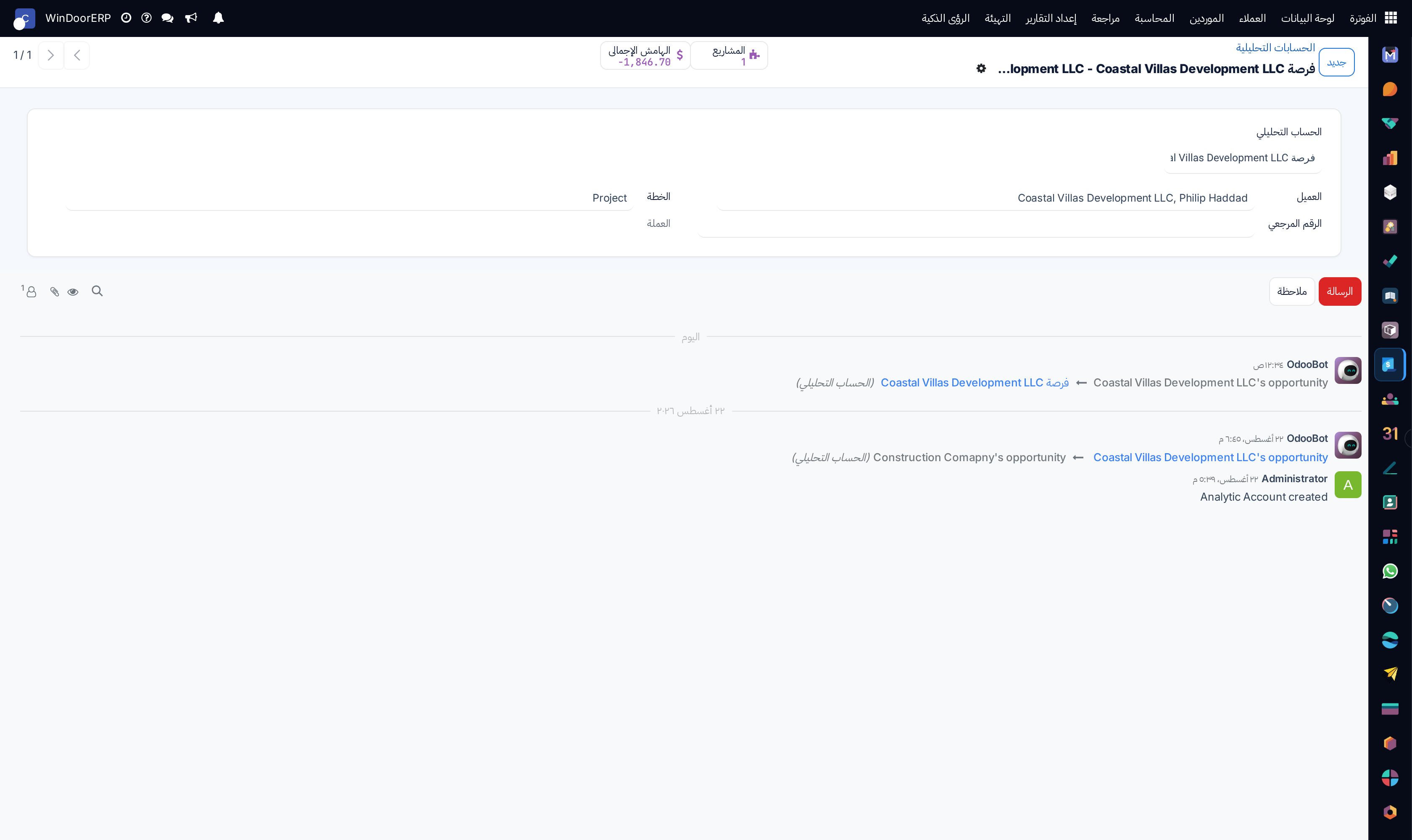
Analytic account detail profile with customer and project bindings

\n

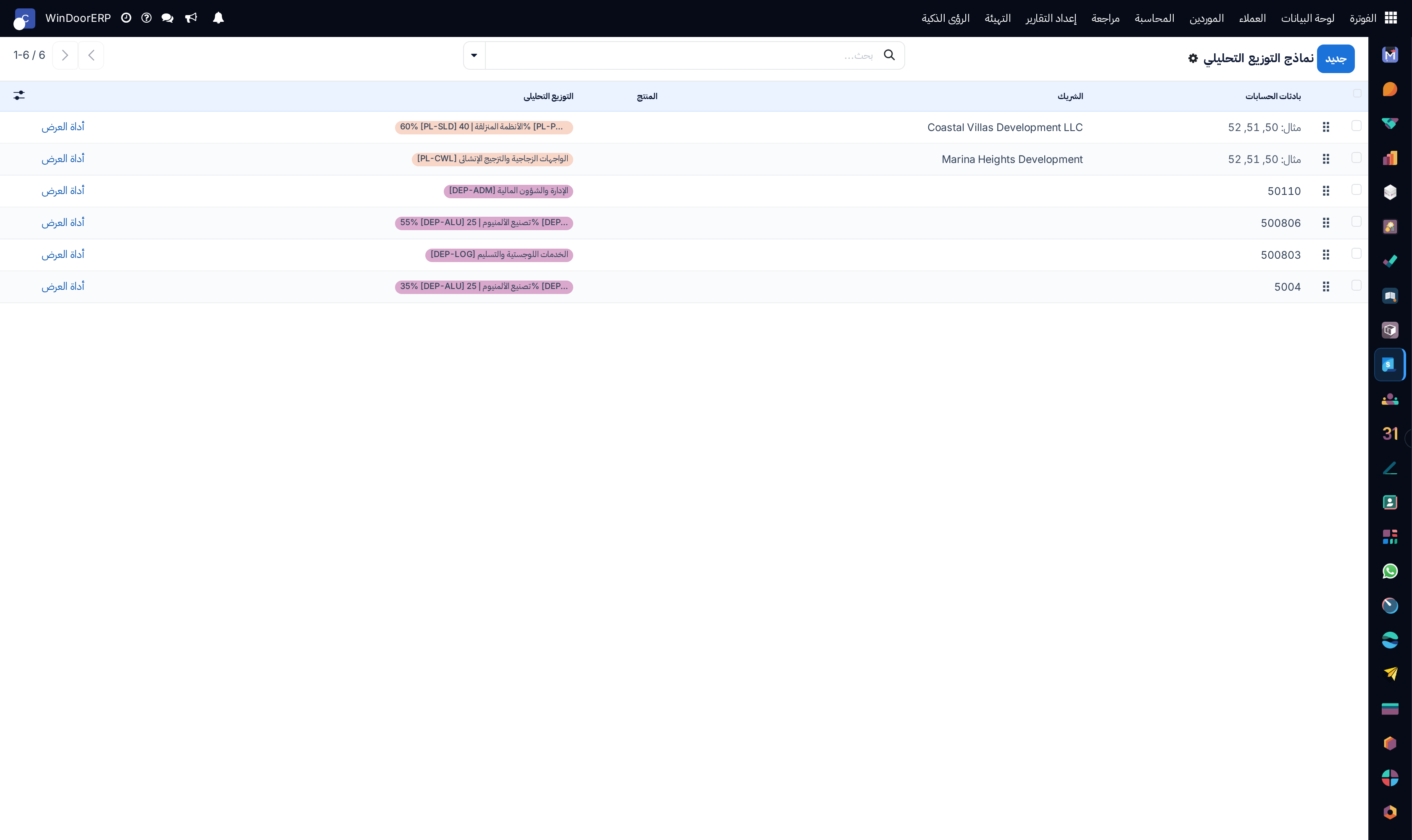
Analytic distribution automatic allocation models list

\n

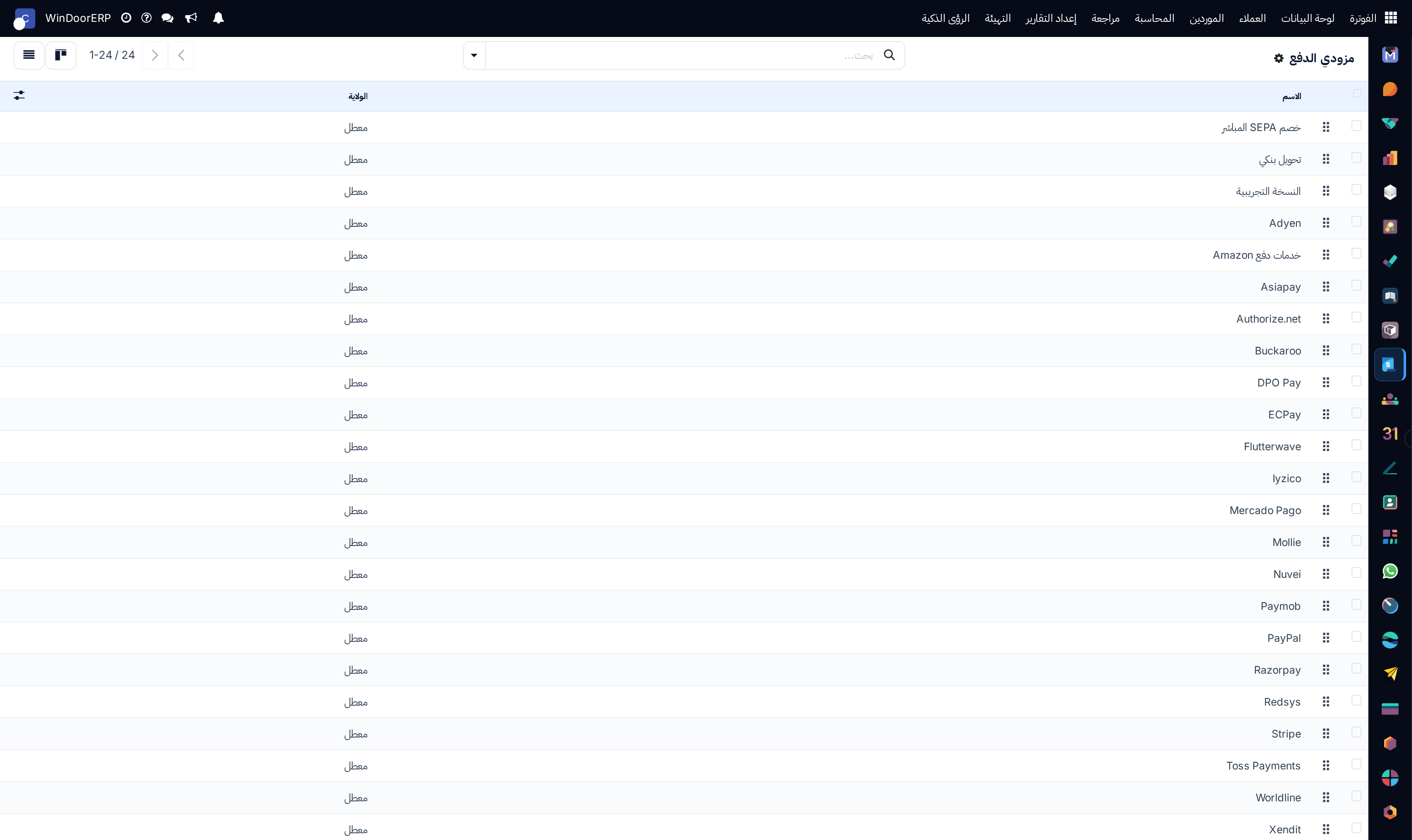
Online payment providers catalog list showing Mada, Apple Pay, and Stripe

\n

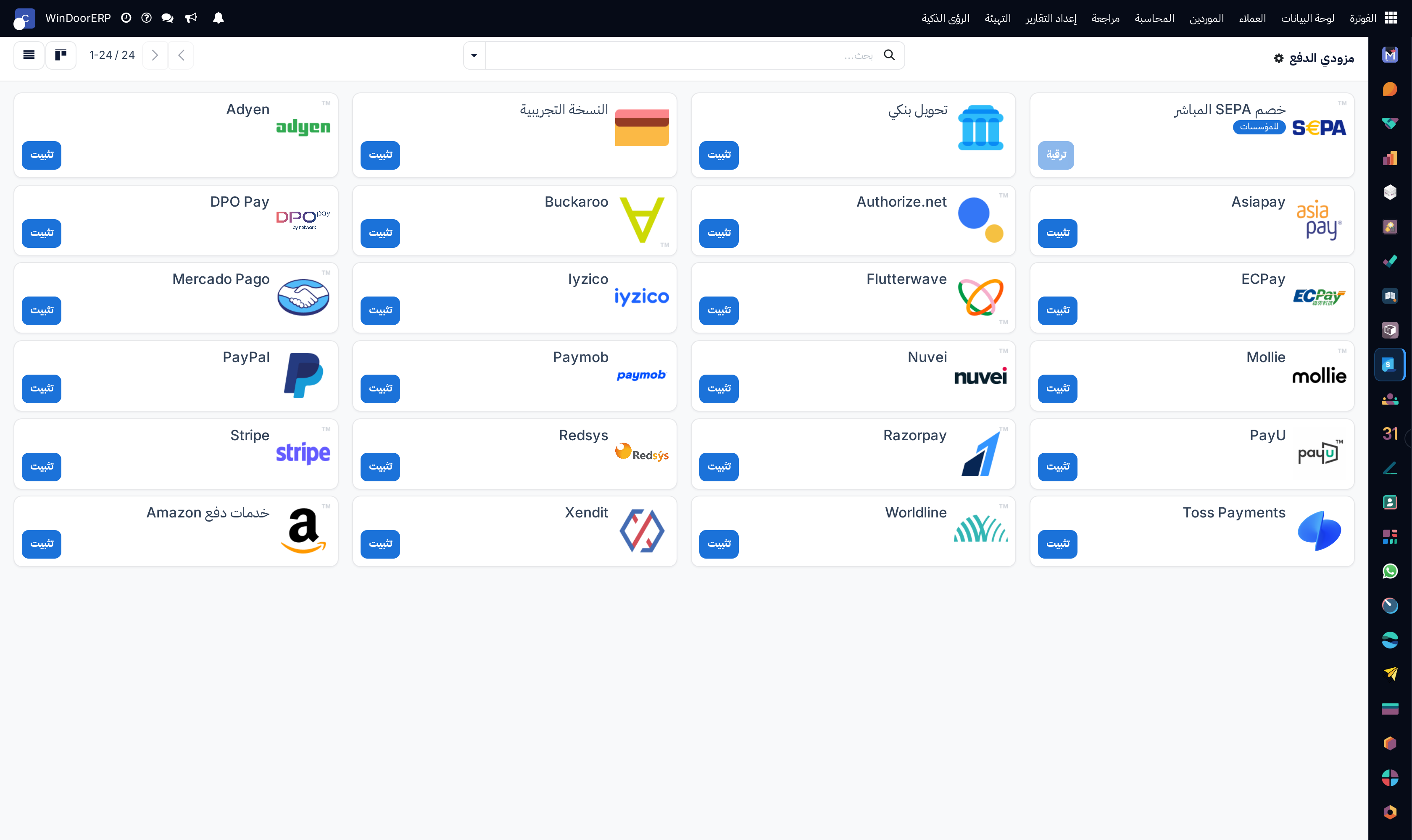
Payment providers kanban cards

\n

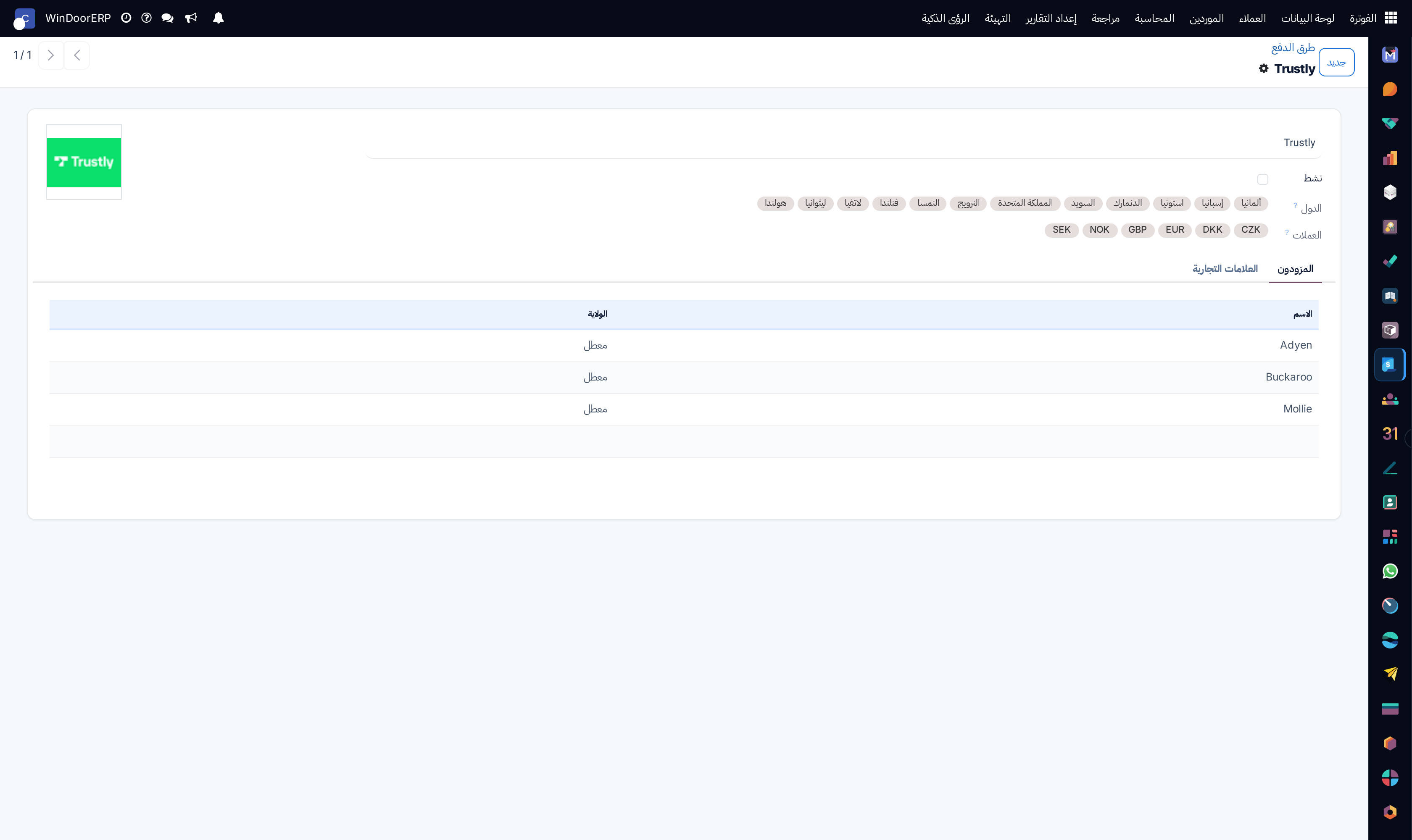
Payment provider configuration editor with API credentials and payment journal bindings

\n

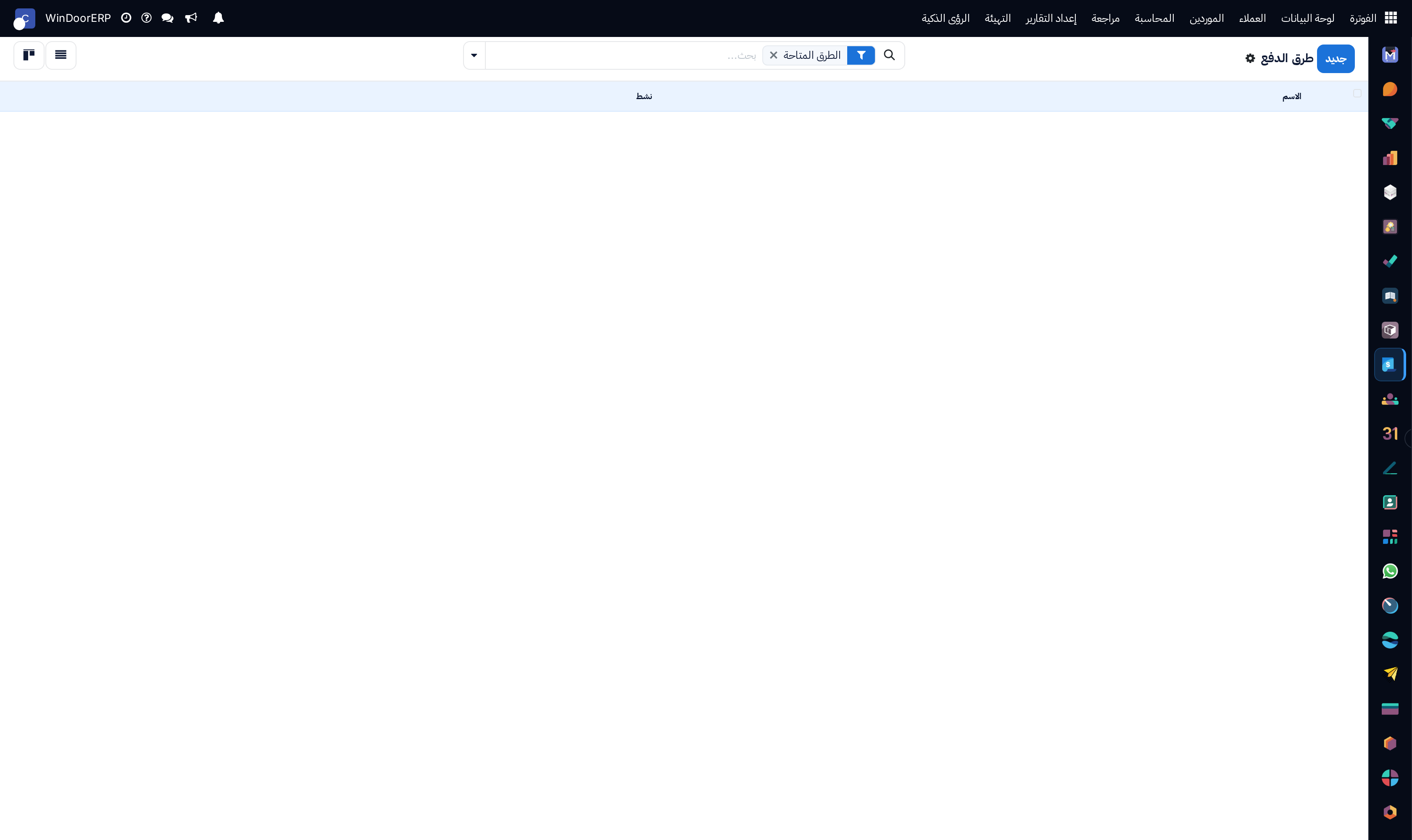
Customer payment methods catalog list

\n

Payment methods kanban overview

\n

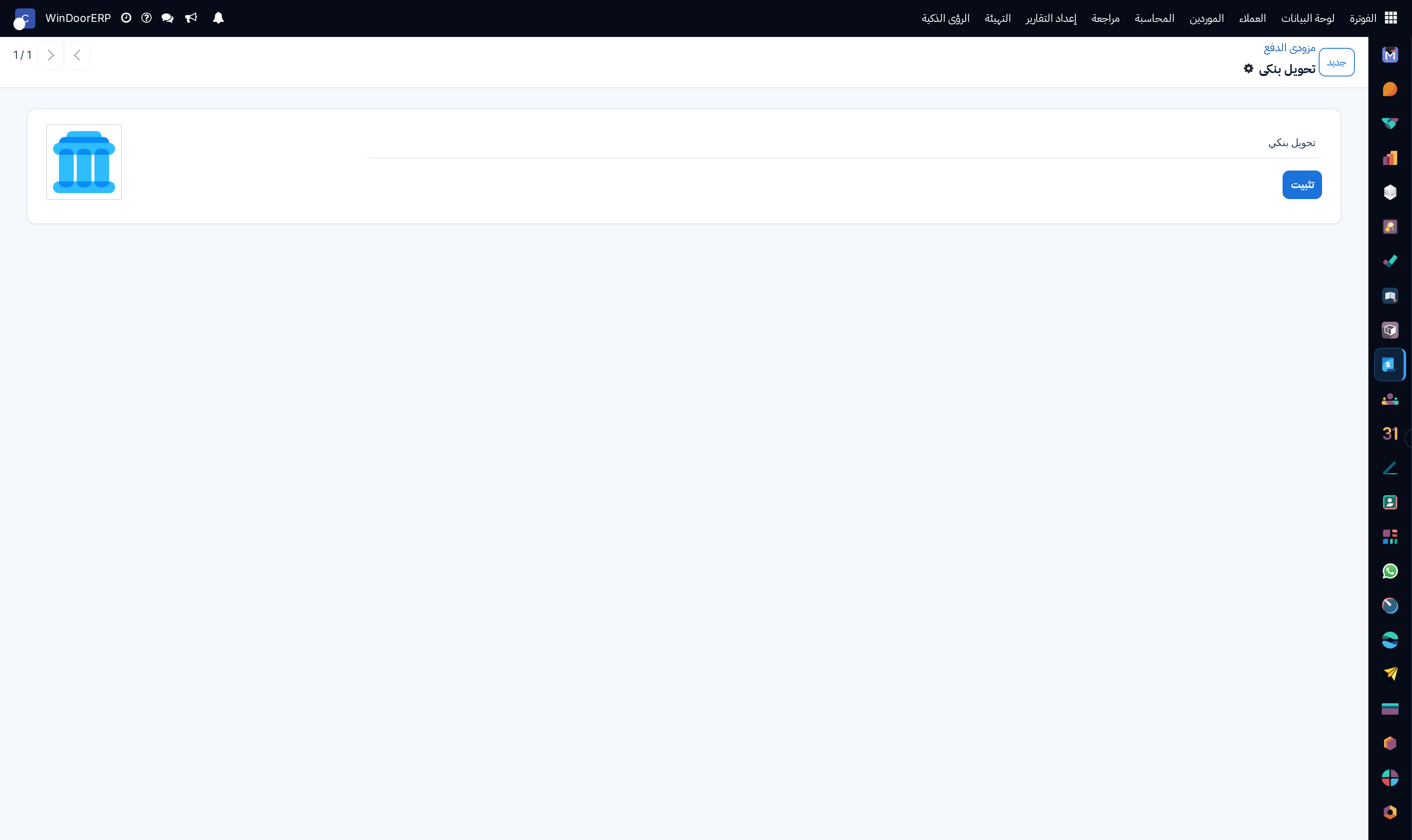
Payment method configuration form

\n

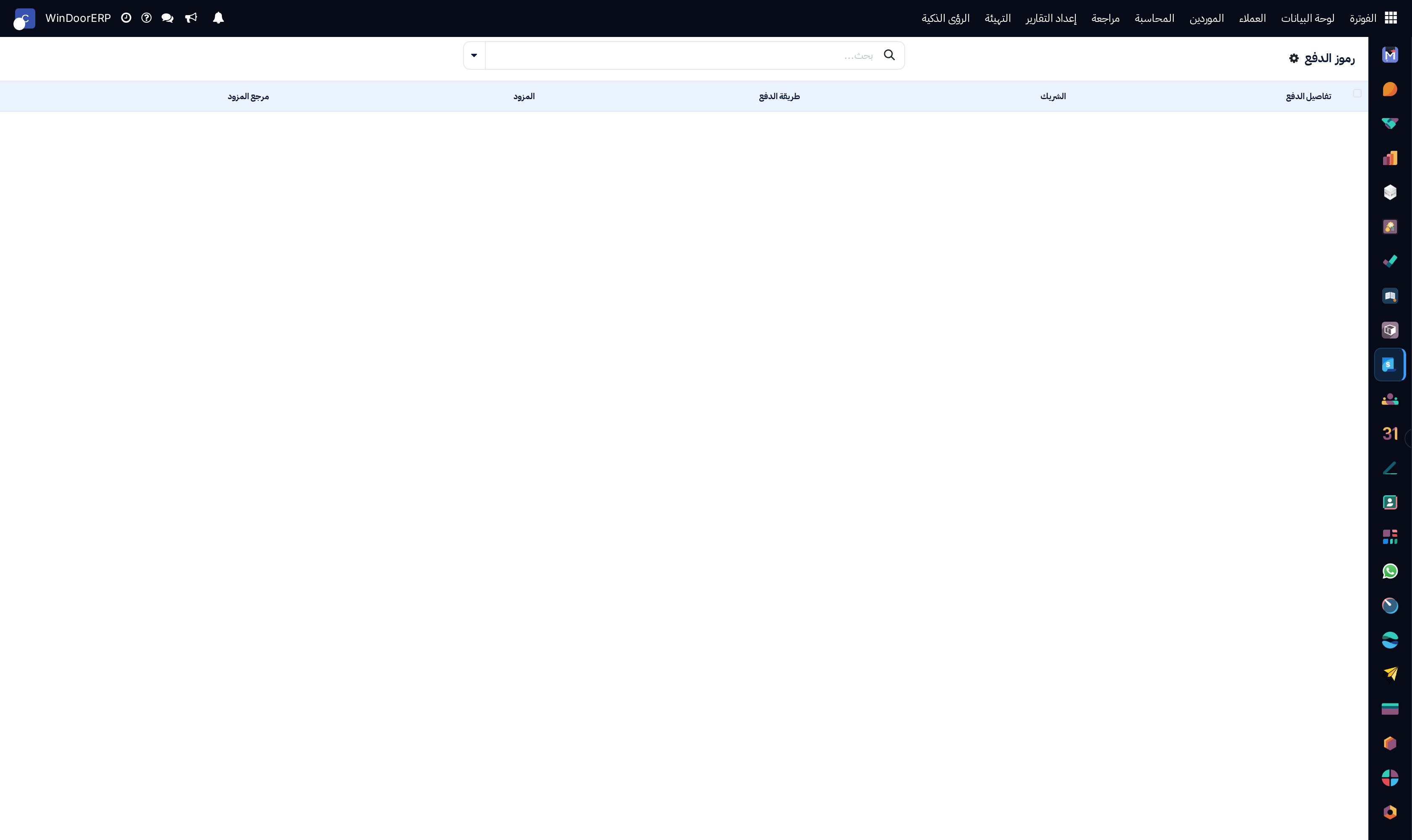
Customer saved payment tokens list

\n

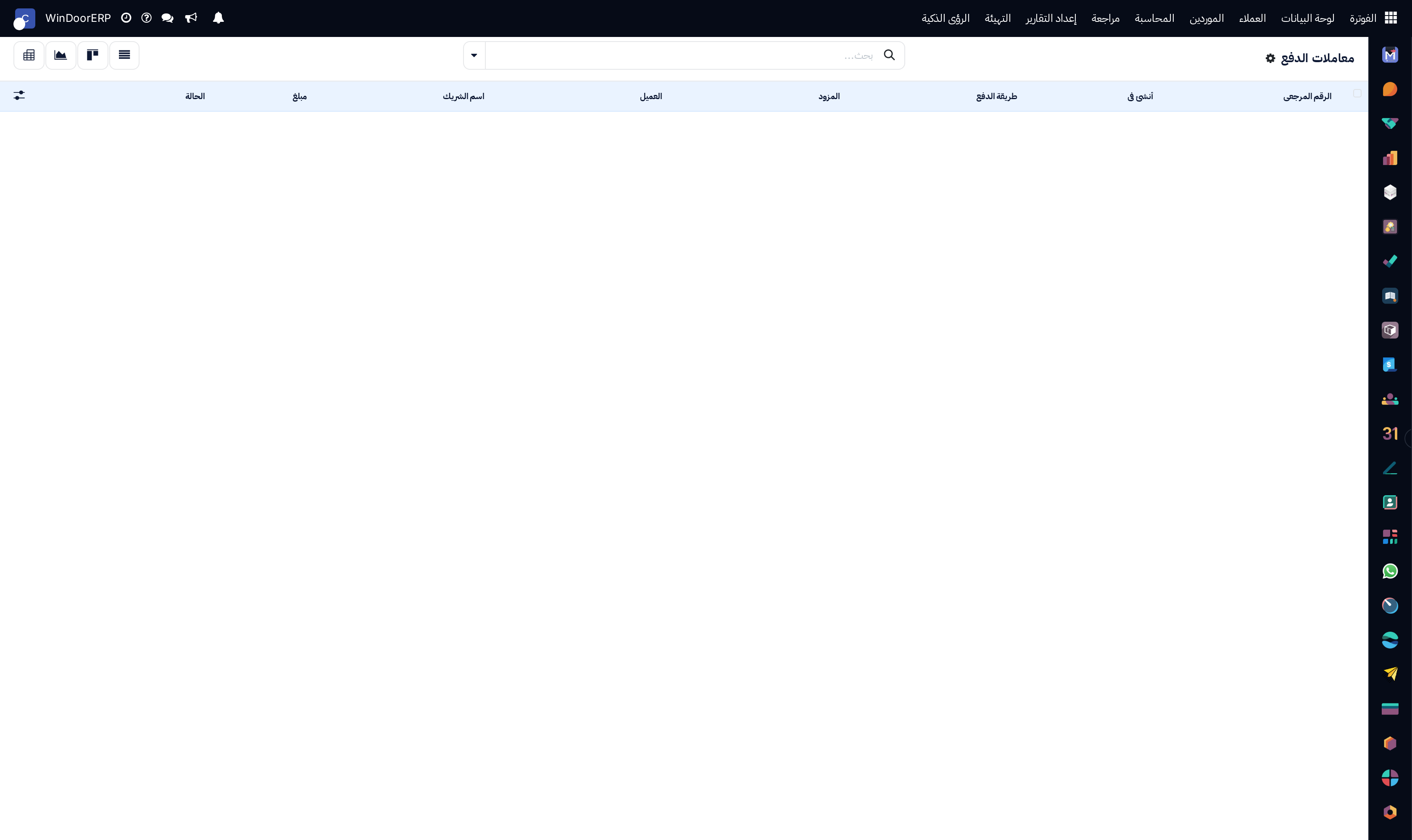
Online payment transactions audit registry

\n

Payment transactions kanban board

\n

Online transaction processing volume chart

\n

Payment transactions settlement pivot matrix

\n

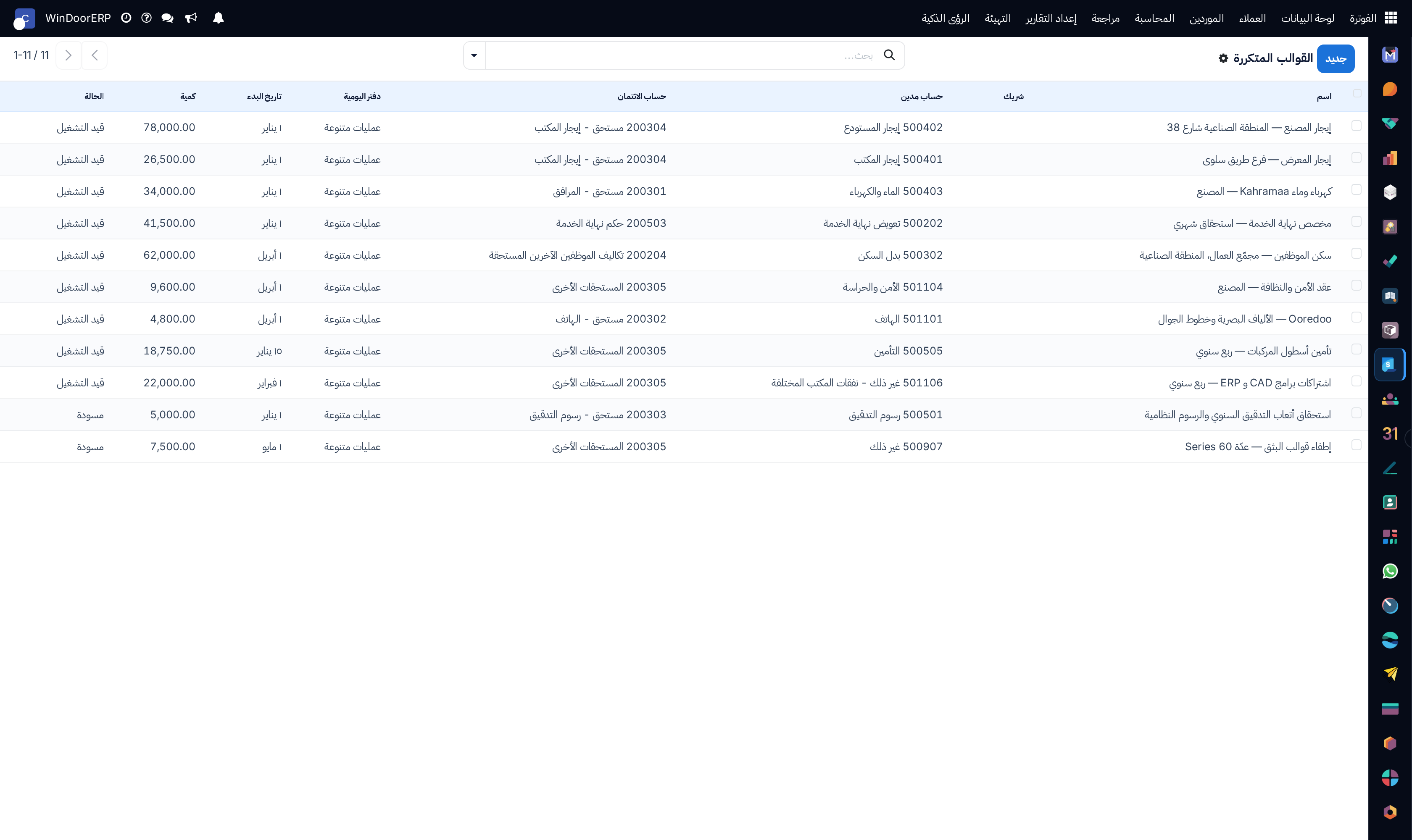
Recurring subscription and maintenance payment templates list

\n

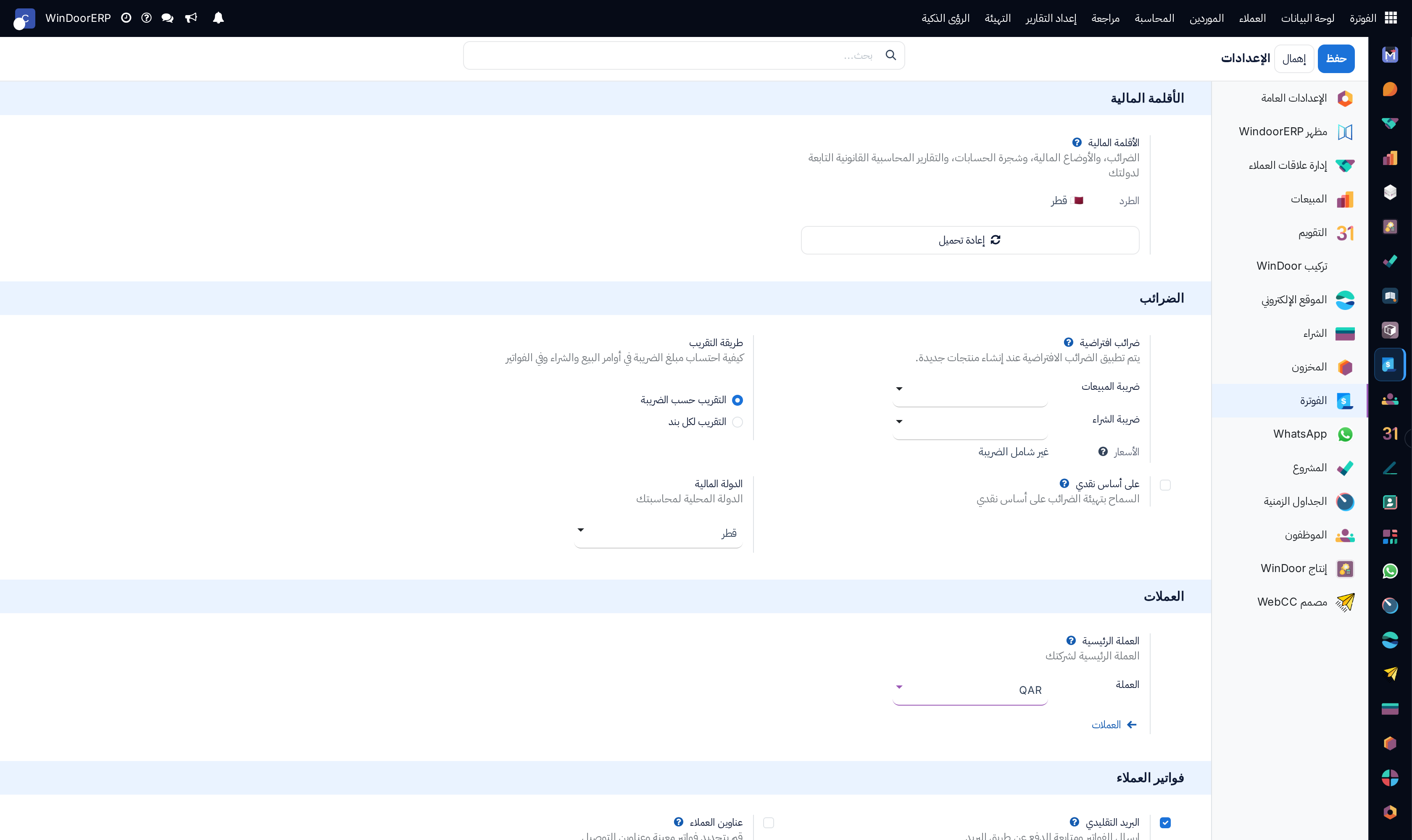
Accounting module global settings panel with tax, currency, and fiscal policies

\n

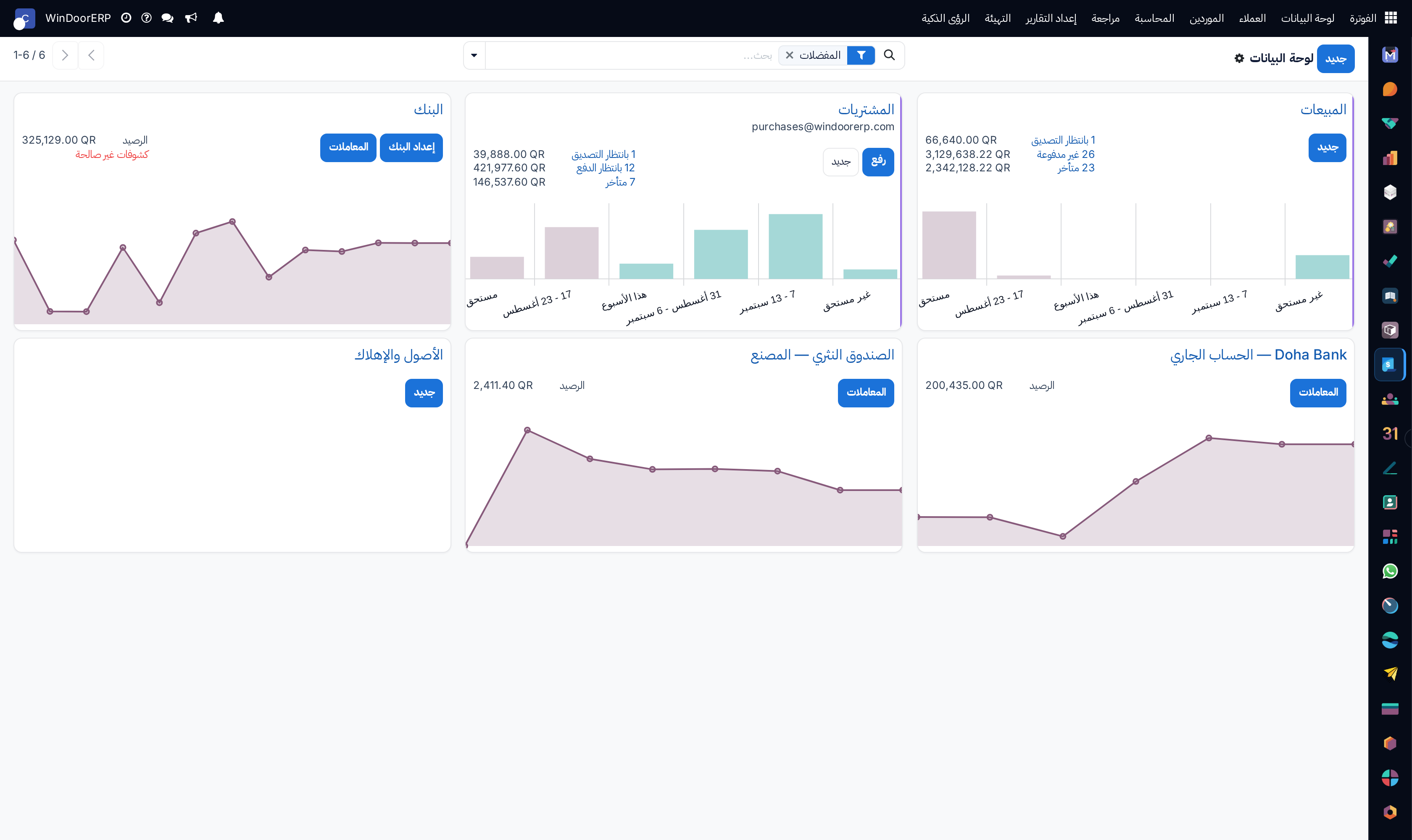
Accounting master operations dashboard kanban screen

\n

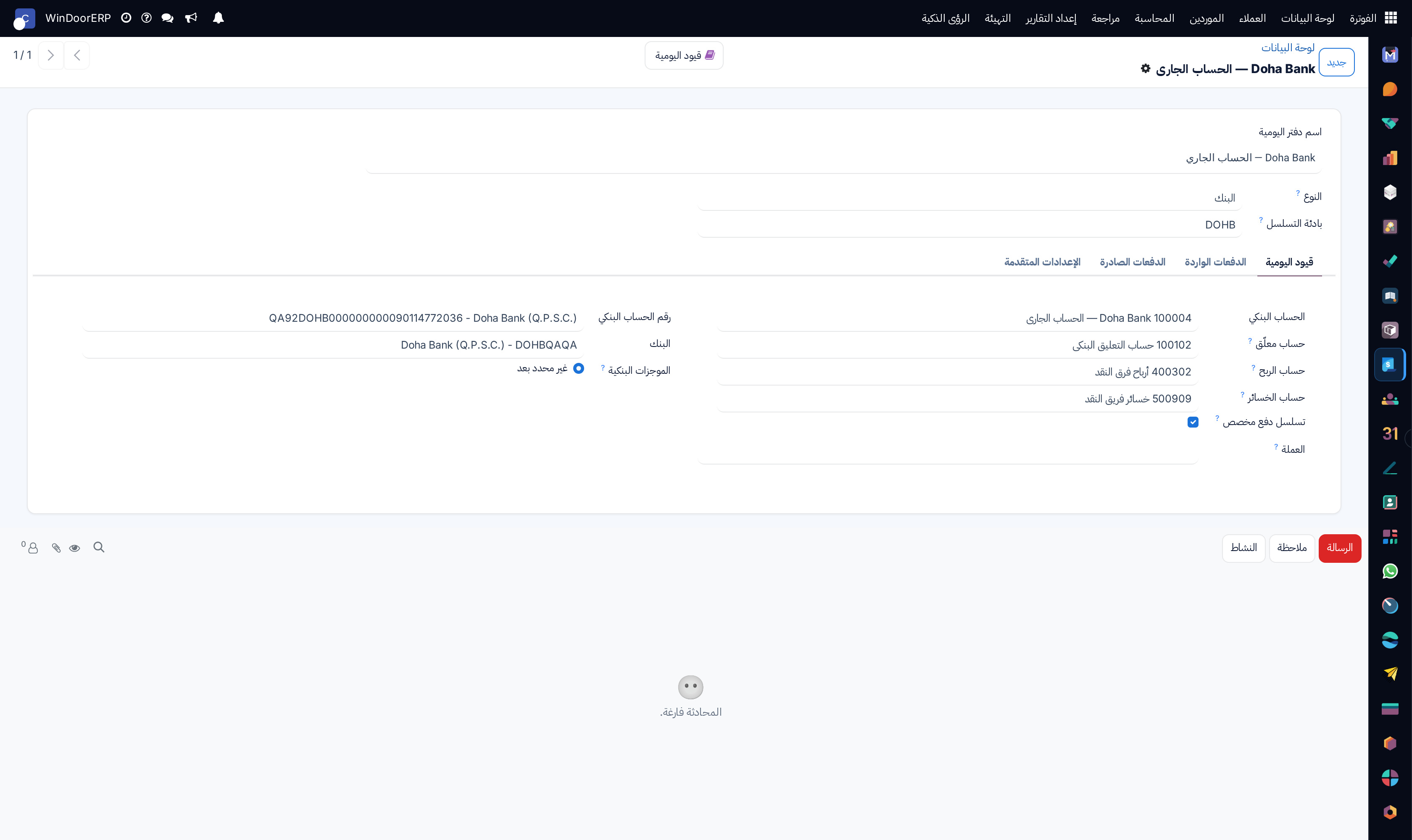
Accounting dashboard overview editor profile

مهم

يؤدي إرسال روابط الدفع الإلكتروني الفوري (مدى وأبل باي) مع فواتير الواتساب إلى تسريع تحصيل الدفعات المقدمة بنسبة كبيرة.

  1. 01
    انتقل إلى المحاسبة › التهيئة › المحاسبة التحليلية › خطط الحسابات التحليلية والحسابات التحليلية.
  2. 02
    اضبط نماذج التوزيع التحليلي (Analytic Distribution Models) لتوجيه التكاليف تلقائياً بناءً على بنود أمر البيع.
  3. 03
    انتقل إلى الدفع الإلكتروني › مزودو خدمات الدفع (Payment Providers) لتهيئة بوابات مدى، أبل باي، وفيزا.
  4. 04
    راجع بطاقات العملاء المحفوظة في رموز الدفع (Payment Tokens) وسجل الحركات في حركات الدفع.
  5. 05
    افتح الإعدادات (Settings) لضبط الضرائب الافتراضية، فترة إقفال السنة المالية، والمزامنة التلقائية مع البنوك.

أخطاء شائعة

  • ترك بيانات بوابة الدفع في وضع الاختبار (Sandbox) أثناء إصدار فواتير حقيقية للعملاء.
  • \n
  • ضبط تقريب العملات بشكل غير دقيق مما يسبب فروق هللات طفيفة في الفواتير الضريبية.

هل كان هذا المقال مفيداً؟

تدير مصنع نوافذ أو أبواب؟

اطلب عرضاً تجريبياً