WindoorERP الدليل 19.0

تهيئة المهام الآلية (Crons)، خوادم البريد، قوالب الإيميل، بوابات SMS والبنية التحتية للمحادثات

3 دقيقة قراءة آخر تحديث 2026-08-28 WindoorERP 19.0

الغرض

يدير محرك الأتمتة الخلفية ومنظومة الاتصالات الشاملة، ويشمل المهام المجدولة آلياً (Crons)، خوادم إرسال واستقبال البريد (SMTP/IMAP)، قوالب البريد والرسائل النصية الديناميكية، سيرفرات مكالمات WebRTC، وتوجيه الإشعارات.

قبل أن تبدأ

  • صلاحيات مسؤول النظام التقني.

الخطوات
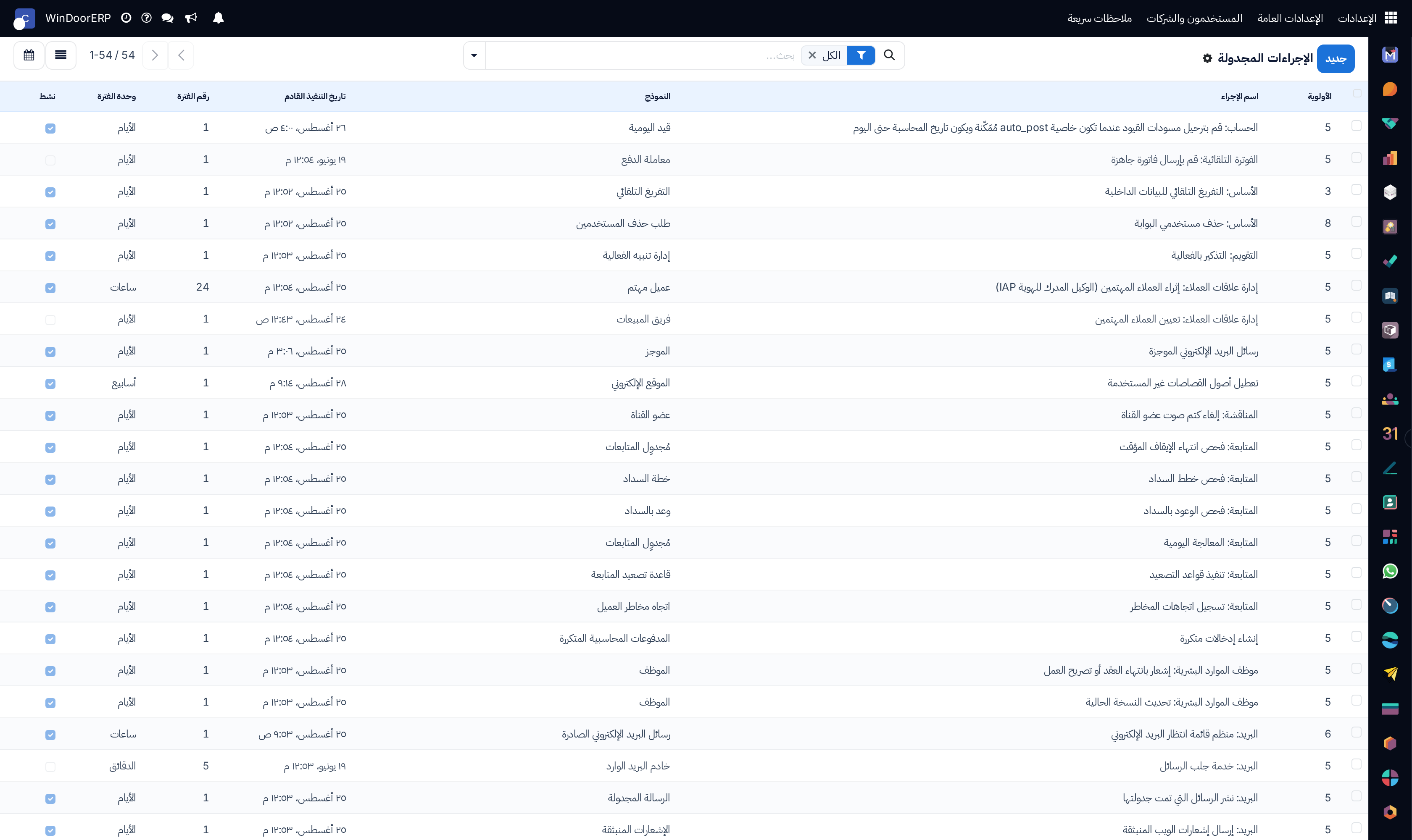
Automated cron scheduled actions registry list

\n

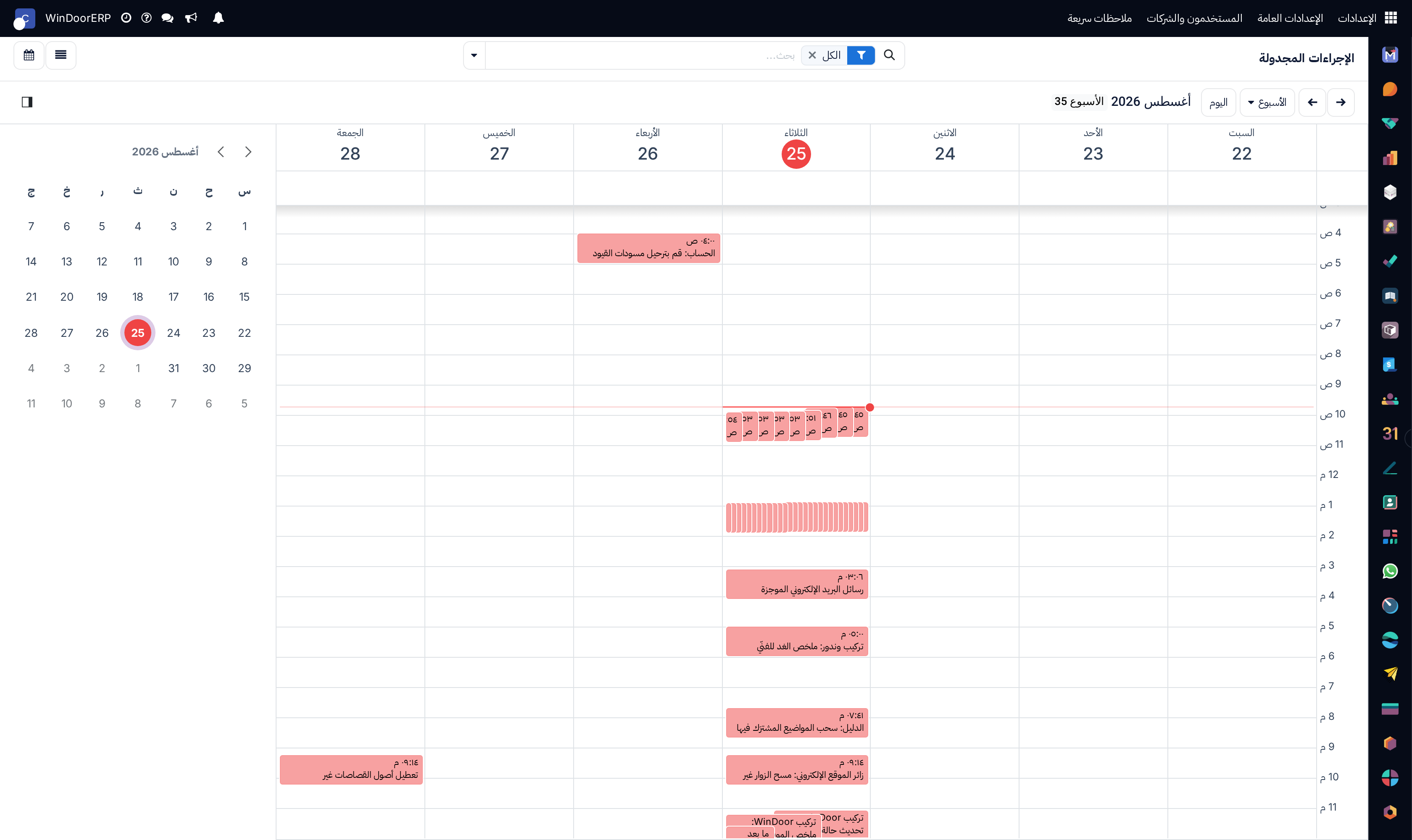
Scheduled cron actions execution calendar

\n

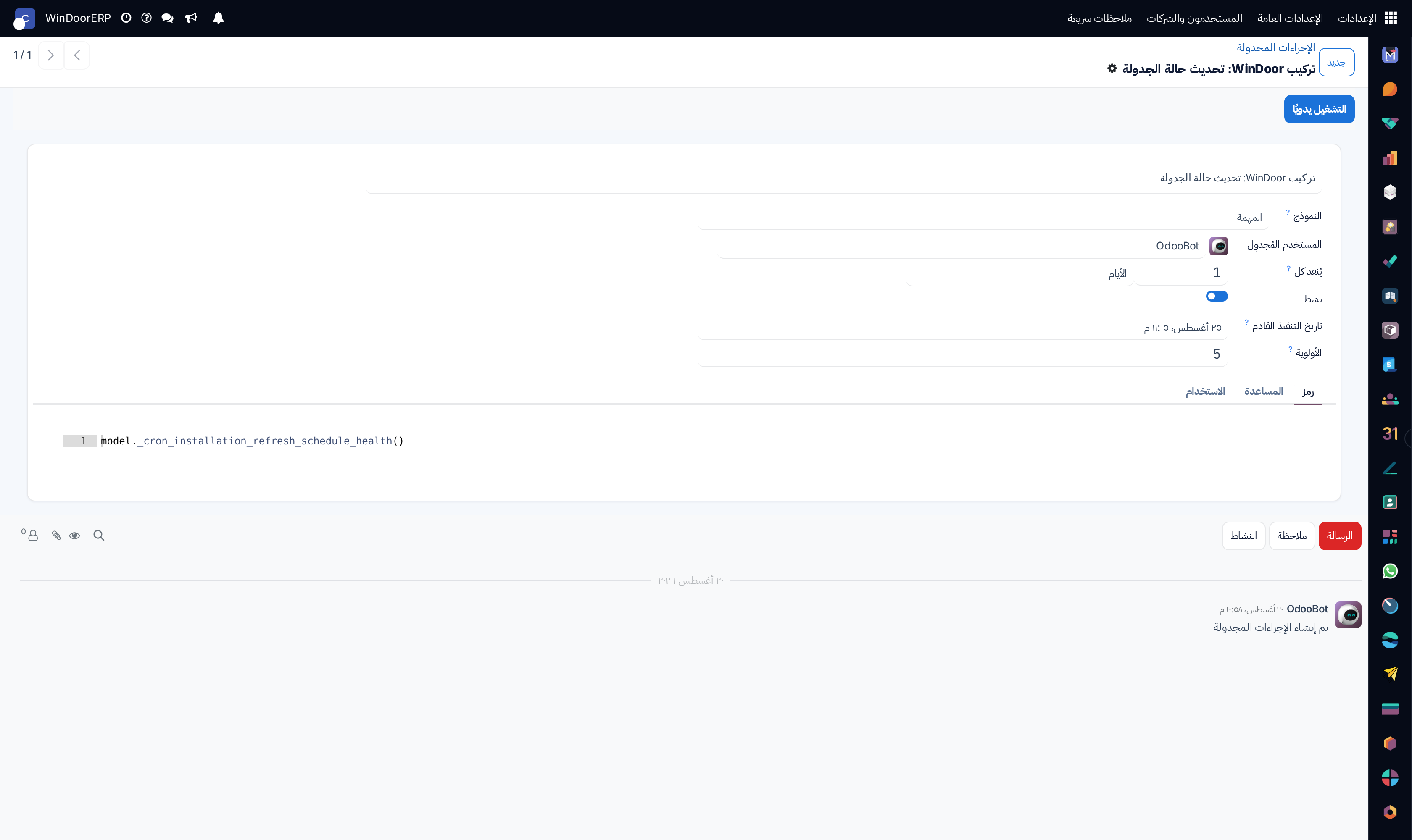
Scheduled action profile with interval and model binding

\n

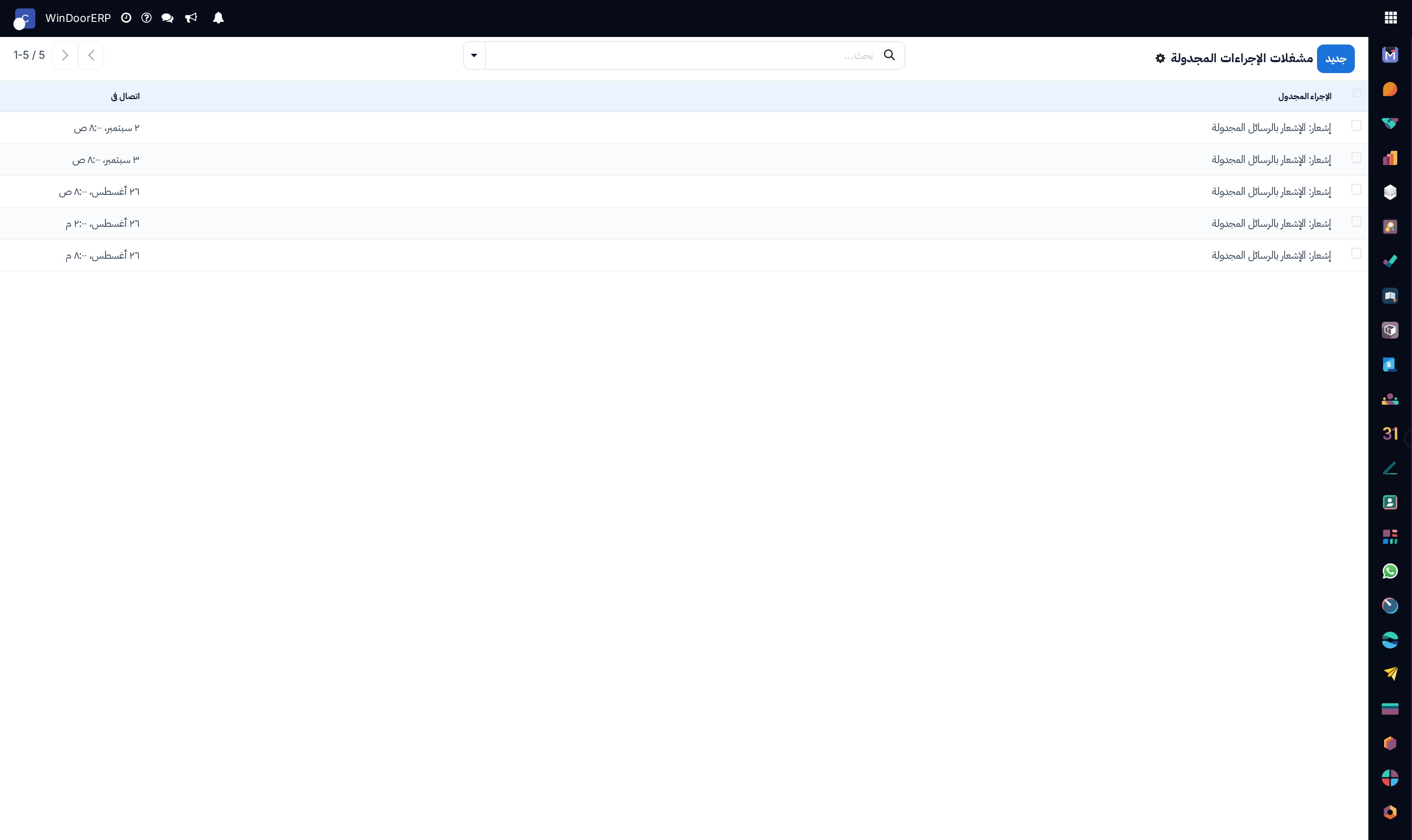
Cron execution trigger events list

\n

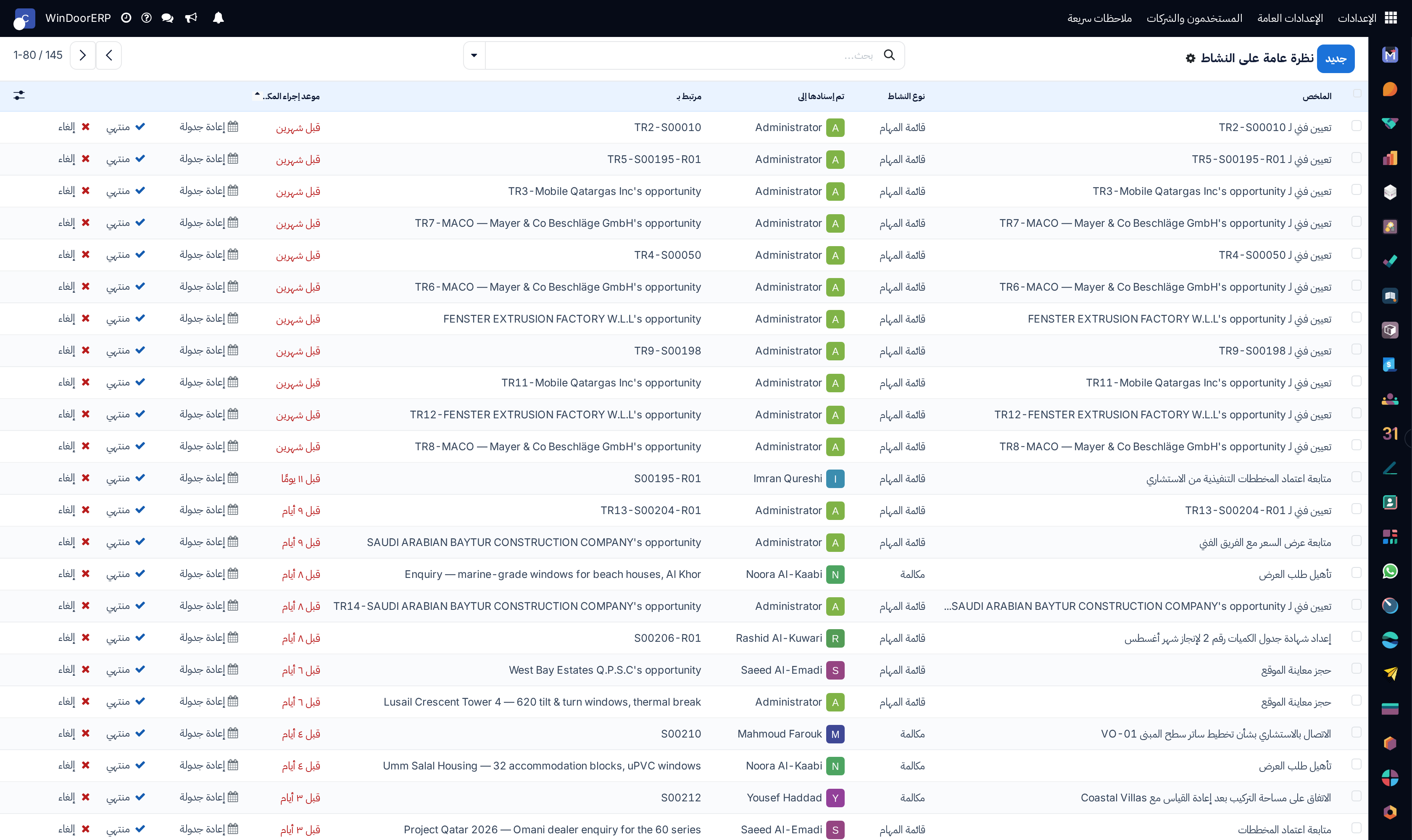
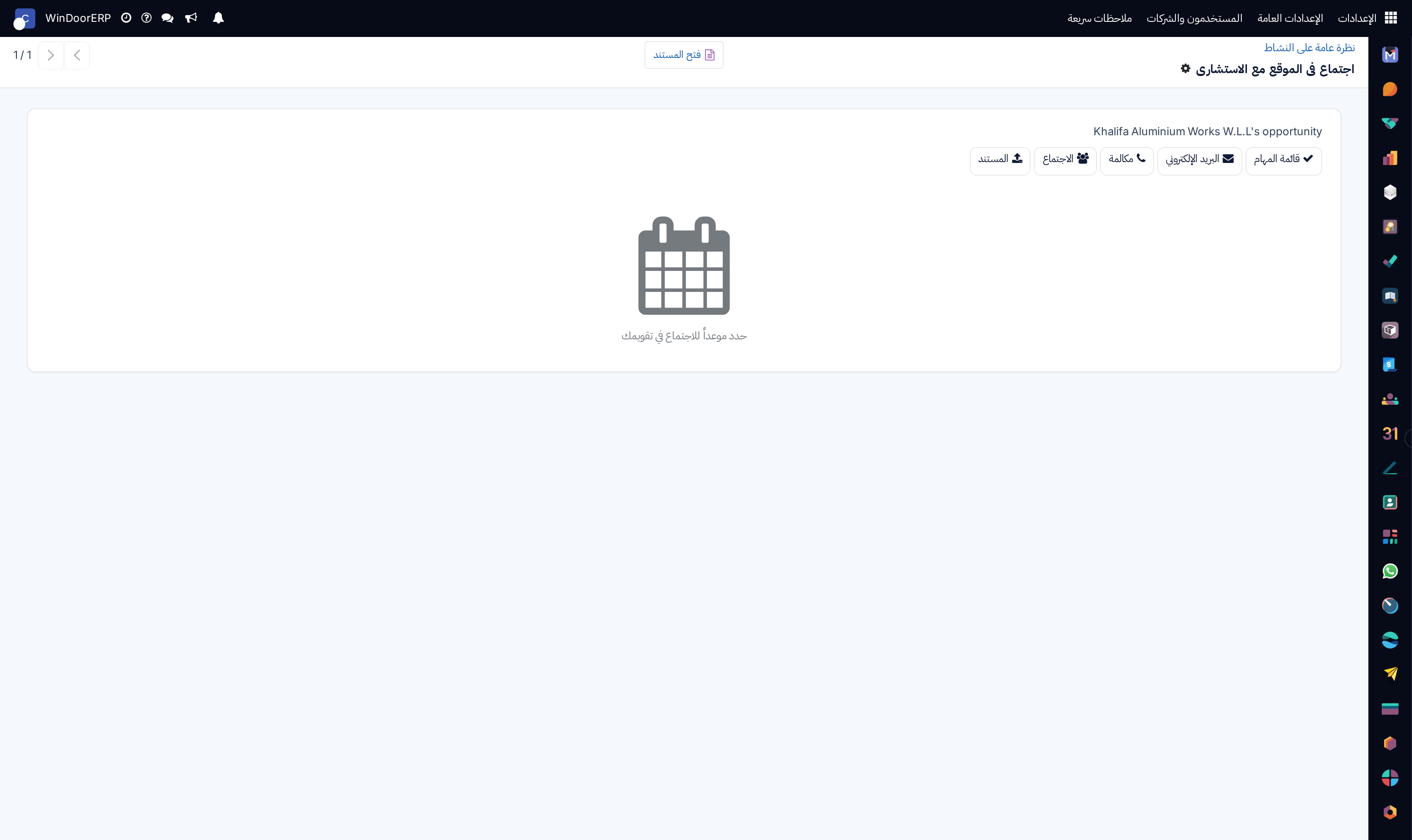
System activity overview list

\n

Activity detail profile

\n

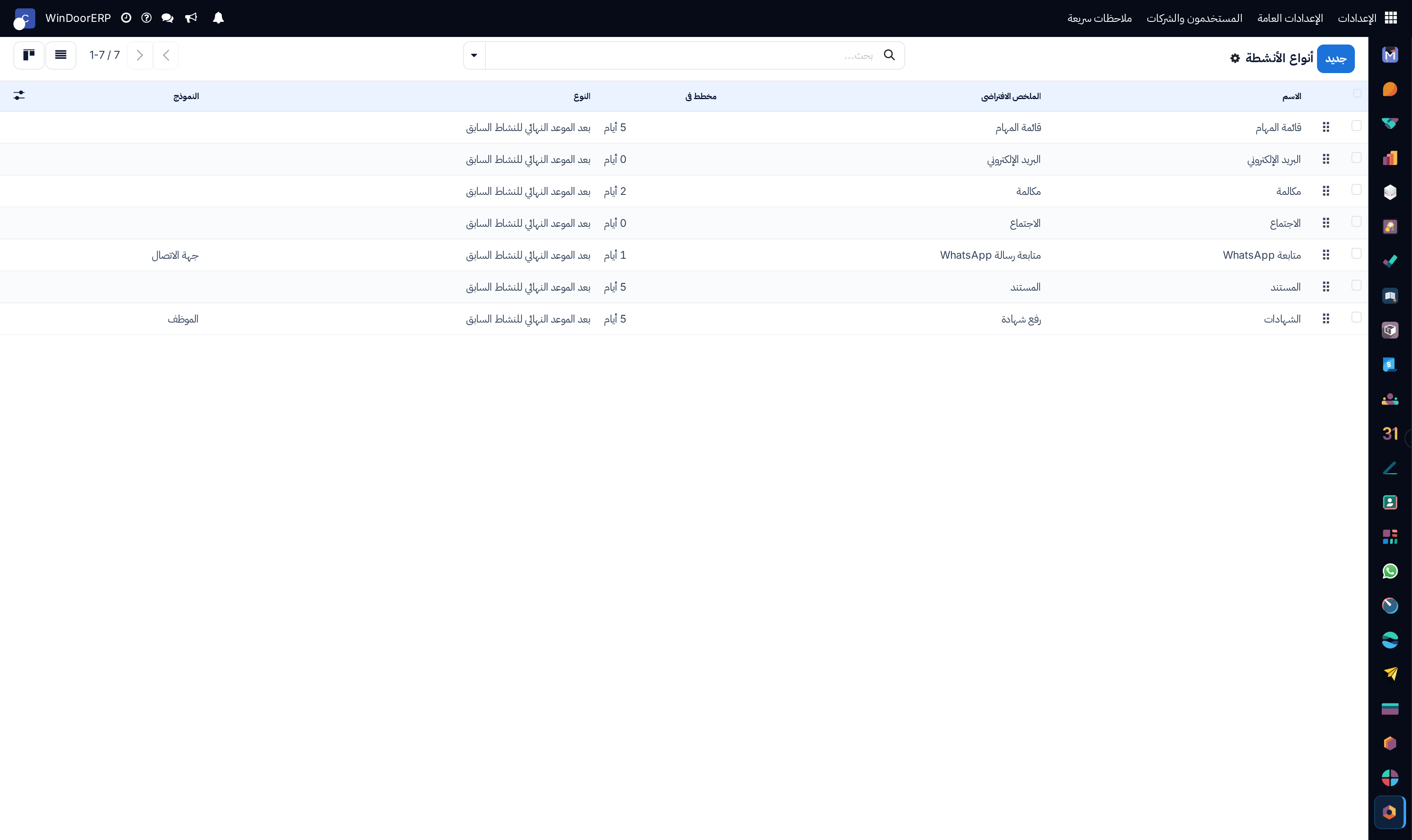
Activity action types catalog list

\n

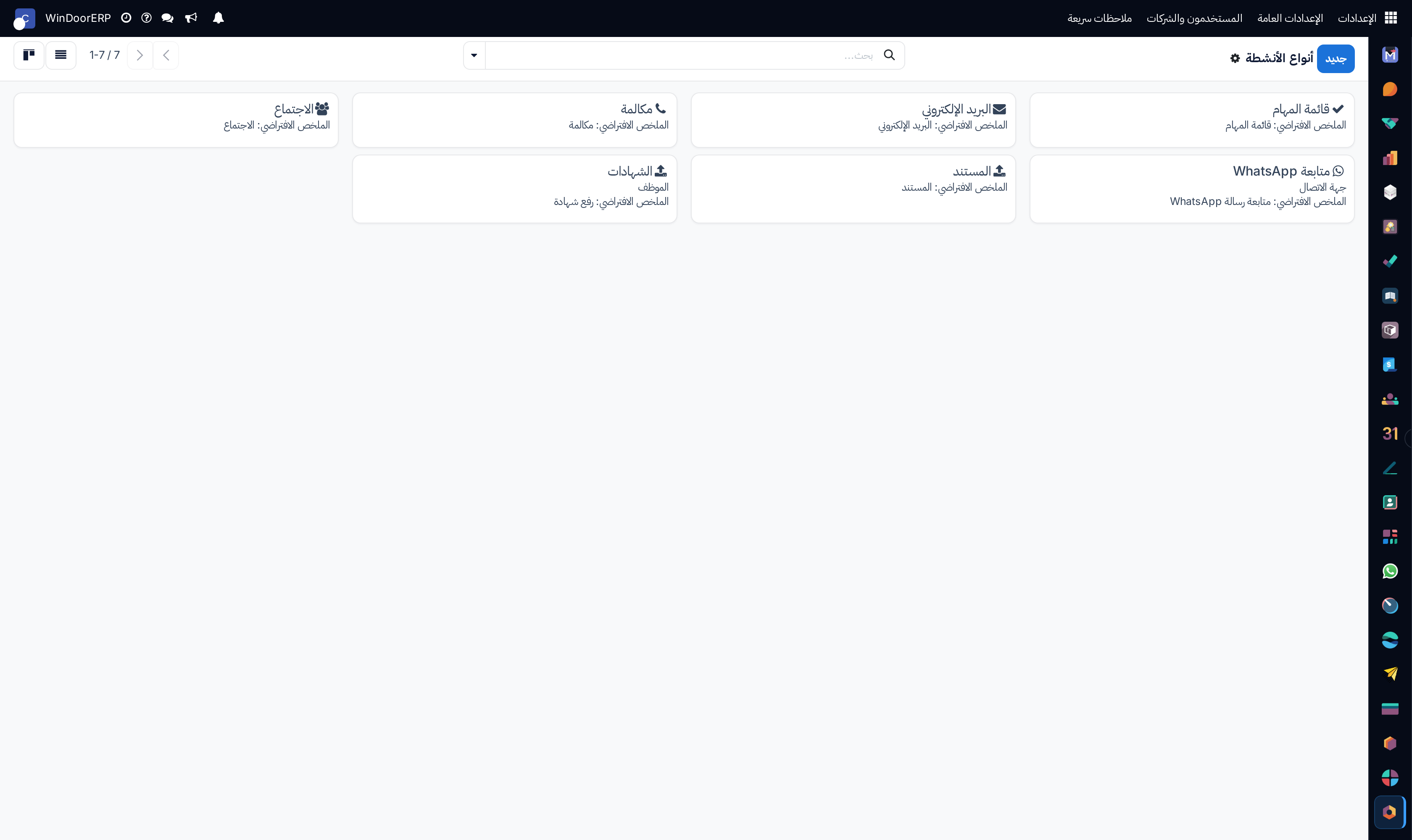
Activity types kanban cards

\n

Activity type configuration profile

\n

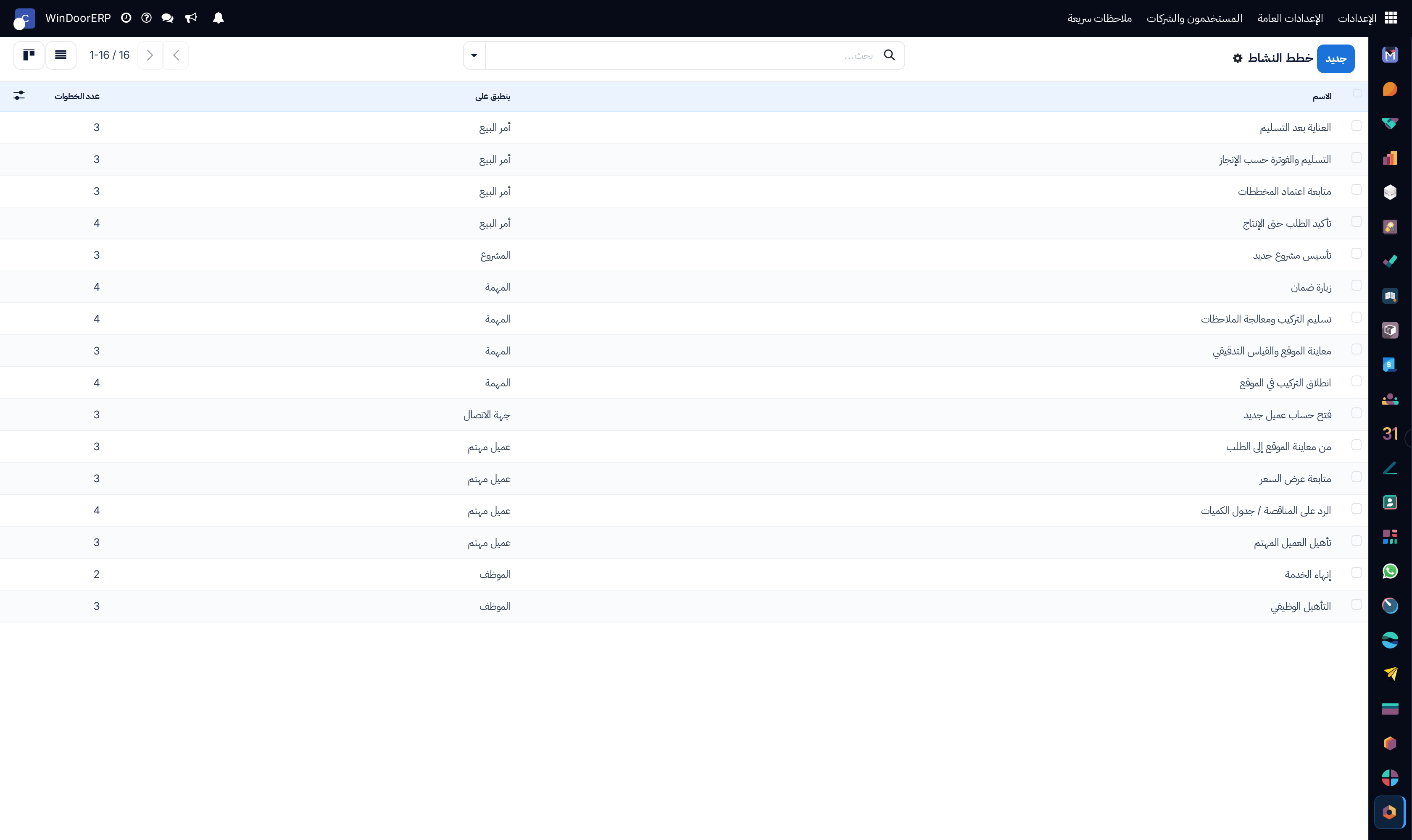
Activity workflow plans catalog list

\n

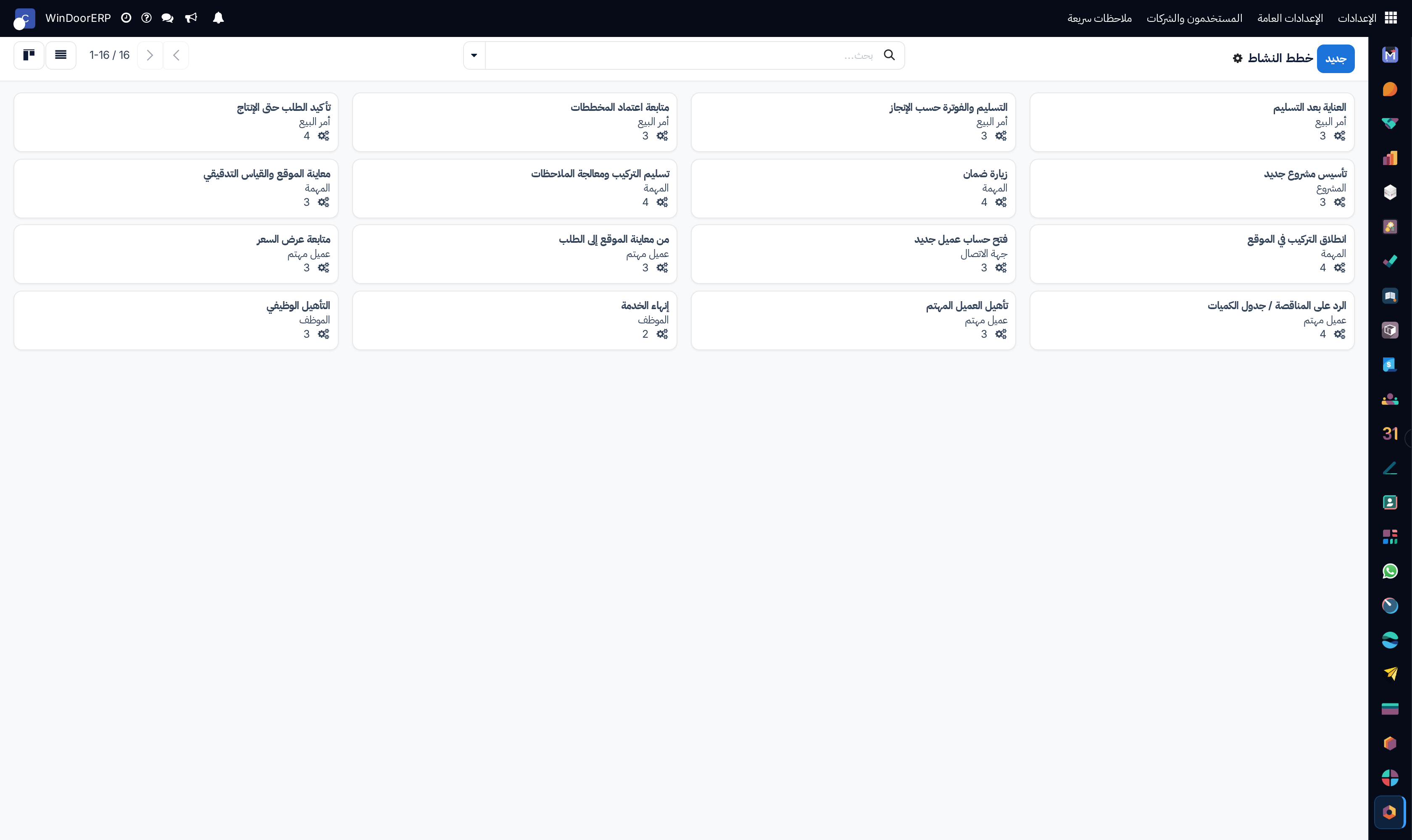
Activity plans kanban cards

\n

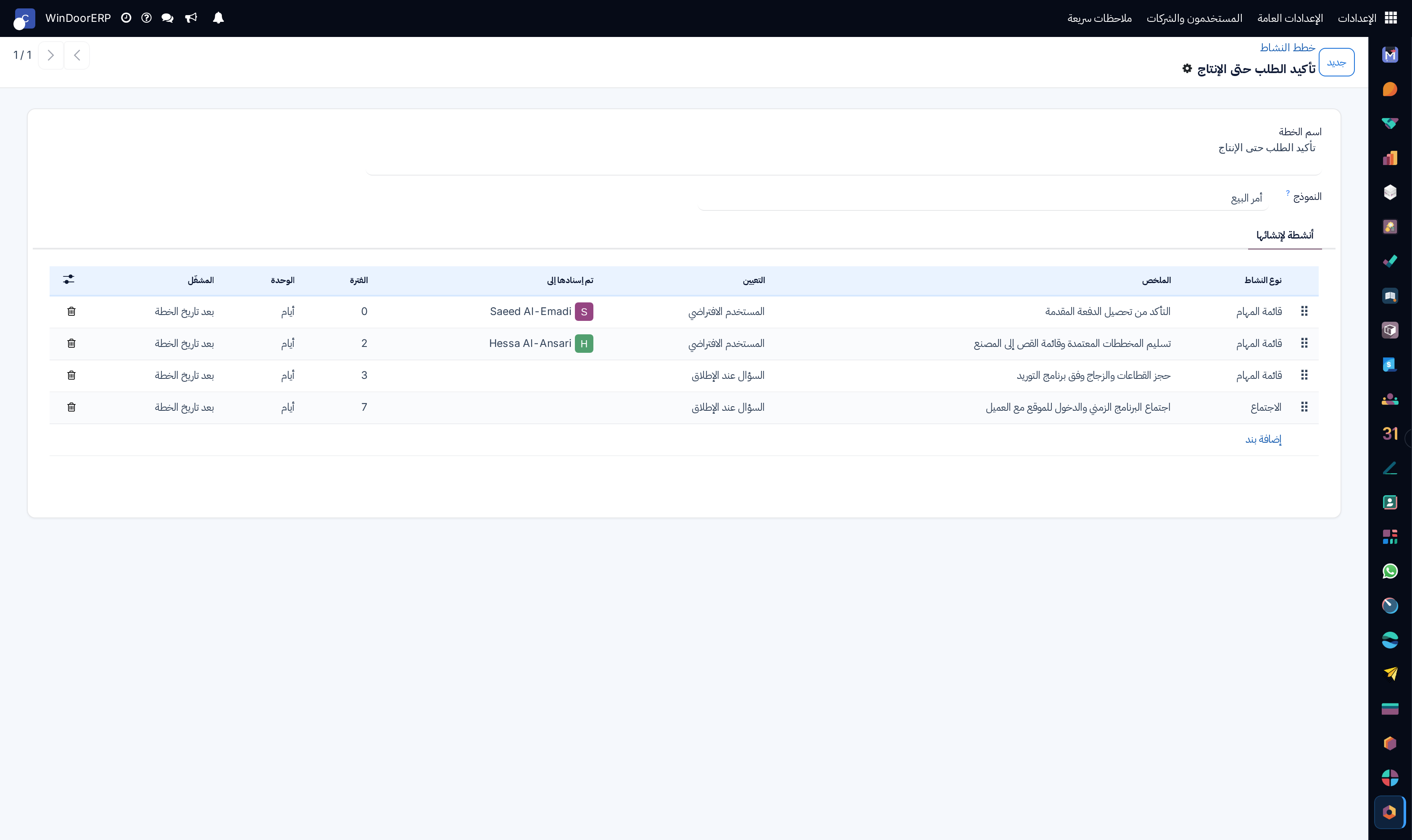
Activity plan editor with step sequencing

\n

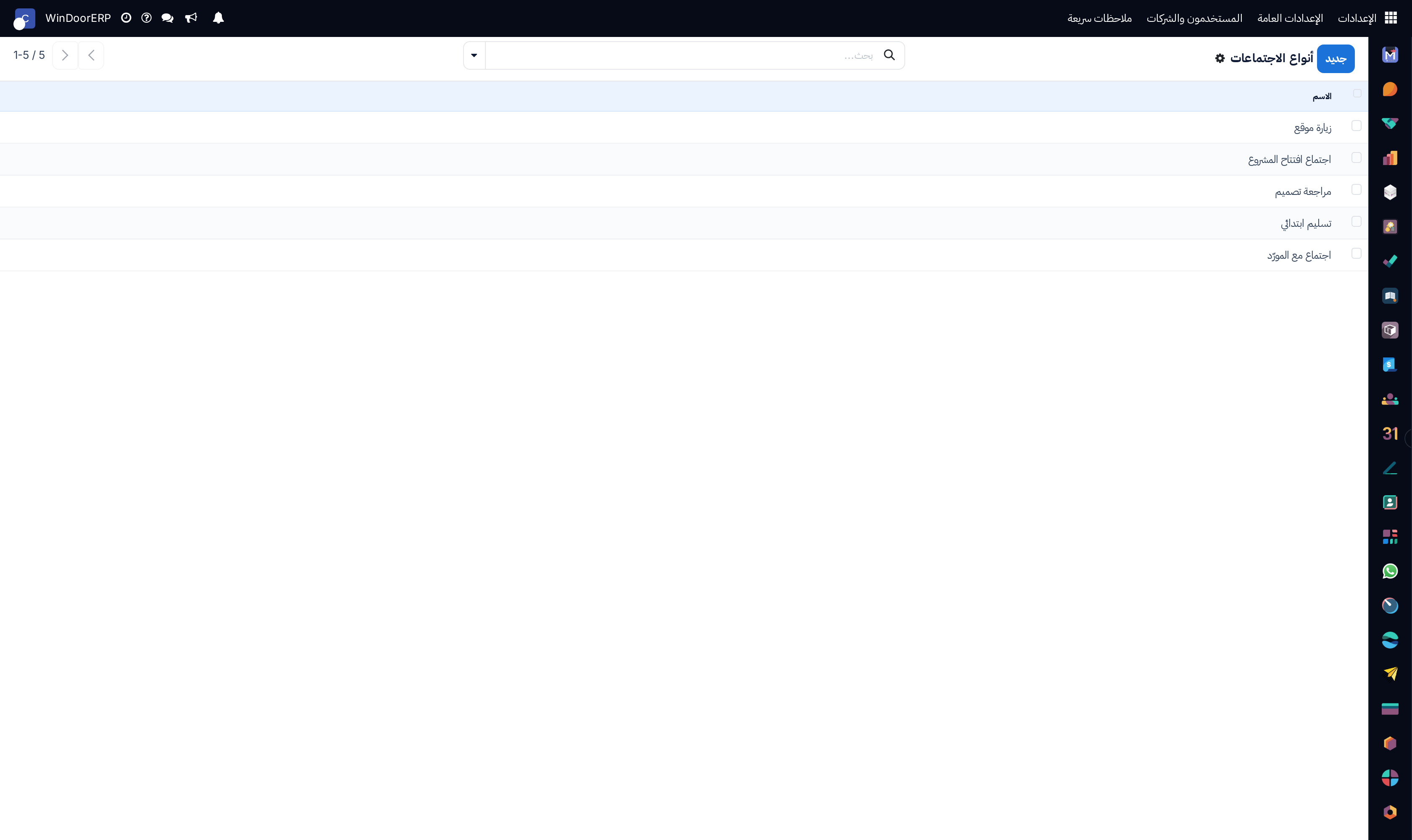
Technical calendar meeting types list

\n

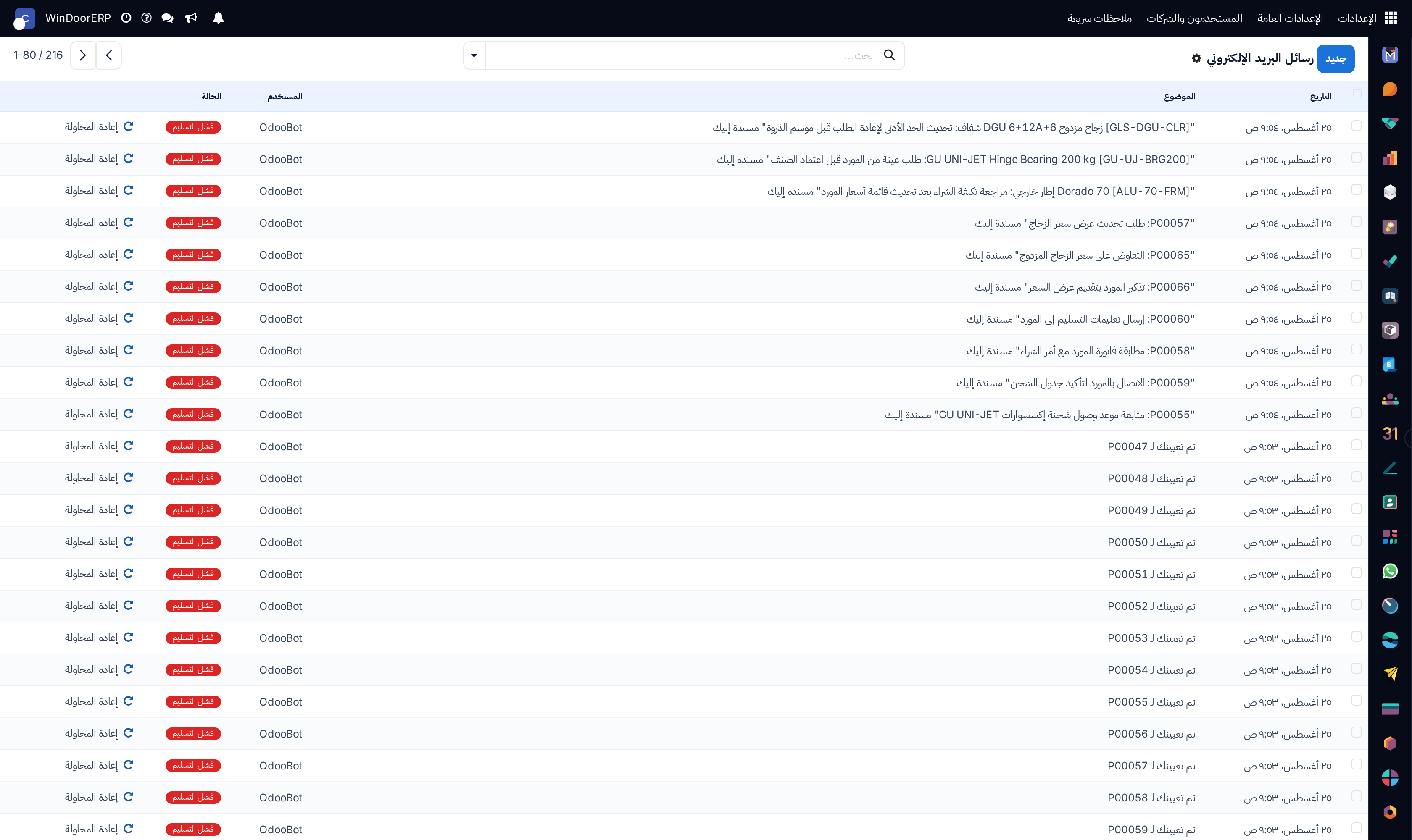
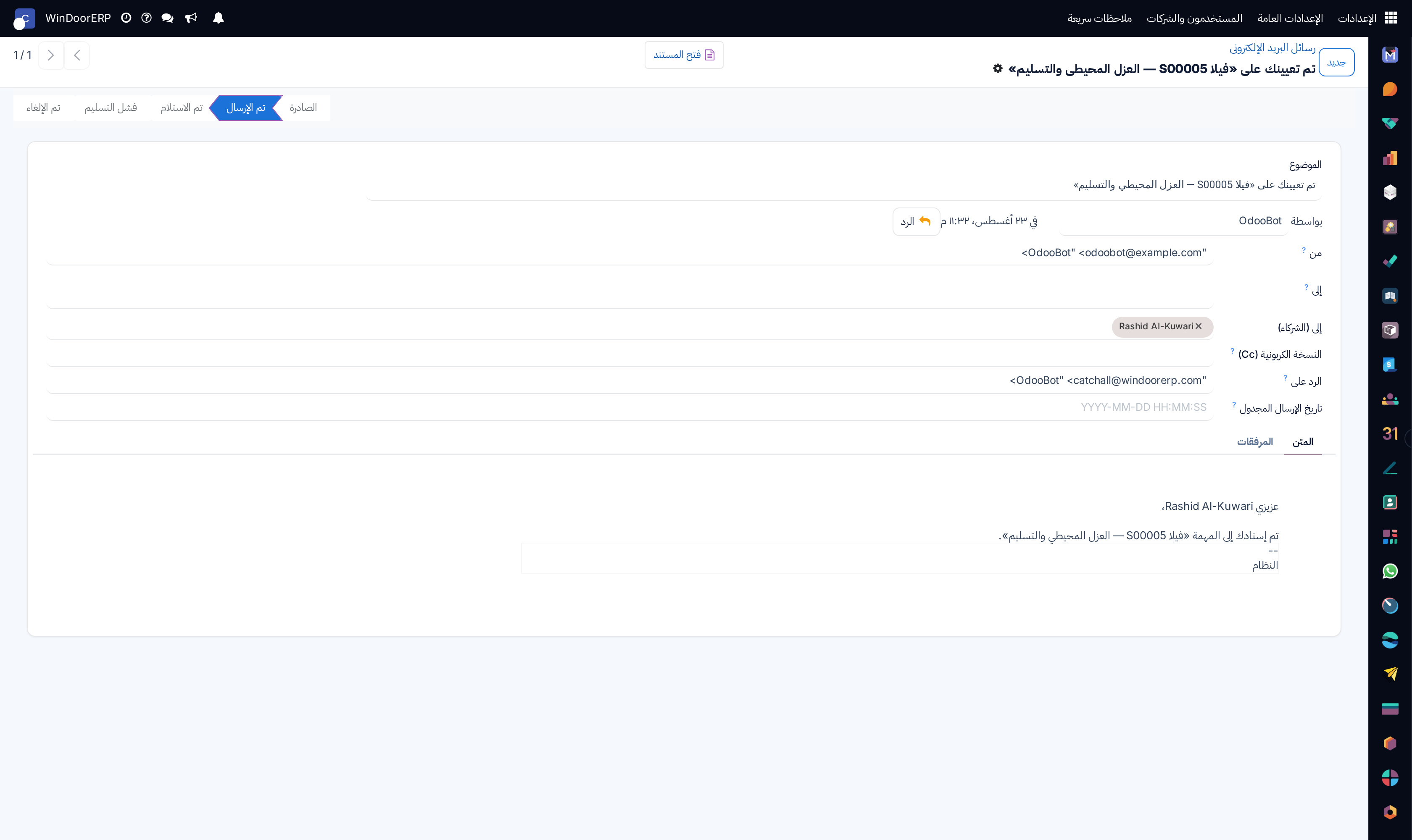
Sent and queued email messages registry list

\n

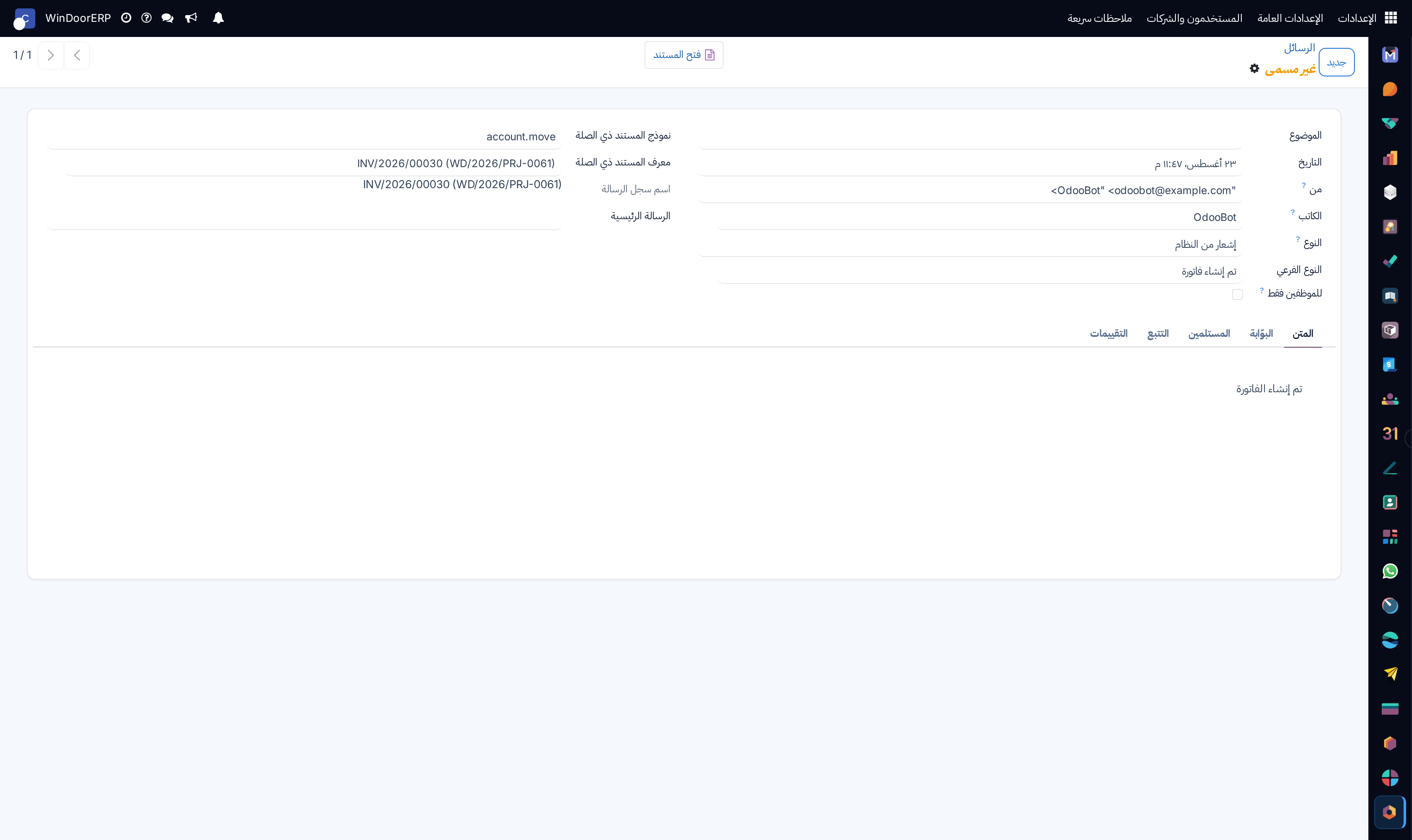
Email message detail profile

\n

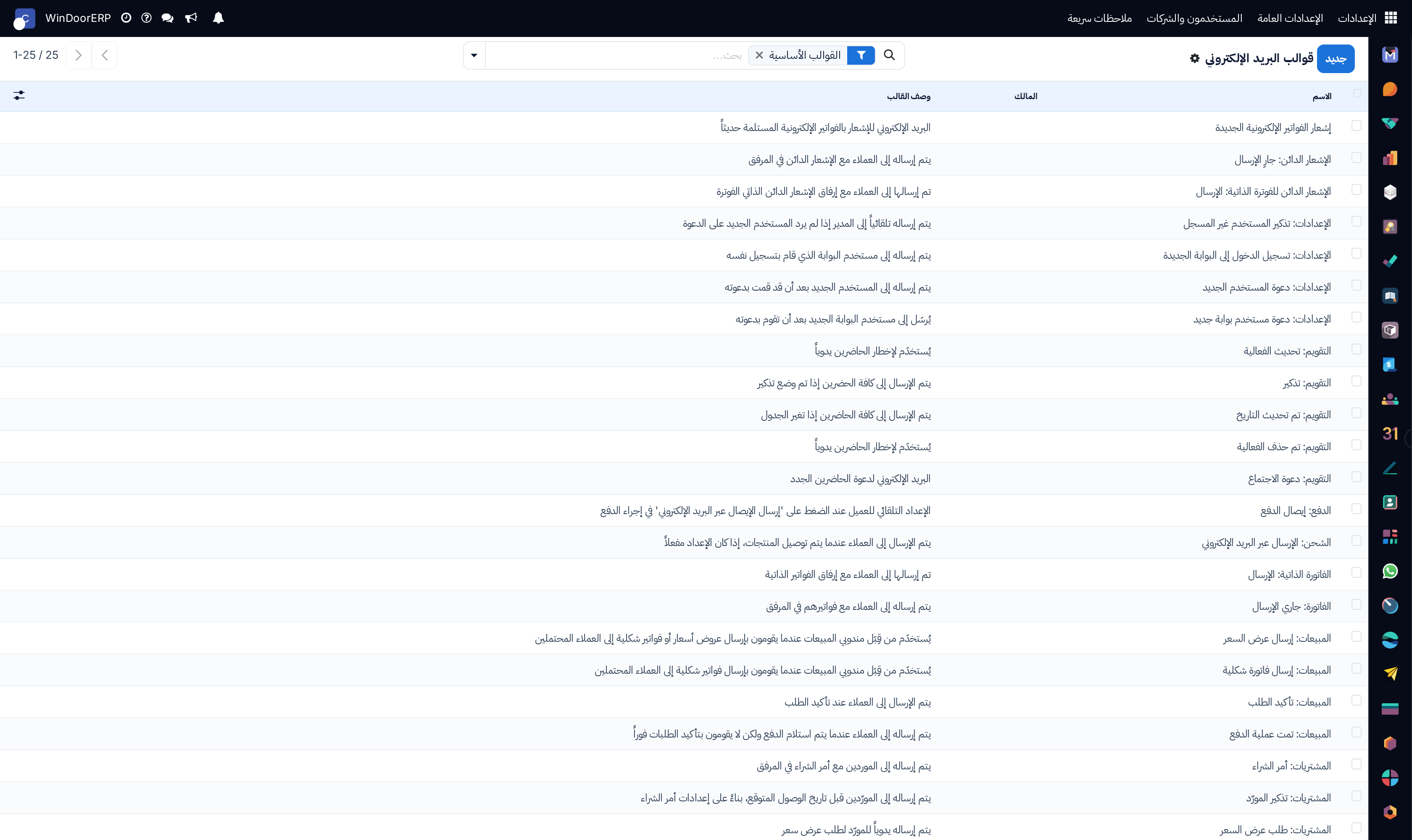
Dynamic Jinja email templates master list

\n

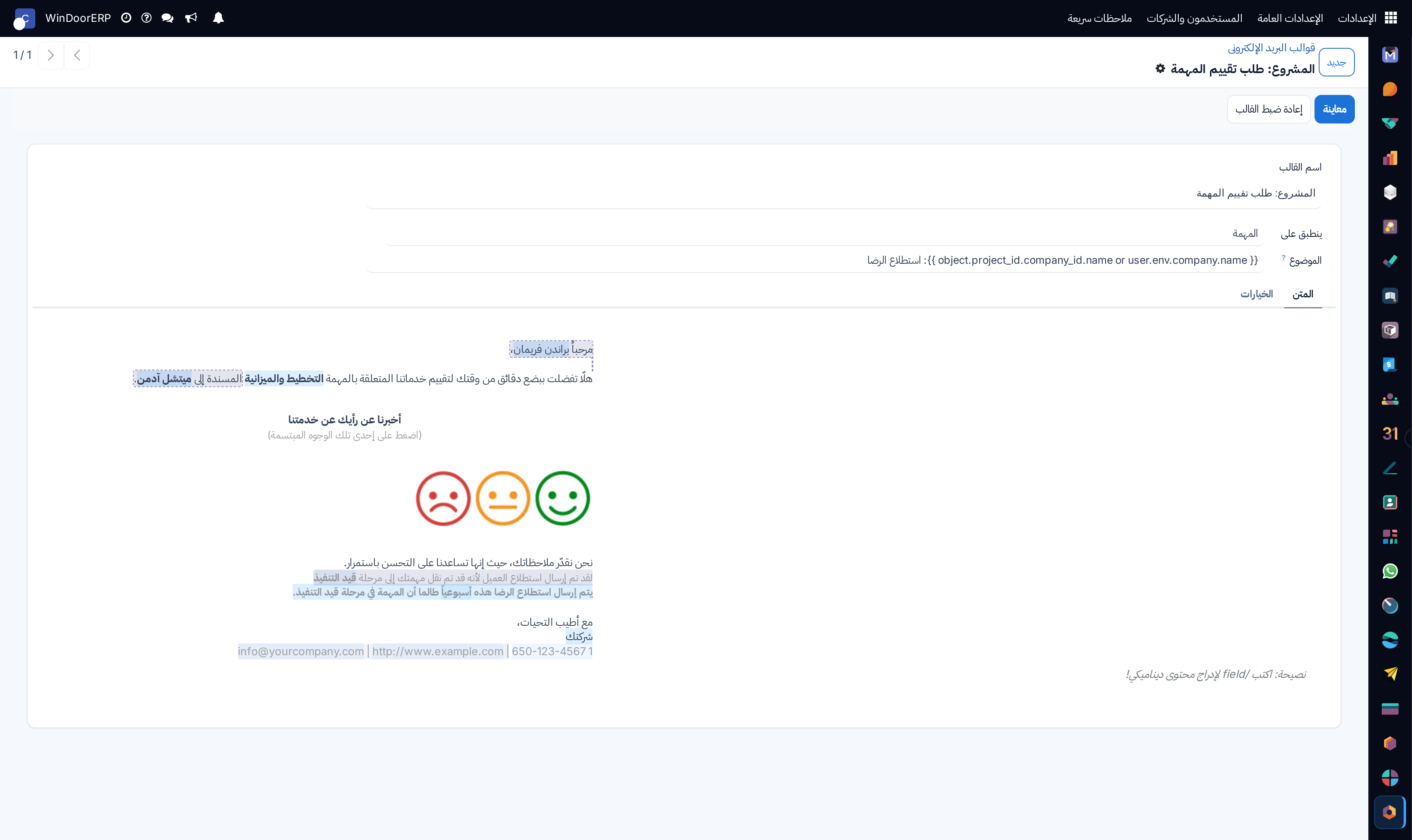
Email template WYSIWYG editor

\n

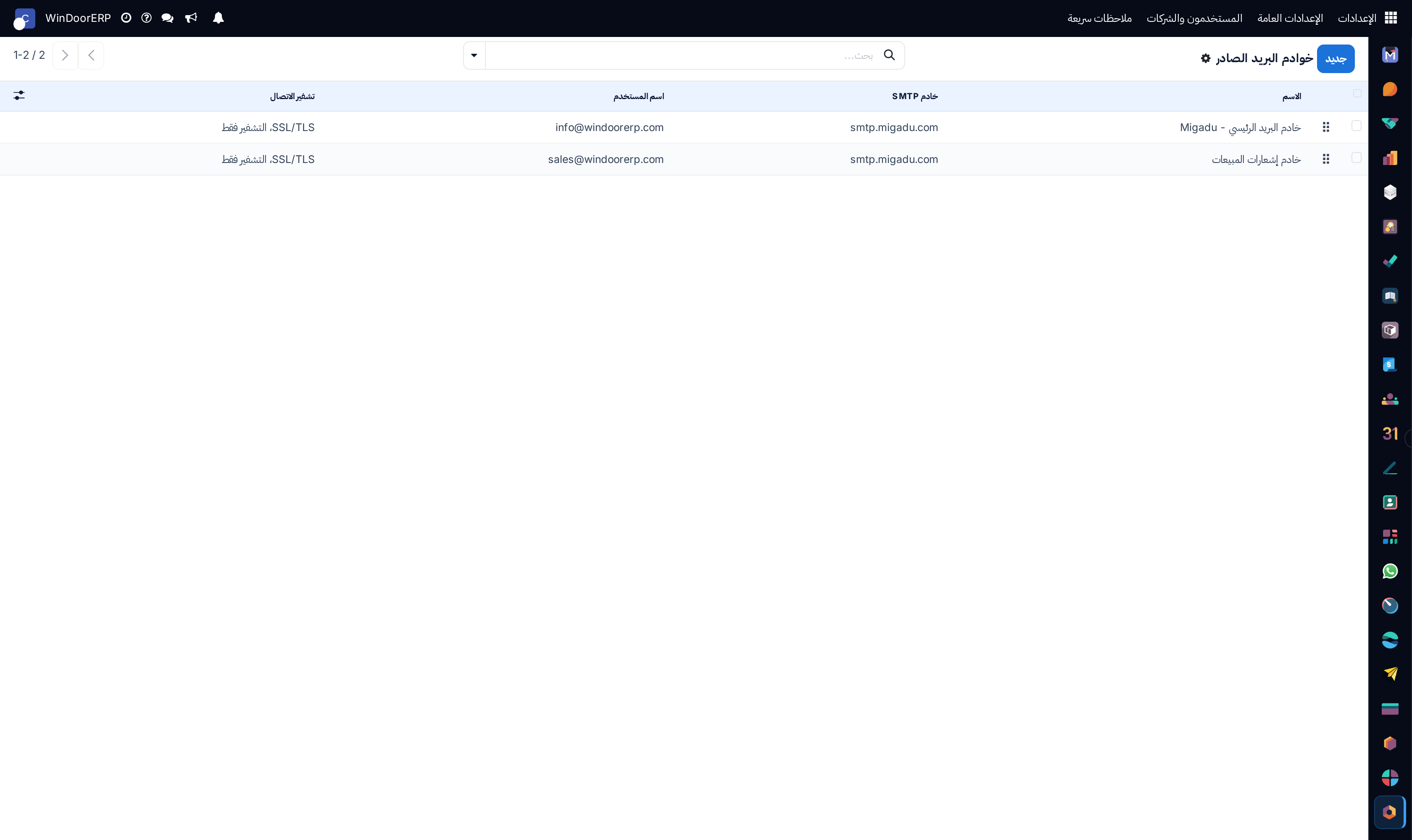
Outgoing SMTP mail servers list

\n

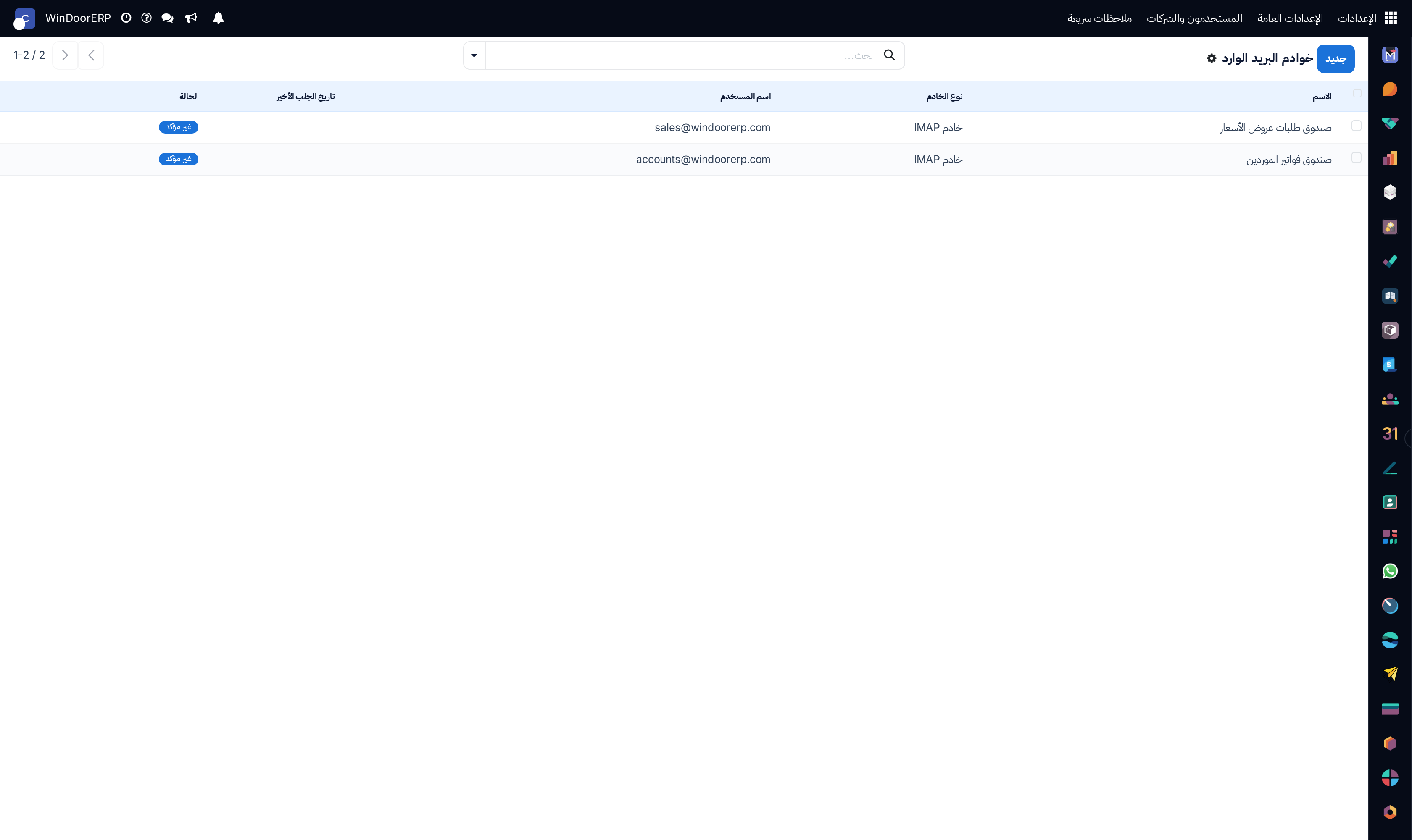
Incoming IMAP/POP mail servers list

\n

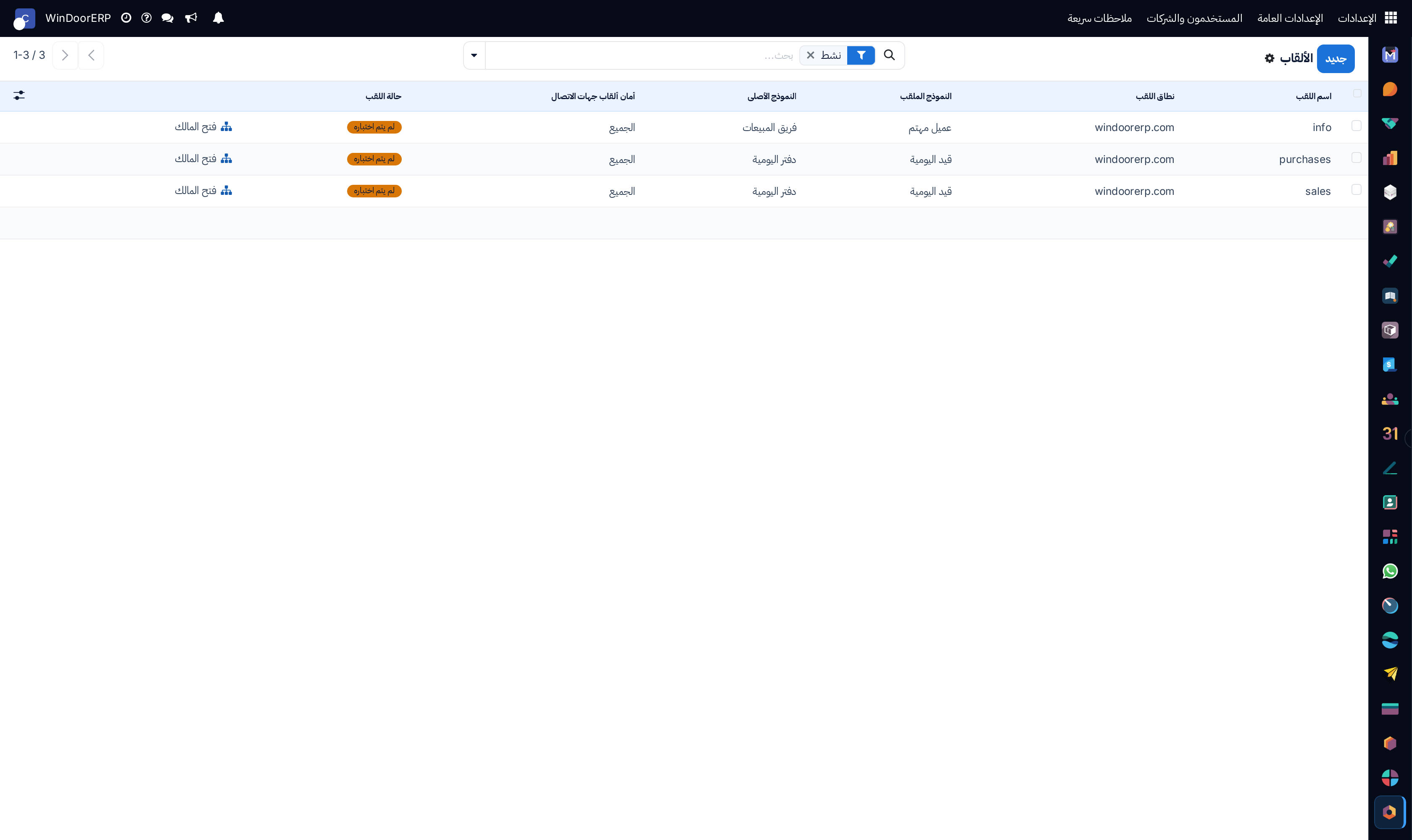
Email routing aliases list

\n

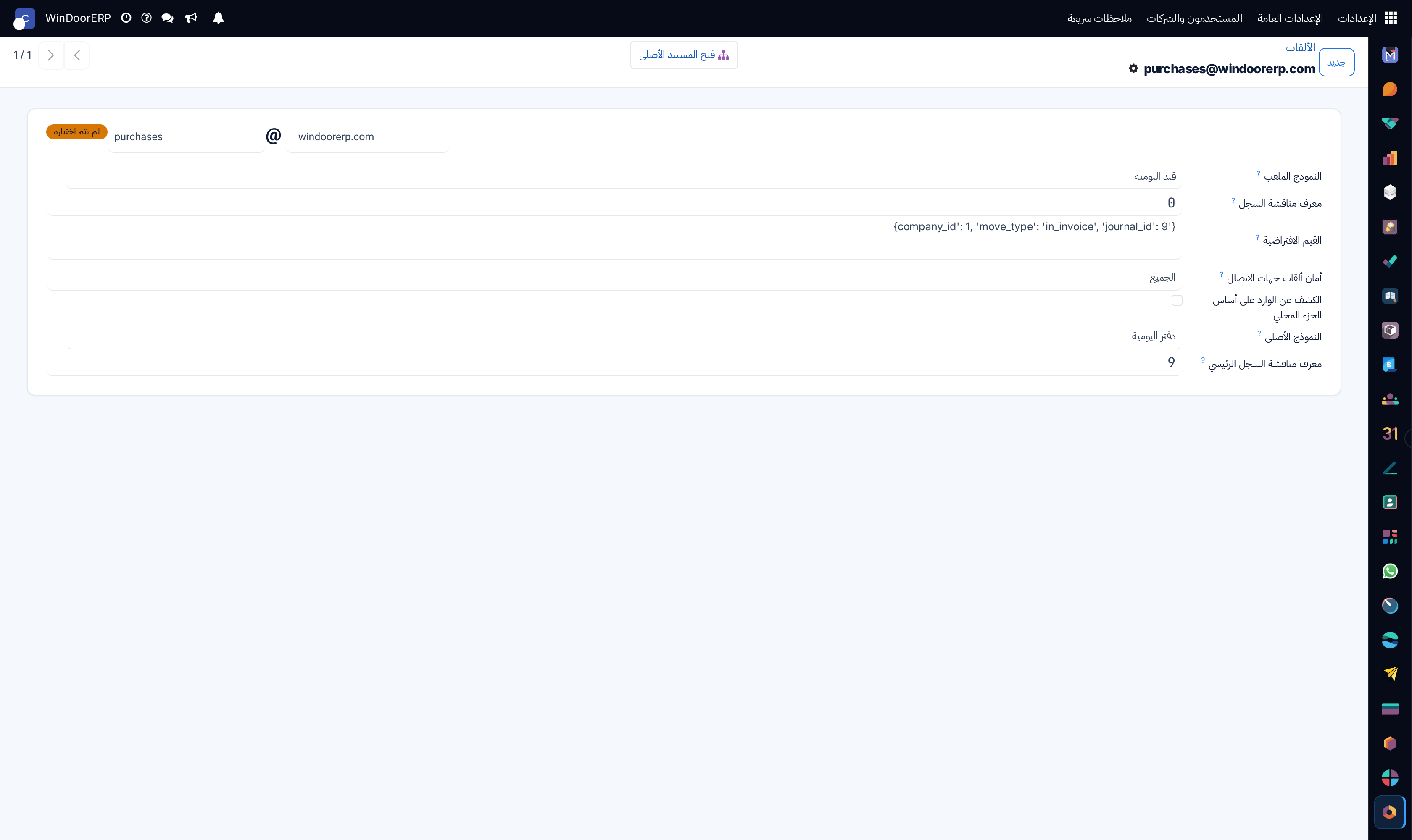
Email alias routing editor

\n

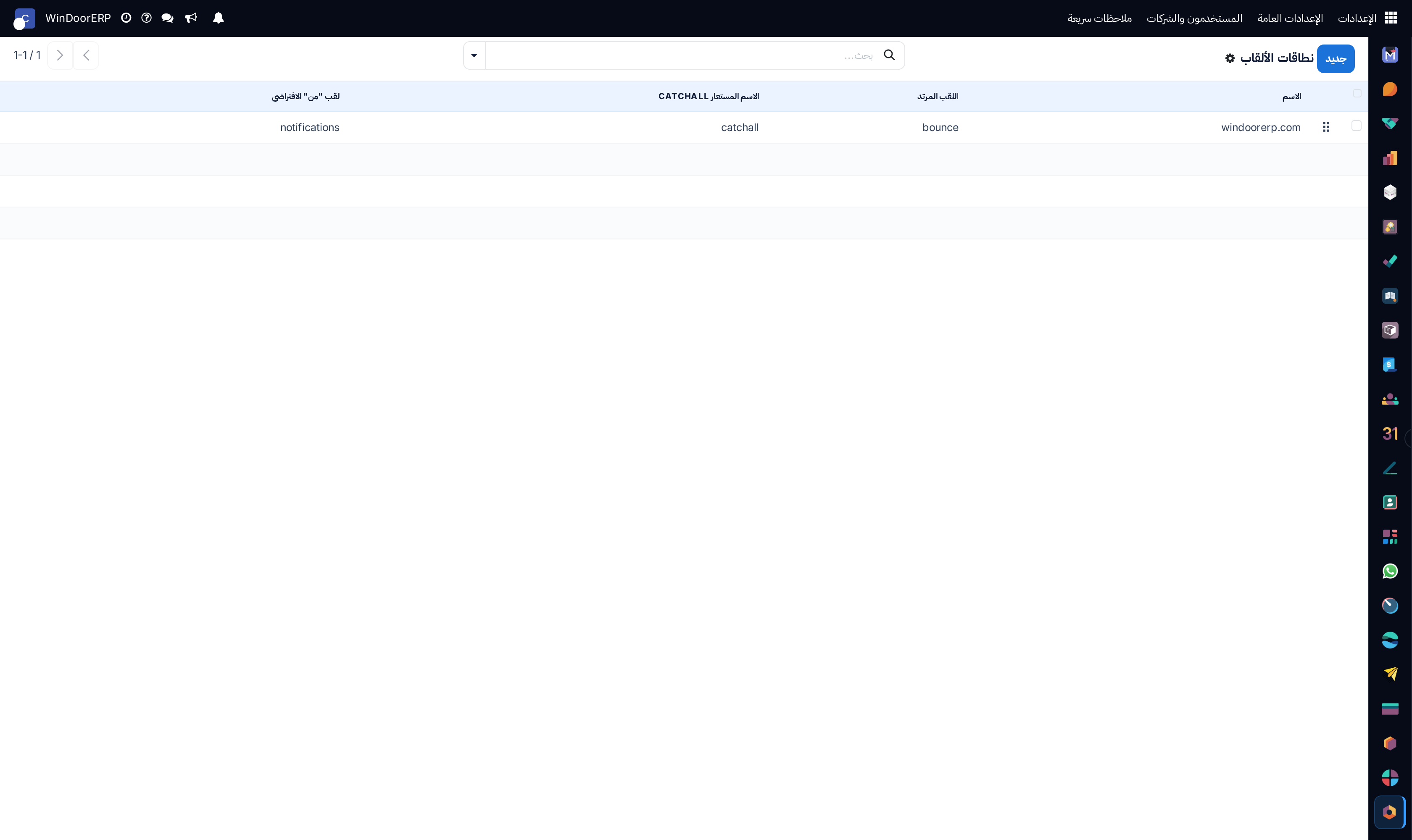
Email alias domains registry list

\n

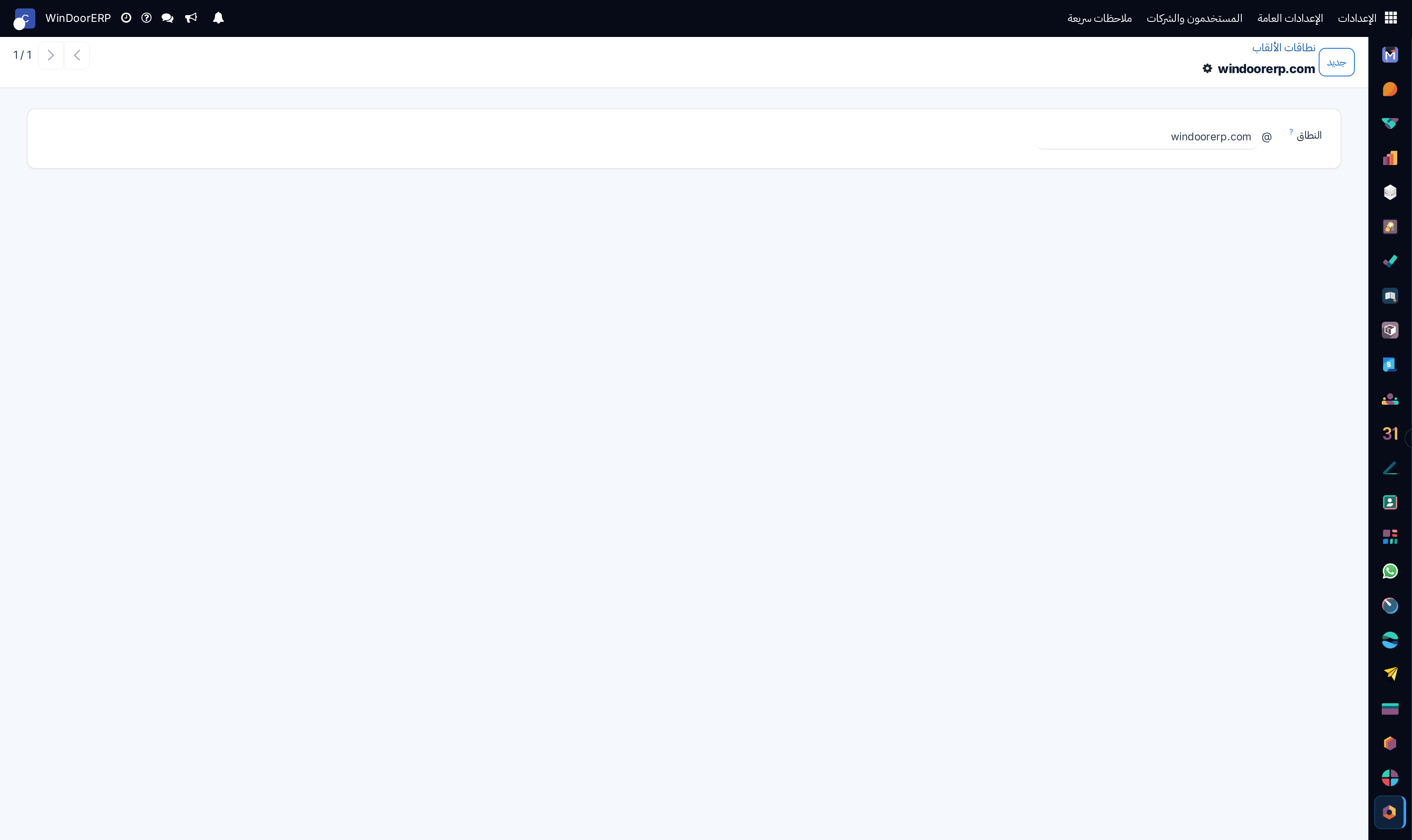
Alias domain profile

\n

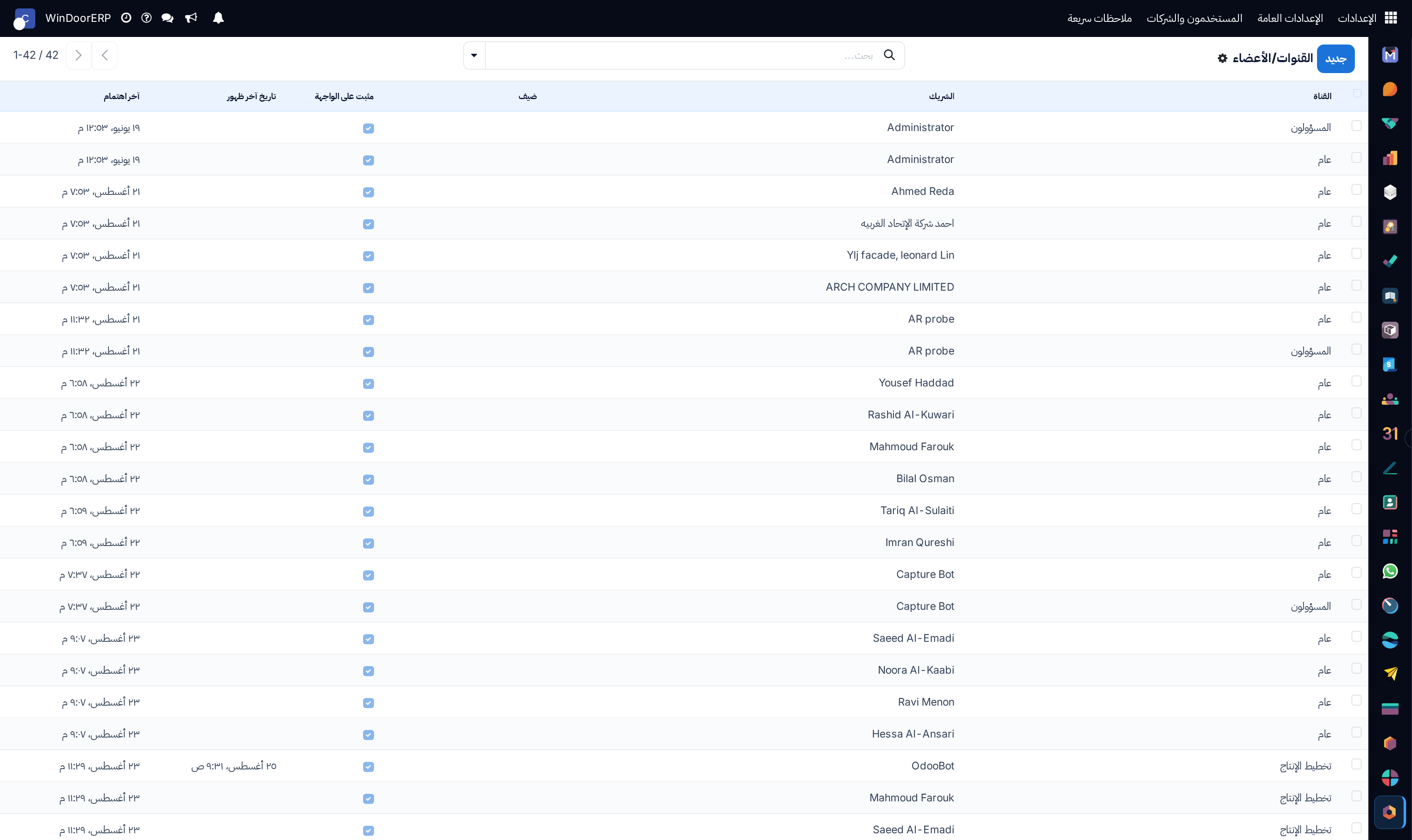
Internal chat channels list

\n

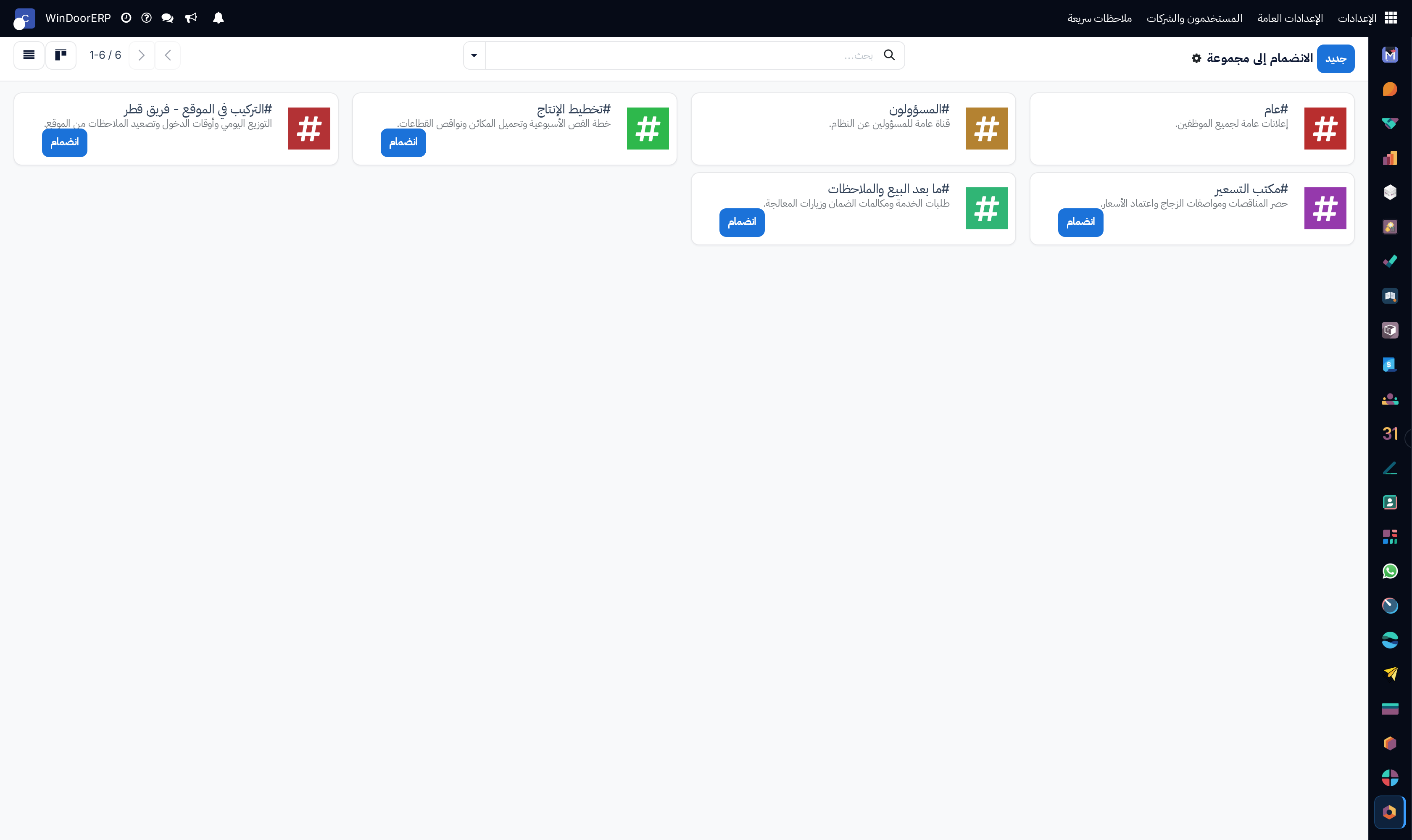
Chat channels kanban gallery

\n

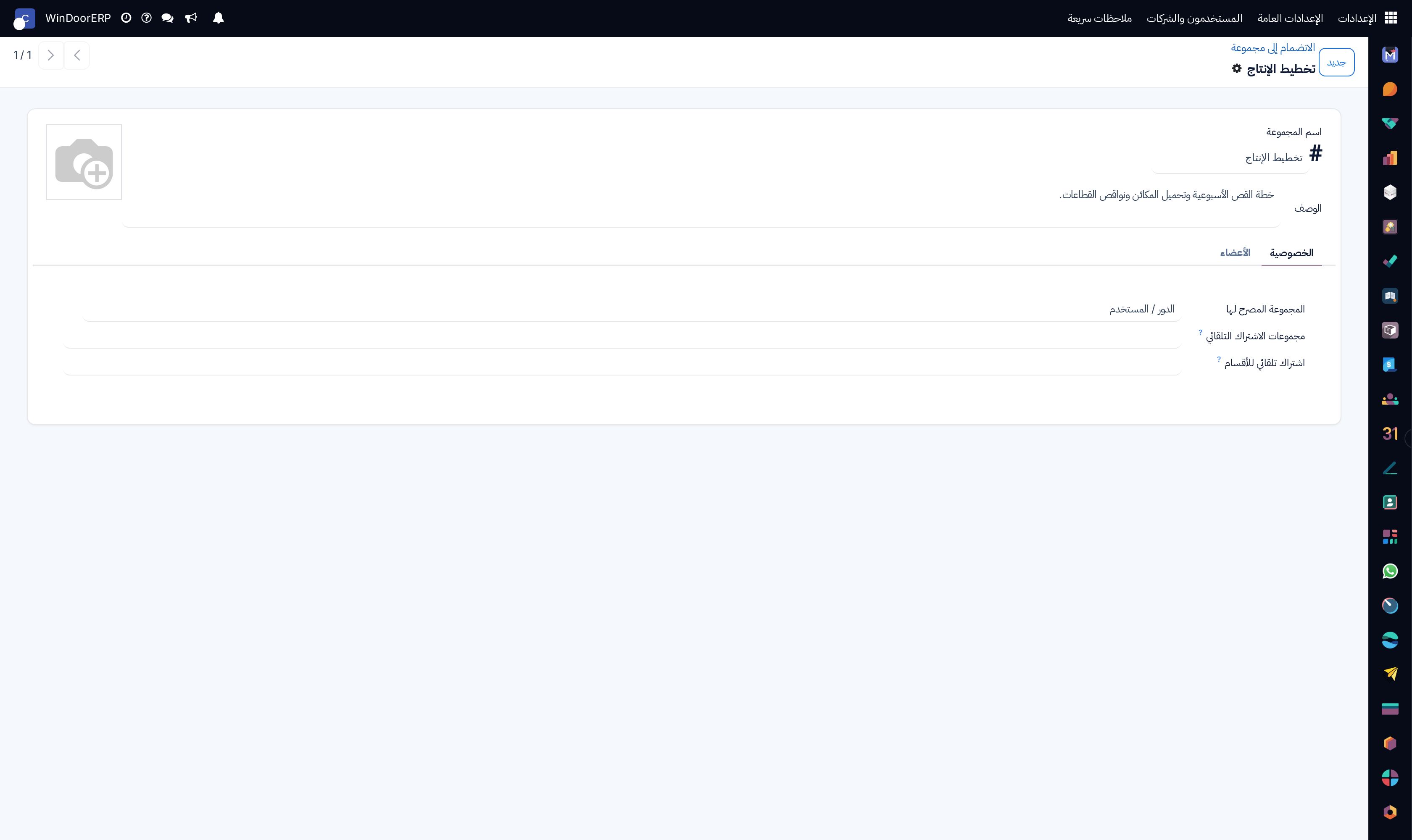
Chat channel definition profile

\n

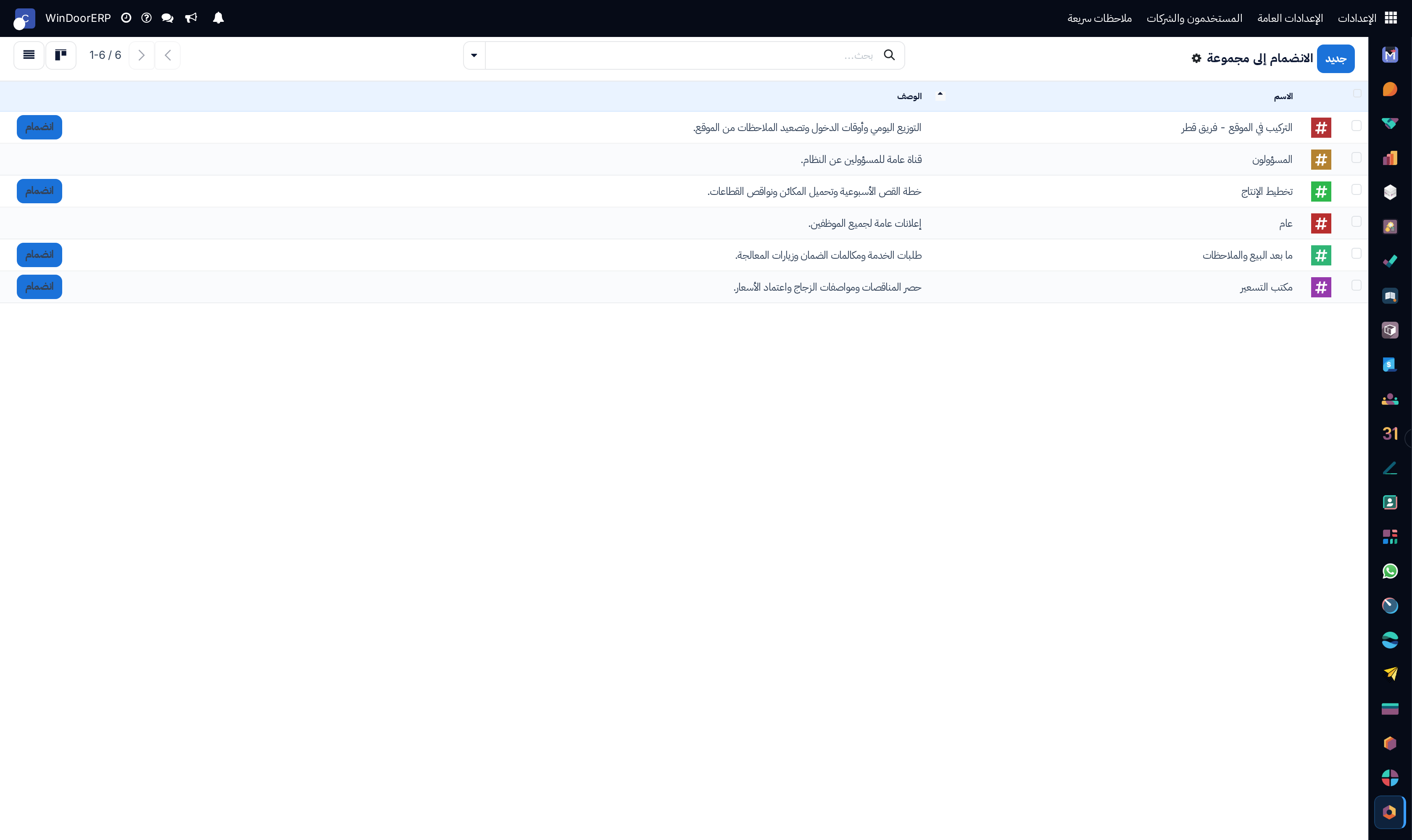
Channel membership registry list

\n

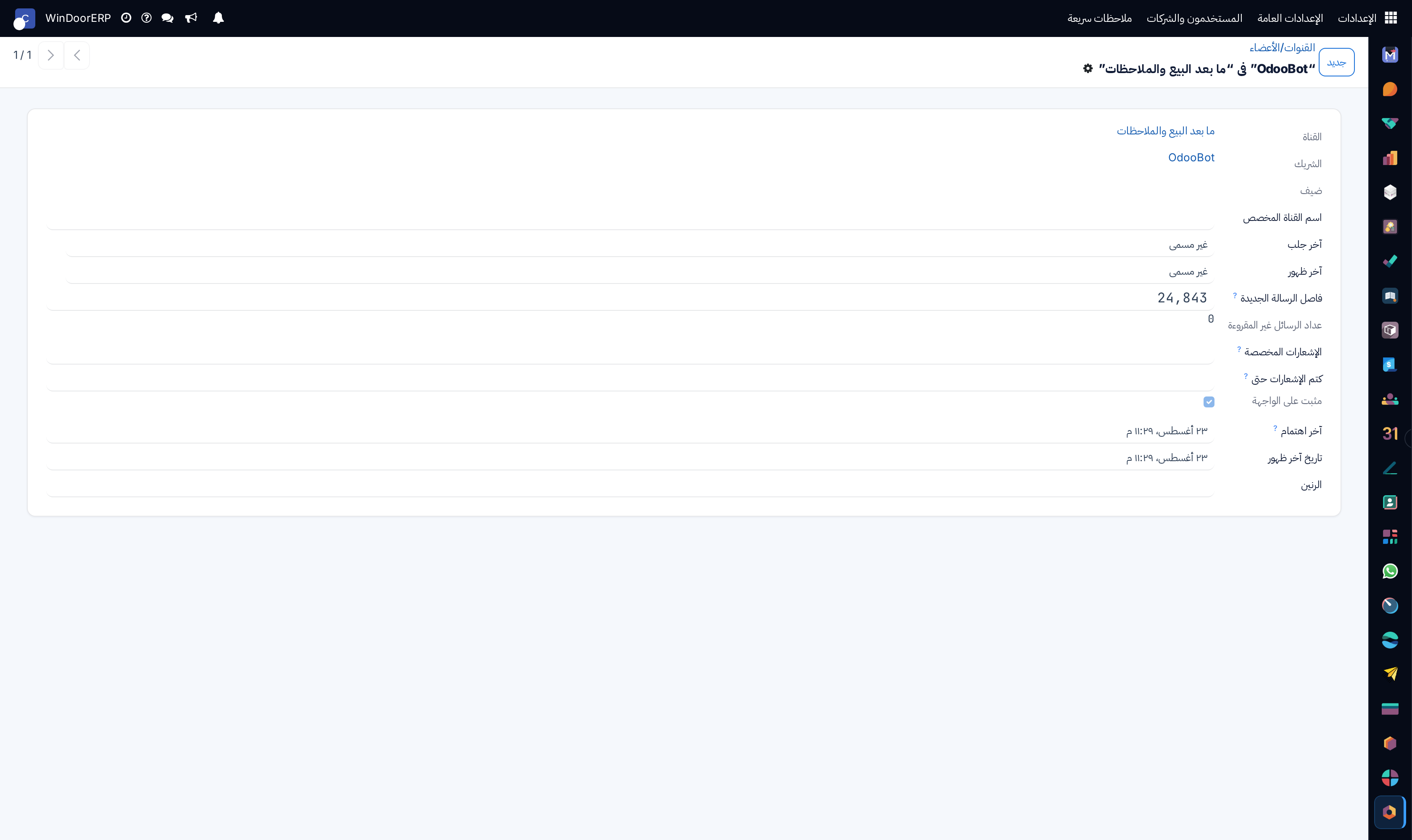
Channel member profile

\n

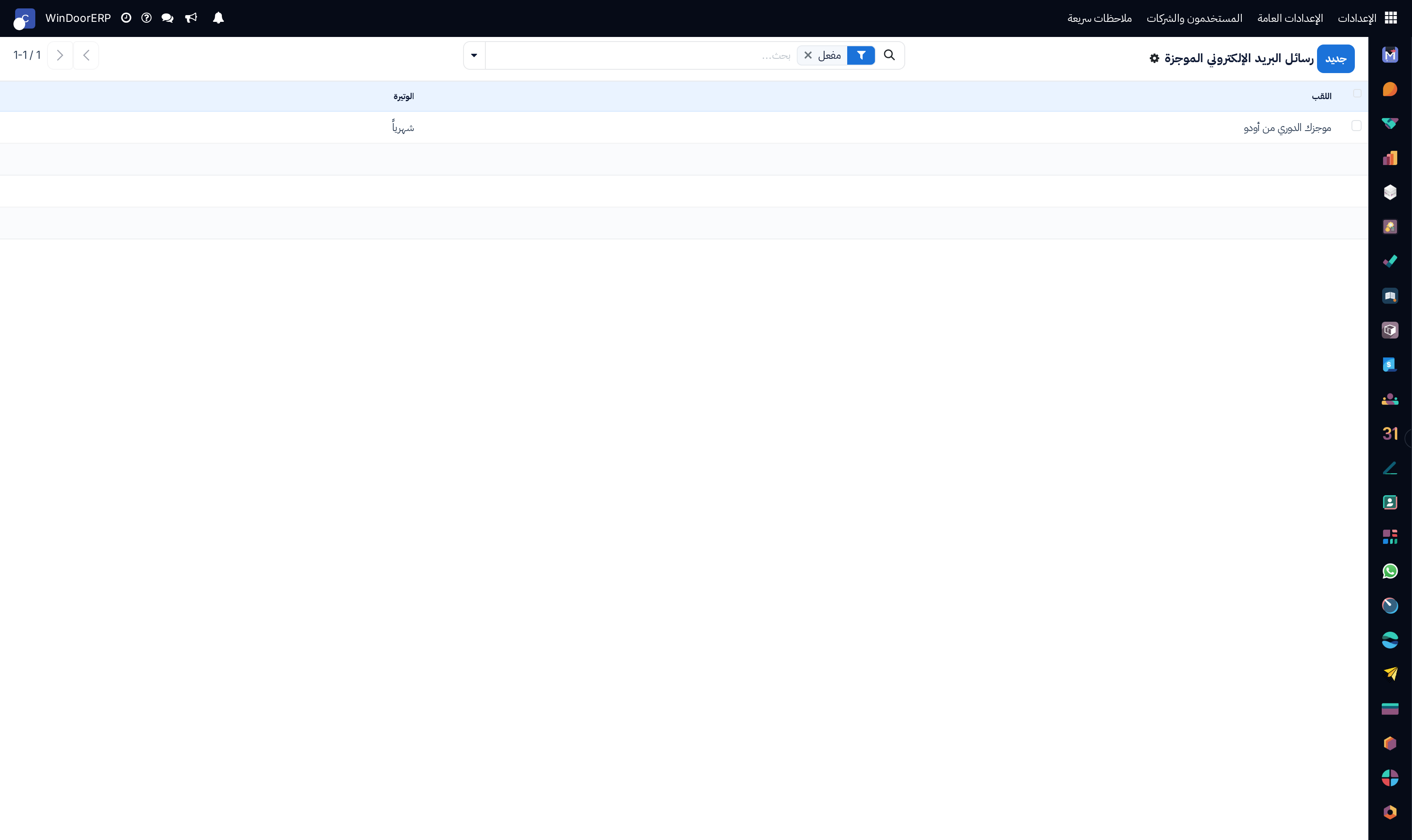
Digest newsletter emails list

\n

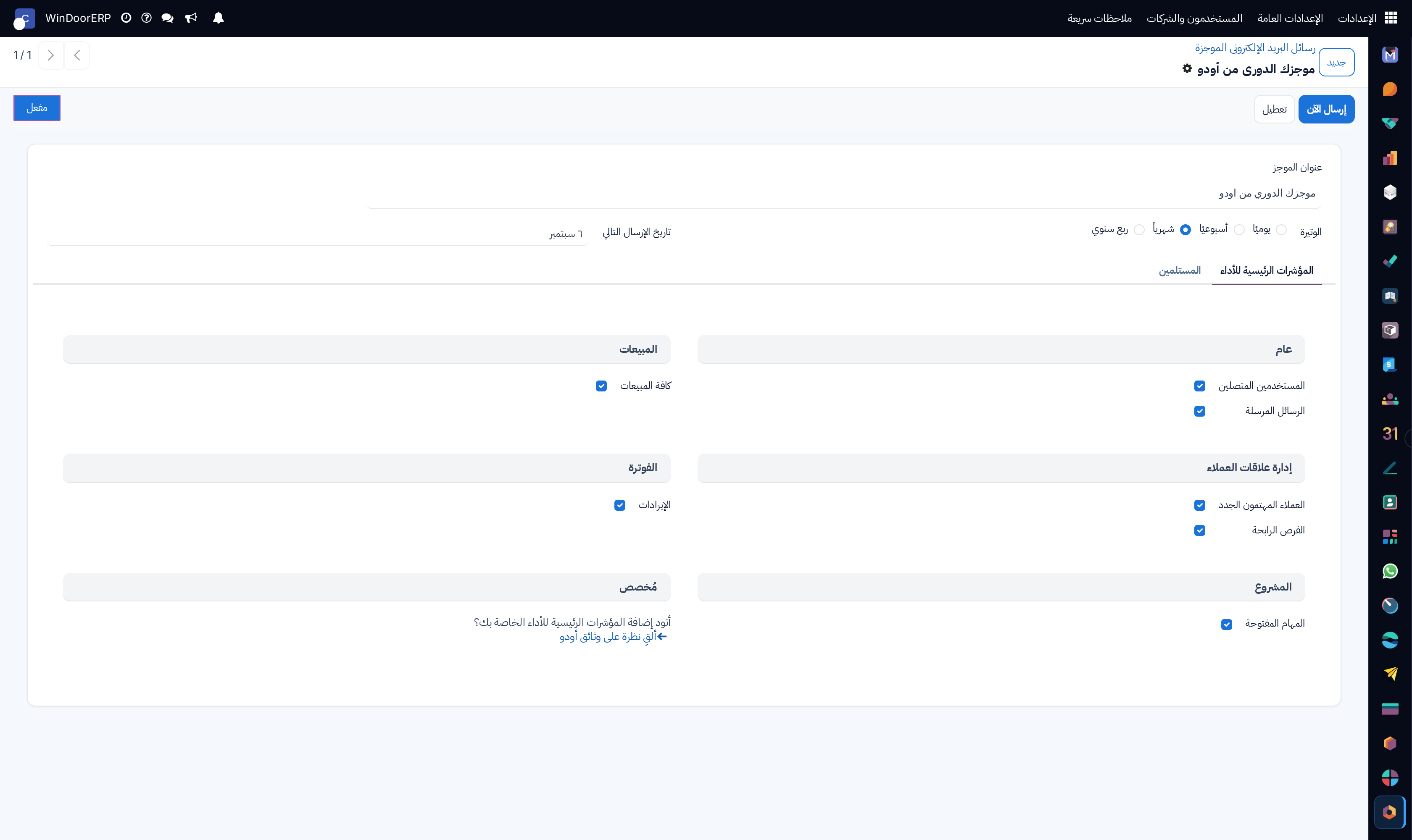
Digest email configuration profile

\n

Digest tips catalog list

\n

Digest tip profile

\n

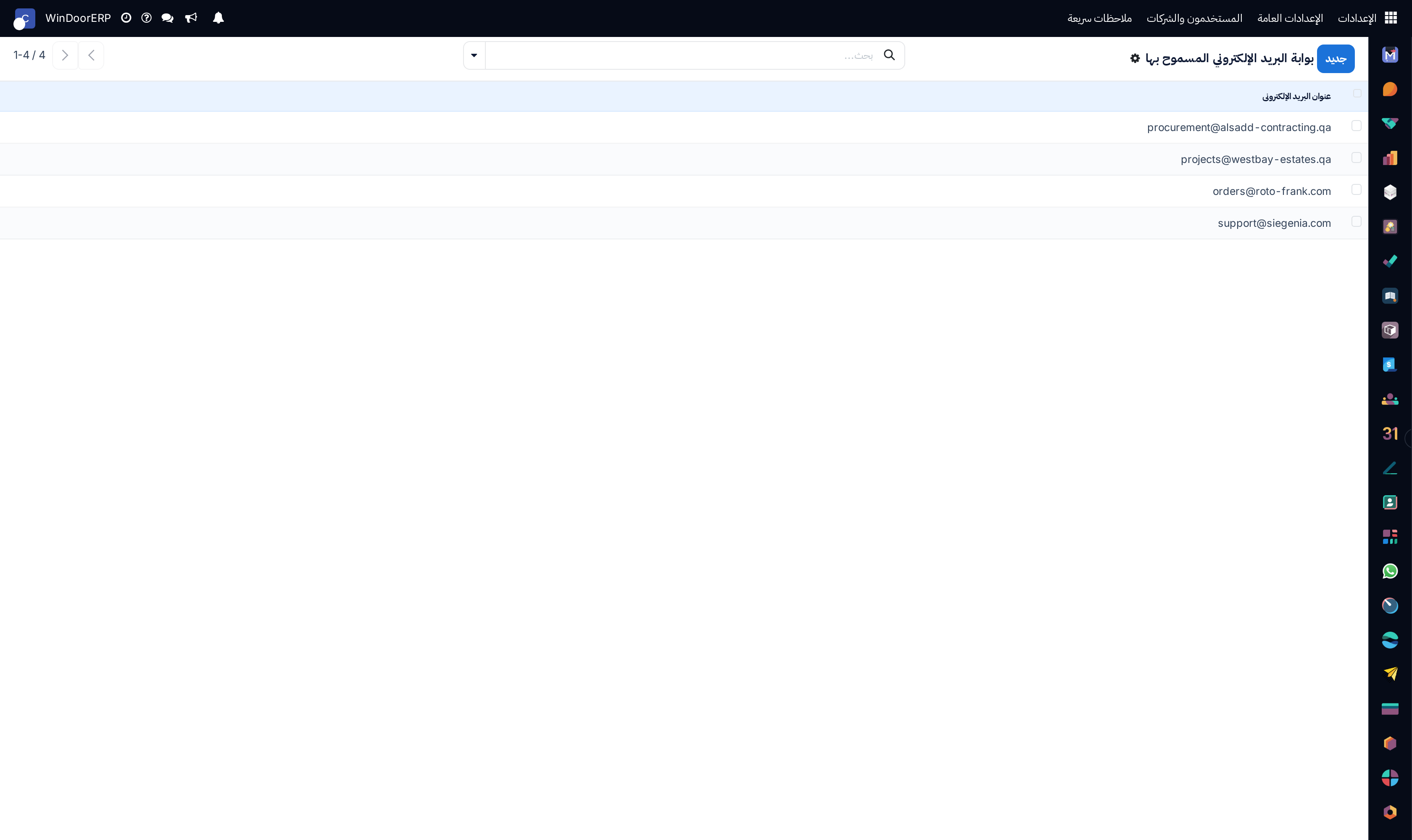
Mail gateway allowed senders list

\n

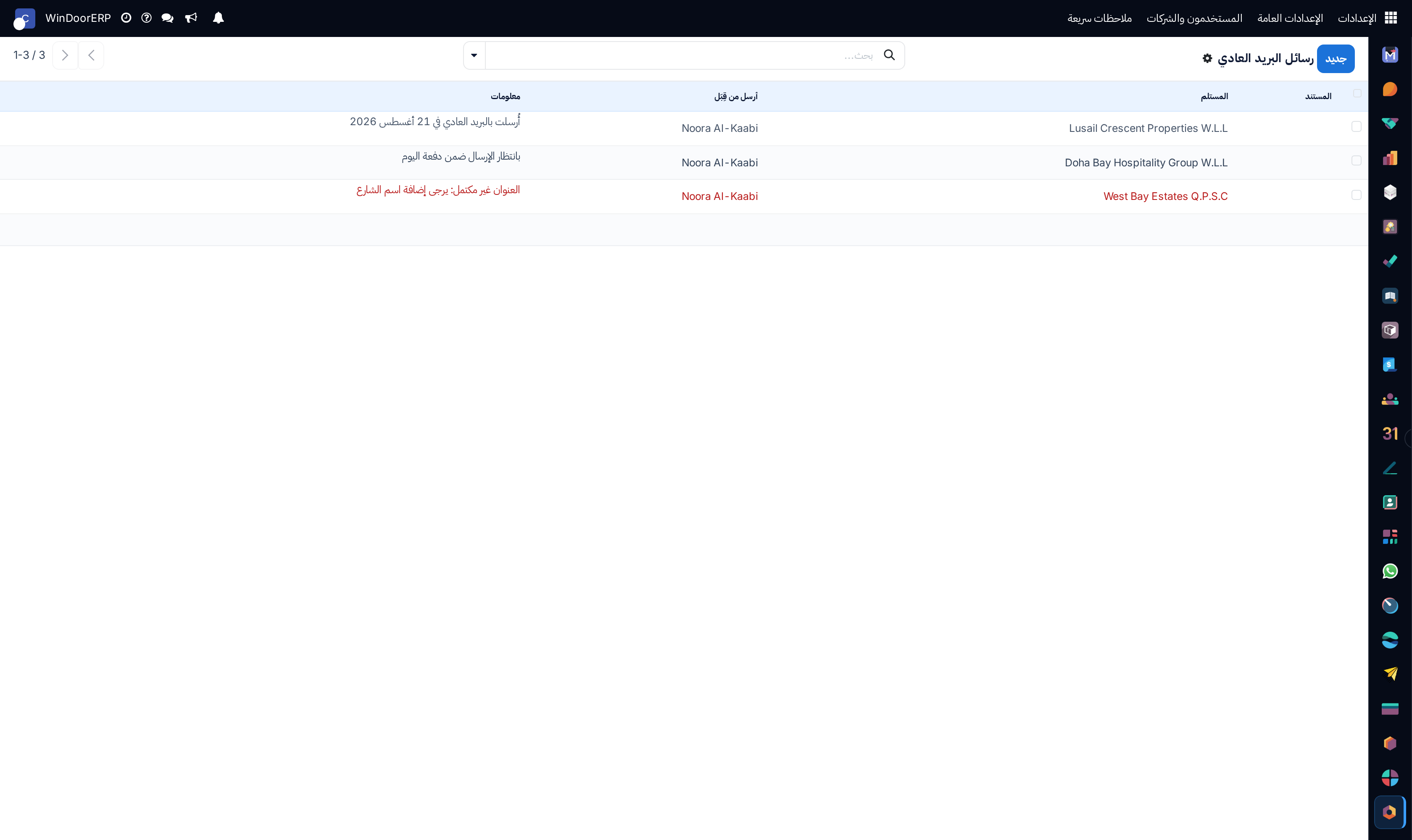
Physical snailmail letters queue list

\n

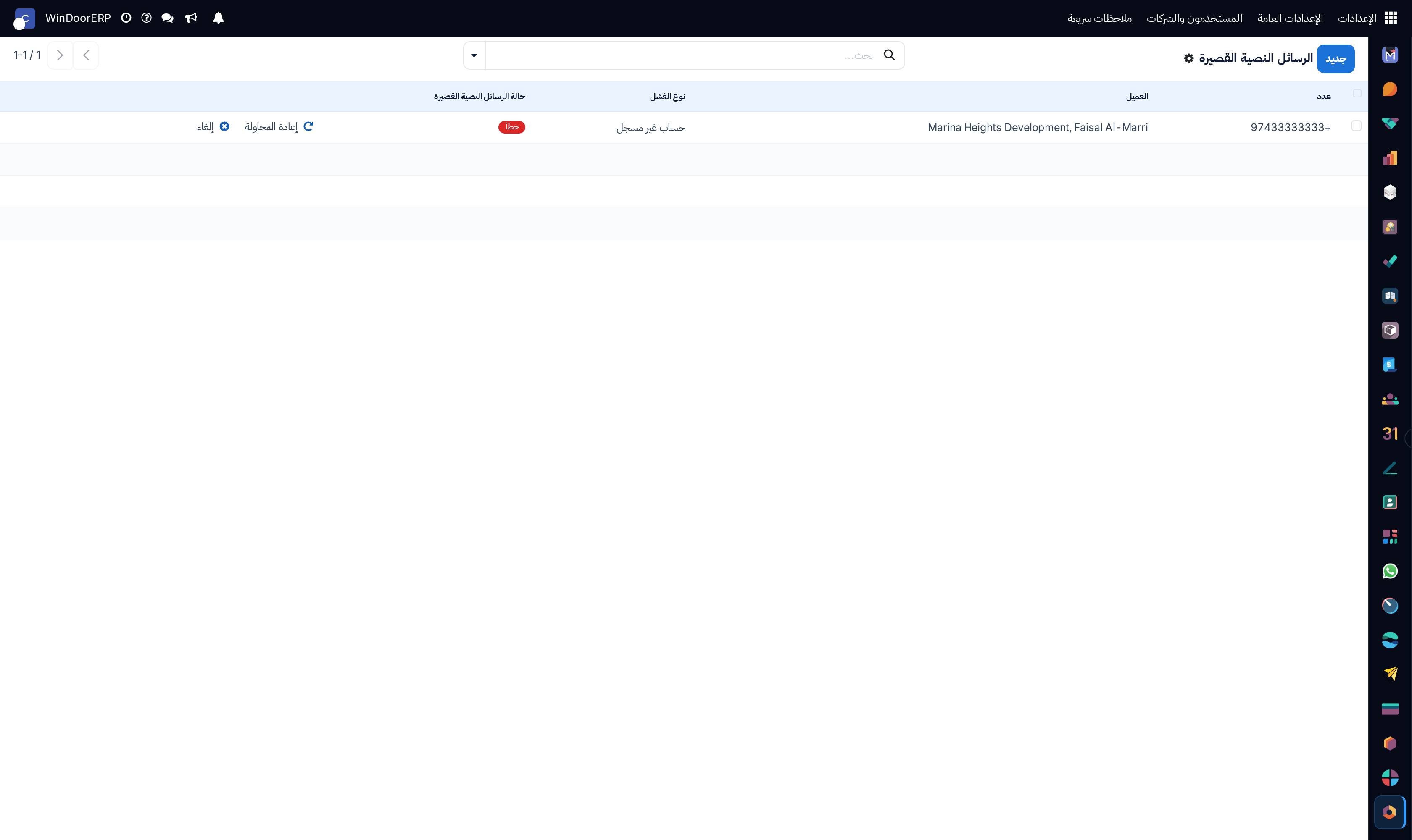
Outbound SMS messages log list

\n

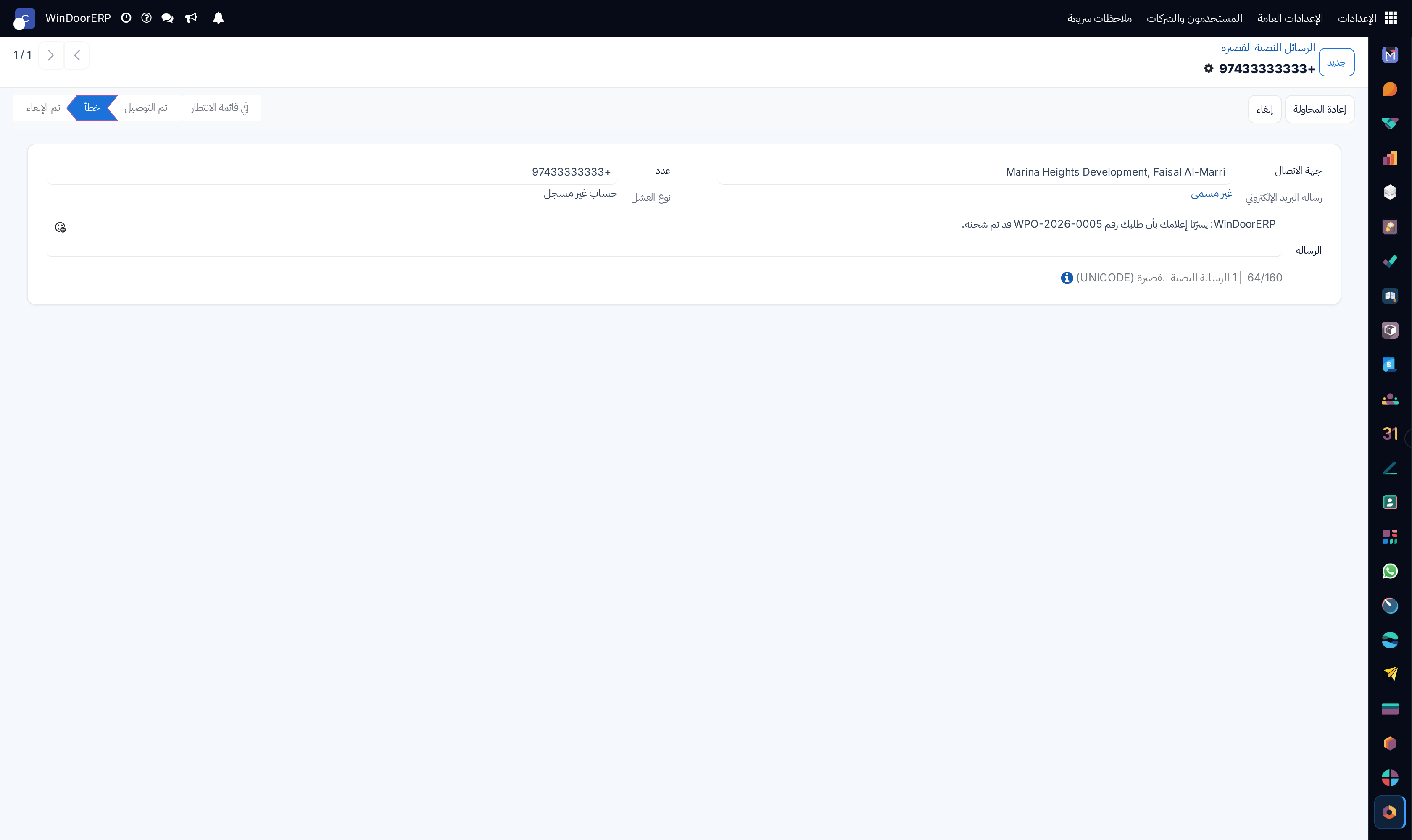
SMS message detail profile

\n

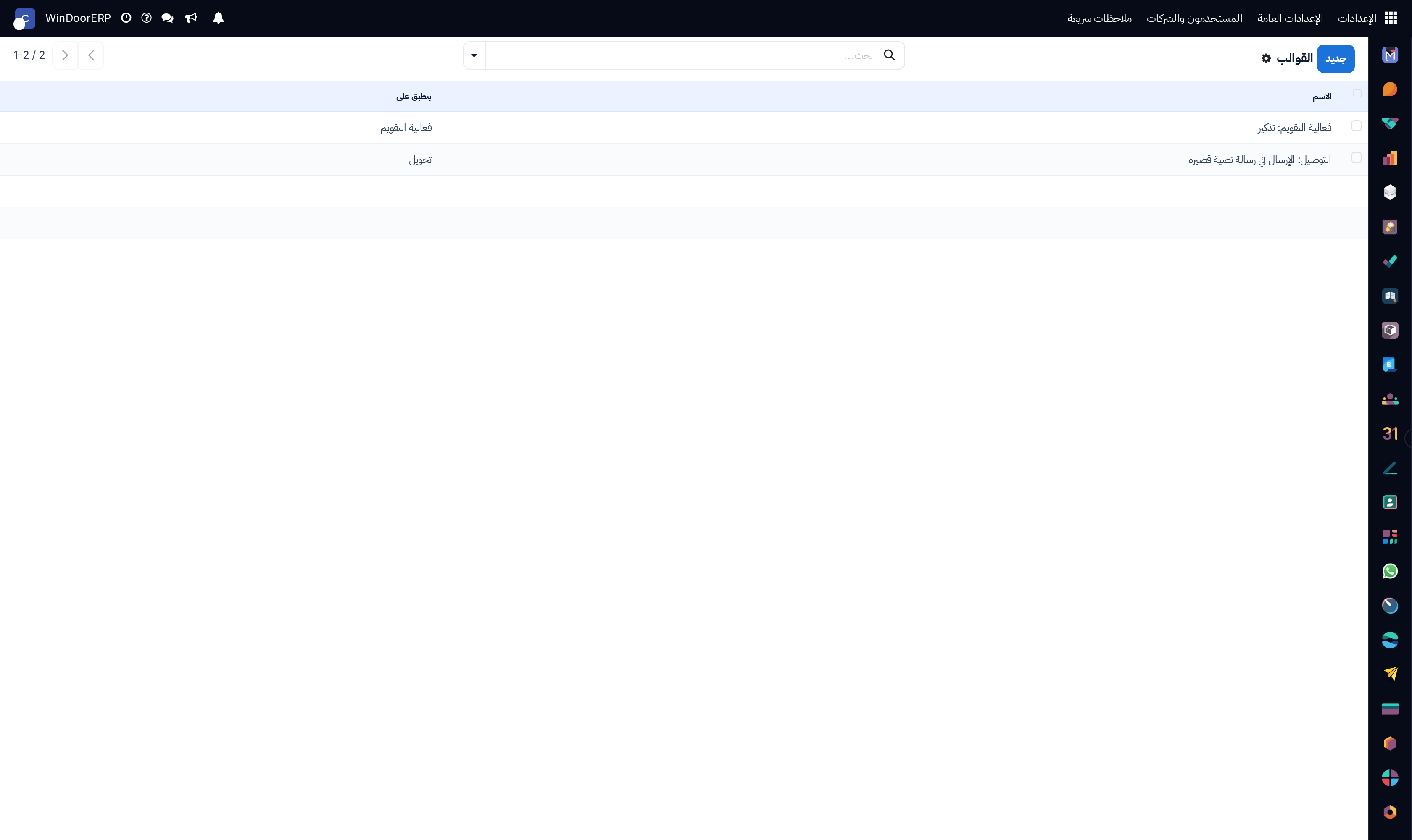
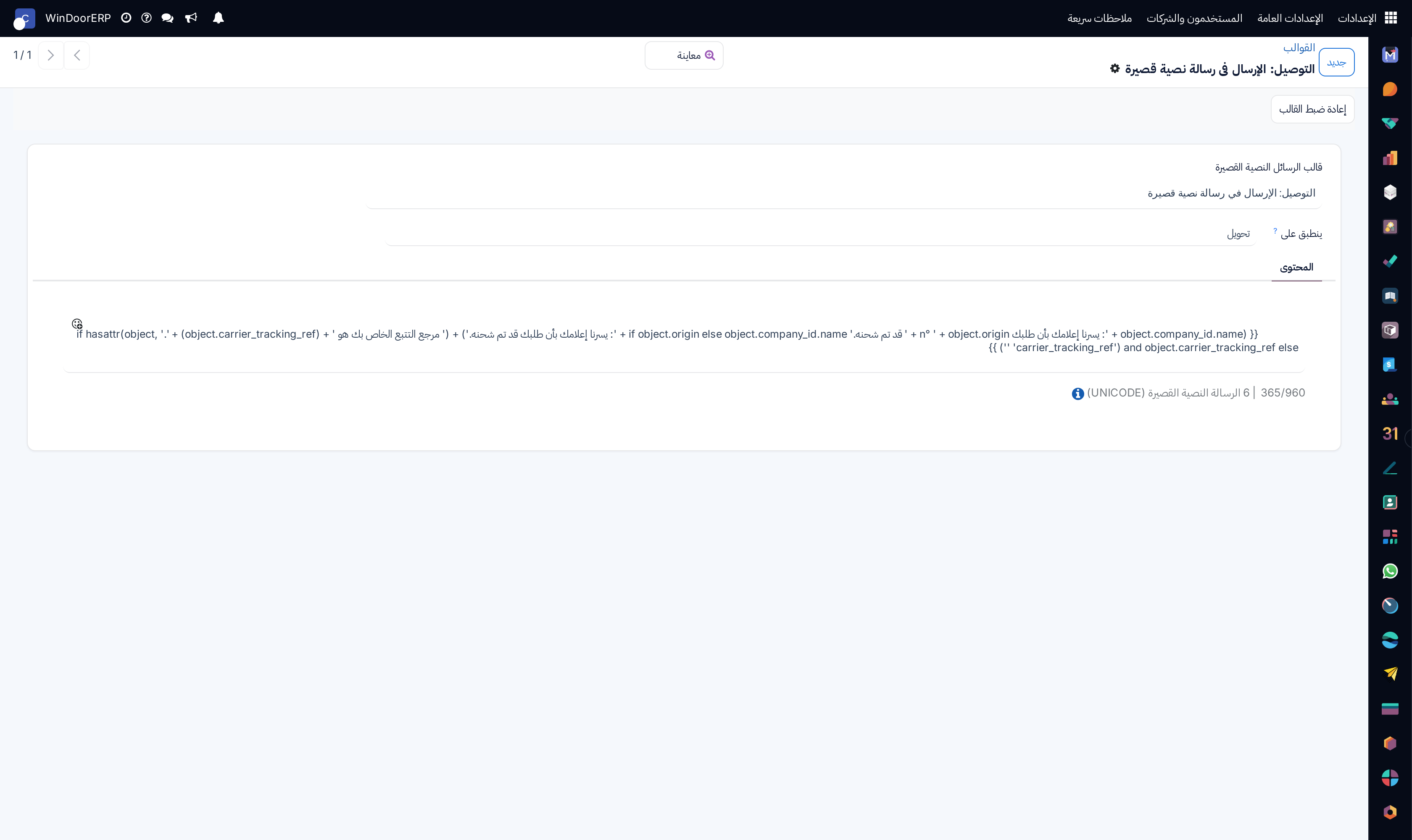
SMS text message templates list

\n

SMS template editor

\n

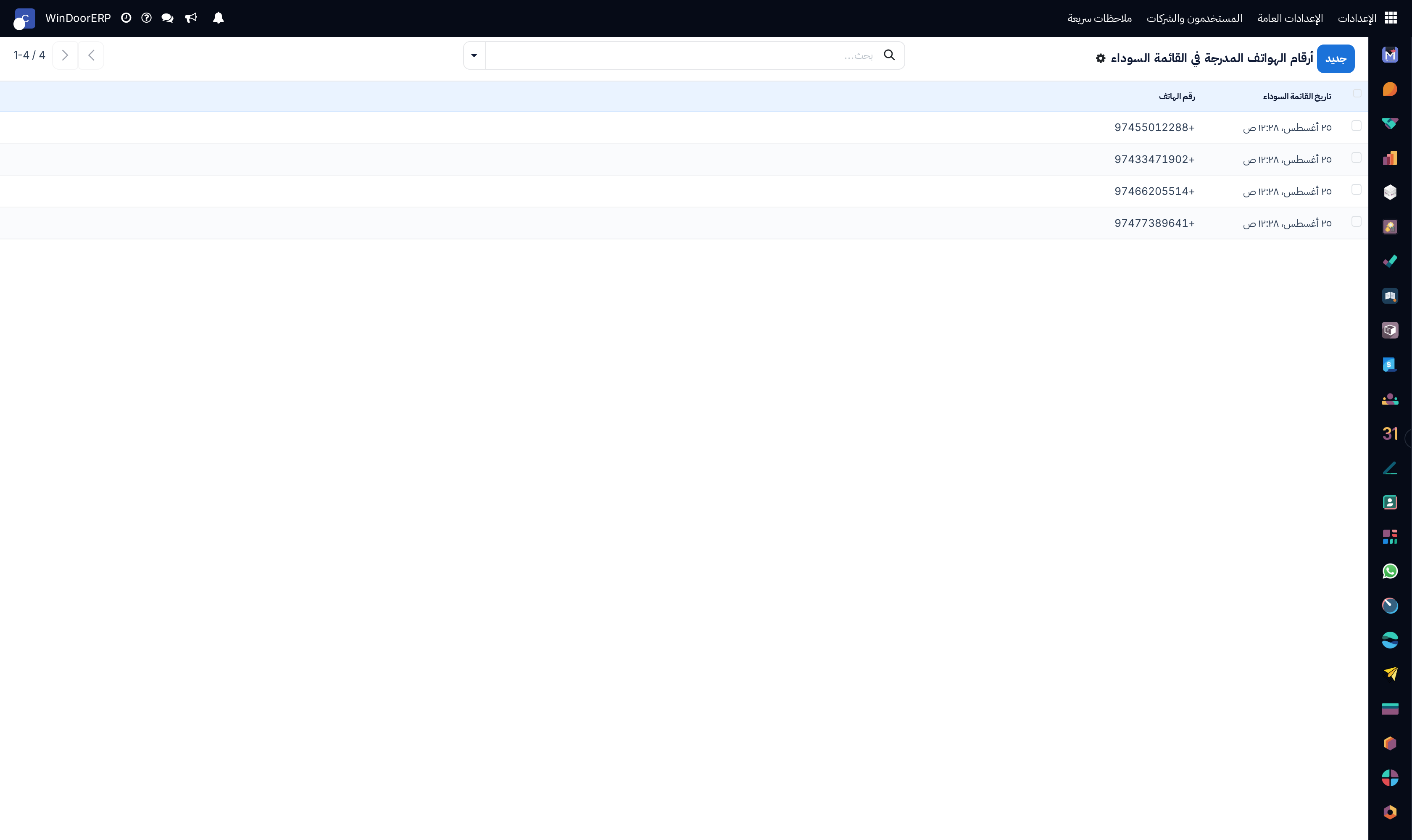
Suppressed phone blacklist registry list

\n

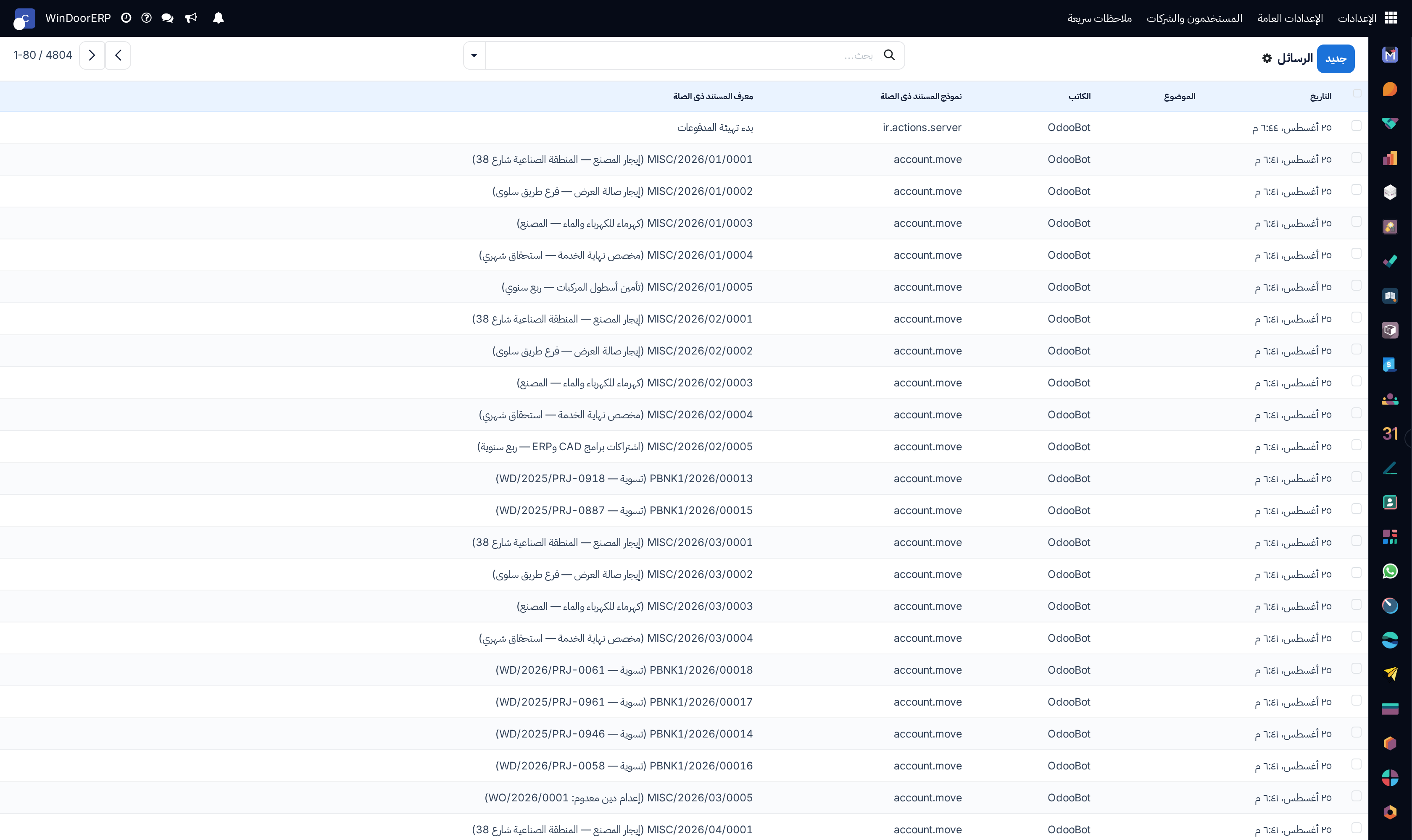
Live discuss chatter messages log list

\n

Discuss message detail profile

\n

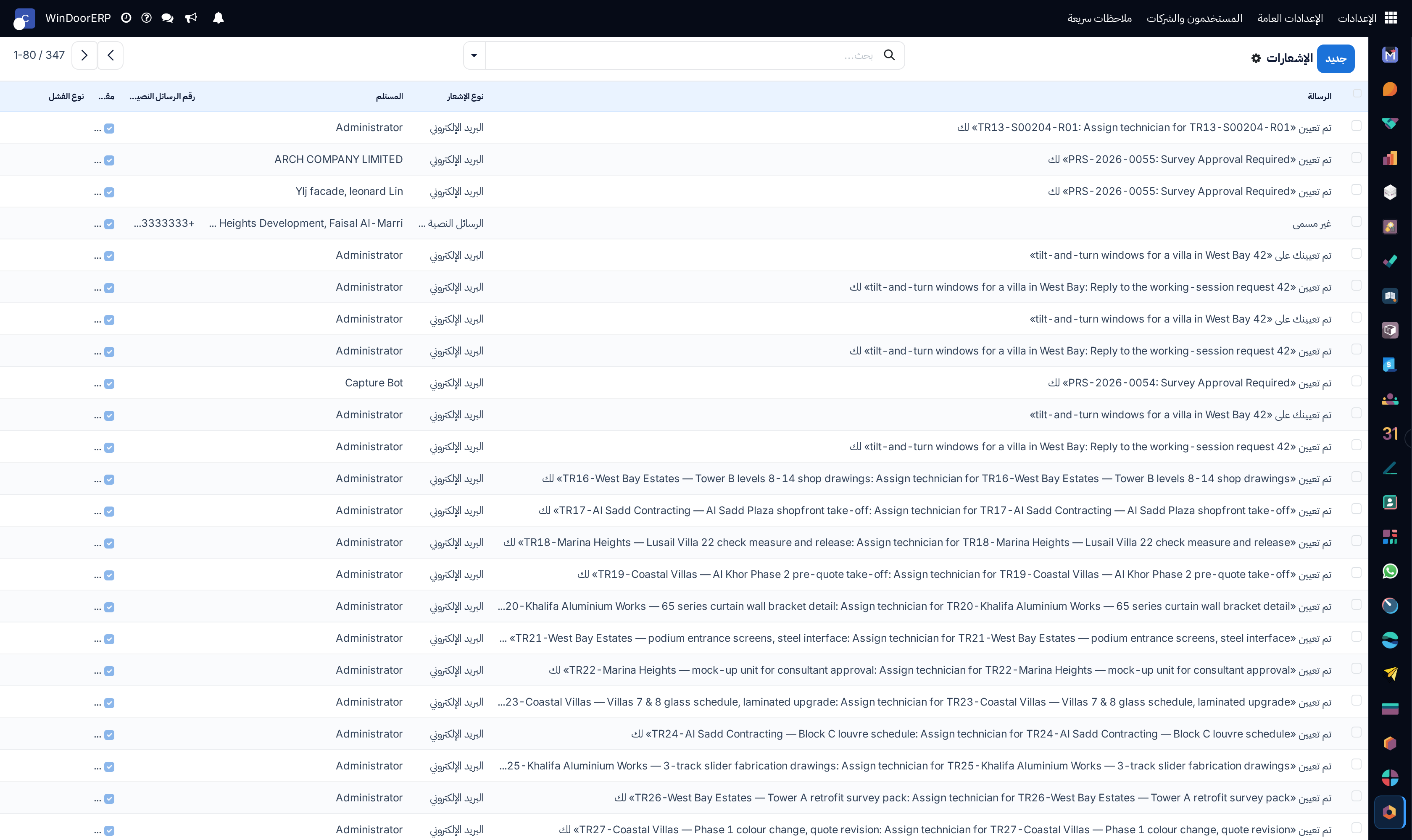
User push/email notifications registry list

\n

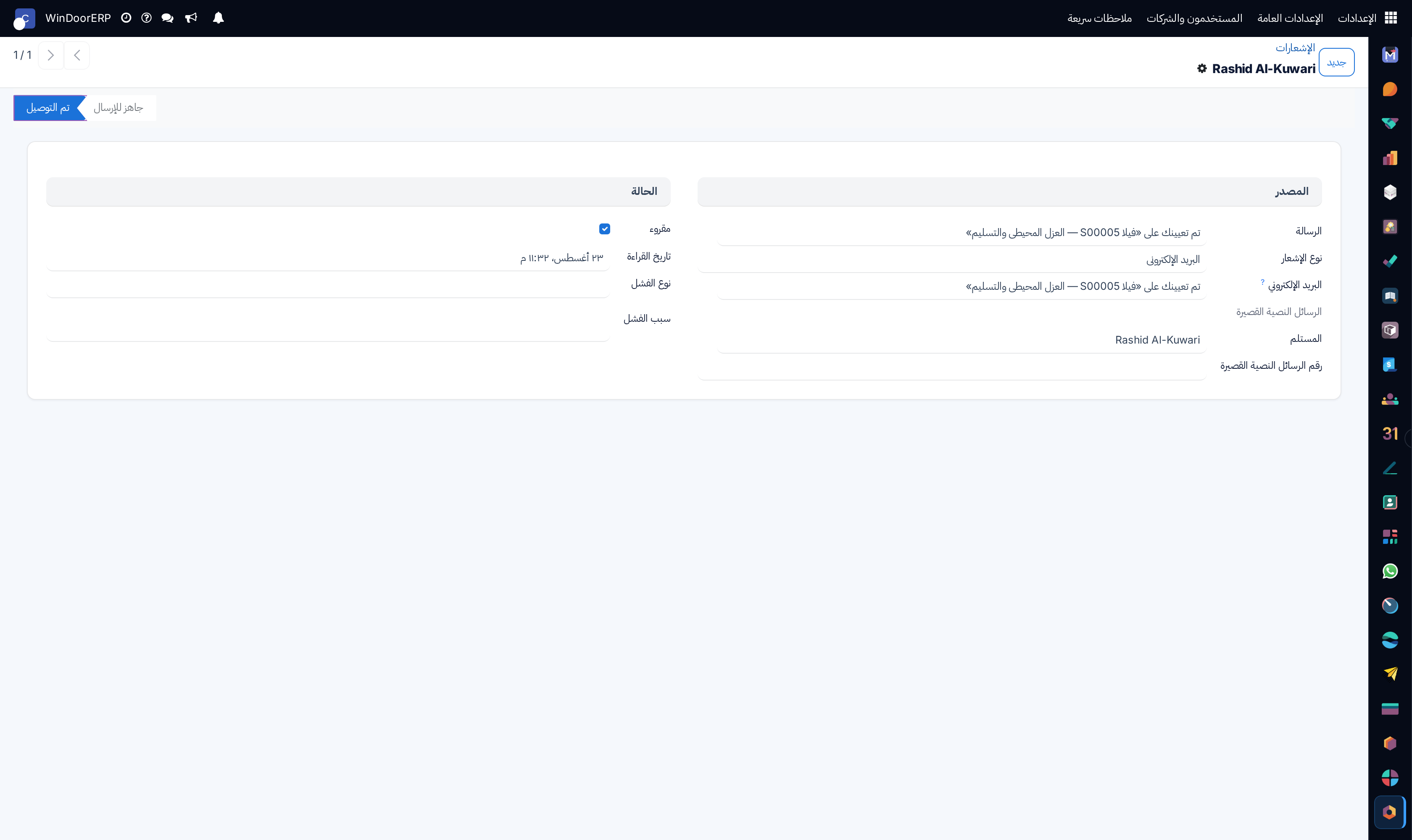
Notification delivery profile

\n

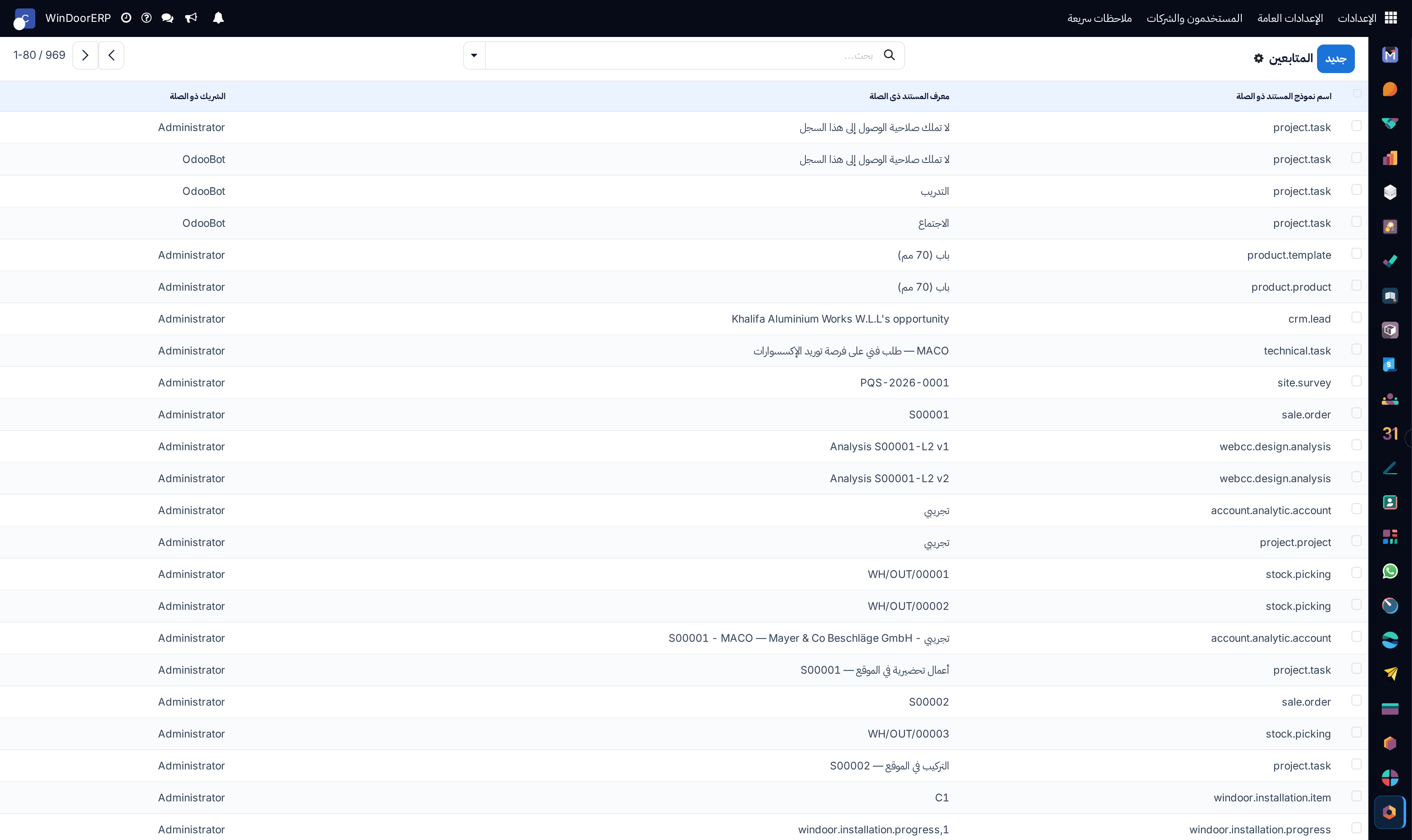
Document chatter followers registry list

\n

Follower profile

\n

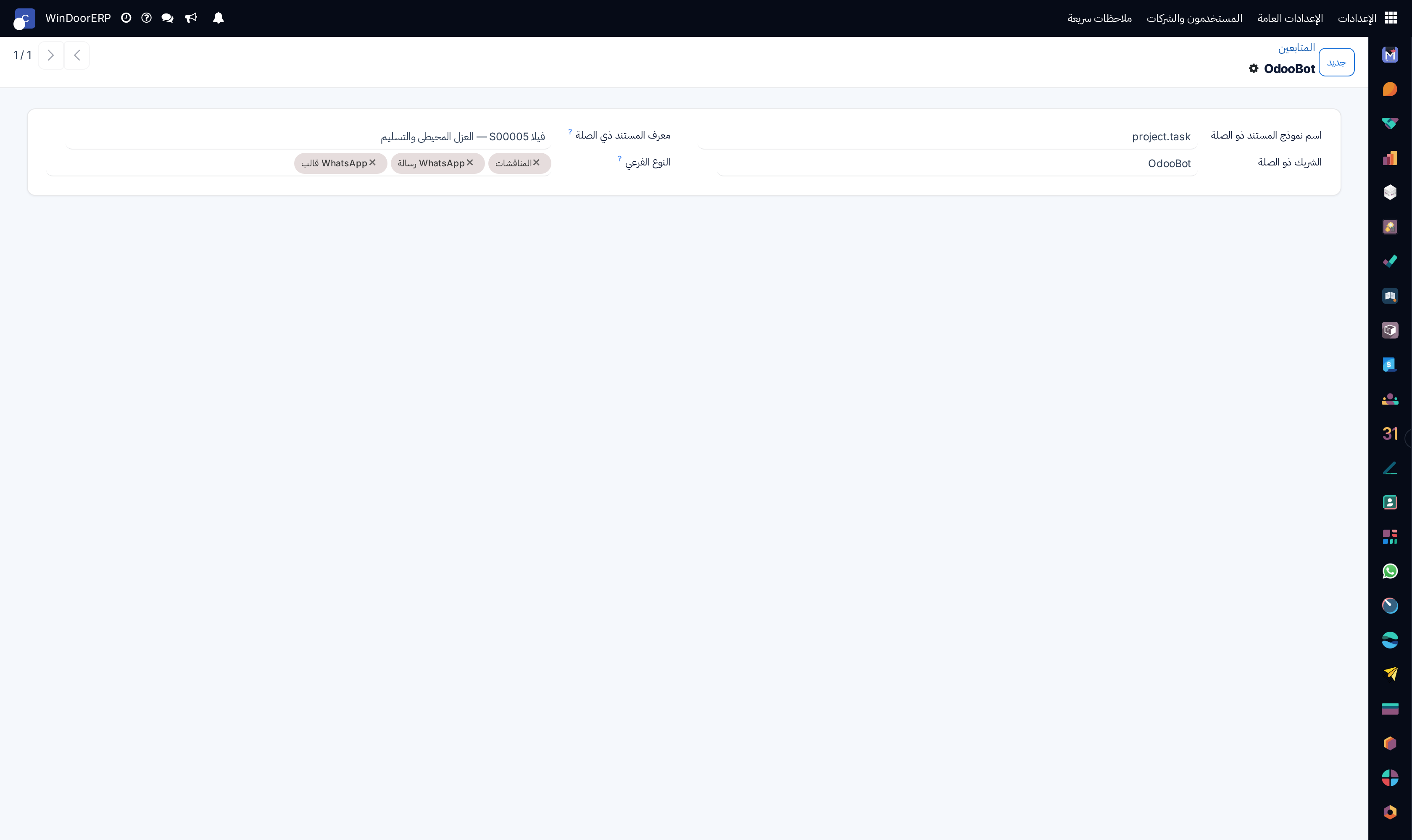
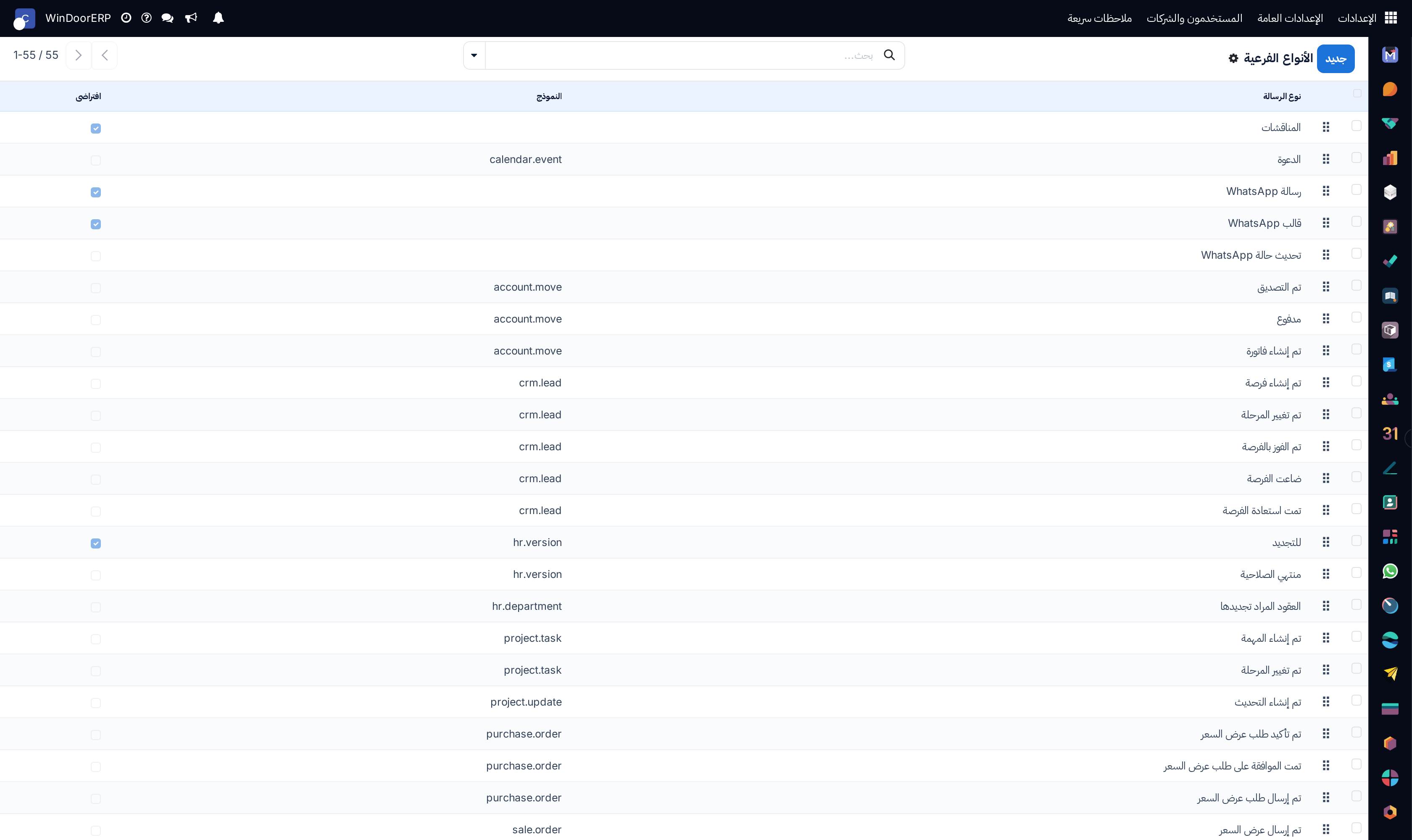
Chatter message subtype events list

\n

Message subtype profile

\n

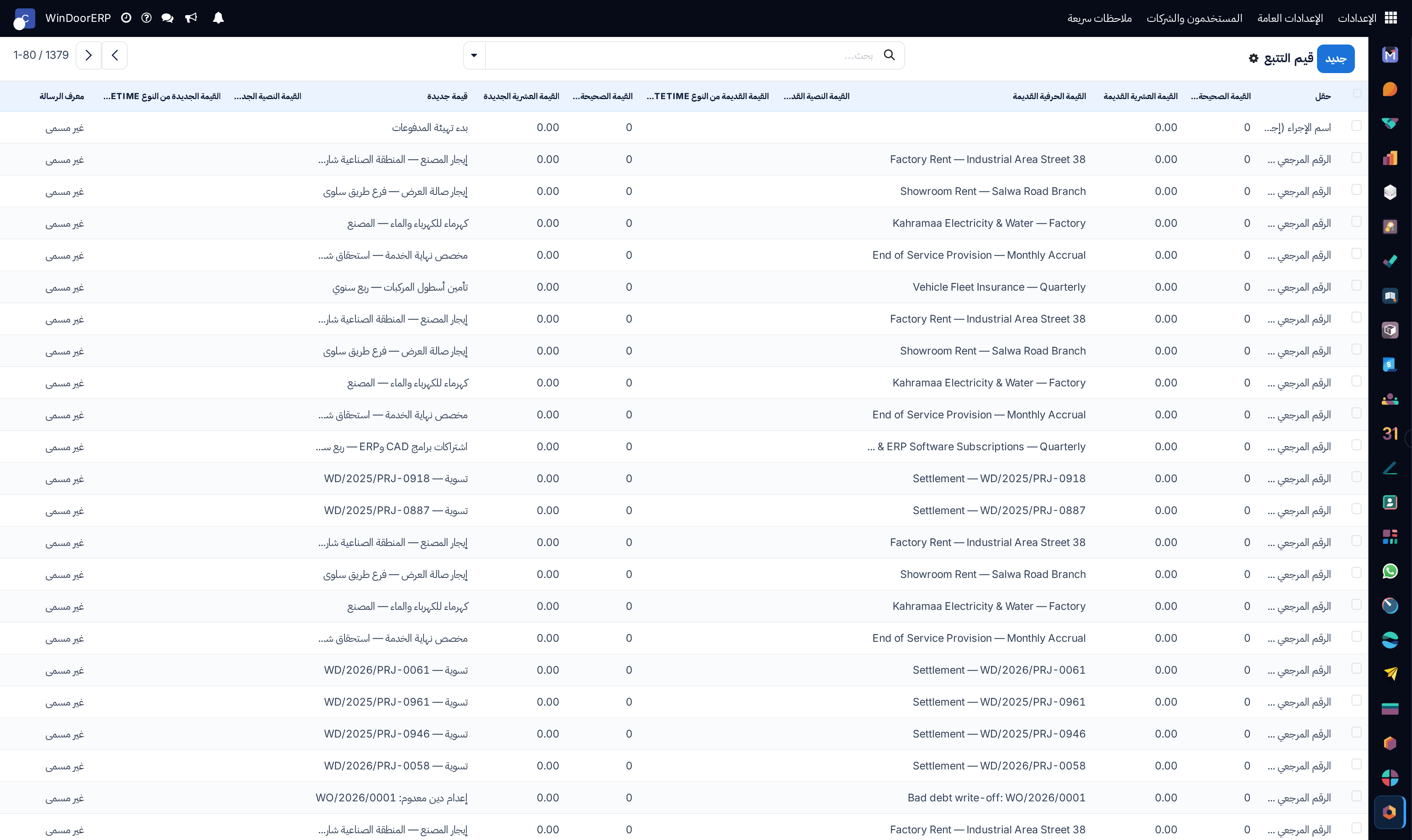
Chatter field audit tracking changes list

\n

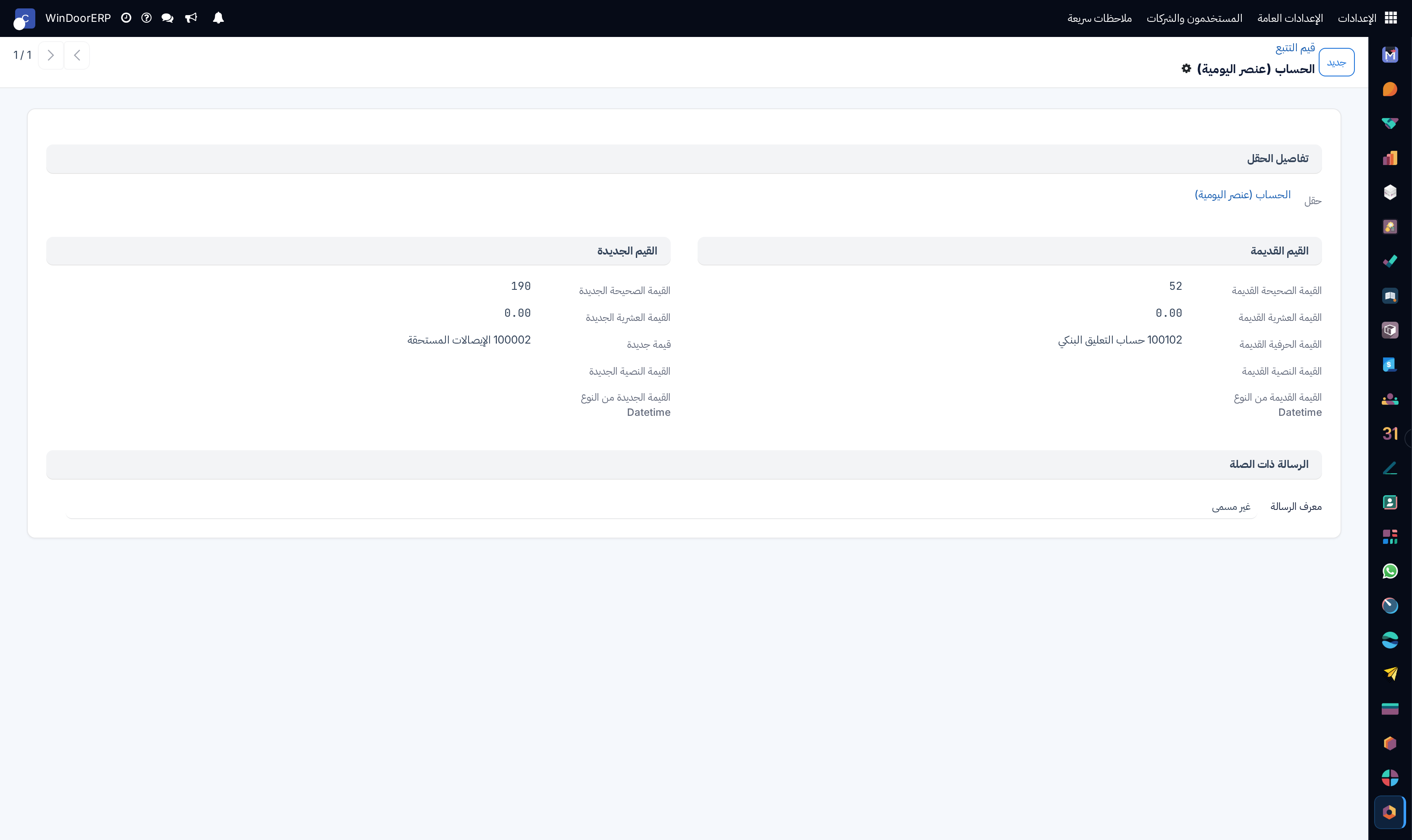
Field tracking audit profile

\n

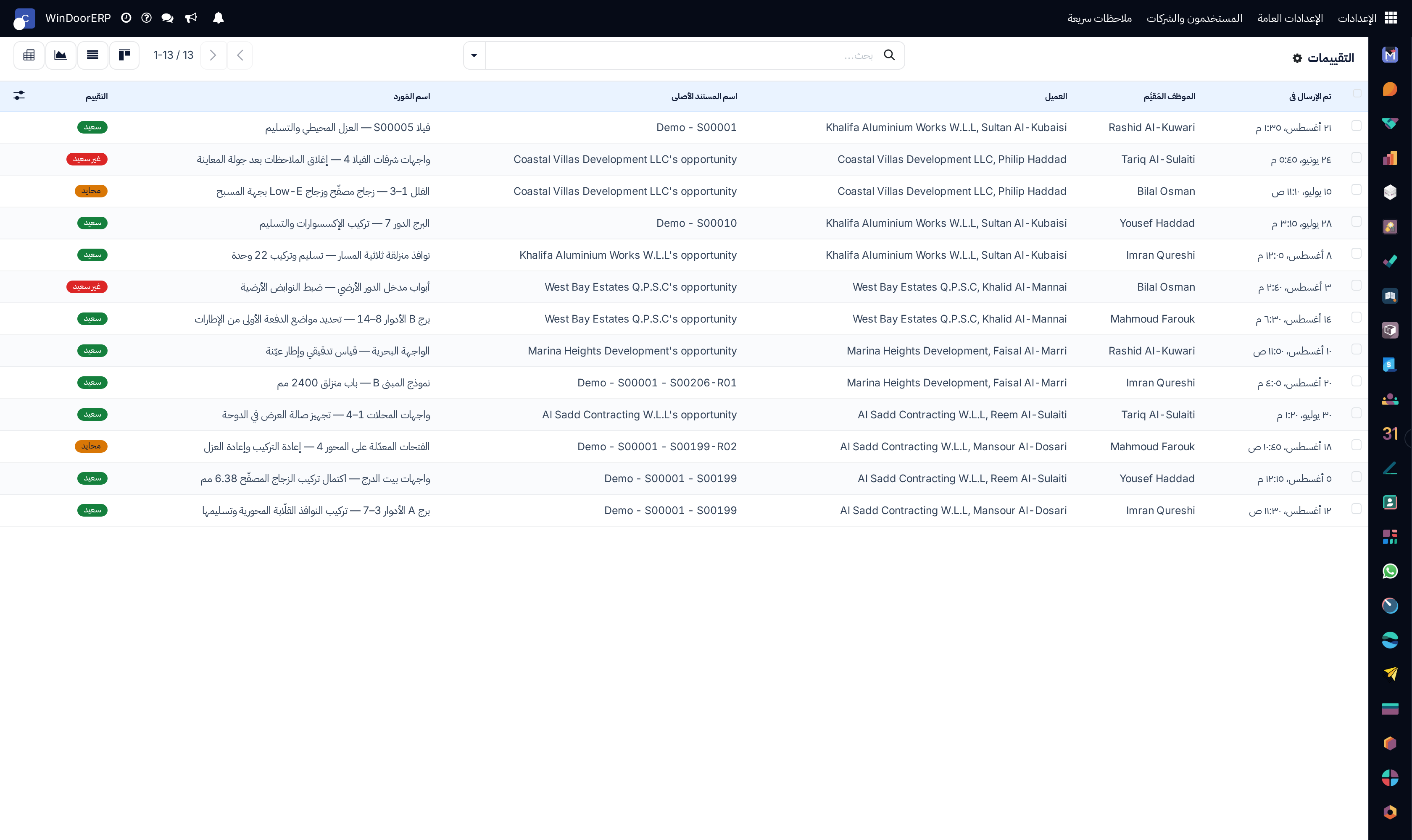
Customer satisfaction ratings list

\n

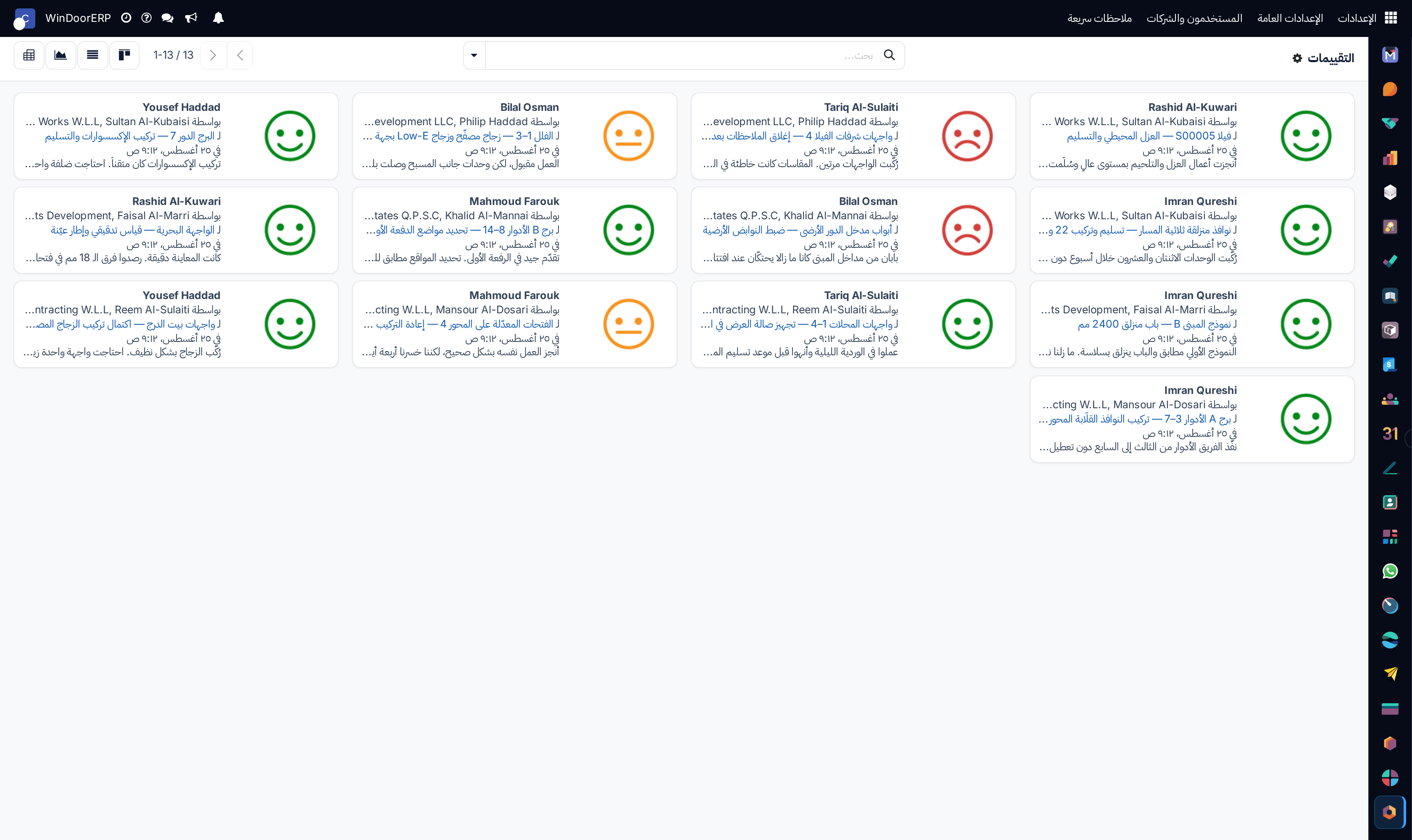
Ratings kanban overview

\n

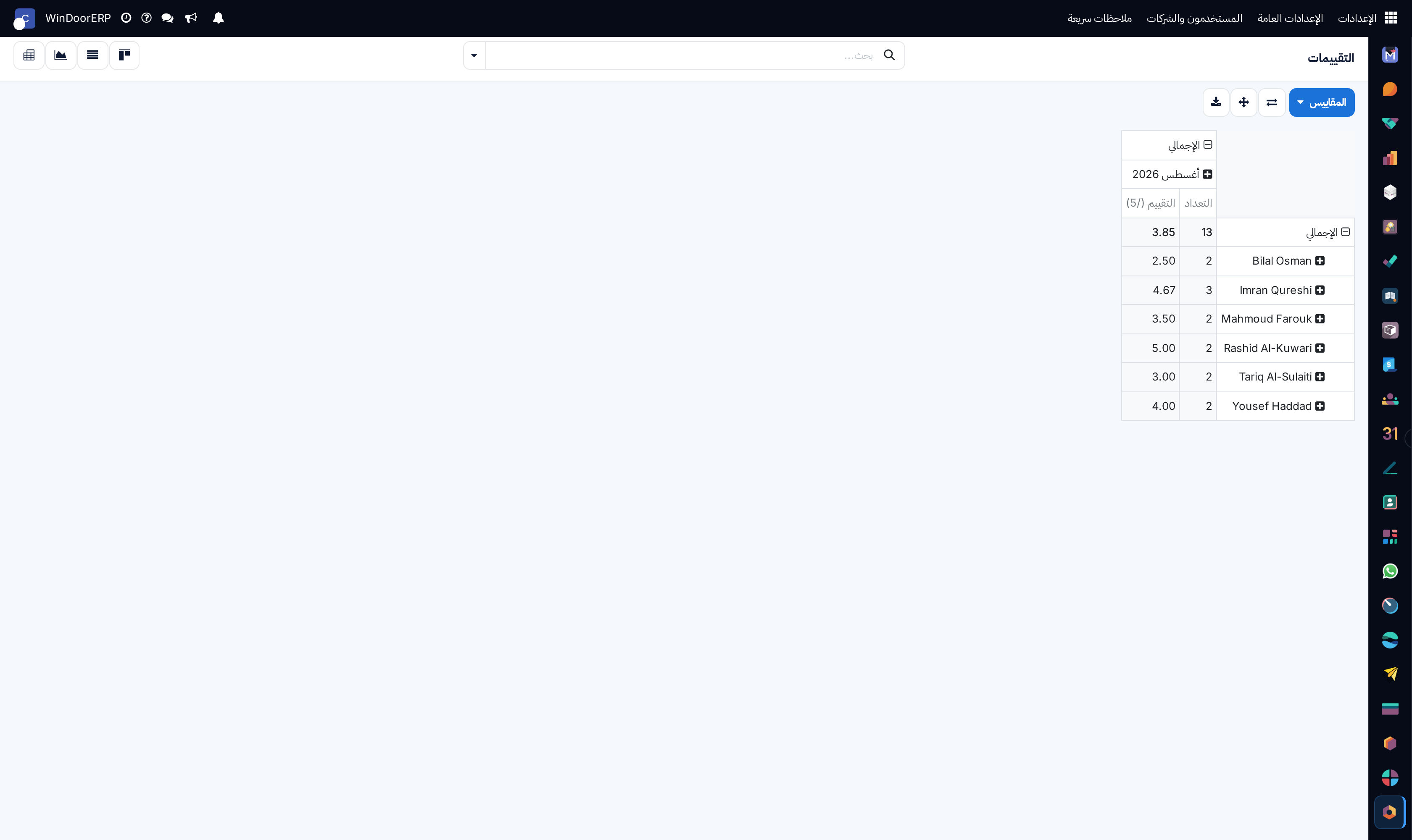
Customer ratings pivot analysis table

\n

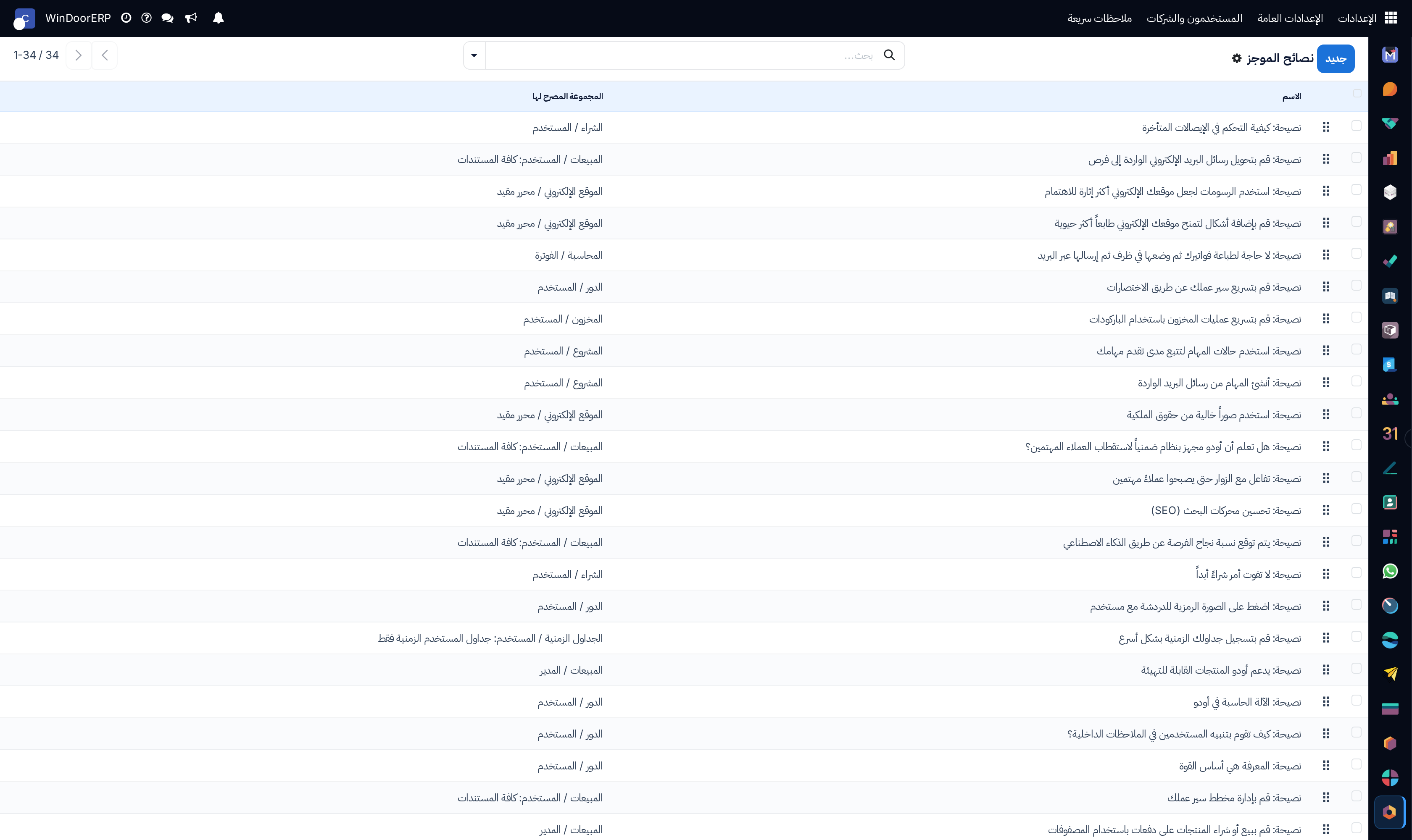
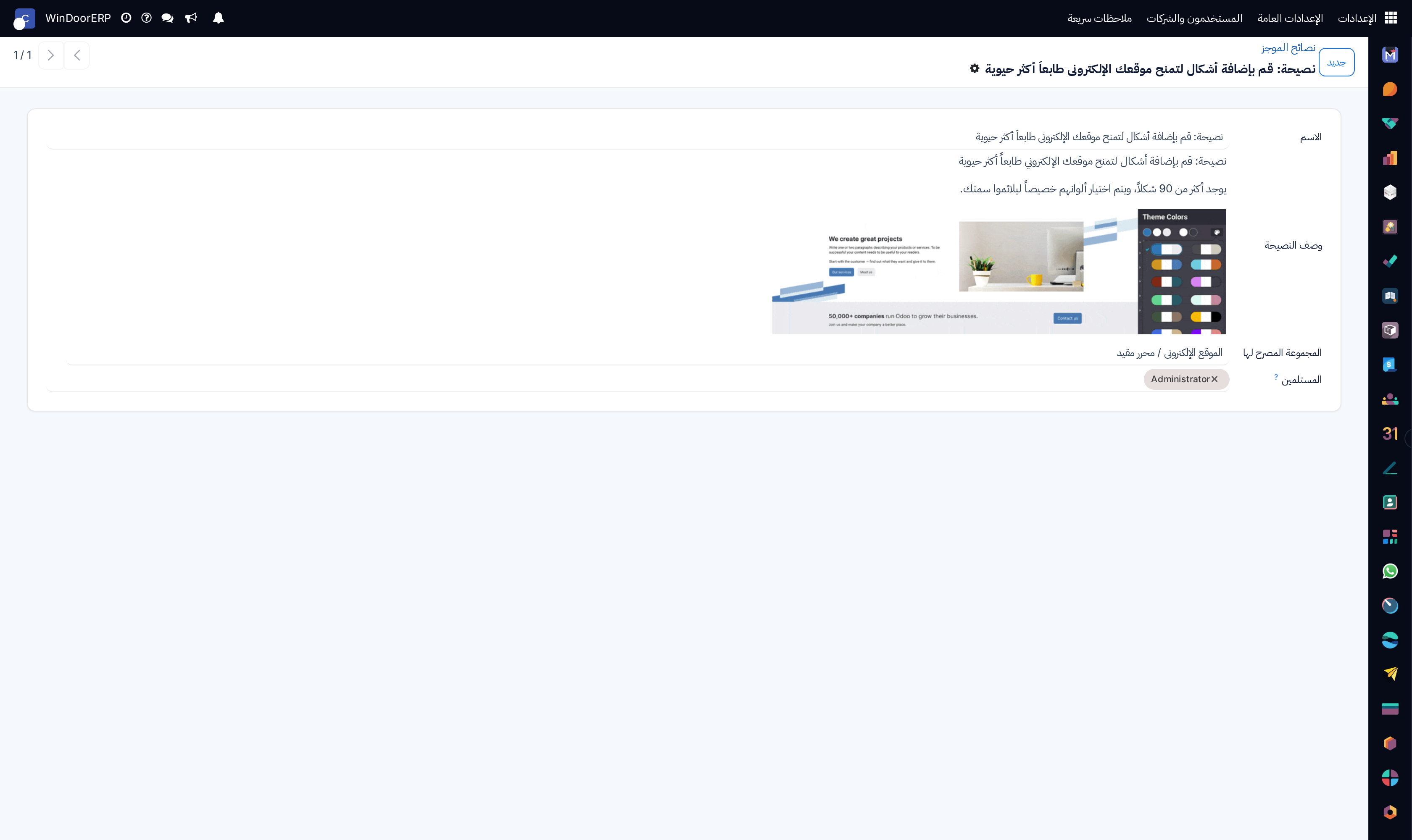
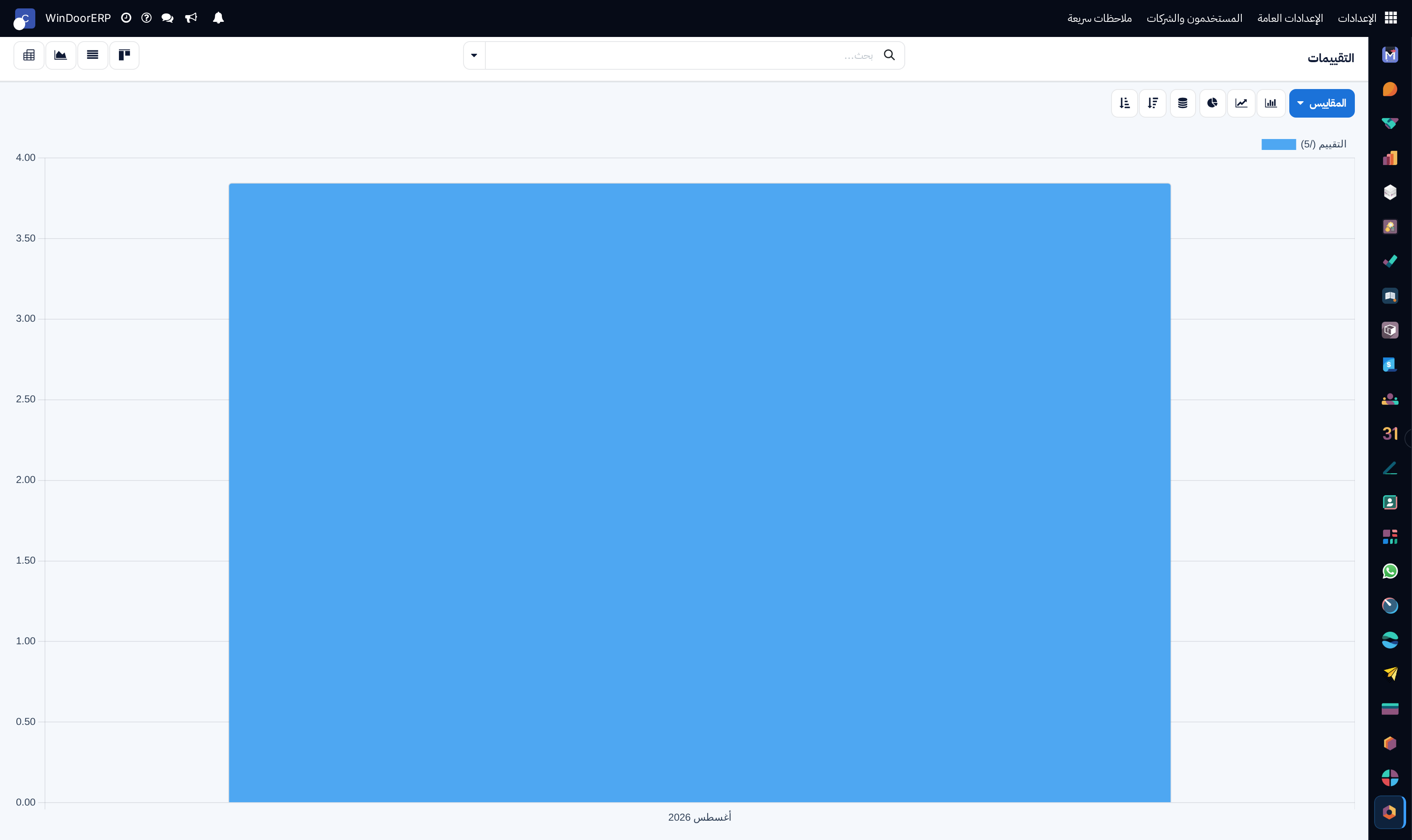
Satisfaction ratings performance graph

\n

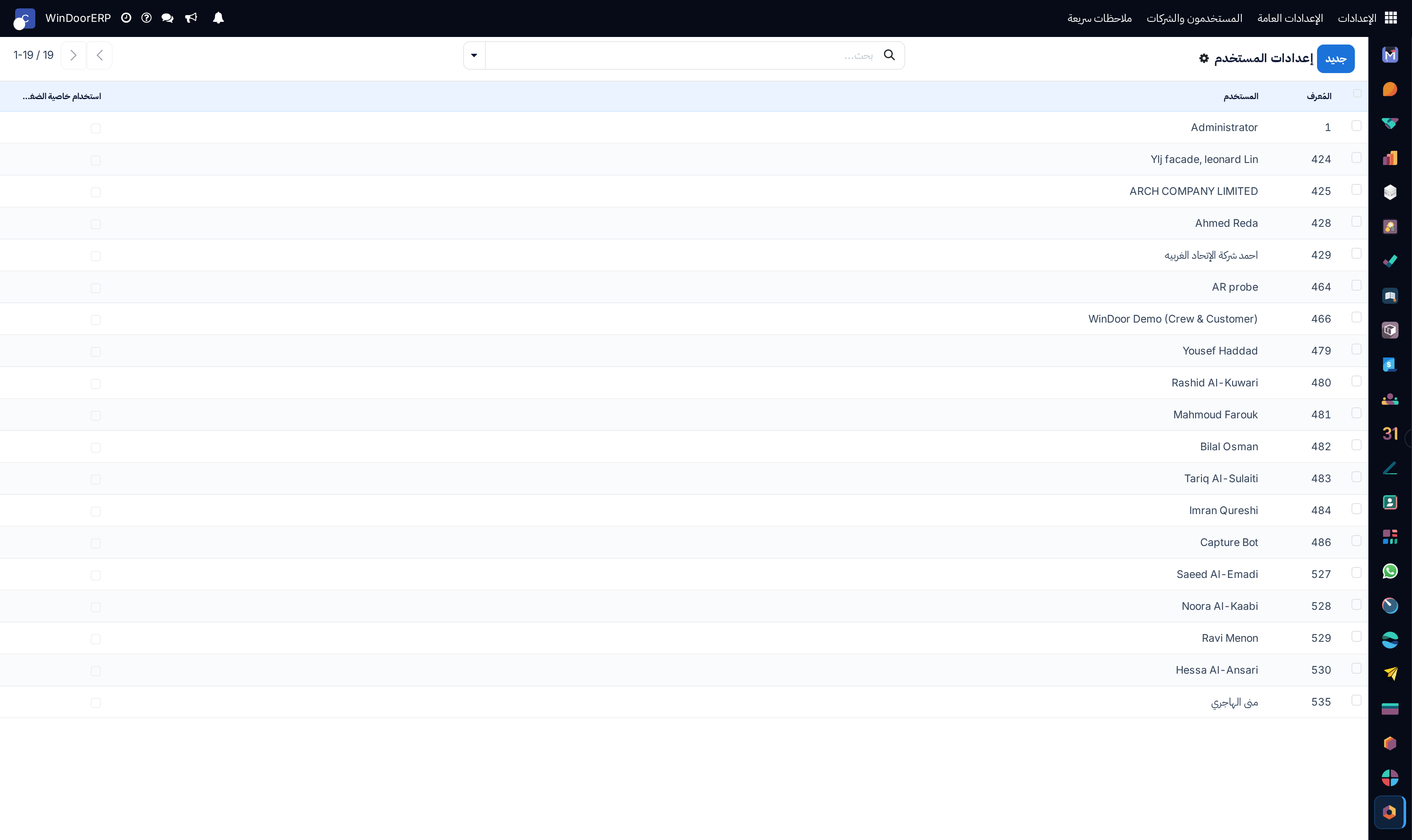
Discuss personal user settings list

\n

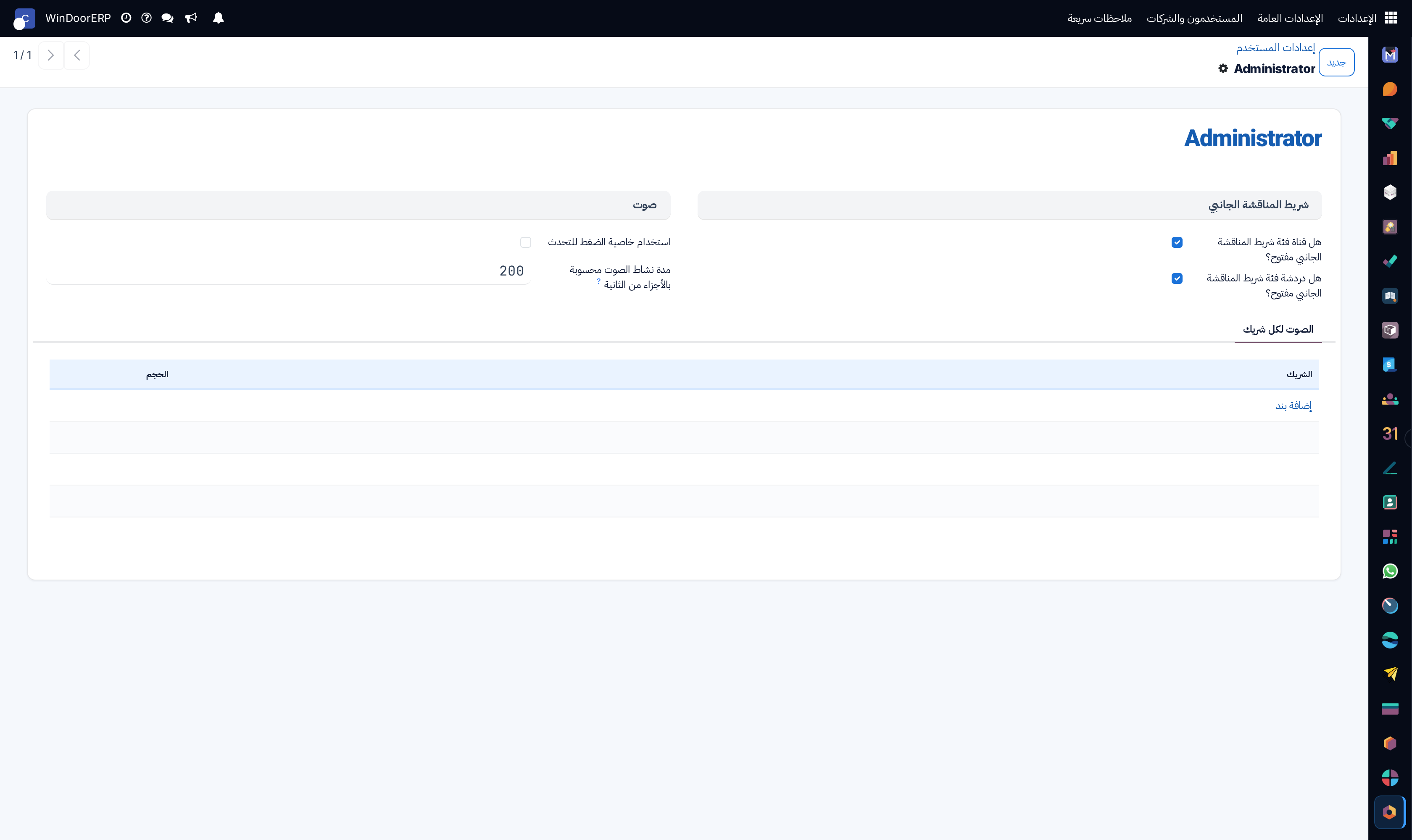
User discuss preferences profile

\n

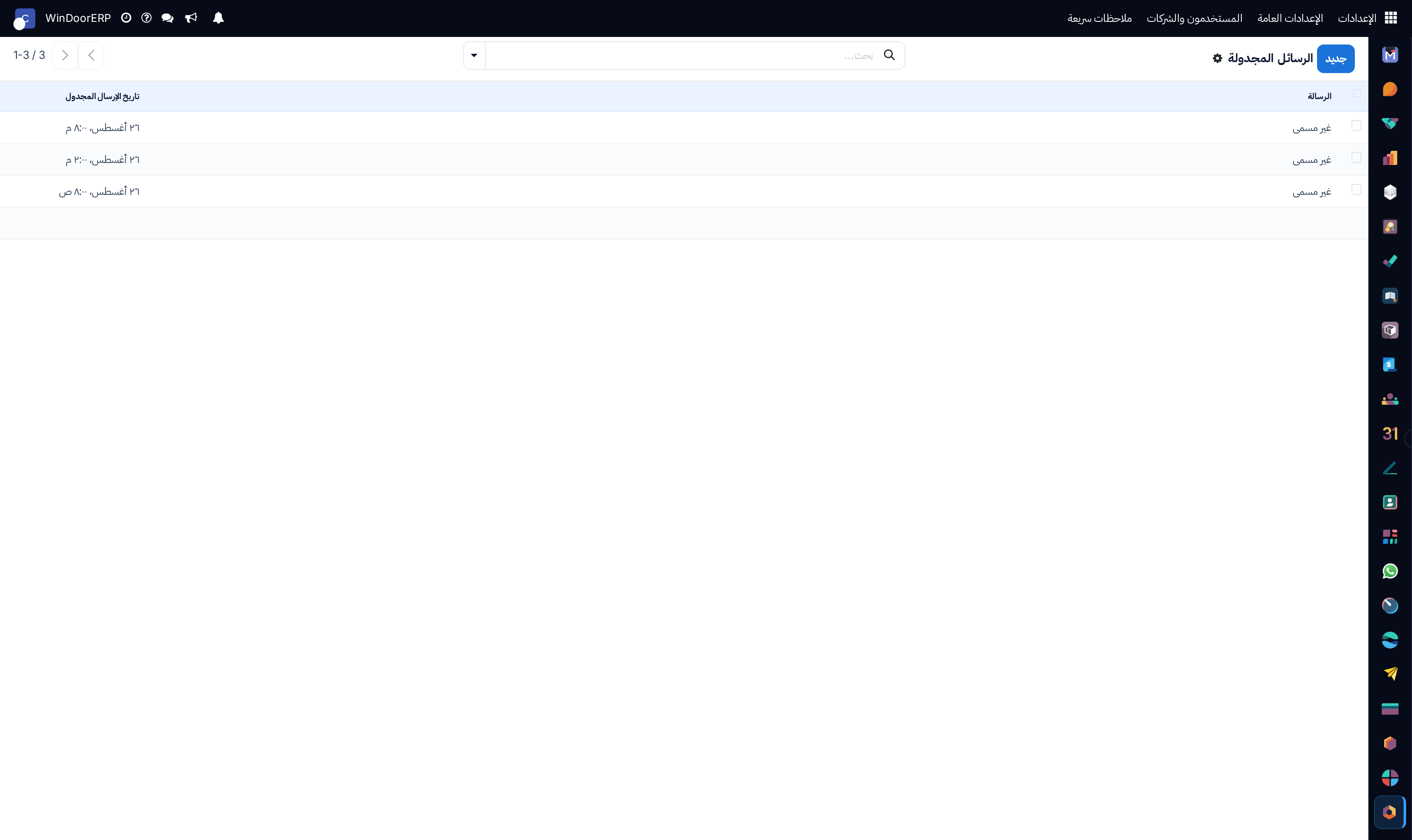
Scheduled chatter messages queue list

\n

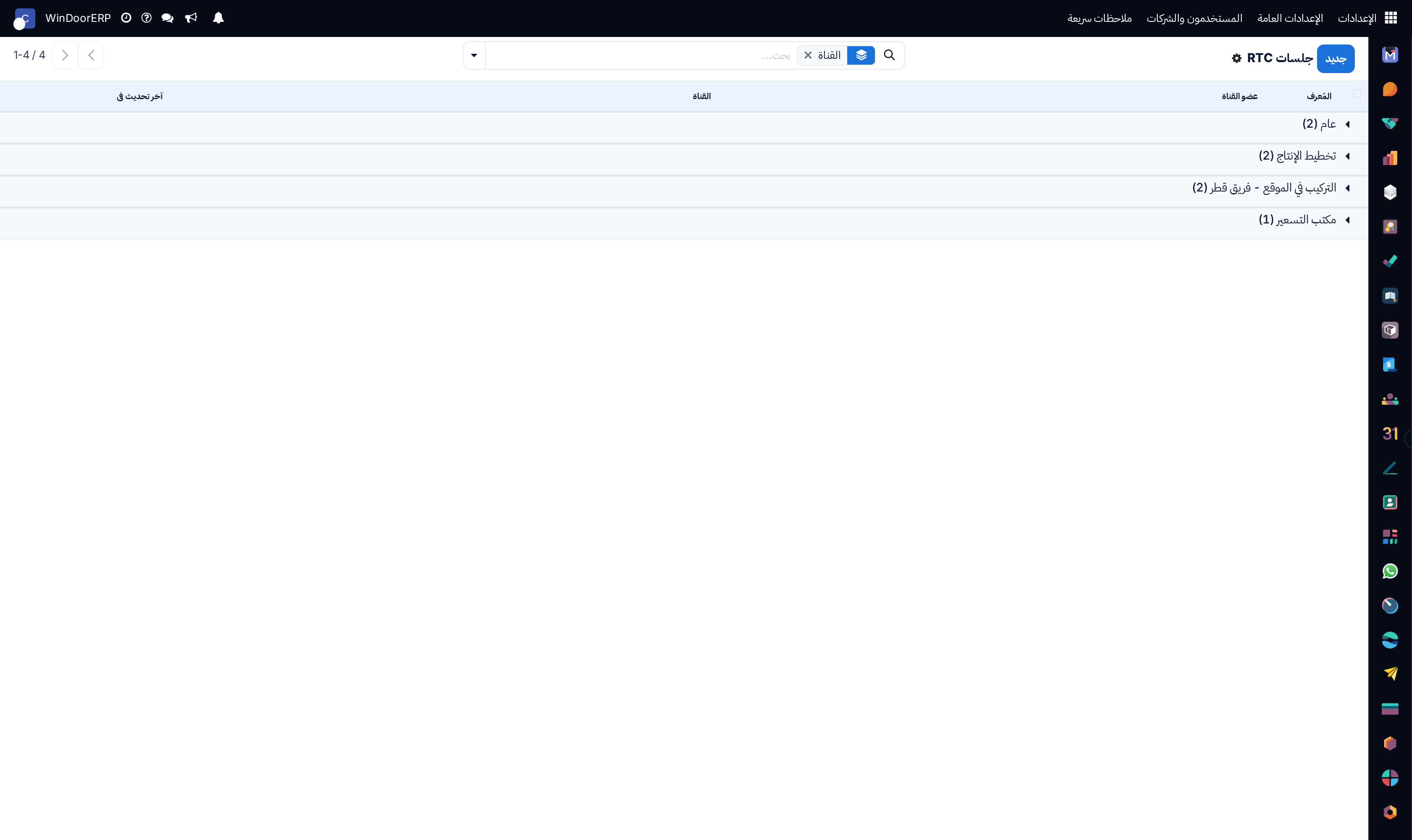
Real-time audio/video WebRTC active sessions list

\n

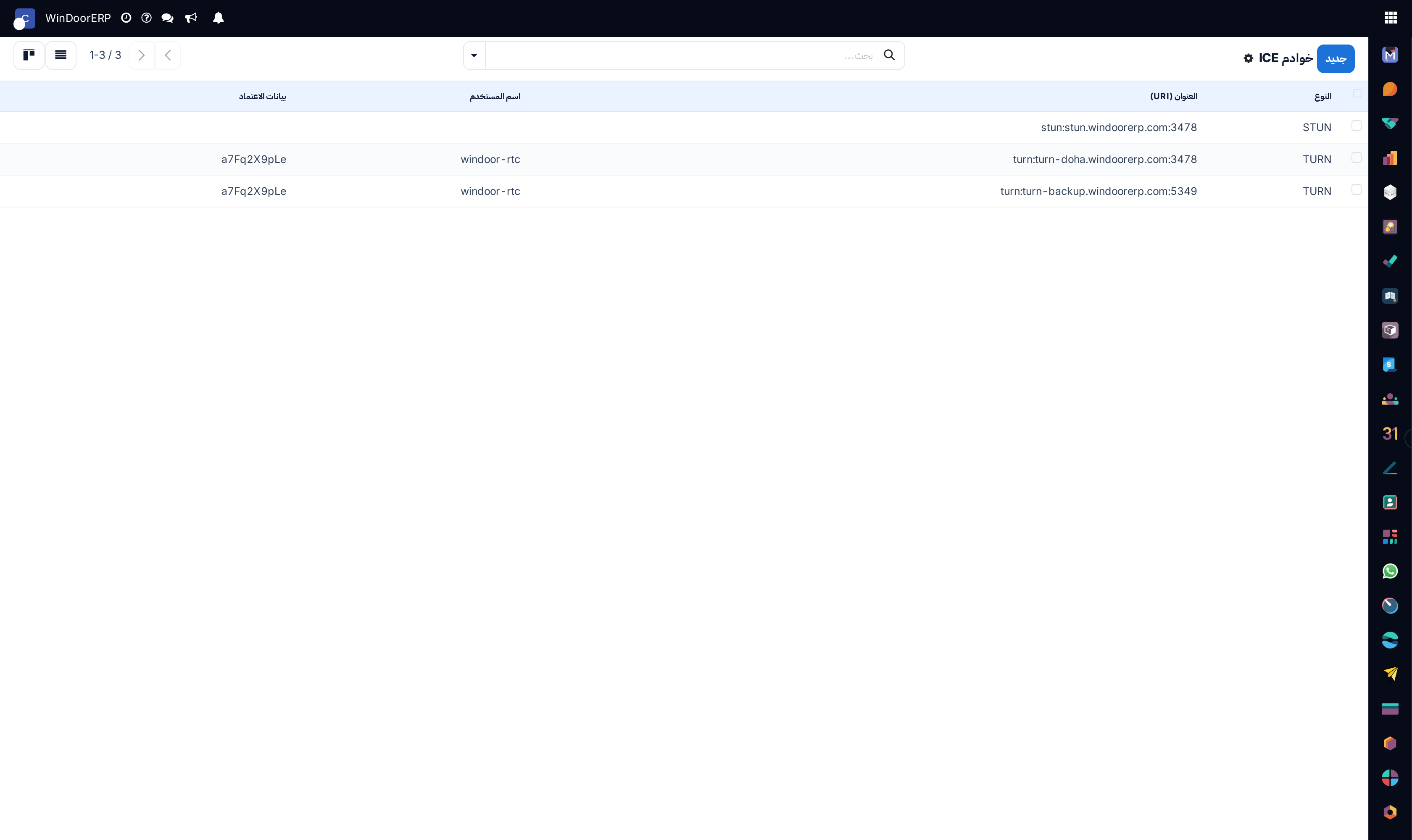
WebRTC STUN/TURN ICE servers catalog list

\n

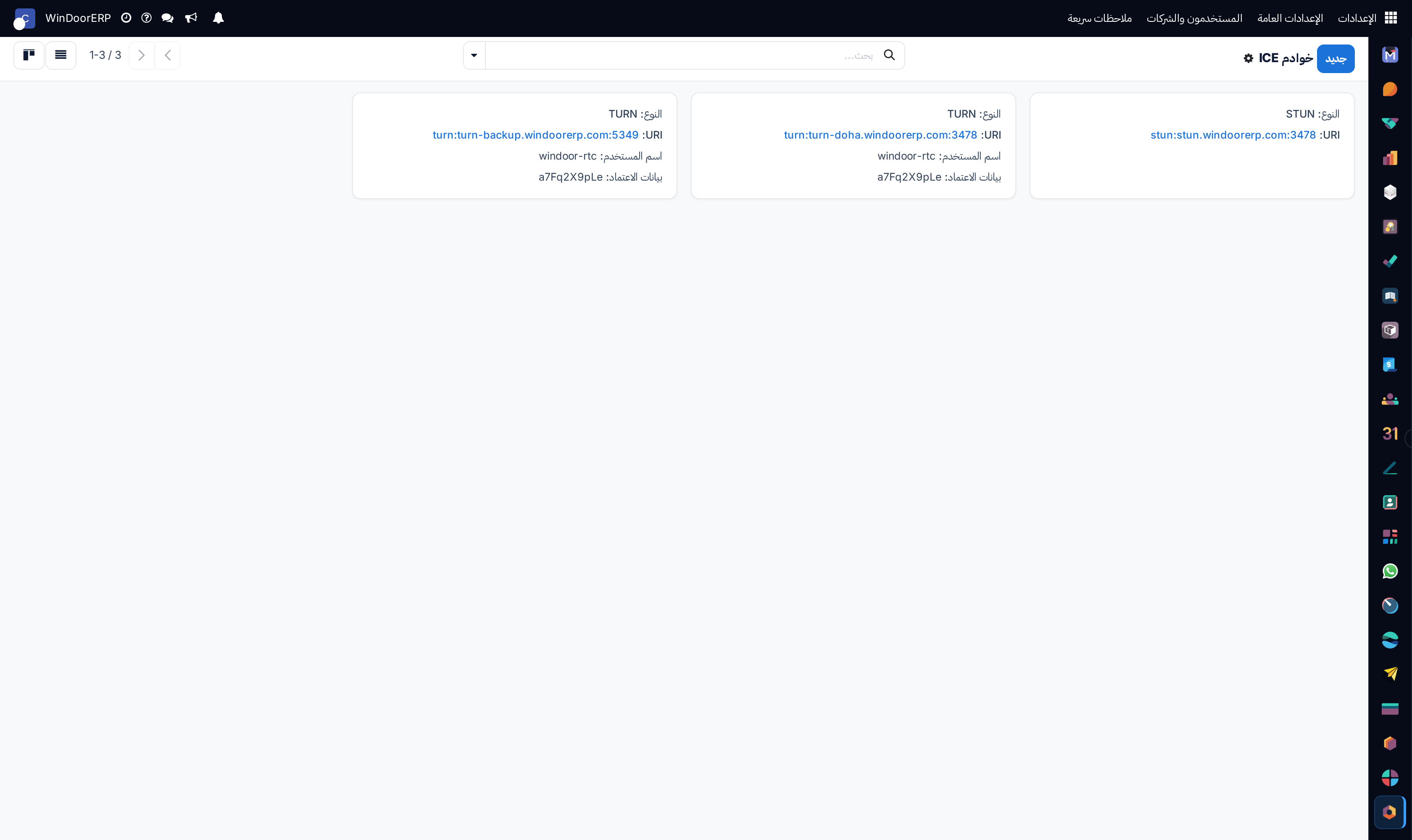
ICE servers kanban overview

\n

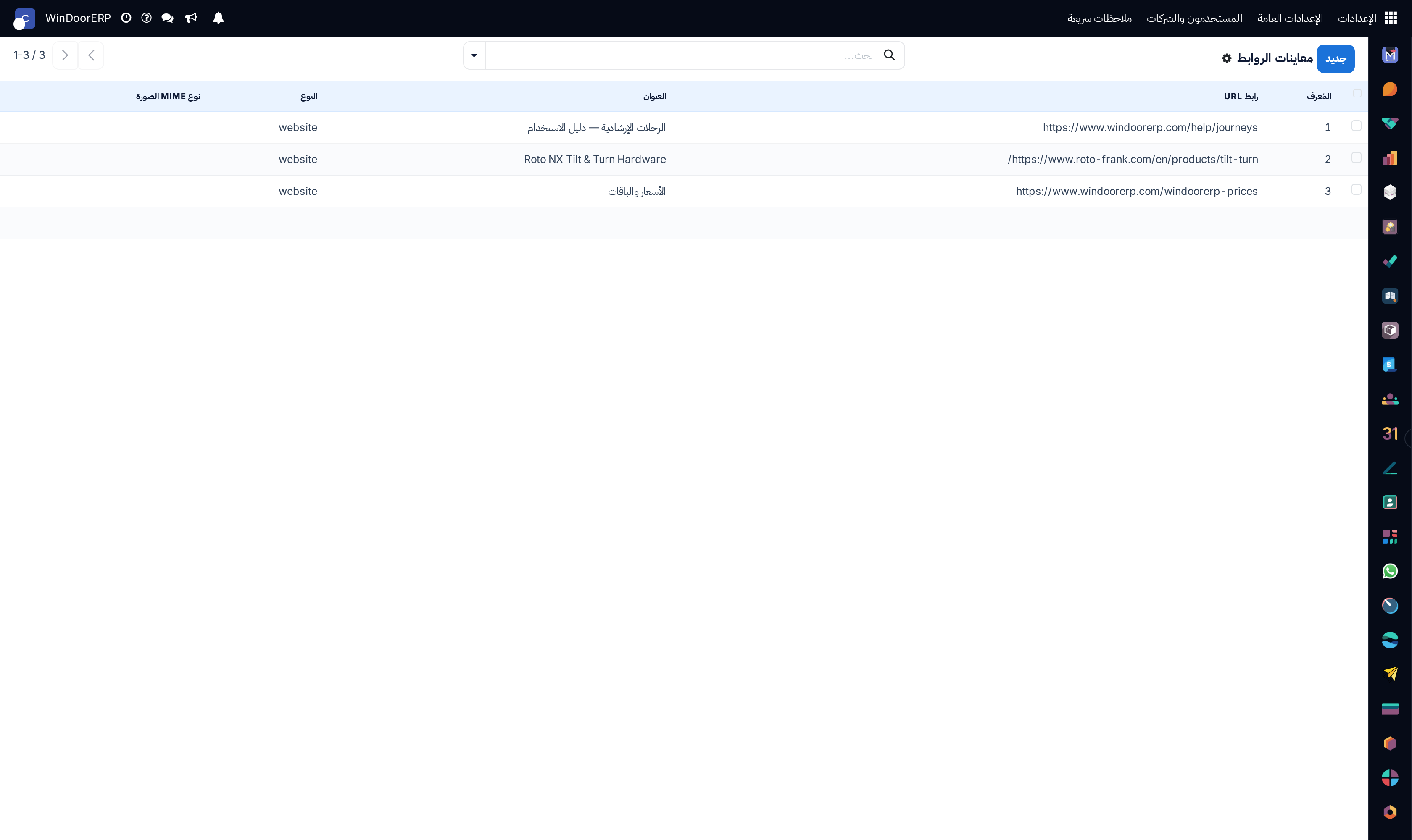
Rich URL link preview cache list

\n

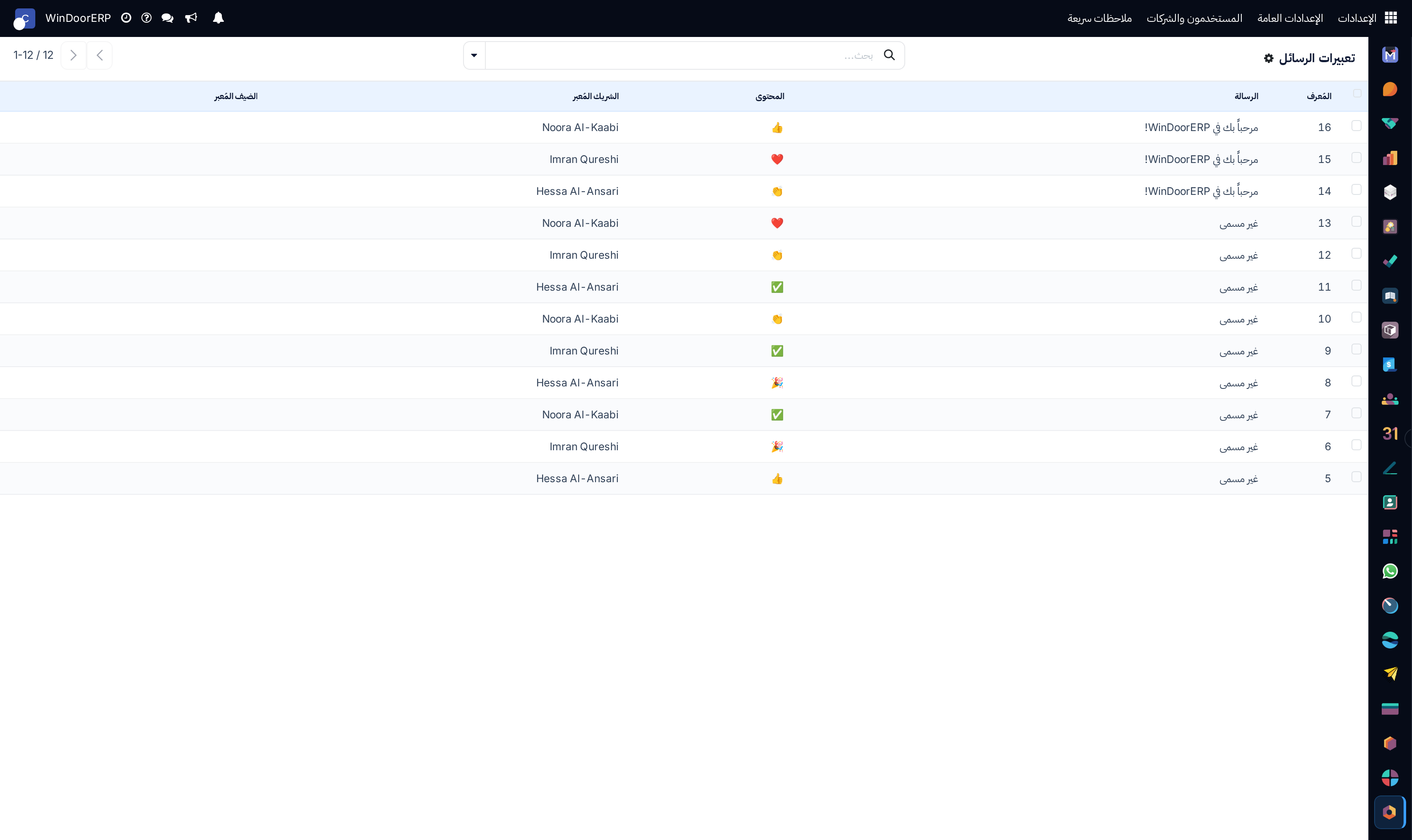
Chatter emoji reactions list

\n

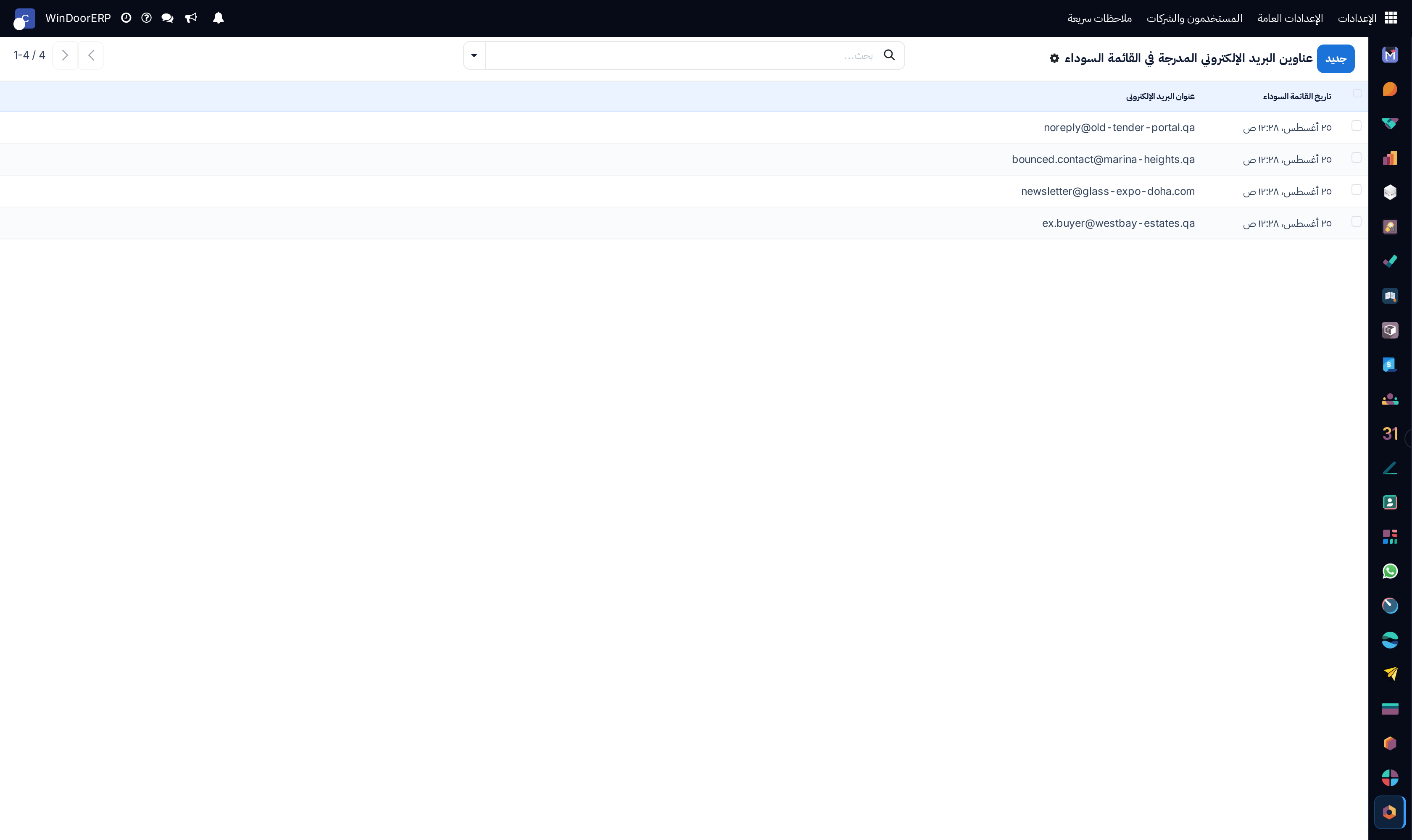
Suppressed email blacklist registry list

\n

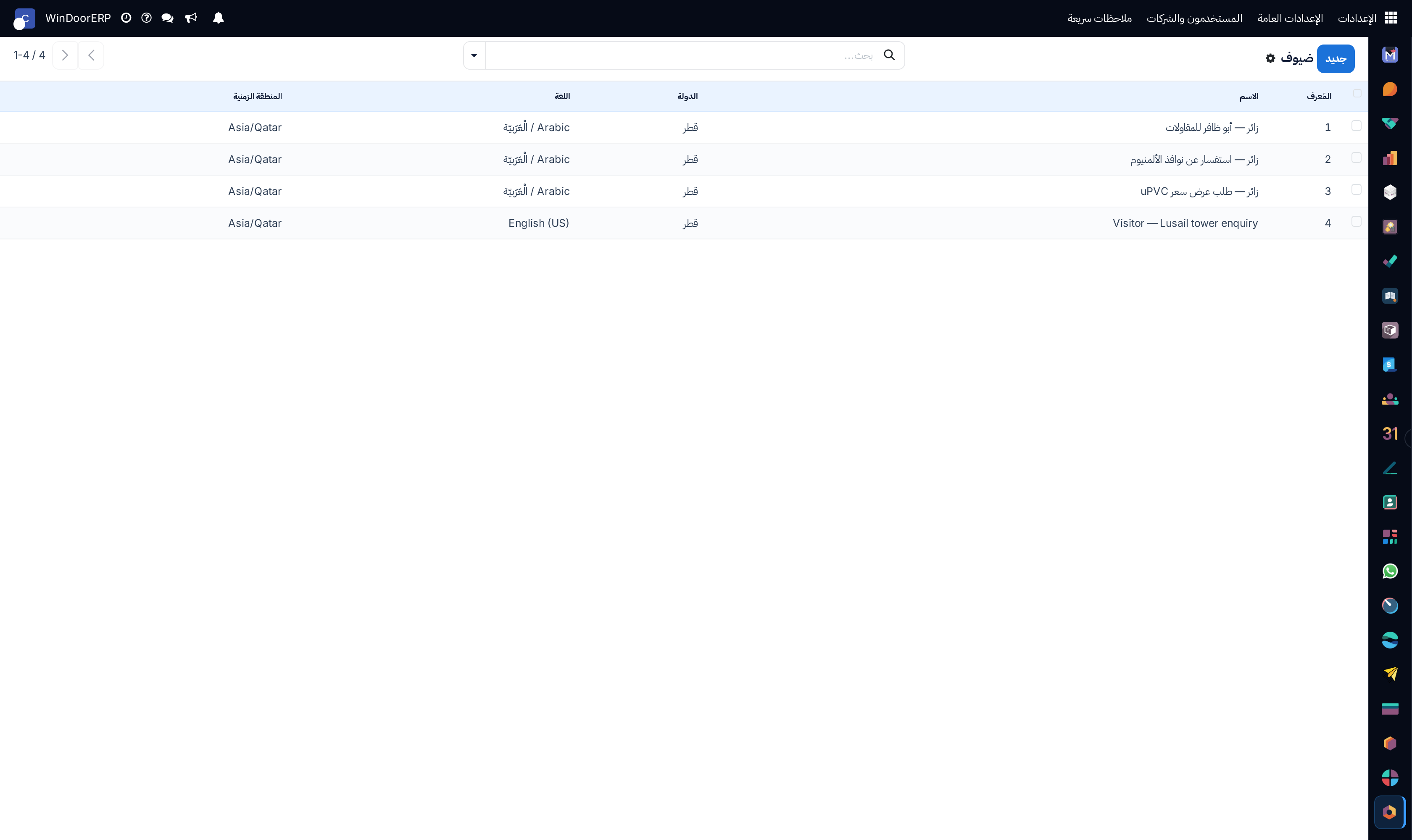
External guest live chat sessions list

\n

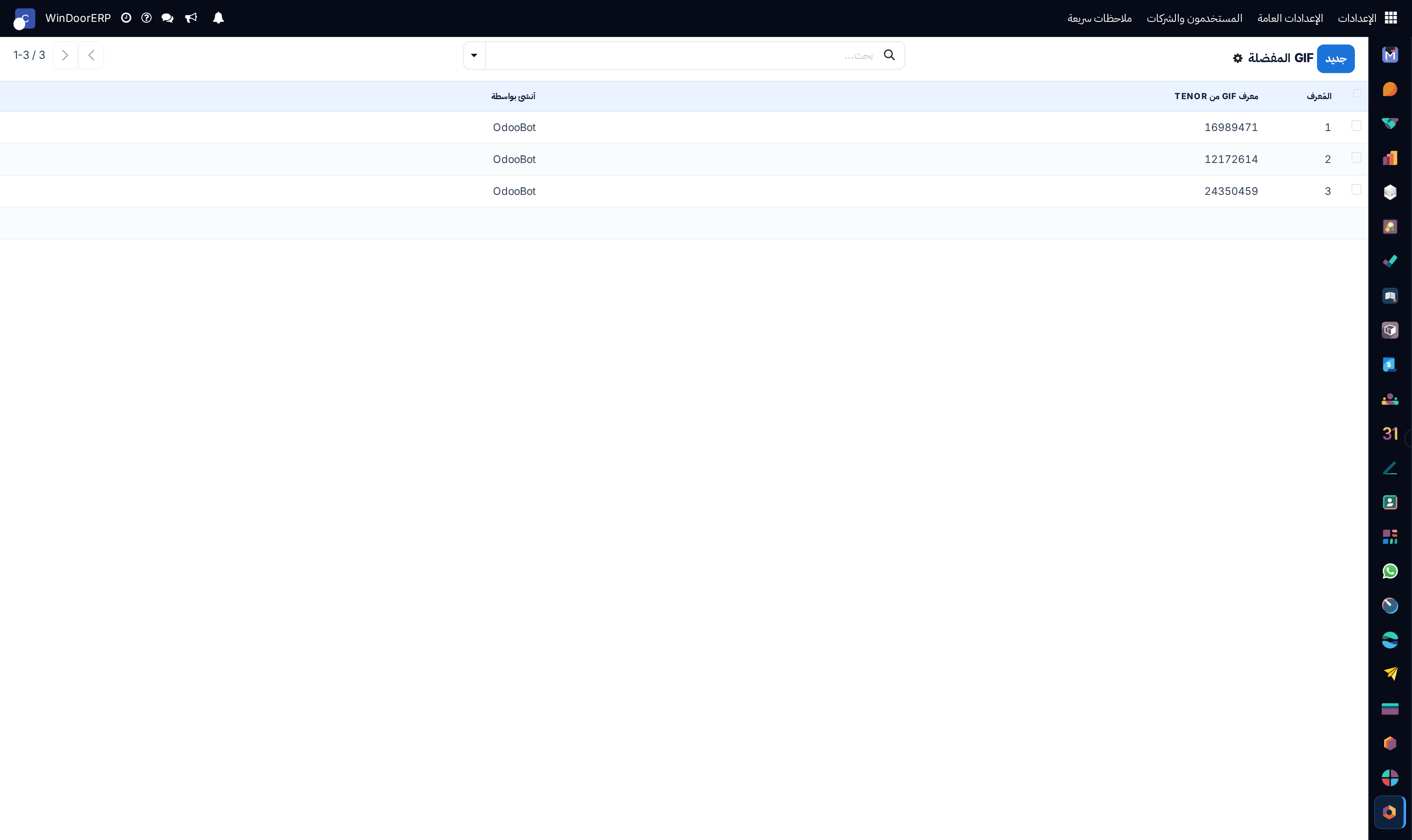
User favorite GIFs registry list

\n

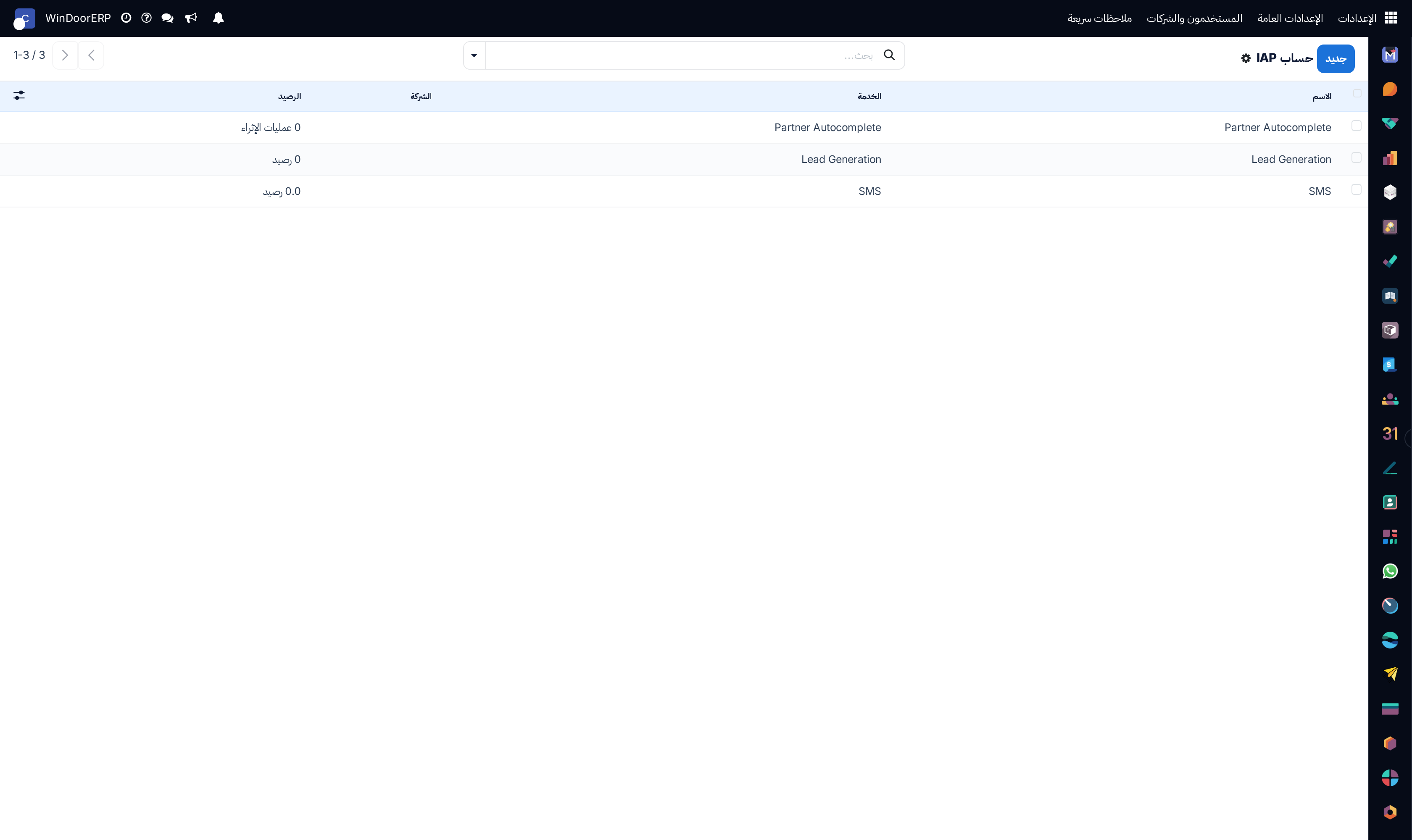
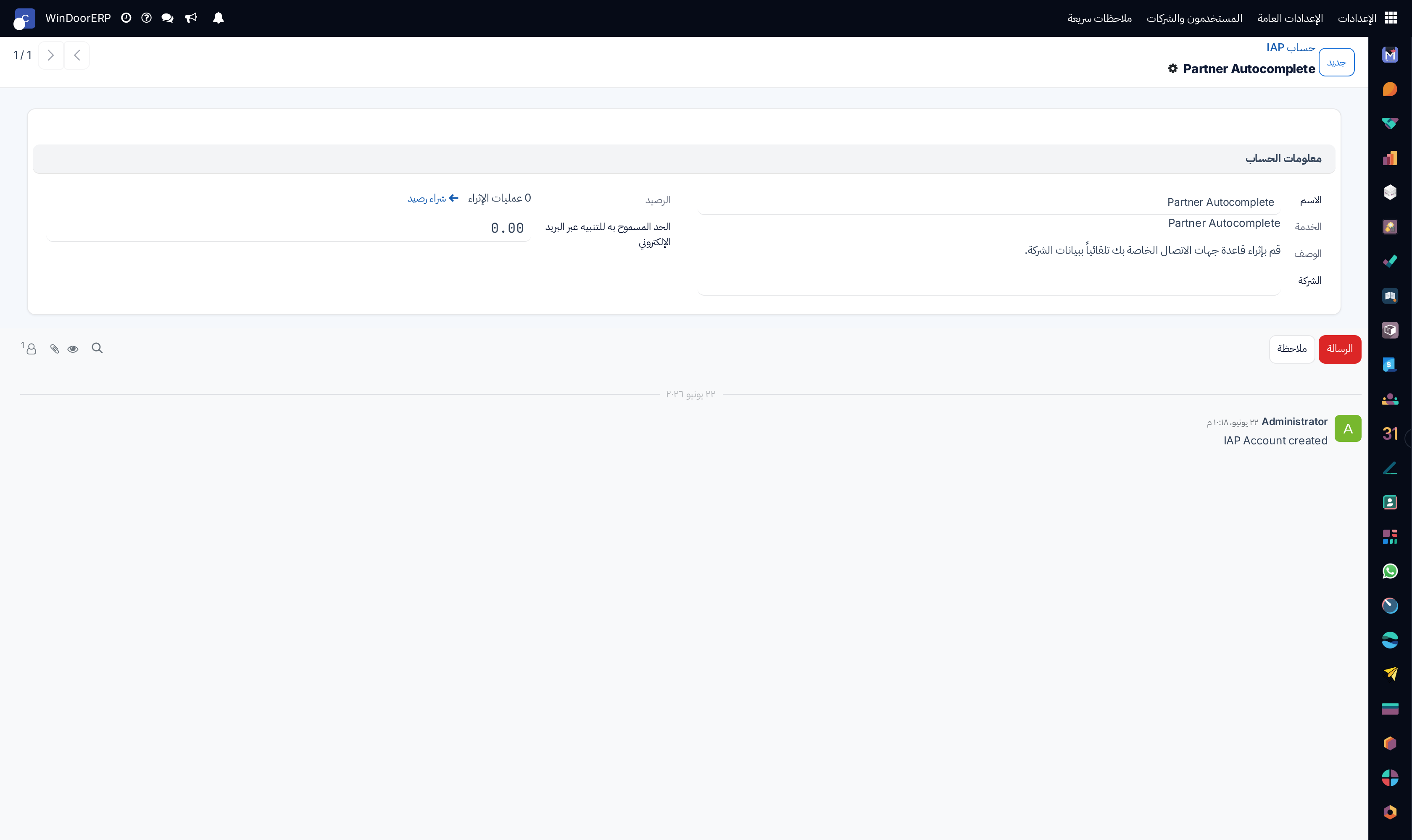
In-App Purchase (IAP) service accounts list

\n

IAP account profile and credit balance editor

مهم

يضمن ضبط خوادم البريد الصادر بسجلات SPF وDKIM المعتمدة وصول عروض الأسعار والفواتير لصندوق الوارد للعملاء مباشرة.
  1. 01
    افتح الأتمتة › المهام المجدولة (Scheduled Actions) بالتقويم والقائمة لجدولة المهام الخلفية.
  2. 02
    اضبط خوادم إرسال واستقبال البريد في البريد › خوادم البريد الصادر والوارد.
  3. 03
    صمم قوالب المراسلات الآلية في قوالب البريد (Email Templates) وقوالب SMS.
  4. 04
    راقب سجل المحادثات والإشعارات في المحادثات › الرسائل (Messages) والإشعارات.
  5. 05
    اضبط سيرفرات المكالمات الصوتية والمرئية في سيرفرات ICE وتابع حسابات IAP.

أخطاء شائعة

  • تشغيل مهام أتمتة ثقيلة ومستهلكة لموارد الخادم أثناء ساعات الذروة التشغيلية للمصنع.
  • \n
  • إرسال حملات SMS دون استثناء الأرقام المسجلة في القائمة السوداء.

هل كان هذا المقال مفيداً؟

تدير مصنع نوافذ أو أبواب؟

اطلب عرضاً تجريبياً