Put up the public pages that produce enquiries
What this does
Your public website is the top of the pipeline you configured in CRM: the pages say what you make, and the enquiry form turns a visitor into a lead on the right sales team. This article sets up both — and fixes the default that quietly undermines it, because the stock contact form does not create leads at all.
Before you start
- Editing pages needs website editing rights; wiring forms and publishing needs the Editor and Designer role.
- A fresh WindoorERP website ships two pages in the menu — Home and Contact us — and everything else is yours to build.
Steps
-
01
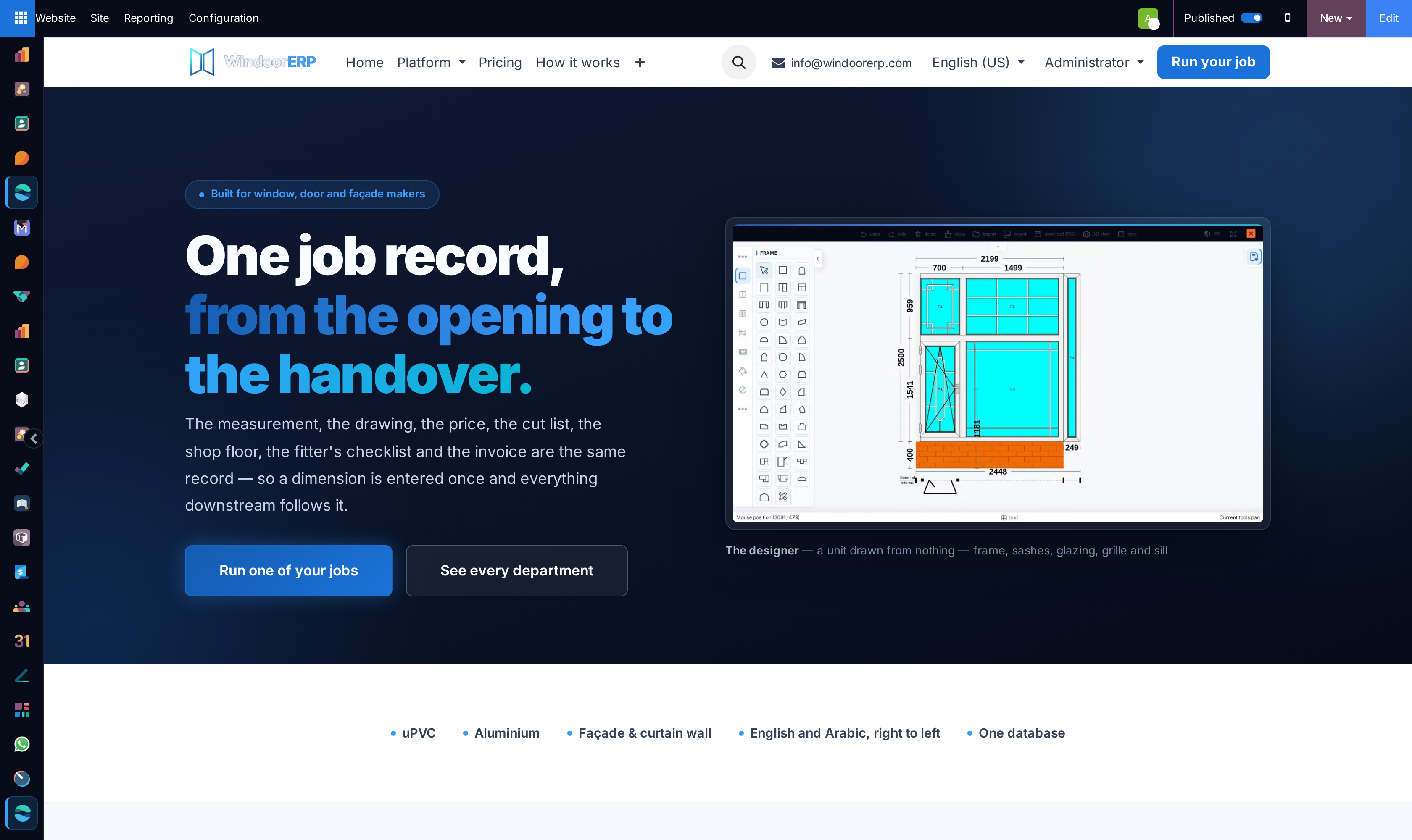
Open Website › Site › Homepage — the site opens inside WindoorERP with an edit bar — and press Edit to rework the homepage from building blocks: your systems, your projects, your numbers.
-
02
Create the pages that sell: + New › Page, one page per audience or product family, each with a headline a visitor would actually search for.
-
03
Open Contact us, select the form and press Edit. In the form's options, change Action from the default Send an Email to Create an Opportunity.
-
04
Still in the form options, set the Sales Team (and a salesperson if you route that tightly) so every submission lands on the desk that answers enquiries.
-
05
Keep the fields few — name, phone, email, the question — and save. Anything a visitor types beyond the standard fields is kept in the lead's description.
-
06
Publish each page with the Published switch in the edit bar, and add the good ones to the menu.
-
07
Submit the form yourself and confirm the lead arrives on the team with your test text in it — the journey's checkpoint, and a two-minute test.
Why the form action matters
Out of the box the contact form only sends an email to your company address — nothing is recorded, nothing is assigned, and the enquiry lives or dies in an inbox. Switched to Create an Opportunity, every submission becomes a CRM lead: named, dated, on a team, carrying the visitor’s language and country, and — if the visit came through a tagged campaign link — carrying the campaign, source and medium that paid for it.
The same form block can be dropped onto any page you build, so a product page can carry its own enquiry form wired to its own team.
Arabic and English
The website serves both languages of your database. Write the page in one language, then switch the site's language from the frontend selector and press Edit again — the editor enters translate mode, and you replace the text in place while the layout stays shared. An untranslated block simply shows its original language until you translate it.
Publishing discipline
- A page is invisible to visitors until Published — but internal users see unpublished pages normally, so check with a private window, not your own session.
- Public visitors may also see a cached copy for up to an hour after an edit; do not panic when a just-saved change lags for anonymous visitors.
- Renaming a page's URL offers to redirect the old address — accept it; the old link is out there earning clicks (the CMS article covers redirects fully).
Troubleshooting
| Symptom | Cause and fix |
|---|---|
| Form submissions arrive as emails, not leads | The form's Action is still Send an Email — the shipped default. Edit the form and switch it to Create an Opportunity. |
| Leads land on the wrong team | Set the Sales Team in the form's options; with none set, the website's default sales team catches everything. |
| A visitor says the form refused required fields | The fields marked required in the builder are enforced on submit; the visitor is shown which are missing. |
| The page looks right to you and wrong to visitors | You are seeing the editor's live view or the unpublished page; visitors see the published, possibly cached version. Check in a private window. |
| The Arabic page shows English paragraphs | Those blocks were never translated — switch the site to Arabic, Edit, and fill in the translation mode highlights. |
Common mistakes
- Leaving the contact form on Send an Email — the single most expensive default on the website.
- Building pages nobody links from the menu, so they exist and are never found.
- Asking for ten fields on the enquiry form; every extra field costs real enquiries.
- Testing the form and deleting the test lead without checking which team it landed on — the team is the point of the test.
Was this article helpful?
Thanks — your feedback helps.
Running a window or door factory?
Ask for a demo