Configure analytic plans, online payments, recurring templates and the accounting settings
What this does
Three configuration areas share this article. Analytic Accounting defines the dimensions project profitability is measured on — plans, analytic accounts, and the distribution models that assign costs automatically. Online Payments holds the payment-gateway framework (providers, methods, tokens, transactions) plus the kit's Recurring Templates for repeating journal entries. And Settings is the Accounting app's switchboard. The Dashboard — the journal cards you land on when opening the app — closes the article.
Before you start
- Accounting administrator access for everything under Configuration.
- Caution on the Analytic Plans screen: renaming or re-parenting a plan restructures how analytic data is stored, not just a label (details below).
Analytic plans and accounts
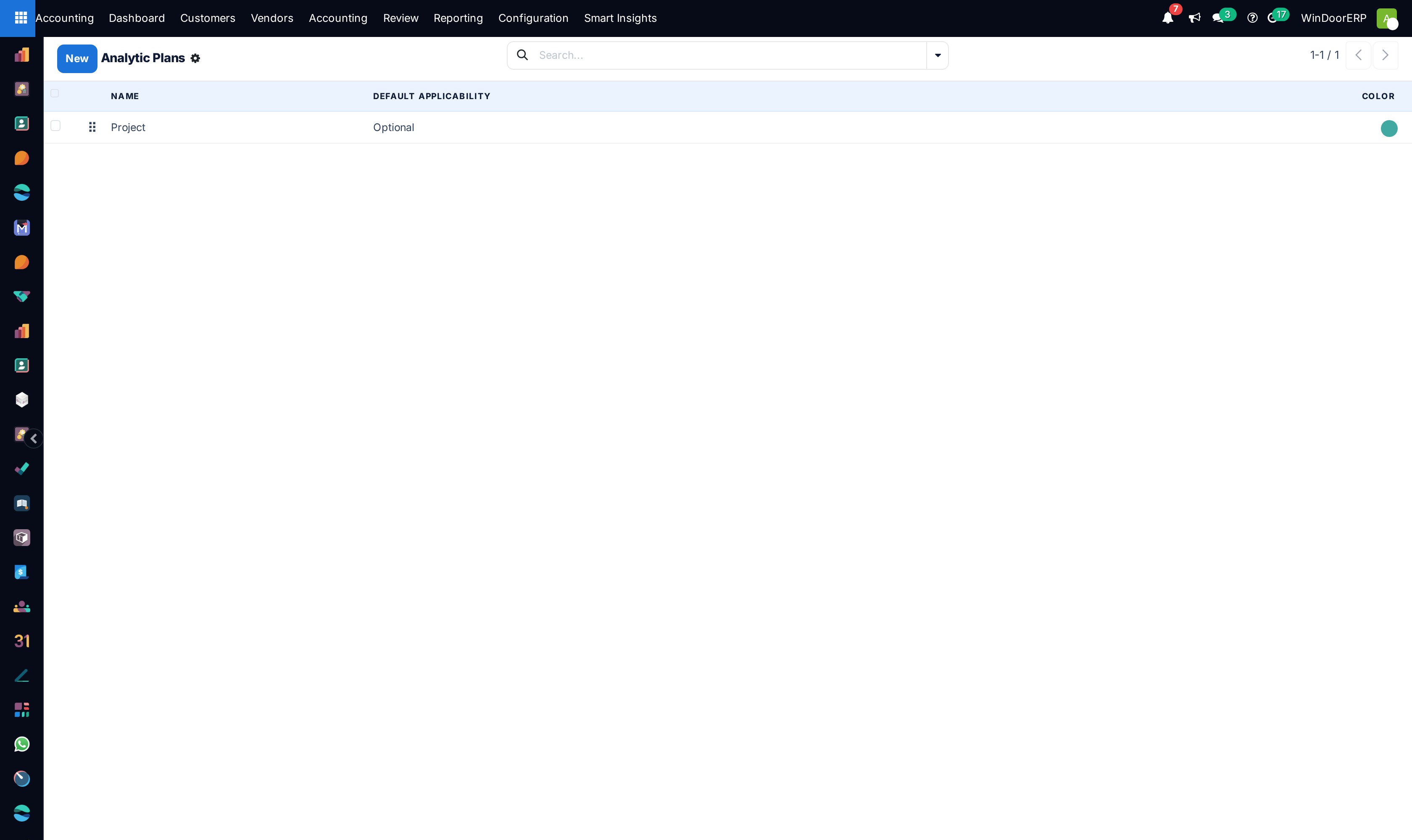
Three plans are in use: Project — one analytic account per job, largely auto-created from opportunities and sales orders — Department (cost centres such as Logistics & Delivery or Glass Processing & IGU Line), and Product Line (Curtain Wall & Structural Glazing, Automatic & Sensor Doors, and their siblings). Each plan sets a Default Applicability (Optional, Mandatory, Unavailable) that decides whether documents demand a distribution on that plan, refinable per context in the plan's Applicability tab (by document type, account-code prefix, or product category — note a rule's criteria are all-or-nothing filters). Sub-plans inherit their root's applicability and store their data under the root.
An Analytic Account is one value on a plan — one project, one department — with a customer, a running debit/credit/balance from its analytic items, and stat buttons to the invoices and bills behind them. The Project plan's accounts come mostly from the sales flow; the Department and Product Line accounts are maintained by hand here.
Warning
A plan is storage structure. Renaming a root plan renames the underlying analytic field everywhere, and demoting a root plan under another moves its data into the parent's column — the system refuses with "Whoa there! Making this change would wipe out your current data." when that would collide with existing items, and there is no undo behind that guard. Treat plan restructuring as a migration, done deliberately and once.
Analytic Distribution Models
Distribution models pre-fill the analytic distribution on new document lines. Each row pairs match criteria — partner, partner category, product, product category, company, or a financial-account code prefix — with the distribution to apply. Matching is strict: every criterion set on a row must match, rows are tried in sequence order, and for any one plan the first matching row wins outright — a second row targeting the same plan is silently ignored, with nothing on the list marking it as shadowed. Rows serving different plans do combine. The shipped setup is typical: account-prefix rows split factory overhead accounts across standing projects by percentage, and partner rows route specific contractors' costs to their project.
-
01
Create the target under Configuration › Analytic Accounting › Analytic Accounts if it does not exist.
-
02
Open Analytic Distribution Models and add a row: set the narrowest criteria that identify the flow — a supplier, or an expense-account prefix such as
5004. -
03
Enter the distribution — one account at 100%, or a percentage split.
-
04
Order the rows: drag the handle so specific rows sit above general ones; lower in the list means lower priority.
-
05
Test with a draft bill for the matching supplier or account and check the analytic column pre-fills as intended.
Online payments — the honest state
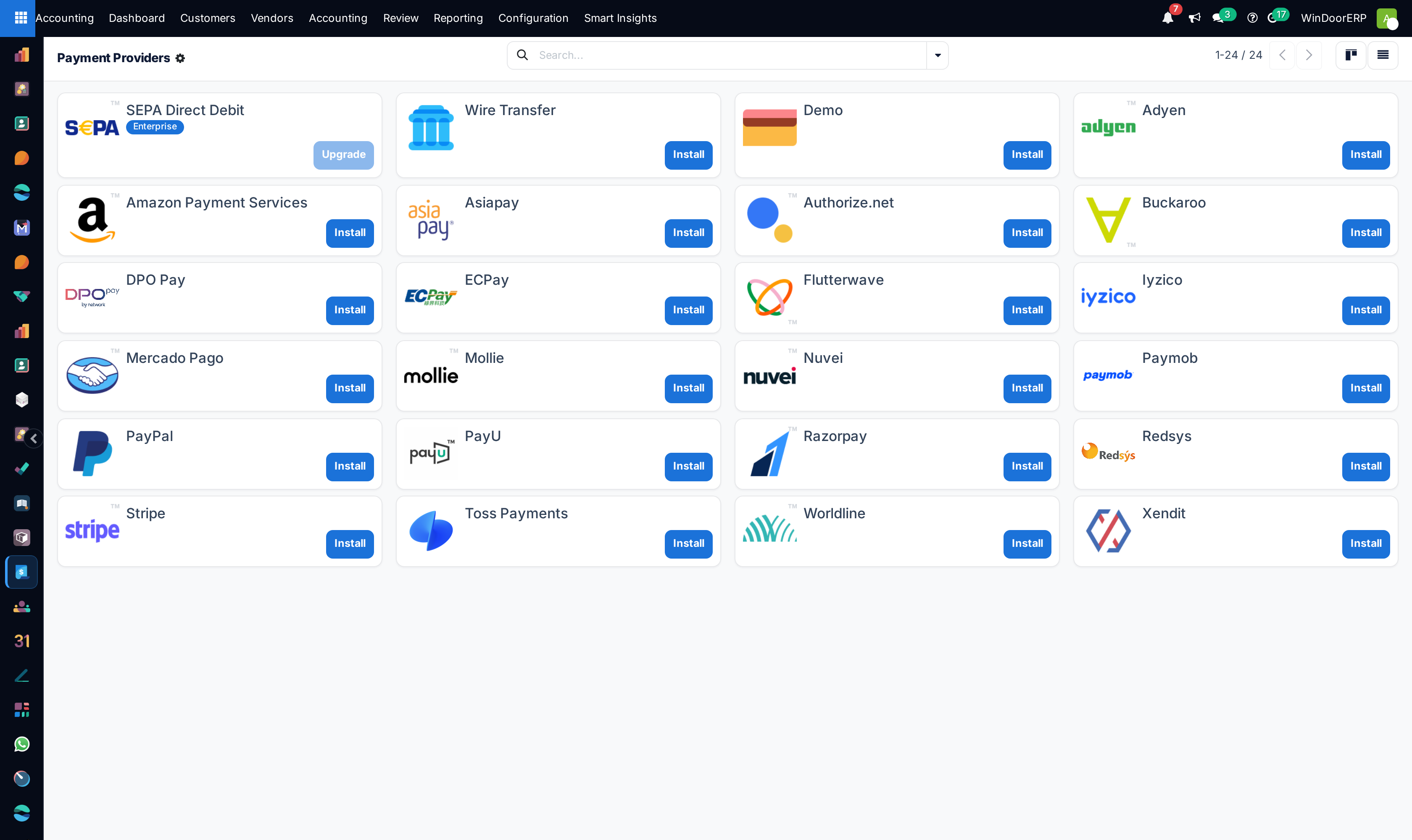
Payment Providers lists every gateway Odoo can integrate — Stripe, PayPal, Paymob, Amazon Payment Services, and twenty more. On this installation all of them are uninstalled, disabled shells: enabling online payment means clicking Install on a gateway, entering its credentials, and setting its state to Enabled (or Test Mode while trialling), which activates its payment methods and publishes it to the portal. Regional card schemes such as Mada are payment-method brands within a card-capable gateway, and Apple Pay is the provider's Allow Express Checkout option — neither is a provider of its own. Until a gateway is enabled, the neighbouring screens stay empty by design: Payment Methods all inactive, Payment Tokens none (tokens are opaque references created only when a customer saves a payment method during a real checkout — card data never lives here), Payment Transactions none. Transactions, once they exist, carry the gateway lifecycle (Draft, Pending, Authorized, Confirmed, Canceled, Error) with Capture/Void on authorized ones and Refund on confirmed ones.
Recurring Templates
Despite sitting under Online Payments, Recurring Templates is a bookkeeping tool: a template posts a fixed two-line journal entry (debit account, credit account, amount) on a schedule — the shipped examples are the factory rent, the Kahramaa utilities accrual, and quarterly fleet insurance. Set the accounts, journal, amount, start date and interval, choose whether entries generate Unposted or Posted, and move the template to Running; a daily scheduled job back-fills any missed occurrences. Know its edges: the Analytic Account field on the form is not applied to the generated entries in this release (add analytics on the entries themselves), nothing warns if debit and credit are the same account or the amount is zero, and Pay Directly versus Pay Later changes nothing in what gets generated.
Settings — what is real here
| Block | What it controls on this installation |
|---|---|
| Taxes | The default sale and purchase taxes (the Qatar 0% exempt pair), rounding method, cash-basis option, fiscal country. |
| Currencies | The main currency. There is no automatic rate-update service in this edition — rates are maintained by hand on the currency records. |
| Customer Invoices | Invoice terms, amount-in-words, incoterm default — and the kit's Customer Credit Limit switch, which turns on the credit-limit machinery used by the receivables suite. |
| Customer Payments | Invoice Online Payment (the portal "Pay Now" plumbing — still needs a gateway from the previous section) and payment QR codes on invoices. |
| Vendor Payments / Bills | Check printing (installed), auto-post trusted vendor bills. |
| Fiscal Periods | The fiscal year's last day — that is all; period closing is the Lock Dates screen covered in the journal-entries article, not a setting here. |
| Bank & Cash | Anglo-Saxon accounting toggle. Bank statements are imported manually per journal (⋮ menu › import a CSV/XLSX/OFX/QIF file); there is no live bank feed in this edition, and the import matches partners by exact name. |
| Analytics | The analytic accounting group itself (on), product margins (not installed). |
Blocks for Enterprise-only services — dynamic reports, OCR digitisation, batch payments, PEPPOL, budgets — either do not appear or lead to modules this edition does not include.
The Dashboard
Accounting › Dashboard shows one card per favourite journal: sales and purchase cards count documents To Validate, Unpaid, Late, and To Review with a small activity graph; bank and cash cards show the account balance and outstanding payments; general cards offer draft counts and Post All Entries. The ⋮ menu on each card holds the colour picker and — for administrators — the star that decides whether the journal appears on the dashboard at all, plus a shortcut to the journal's configuration.
Troubleshooting
"You cannot publish a disabled provider." — enable the provider (or put it in Test Mode) before publishing it to the portal.
"You cannot delete the payment provider …; disable it or uninstall it instead." — shipped providers are never deleted, only disabled.
"Making a request to the provider is not possible because the provider is disabled." — a capture, void, or refund was attempted against a disabled gateway; re-enable it first.
"You can't unarchive tokens linked to inactive payment methods or disabled providers." — restore the provider and method first; the token follows.
"You can't change the company of an analytic account that already has analytic items!" — create a fresh account in the other company instead of moving one with history.
"Partner does not exist" on a bank-statement import — the file's payee names must match partner names exactly; correct the file or the contact and re-import.
A distribution model seems ignored — a higher row targeting the same plan matched first, or one of the row's criteria (company, prefix) does not match the document; check sequence order and criteria.
Common mistakes
- Renaming or re-parenting analytic plans casually — it is a data restructuring, not a label edit.
- Adding a second distribution model for the same plan and partner and wondering why it never fires — the first match per plan wins silently.
- Turning on Invoice Online Payment and telling customers to pay before any gateway is installed and enabled.
- Relying on the template's Analytic Account field to tag recurring entries — set analytics on the entries; the field is inert in this release.
- Waiting for bank feeds to appear — statement import is manual by file in this edition.
- Hiding a journal from the dashboard by un-starring it and later reporting it "missing" — the star filter is per the journal's dashboard flag, not a deletion.
Was this article helpful?
Thanks — your feedback helps.
Running a window or door factory?
Ask for a demo