Tag campaign links so won orders trace back to the money
What this does
A campaign link is an ordinary link to your website with three tags on the end: ?utm_campaign=…&utm_source=…&utm_medium=…. A visitor who arrives through it carries those tags for a month, and when they submit your enquiry form the lead is stamped with the campaign, source and medium — so "where did this contract come from?" gets an answer that is not a guess.
Before you start
- The enquiry form must create leads (see the public-pages article) — the tags ride into CRM on the lead.
- Agree the vocabulary once: source is where the link was placed (
google,instagram,whatsapp), medium is the kind of placement (cpc,social,email), campaign is the effort you are paying for (ramadan-2026-offer).
Steps
-
01
Build the link: your page address plus the three parameters — for example
https://yourcompany.com/?utm_campaign=ramadan-2026-offer&utm_source=instagram&utm_medium=social. -
02
Use exactly that link in the advert, post or broadcast you are paying for — one distinct campaign value per effort.
-
03
WindoorERP stores the tags in the visitor's browser for 31 days, so the lead is attributed even when the form is filled on a later visit.
-
04
When the form is submitted, the values land in the lead's Campaign, Source and Medium fields — creating the campaign record on the fly if it is new.
-
05
Read the results in CRM: group the pipeline by Campaign or Source; a campaign's own form carries Leads, Quotations and Revenues buttons that answer the money question directly.
Where the campaign records live
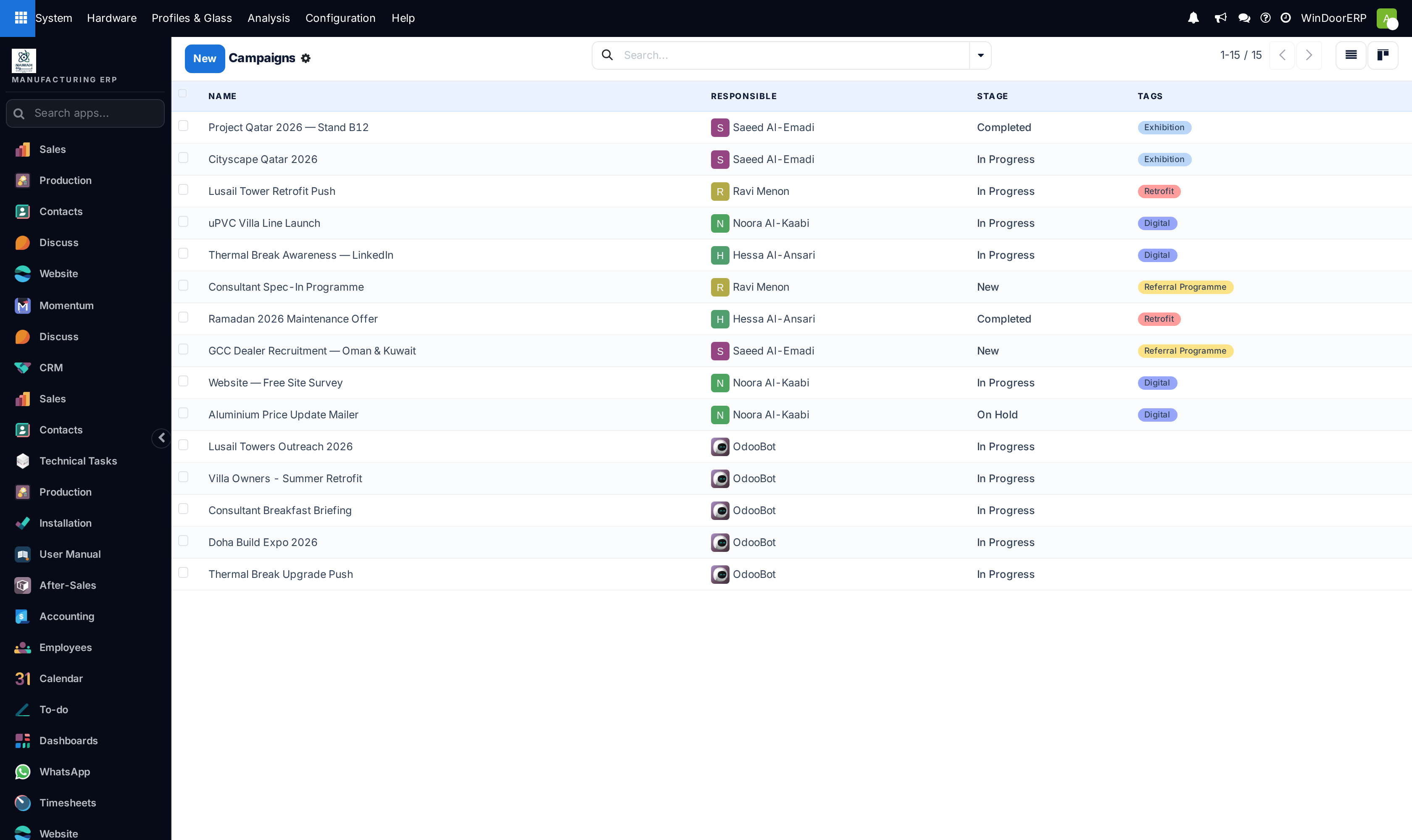
Campaigns, sources and mediums are ordinary records that any user can pick or create right on the lead's Marketing fields; ready-made mediums such as Email, Website and Facebook ship with the system. The dedicated list screens exist too, but they are tucked behind developer mode — day to day, the records are managed from the fields themselves, and a tagged link creates missing ones automatically.
WindoorERP matches tags to records by name, case-insensitively, and auto-creates what it does not find — so utm_source=Instagram and utm_source=instagram are one source, but ig and instagram become two forever. Write the vocabulary down.
What this setup does not include
There is no link shortener and no click counter in WindoorERP itself: the tagged link is full-length, and what you measure is leads, quotations and revenue — not clicks. If you want a short URL for print, use any external shortener that expands to your tagged link; the tags still do their work on arrival.
Troubleshooting
| Symptom | Cause and fix |
|---|---|
| Leads arrive with empty campaign fields | The visitor came without tags (typed the address, organic search), rejected the cookie bar — the tags ride on an optional cookie — or more than 31 days passed between click and enquiry. |
| A lead typed in by a salesperson never carries tags | By design: backend-created leads ignore the browser's own tags so a salesperson's cookies never pollute attribution. Set the Marketing fields by hand for phone-in enquiries you want attributed. |
| Two campaigns that should be one | Two spellings were used in links. Merge by re-tagging the leads to one campaign and archiving the stray record. |
| The Campaigns screen is nowhere to be found | The list menus appear only in developer mode. Open campaigns from a lead's Campaign field, or group the pipeline by campaign instead. |
| No click counts anywhere | Correct — clicks are not tracked. The pipeline numbers (leads, quotations, revenue per campaign) are the measure. |
Common mistakes
- Paying for adverts with untagged plain links — every one of those enquiries books itself as "direct".
- Free-styling the vocabulary (
cpc,CPC,paid_adfor the same thing) so reports slice into fragments. - Tagging internal links between your own pages — tags are for the doorway, not the corridors.
Was this article helpful?
Thanks — your feedback helps.
Running a window or door factory?
Ask for a demo