Audit progressive billing analytics, cash collection forecasts, and pivot metrics
What this does
Audits progressive billing performance across pivot matrices and graphs to compare contractual sales values against realized invoiced revenues and unbilled project balances.
Before you start
- Finance or Sales Billing access.
Steps
Important
Highlighting unbilled delivered orders prevents revenue leakage and accelerates accounts receivable cycles.
-
01
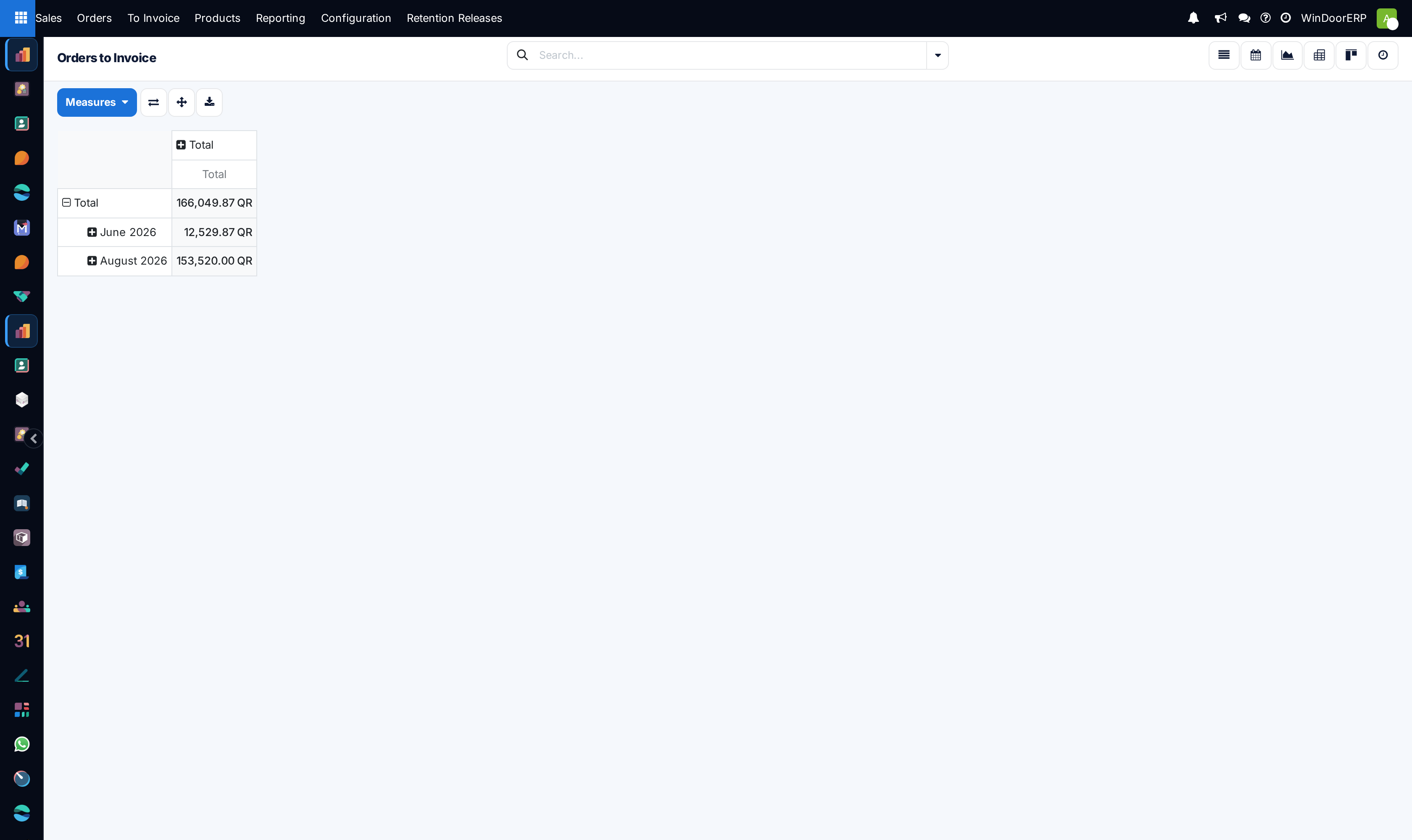
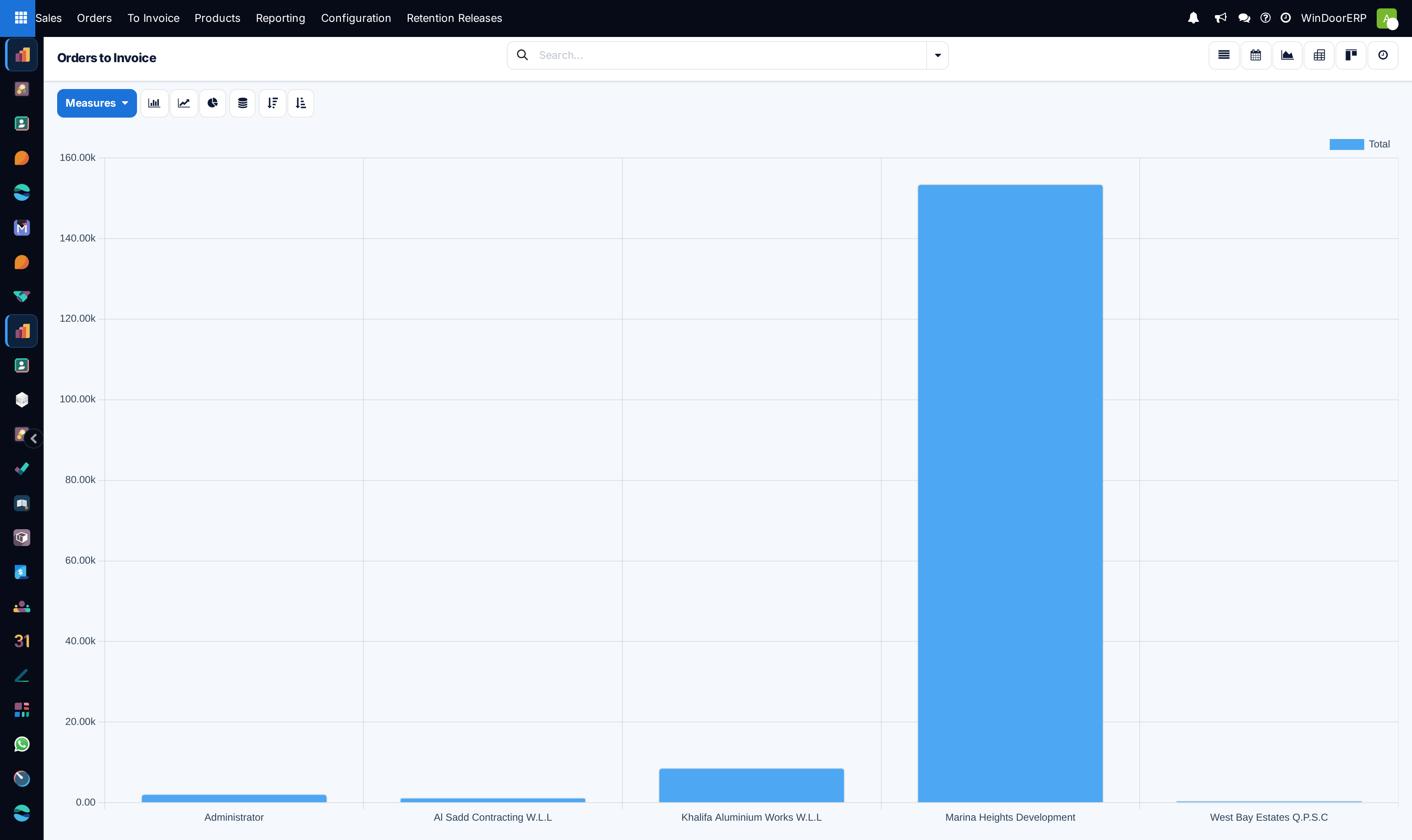
Open Sales › To Invoice › Orders to Invoice and switch to the Pivot or Graph view.
-
02
Select Measures: analyze Total Amount, Untaxed Invoiced, and Amount to Invoice.
-
03
Group by Customer or Project Name to audit unbilled site progress.
-
04
Export financial summaries for cash collection planning.
Common mistakes
- Delaying milestone invoice issuance after signed consultant delivery delivery notes.
- Overlooking unbilled retention balances upon warranty expiration.
Was this article helpful?
Thanks — your feedback helps.
Running a window or door factory?
Ask for a demo