Set up product attributes for profiles, colours, and glass
What this does
Defines the modular attributes that distinguish product variations — such as RAL powder-coating colors, anodized finishes, glass sheet thicknesses (6mm, 8mm, 24mm DGU), and profile series. Attributes let one base product template automatically handle multiple stocked variants.
Before you start
- Decide whether an attribute generates individual inventory variants (e.g. powder coated black vs white extrusions) or remains a descriptive specification.
Steps
Note
Attributes created here are instantly available when designing window systems and configuring bills of materials.
-
01
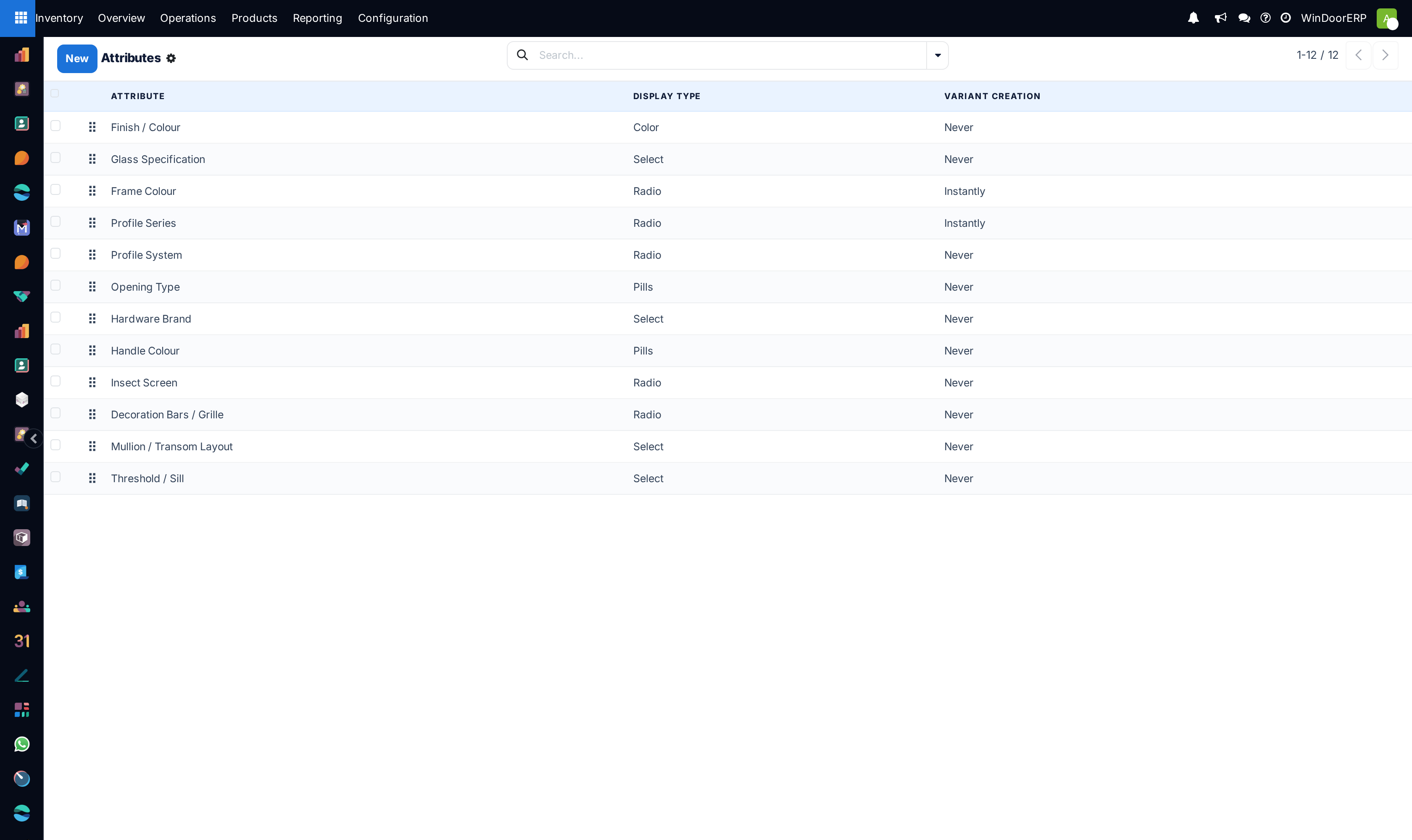
Open Inventory › Configuration › Products › Attributes.
-
02
Click New to create an attribute (e.g.
Finish Colour). -
03
Set Display Type (Color swatches, Radio buttons, Select drop-down, or Pills).
-
04
Set Variant Creation: choose Instantly to generate stocked variants immediately, or Dynamically when configured on orders.
-
05
Add attribute values in the table below (e.g.
RAL 9016 White,RAL 7016 Anthracite,RAL 9005 Jet Black). -
06
Click Save.
Common mistakes
- Setting Variant Creation to "Never" when you need separate physical inventory tracking for each finish color.
Was this article helpful?
Thanks — your feedback helps.
Running a window or door factory?
Ask for a demo