Answer WhatsApp conversations as a team
What this does
Every customer message to your WhatsApp number lands here as a conversation — matched to the contact by phone number, kept with its full history, and owned by whoever assigns themselves. The point is not the chat; it is that a 9pm enquiry still exists on Monday, attached to a customer record instead of living on a salesperson's personal phone.
Before you start
- A connected, Active WhatsApp account, and at least one approved template — without a template you cannot start a conversation, only answer one.
Steps
-
01
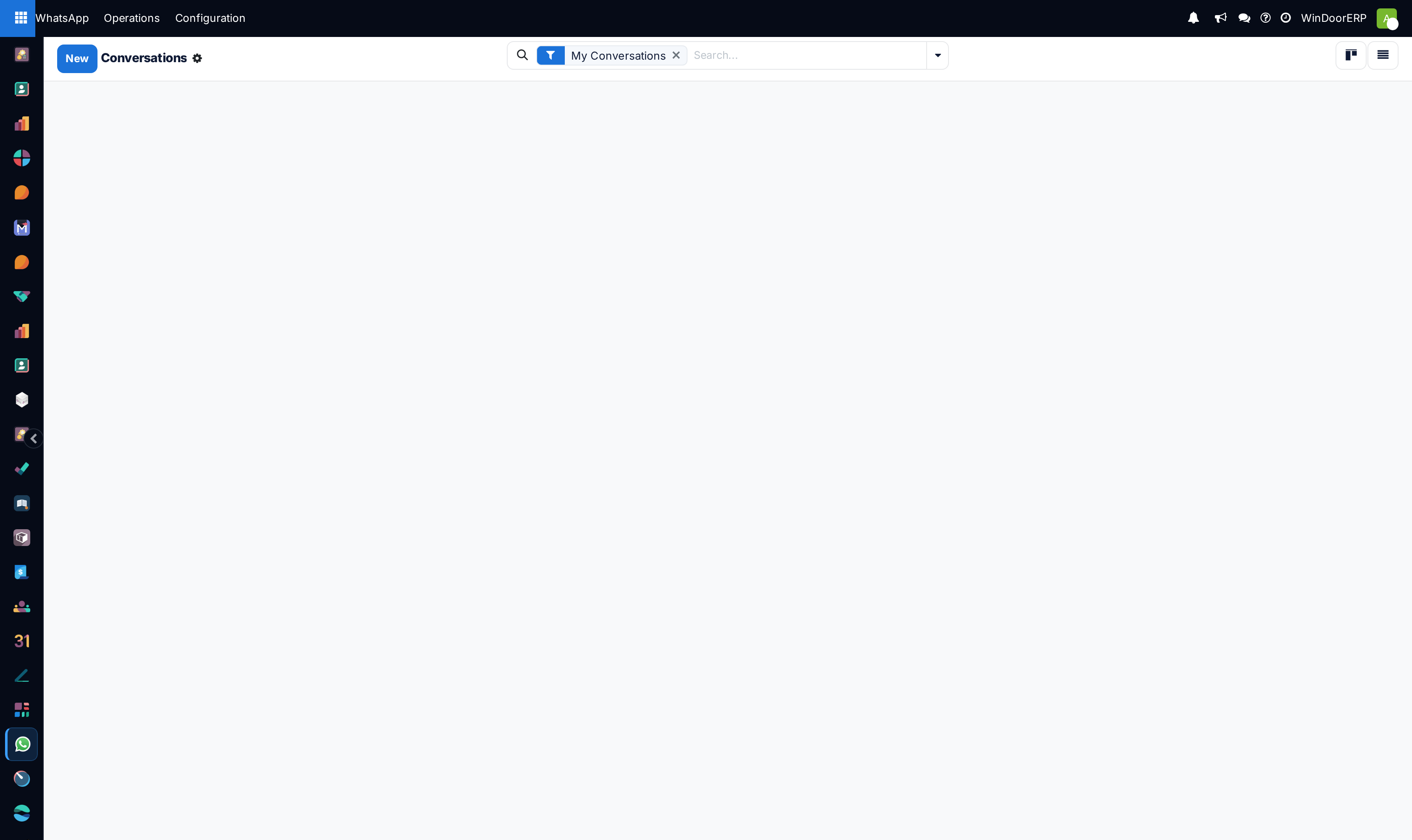
Open WhatsApp › Operations › Conversations. The kanban opens on My Conversations — clear the chip and use the Unassigned filter to work the incoming queue.
-
02
Press Assign to Me on a new conversation: it becomes yours and moves to Open.
-
03
Reply through the Send WhatsApp dialog — from the conversation's contact, or from the document the chat is about: leads, quotations, invoices and deliveries all carry a WhatsApp button in their chatter.
-
04
Once a customer has written in, free-text replies are allowed; a conversation your side started needs an approved template until the customer answers.
-
05
When the enquiry is dealt with, press Mark Resolved.
-
06
Audit delivery under Operations › Messages — every message with its state: Sent, Delivered, Read or Failed with Meta's error. The list opens on Today.
Keeping the enquiry in the pipeline
The conversation links to the contact matched by phone number, and the contact's form shows every conversation and message. What the system does not do is create a CRM lead by itself — when a chat turns into an enquiry worth pursuing, create the lead from the conversation's contact, and the lead's WhatsApp history (matched on the phone number) follows it from then on. That one manual step is the difference between a chat log and a pipeline.
Sending from documents
The Send WhatsApp dialog opens from a quotation, invoice, delivery order, lead or contact, pre-filled with the customer's number and the record. Pick an approved template — its placeholders fill themselves from the record through the template's field mapping — review the preview, and send. Outside a customer-opened window the dialog says "24-hour window expired! You can only send template messages to initiate a new conversation." and only templates can go.
A contact who has opted out is refused with "This contact has opted out of WhatsApp communications." — the opt-in flag lives on the contact's WhatsApp tab.
Conversation states
| State | Meaning |
|---|---|
| New | Arrived, unowned. The queue to watch. |
| Open | Assigned and being handled. |
| Pending Reply | Waiting on the customer. |
| Resolved | Done. A new inbound message from the customer still lands in the same conversation. |
Troubleshooting
| Symptom | Cause and fix |
|---|---|
| The inbox looks empty though messages exist | The default My Conversations filter — clear it, or filter Unassigned. |
| A conversation is not linked to the right customer | Matching is by the contact's phone or mobile. Fix the number on the contact — international format — and set the contact on the conversation. |
| "Cannot send text message outside 24-hour window. Please use a template." | Meta's rule: your side cannot free-text first. Send an approved template; once the customer replies, text freely. |
| A message shows Failed | Open it in Messages — Meta's error code and text are on the record. Wrong numbers and unapproved templates are the usual causes. |
| The Unread badge never changes | Unread counting is not maintained in this version — run the queue on the New and Unassigned filters instead. |
| Replying inside the Discuss channel does nothing | The Discuss thread is a read-only mirror of the conversation. Replies must go through the Send WhatsApp dialog. |
Common mistakes
- Leaving the New column unwatched — there is no automatic routing or alerting; the queue is only as good as the person on it.
- Answering from a personal phone, which forks the history away from the customer record — everything the manual system was bought to prevent.
- Resolving without creating the lead, so the enquiry is answered and lost in the same motion.
Was this article helpful?
Thanks — your feedback helps.
Running a window or door factory?
Ask for a demo