Book meetings, set reminders, keep a personal checklist
What this does
Two separate apps that people often confuse. Calendar holds meetings — a slot in time, with attendees who are invited and can accept or decline: the site survey visit, the client meeting, the factory audit. To-do holds your personal checklist — items with no attendees and no invitations, which nobody else sees.
Before you start
- Any internal user account. Both apps are personal by default; what you share is what you deliberately invite people to.
- Set your own working hours and time zone in your preferences first — every start time you see is rendered in your time zone, and a wrong one moves every meeting.
Book a meeting
-
01
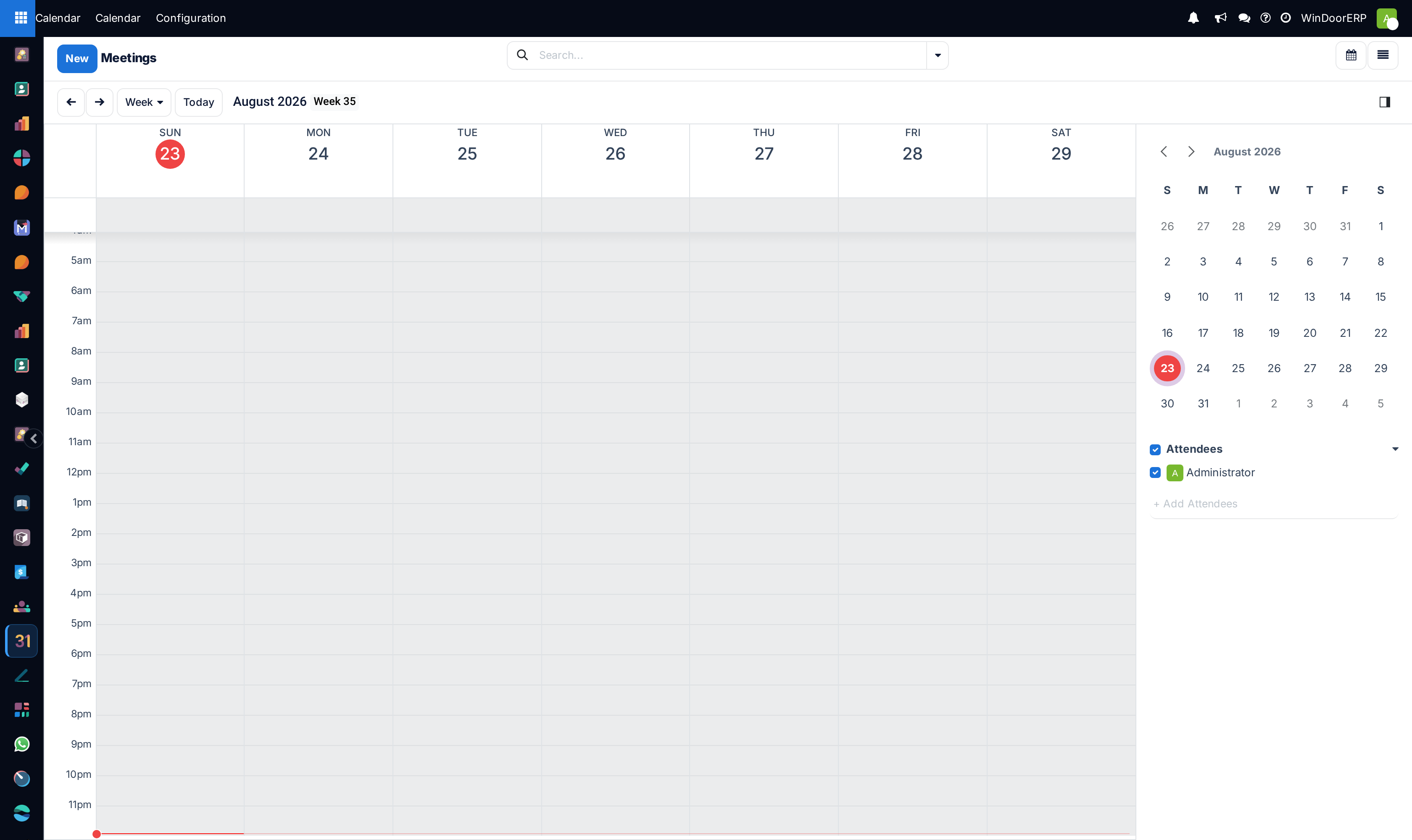
Open Calendar. It opens on the week; day, month, year and list views are on the switcher.
-
02
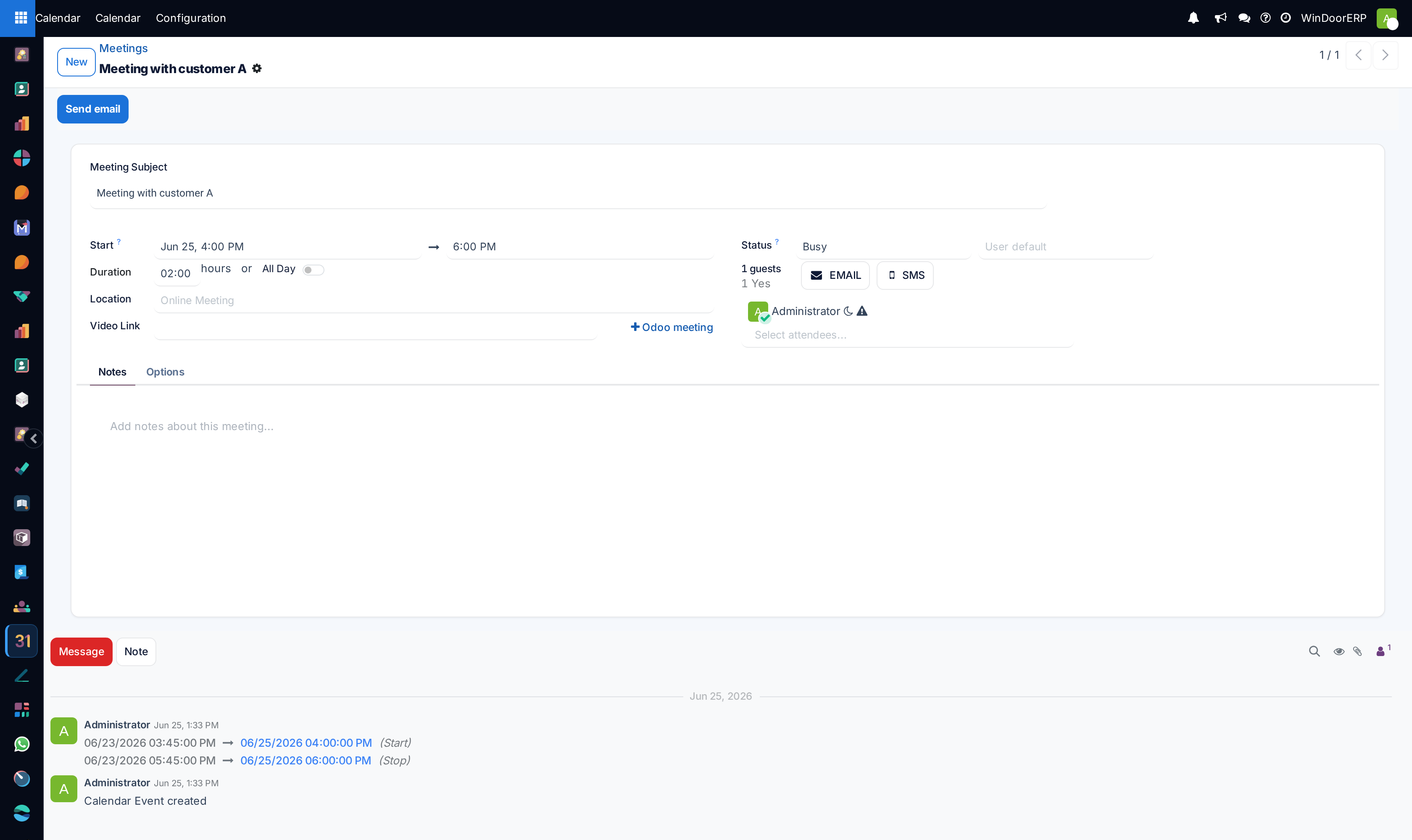
Click the slot, or click New, and give the meeting a subject.
-
03
Set Start and Duration — or tick All Day for a site visit that occupies the day — and fill Location with the address the attendees must drive to.
-
04
Add Attendees. Everyone added is invited by email and can answer Yes, No or Maybe; their answers show on the meeting.
-
05
In the Options tab set the Organizer, Tags, the Calendar description and the Reminders, and turn on Recurrent for a meeting that repeats.
-
06
Save. Use Send email in the header when you want to write to the attendees beyond the invitation itself.
Whose calendar you are looking at
The panel beside the grid lists people as checkboxes: tick a colleague and their meetings appear beside yours, untick them and they disappear. That is how the surveyor's week and the installer's week get compared before a date is promised — there is no separate "everybody" view, and you only ever see what each person's privacy setting allows.
That setting sits on the meeting itself, next to Show as (Available or Busy): Public, Private, or Only internal users. Left blank it follows the default in your own preferences. A private meeting still blocks your time for colleagues; it just does not tell them what it is.
Reminders: two different things
| Type | How it reaches you |
|---|---|
| Notification | A pop-up inside WindoorERP. It needs the app open in a browser — close the tab and no pop-up arrives. |
| Sent by a scheduled job to every attendee who has not declined. It arrives whether or not anyone is logged in. |
The Reminders field on the Options tab offers a shipped set — notifications at 15 minutes, 30 minutes, 1 hour, 2 hours and 1 day, and emails at 3 and 6 hours before. Pick one or several. For anything a person must act on before arriving on site, choose an email reminder: a pop-up nobody was logged in to see is not a reminder.
Your personal checklist
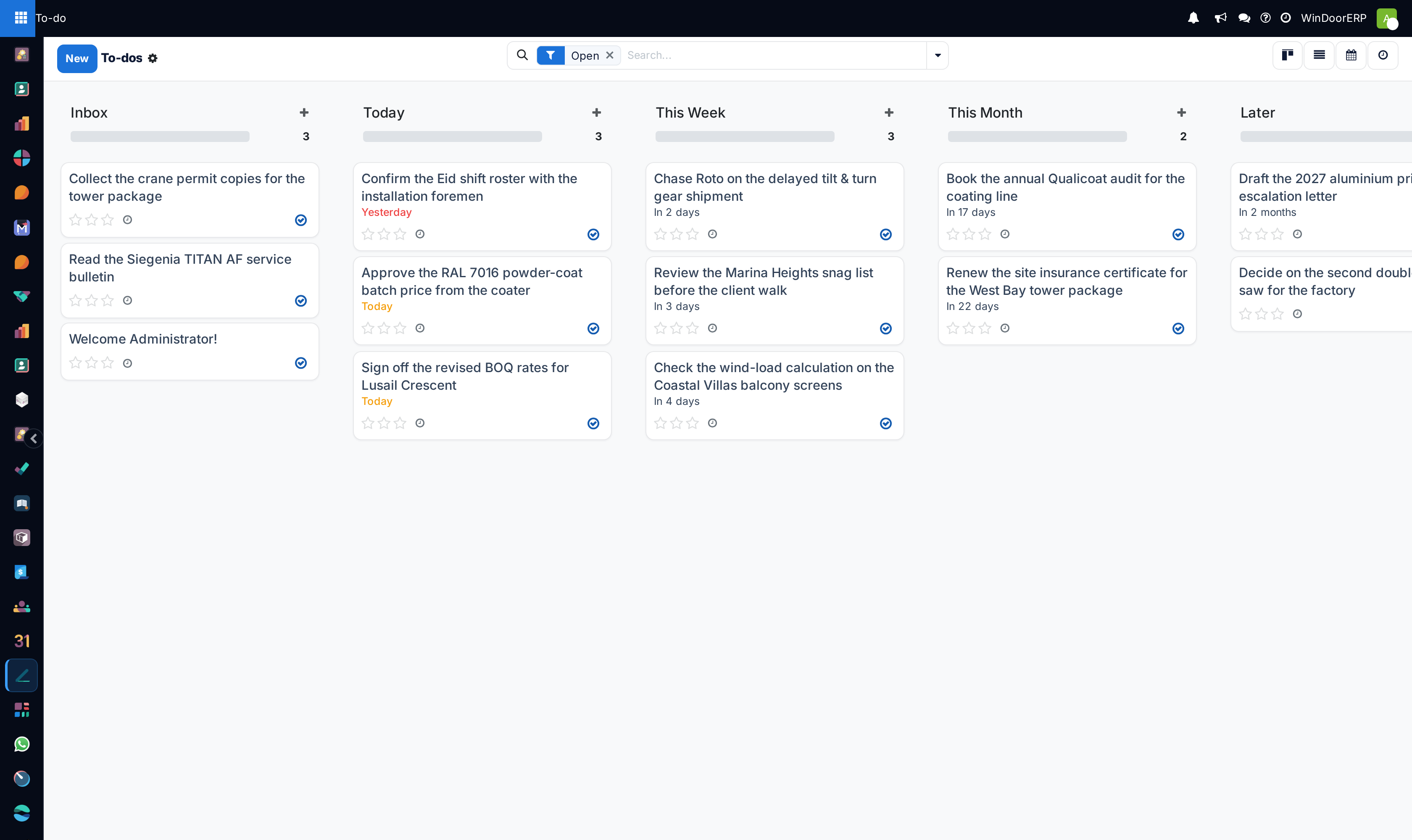
To-do is its own app in the switcher, not part of Calendar. An item is simply a task with no project, assigned to you: type a line, tick it off. Kanban, list, calendar and activity views are all there, so items with a date can be seen on a small calendar of their own — which is not the Calendar app's grid, and never shows to anybody else.
Use it for the things that are yours alone: chase a supplier, re-measure an opening, call a customer back. The moment an item belongs to a job that somebody else may have to pick up, it belongs in a project task instead, where it has a project, an assignee and a deadline the rest of the company can see. A to-do can be promoted into a real task once it has a project.
Meetings and activities are not the same
An activity — "call the consultant", "send the drawing" — is scheduled on a business record and appears in the clock icon in the top bar. A meeting is a slot with attendees. Scheduling an activity of type Meeting is the bridge between them: it opens the calendar so you can place the slot. Ordinary activities never appear on the Calendar grid, and looking for them there is a common wasted five minutes.
Troubleshooting
You cannot find Configuration › Reminders — that screen is developer-mode only. Everyone else picks reminders from the shipped list on the meeting itself; adding a new kind of reminder is an administrator's job.
No pop-up appeared before a meeting — notification reminders only reach an open browser. Add an email reminder for anything that matters.
An attendee says they were never invited — check that they are in Attendees, not merely named in the description, and that their contact carries an email address.
You wrote instructions in the meeting and nobody received them — there are two text areas. The Notes tab is for you alone; what reaches the invitation and the calendar pop-out is Calendar description on the Options tab.
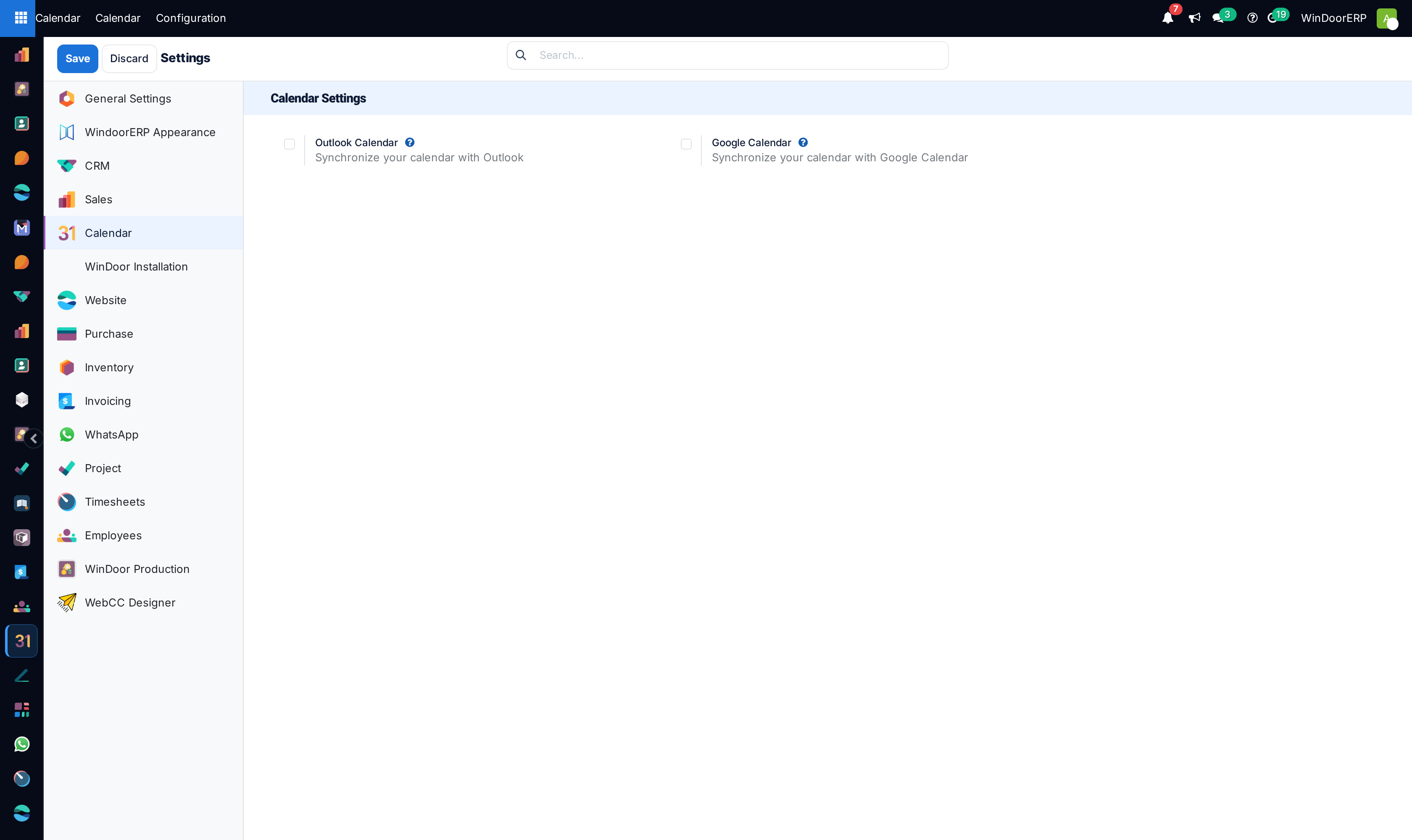
The Settings page offers only Outlook and Google — and neither is available on this system. There is no calendar synchronisation with external accounts or phones here; the calendar lives in WindoorERP.
Common mistakes
- Scheduling a site visit with no Location, so the crew arrives at whatever address they guessed.
- Relying on pop-up reminders for anything that matters — use email.
- Keeping real project work in To-do, where no colleague can see it, no deadline is reported, and nothing is picked up when you are away.
Was this article helpful?
Thanks — your feedback helps.
Running a window or door factory?
Ask for a demo