Analyse scrap trends and waste
What this does
Turns the scrap register into a trend: how much material is being written off, of what, and where it is coming from — so waste becomes a number you can act on instead of an impression.
See also
Scrap damaged stock covers raising a scrap order; Account for scrapped goods covers what scrapping does to your books. This article is about reading the accumulated record.
Before you start
- Analysis is only as good as the recording: scrap raised weeks later, or not at all, produces a report that flatters the factory.
- Decide what you want to compare before you open it — material, period, source location and reason each answer a different question.
Steps
-
01
Open Inventory › Operations › Adjustments › Scrap.
-
02
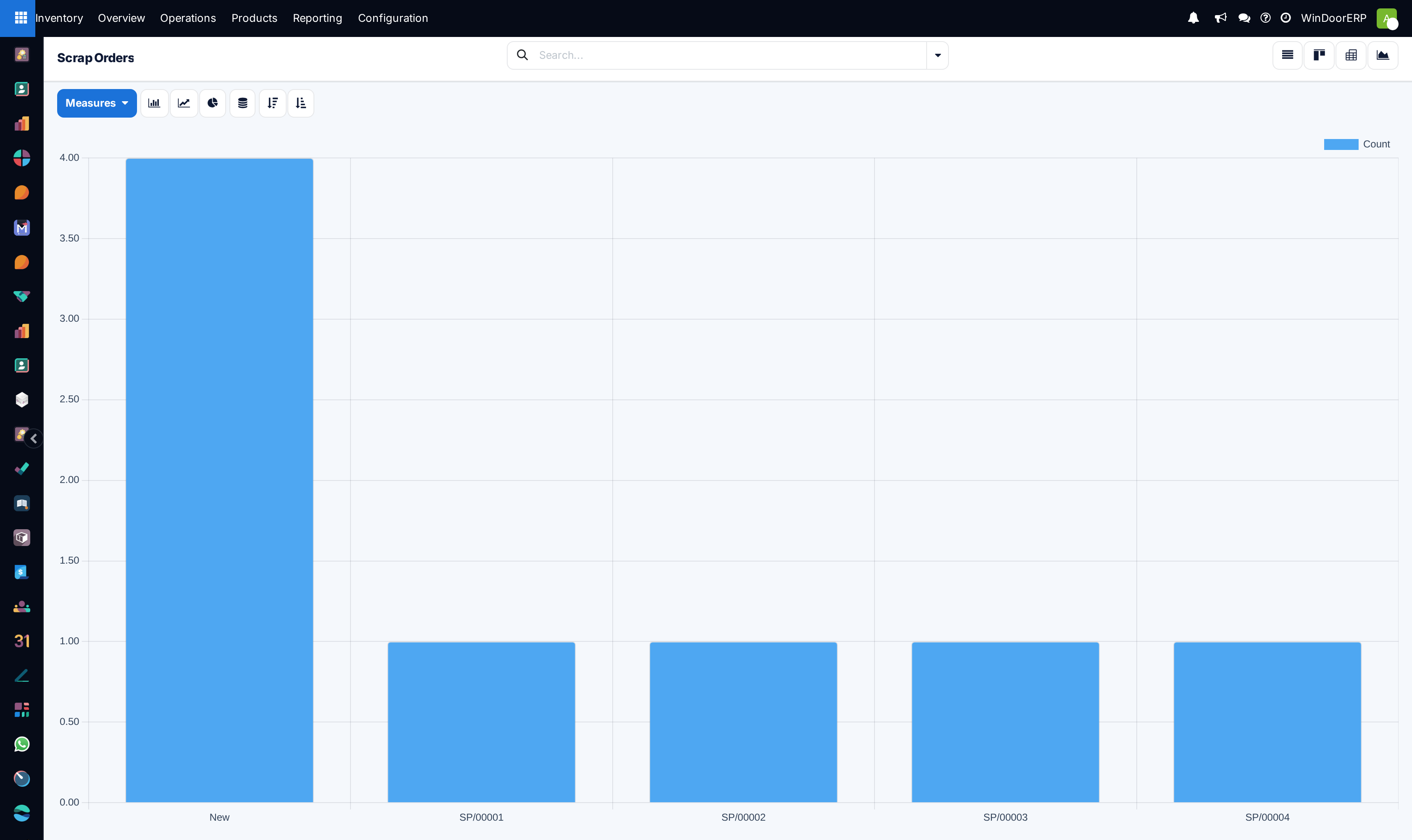
Switch to the Graph view for scrapped quantity over time.
-
03
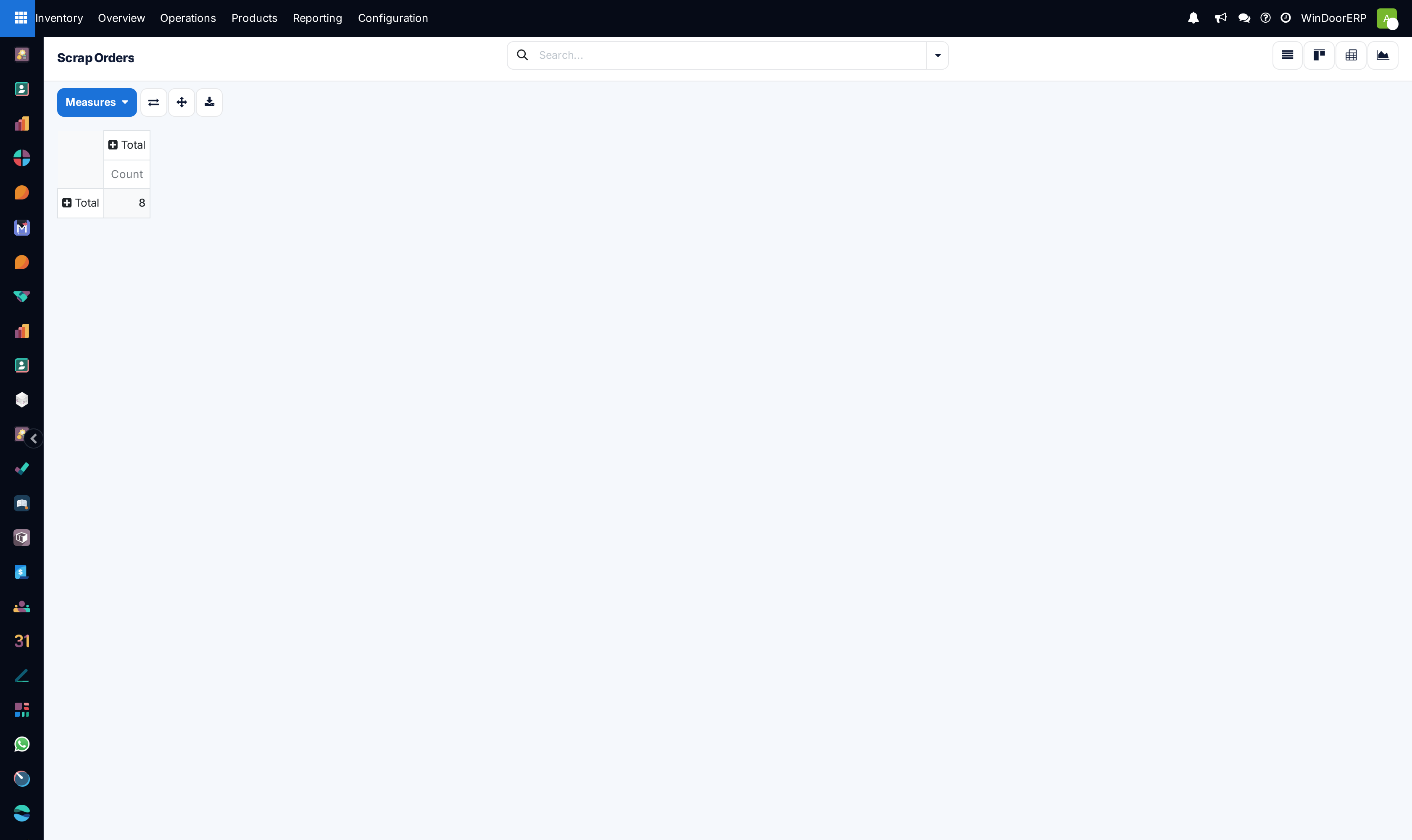
Switch to the Pivot view and put product or product category down the side against date across the top.
-
04
Group by Source Location to see which part of the operation generates the waste.
-
05
Filter to Done when you want confirmed write-offs only — a draft scrap has not moved anything yet.
Classifying scrap so the analysis means something
A scrap order carries reason tags — free-form labels you define for your own operation. They are the difference between "we scrapped 40 m² of glass" and "we scrapped 40 m² of glass to transit damage". Nothing is shipped as standard: agree a short list with the factory, keep it short enough that people use it consistently, and it becomes the most useful grouping on this screen.
Scrap raised by the factory arrives here in draft for the warehouse to validate — the quality dispositions that raise it are documented in Resolve non-conformances with the right disposition.
The other classifier is the Source Location — where the material was when it was written off. Cutting, glazing and the delivery bay generate different kinds of loss, and the location tells you which.
Important
By default a scrap goes to the company's general inventory-loss location, which means every kind of waste lands in one bucket. If you want scrap separated from stock-count corrections in reporting, create a dedicated loss location and use it — that decision has to be made before the data accumulates, not afterwards.
Turning it into a rate
A quantity alone does not say whether waste is rising: ten square metres in a busy month and in a quiet one are different results. Compare scrap against the volume that produced it — the units delivered or the material consumed in the same period — and track that ratio, not the raw number.
Troubleshooting
| Symptom | Cause and fix |
|---|---|
| The numbers look far too low | Scrap is being recorded late or not at all, or you are looking at Done only while much of it sits in draft. |
| Everything groups under one location | All scrap is going to the default loss location. Create dedicated locations if you need the split. |
| Reason tags are empty | None ship with the system — they are yours to define. Until they are used, group by product or location instead. |
| You cannot find a value figure | No screen reports scrapped value on this system. Analyse quantities here, and see Account for scrapped goods for the accounting side. |
| A spike traces to one document | Click through to the scrap order and its source document — a single mis-cut batch can distort a month. |
Common mistakes
- Reporting a raw scrap quantity with no denominator, so nobody can tell whether it is good or bad.
- Letting reason tags proliferate until every scrap has a unique label and grouping is meaningless.
- Treating the report as a performance score for the shop floor — the fastest way to stop people recording scrap at all.
- Comparing months without checking that recording discipline was the same in both.
Was this article helpful?
Thanks — your feedback helps.
Running a window or door factory?
Ask for a demo