Make them yours
Put your branding and paper behind them
Why this step
Every document above is a layout you can change: your logo, your paper size, your terms, your menu of what prints. Do this last, once you know which documents you actually use, rather than styling forty you never print.
What this does
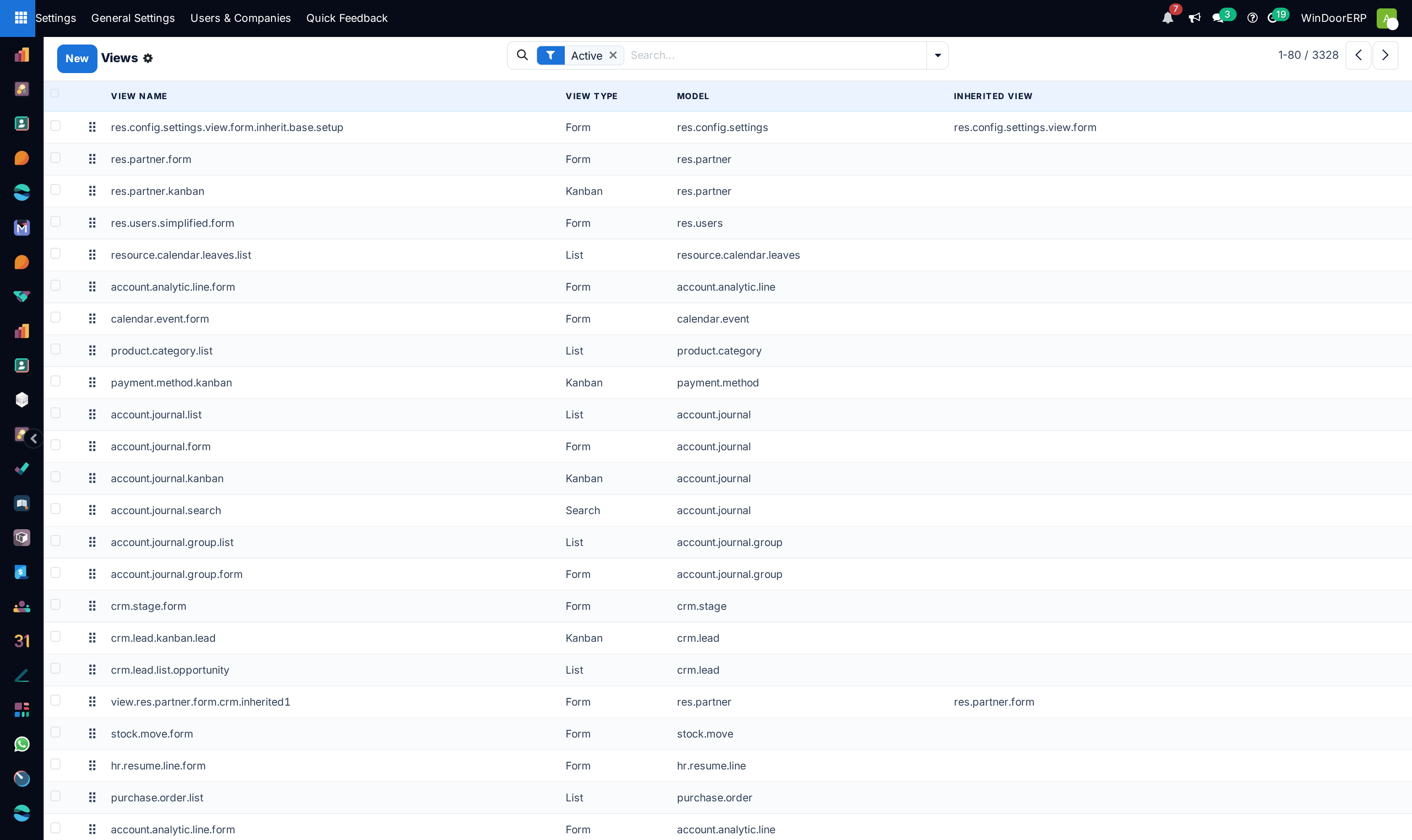
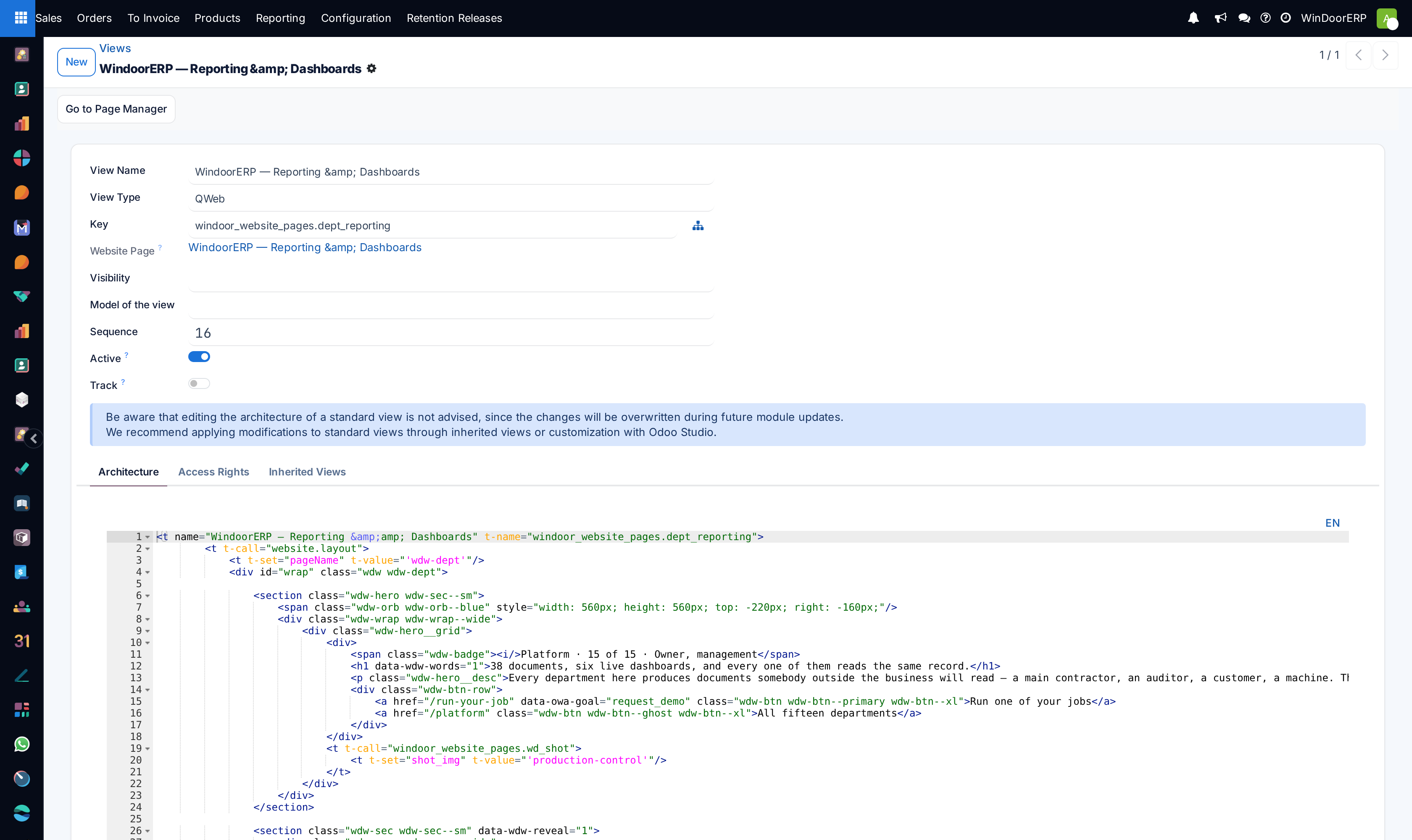
Controls the user interface rendering layer, allowing administrators to customize XML views, configure automated Python server actions, build navigation menus, and adjust A4/Letter paper margins.
Before you start
- System Developer mode enabled.
Steps


Important
Inheriting views through XML delta modifications preserves custom UI adjustments during core ERP system upgrades.
-
01
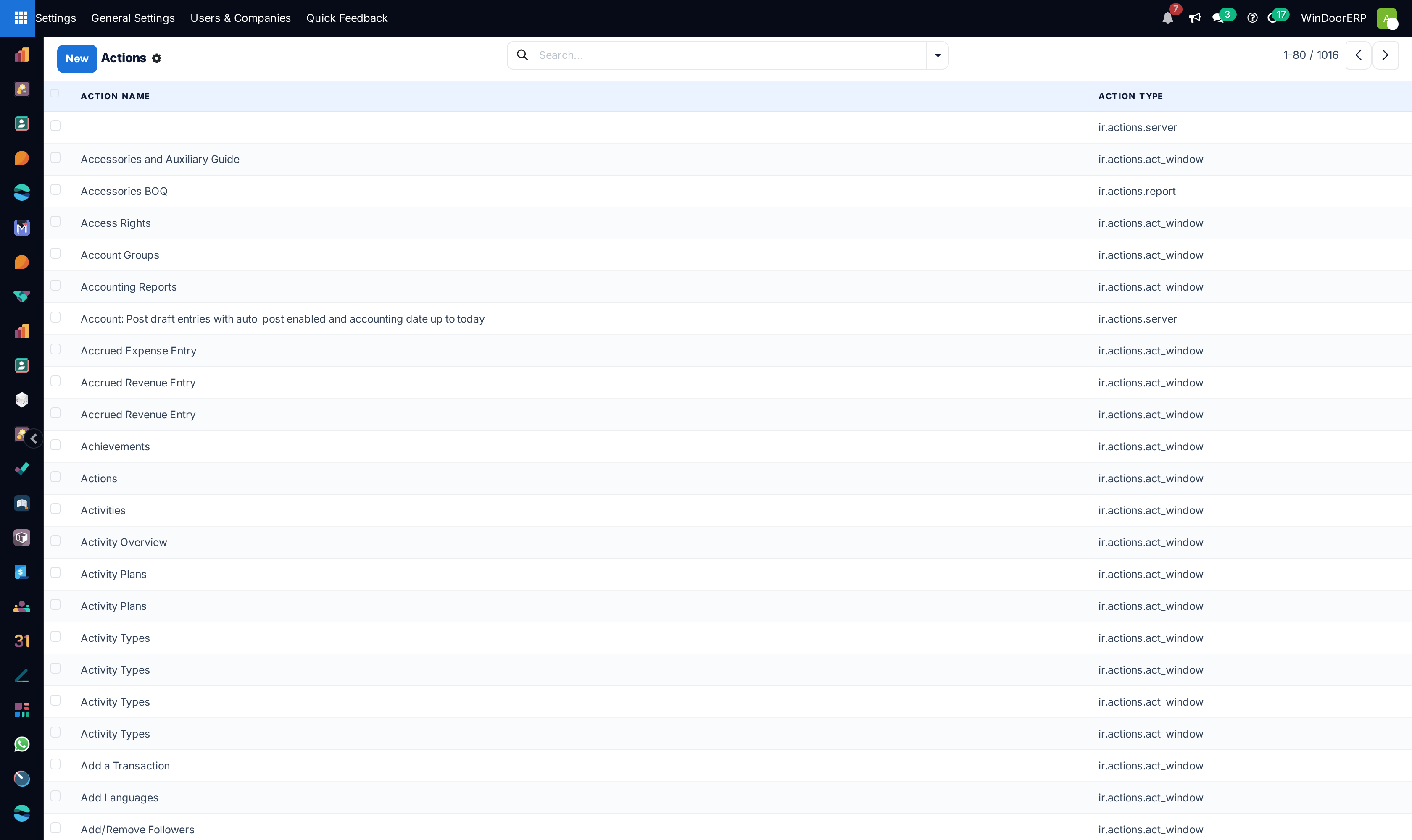
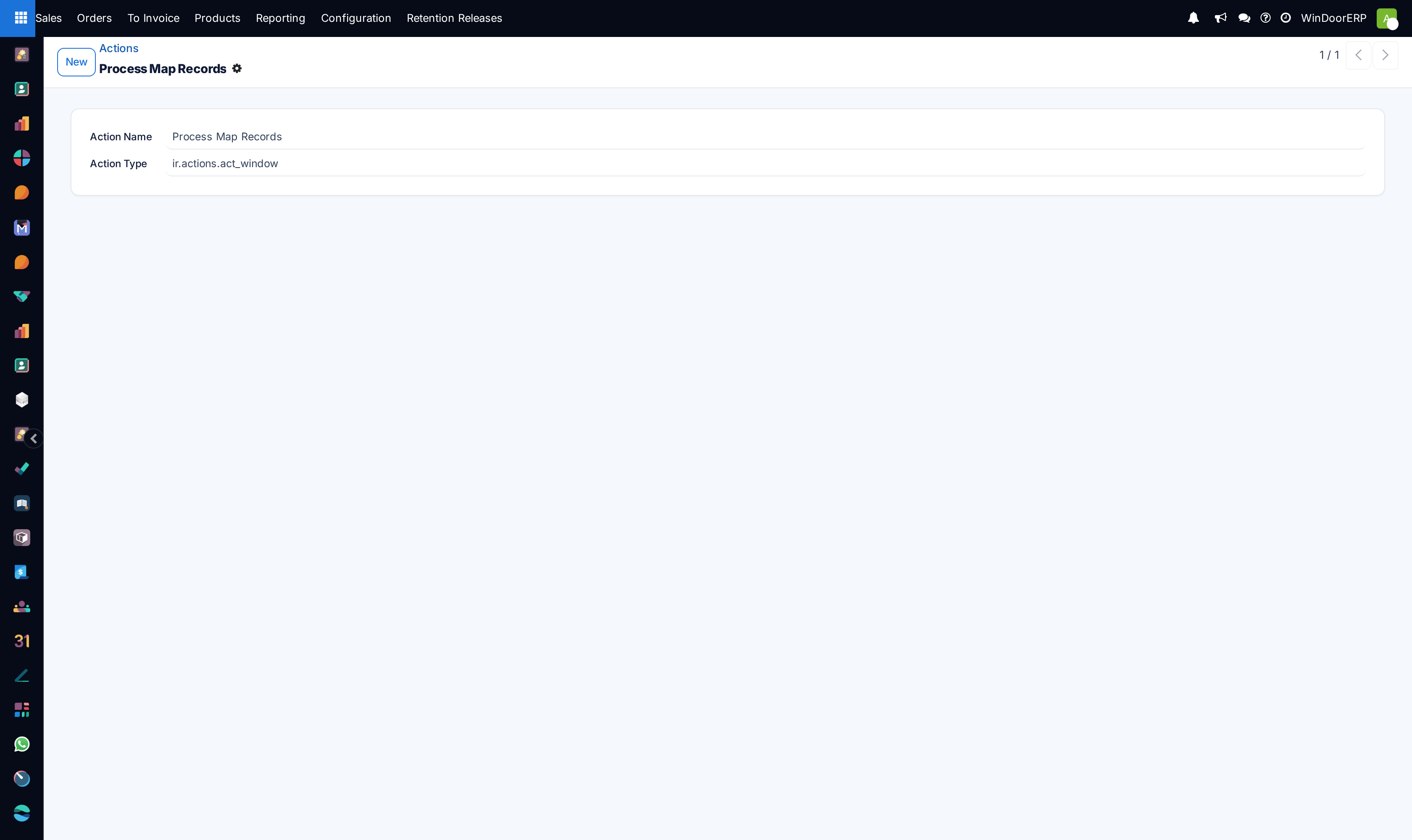
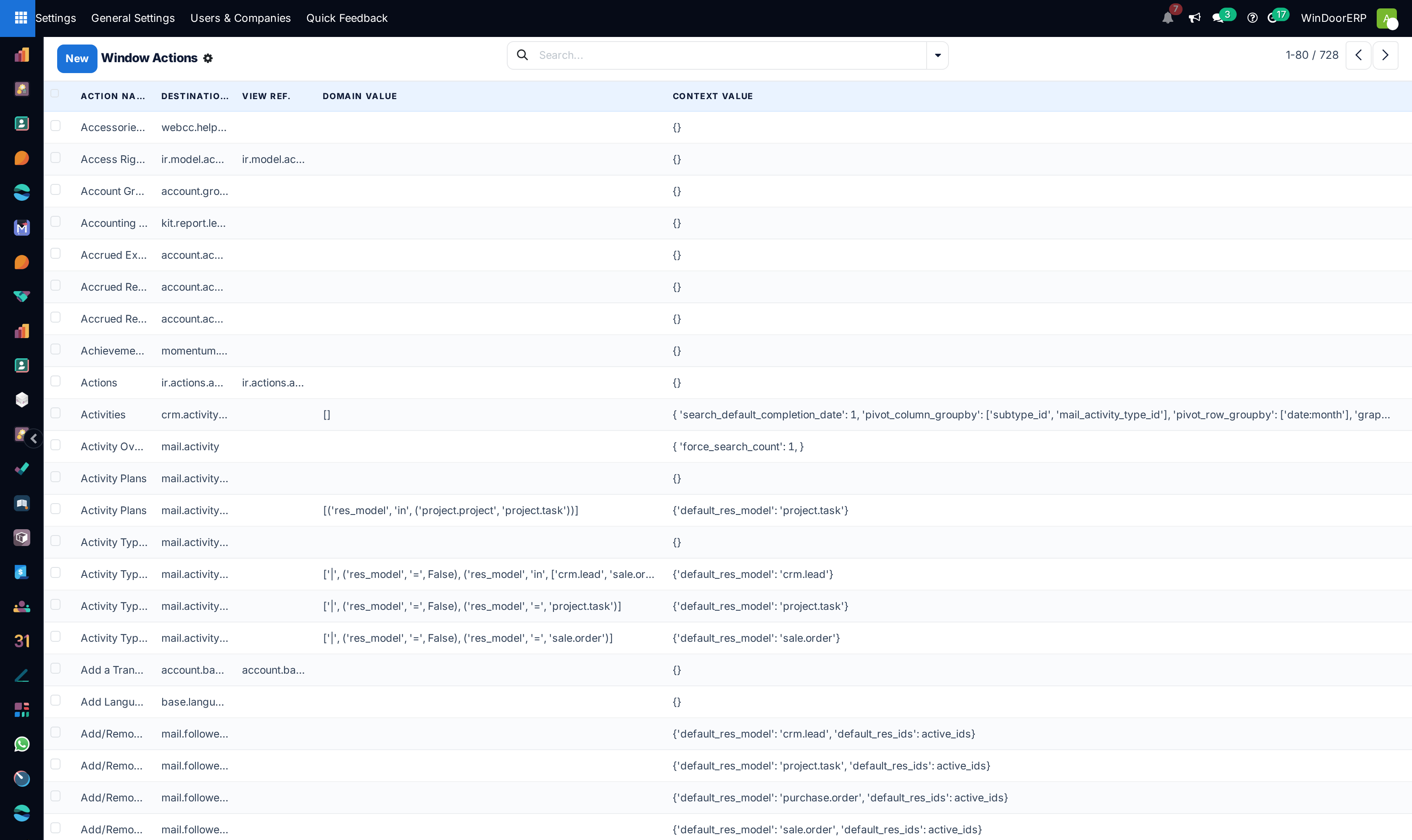
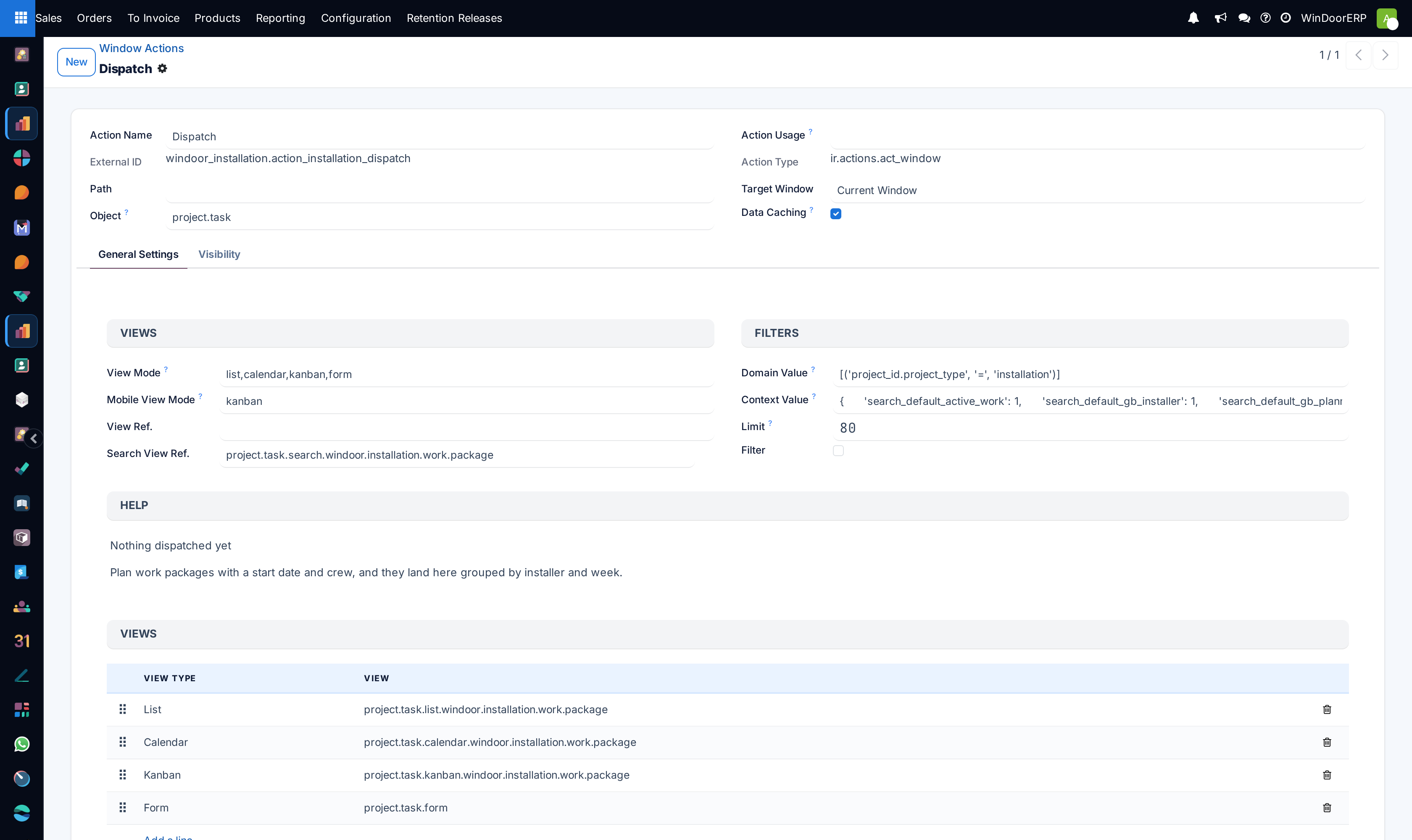
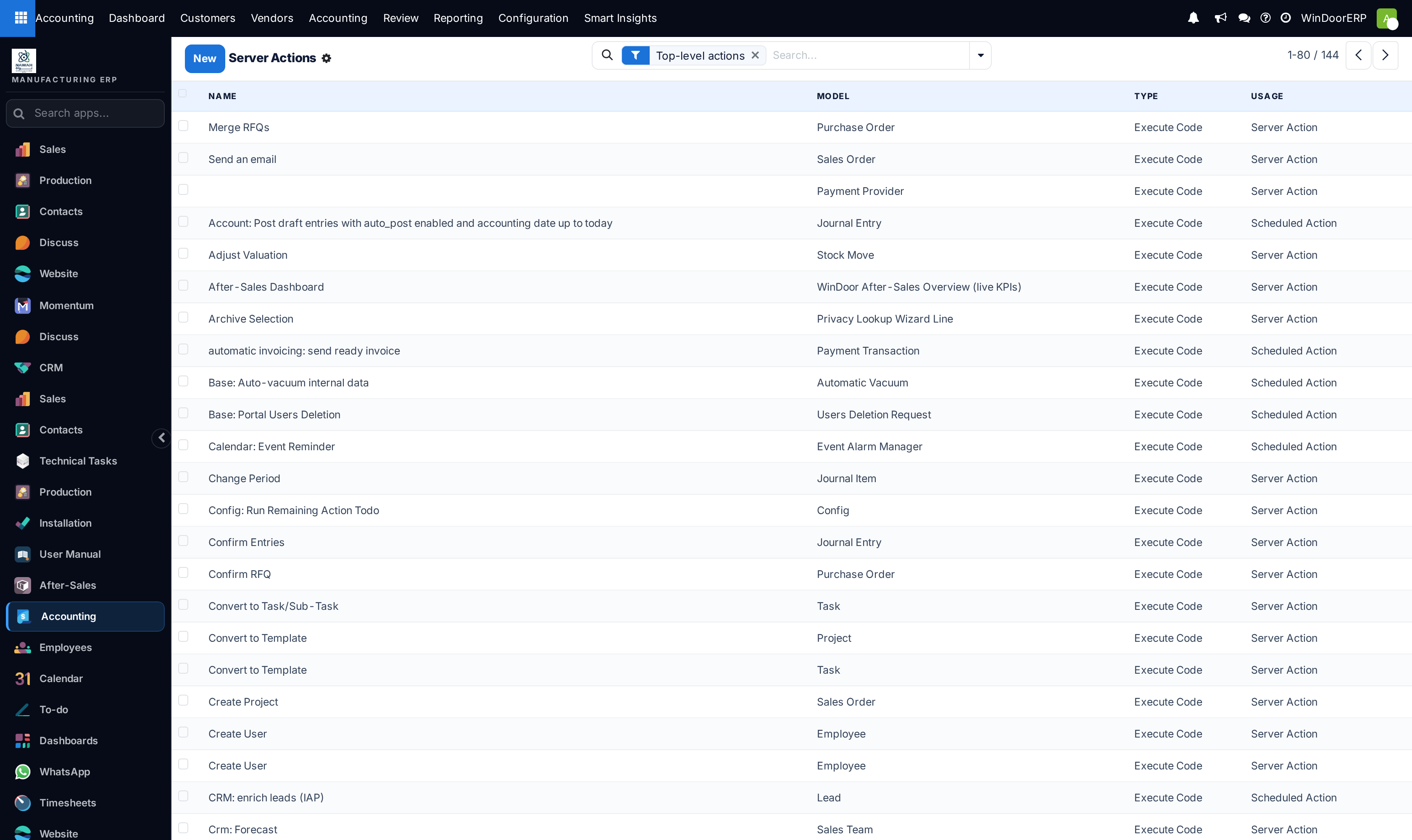
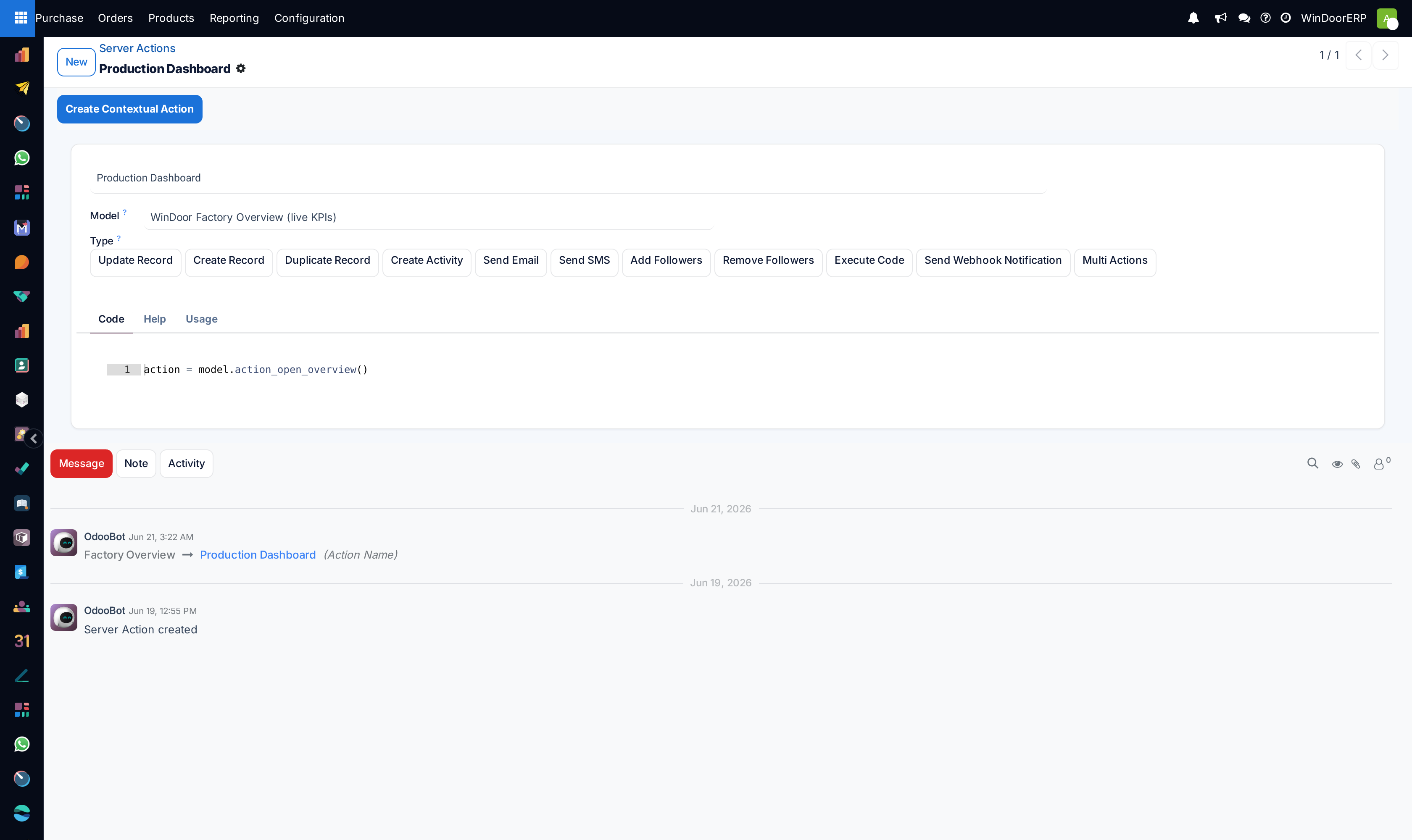
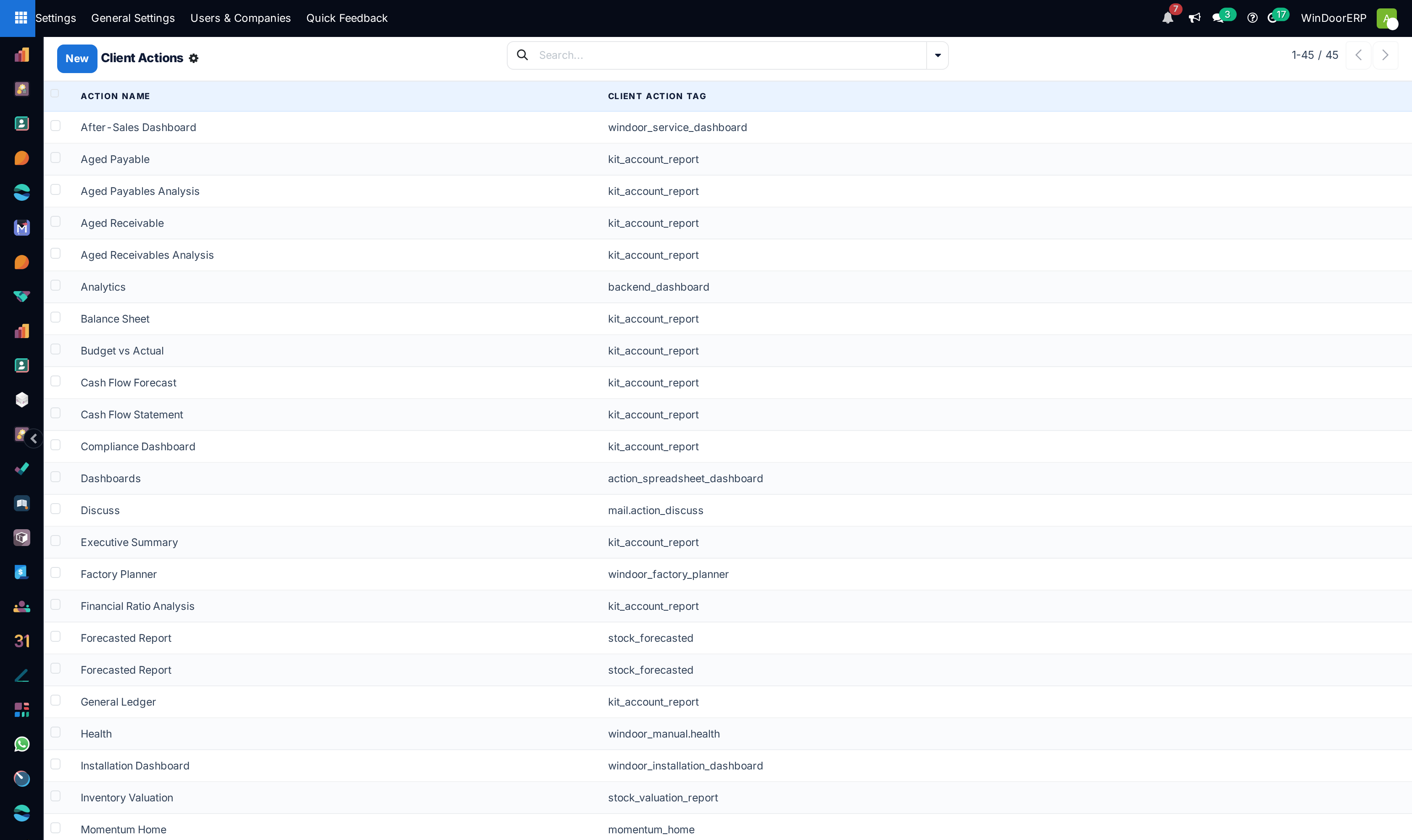
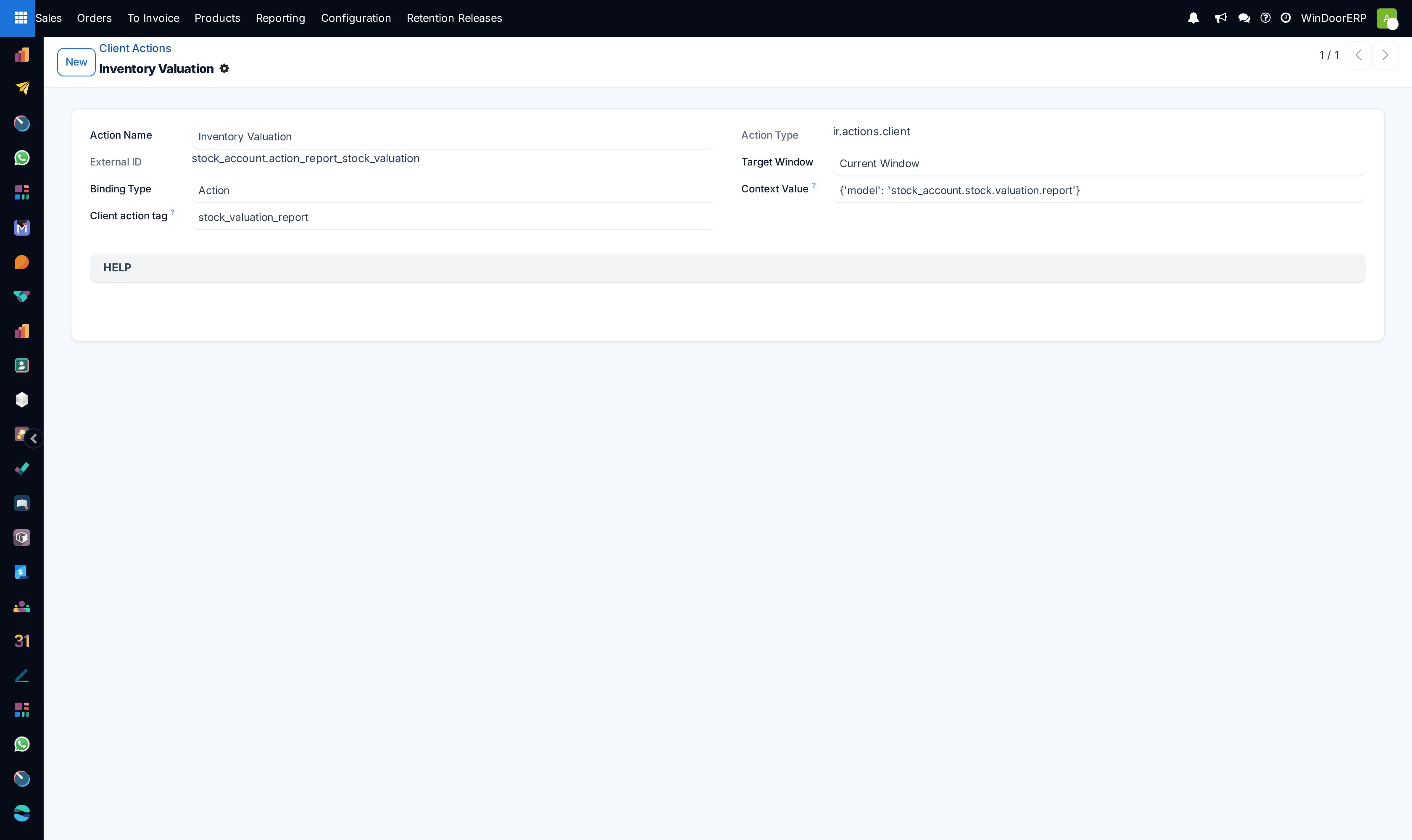
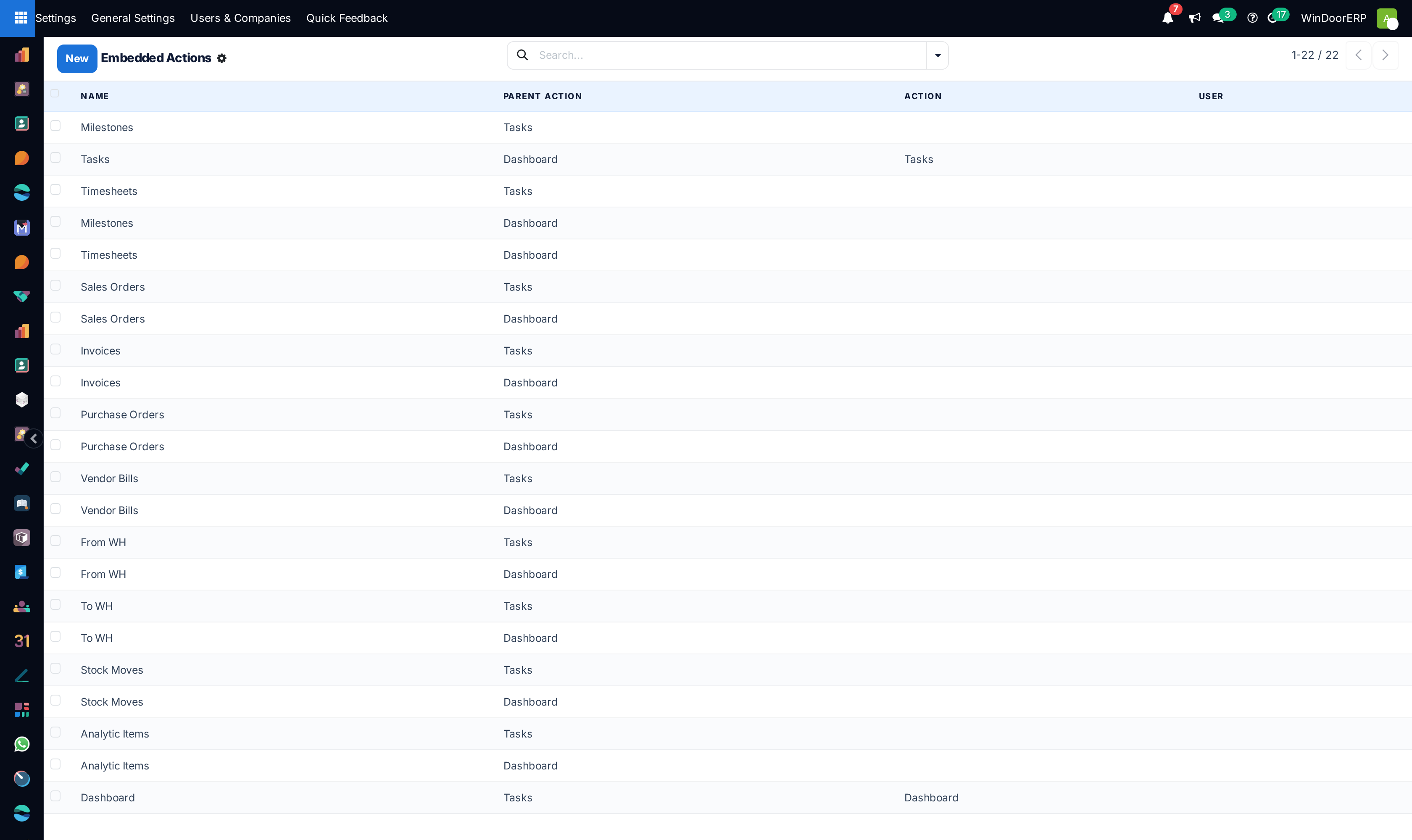
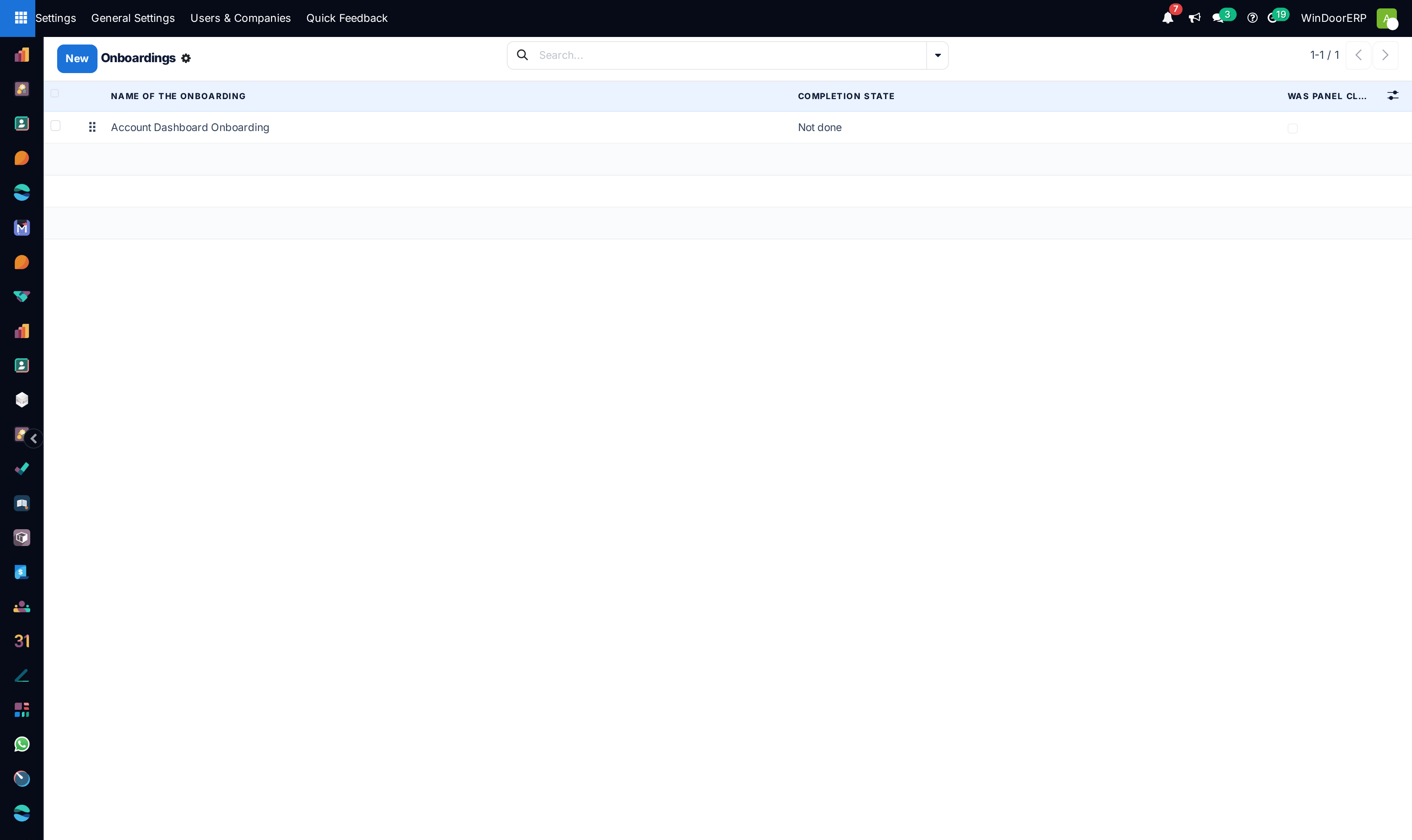
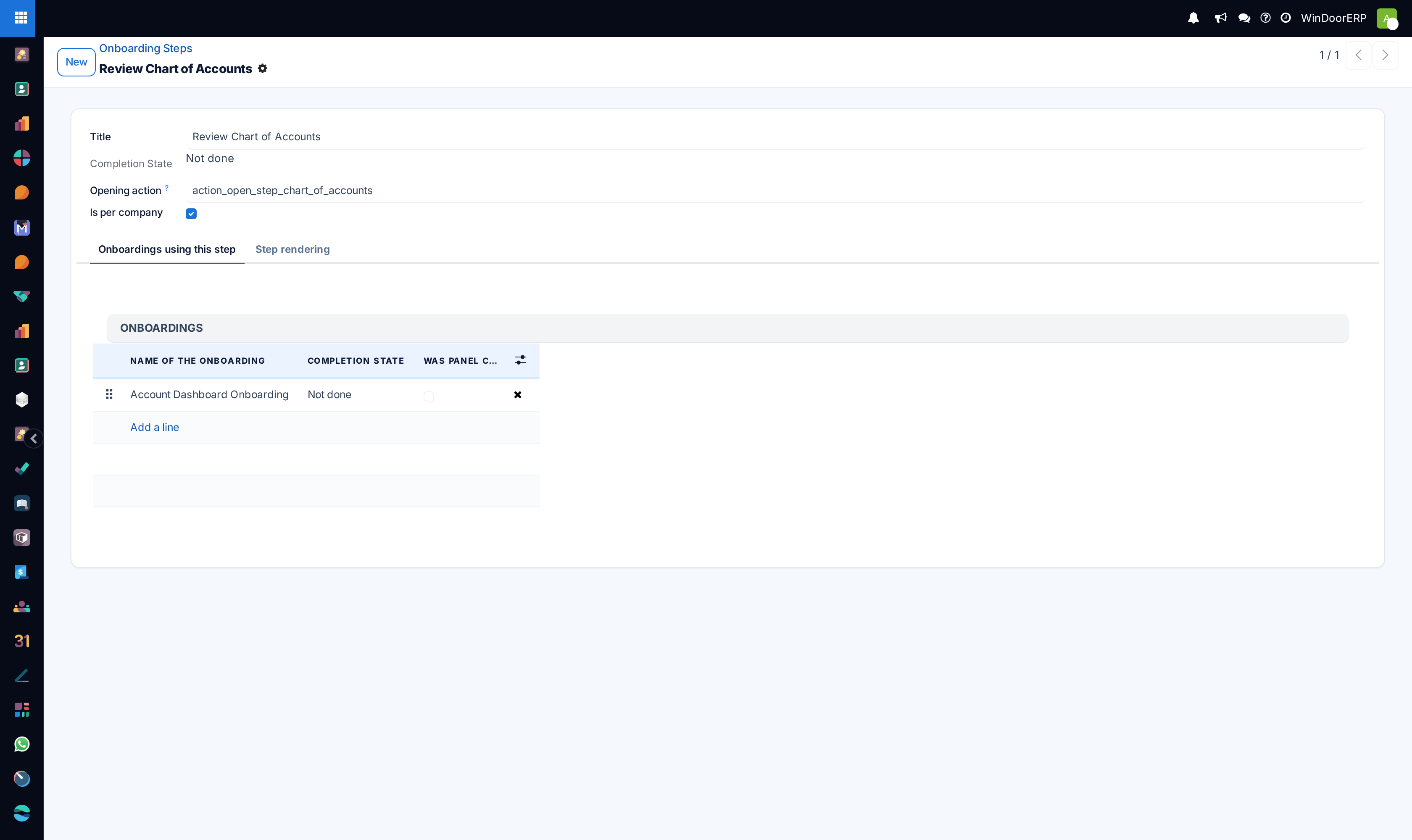
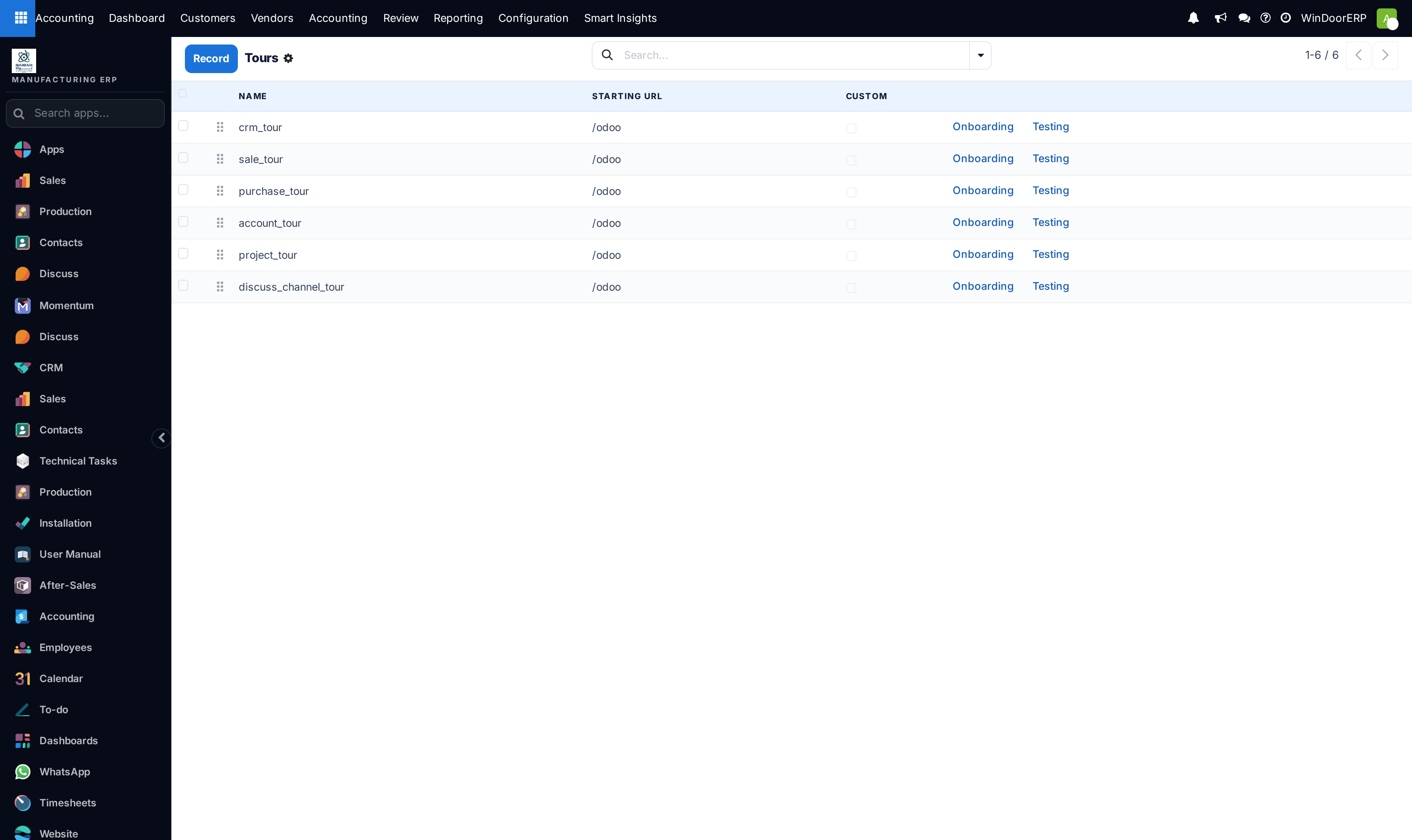
Open Actions › Window Actions and Server Actions to automate execution logic.
-
02
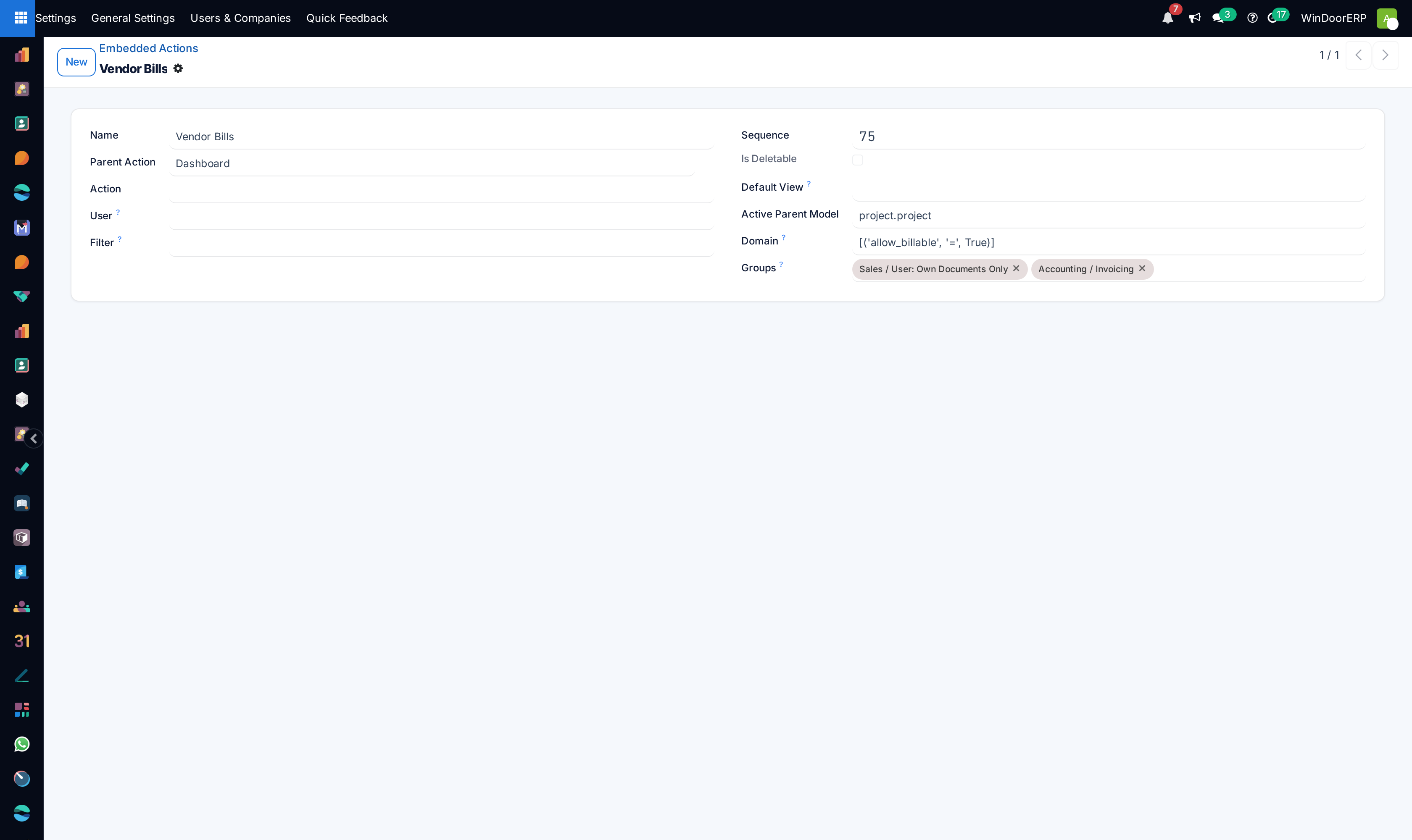
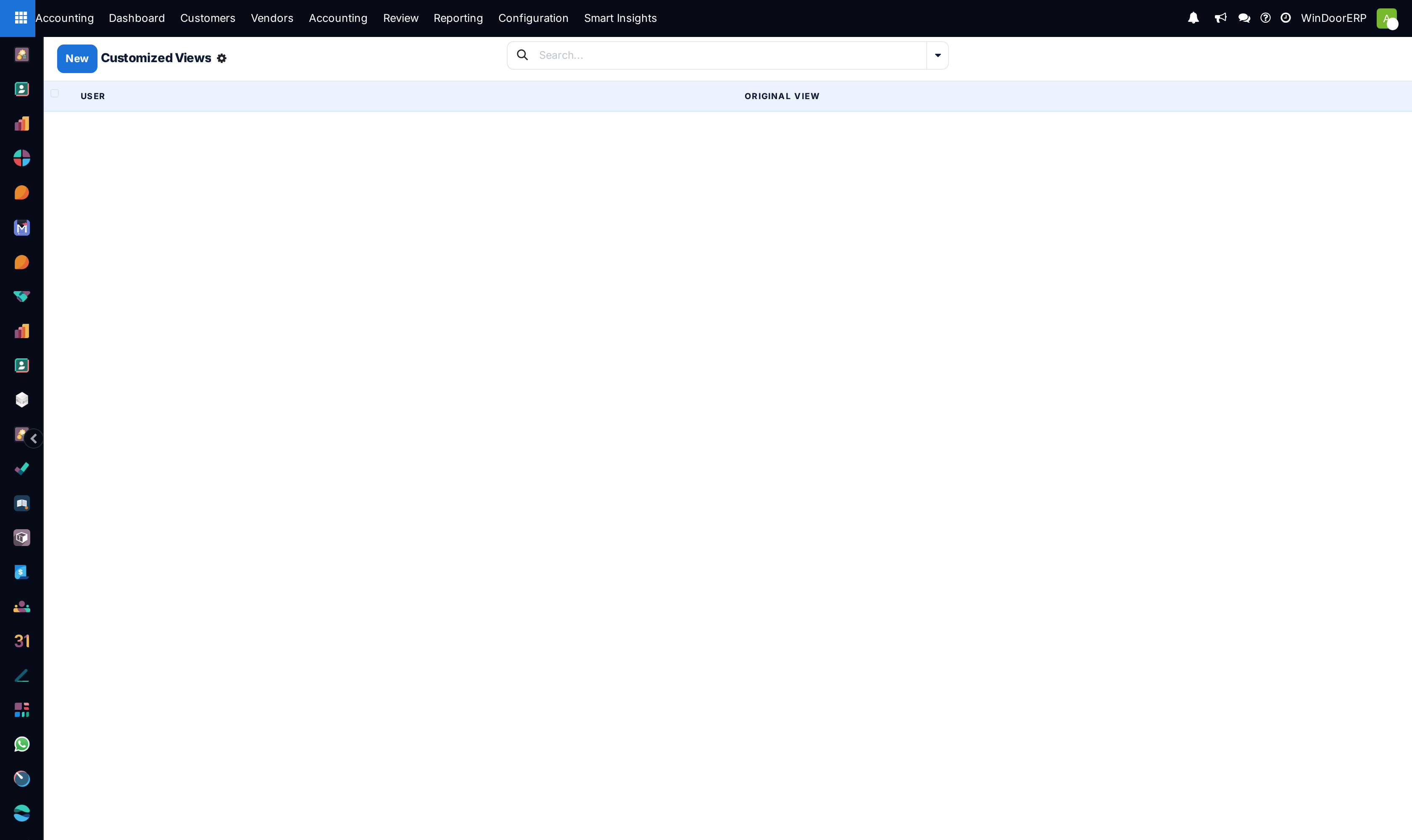
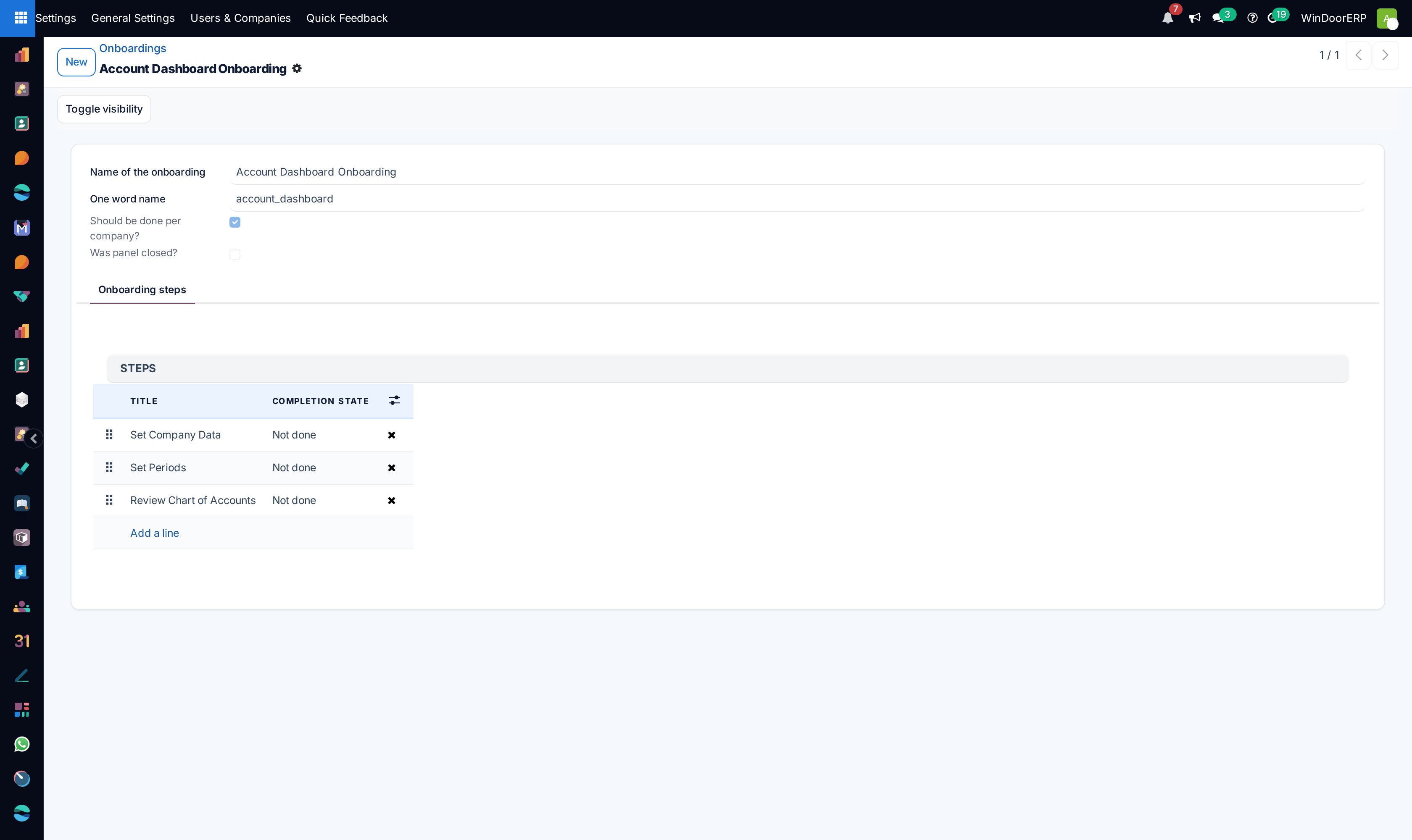
Customize interface forms and lists under User Interface › Views and Customized Views.
-
03
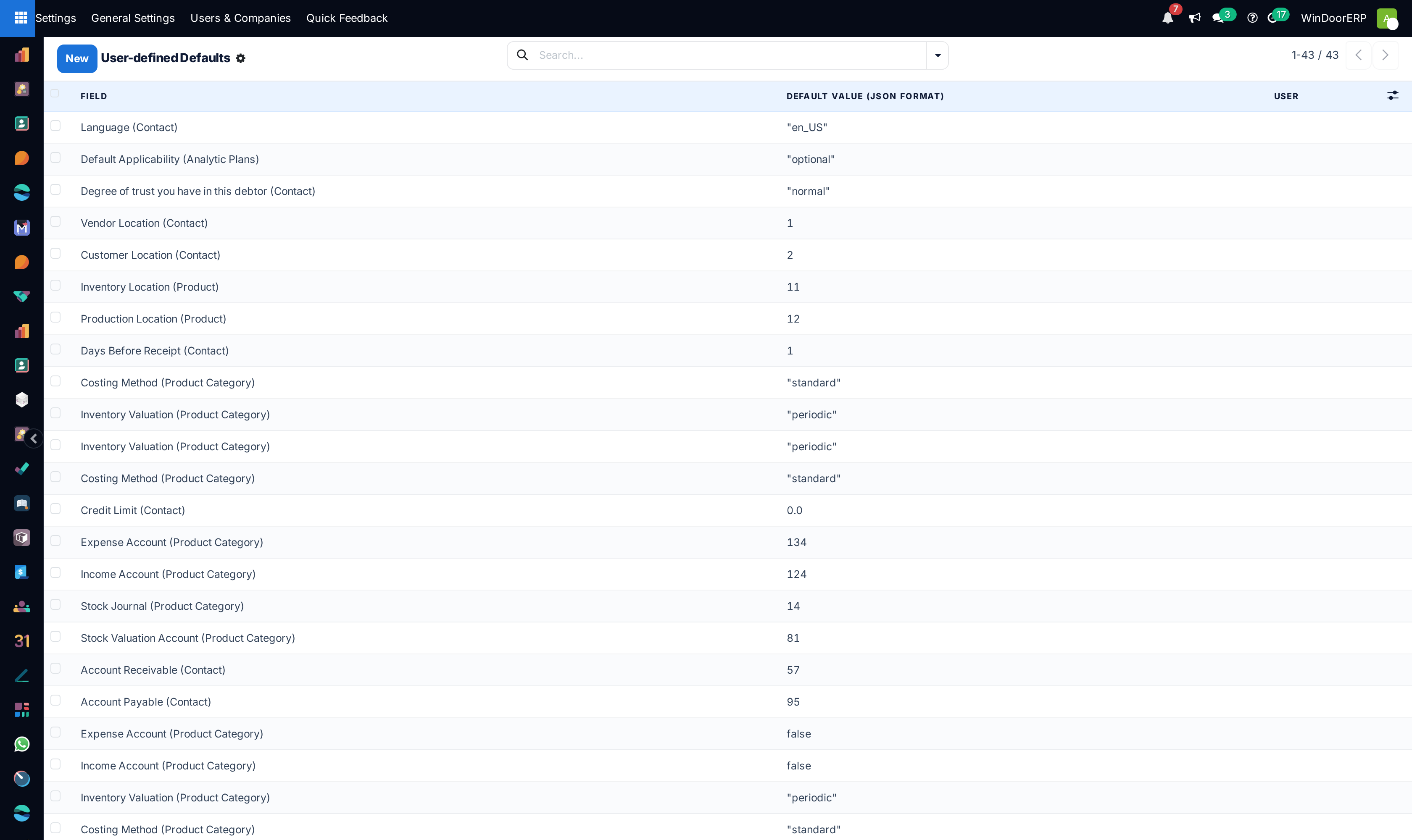
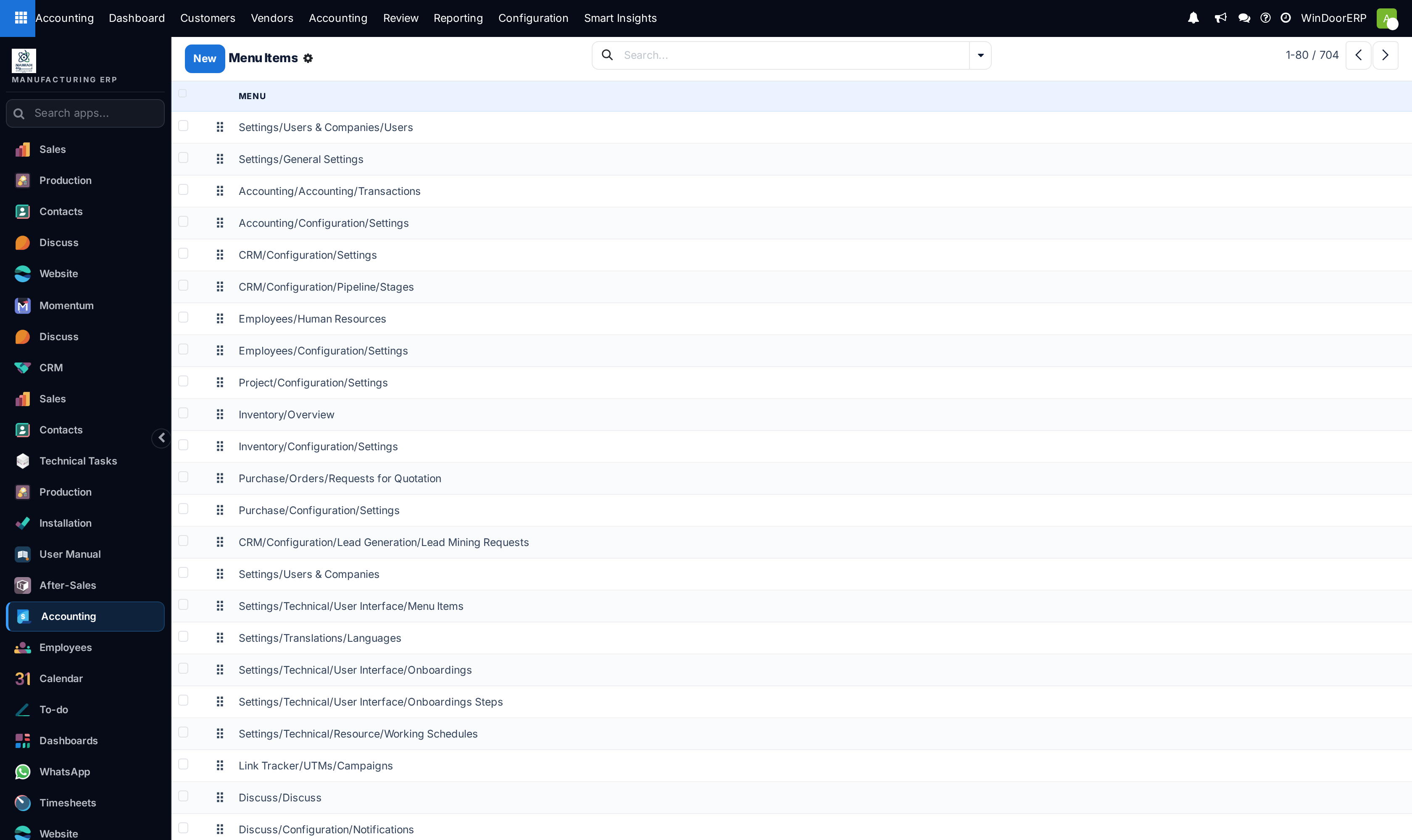
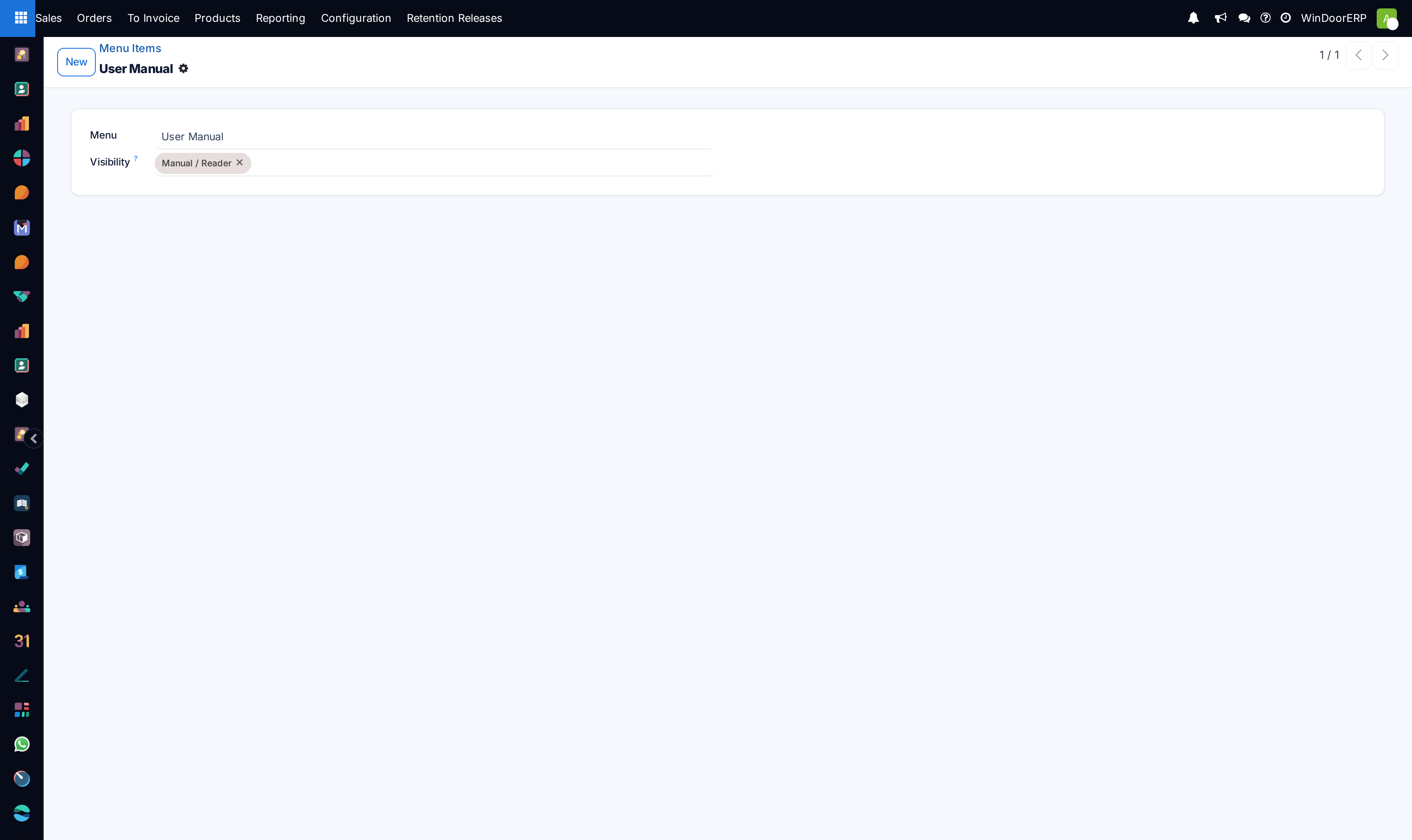
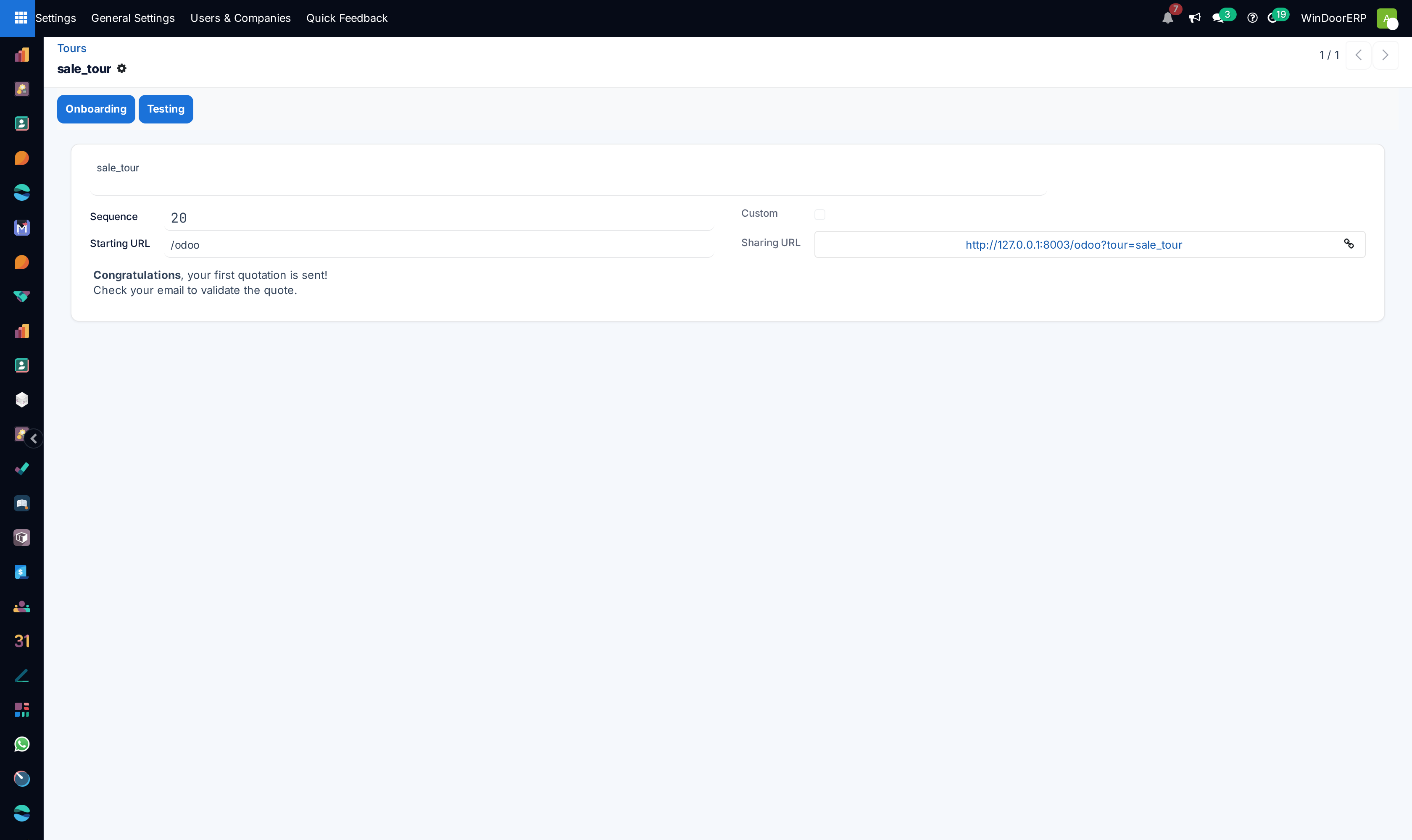
Structure top bars and dropdowns in User Interface › Menu Items.
-
04
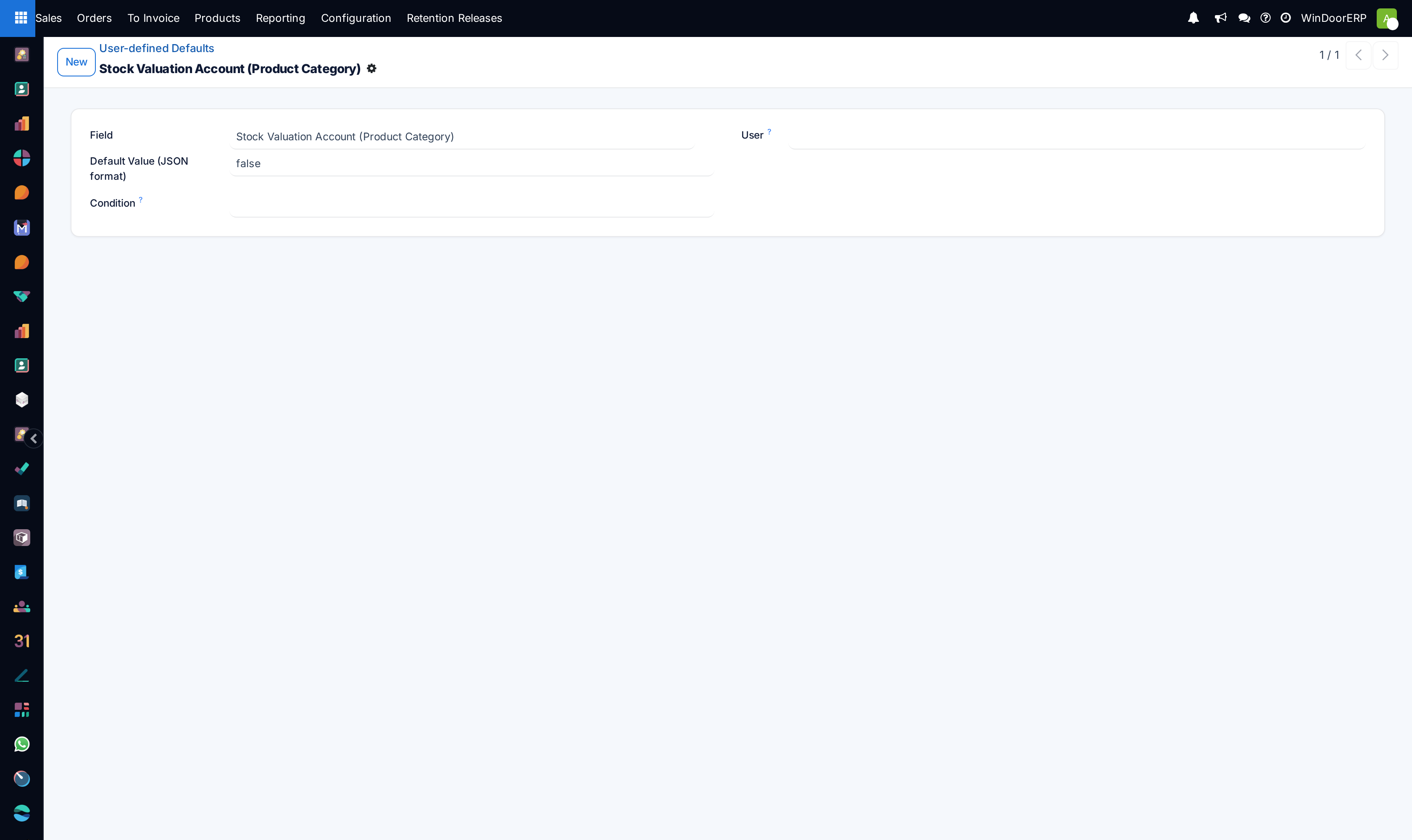
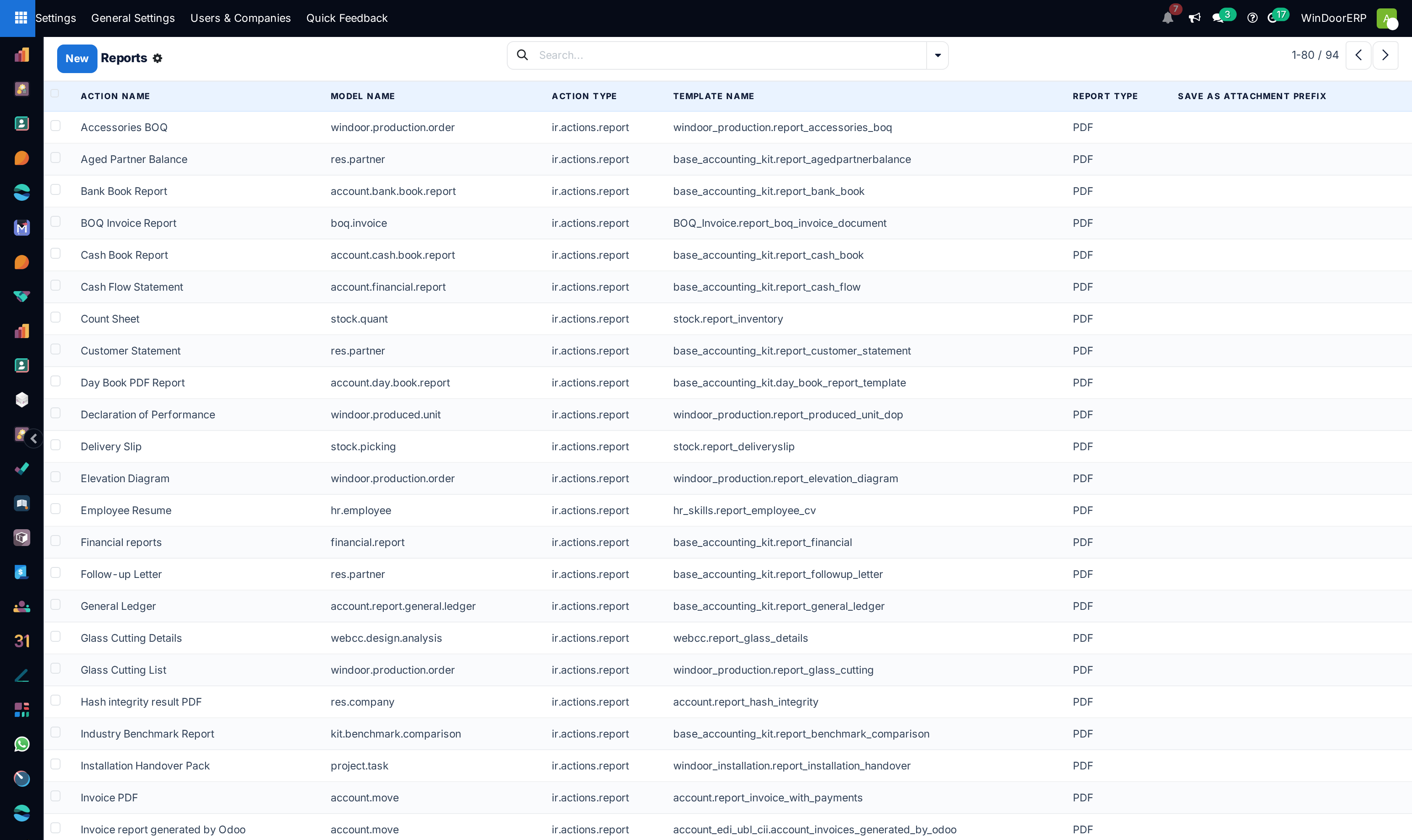
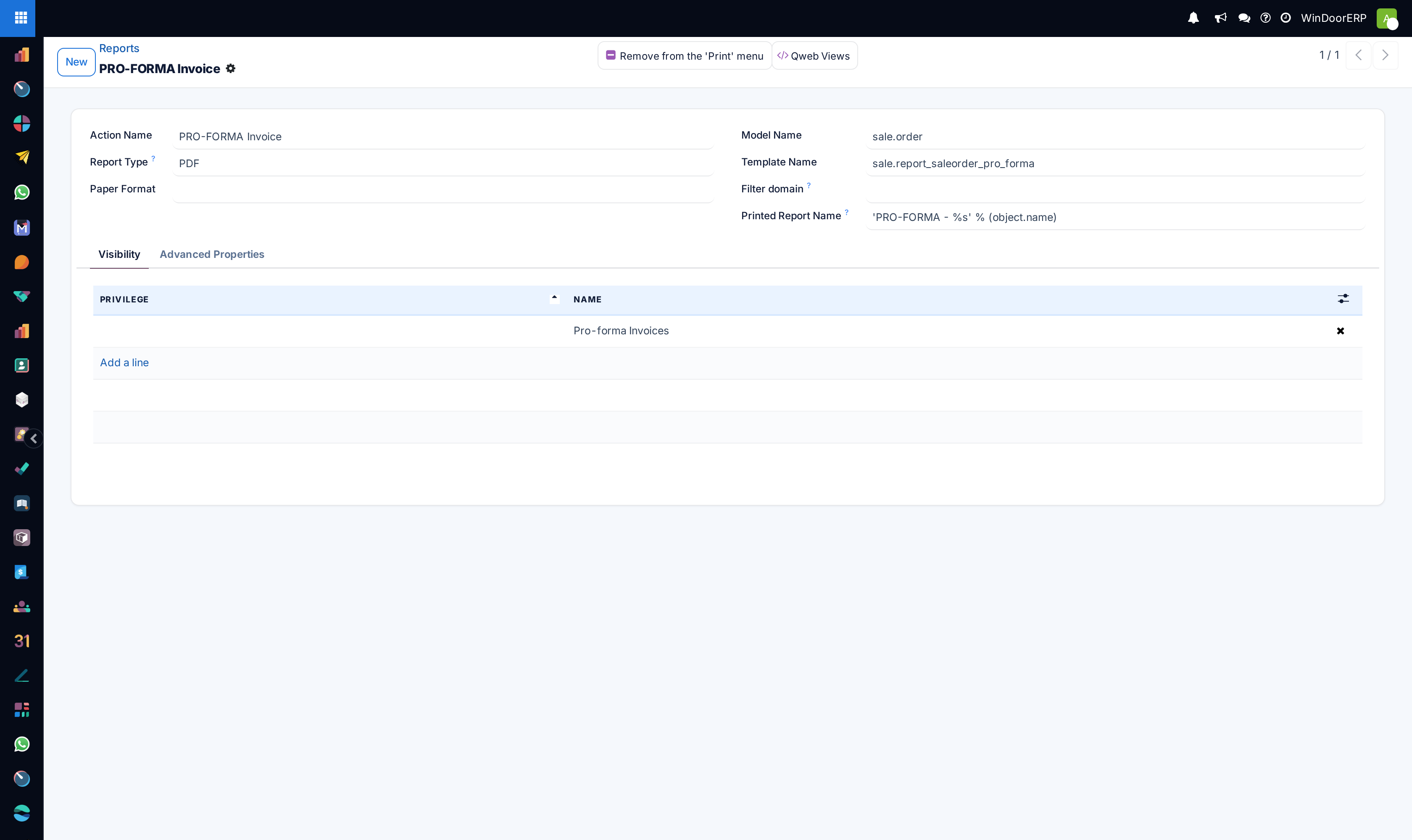
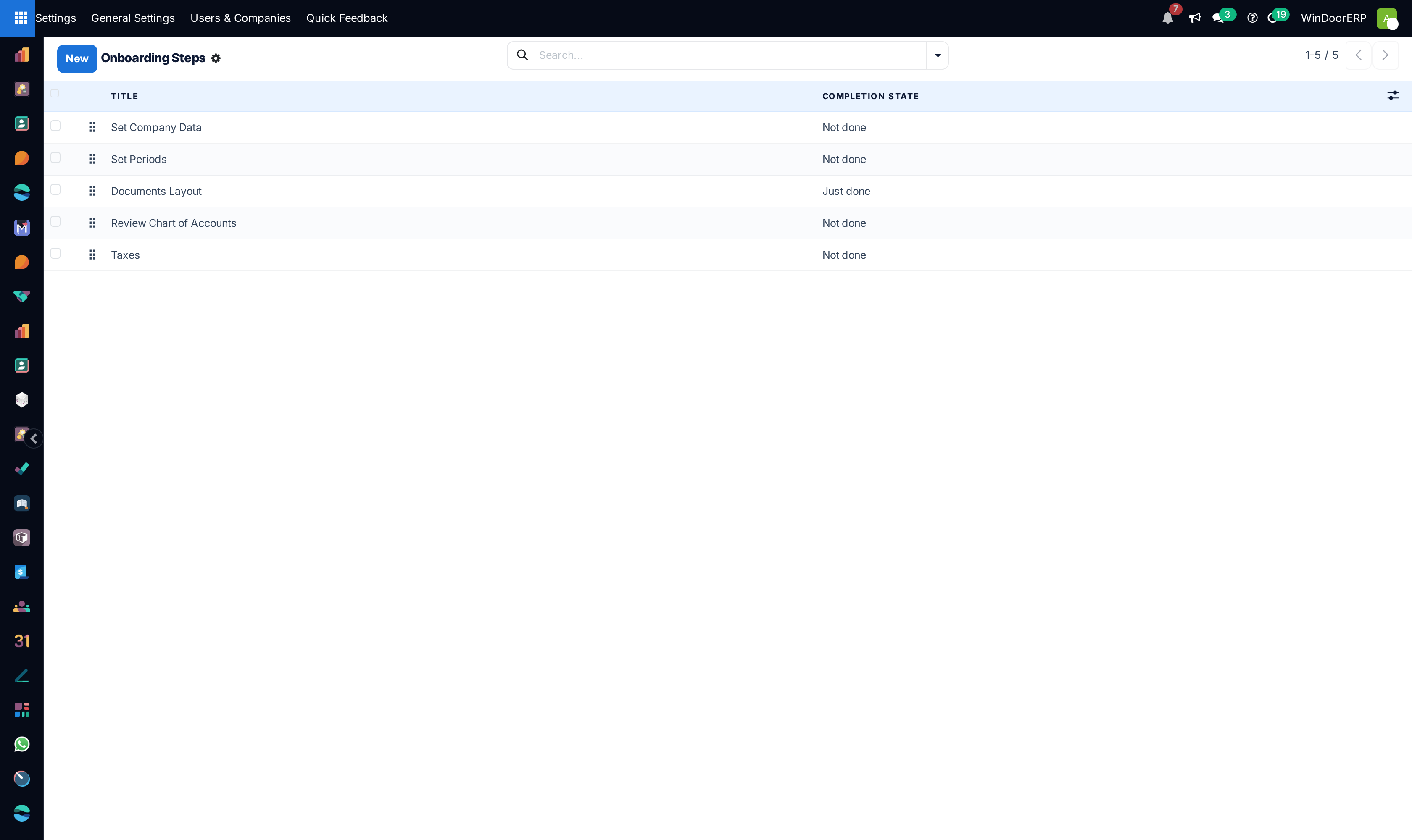
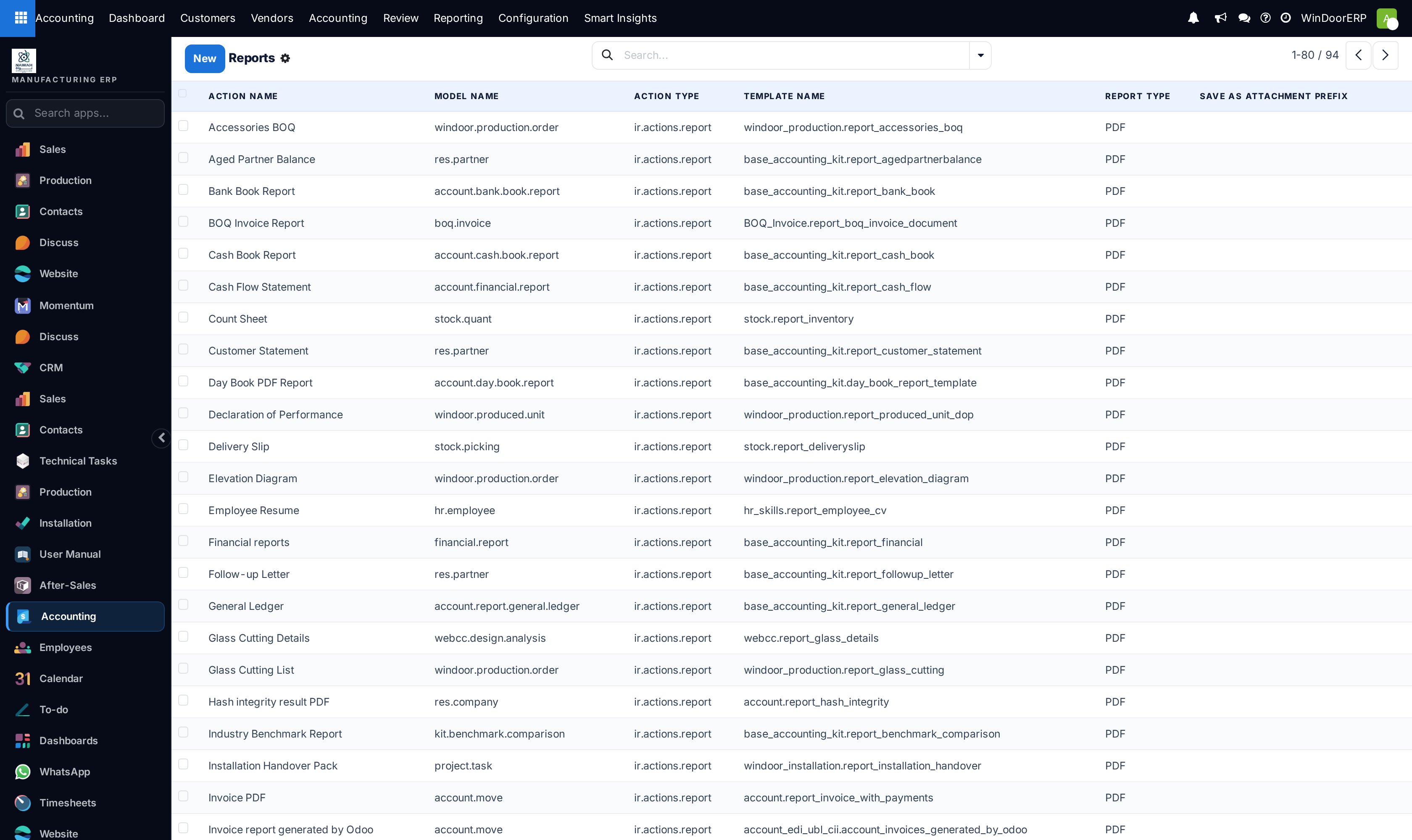
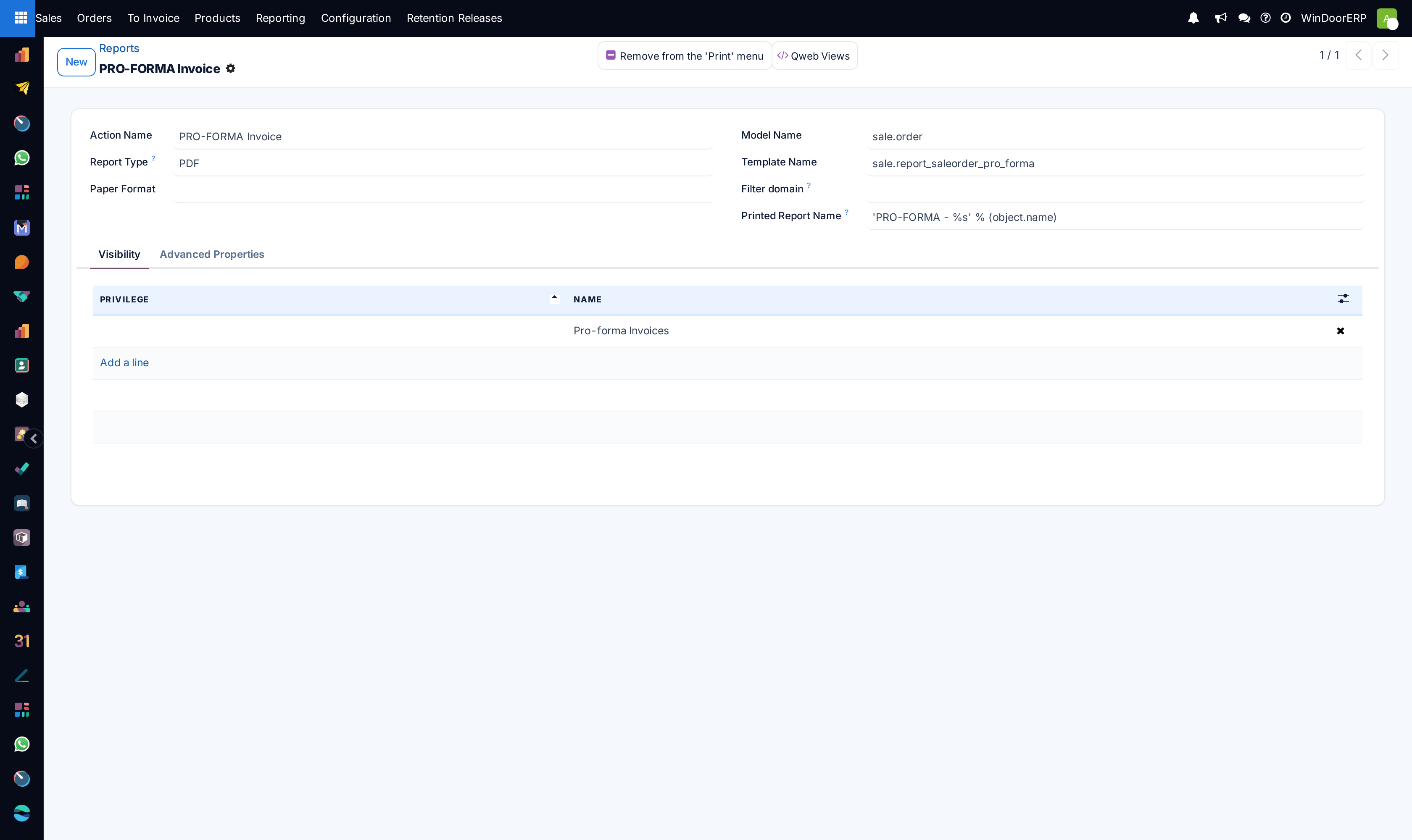
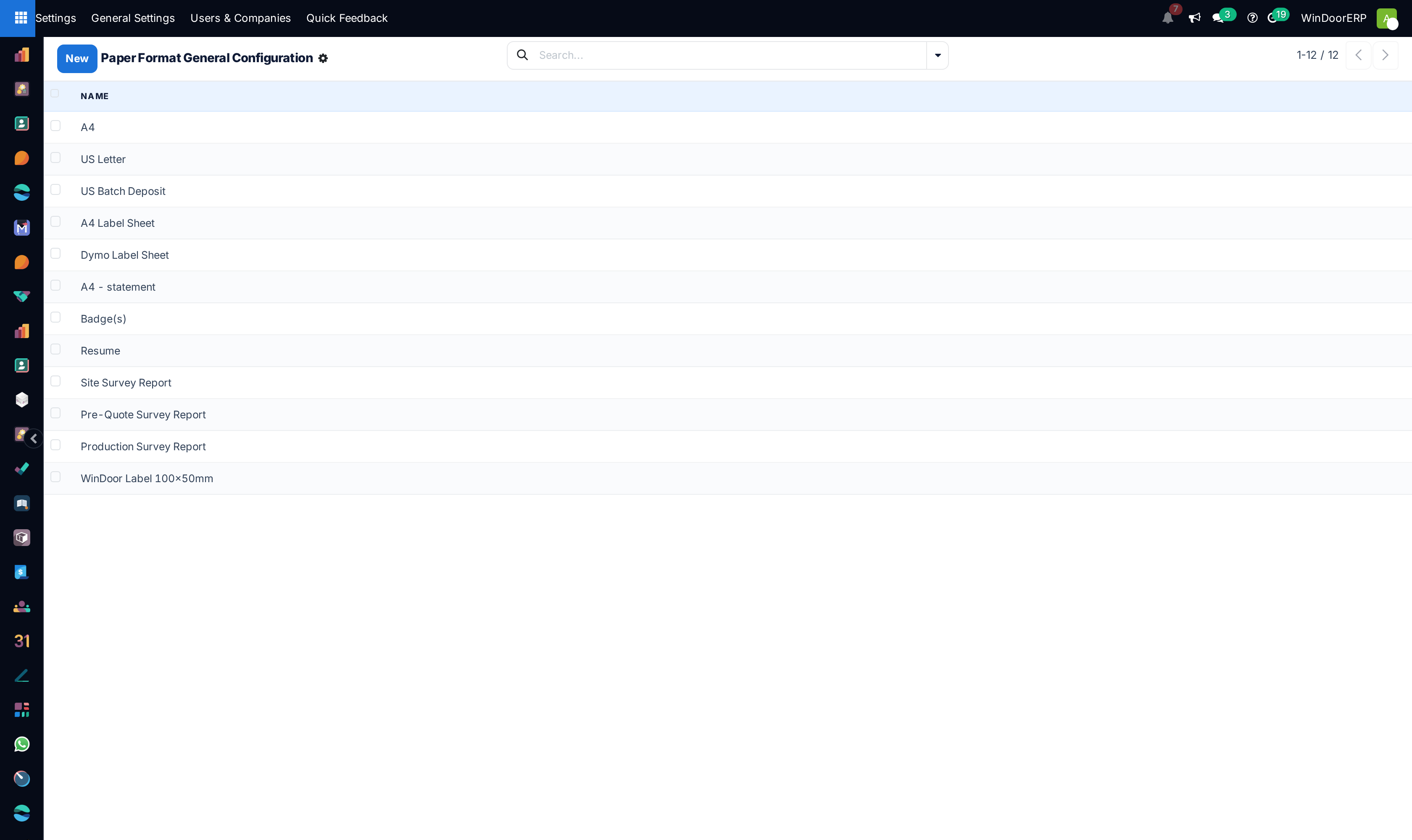
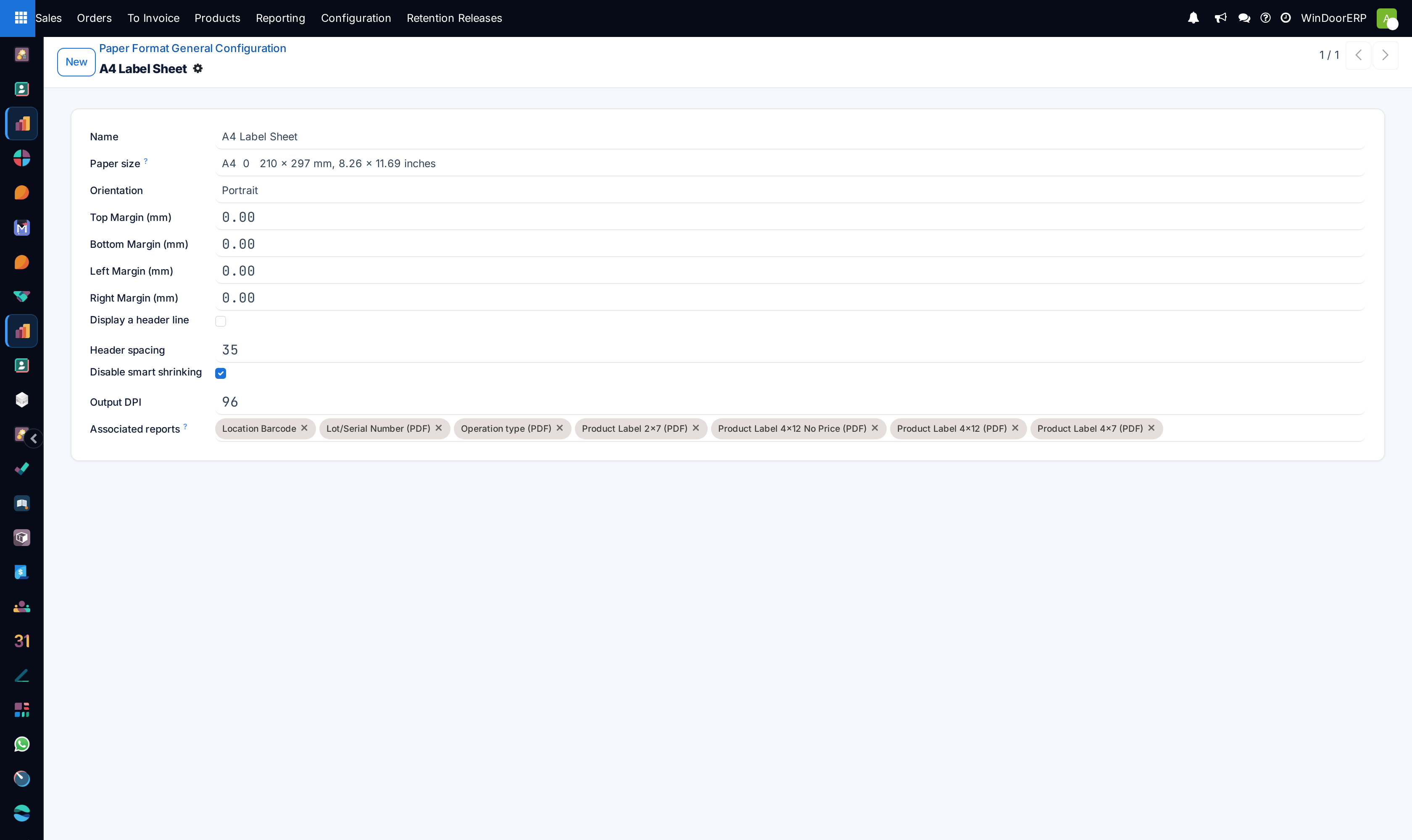
Adjust PDF document page dimensions under Reporting › Paper Format and Reports.
Common mistakes
- Writing unhandled Python syntax inside server actions that blocks user form save operations.
- Setting negative page margins in Paper Formats, causing PDF generation rendering crashes.
Checkpoint
The documents you print carry your branding and page size, not the defaults.