Issue progressive customer tax invoices, BOQ progress certificates, and batch runs
What this does
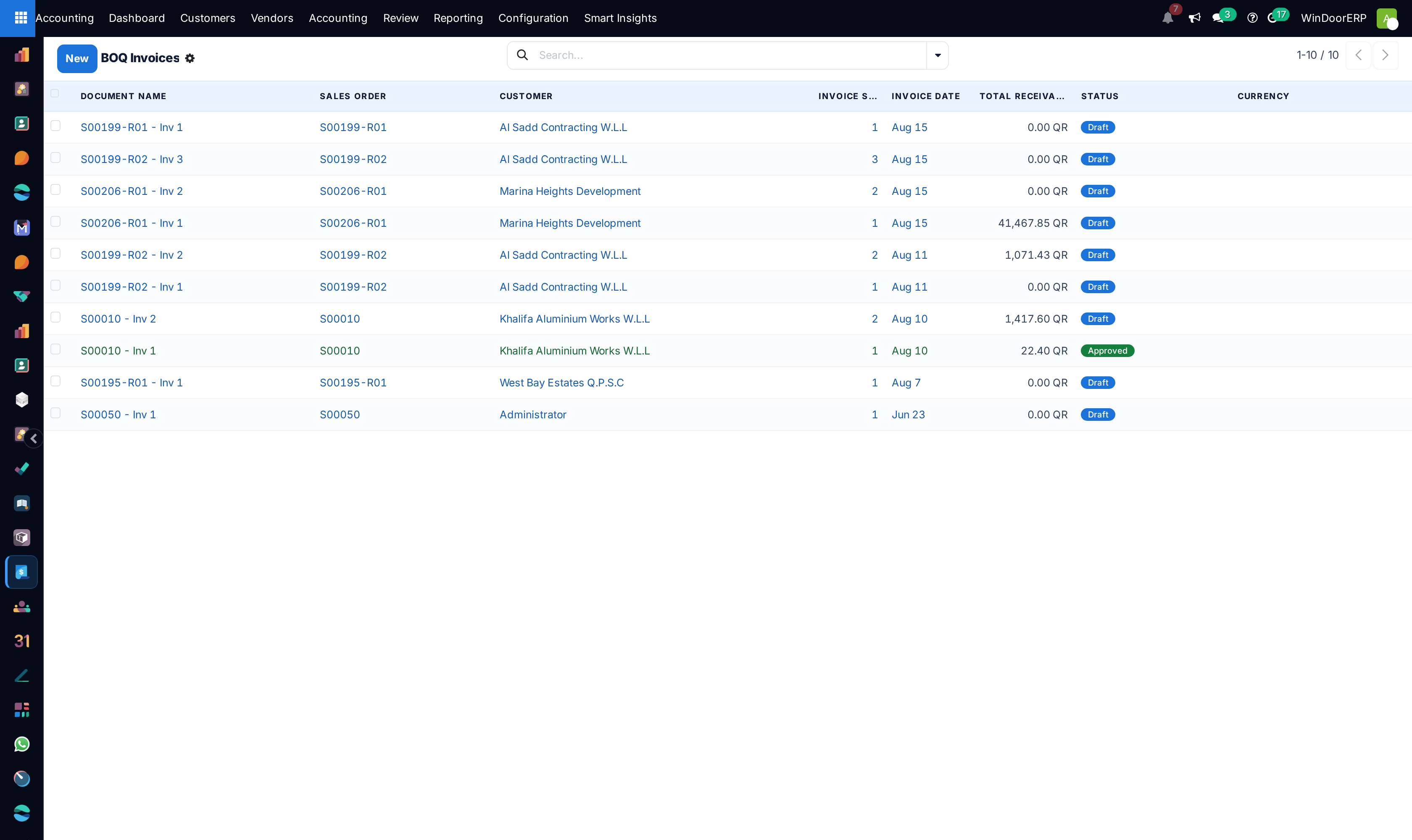
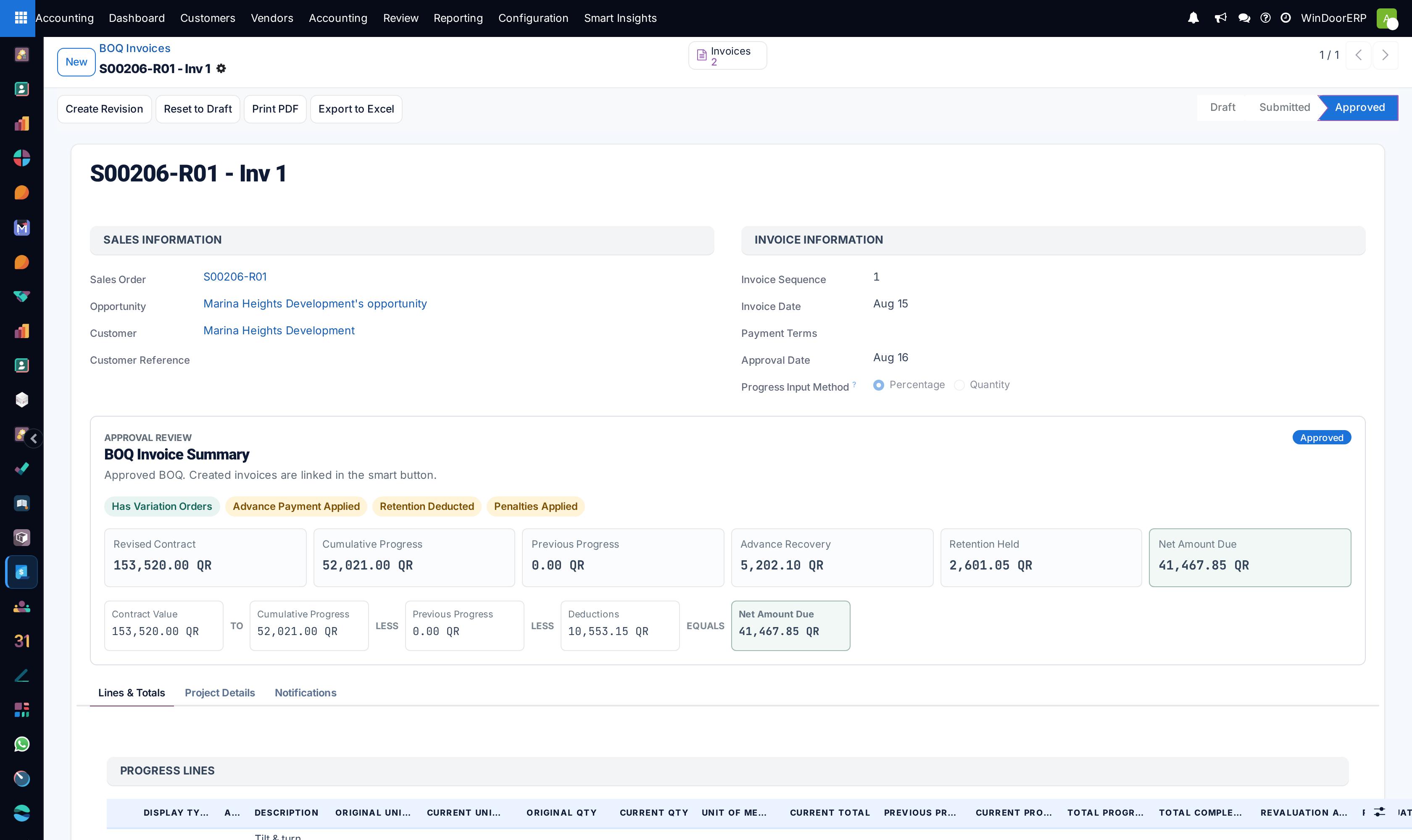
Issues certified ZATCA/e-invoicing compliant customer tax invoices and construction milestone progress claims (BOQ Invoices), deducting contractual advance payments and managing retention guarantees.
Before you start
- Confirmed sales order or approved site milestone certificate.
Steps
Important
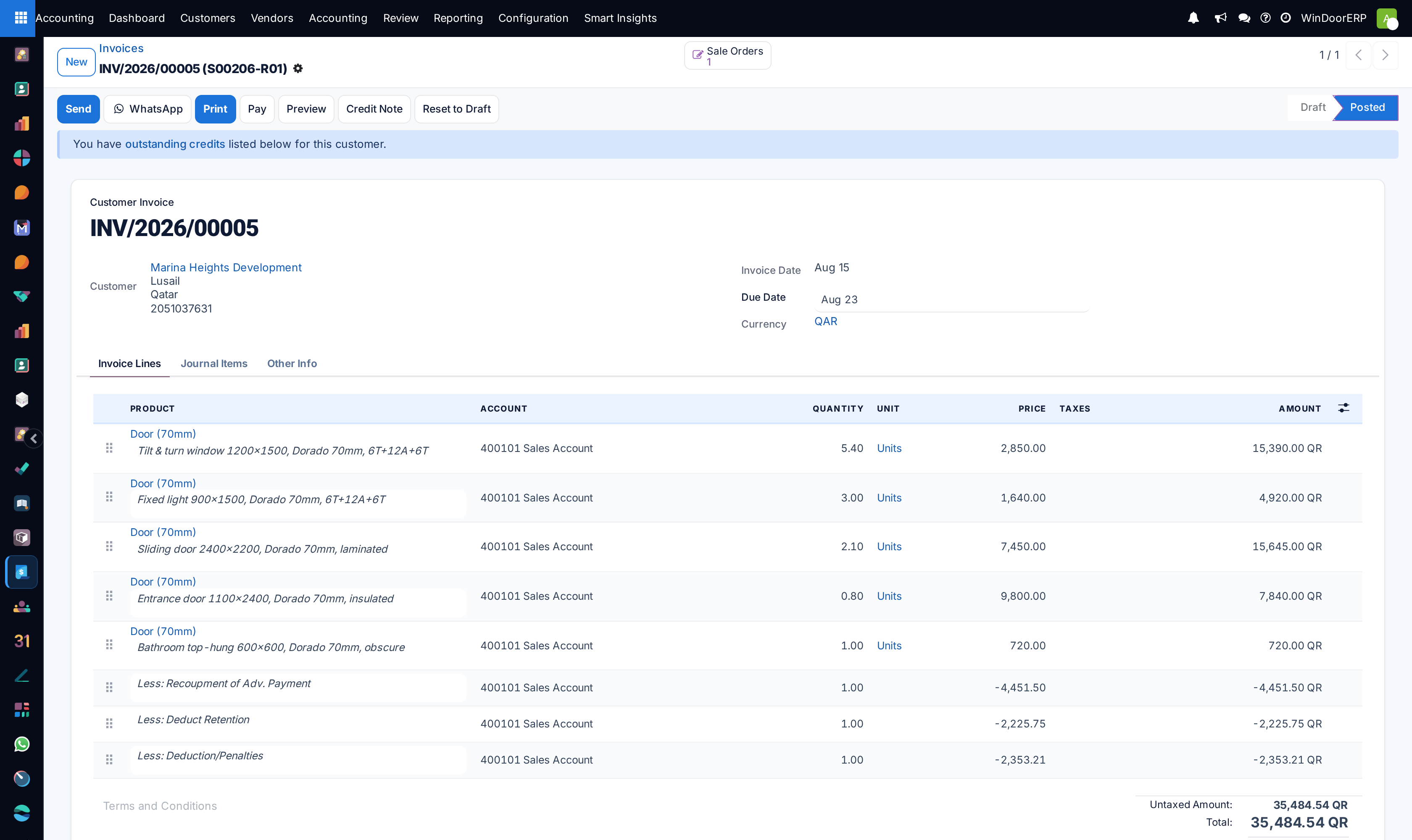
Always verify that the downpayment deduction line matches the exact contractual advance percentage to avoid over-invoicing project clients.
-
01
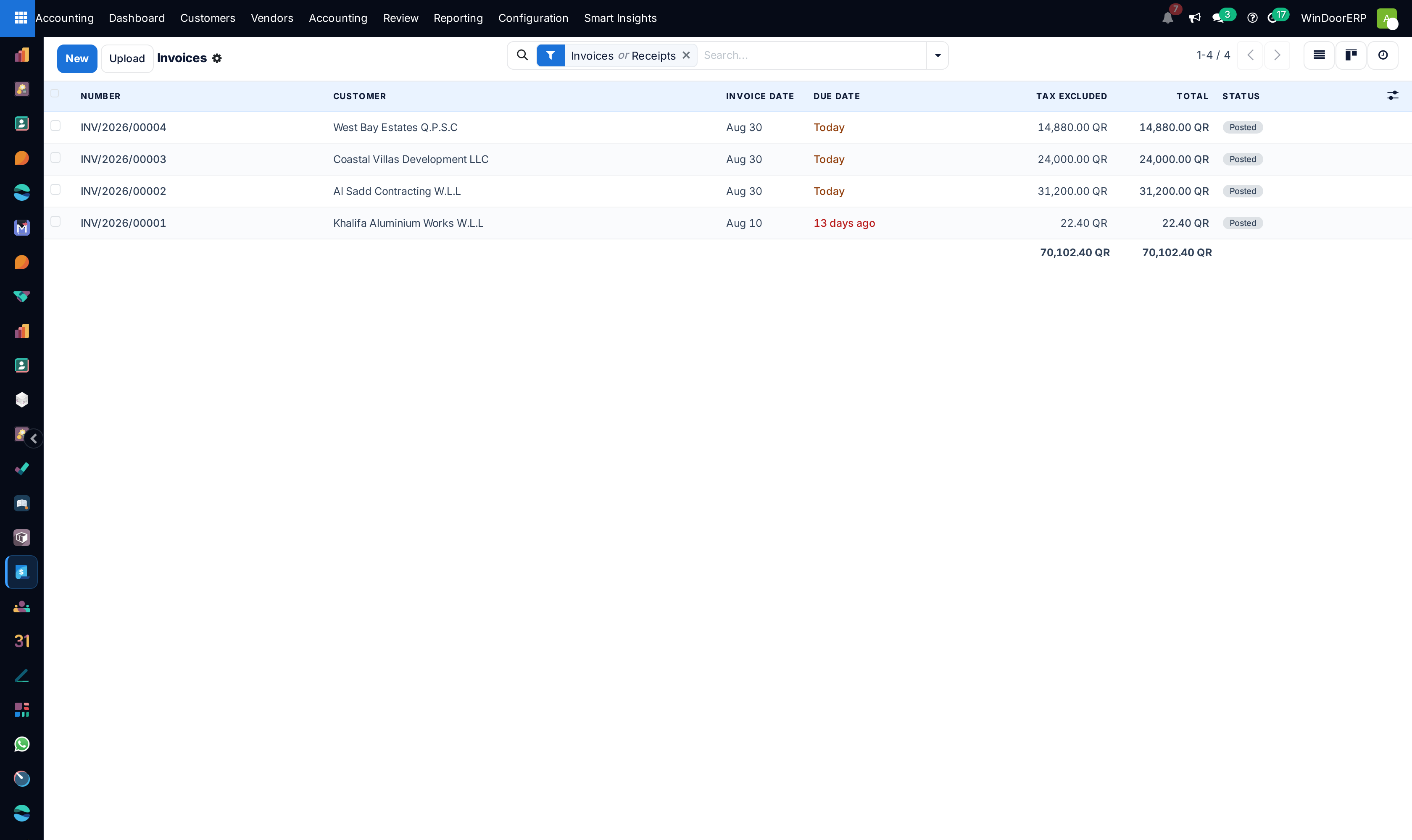
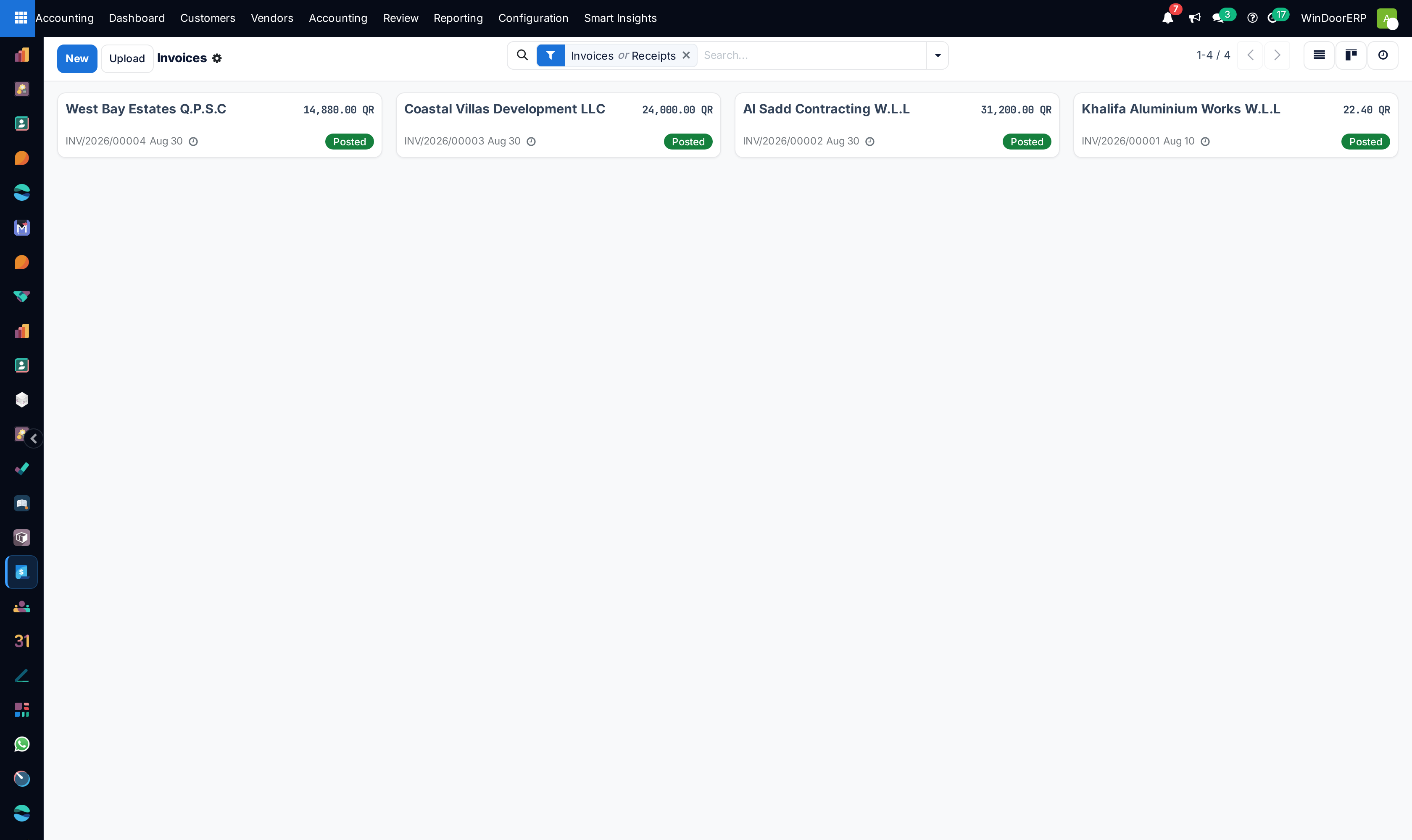
Open Accounting › Customers › Invoices (or BOQ Invoices) and click New.
-
02
Select the Customer and link the source Project or Sales Order.
-
03
Review automatically populated milestone line items (e.g. 50% Manufacturing Release, 30% Site Delivery, 15% Handover, 5% Retention).
-
04
Click Confirm to lock the cryptographic stamp, generate QR code, and send invoice PDF/XML directly via WhatsApp and Email.
-
05
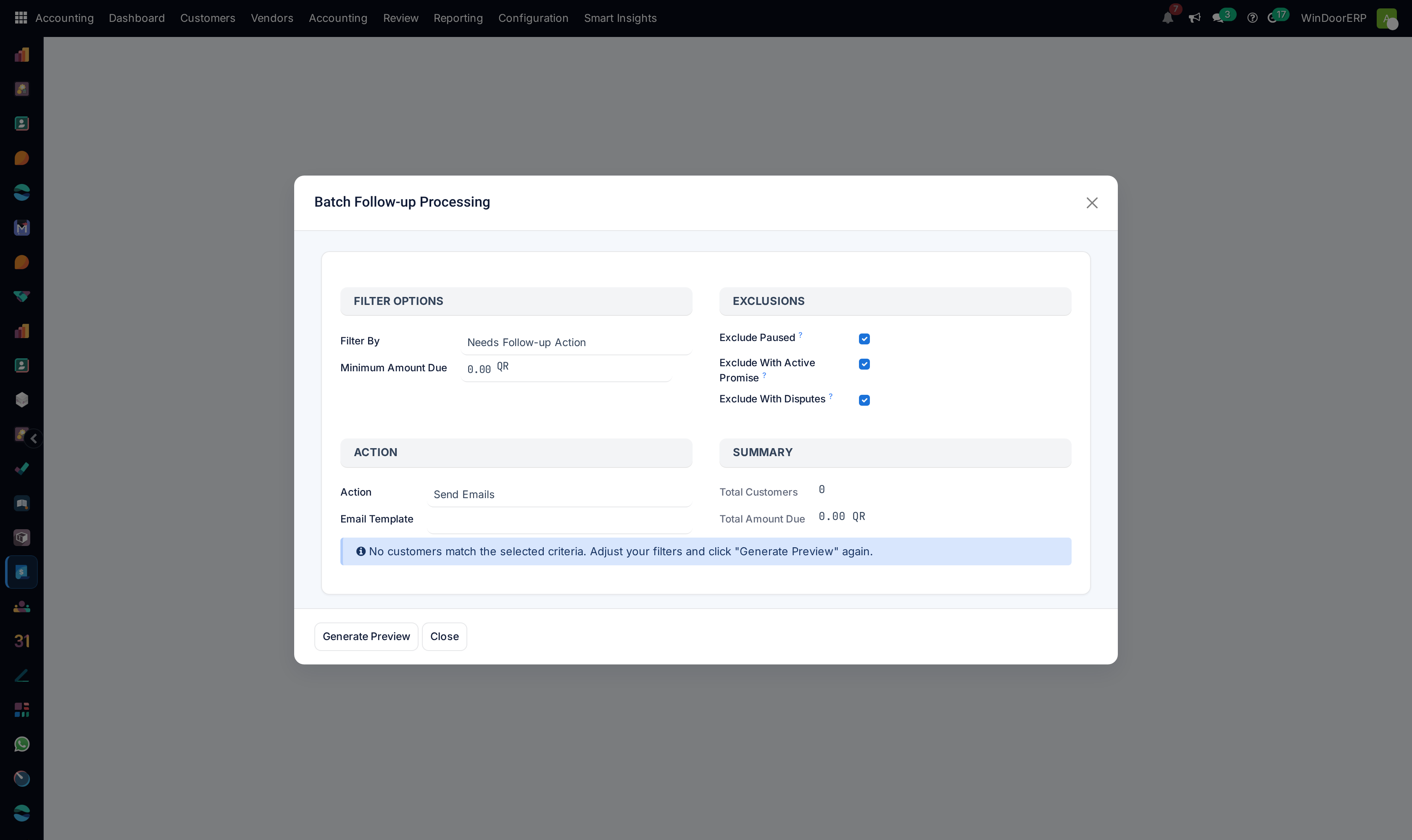
Use Batch Processing to validate and post monthly recurring maintenance invoices in bulk.
Common mistakes
- Confirming invoices before verifying the customer VAT registration number.
- Issuing manual invoices without linking them to the master analytical project code.
Was this article helpful?
Thanks — your feedback helps.
Running a window or door factory?
Ask for a demo