WindoorERP Documentation 19.0

Configure scheduled crons, mail servers, email templates, SMS gateways, and live chat backend

3 min read Updated 2026-08-28 WindoorERP 19.0

What this does

Maintains the background automation heartbeat and omnichannel communication engines, encompassing recurring cron actions, SMTP/IMAP mail servers, dynamic email/SMS templates, live chat WebRTC ICE servers, and notification routing.

Before you start

  • Technical System Administrator privileges.

Steps
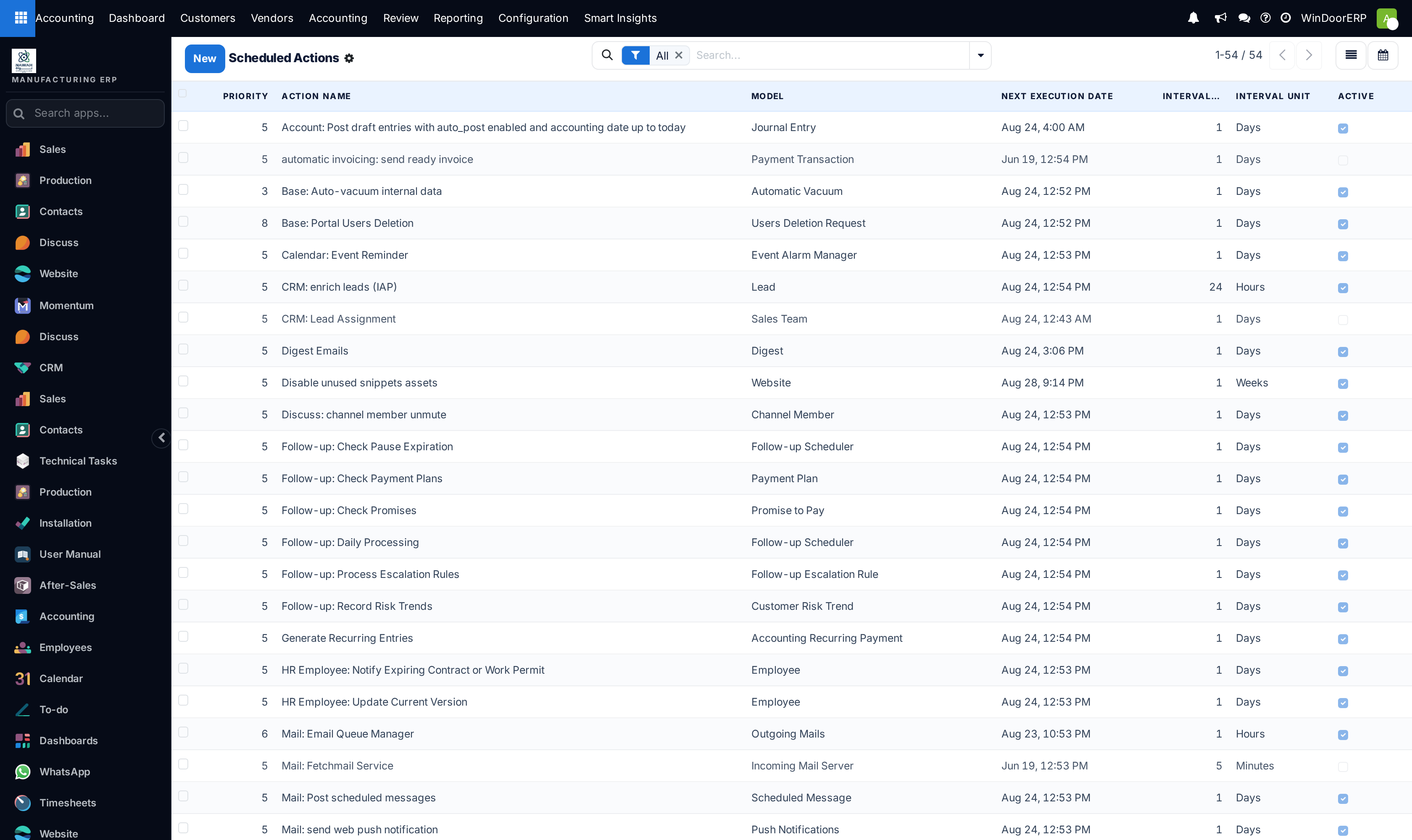
Automated cron scheduled actions registry list

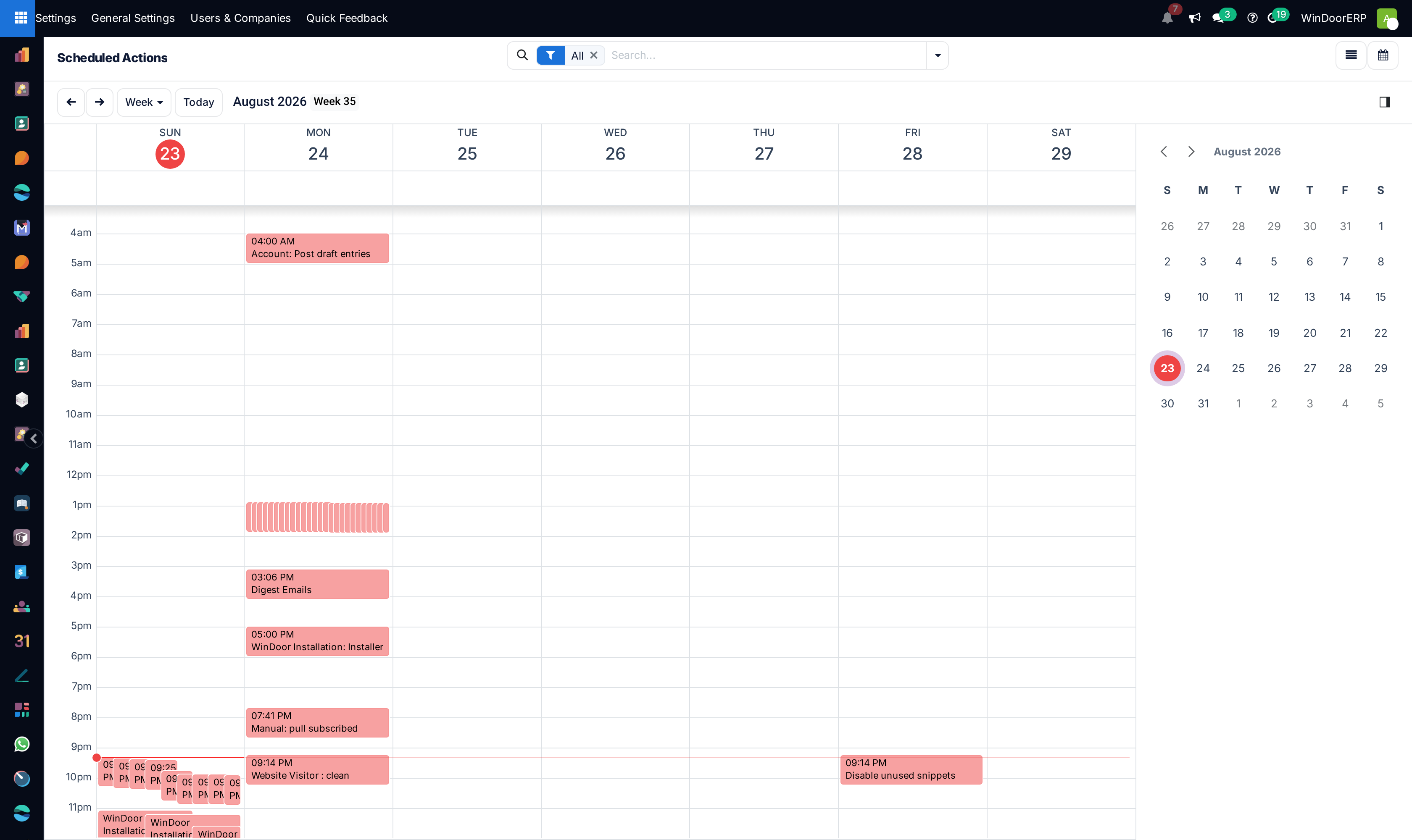
Scheduled cron actions execution calendar

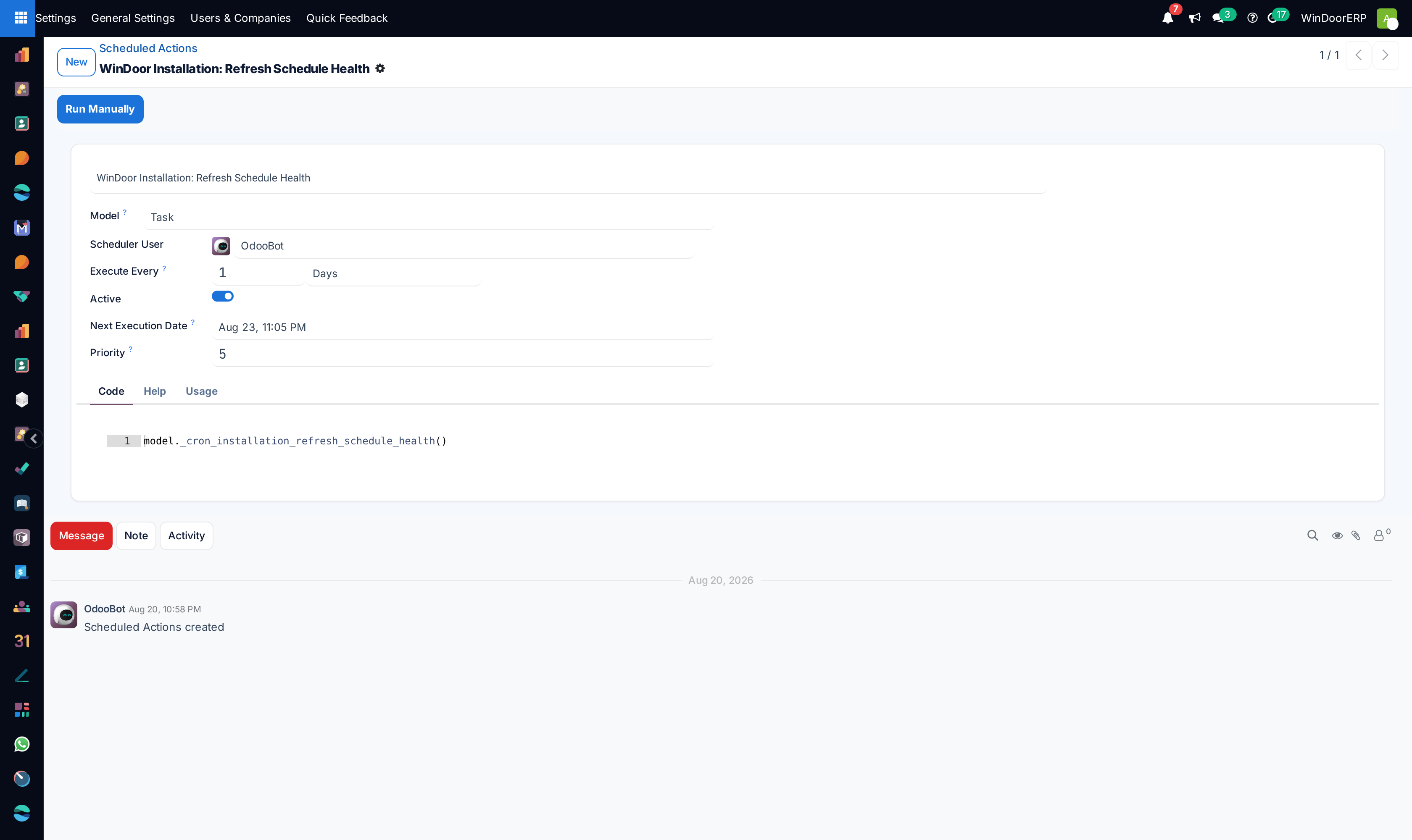
Scheduled action profile with interval and model binding

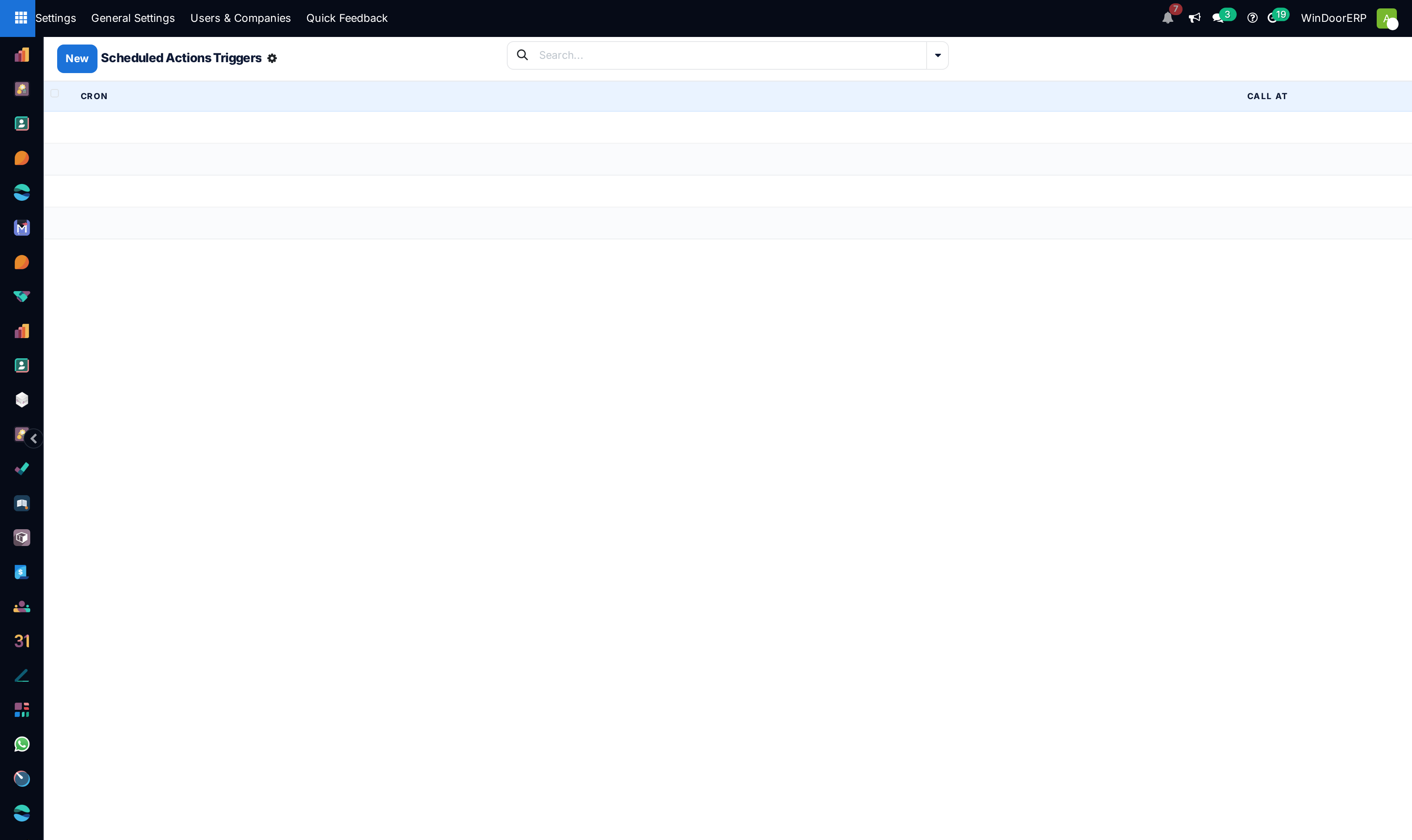
Cron execution trigger events list

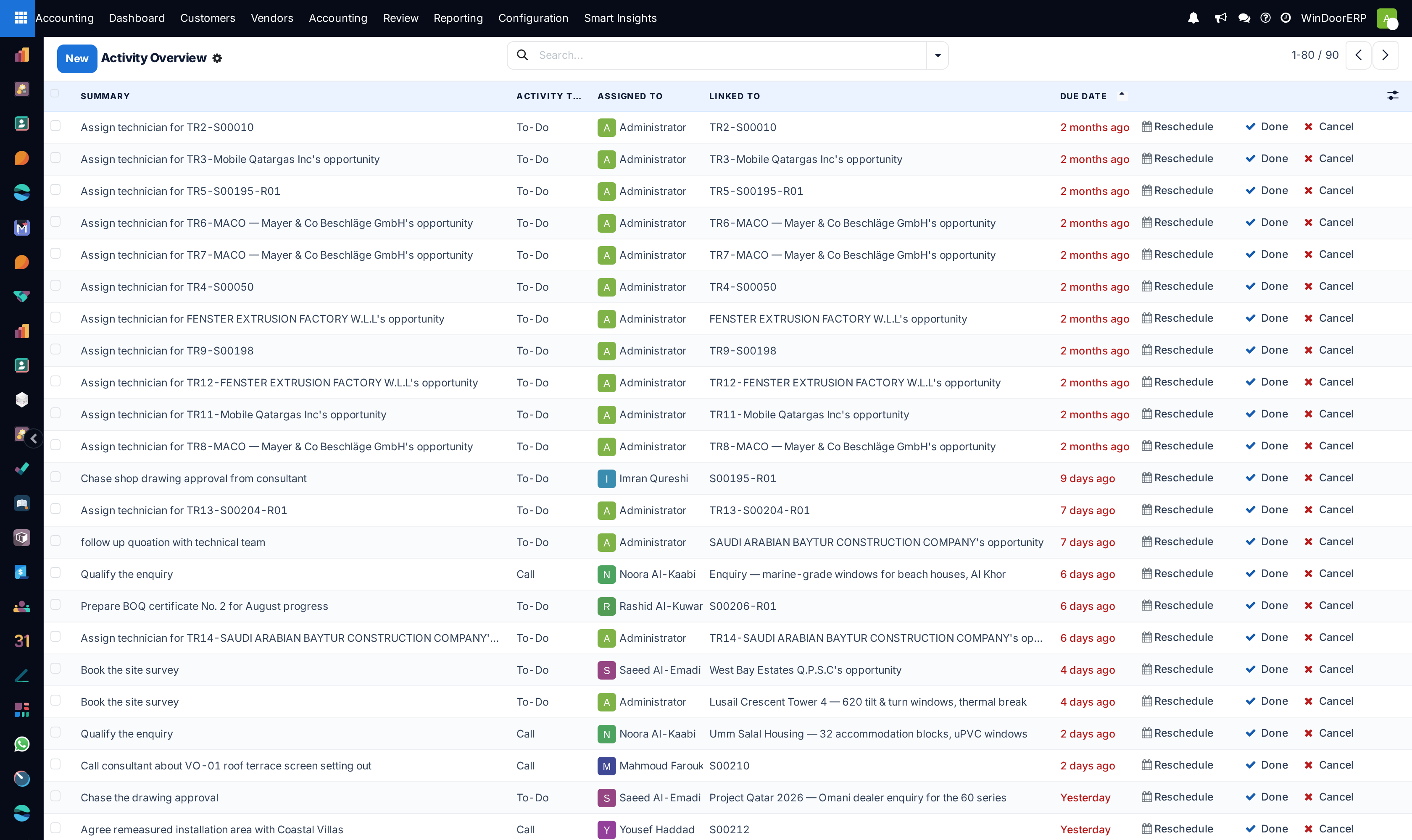
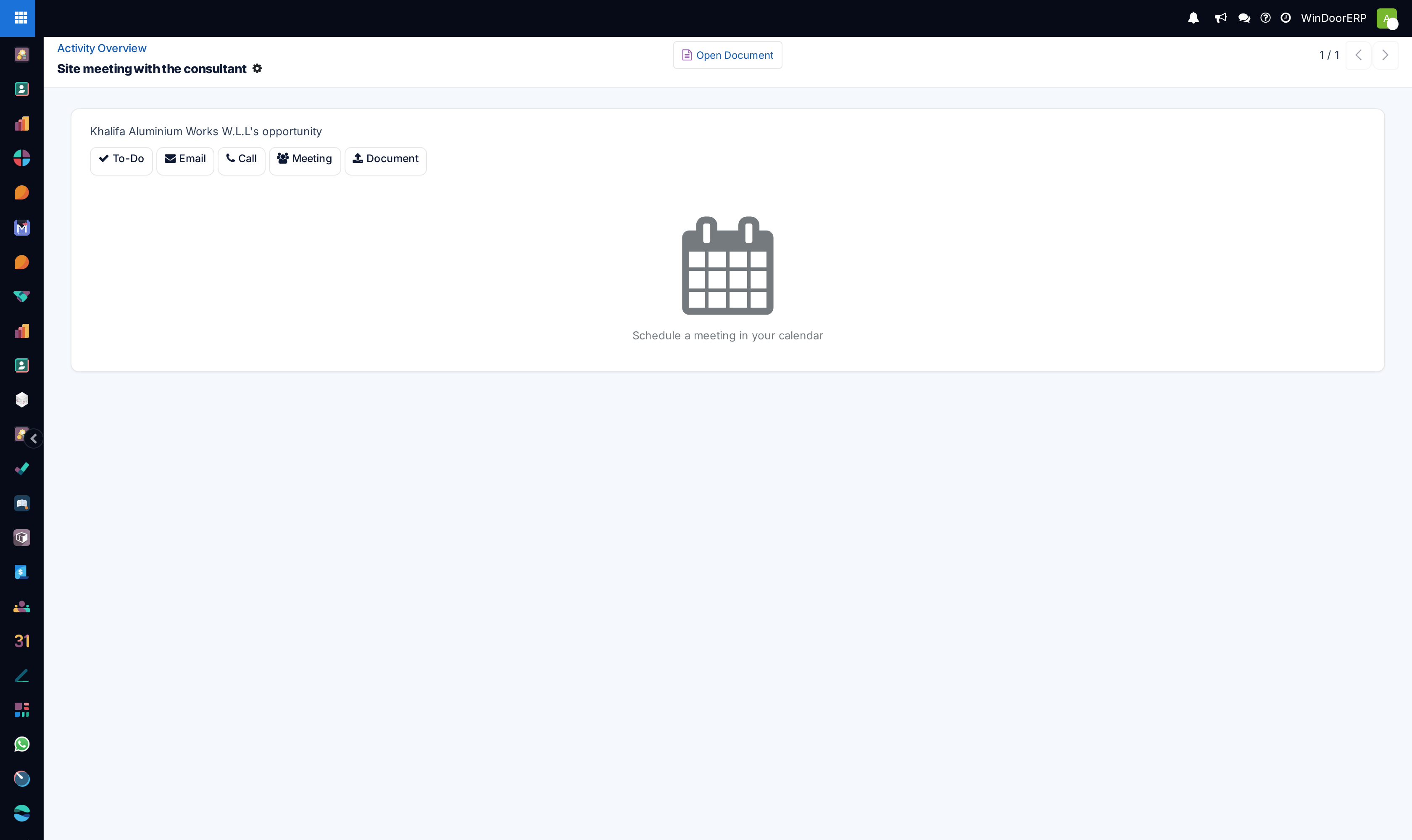
System activity overview list

Activity detail profile

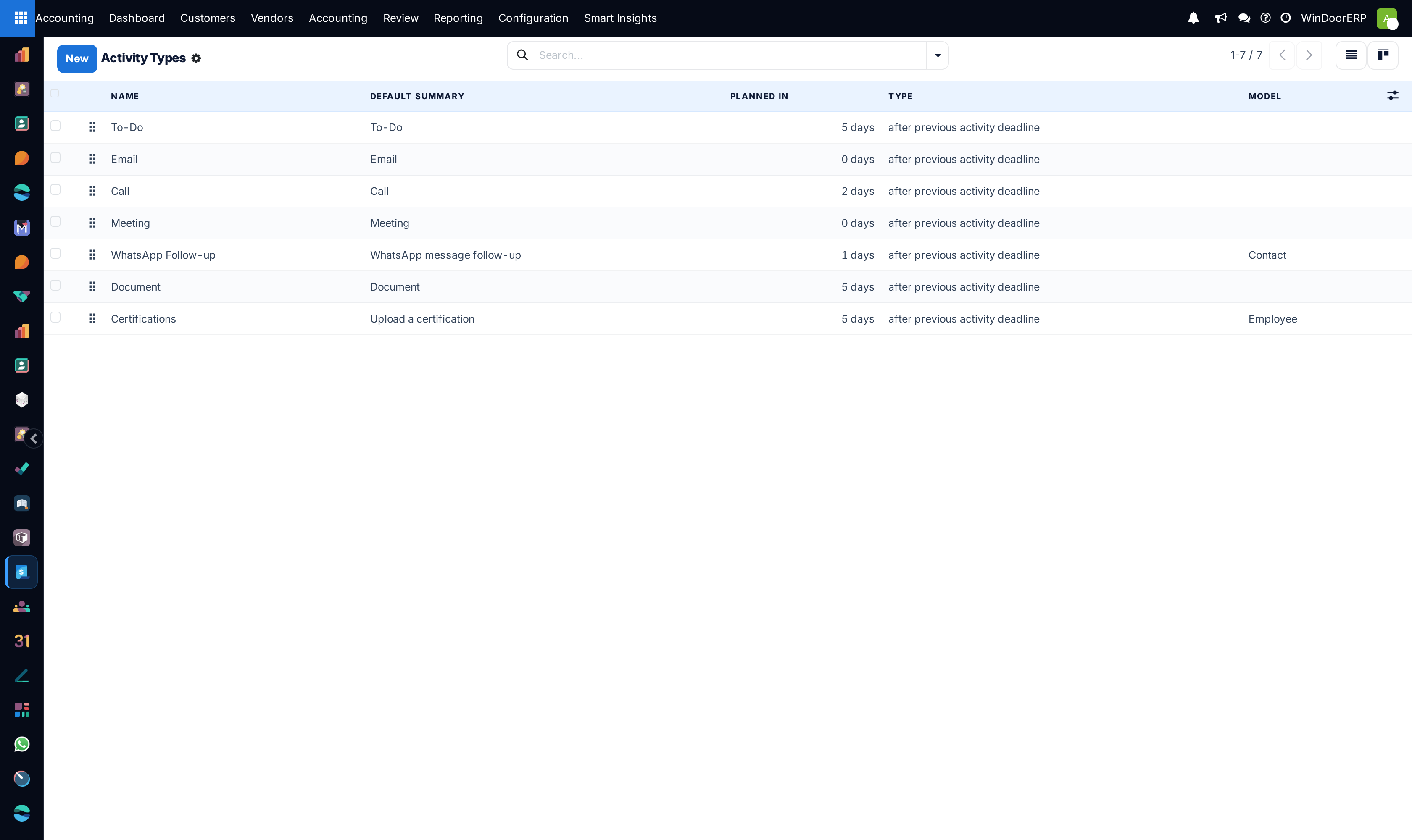
Activity action types catalog list

Activity types kanban cards

Activity type configuration profile

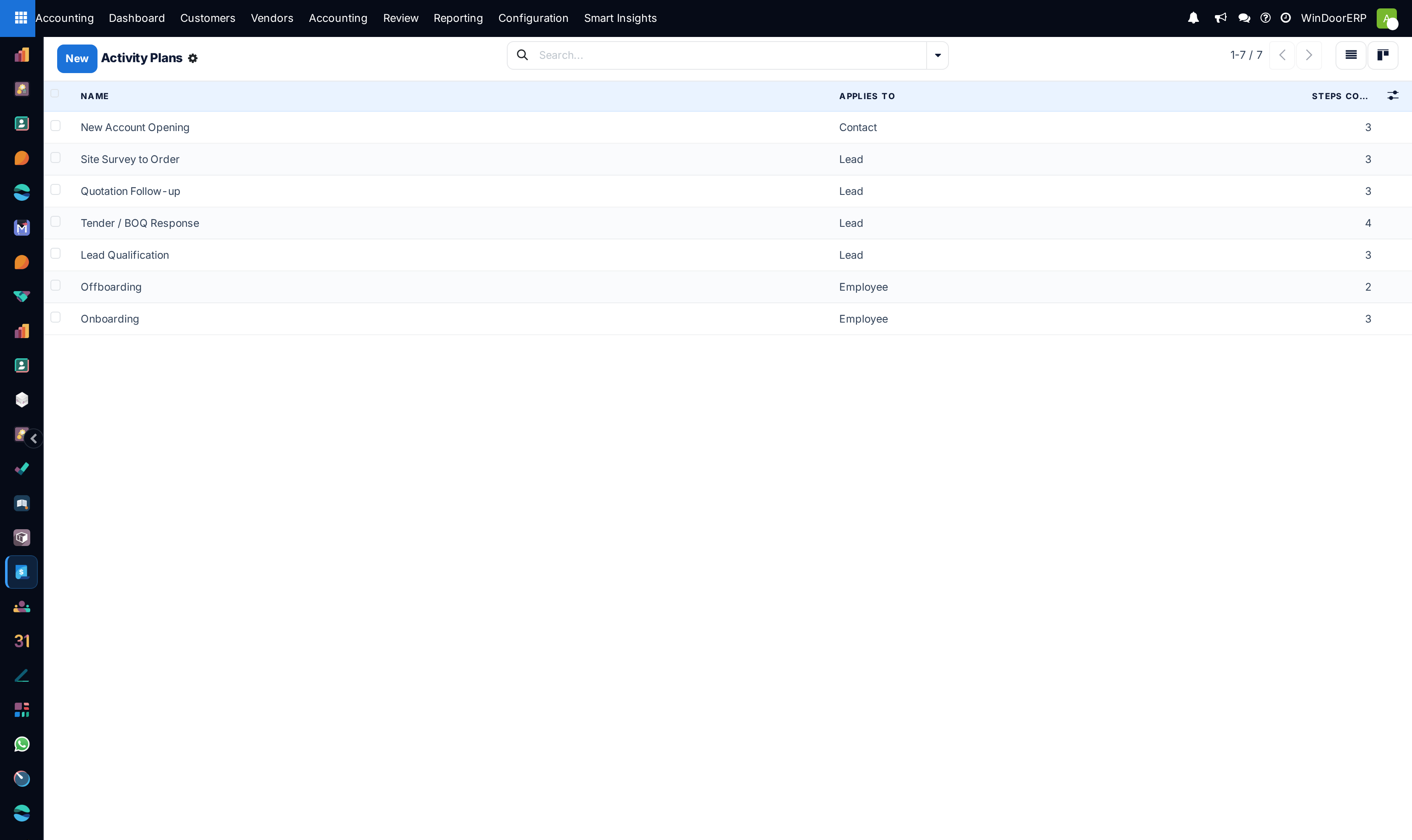
Activity workflow plans catalog list

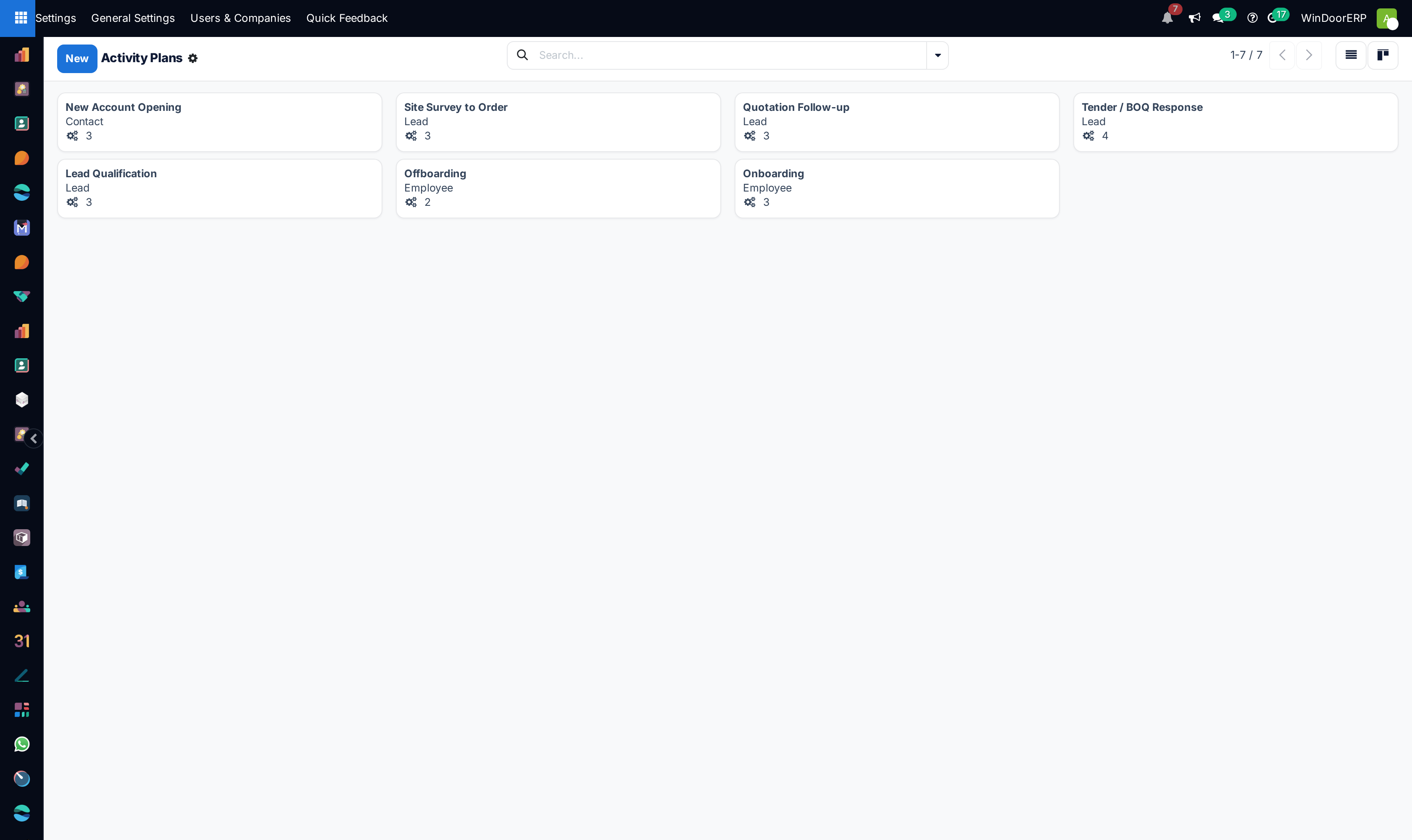
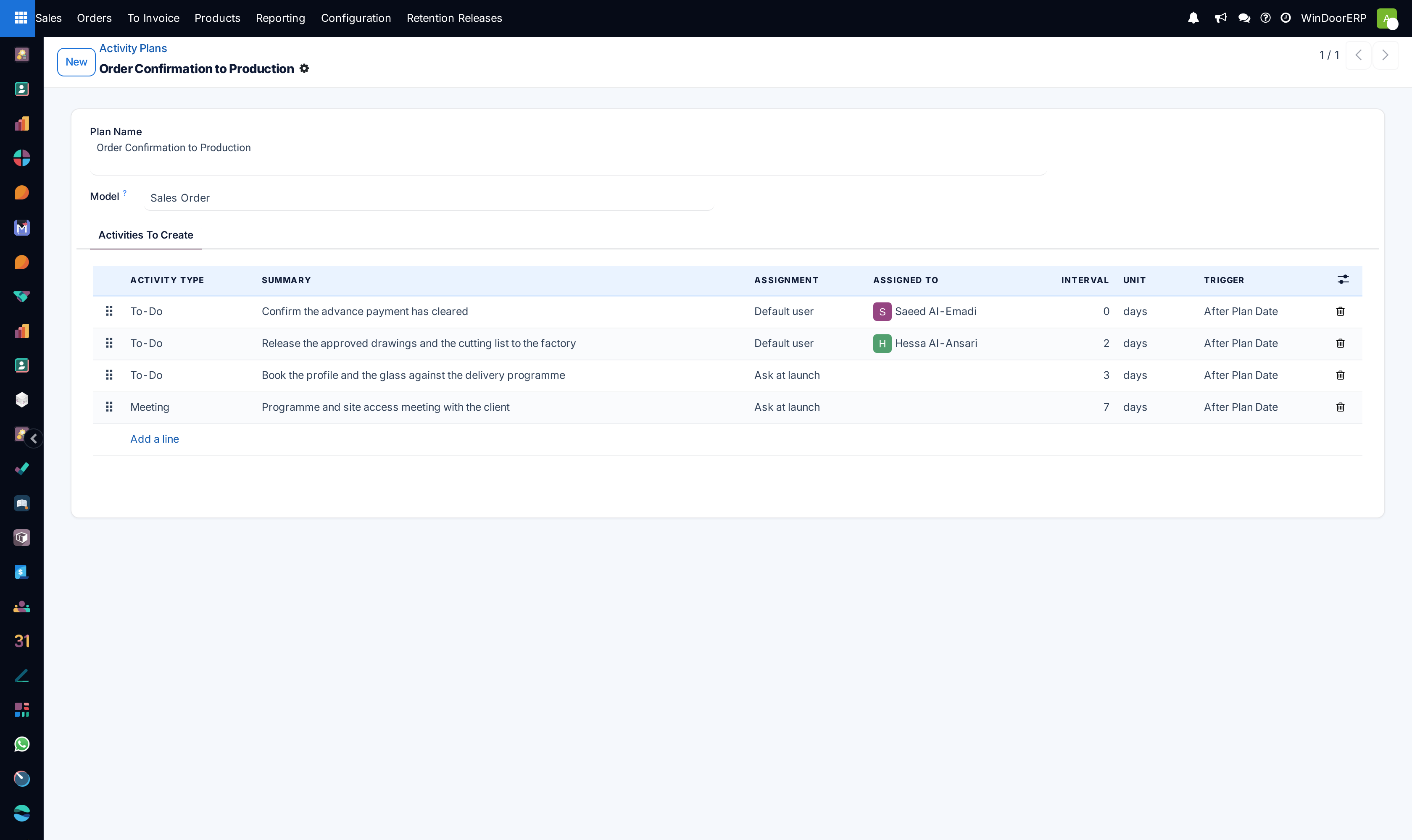
Activity plans kanban cards

Activity plan editor with step sequencing

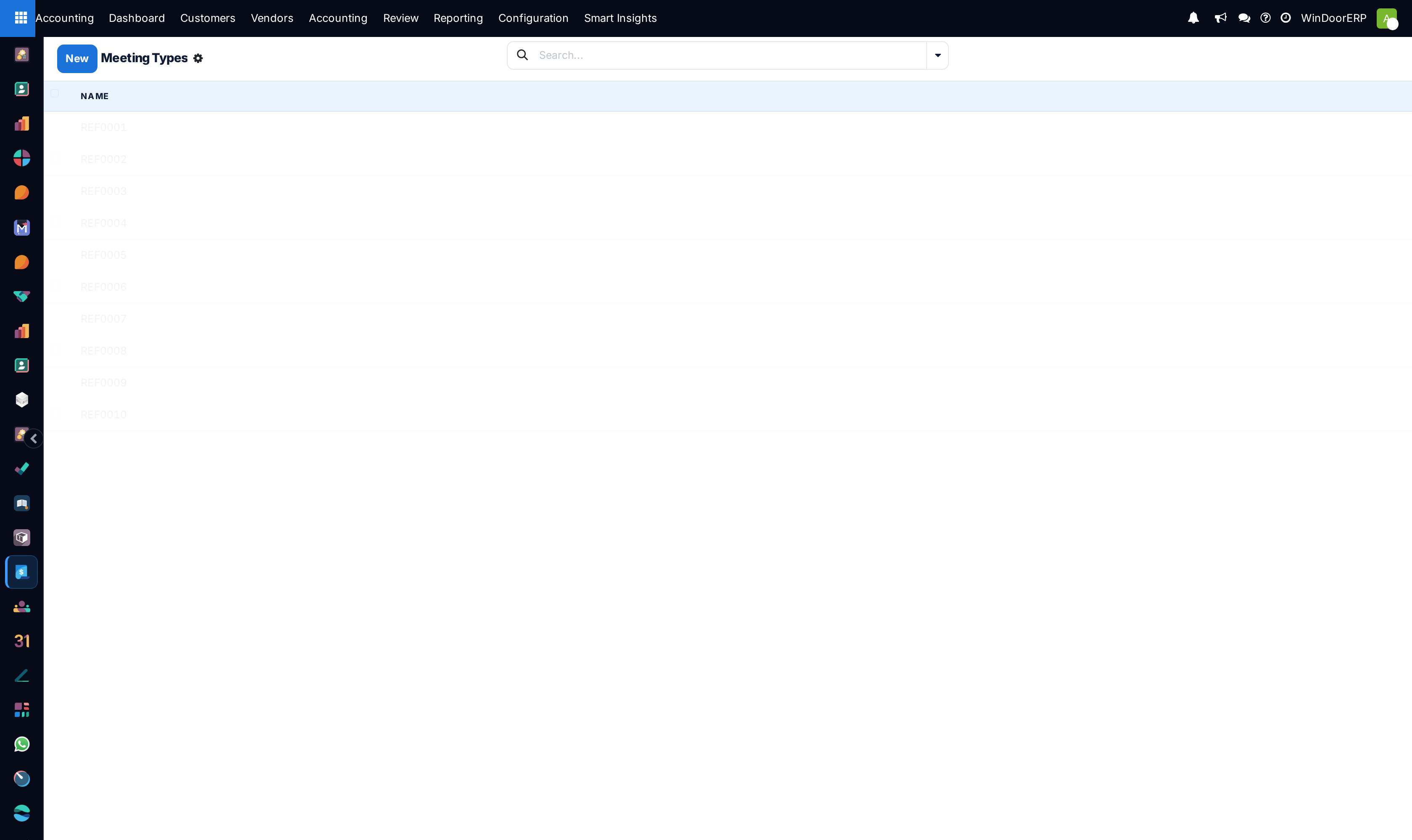
Technical calendar meeting types list

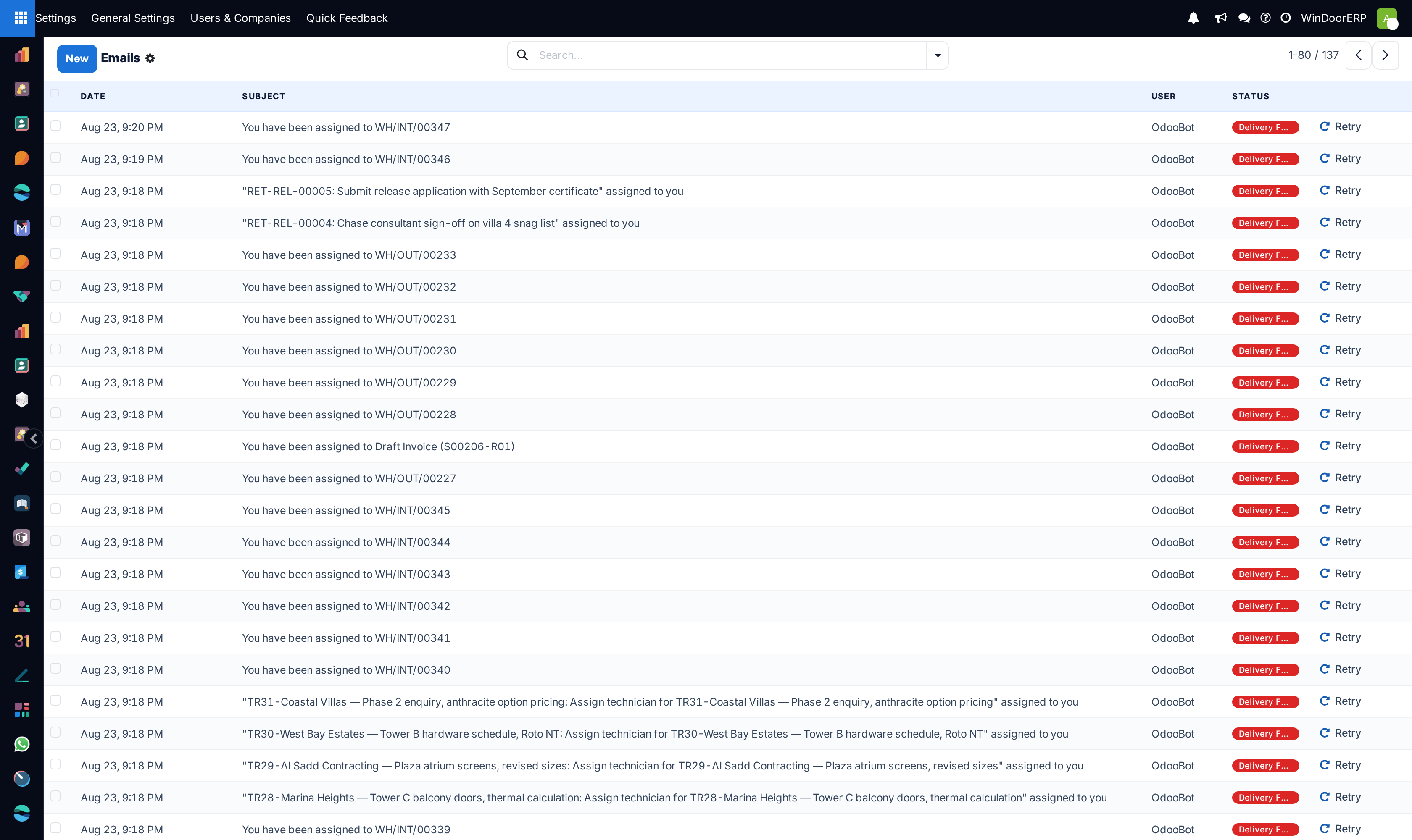
Sent and queued email messages registry list

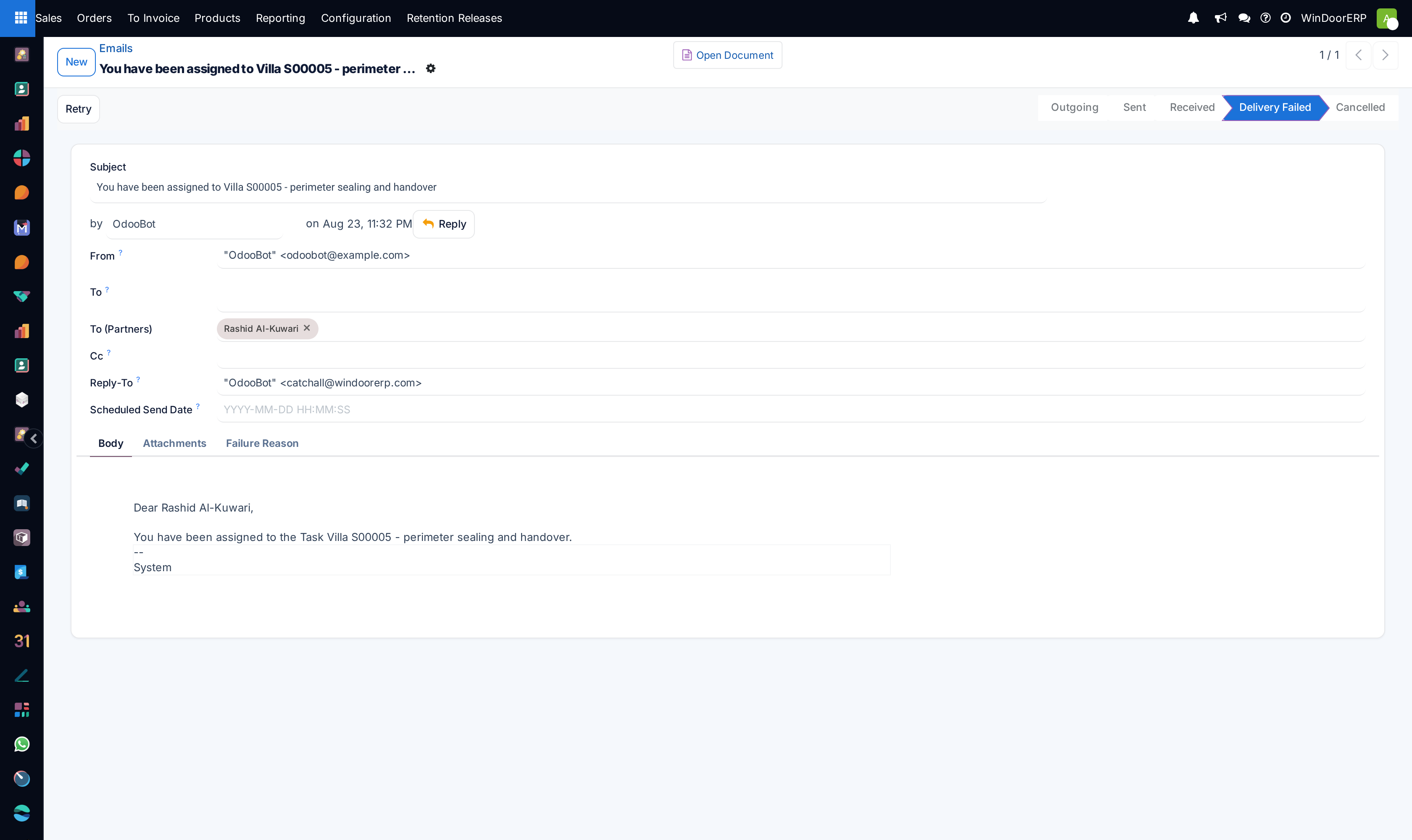
Email message detail profile

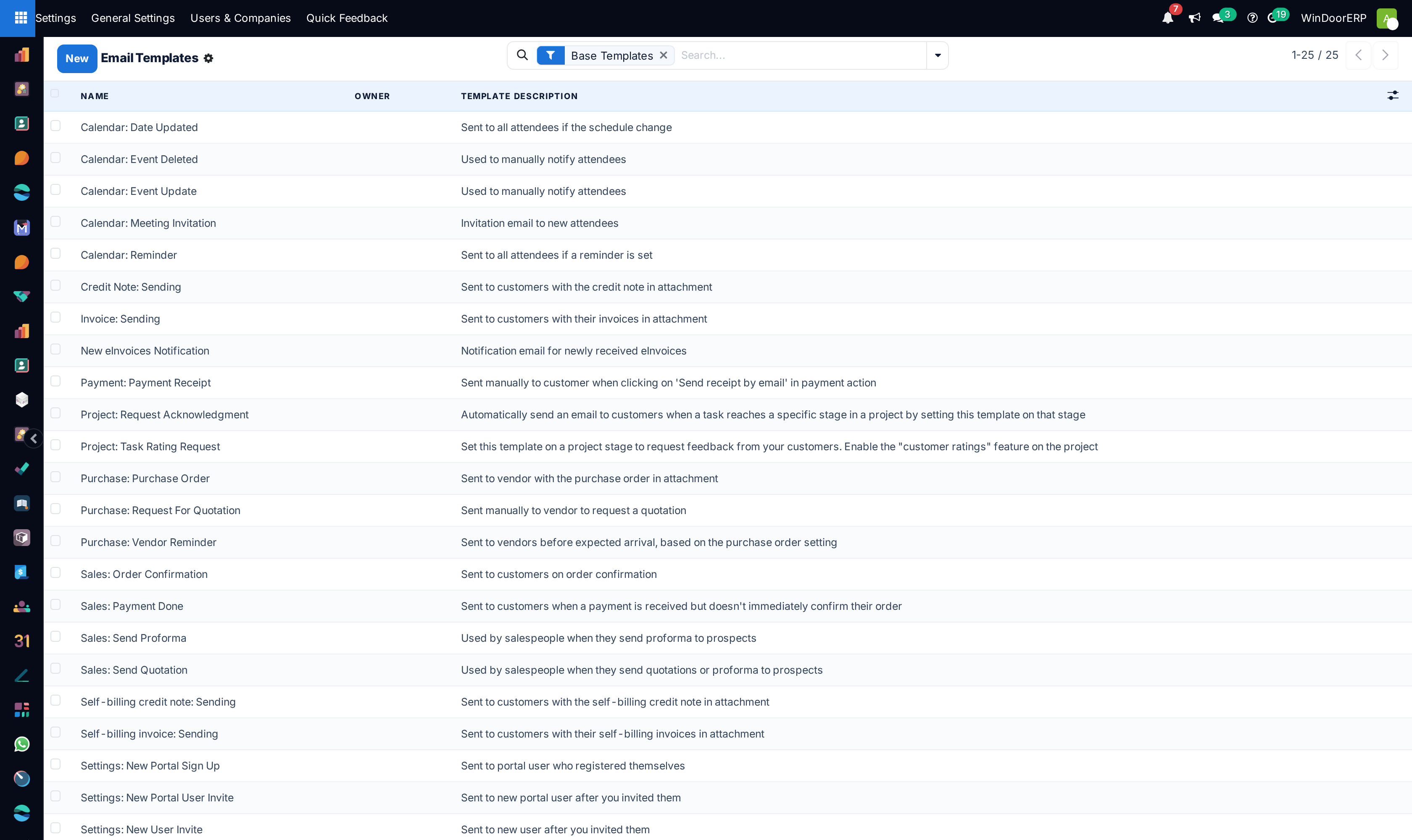
Dynamic Jinja email templates master list

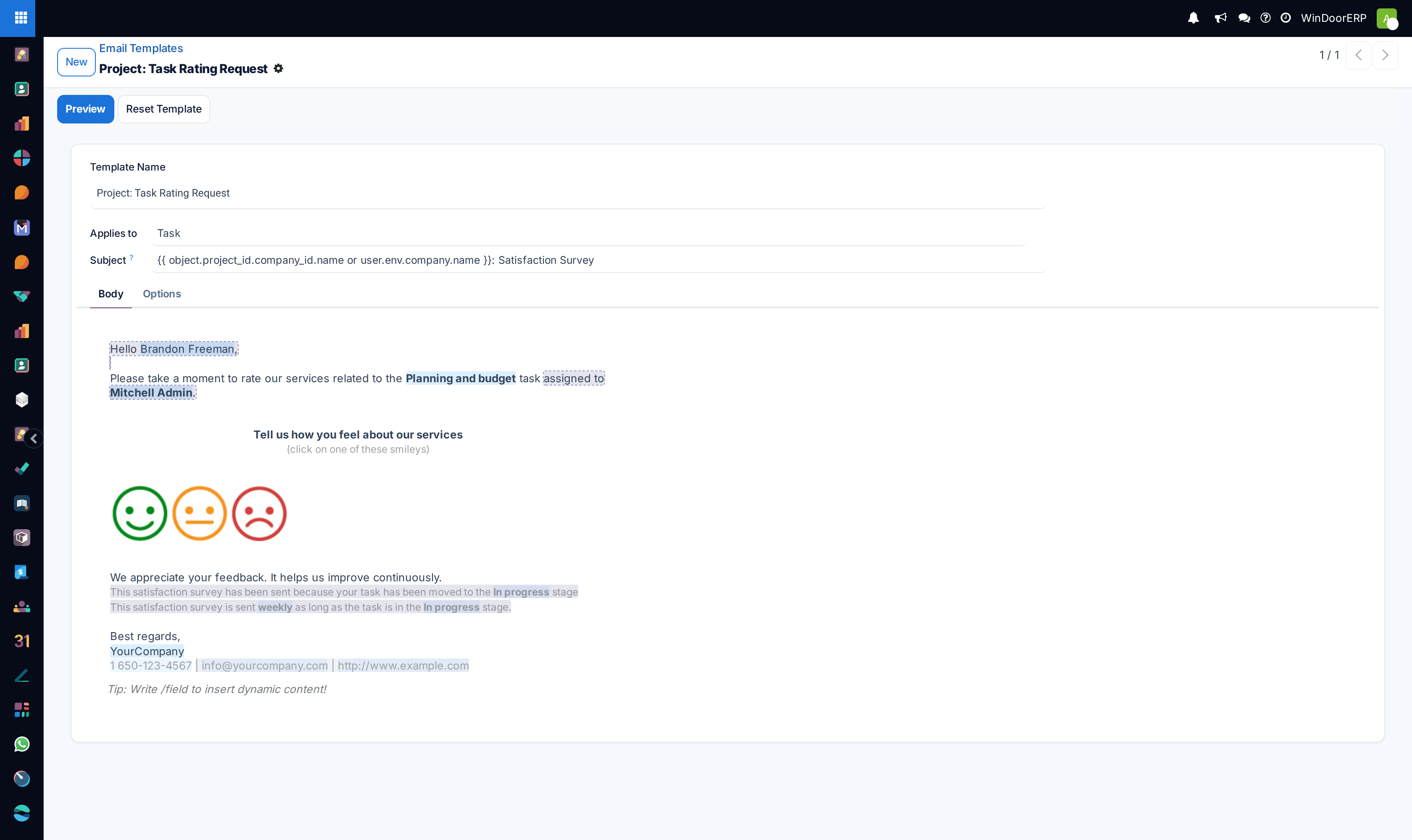
Email template WYSIWYG editor

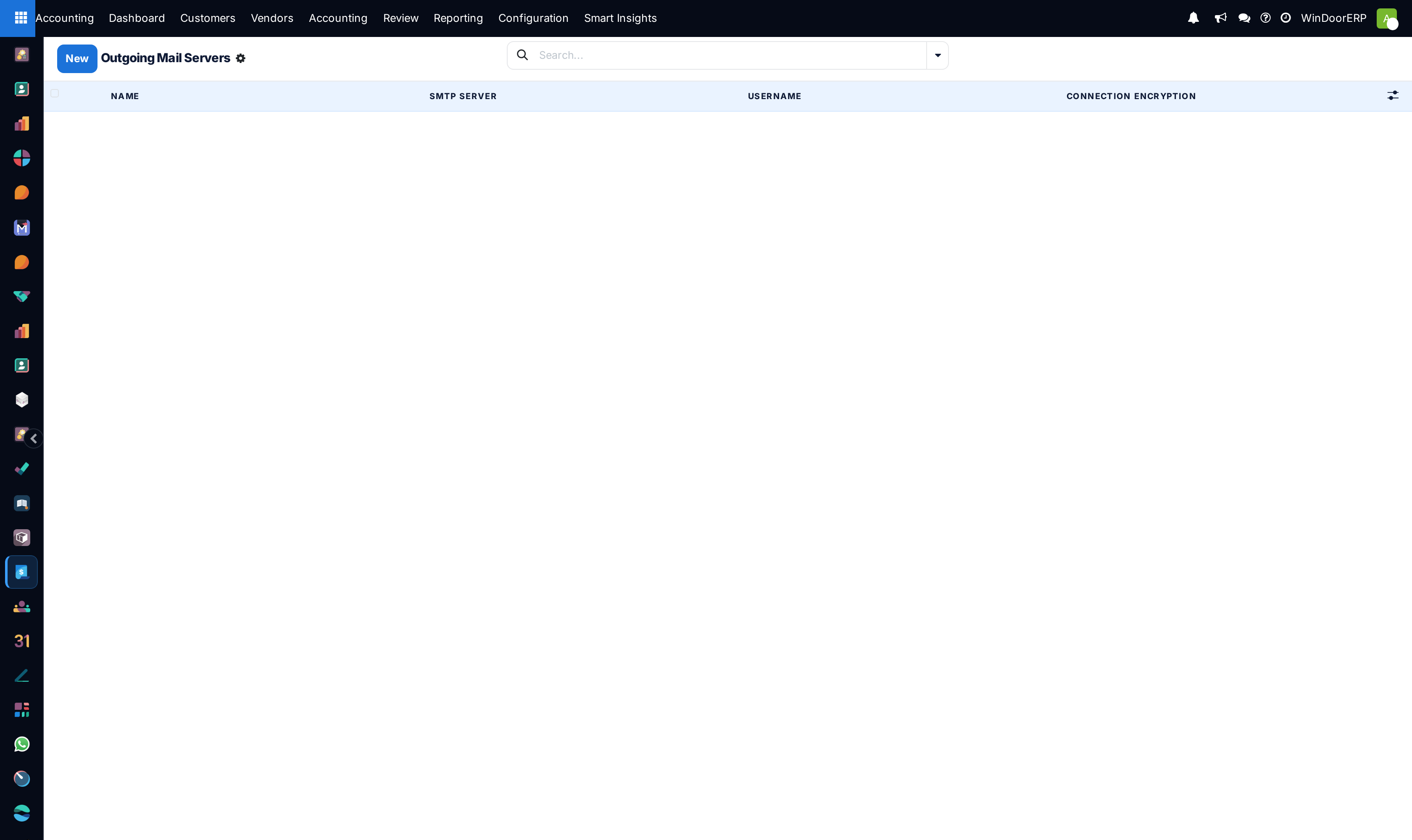
Outgoing SMTP mail servers list

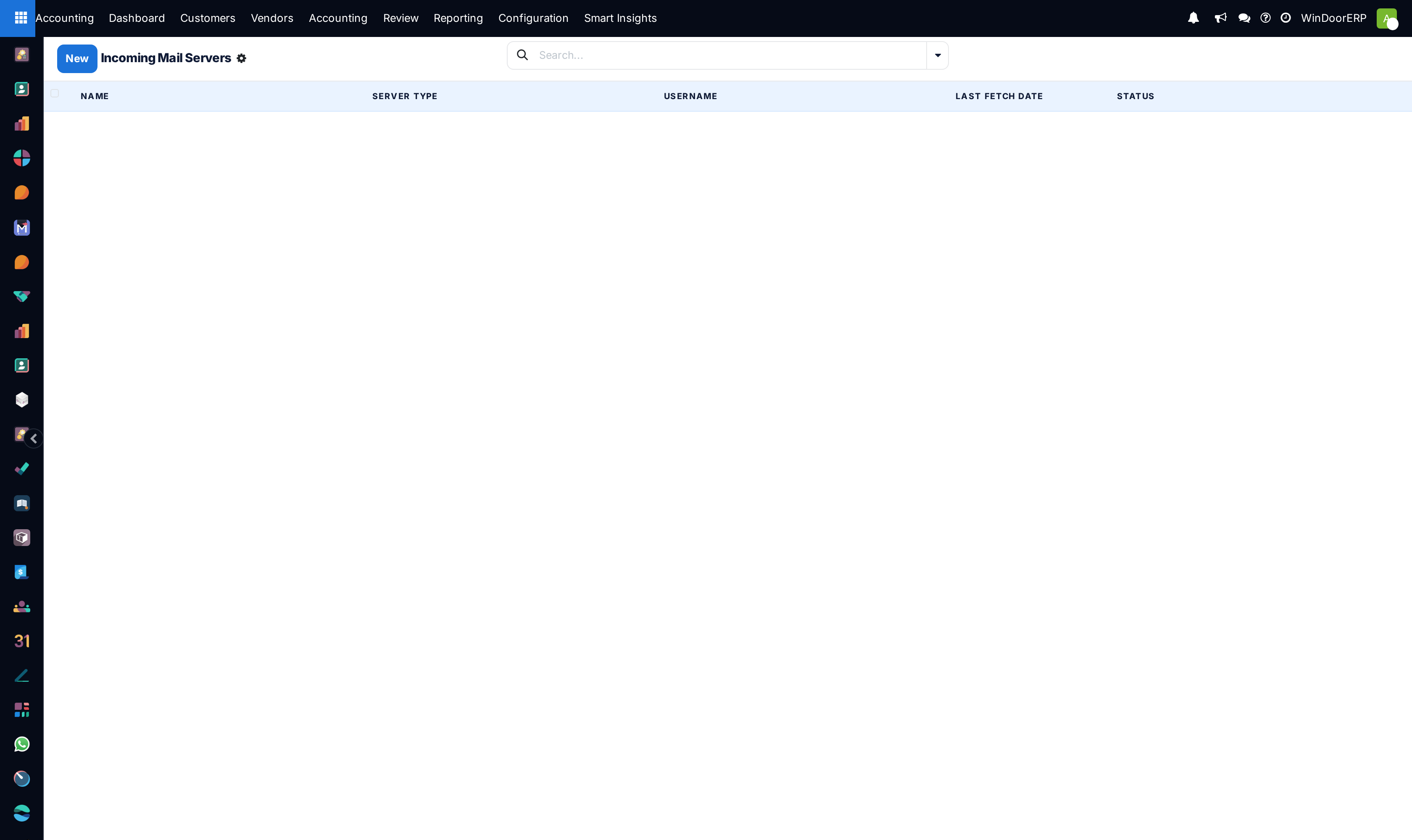
Incoming IMAP/POP mail servers list

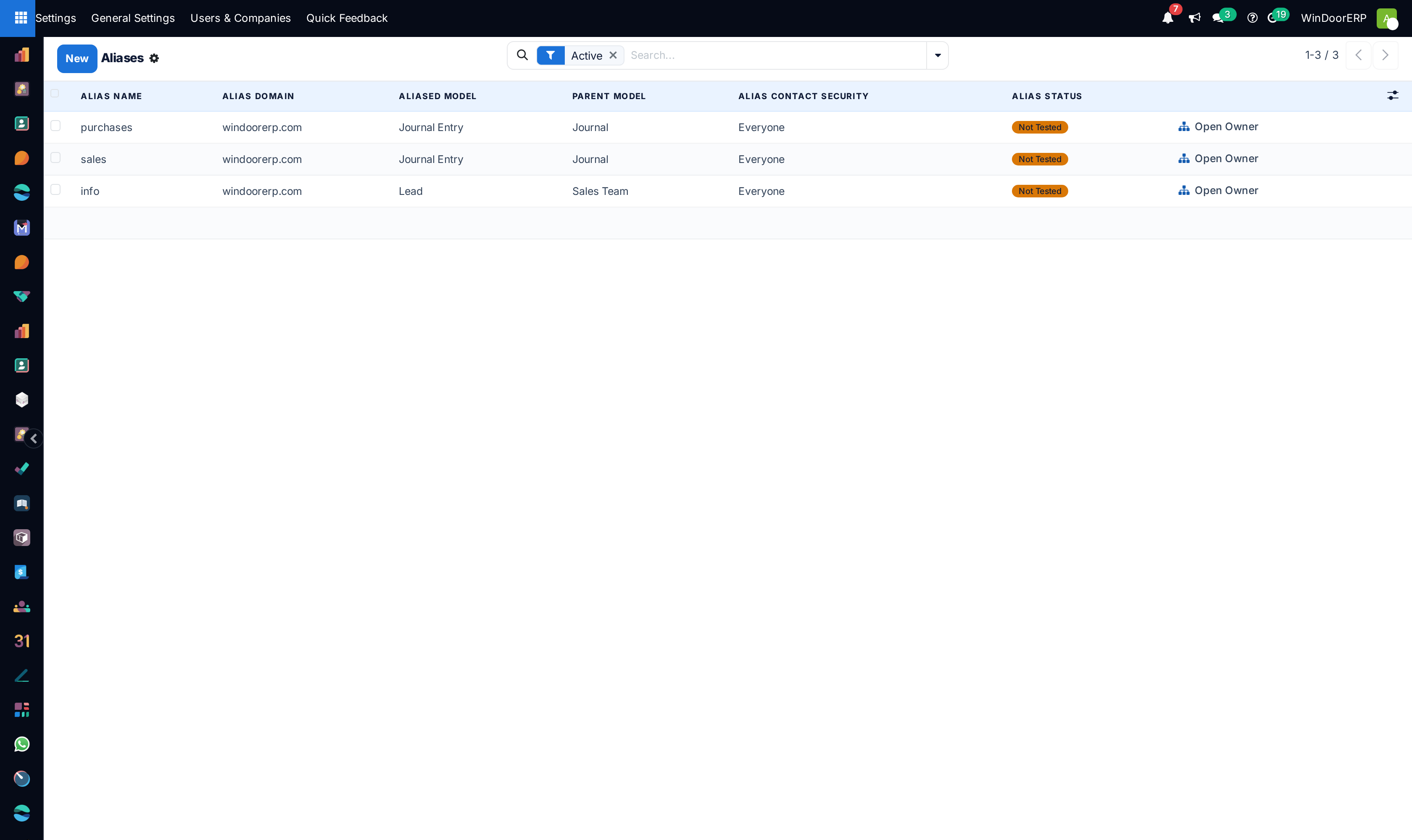
Email routing aliases list

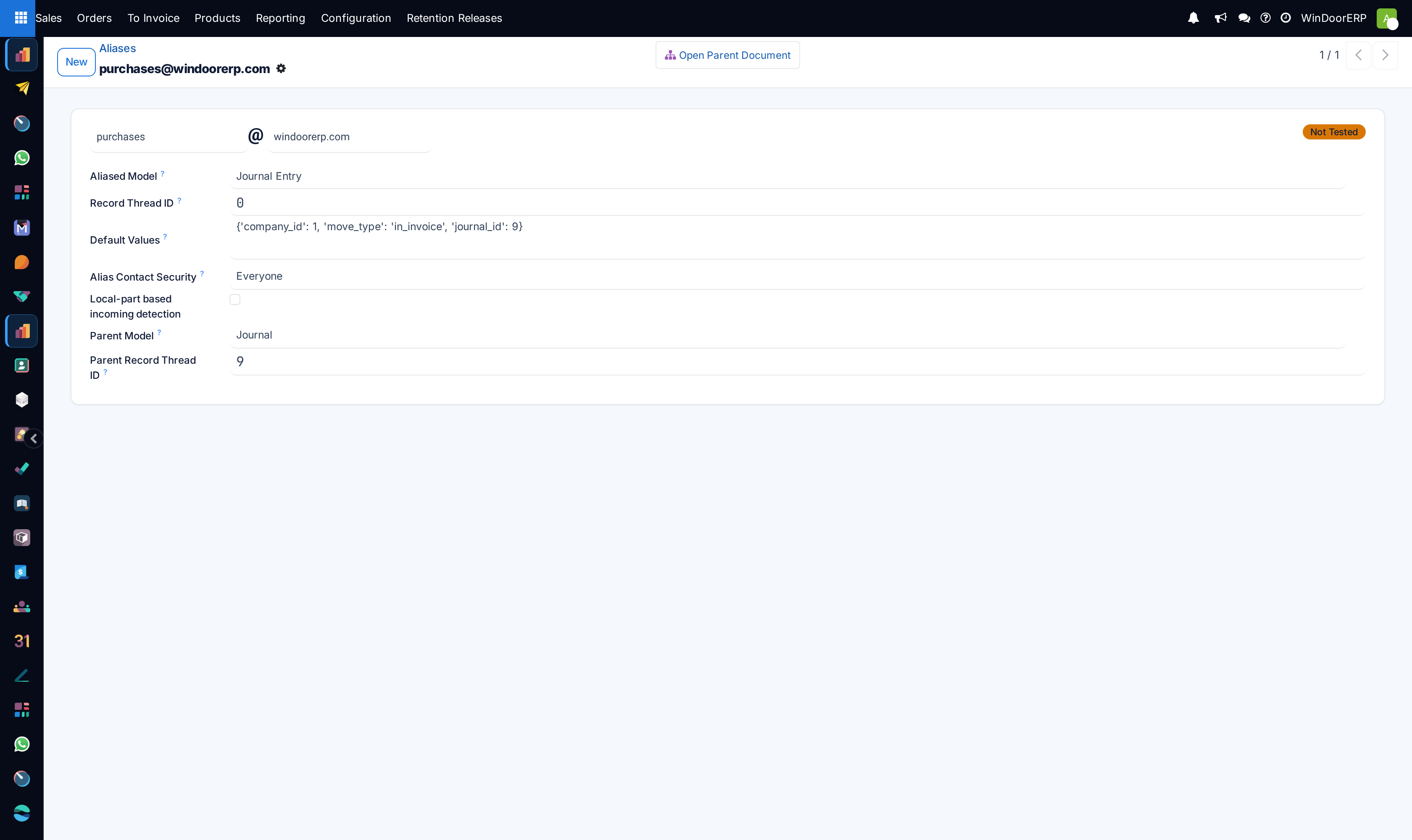
Email alias routing editor

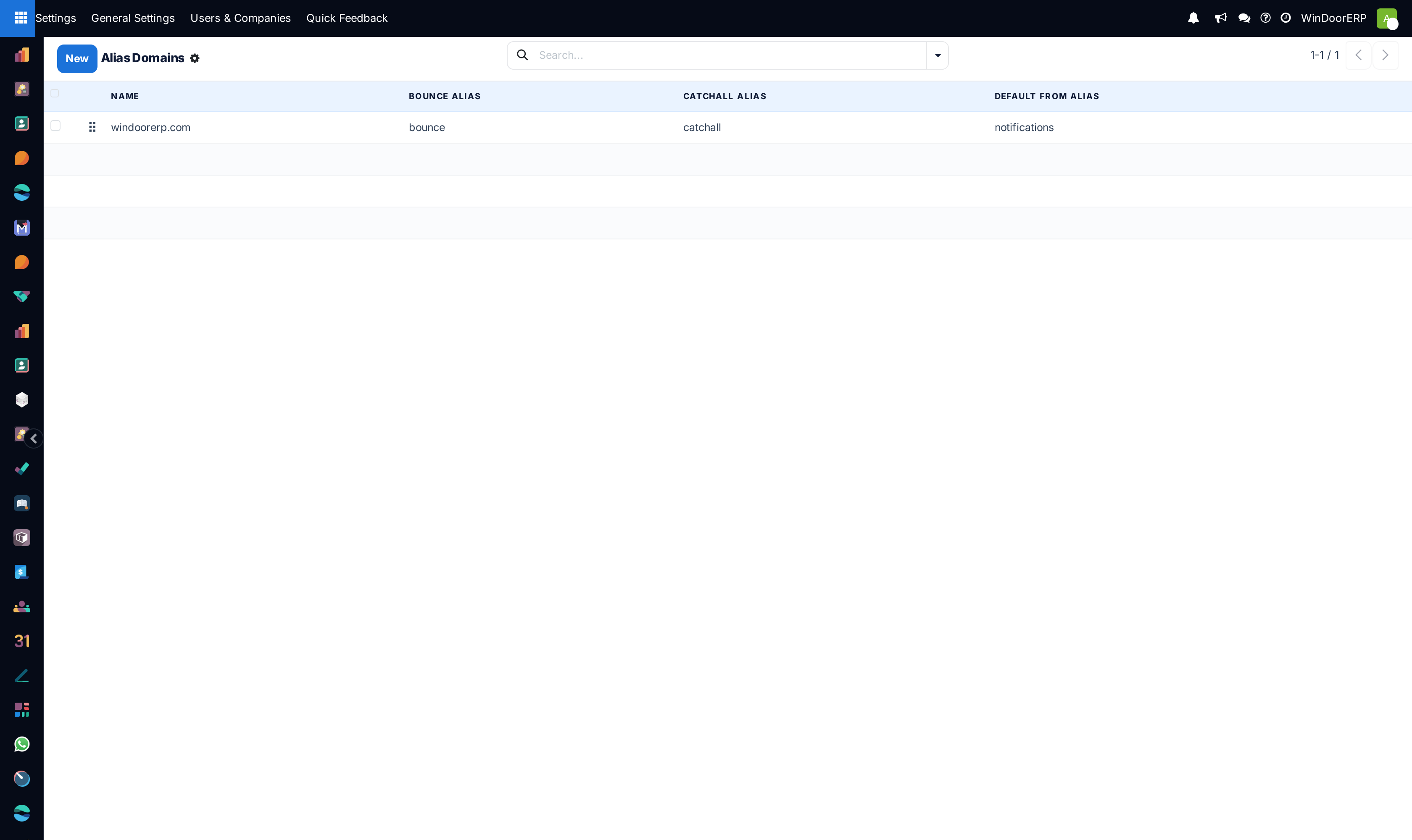
Email alias domains registry list

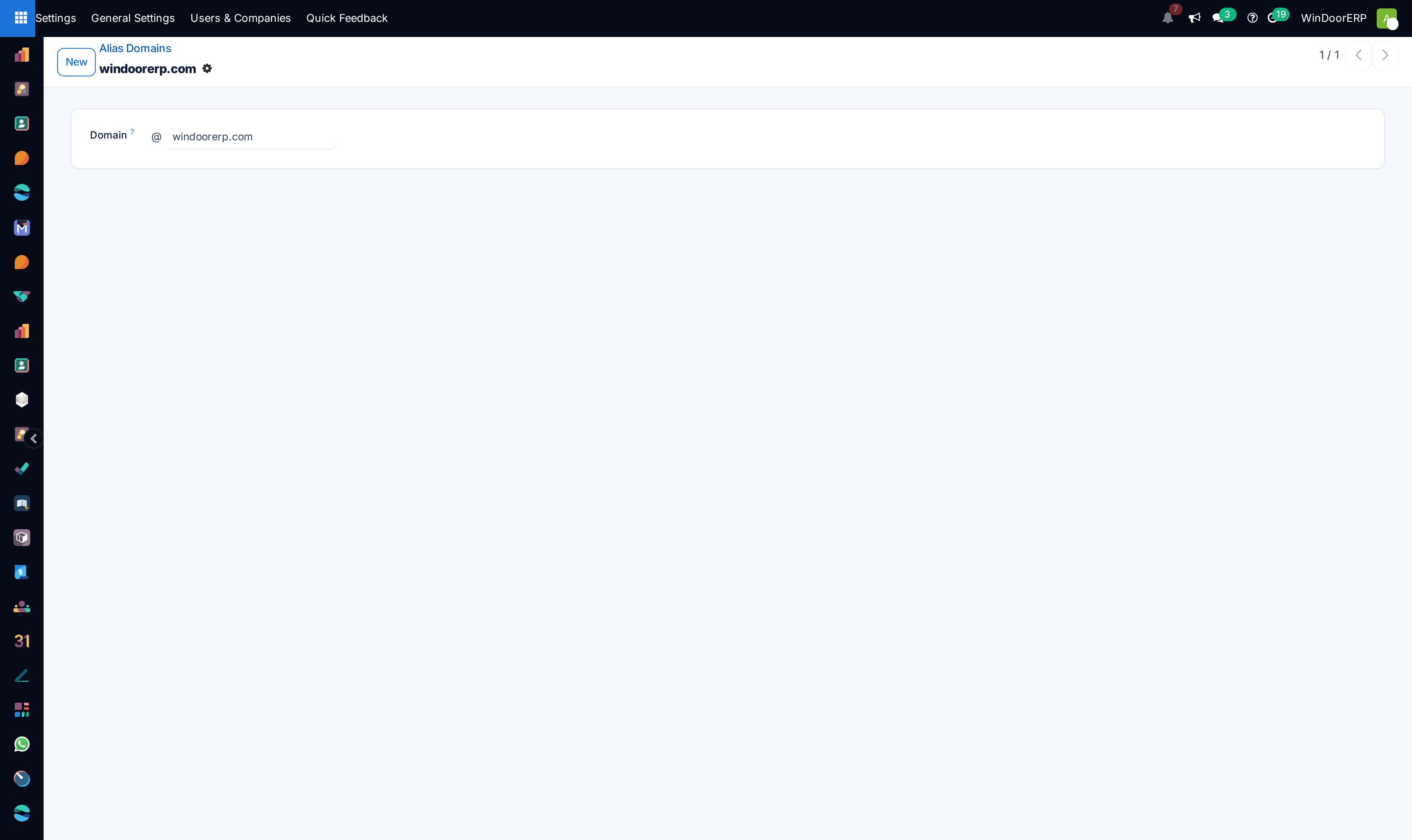
Alias domain profile

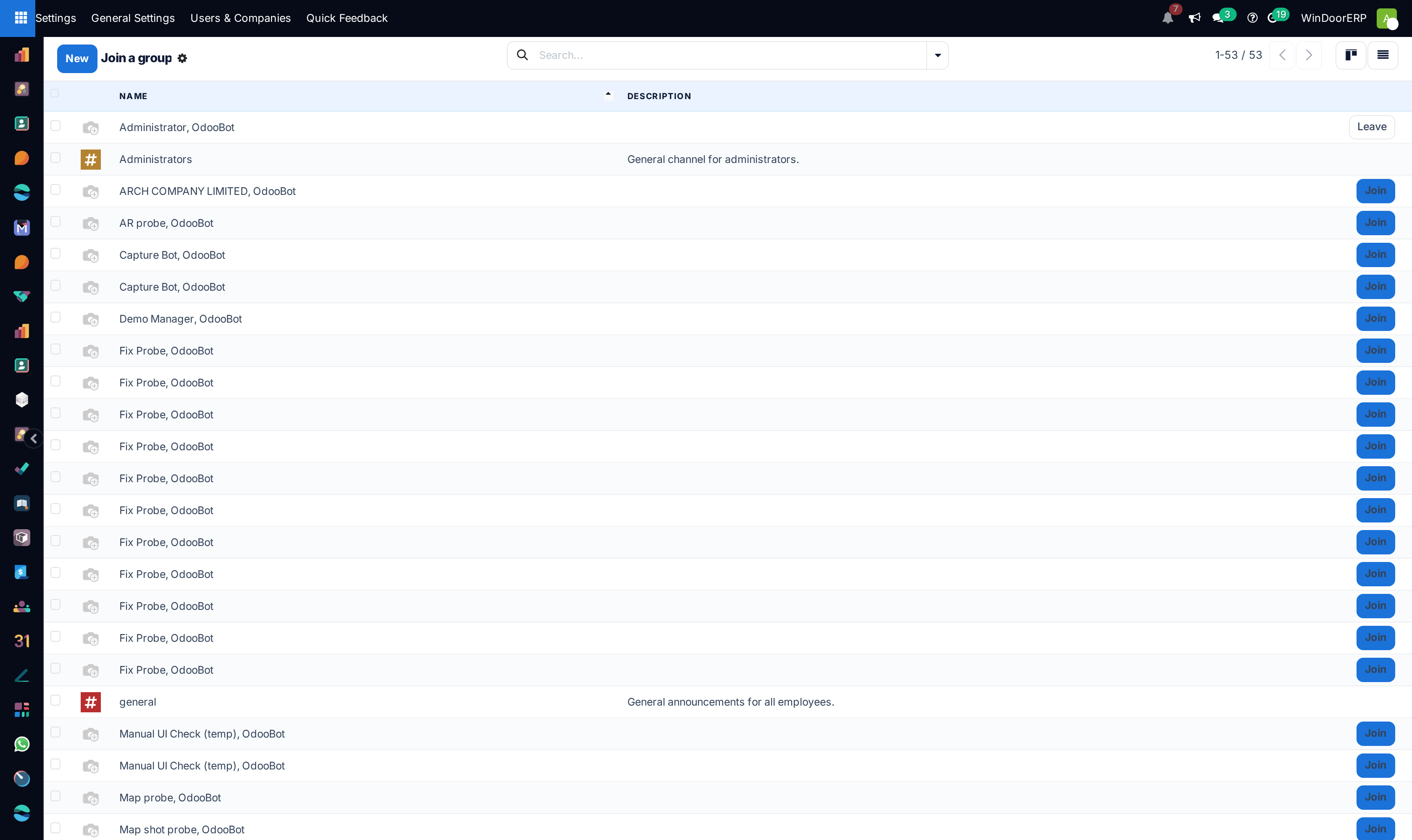
Internal chat channels list

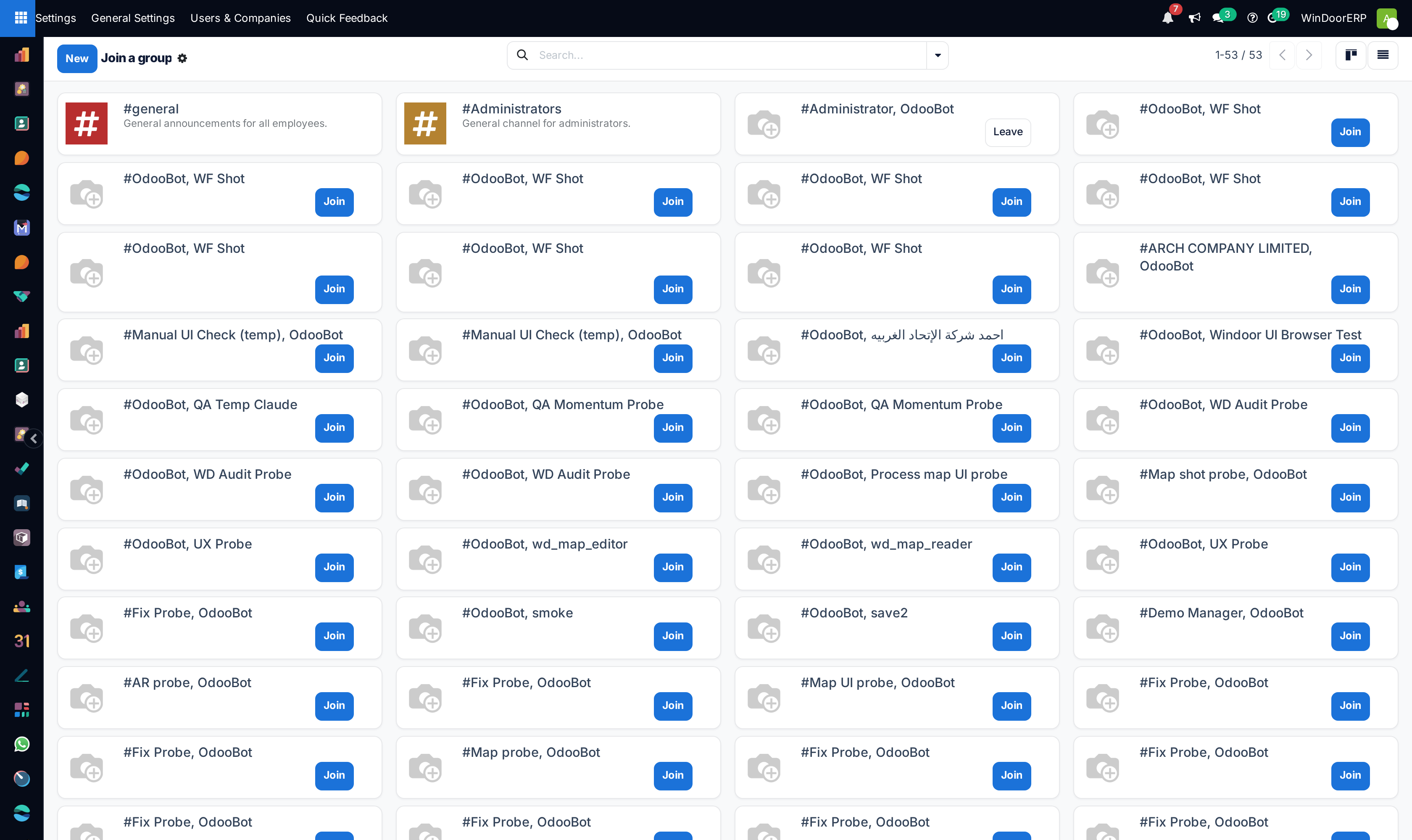
Chat channels kanban gallery

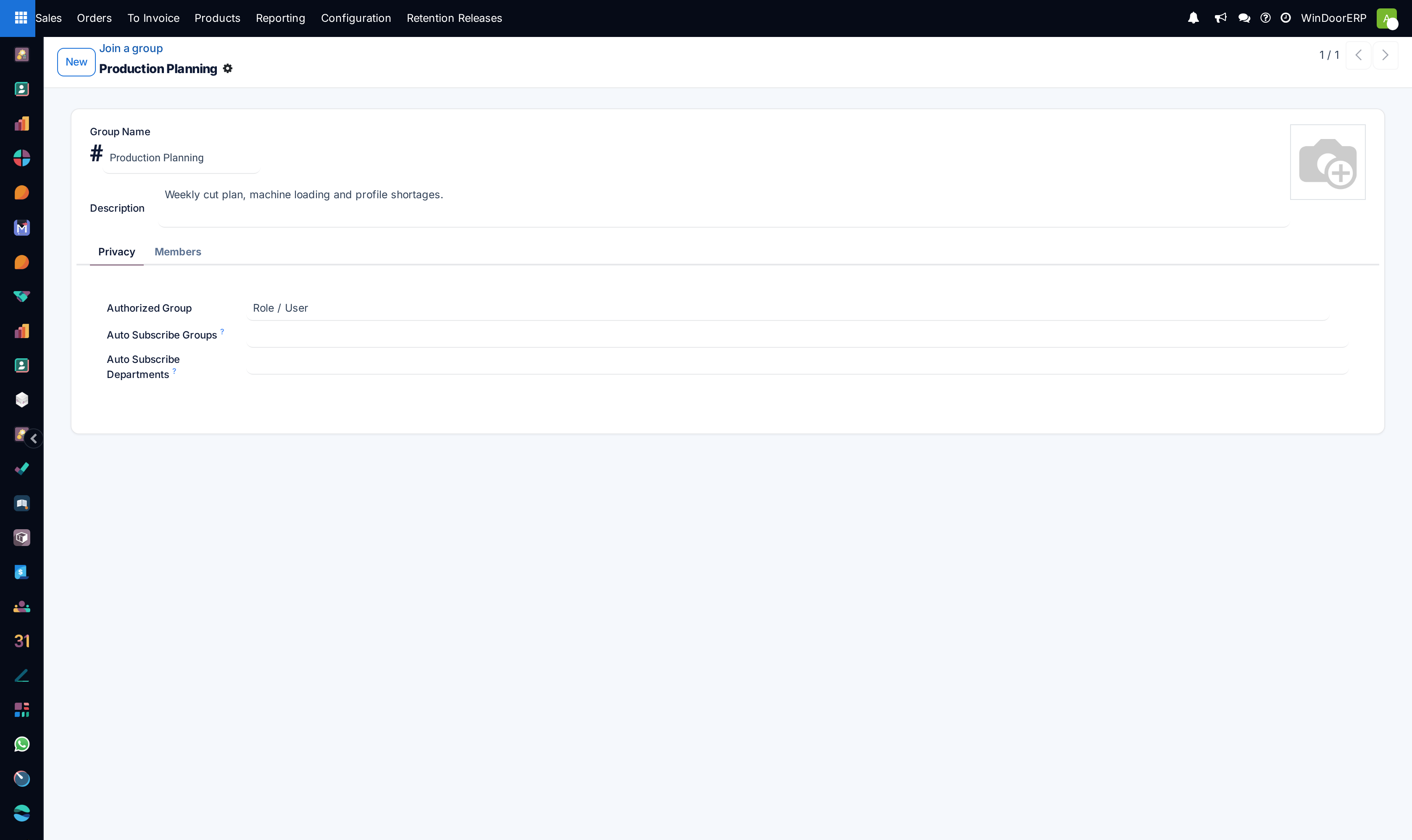
Chat channel definition profile

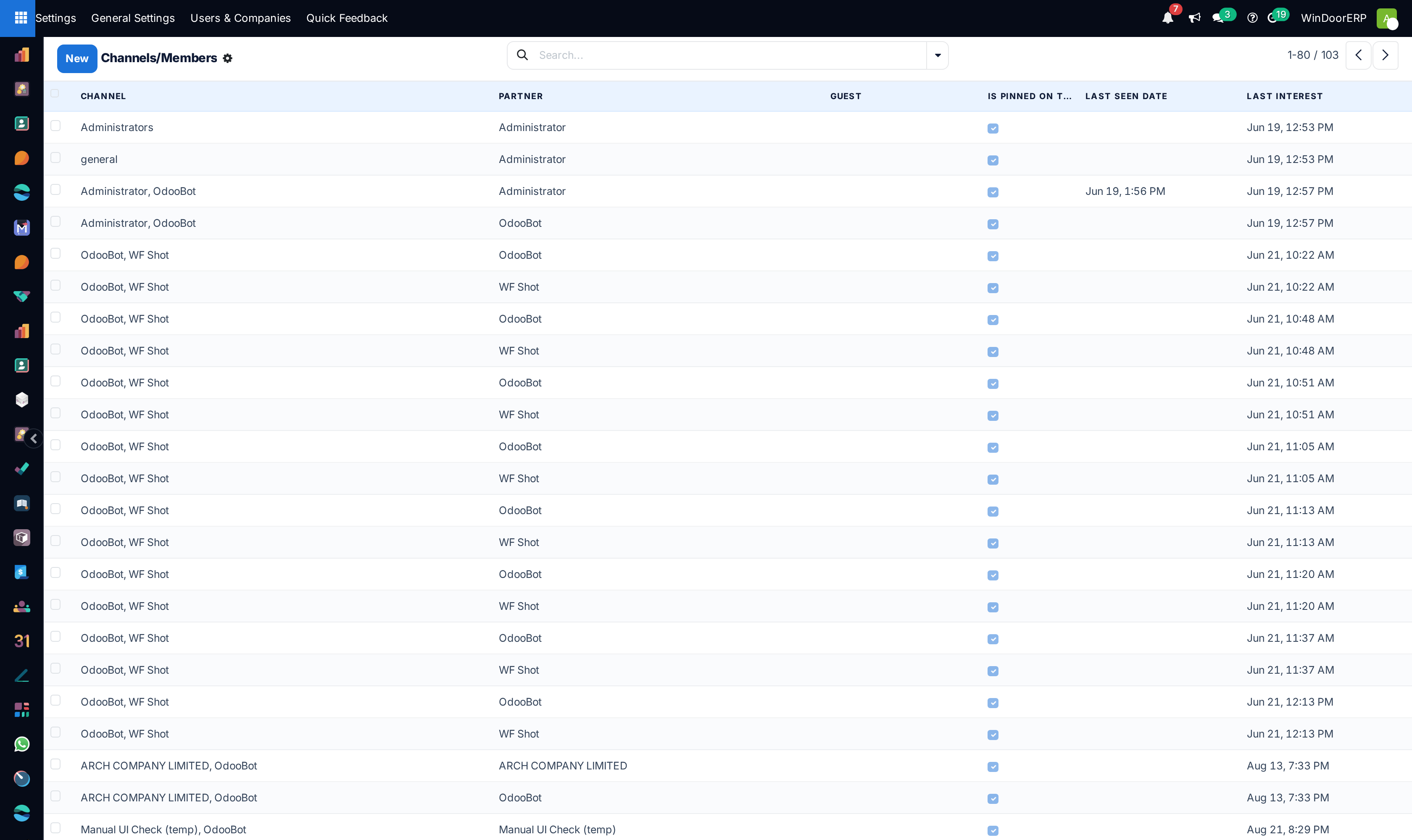
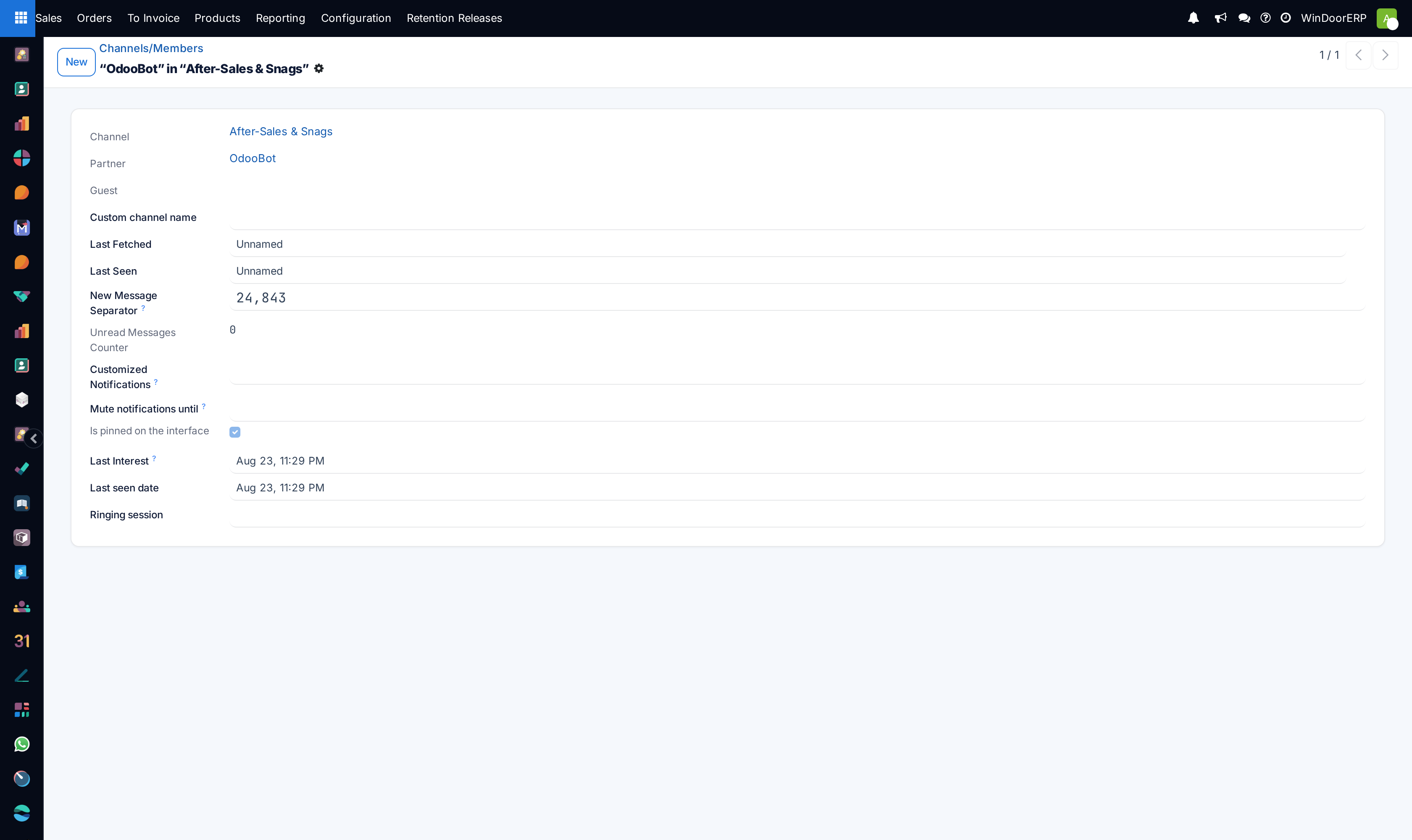
Channel membership registry list

Channel member profile

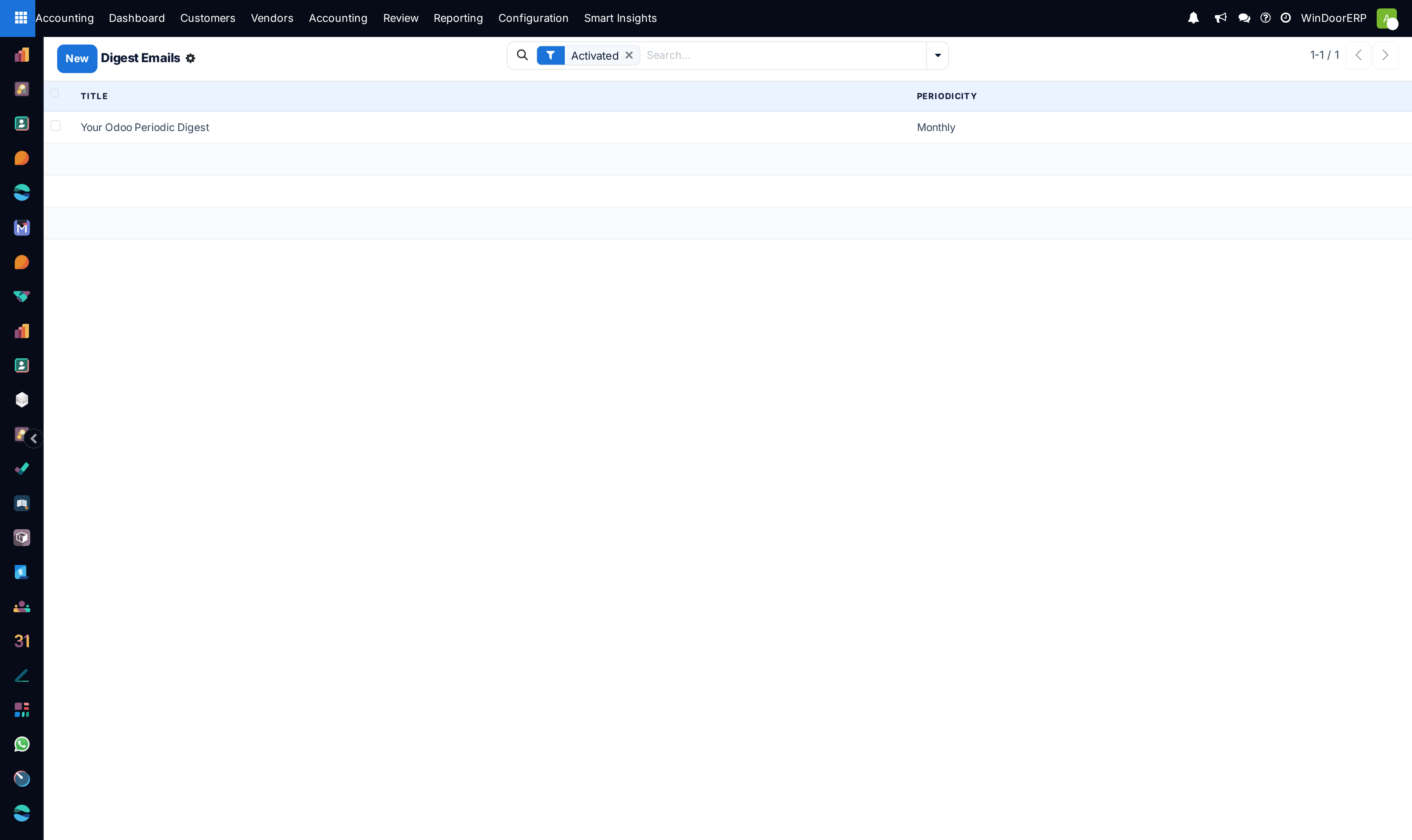
Digest newsletter emails list

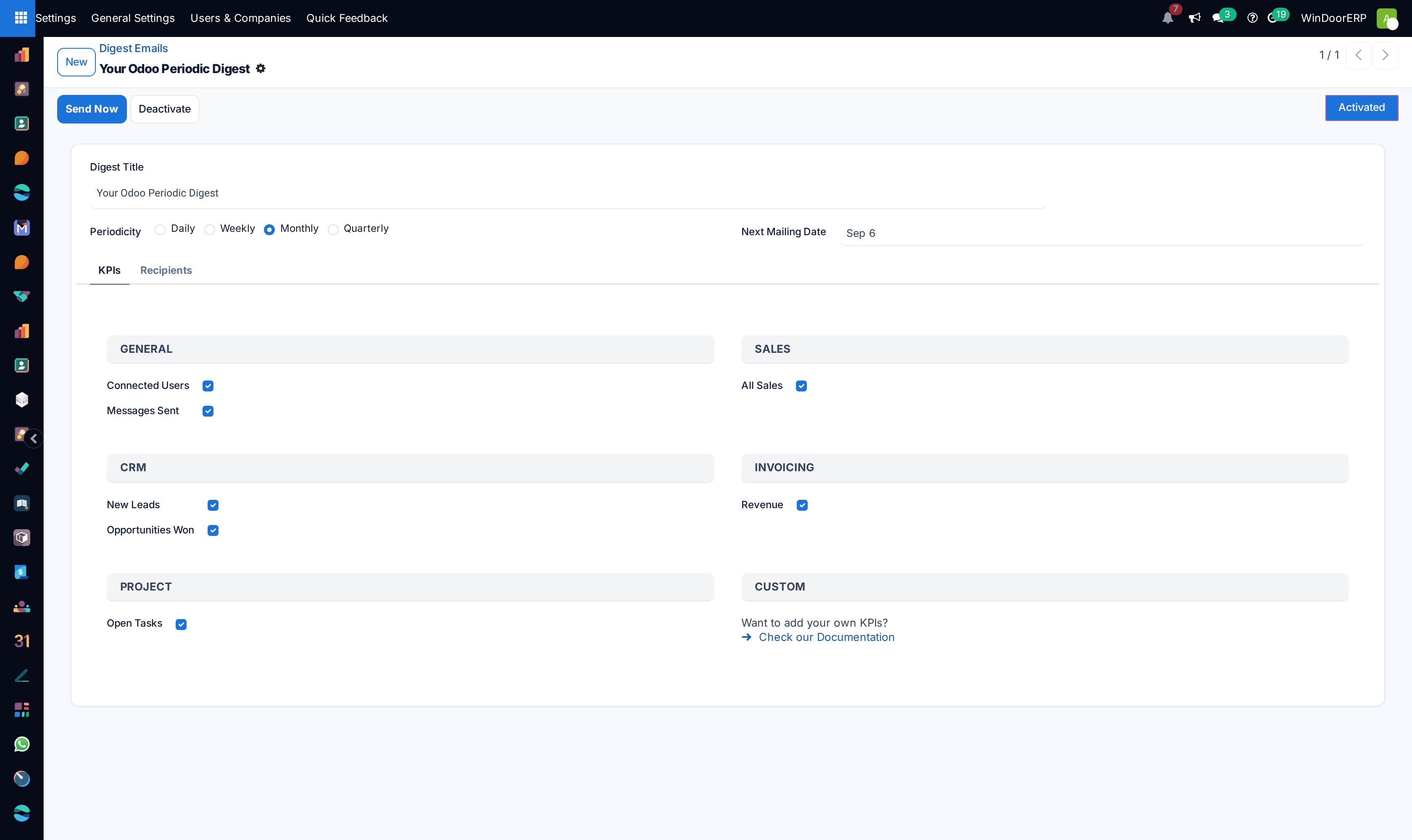
Digest email configuration profile

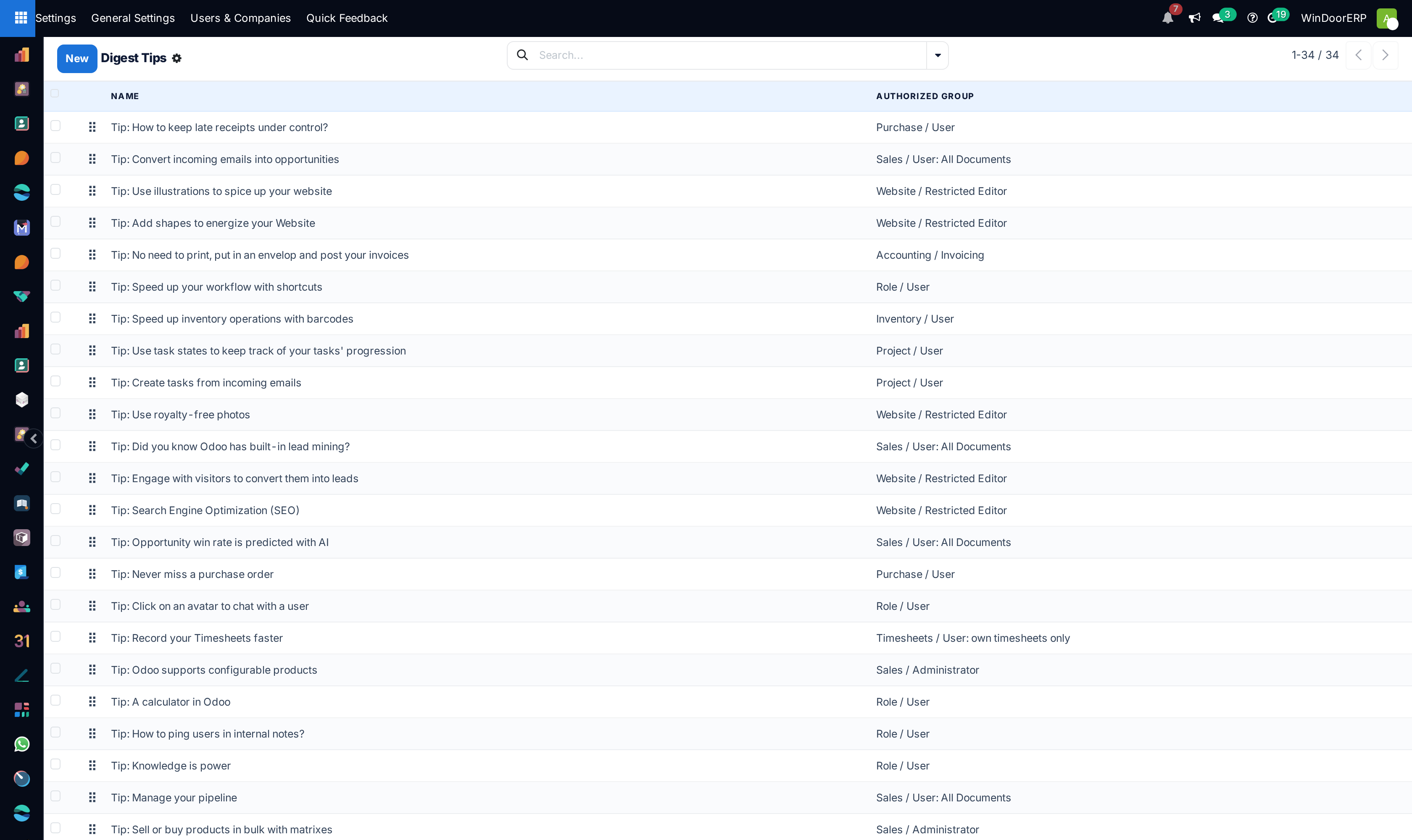
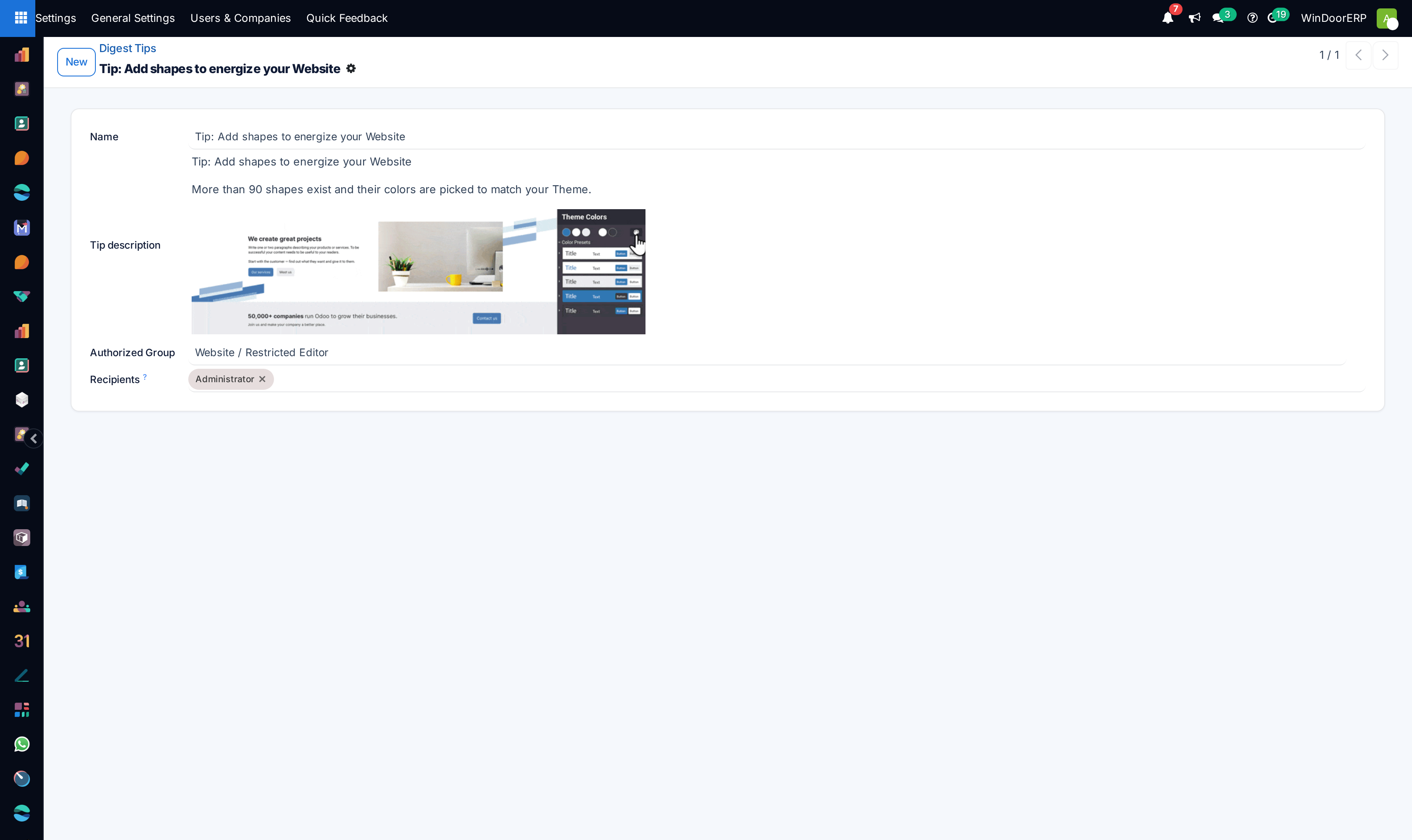
Digest tips catalog list
Digest tip profile

Mail gateway allowed senders list
Physical snailmail letters queue list

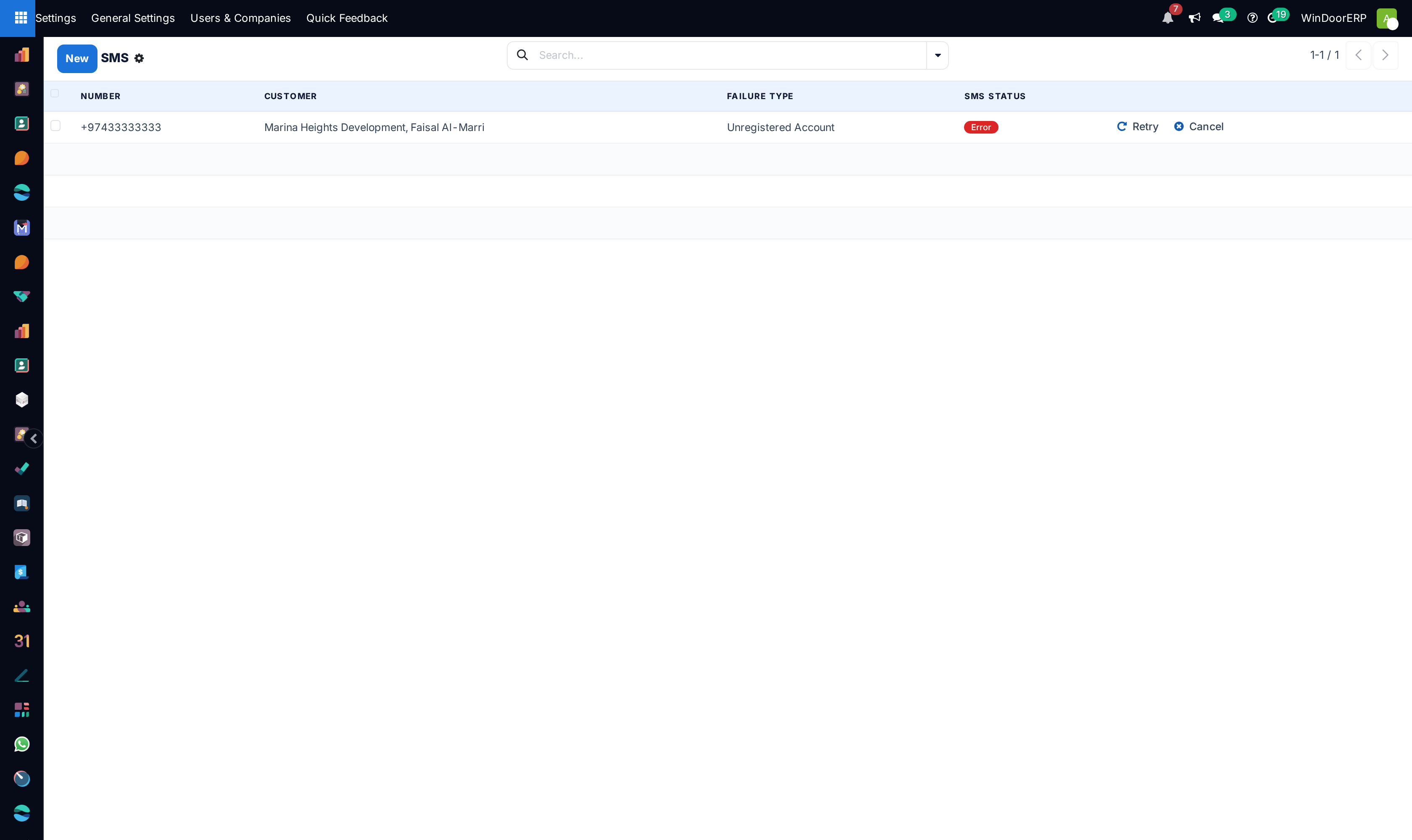
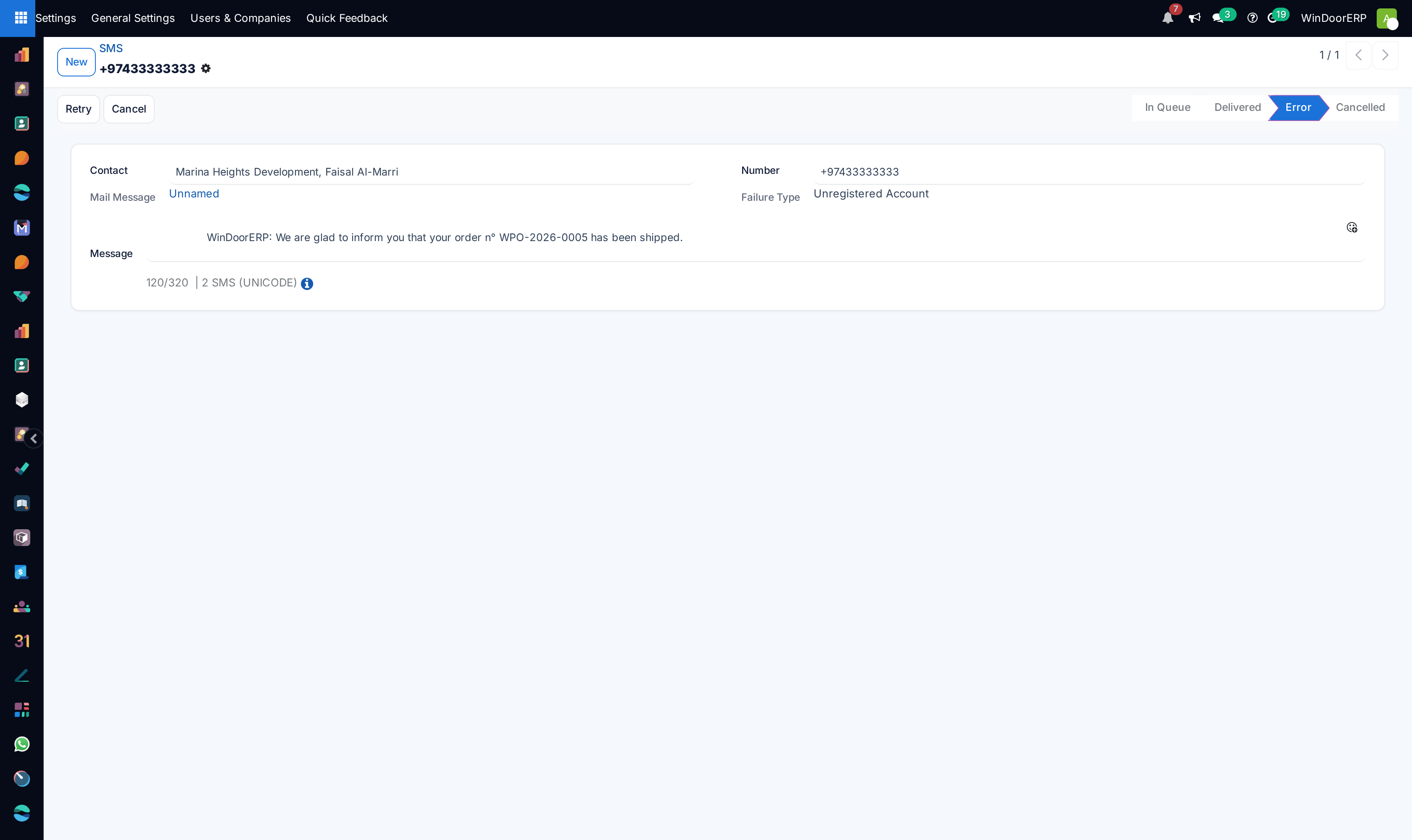
Outbound SMS messages log list

SMS message detail profile

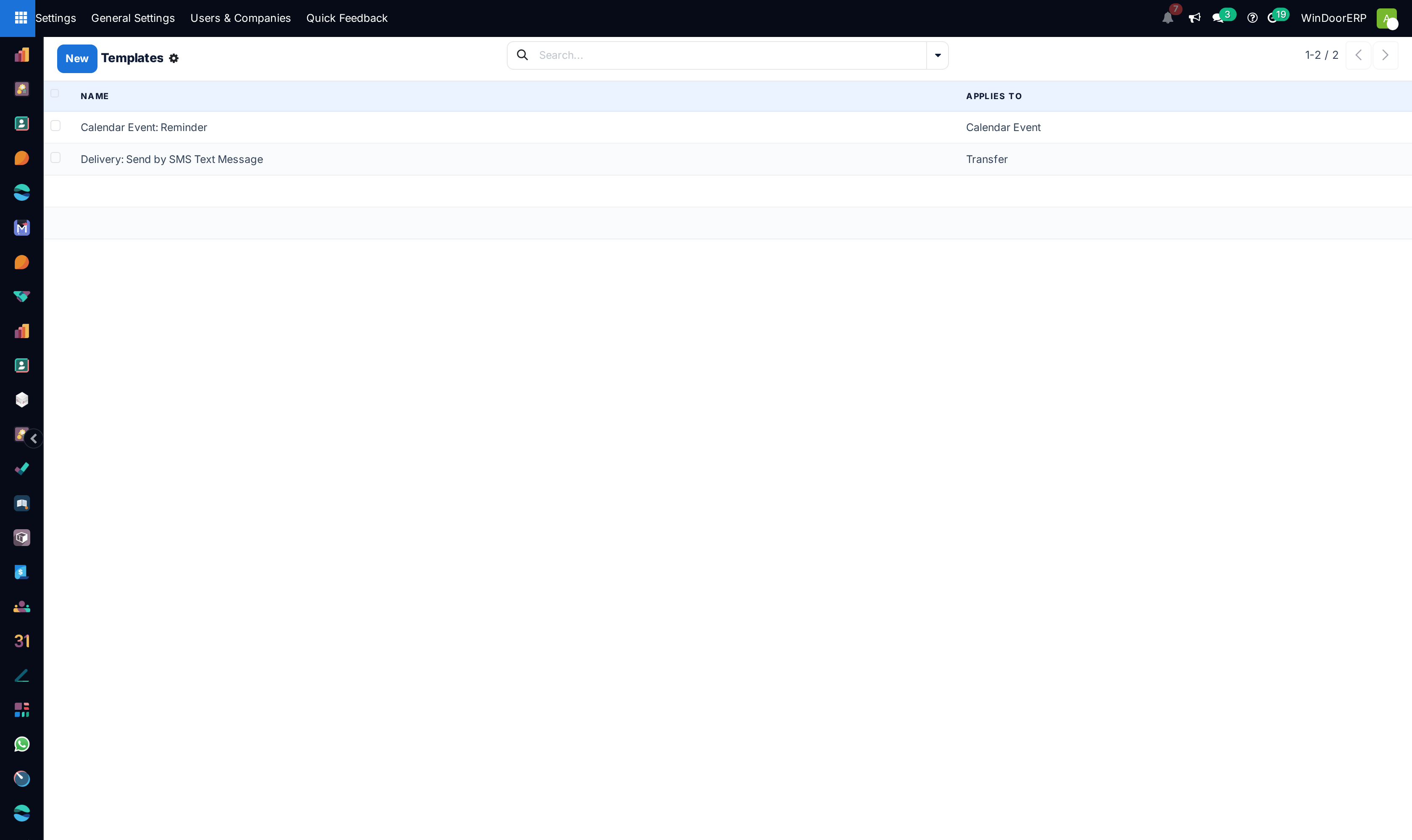
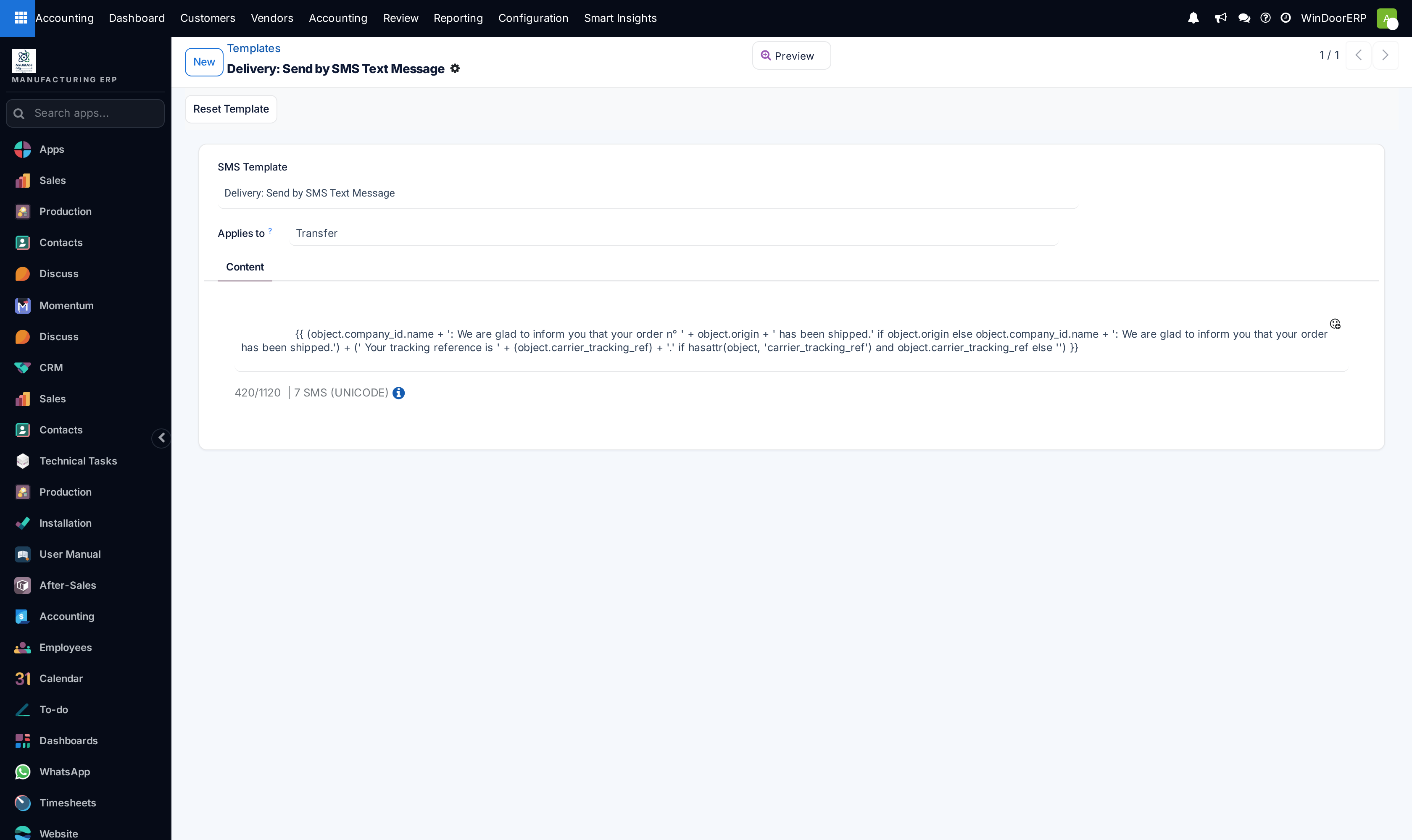
SMS text message templates list

SMS template editor

Suppressed phone blacklist registry list

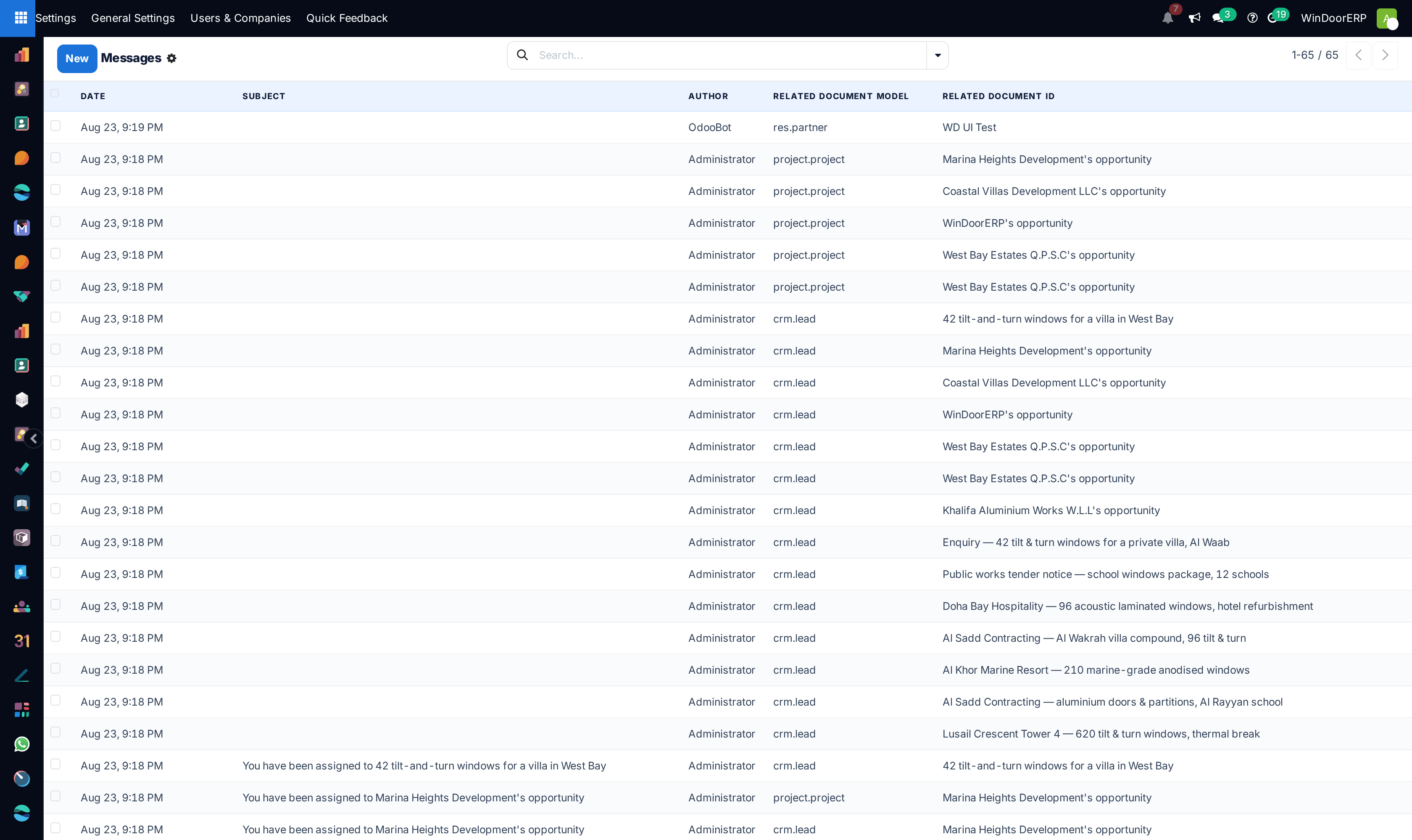
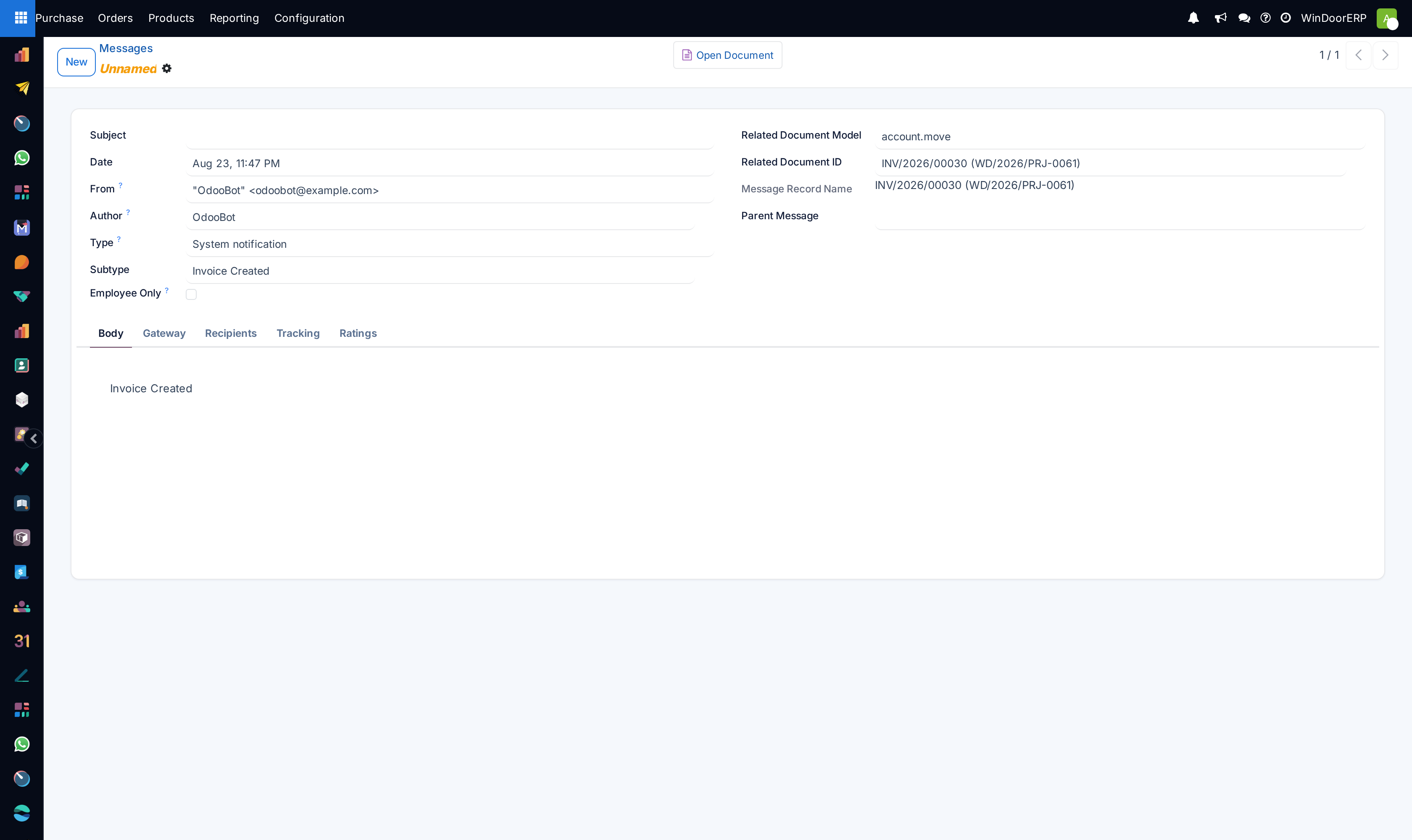
Live discuss chatter messages log list

Discuss message detail profile

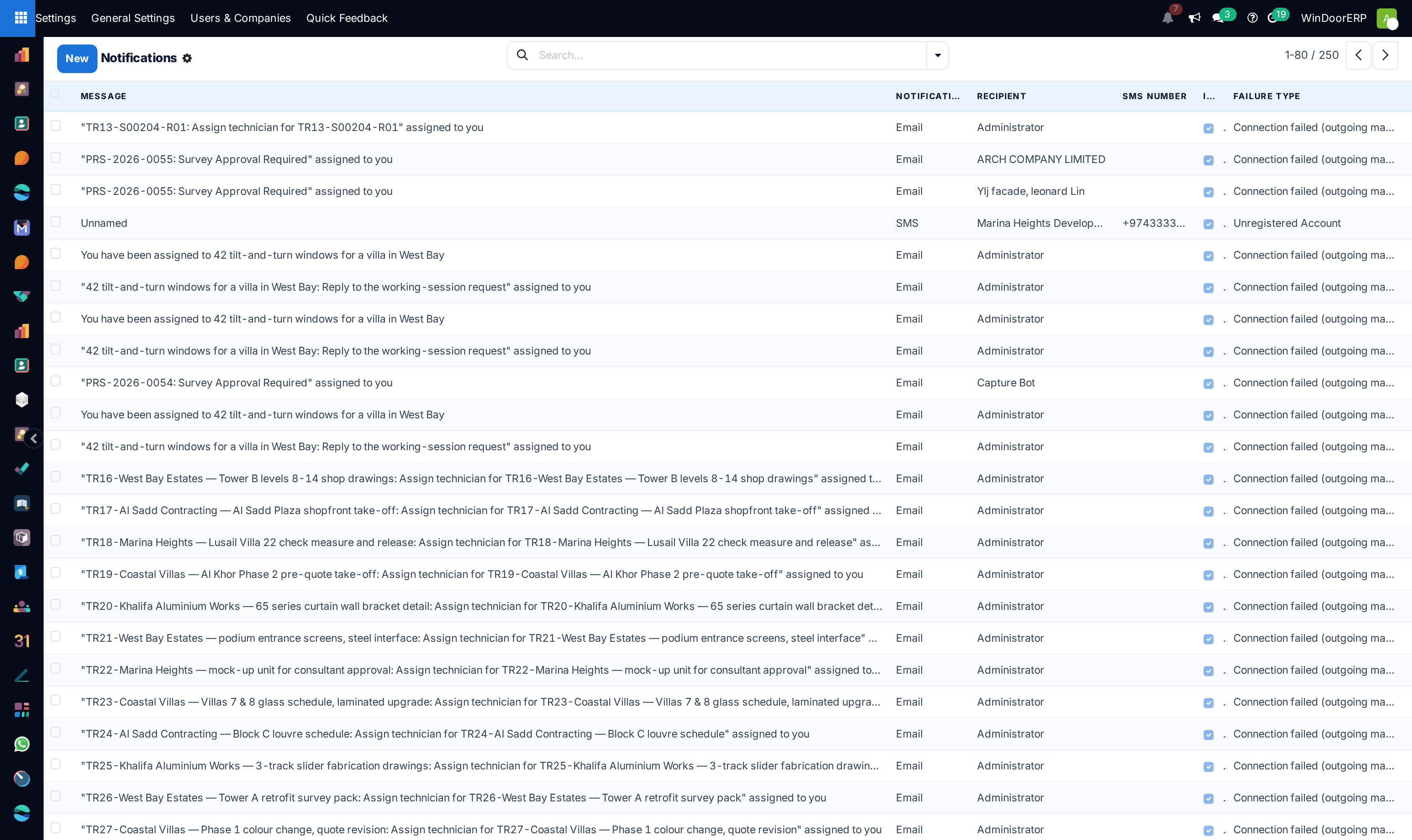
User push/email notifications registry list

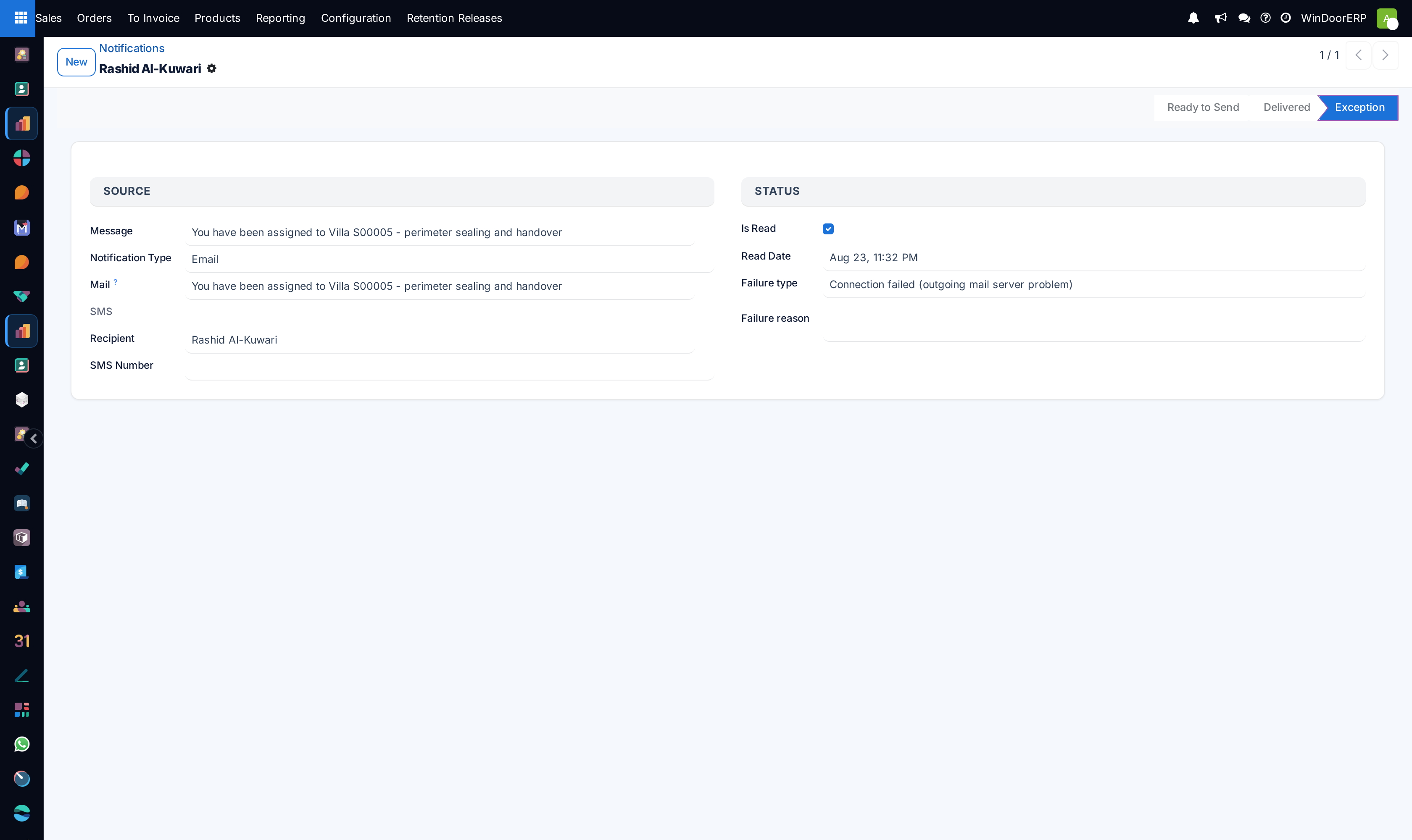
Notification delivery profile

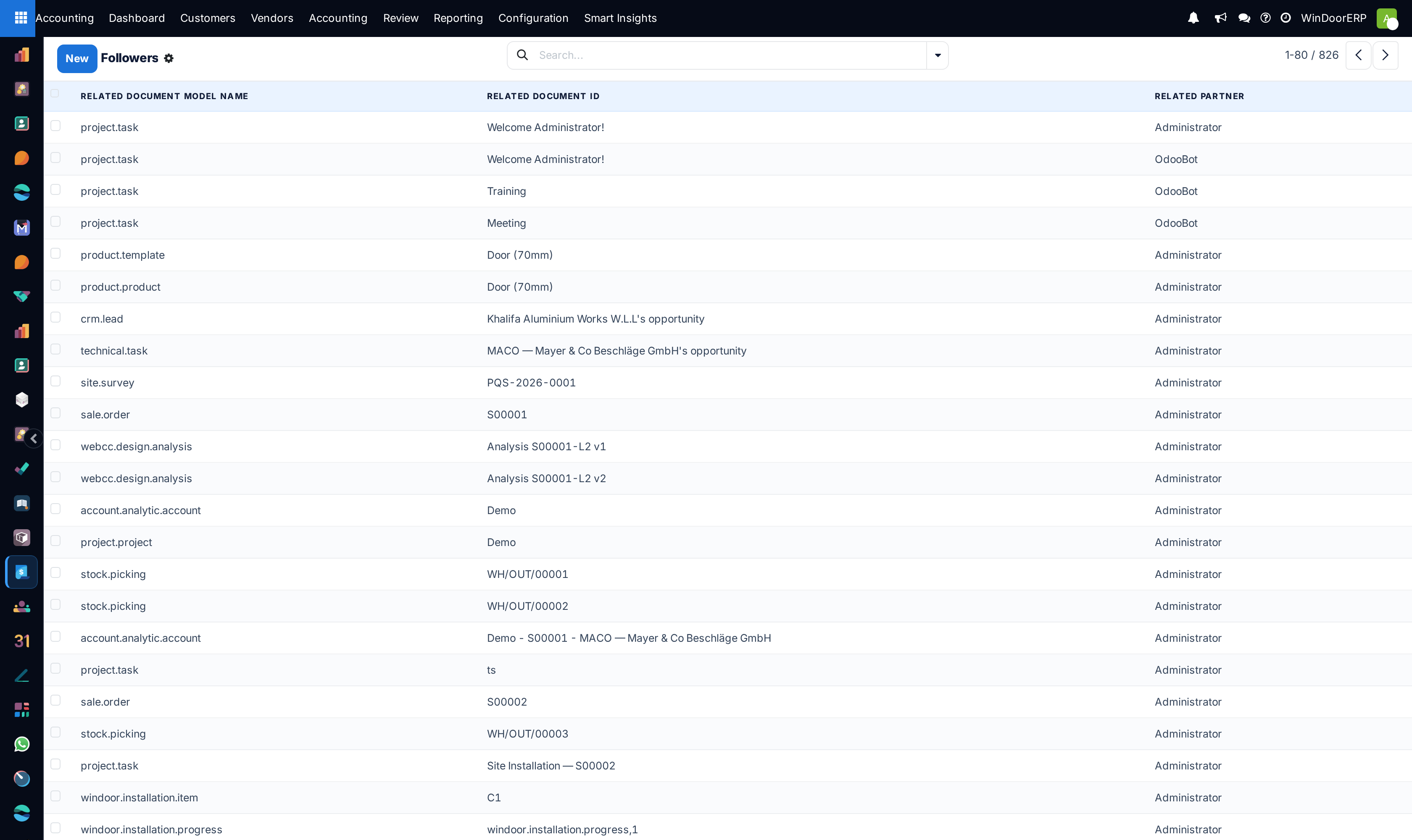
Document chatter followers registry list

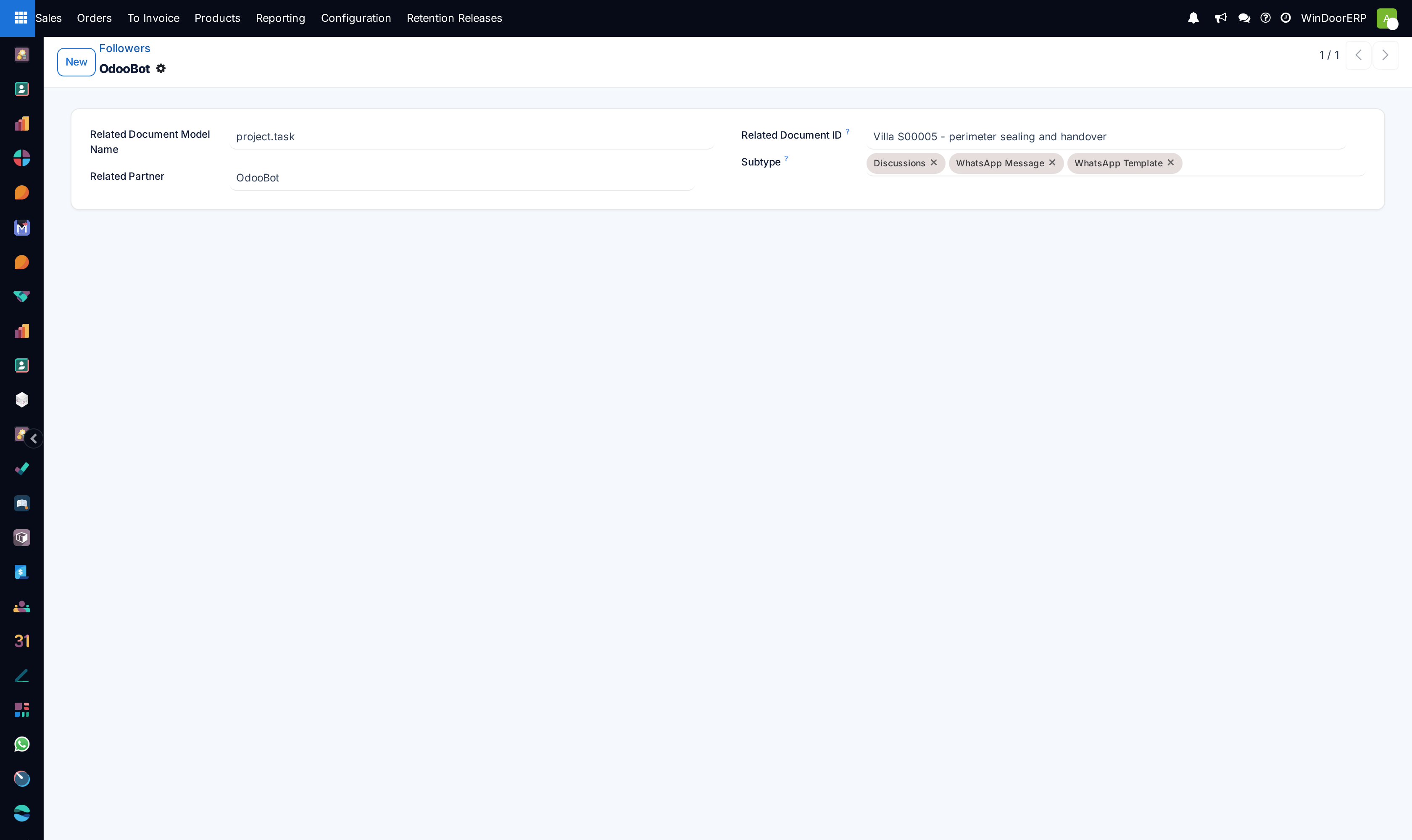
Follower profile

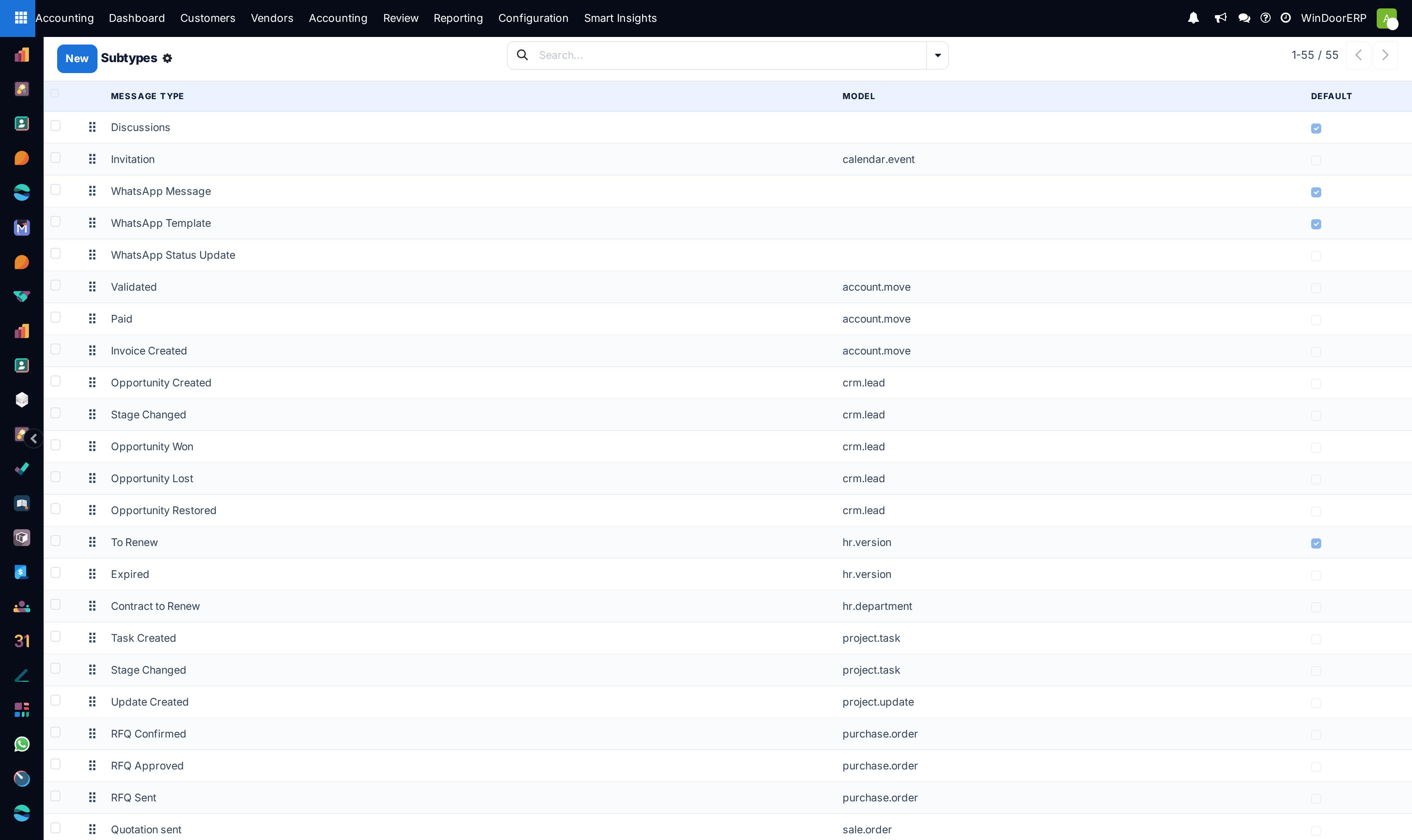
Chatter message subtype events list

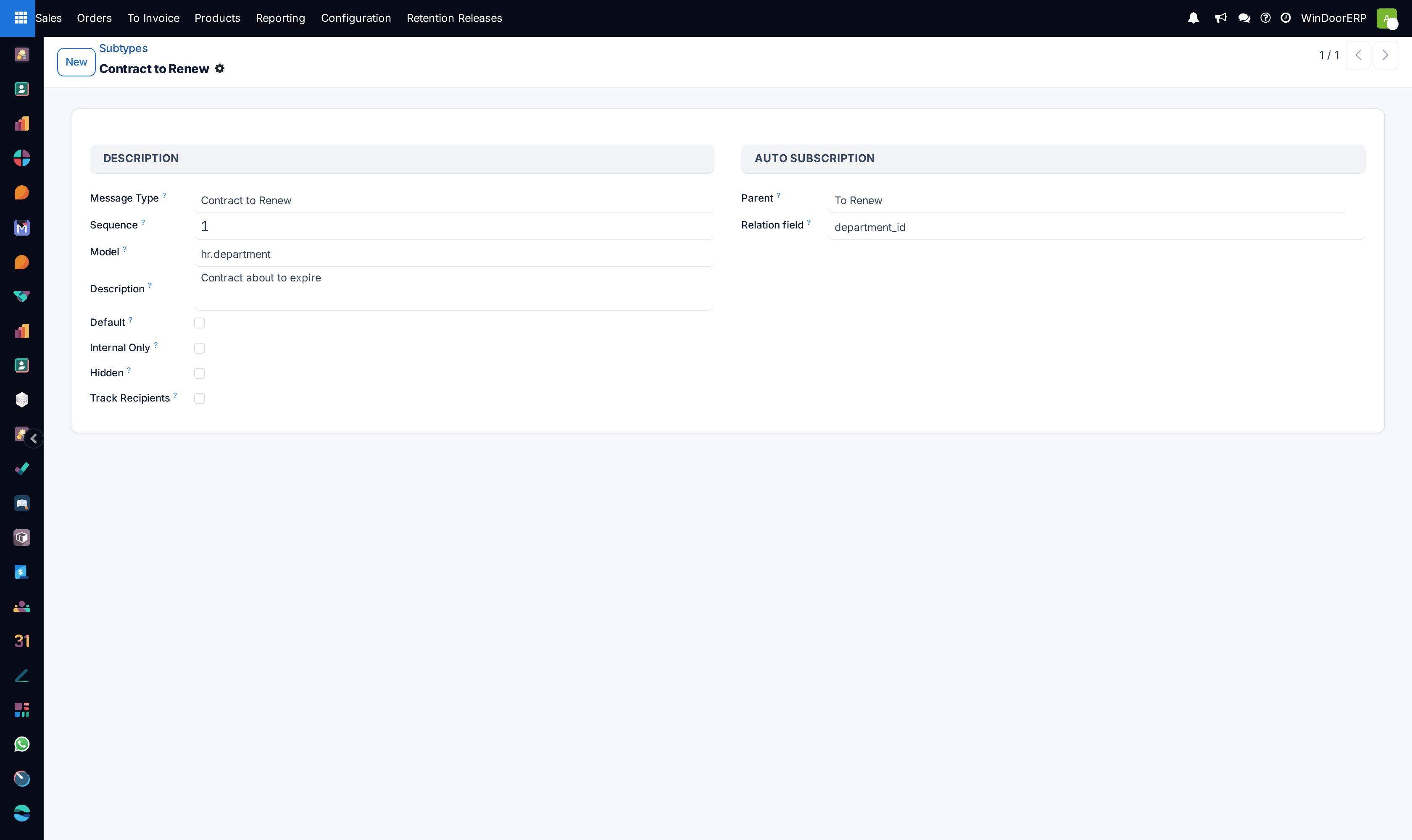
Message subtype profile

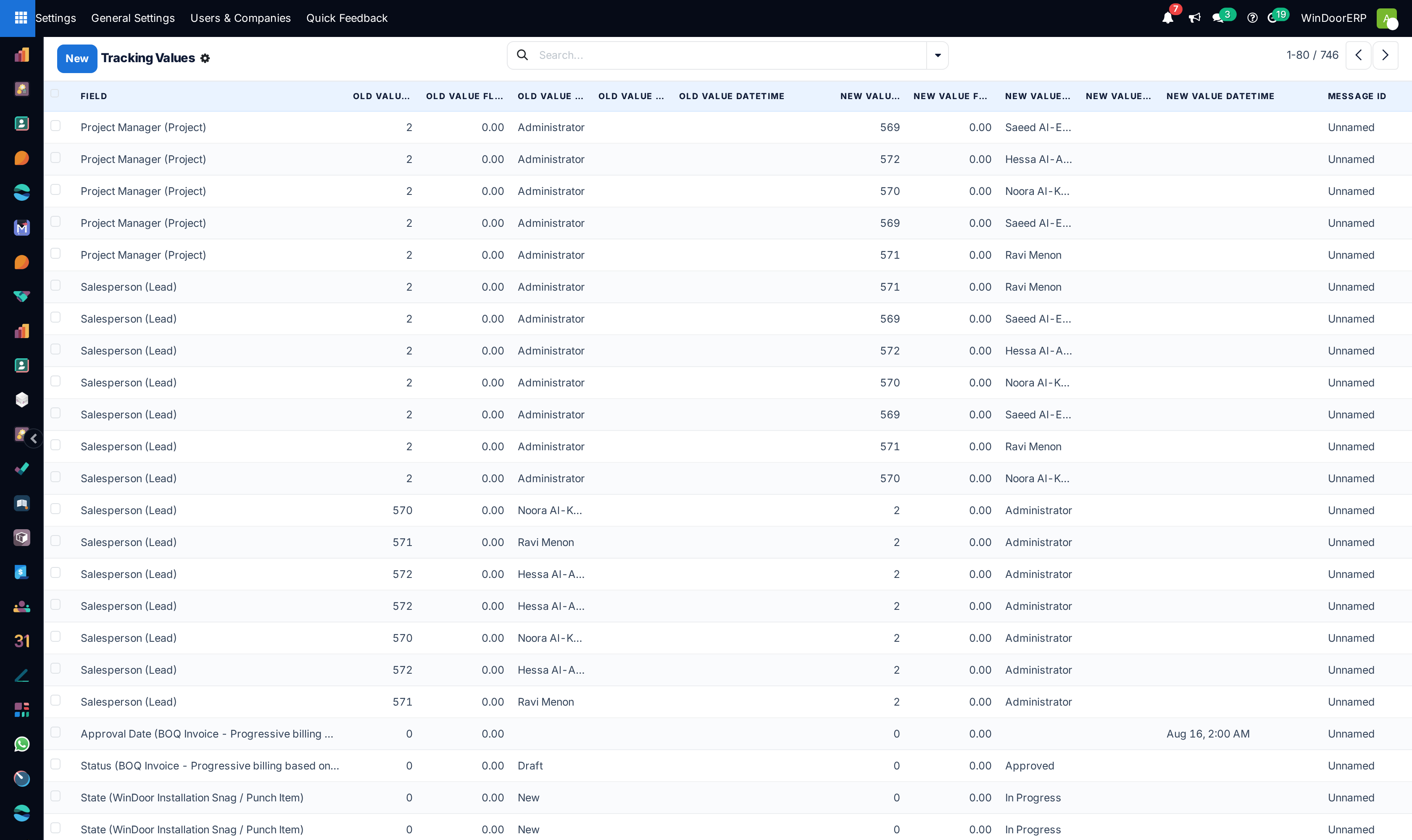
Chatter field audit tracking changes list

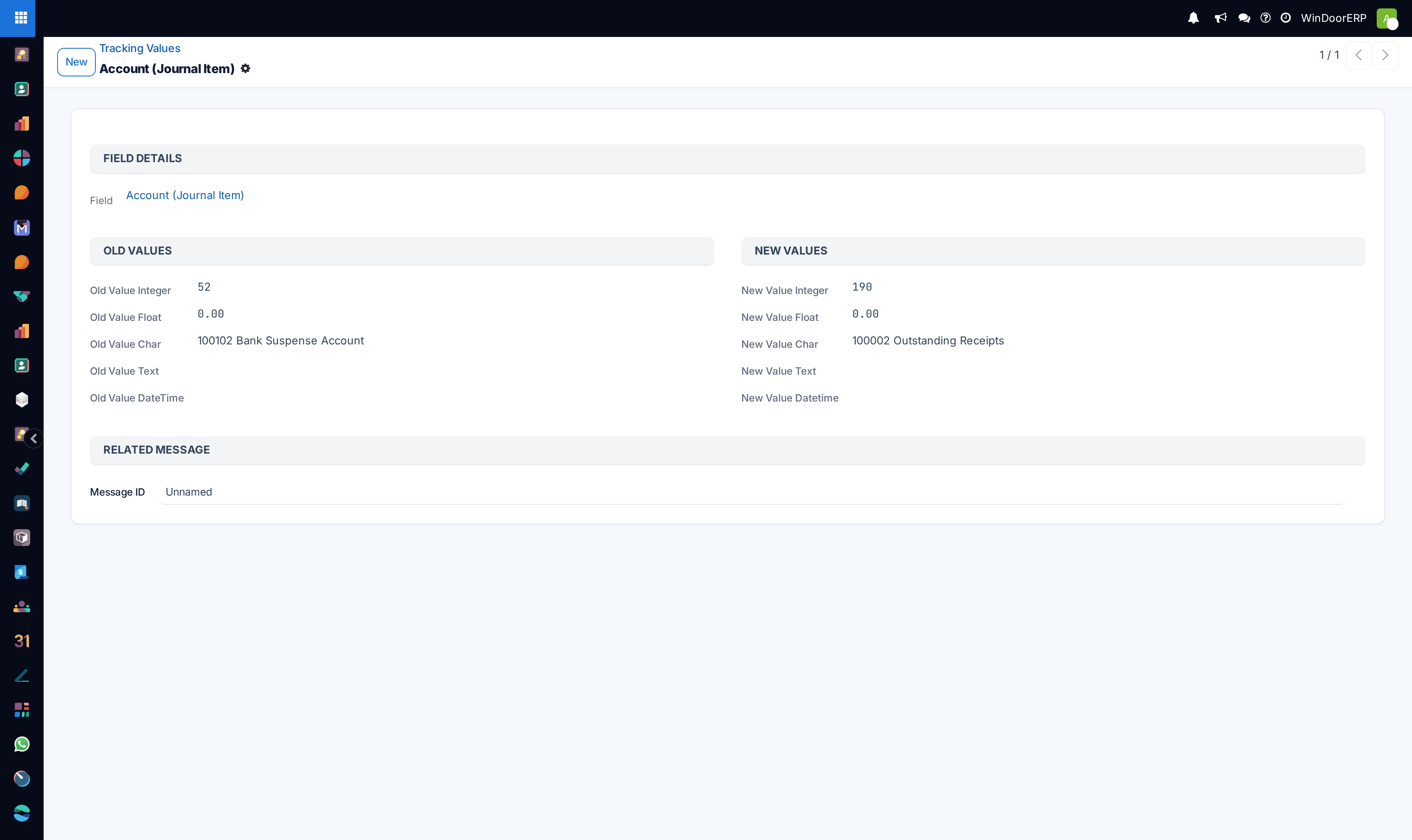
Field tracking audit profile

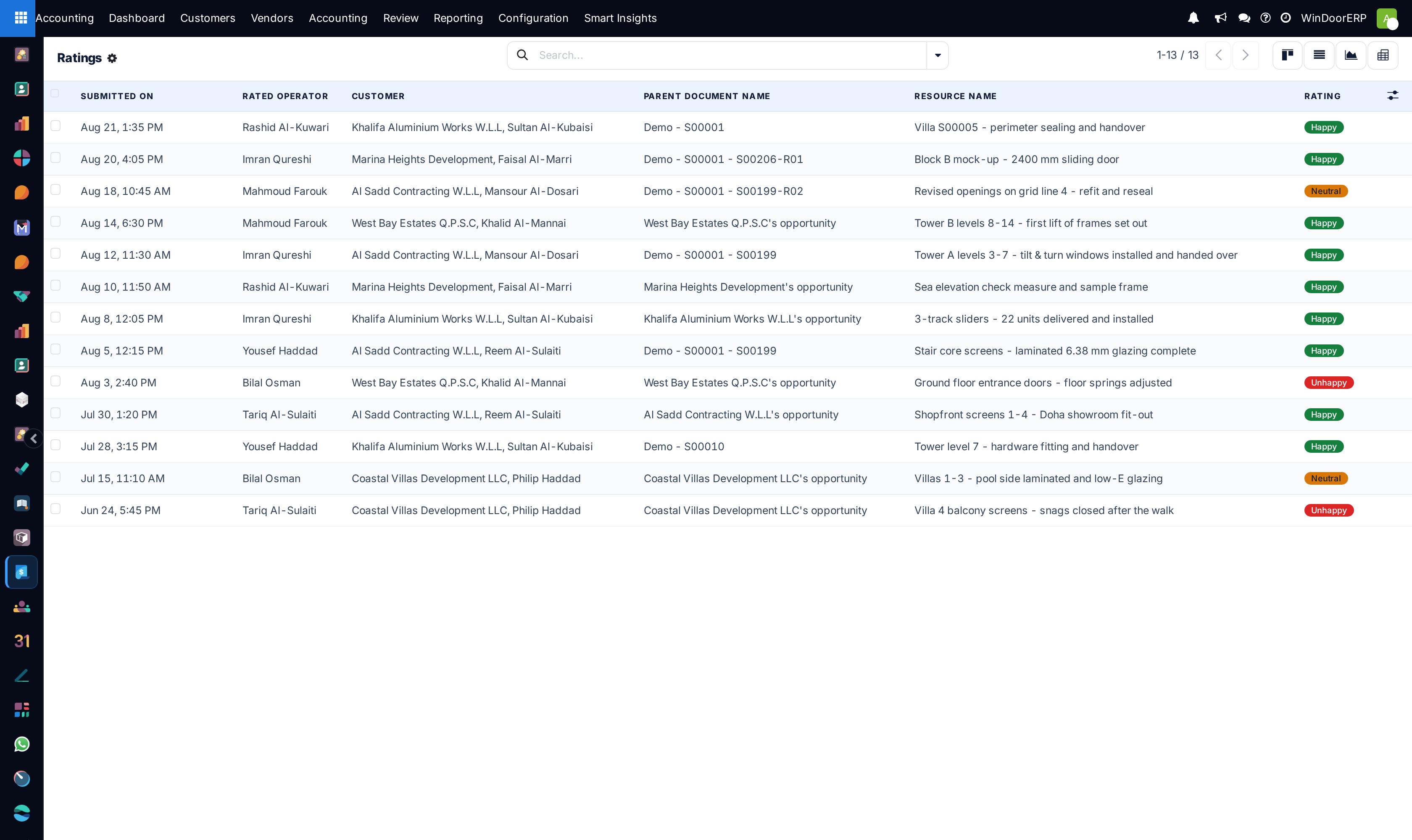
Customer satisfaction ratings list

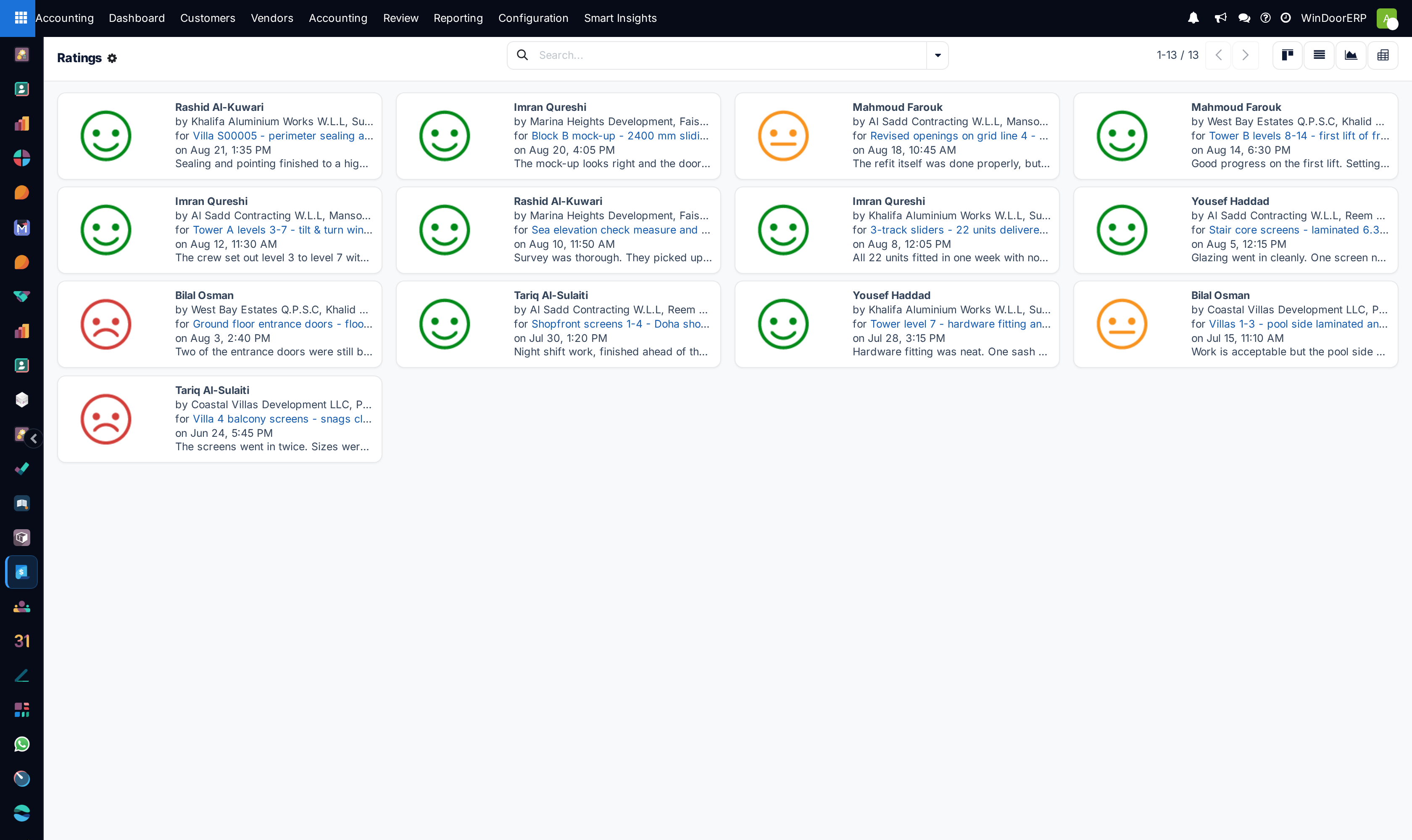
Ratings kanban overview

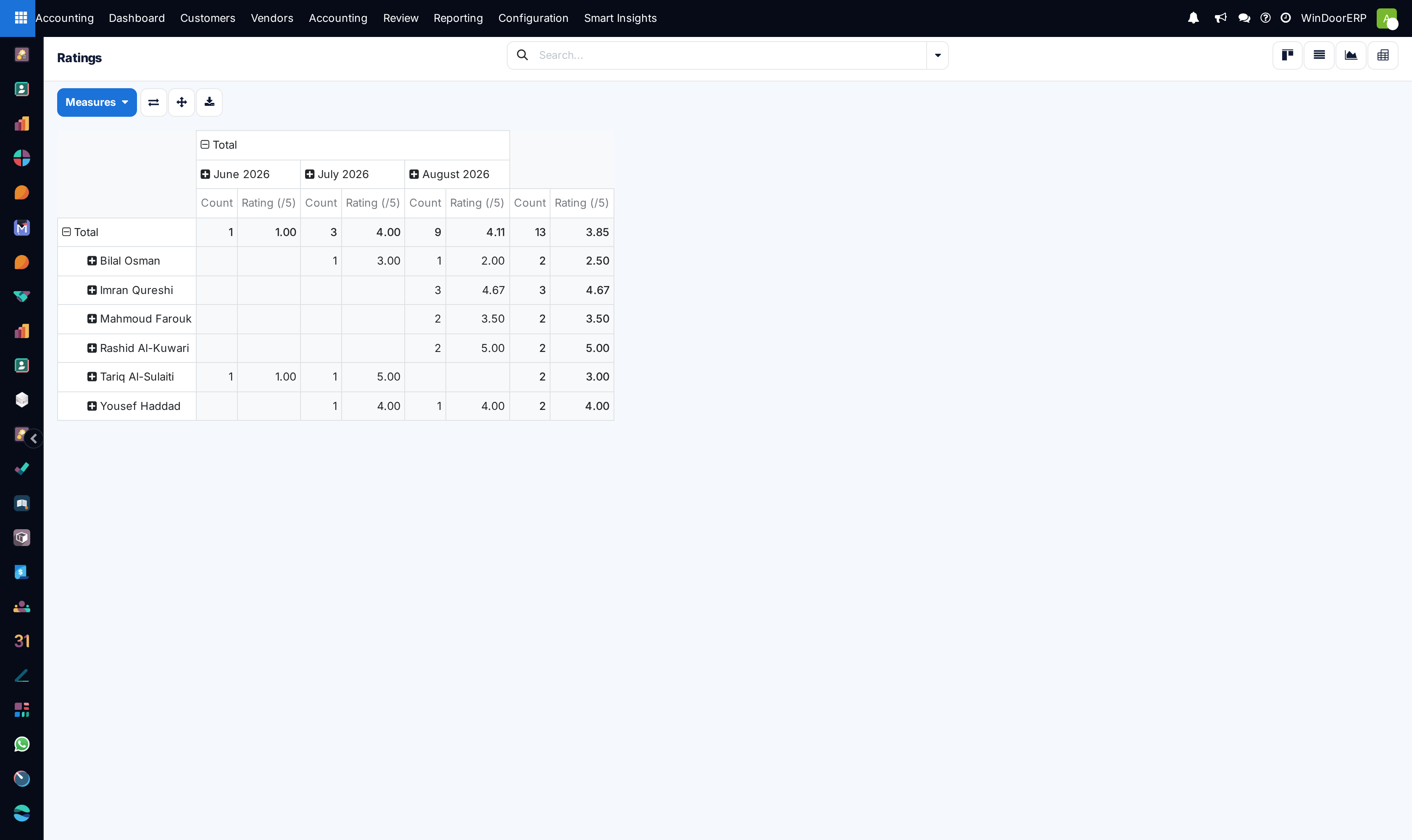
Customer ratings pivot analysis table

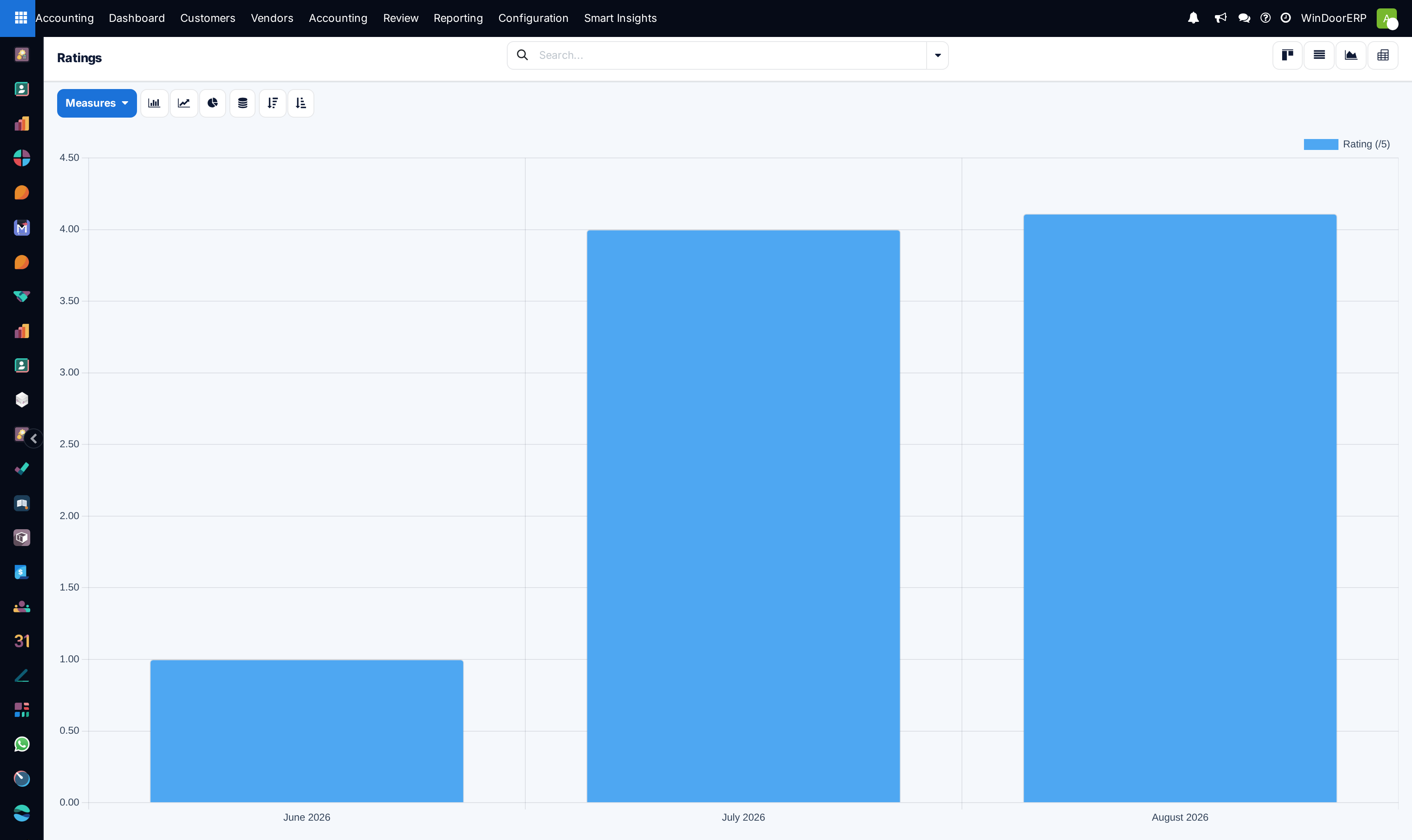
Satisfaction ratings performance graph

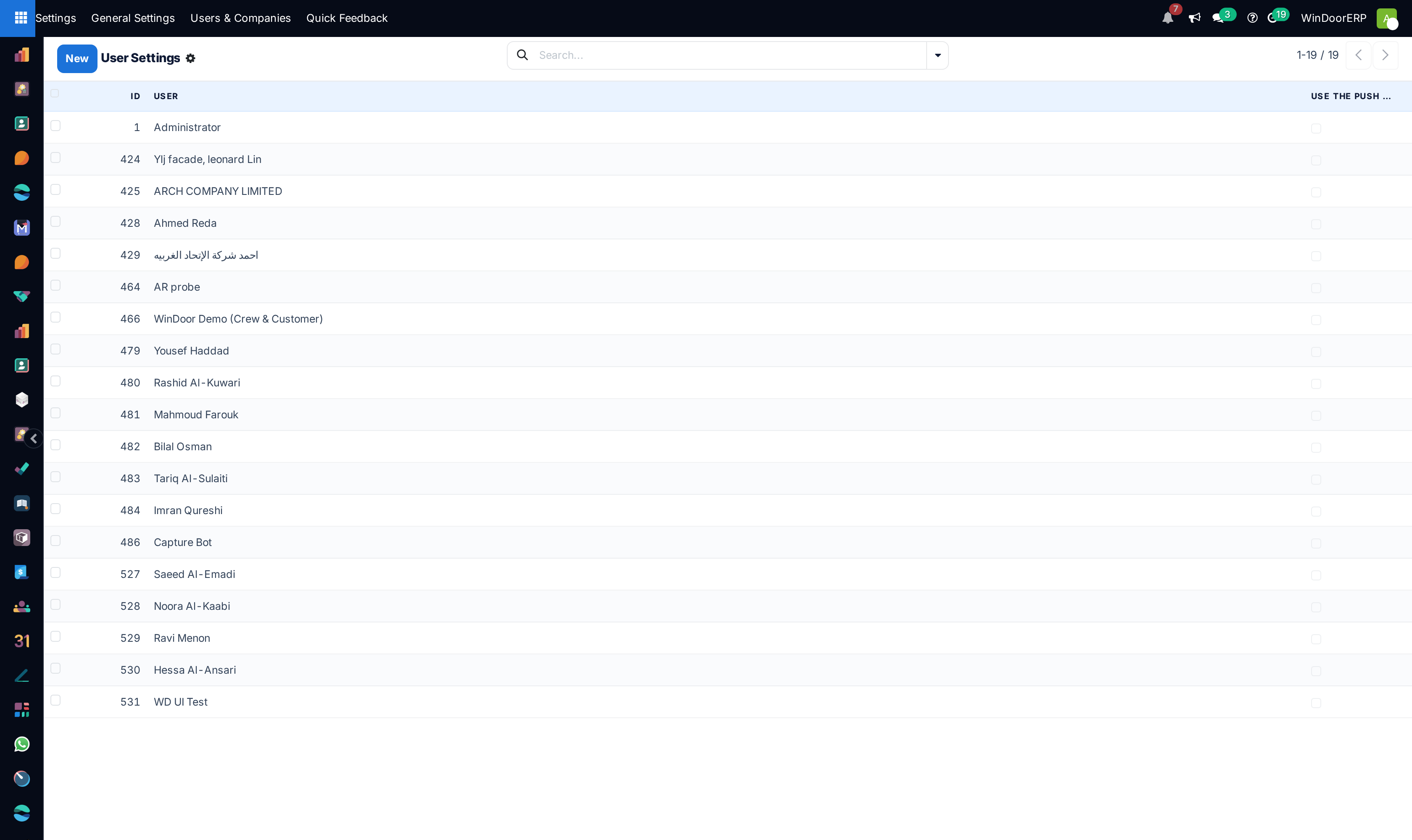
Discuss personal user settings list

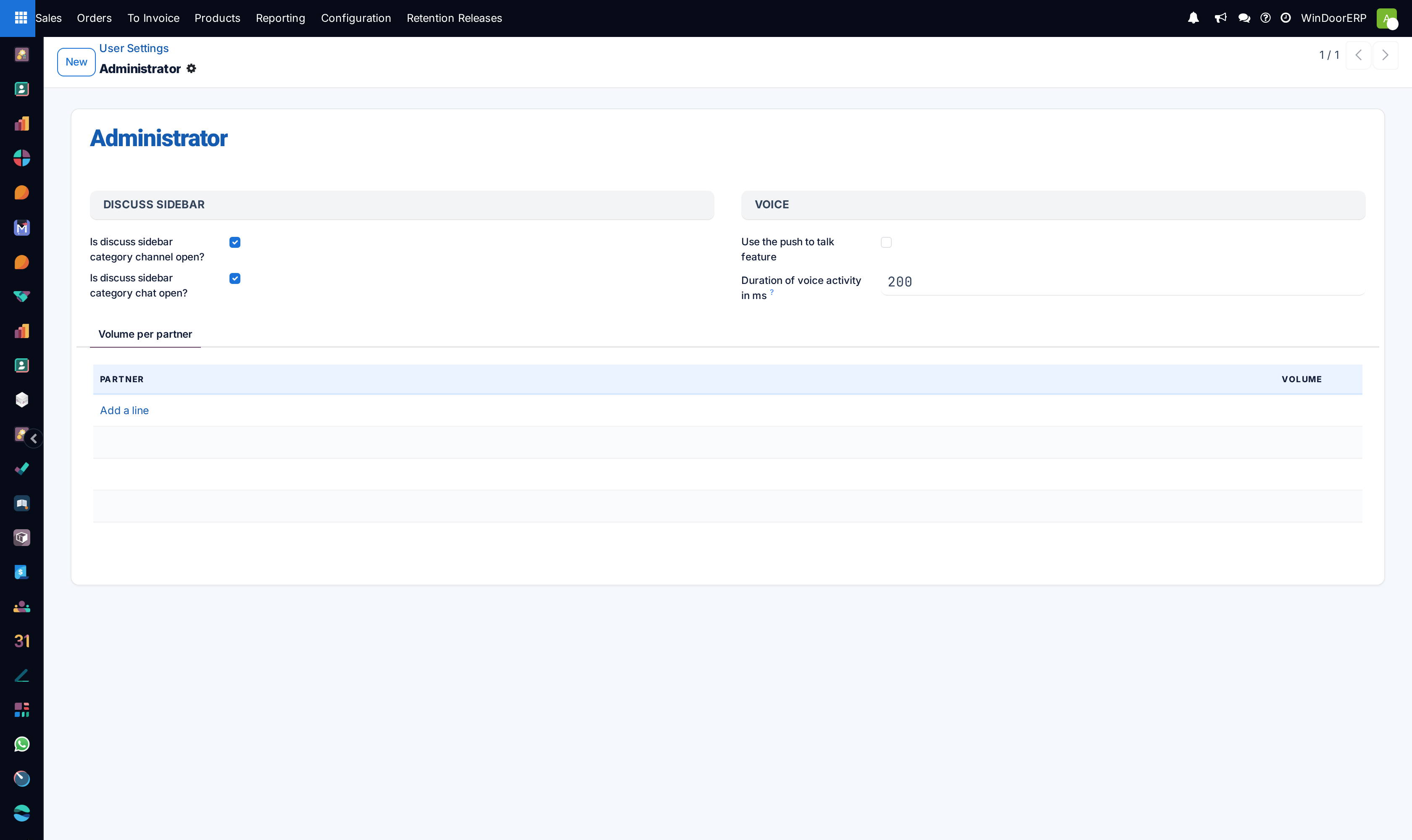
User discuss preferences profile

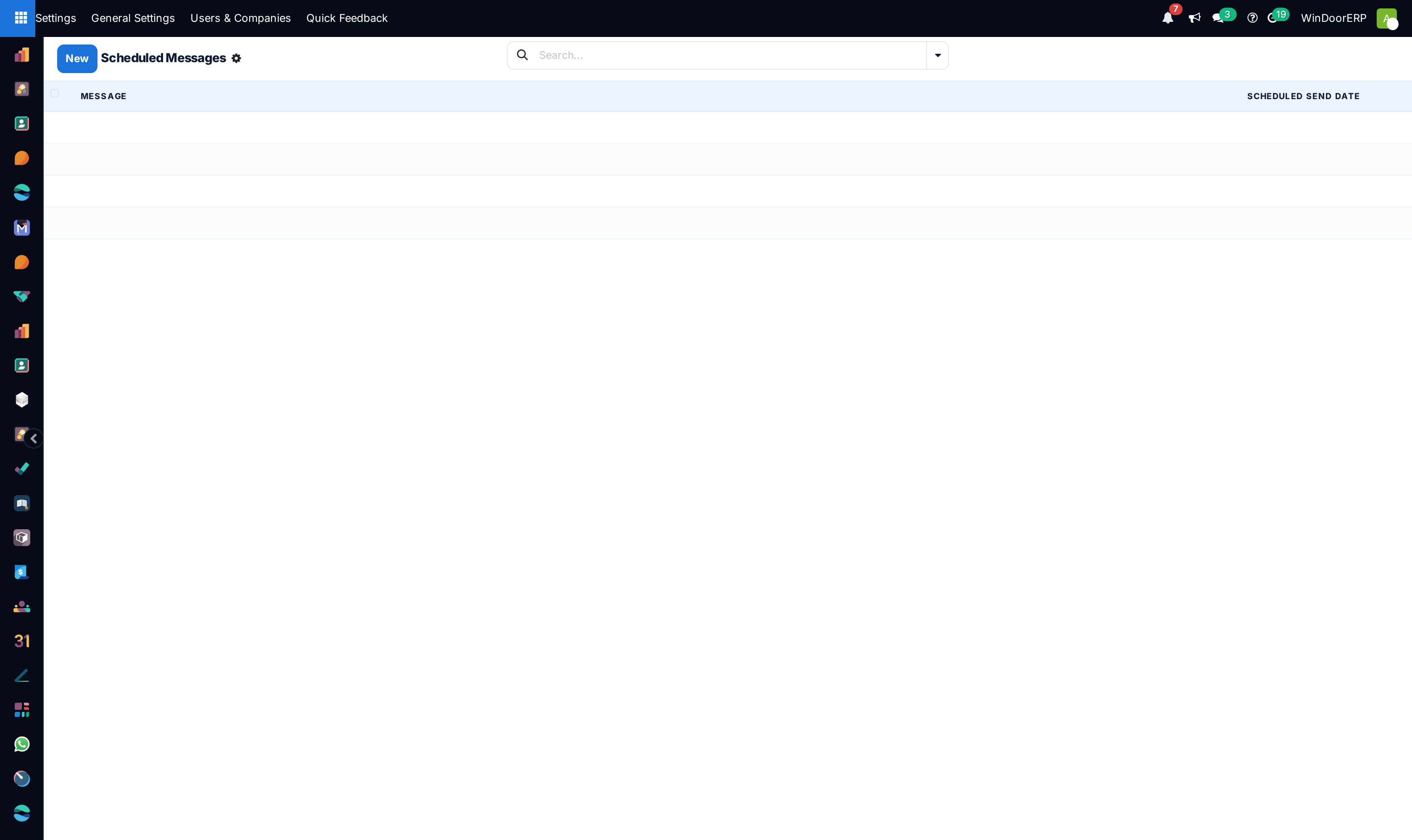
Scheduled chatter messages queue list

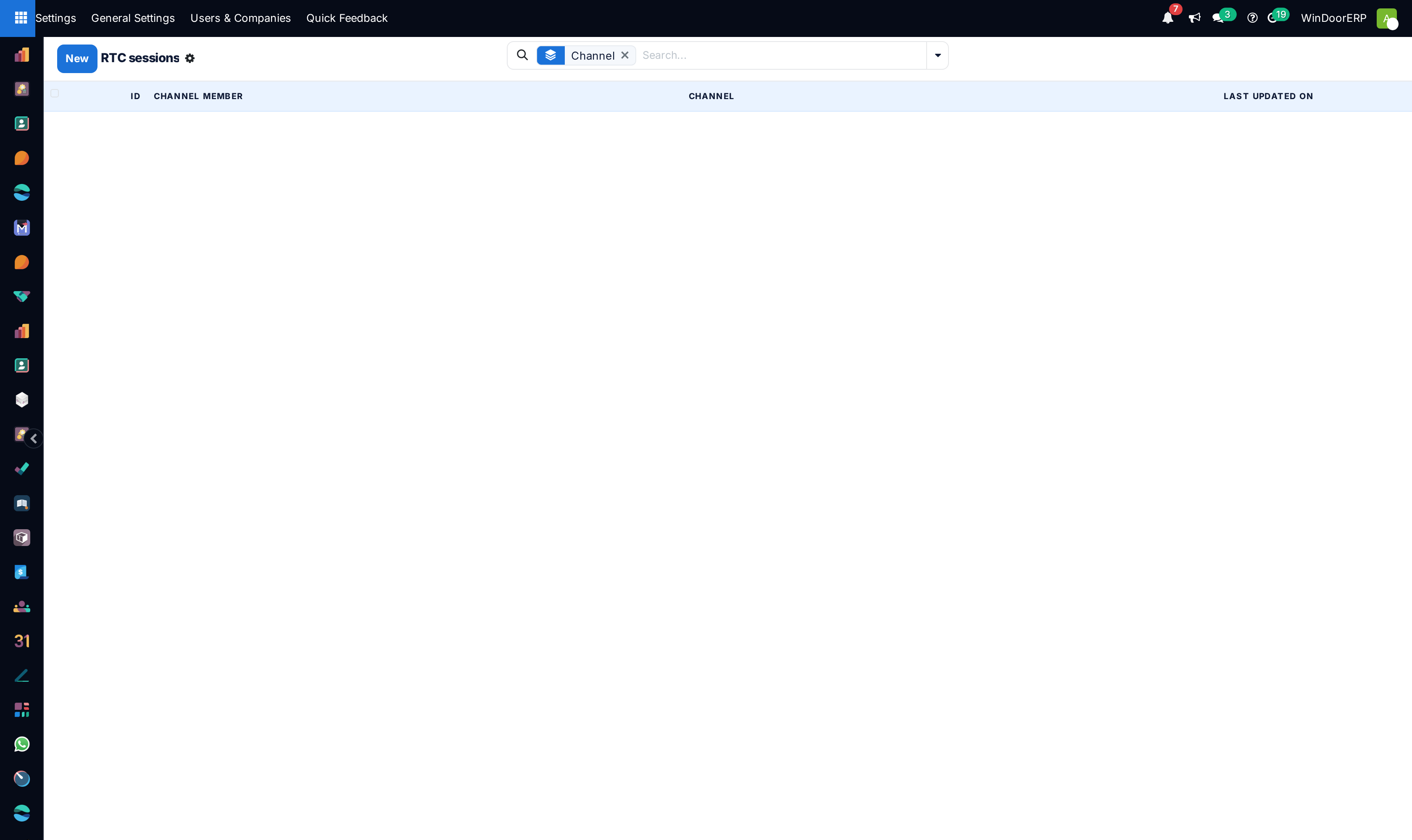
Real-time audio/video WebRTC active sessions list

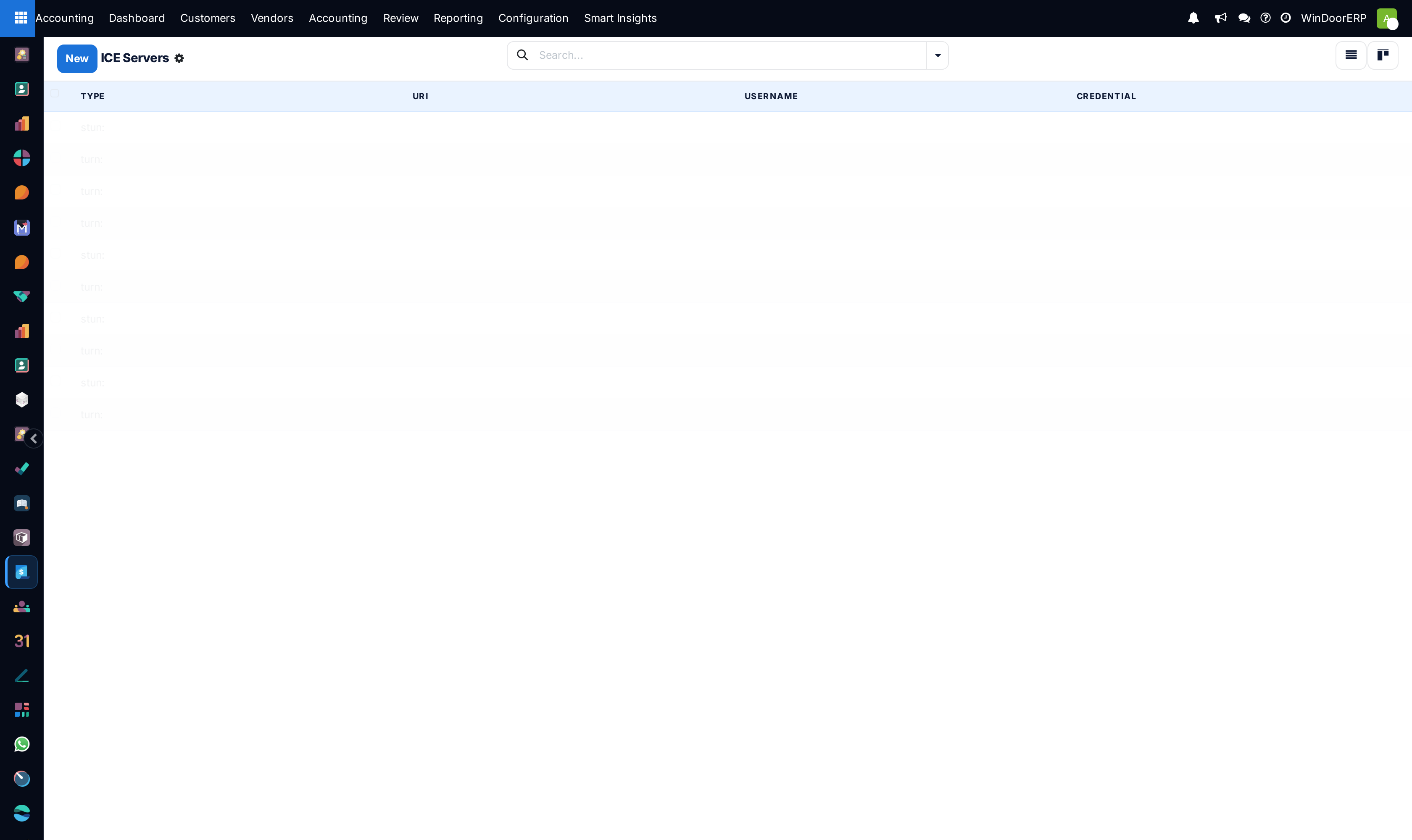
WebRTC STUN/TURN ICE servers catalog list

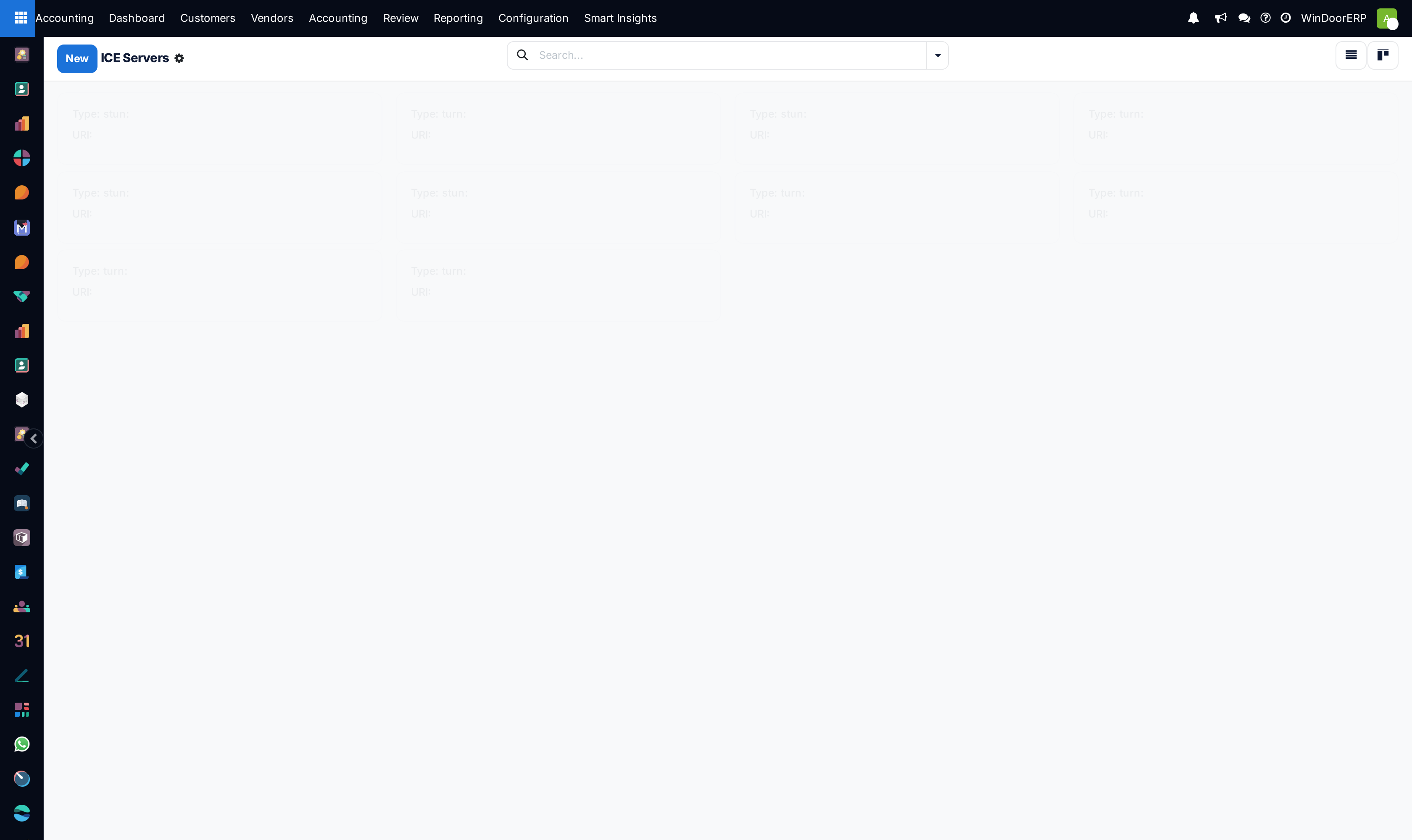
ICE servers kanban overview

Rich URL link preview cache list

Chatter emoji reactions list

Suppressed email blacklist registry list

External guest live chat sessions list

User favorite GIFs registry list

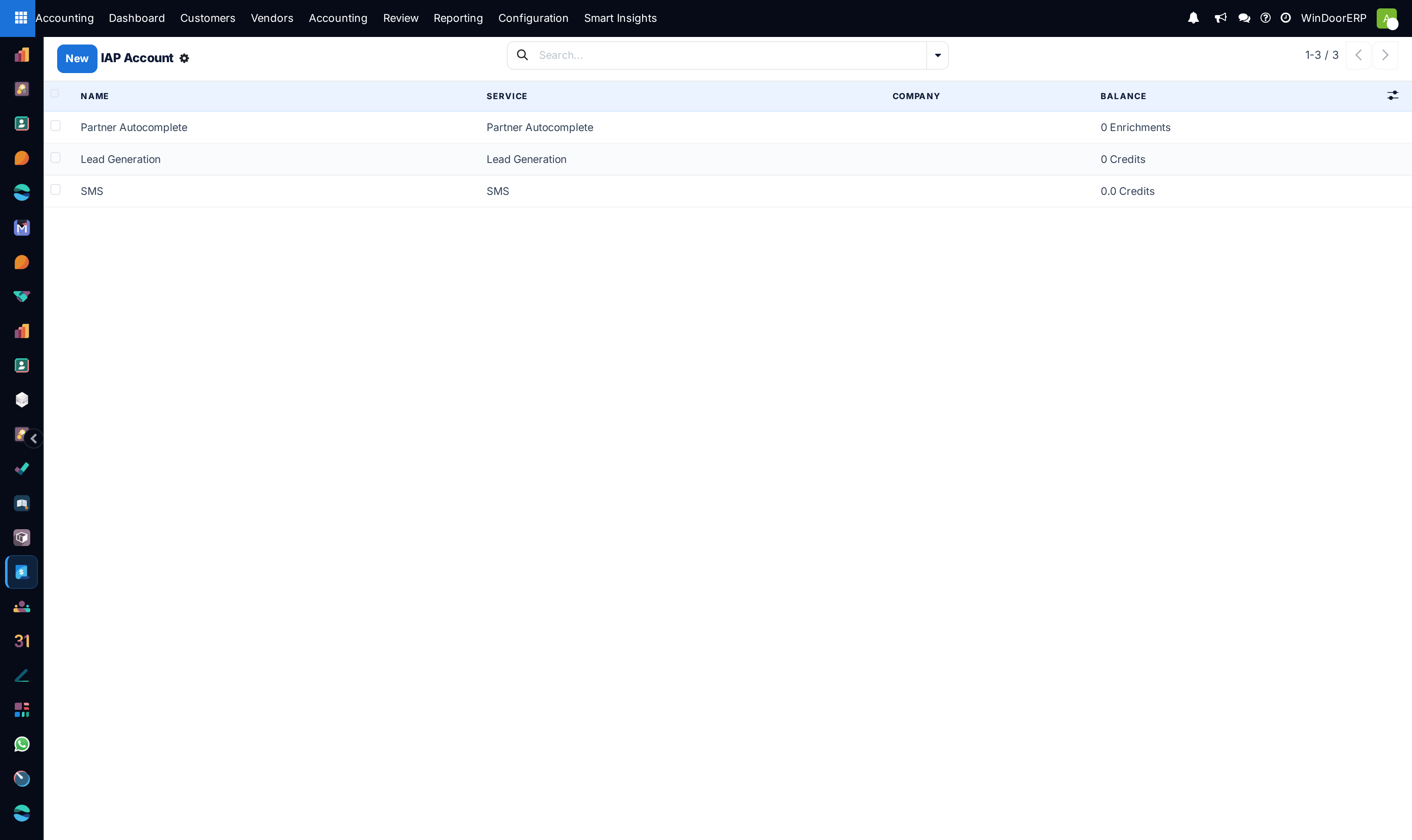
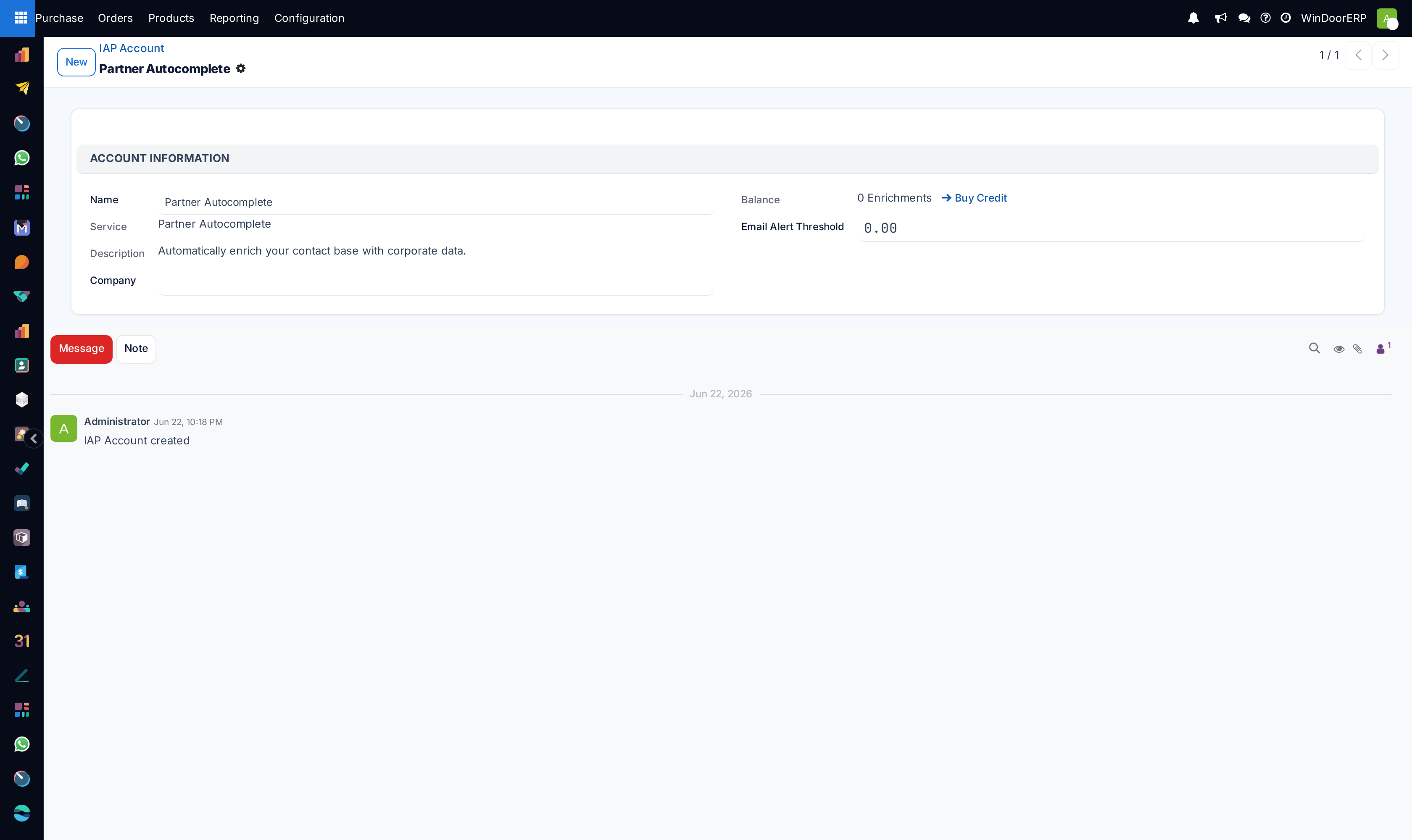
In-App Purchase (IAP) service accounts list

IAP account profile and credit balance editor

Important

Setting up dedicated Outgoing Mail Servers with valid SPF, DKIM, and DMARC DNS records ensures 100% quotation delivery into client inboxes.

  1. 01
    Open Automation › Scheduled Actions across Calendar and List views to schedule automated background jobs.
  2. 02
    Configure corporate outgoing/incoming mail servers under Email › Outgoing/Incoming Mail Servers.
  3. 03
    Design dynamic message templates in Email Templates and SMS Templates.
  4. 04
    Audit live chat communication logs under Discuss › Messages, Notifications, and Subtypes.
  5. 05
    Configure WebRTC audio/video calling under Discuss › ICE Servers and monitor IAP Accounts.

Common mistakes

  • Scheduling high-frequency resource-intensive cron actions during peak daytime factory operation hours.
  • Sending mass SMS campaigns without verifying phone blacklist suppression lists.

Was this article helpful?

Running a window or door factory?

Ask for a demo