Manage personal tasks, track timesheets, and execute daily engineering deliverables
What this does
Equips individual engineers, CAD draftsmen, and site coordinators with a focused workspace displaying their specific assignments, deadlines, and active timers.
Before you start
- User logged in with assigned tasks.
Steps
Important
Recording real-time task timesheets enables accurate job costing analysis between estimated engineering hours and actual production drafting time.
-
01
Open Project › Tasks › My Tasks.
-
02
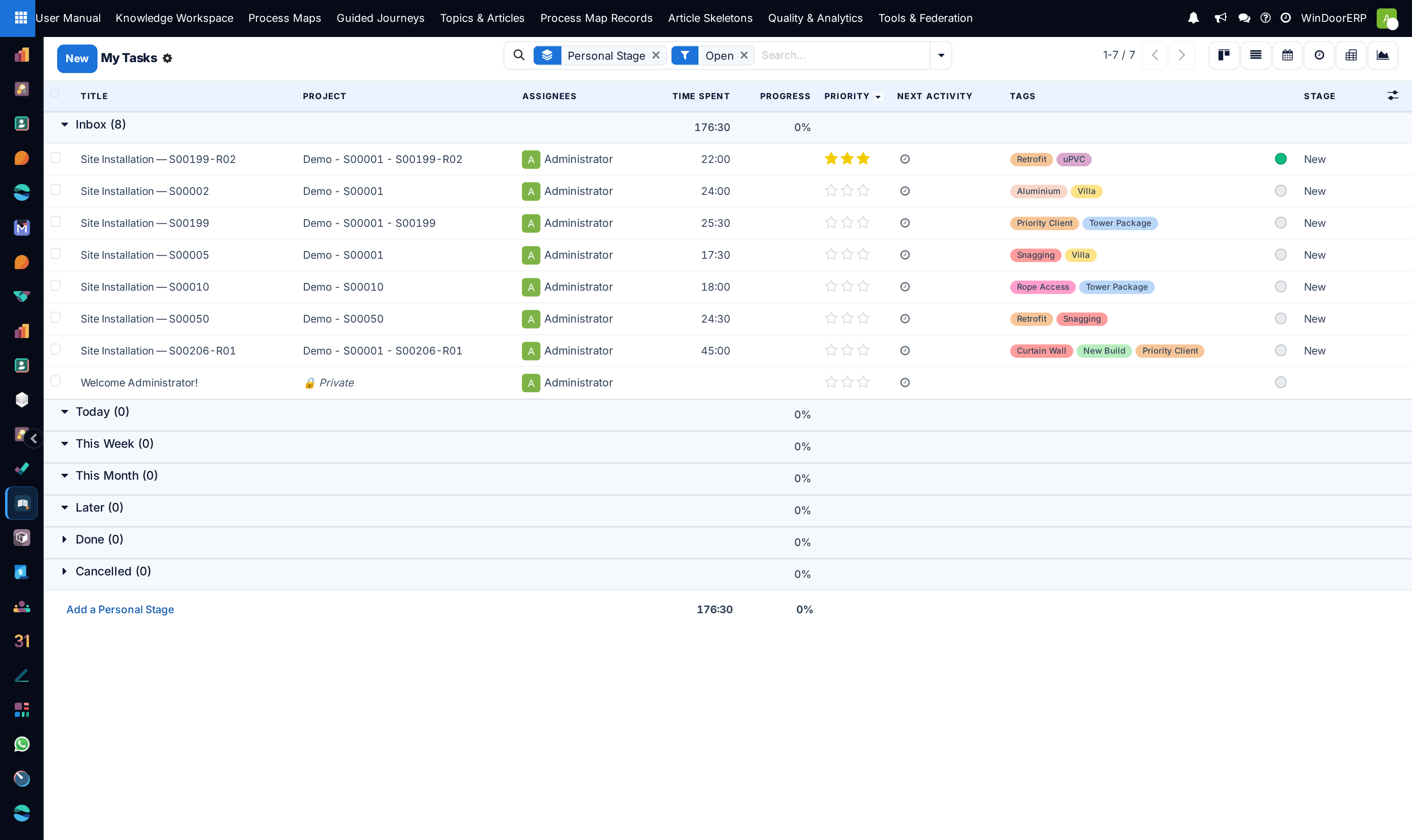
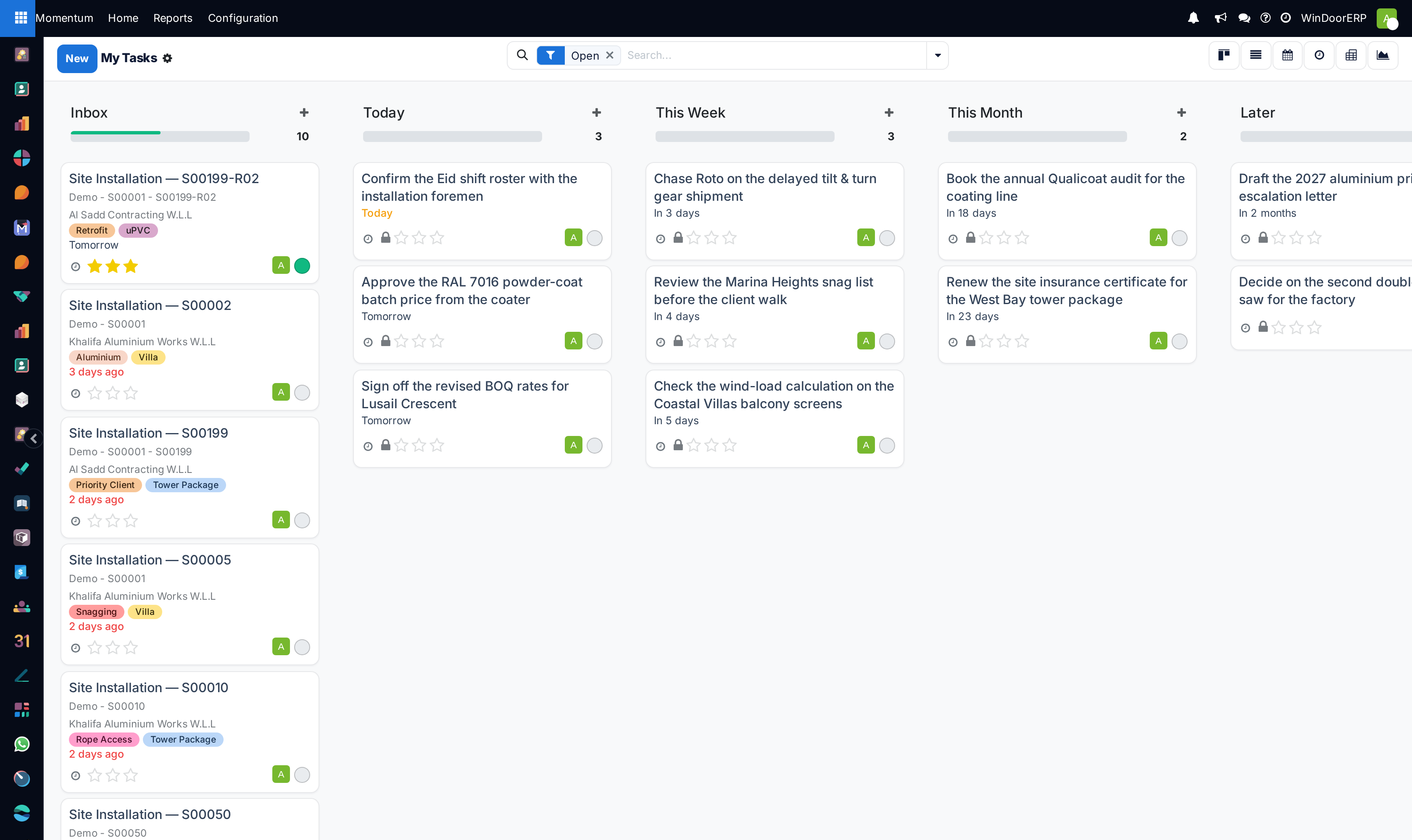
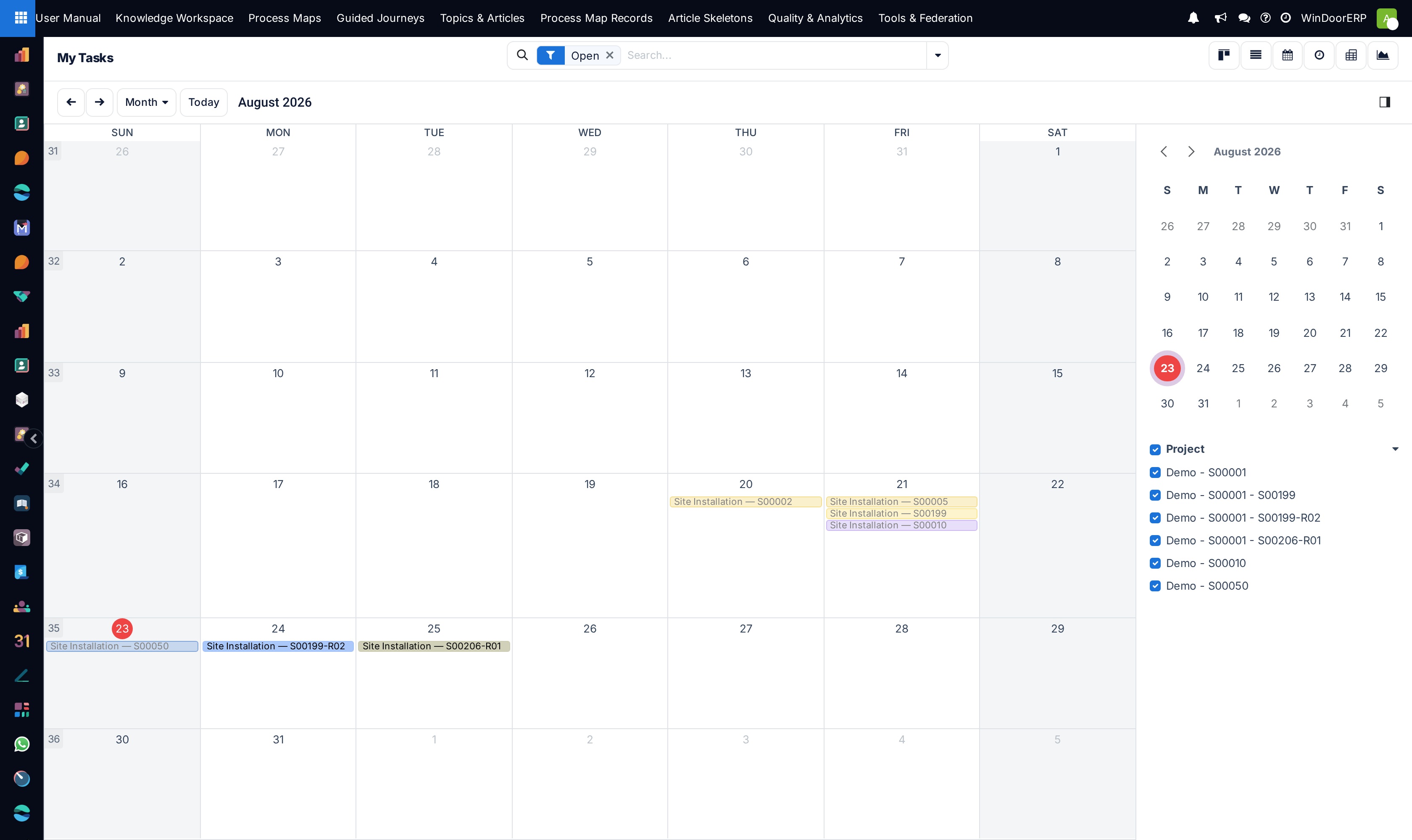
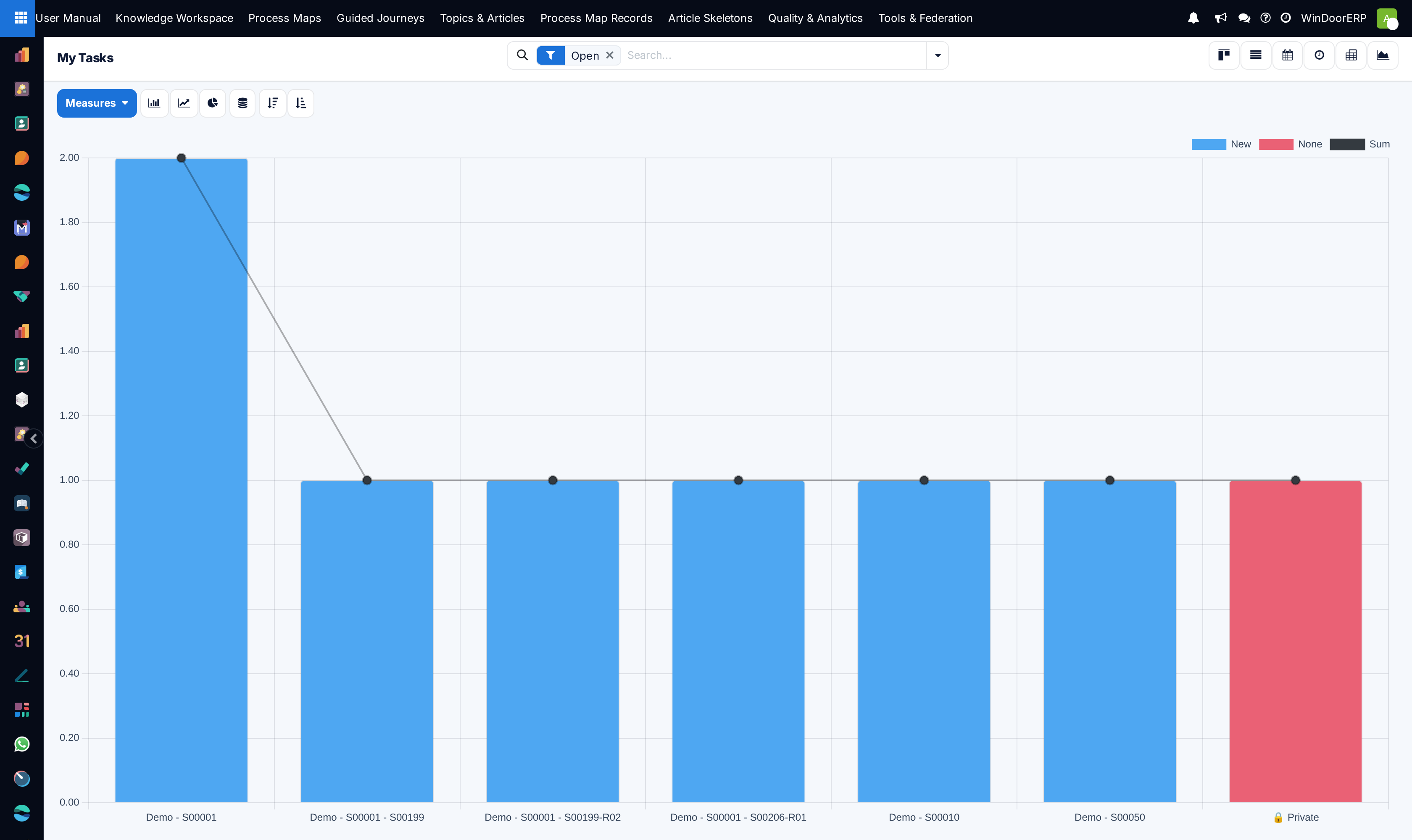
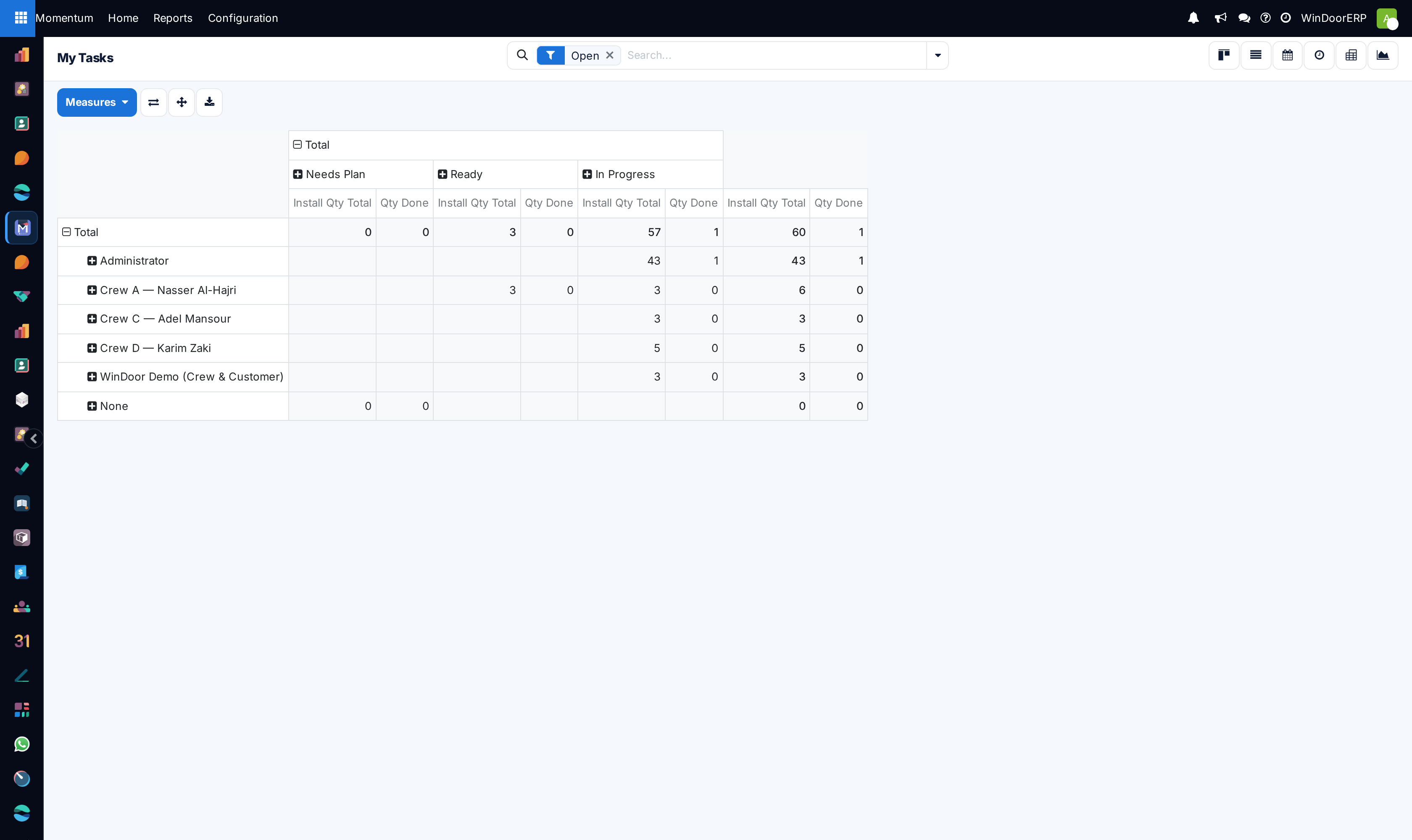
Review your personalized daily priorities across List, Kanban, and Calendar views.
-
03
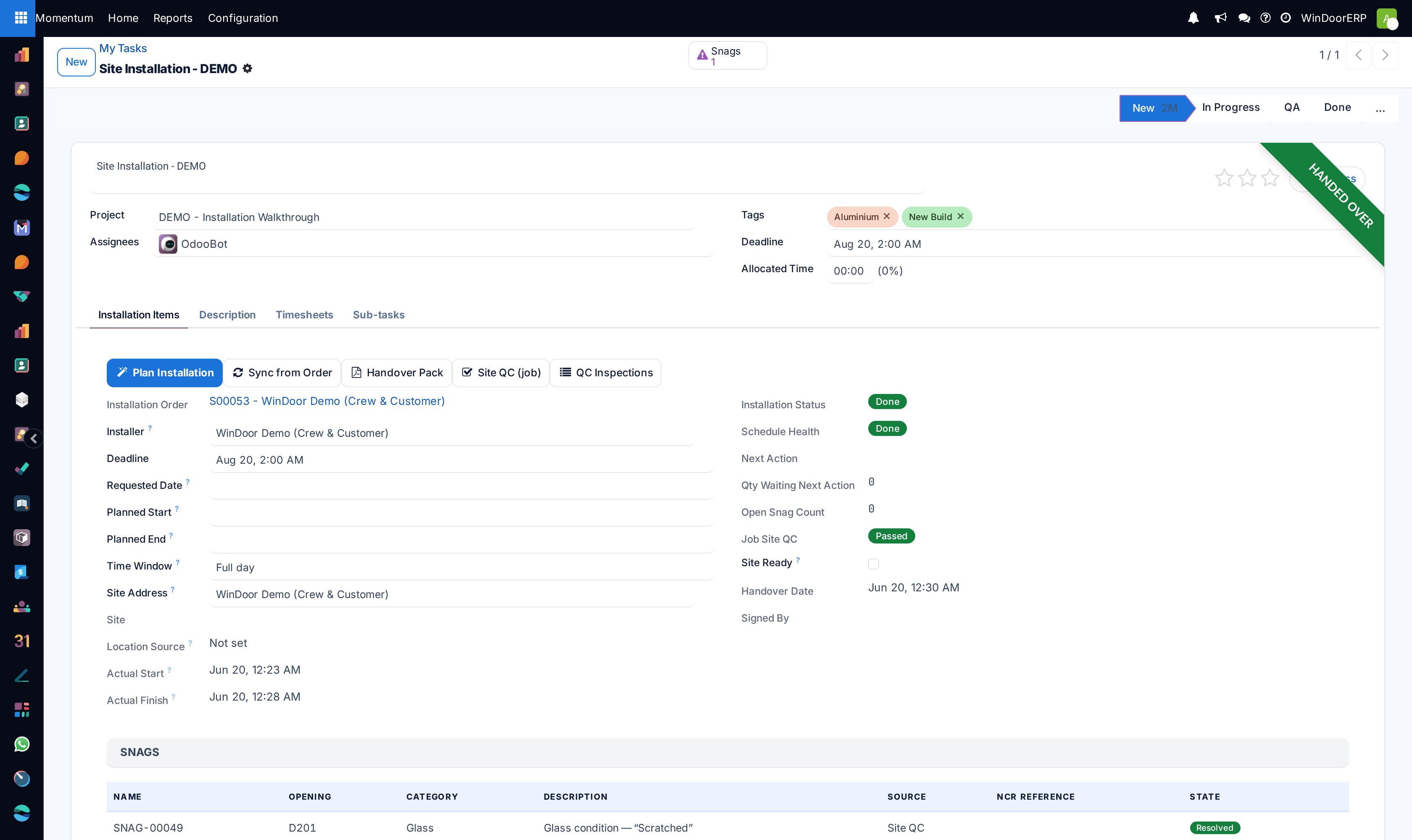
Open a task and click Start on the timesheet timer to record billable engineering hours.
-
04
Attach completed drawing PDFs or calculation spreadsheets and click Mark as Done.
Common mistakes
- Logging entire weekly work hours in a single lump-sum block on Thursday afternoon.
- Leaving timers running overnight by accident.
Was this article helpful?
Thanks — your feedback helps.
Running a window or door factory?
Ask for a demo