Execute mobile site surveys, installation checklists, quality audits, and surveyor tracking
What this does
Provides a mobile-first field portal for site surveyors, installation foremen, and QC inspectors to log laser opening measurements, upload site photos, verify snag checklists, and track field team performance.
Before you start
- Assigned field surveyor or installation team user account.
Steps
Important
Completing mobile QC checklists at the site prevents unverified submittal claims and protects both customer and company rights.
-
01
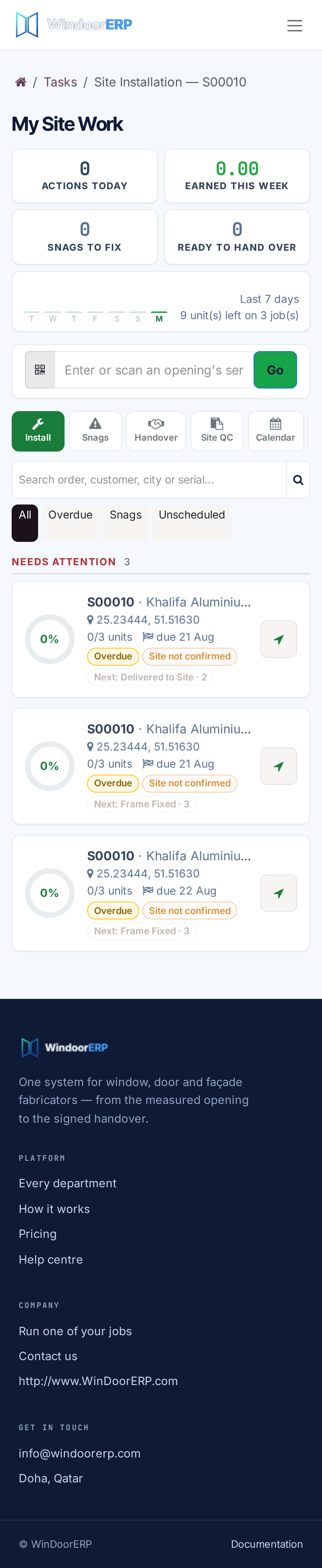
Surveyors and site foremen access the mobile field portal on smartphone or tablet.
-
02
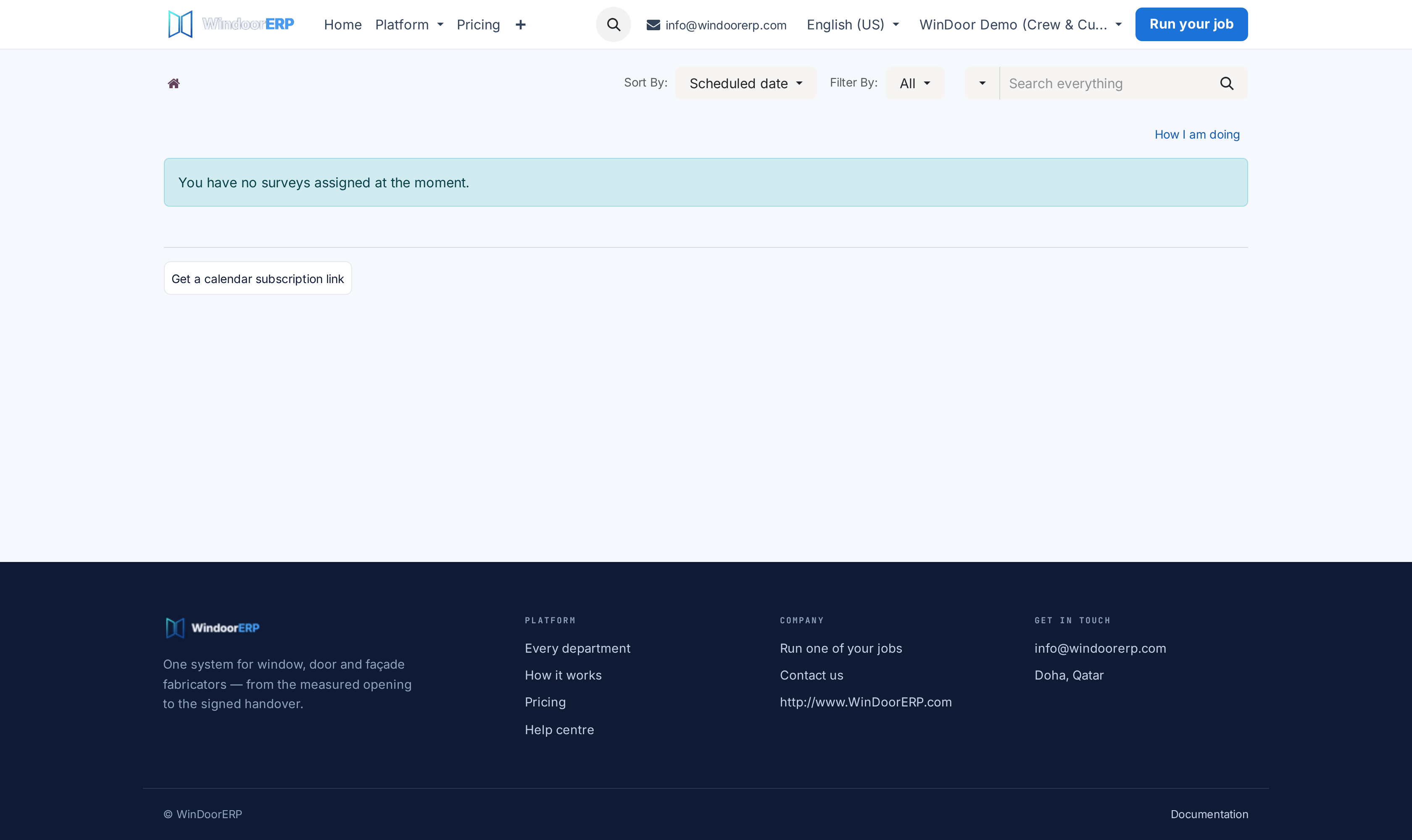
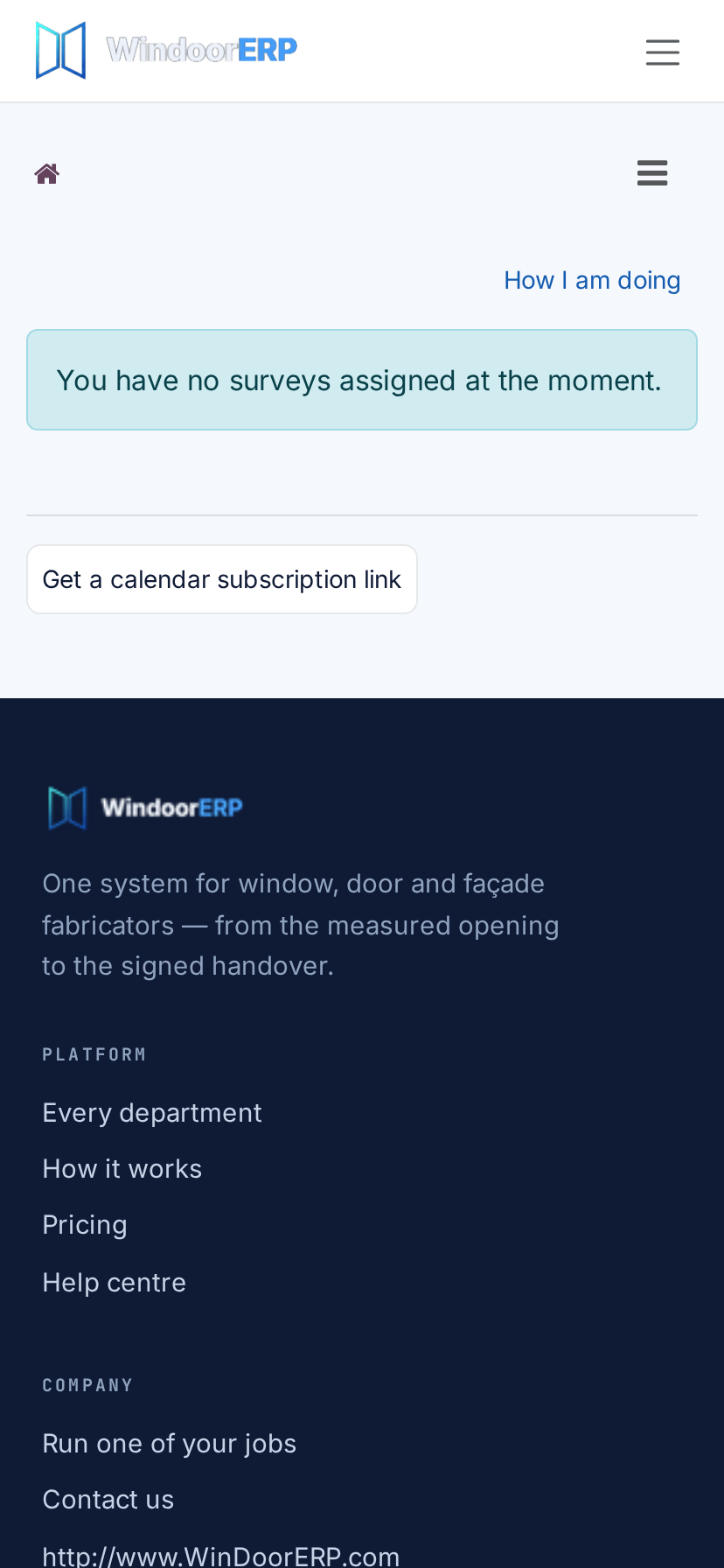
Open Site Surveys Field Portal to view daily scheduled site visits and capture millimeter wall opening dimensions.
-
03
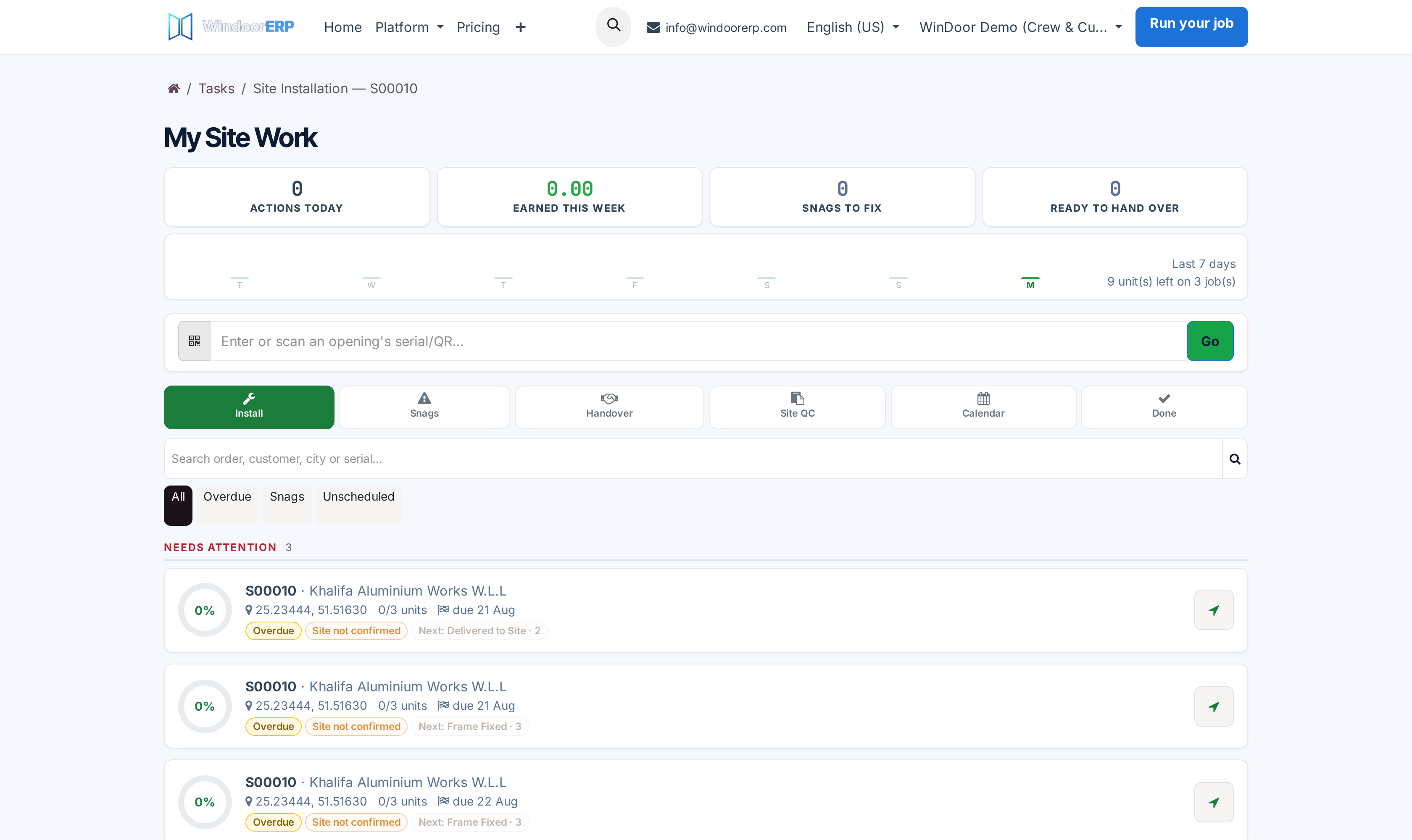
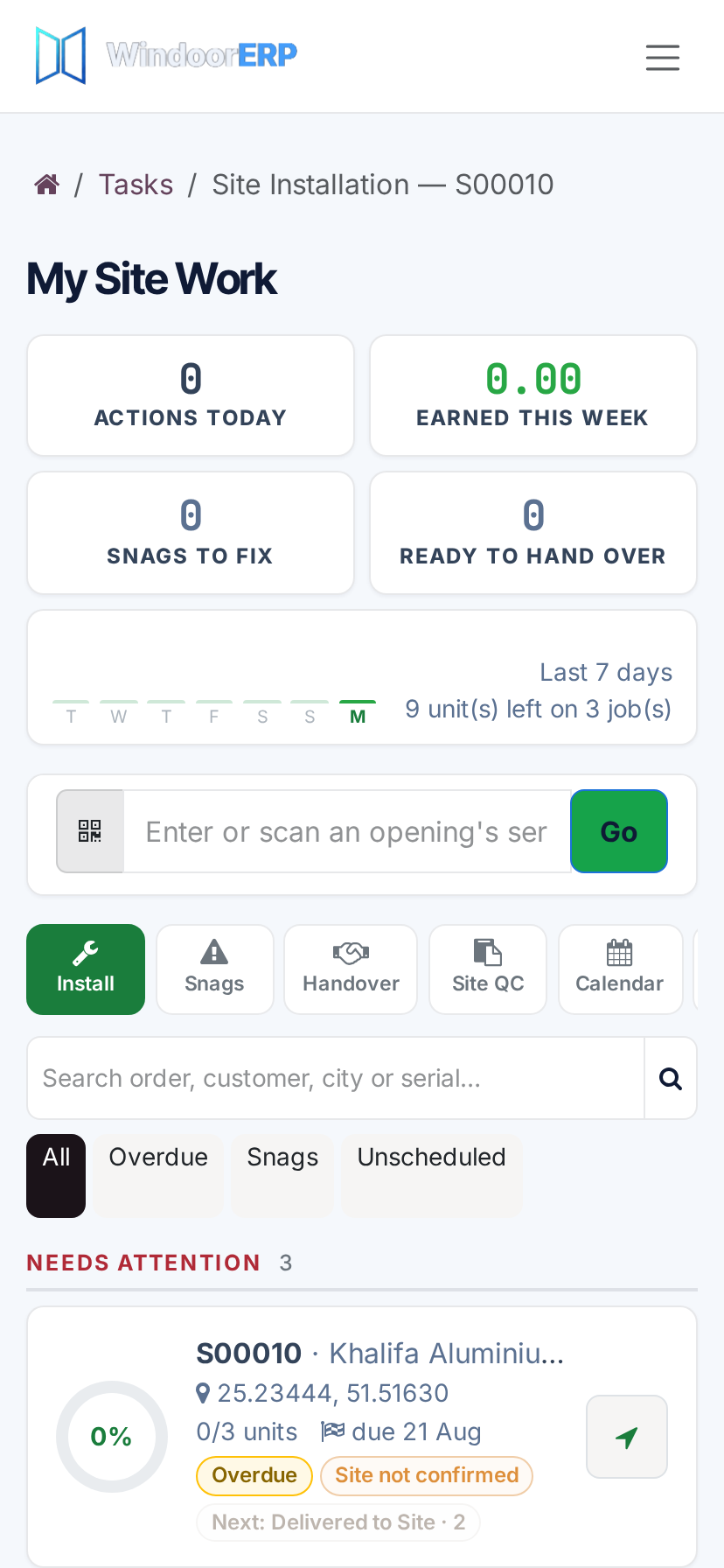
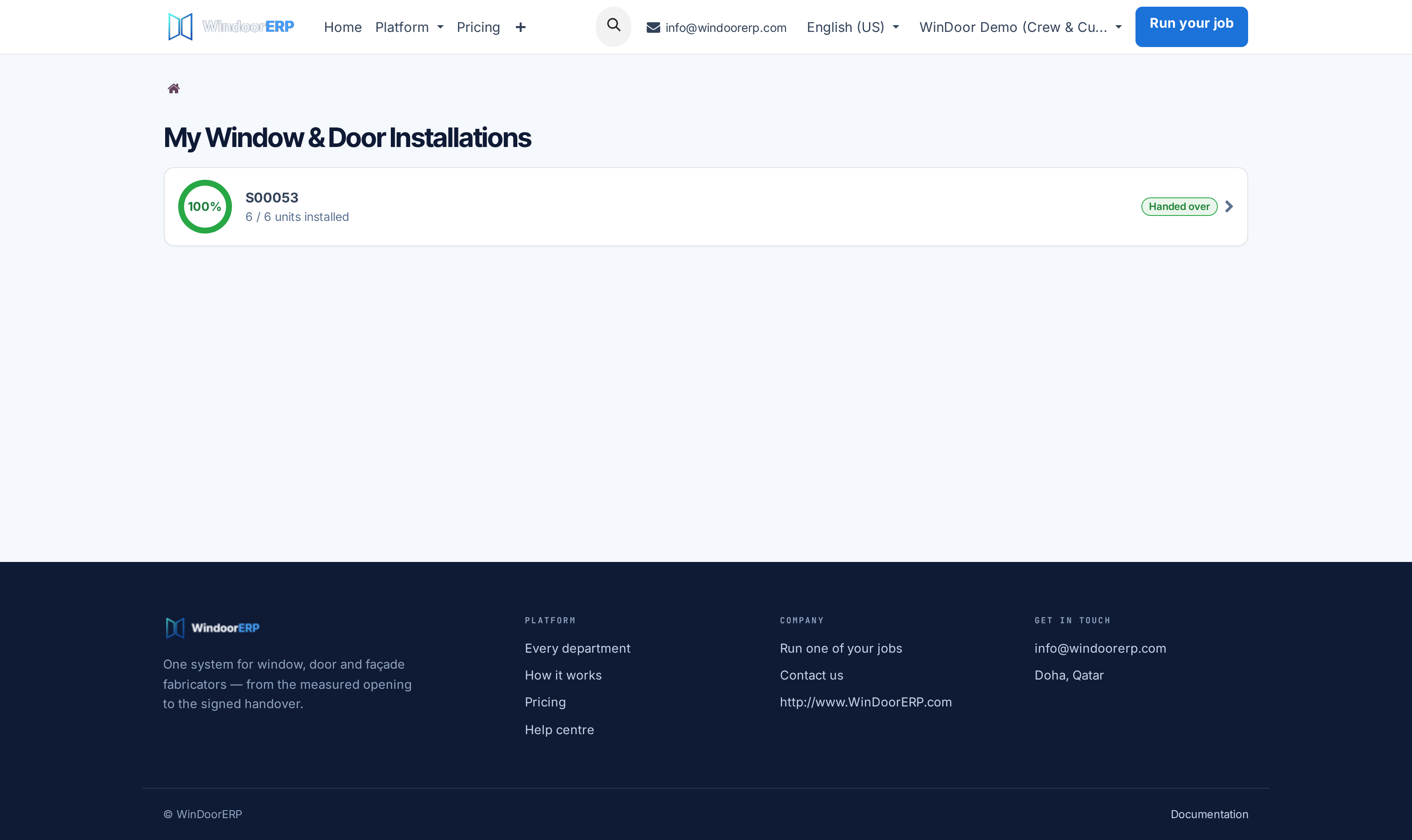
Open My Installations and Installation Status to view delivery lots and mark installed window units.
-
04
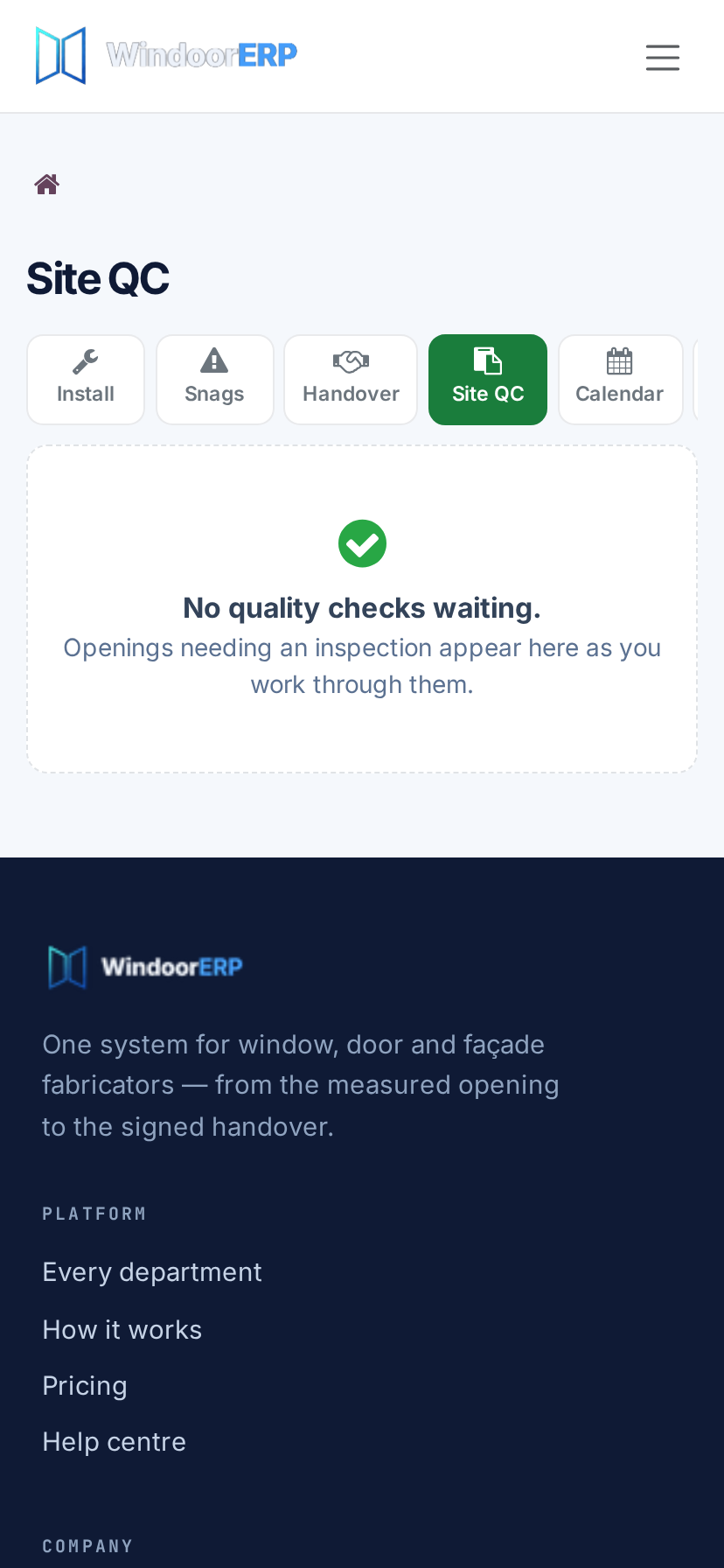
Complete Installation QC (Mobile) checklists with photo evidence to certify structural anchoring and weather seals.
-
05
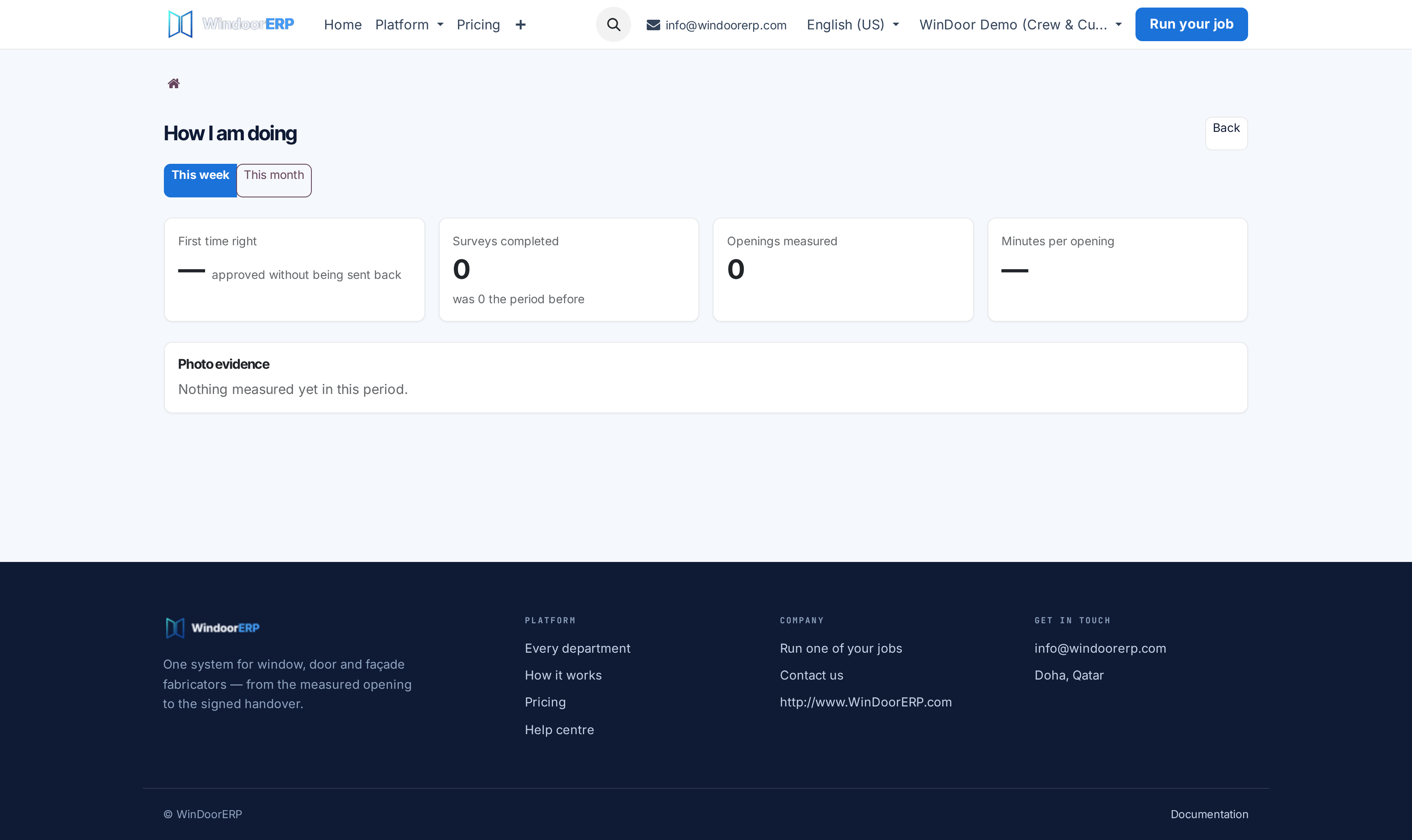
Managers monitor field operations in Surveyor Performance dashboard.
Common mistakes
- Entering opening survey measurements on scrap paper instead of submitting directly to the mobile portal on site.
- Marking installation tasks complete without uploading the mandatory signed site handover photo.
Was this article helpful?
Thanks — your feedback helps.
Running a window or door factory?
Ask for a demo