Conduct sales performance analysis, revenue trends, and gross margin audits
What this does
Delivers macro-level business intelligence into total company revenue, quarterly growth rates, gross margins, and order fulfillment volume across all manufacturing lines.
Before you start
- Sales Manager or Executive access.
Steps
Important
Auditing Margin (%) alongside Total Revenue ensures aggressive revenue targets do not erode bottom-line profitability.
-
01
Open Sales › Reporting › Sales.
-
02
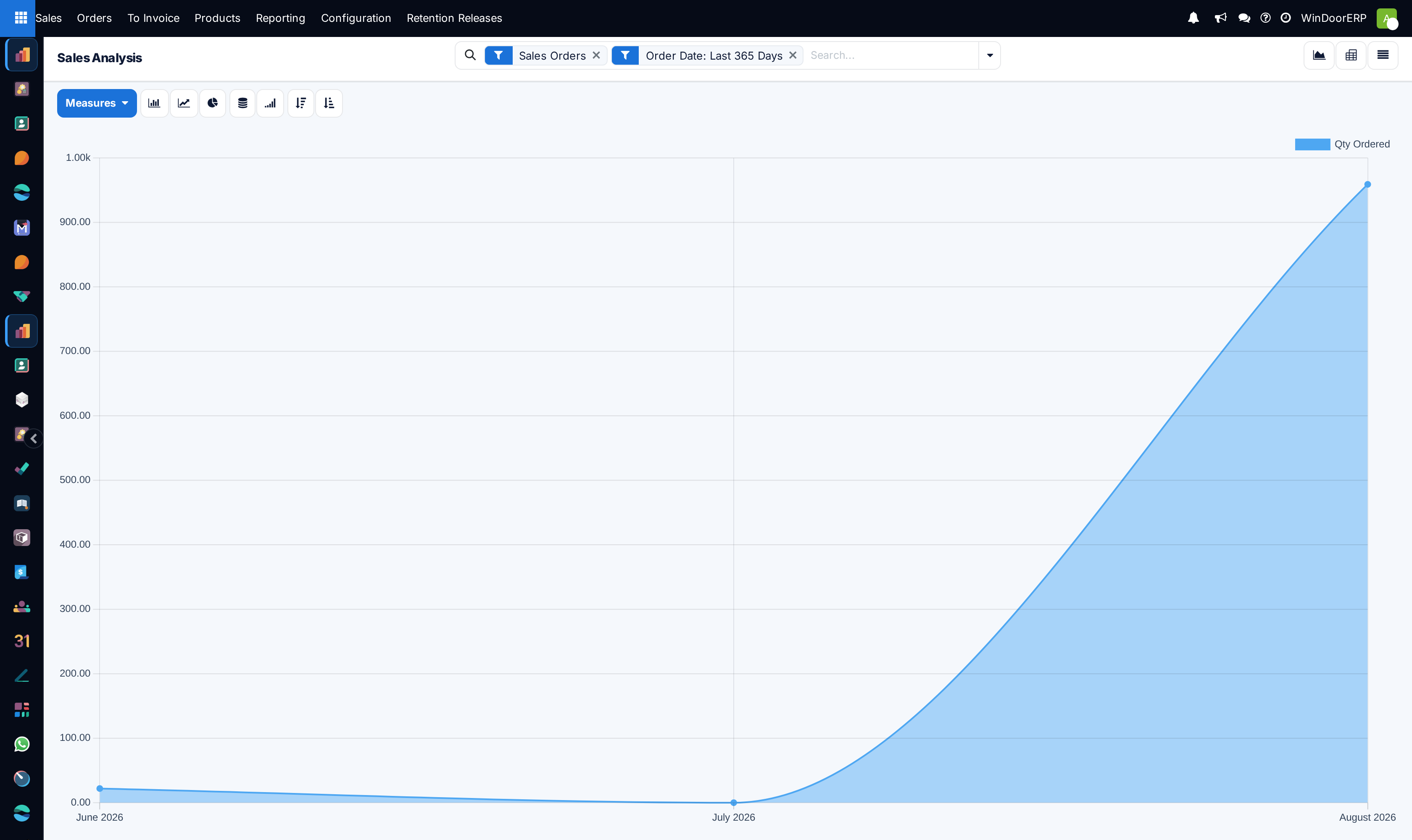
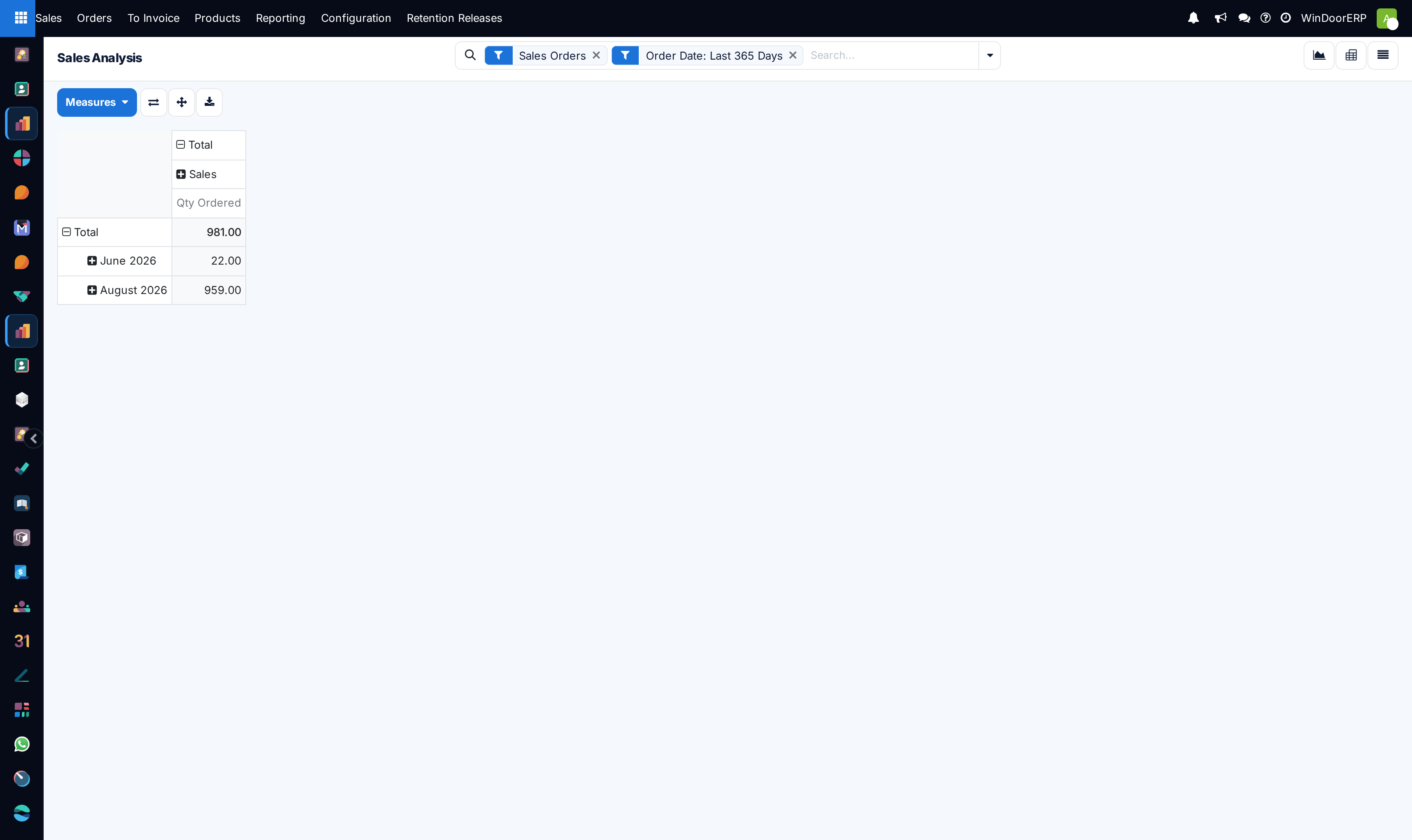
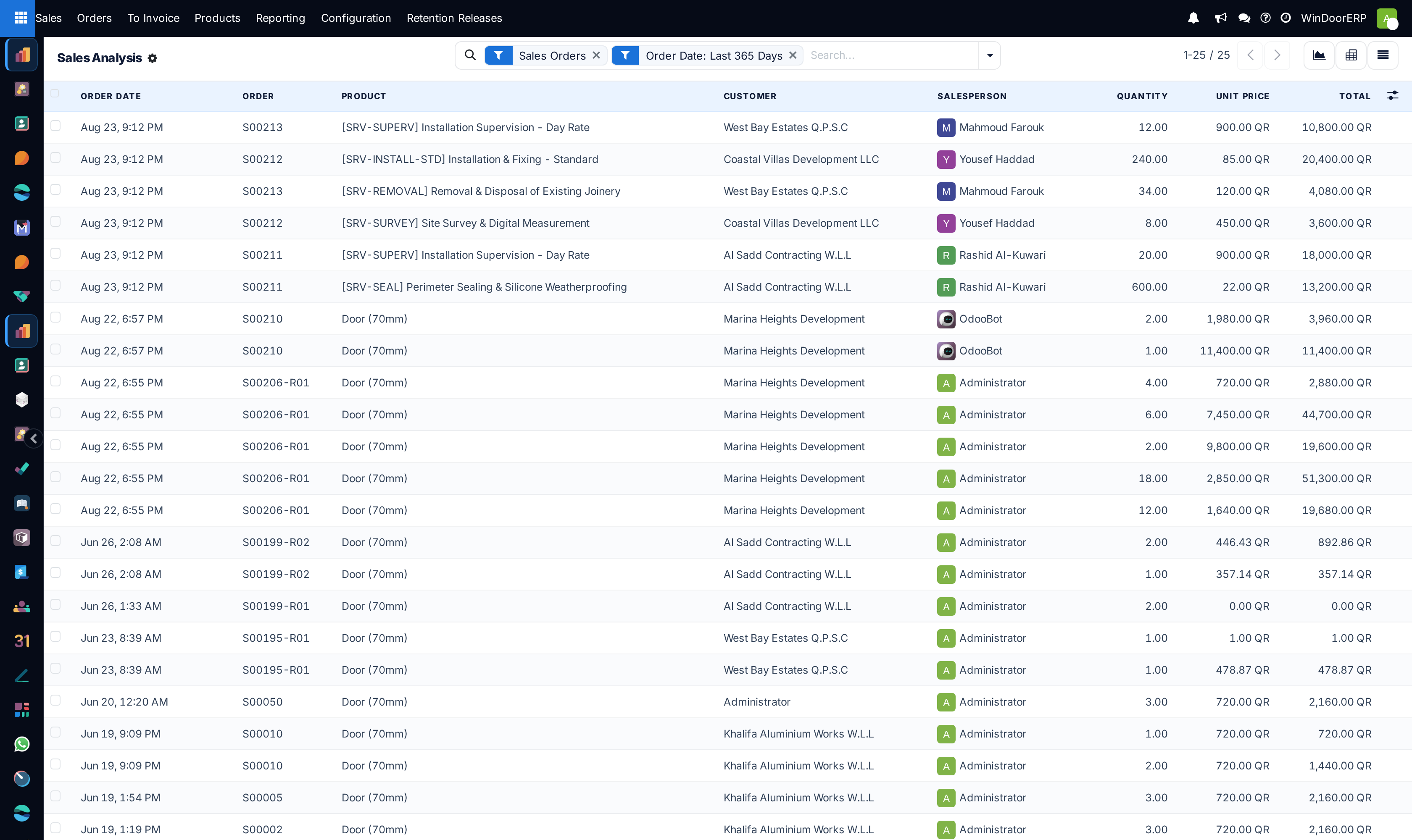
Toggle between Graph, Pivot, and List views.
-
03
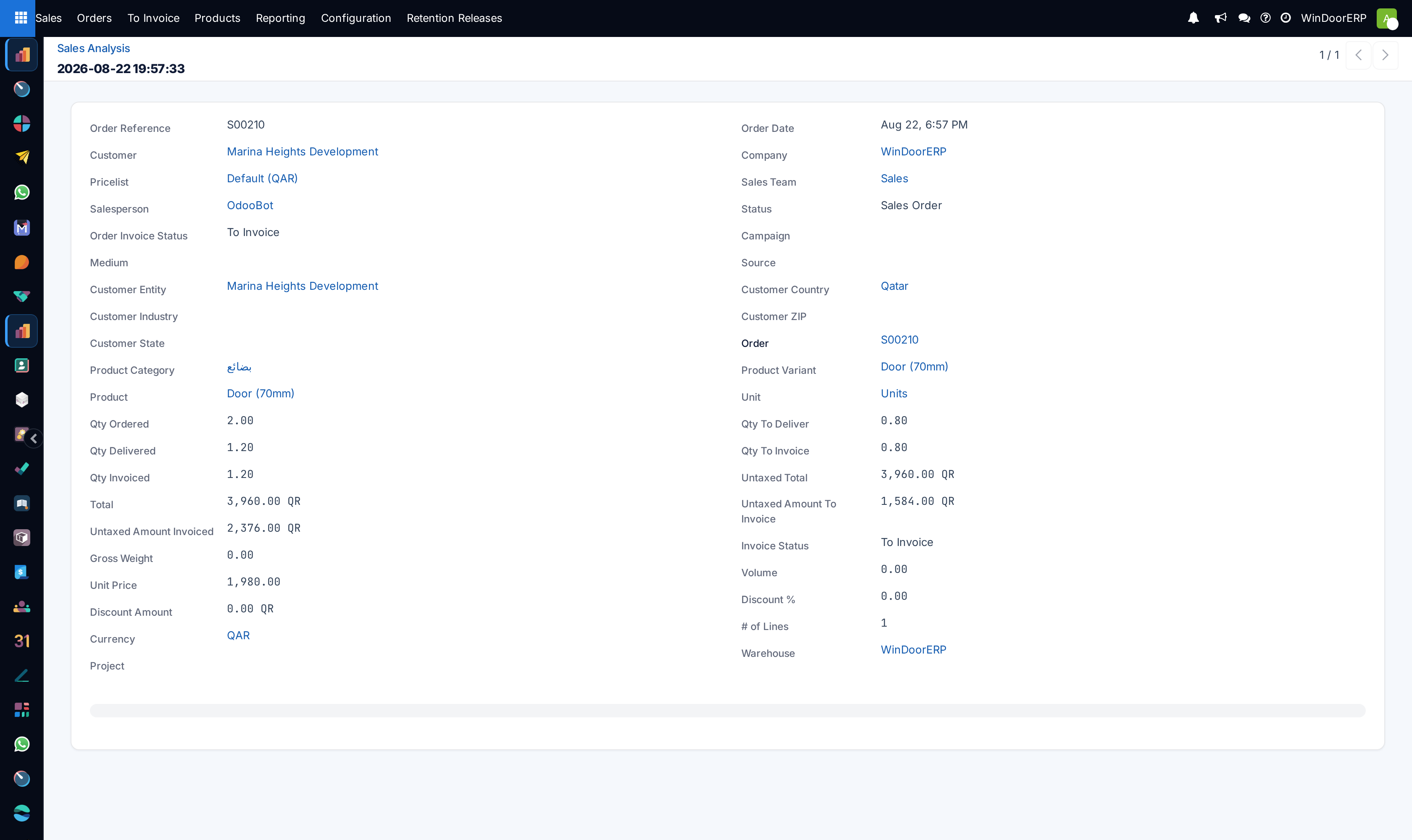
Select Measures: analyze Untaxed Total, Margin, Margin (%), and Average Order Value.
-
04
Compare year-over-year sales performance across fiscal quarters.
Common mistakes
- Relying on gross invoiced numbers without deducting contract retention deductions.
- Not filtering out internal sample and showroom orders from executive revenue reports.
Was this article helpful?
Thanks — your feedback helps.
Running a window or door factory?
Ask for a demo