Process extrusion and glass supplier bills, 3-way matching, payments, and vendor refunds
What this does
Processes supplier bills for raw aluminum billets, custom extruded profiles, and glass panels, enforcing 3-way purchase matching against received goods notes and scheduling outgoing payments.
Before you start
- Purchase order confirmed and goods received at warehouse.
Steps

Important
Enforcing 3-Way Matching blocks payment authorizations for damaged glass panels or short-shipped extrusion bars until credit notes are received.
-
01
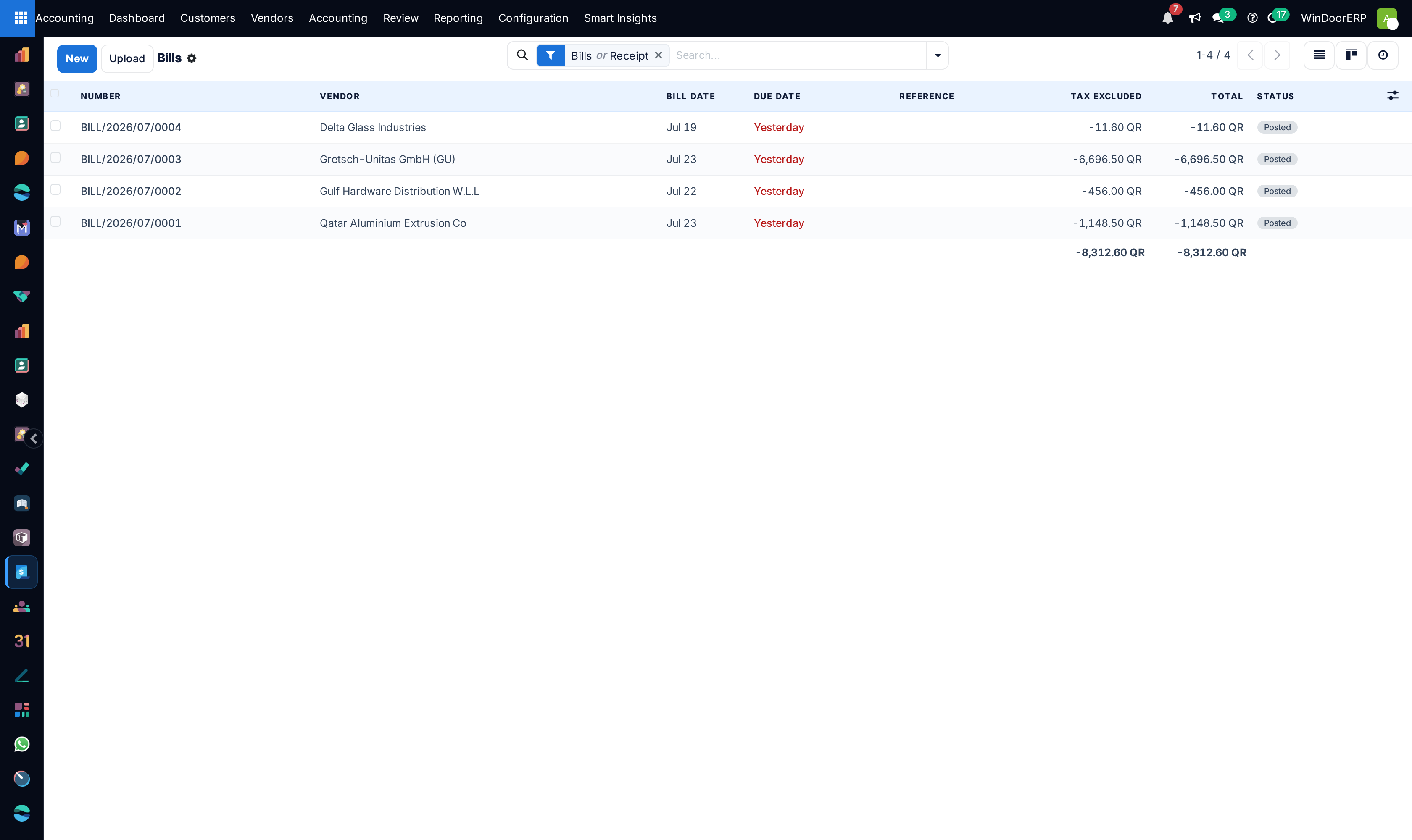
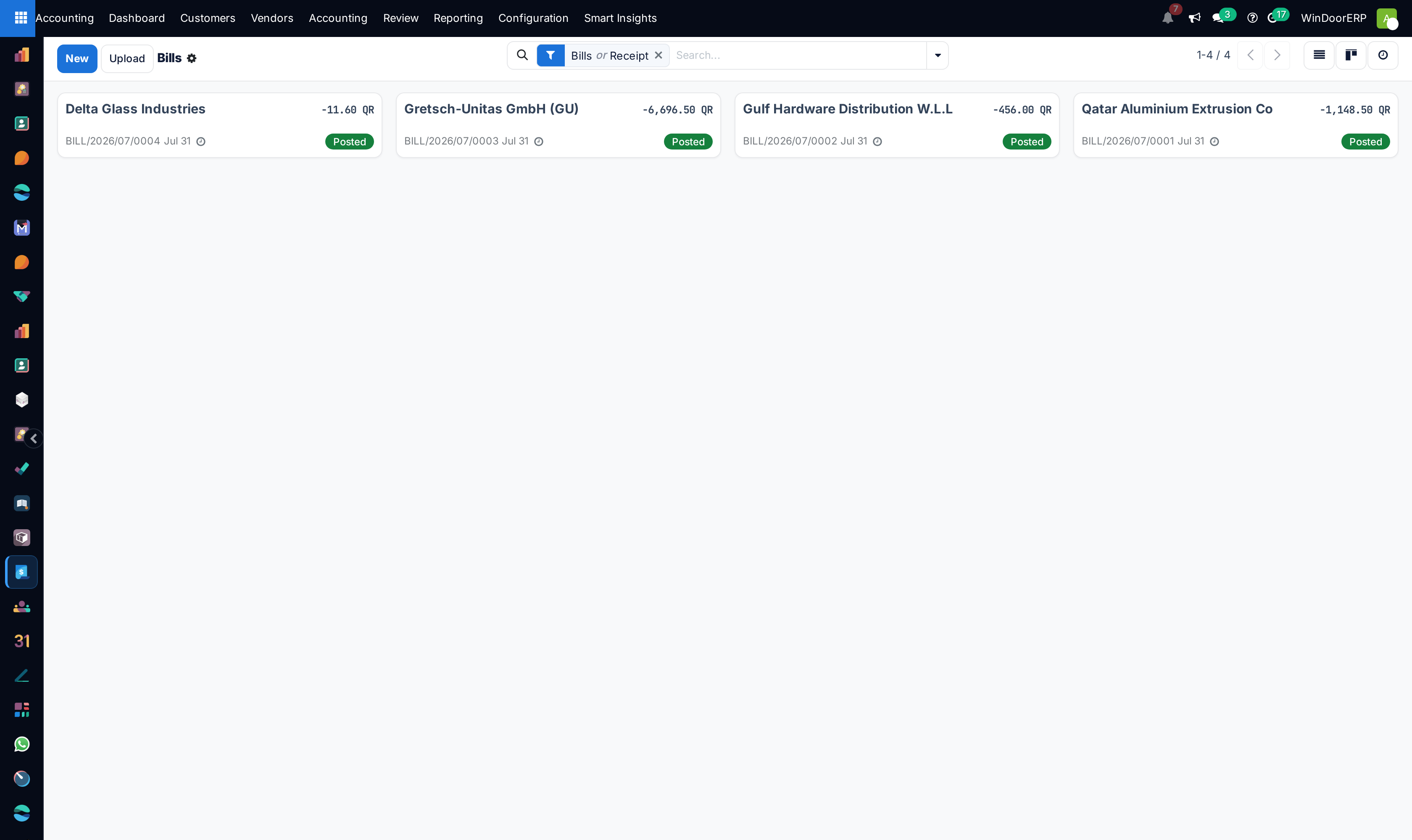
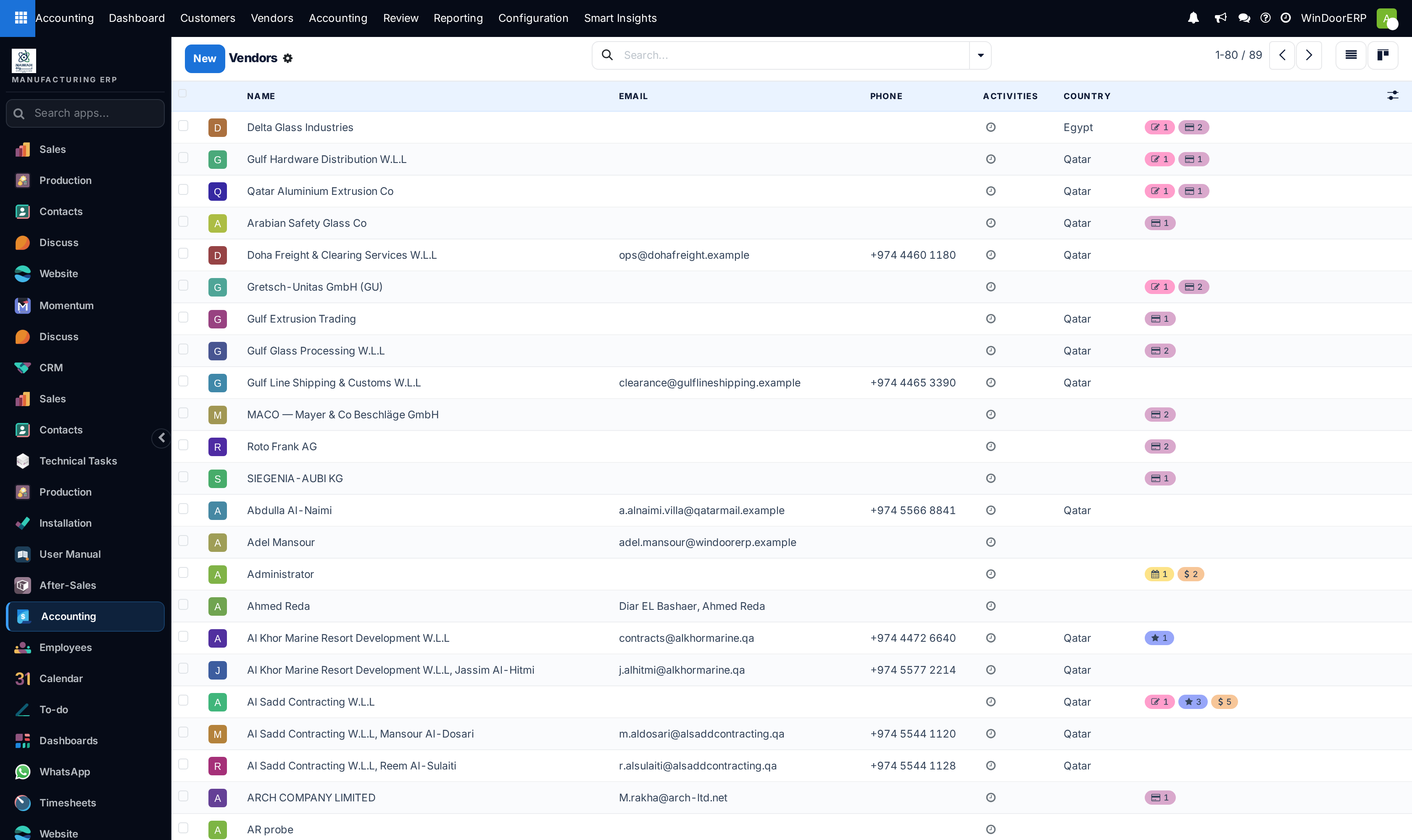
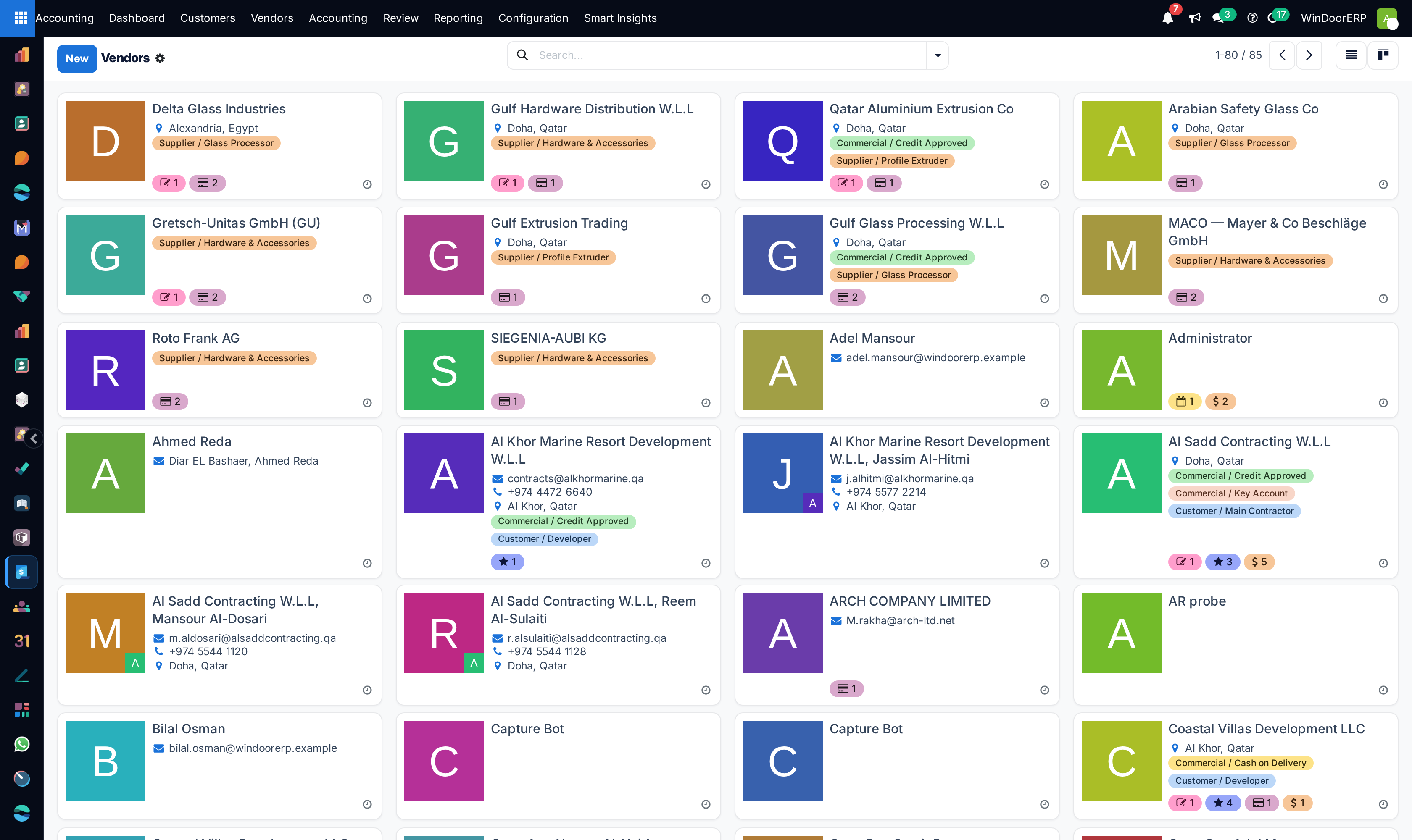
Open Accounting › Vendors › Bills and click New (or generate directly from the Purchase Order).
-
02
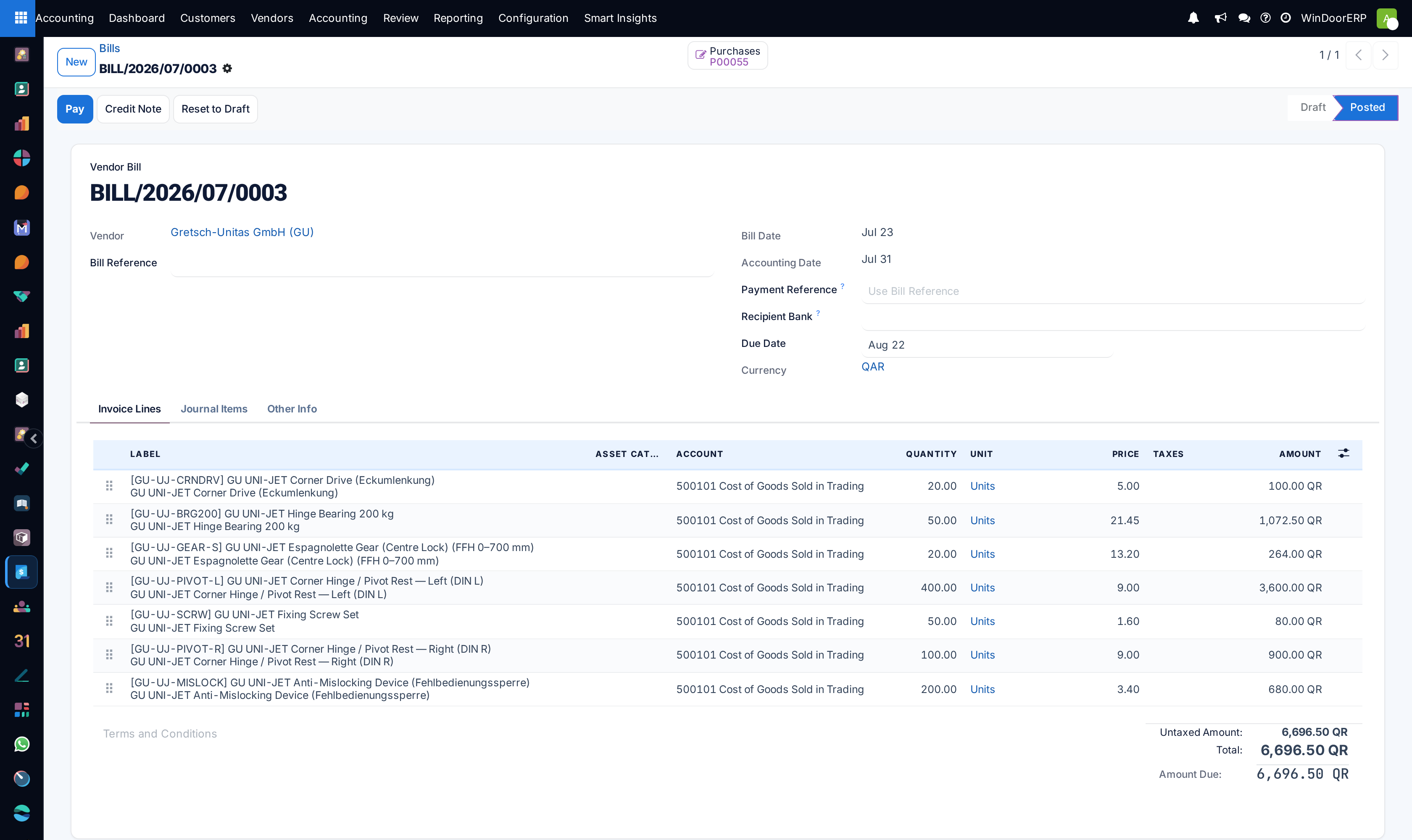
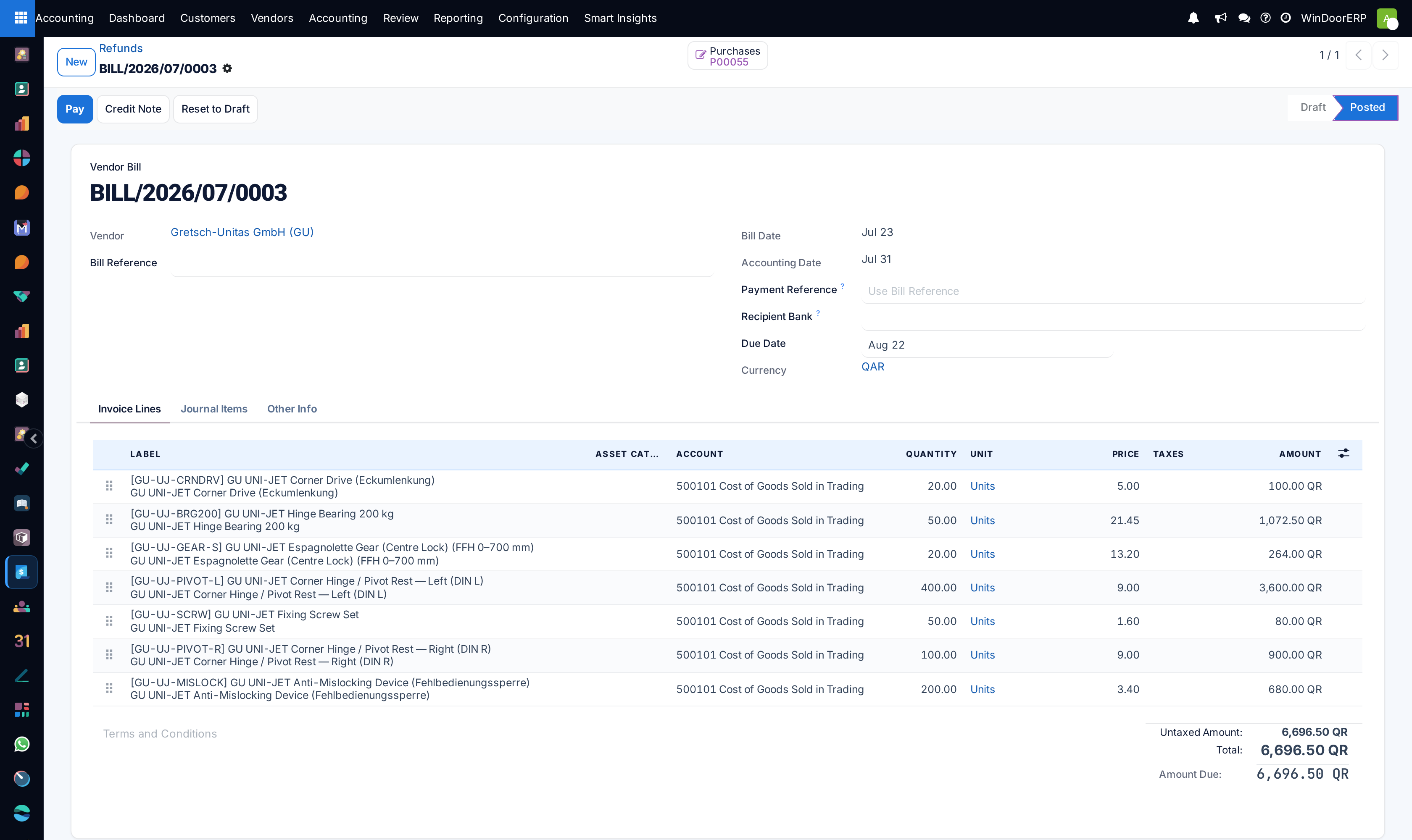
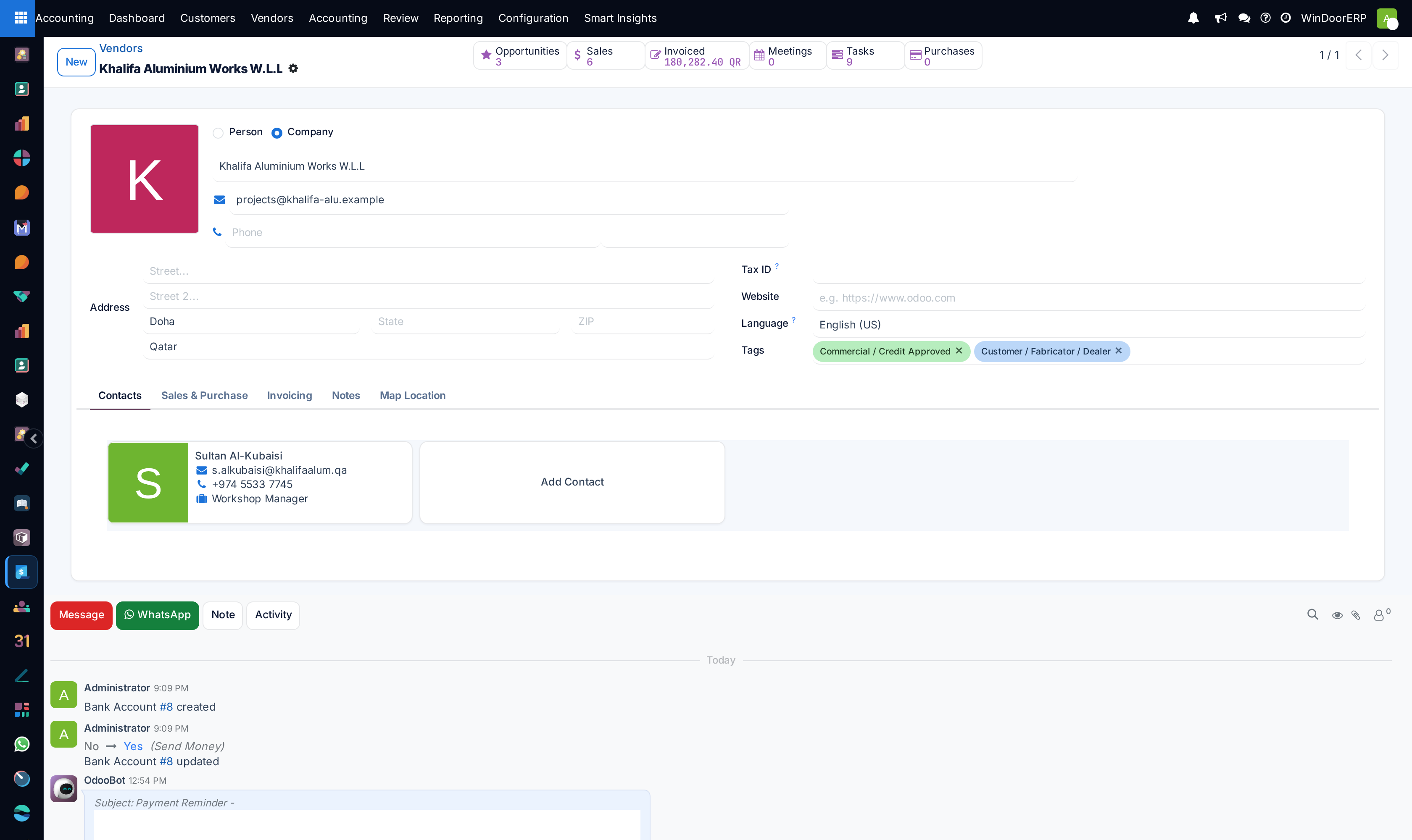
Select the Vendor and choose the Purchase Order to auto-complete received quantities, unit prices, and metal surcharges.
-
03
Verify the vendor tax invoice number, bill date, and accounting journal.
-
04
Click Confirm to post the bill and generate payable journal entries.
-
05
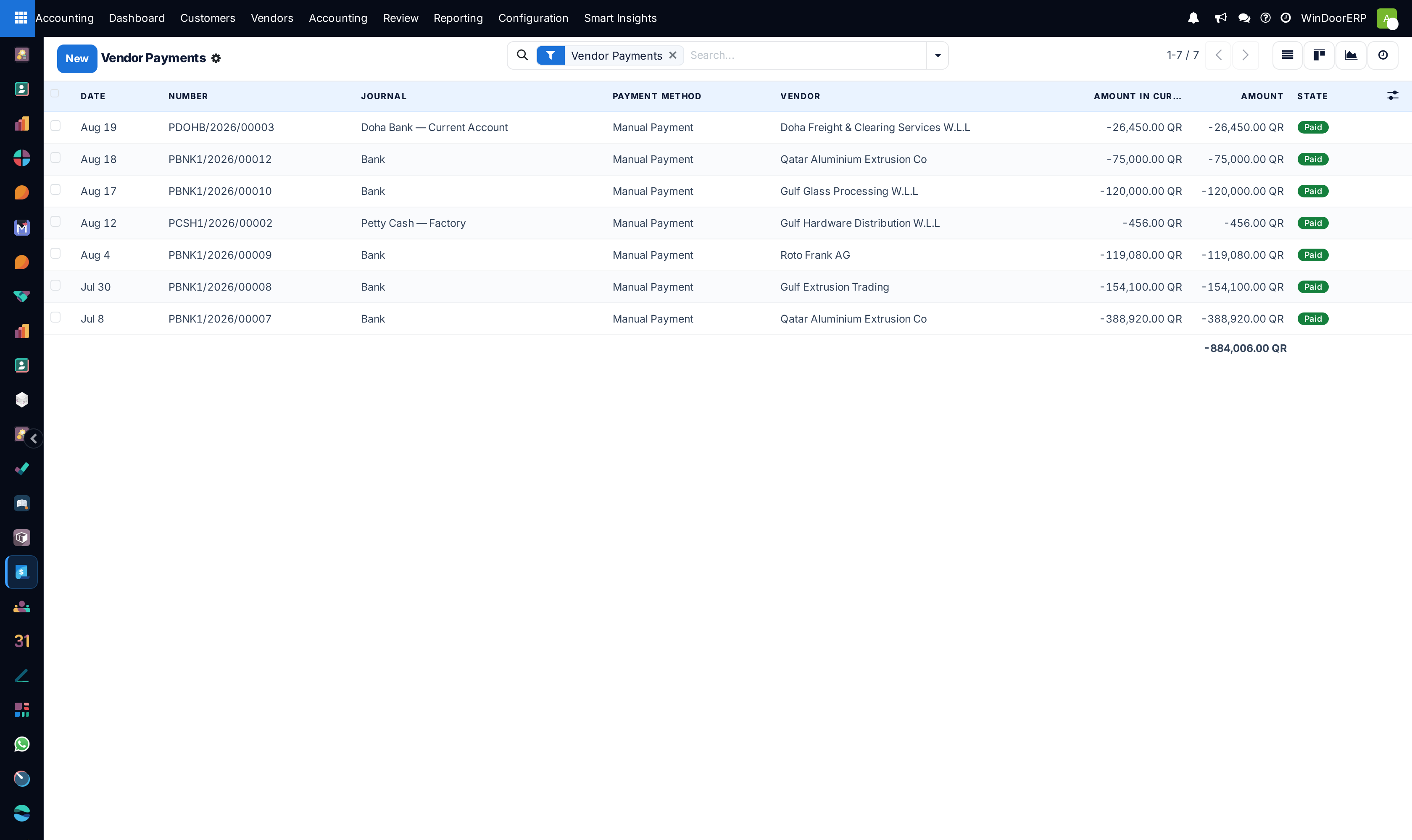
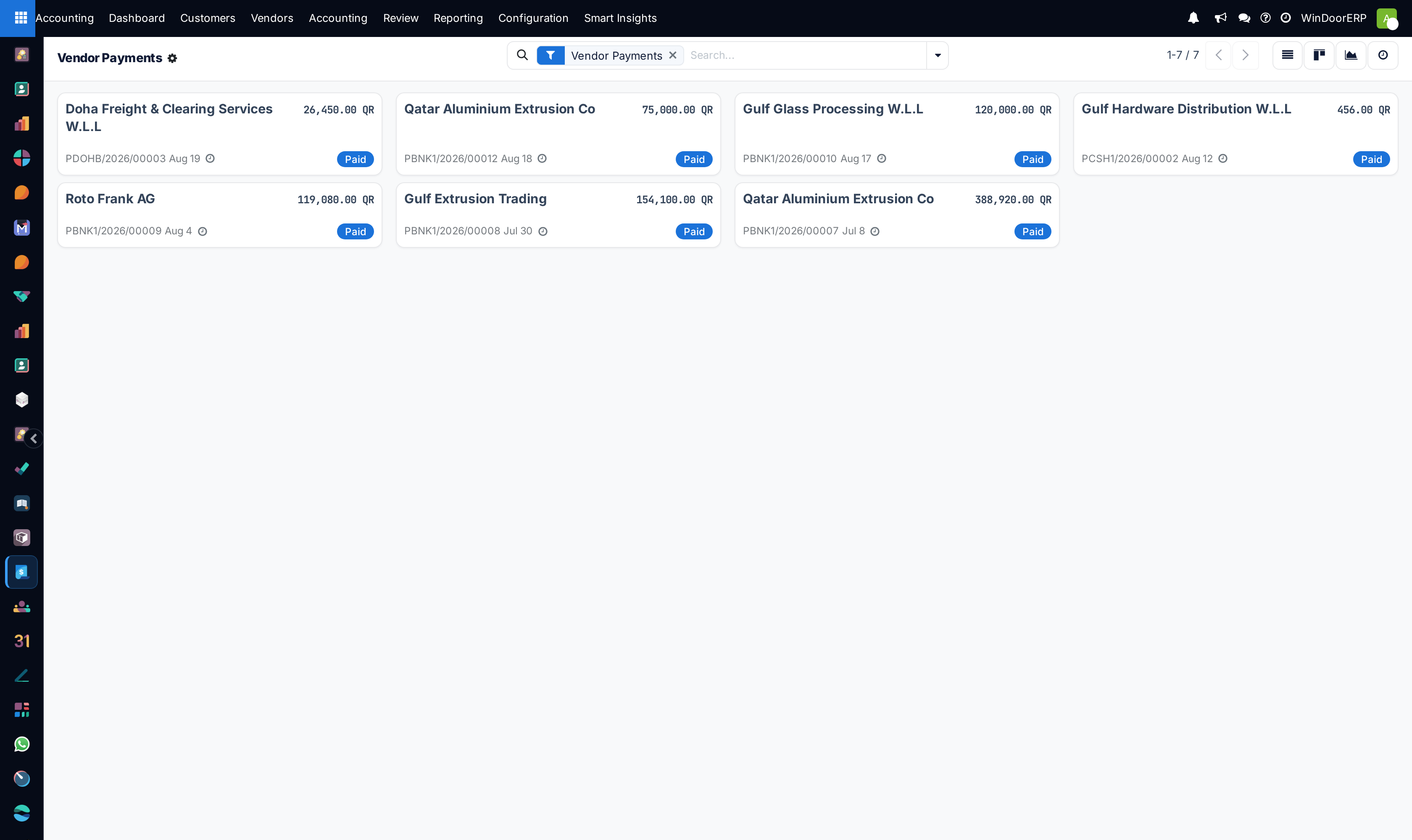
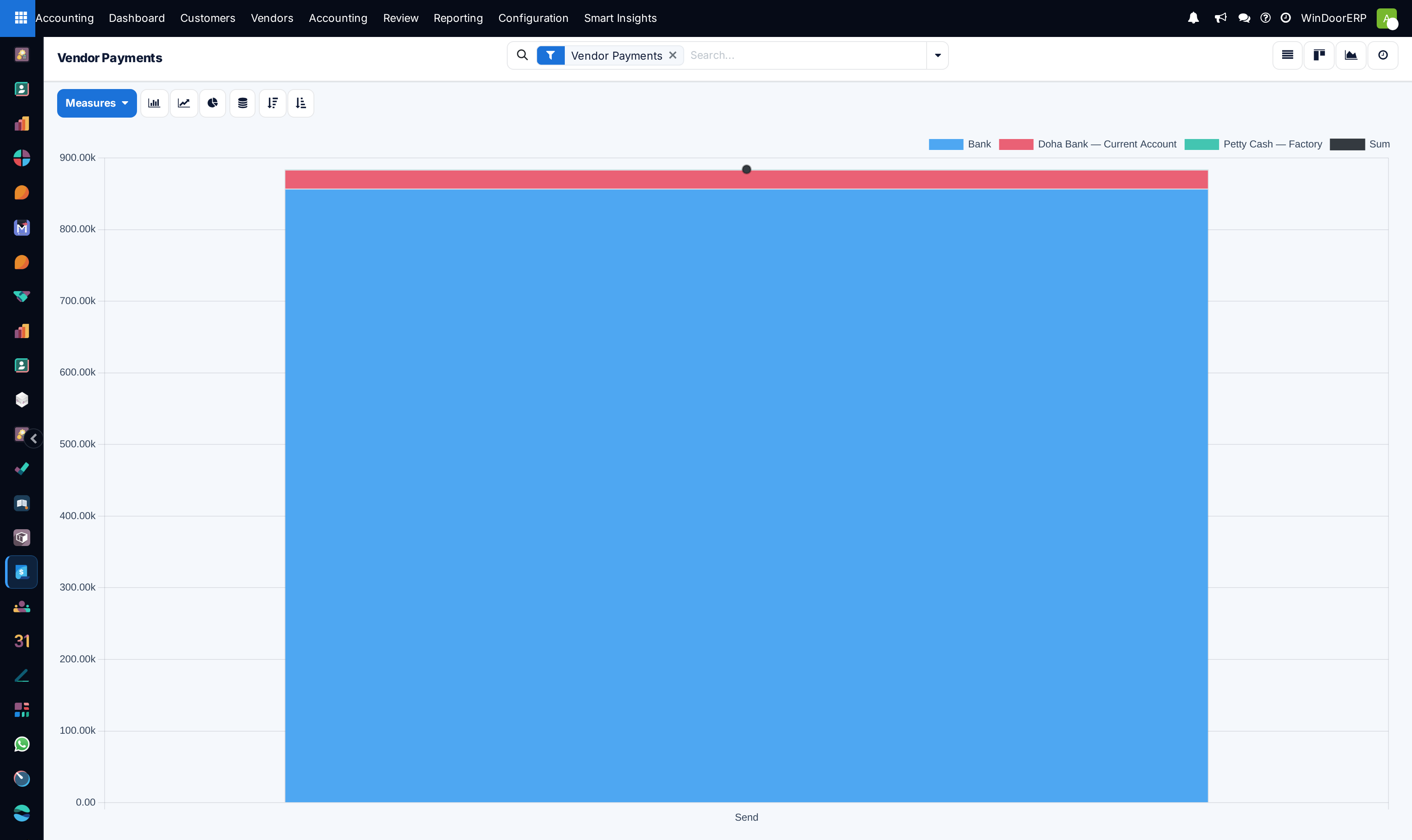
To disburse supplier funds, open Vendors › Payments, register the bank transfer, and print the payment voucher.
-
06
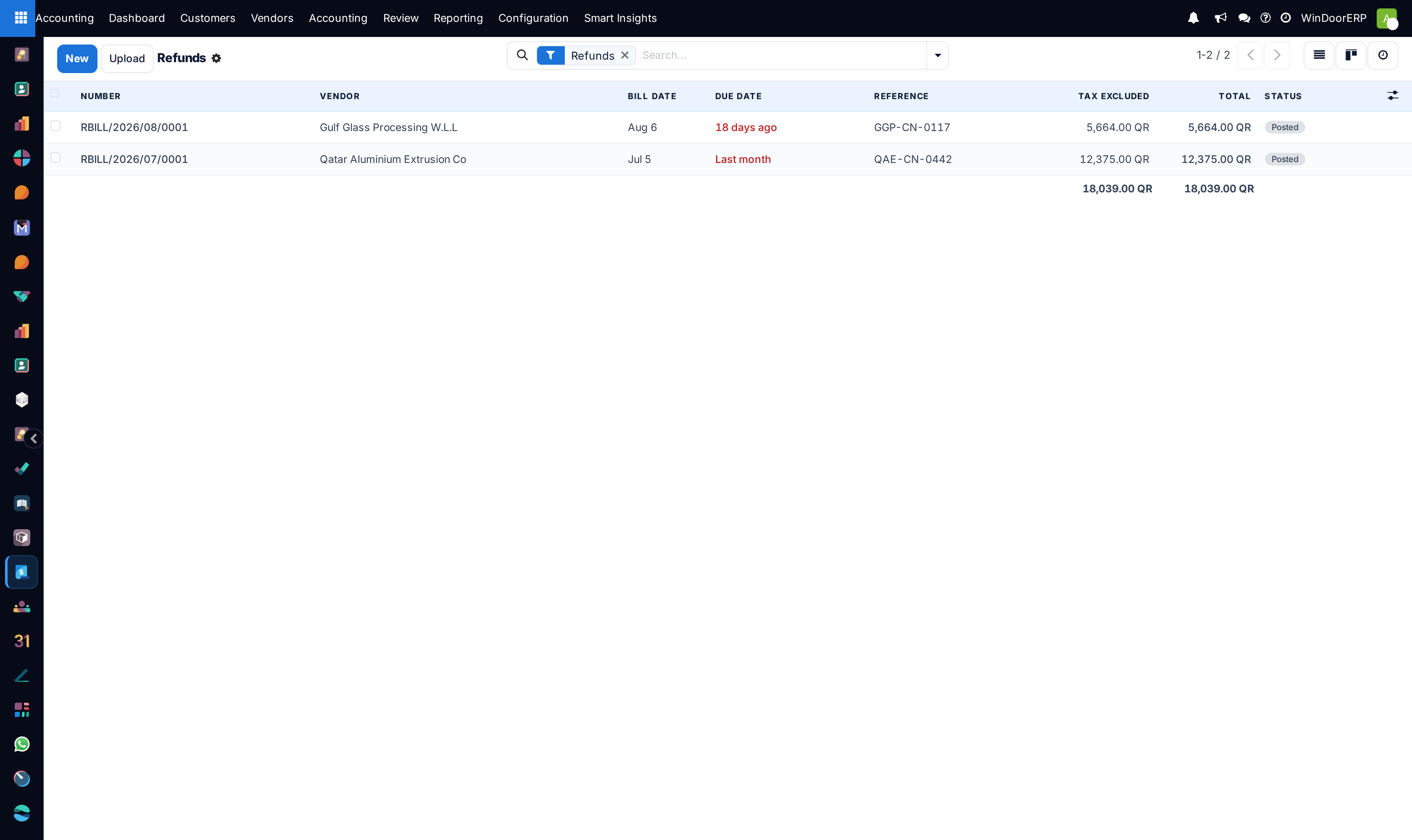
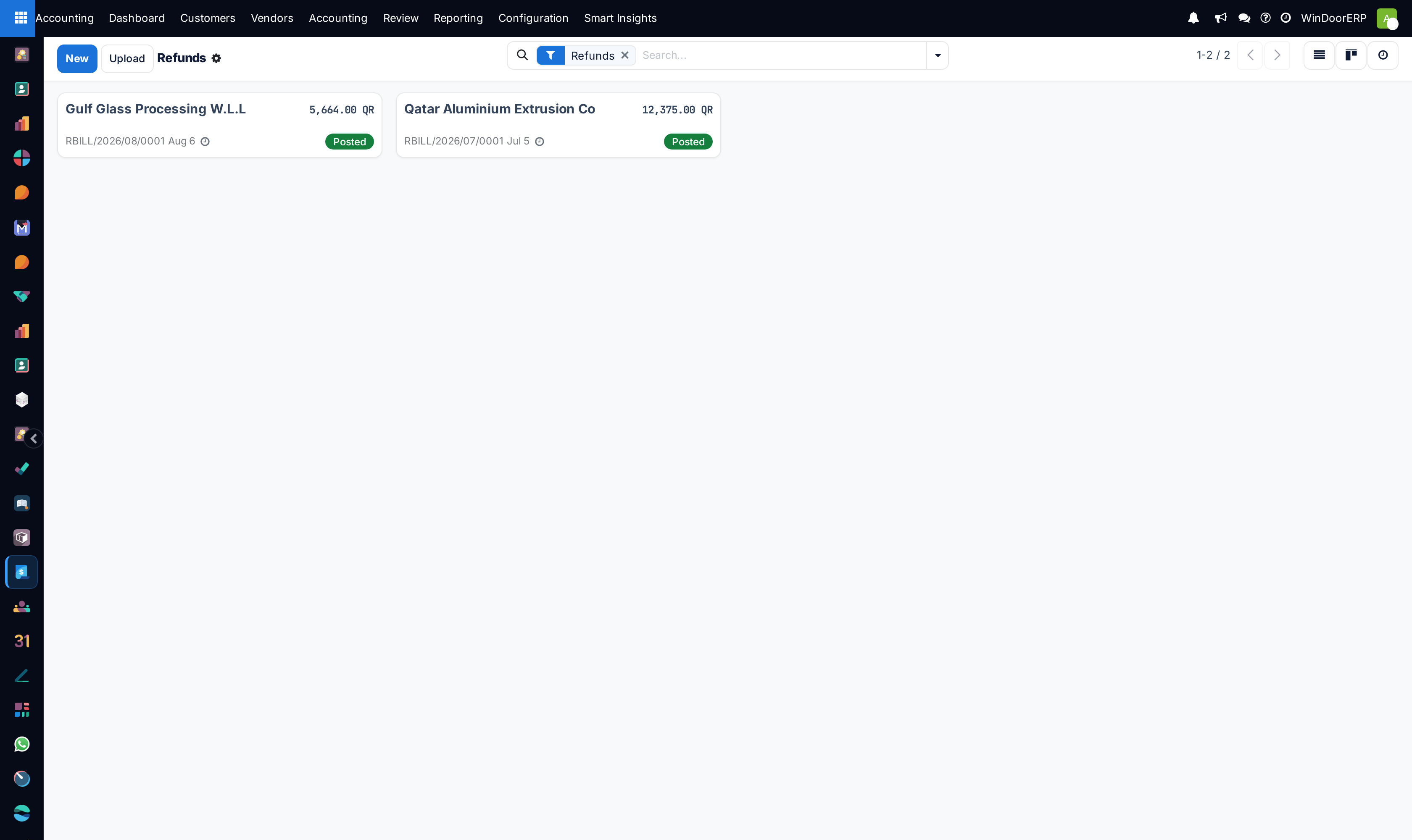
Process purchase returns and debit adjustments under Vendors › Refunds.
Common mistakes
- Confirming vendor bills without recording the vendor official tax invoice number.
- Paying vendor bills without matching against goods receipt notes (GRNs).
Was this article helpful?
Thanks — your feedback helps.
Running a window or door factory?
Ask for a demo