Create parametric fenestration quotations, organize floor sections, and manage optional upsells
What this does
Guides sales engineers through creating comprehensive parametric window and door quotations, breaking down window schedules by building elevation/floor, configuring optional upselling items, and delivering proposals via the interactive online customer portal.
Before you start
- Sales Representative or Sales Manager access.
Steps
Important
Items listed in the Optional Products tab do not affect the base total until the customer checks them during online portal review.
-
01
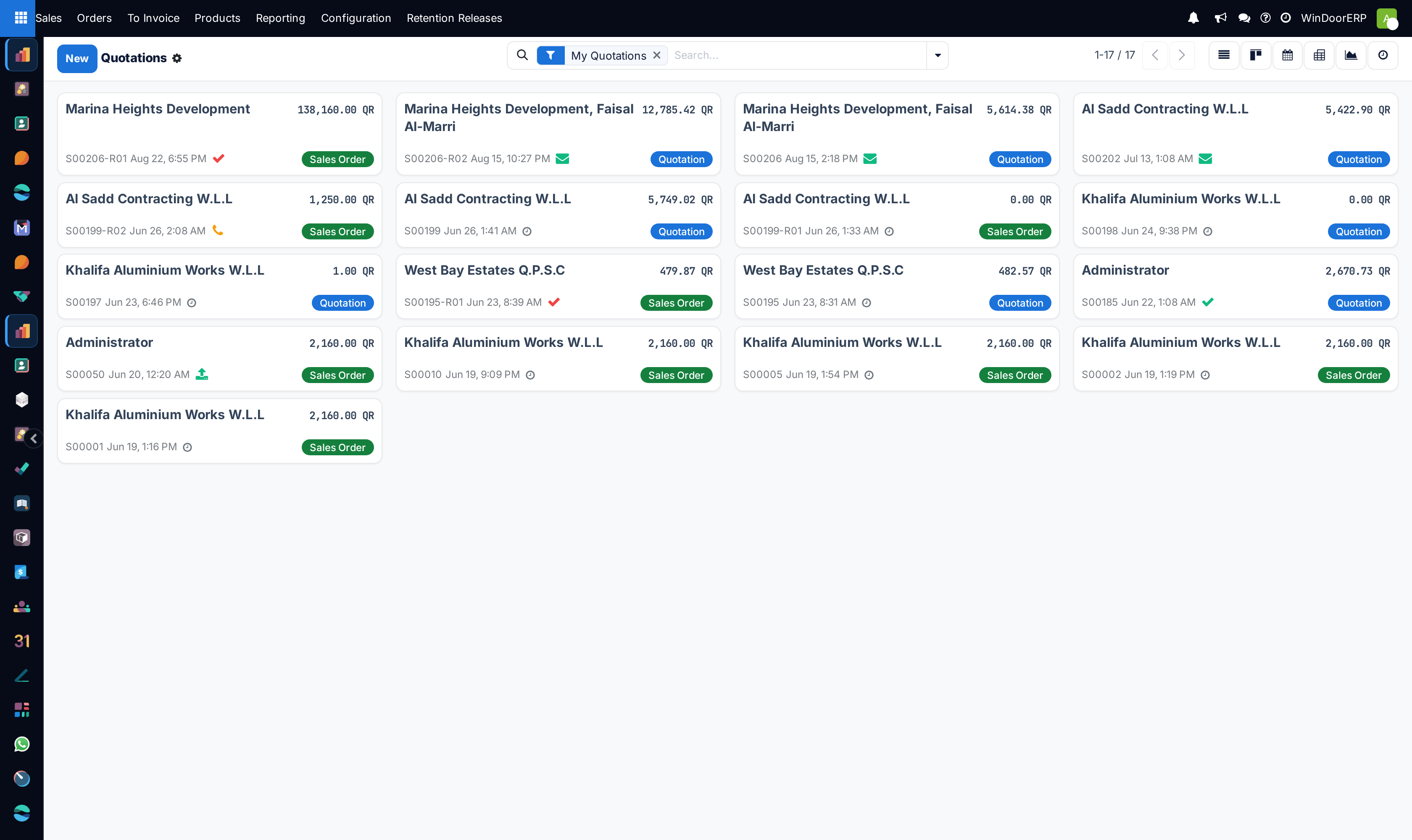
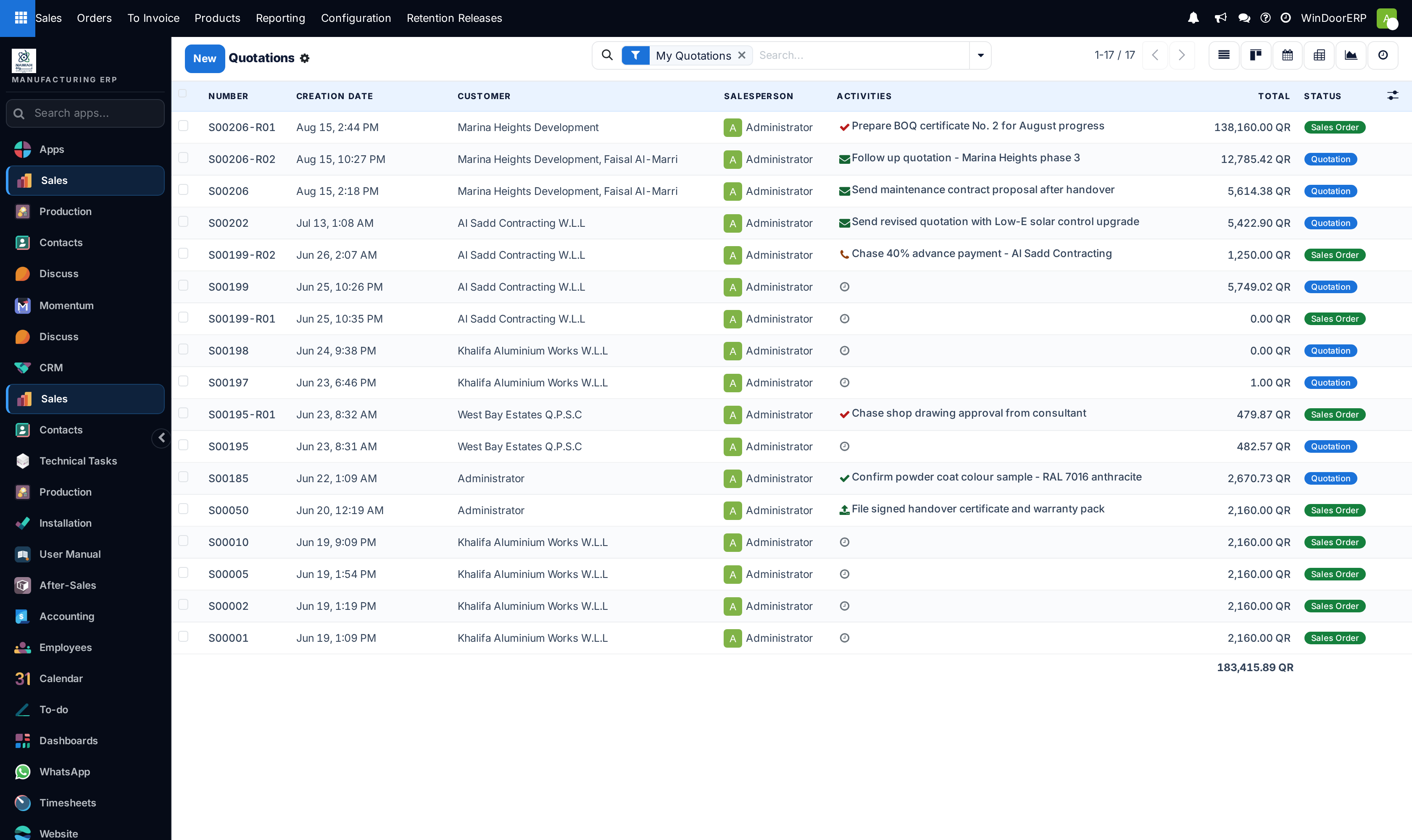
Open Sales › Orders › Quotations and click New to open the quotation builder.
-
02
Select the Customer; the system automatically fills Invoice Address, Delivery Address, and default Pricelist.
-
03
Set the Expiration Date (Quotation Deadline) to protect margins against raw material price volatility.
-
04
Select a Quotation Template (e.g. Luxury Villa Package or Commercial Facade Submittal) to pre-populate standard terms and PDF brochures.
-
05
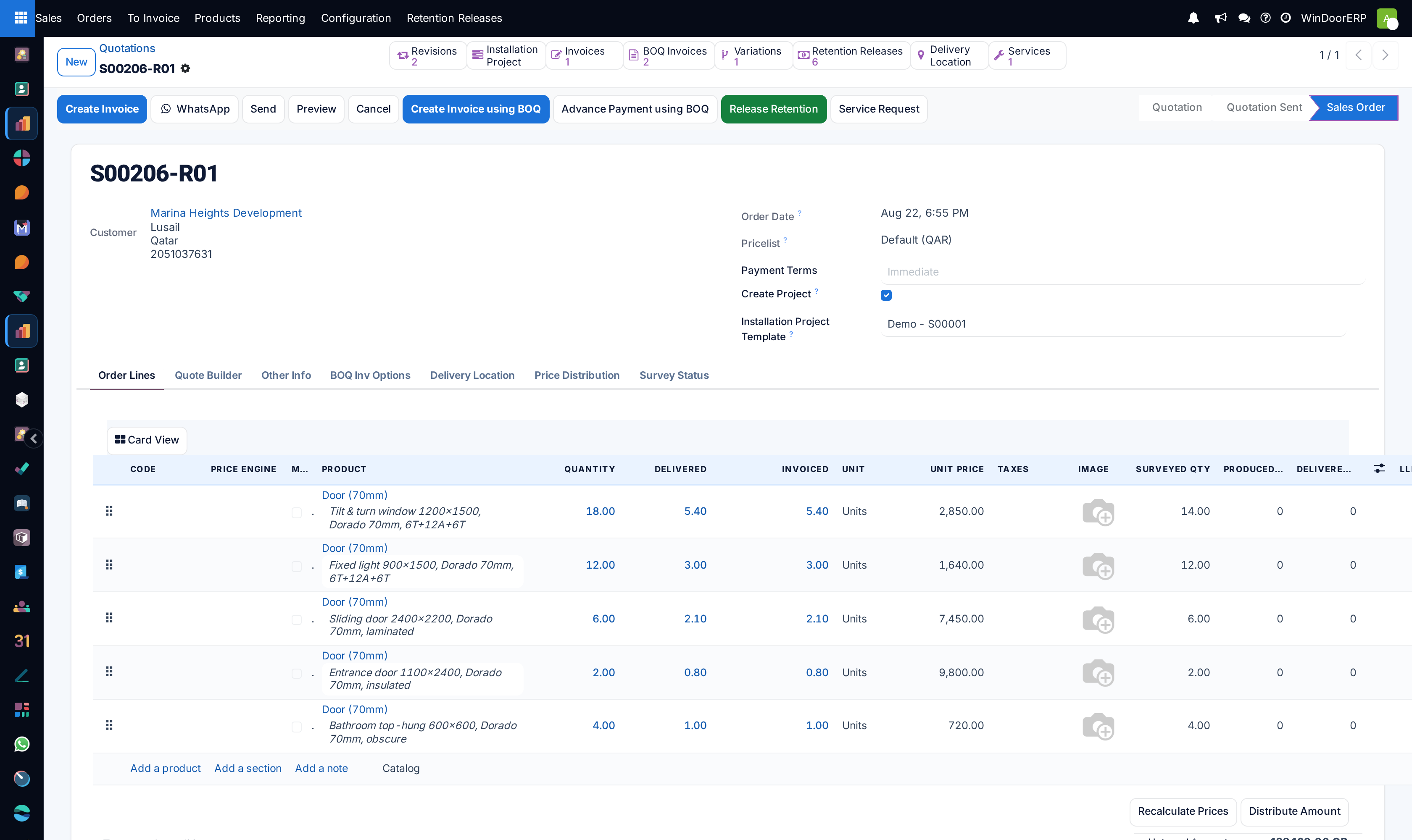
In Order Lines, use Add a section to group items by architectural location (e.g. Ground Floor Main Entrances, First Floor Master Bedroom Sliding Units).
-
06
Add fabricated products, specify dimensions (Width × Height mm), profile color finishes (RAL), glass layups (e.g. Double Glazed 24mm Low-E), and hardware sets.
-
07
Use Add a note to document structural glass wind load criteria or consultant installation notes.
-
08
Under the Optional Products tab, add recommended upgrades (e.g. motorized insect screens, magnetic glass blinds, smart biometric handles) that clients can accept directly in their online portal.
-
09
Click Send by Email to deliver the professional PDF submittal, or click Customer Preview to inspect the responsive portal signing view.
-
10
Once signed by the client or confirmed via contract, click Confirm to advance the quotation into an active Sales Order.
Common mistakes
- Not using sections for large multi-story villa projects, making the quotation confusing for consultants to audit.
- Sending quotes without setting payment terms (e.g. 50% Advance, 40% Supply, 10% Handover).
Was this article helpful?
Thanks — your feedback helps.
Running a window or door factory?
Ask for a demo