Host voice and video meetings, share CAD architectural drawings, and audit call history
What this does
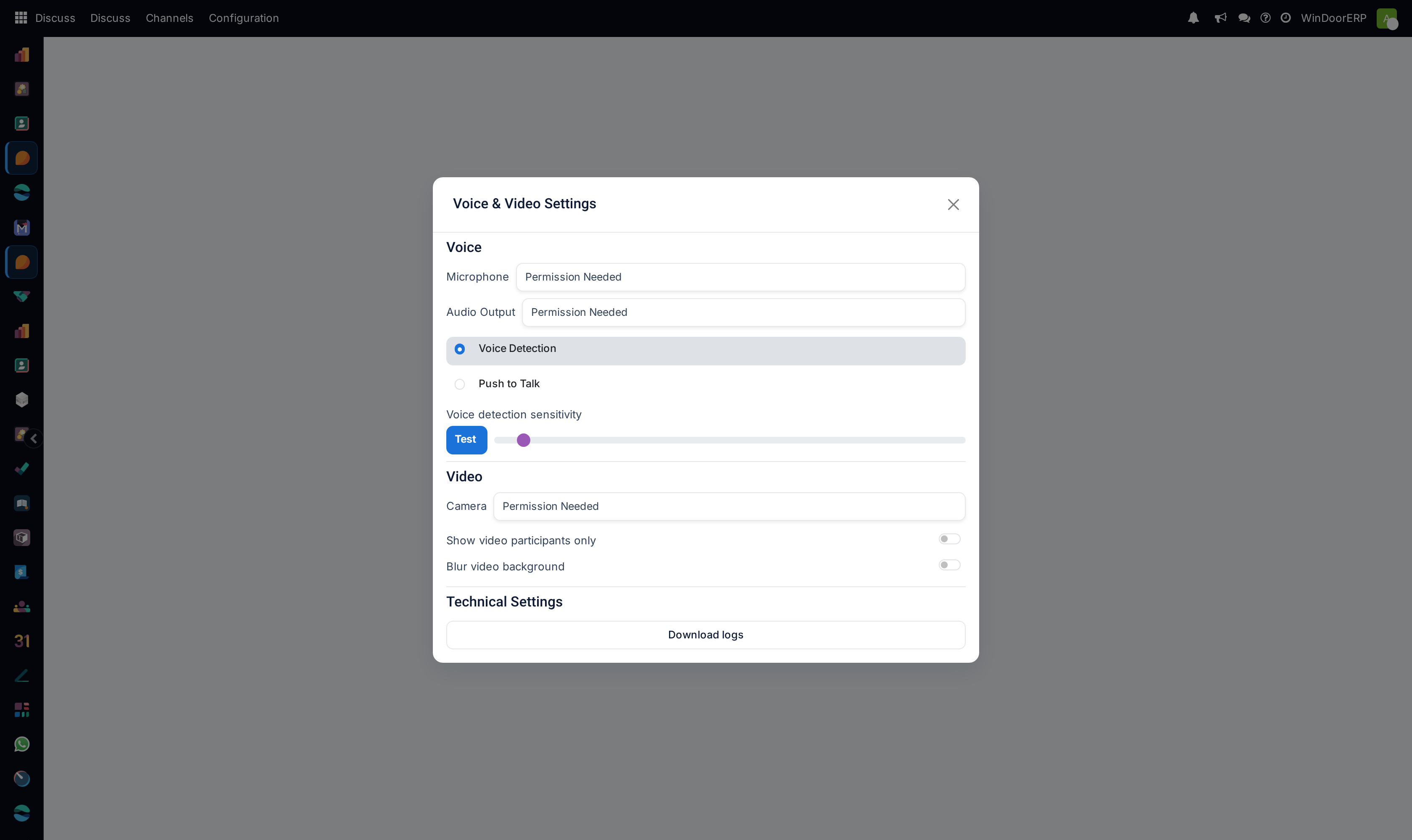
Enables built-in HD voice and video conferencing within WindoorERP, allowing estimation engineers to share CAD drawings and live site cameras directly from channel headers without third-party apps.
Before you start
- Microphone and camera permissions granted in browser.
Steps
Important
Direct screen sharing inside WindoorERP enables rapid engineering design reviews without switching software.
-
01
Open any Discuss channel or direct message and click the Start a Call (Phone/Camera) icon.
-
02
To review shop drawings with consultants, click Share Screen and select your AutoCAD, Revit, or WindoorCAD window.
-
03
Use the Mute/Unmute and Camera controls to manage meeting participation.
-
04
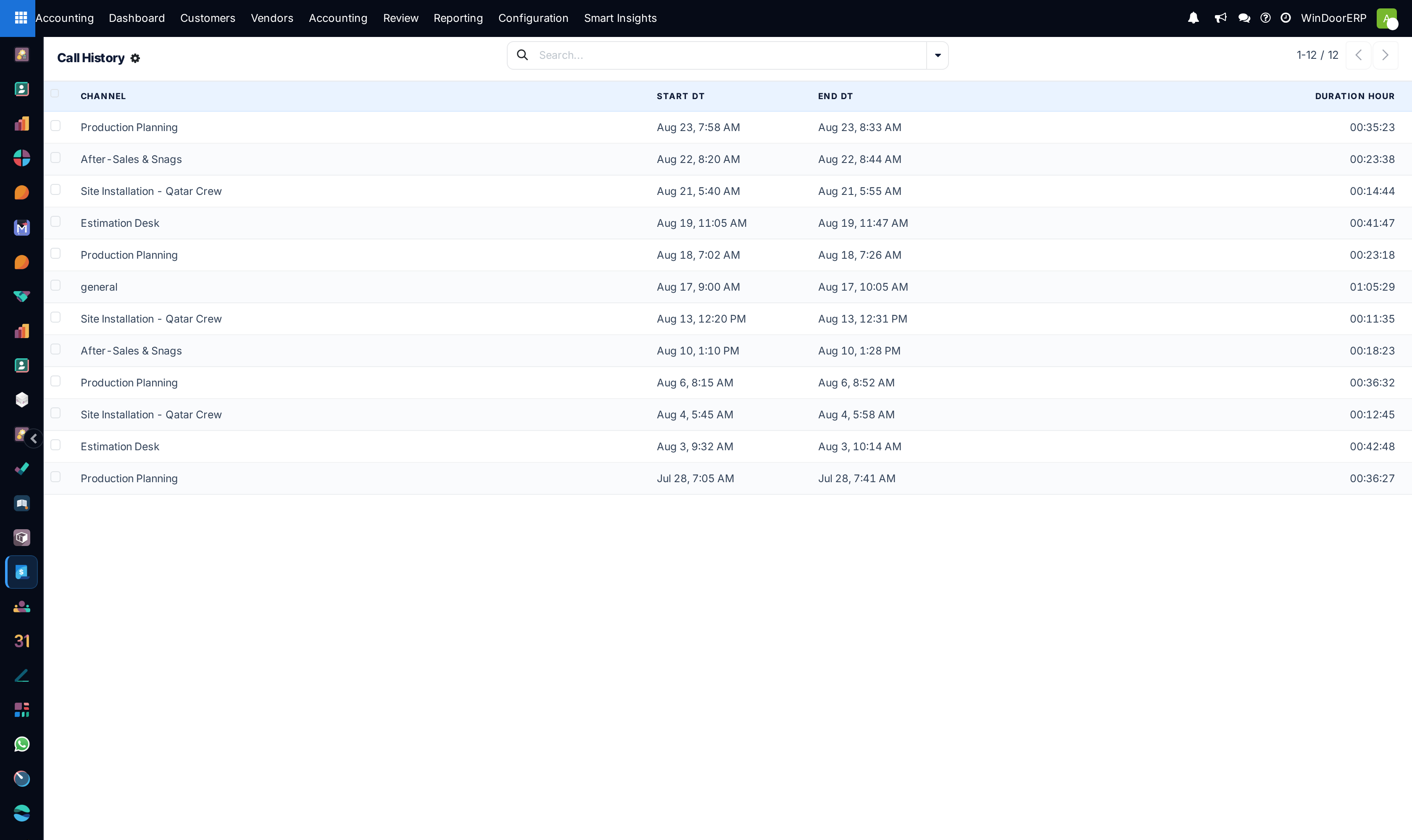
To audit operational calling logs, open Discuss › Technical › Call History to inspect participant durations and connection quality.
-
05
For multi-office connectivity across firewalls, configure ICE / STUN / TURN servers (via Twilio or Coturn) in Discuss configuration.
Common mistakes
- Attempting to initiate group video calls without granting browser camera/microphone permissions.
- Running multi-branch video calls without configured TURN servers on strict corporate firewalls.
Was this article helpful?
Thanks — your feedback helps.
Running a window or door factory?
Ask for a demo