Manage master site tasks, technician assignments, and multi-view execution
What this does
Centralizes all operational site tasks across window uncrating, bracket anchoring, laser leveling, structural glazing, and weatherproofing.
Before you start
- Installation project created with defined task templates.
Steps
Important
Group tasks by building elevation (North, South, East, West) to ensure scaffolding is fully utilized before dismantling.
-
01
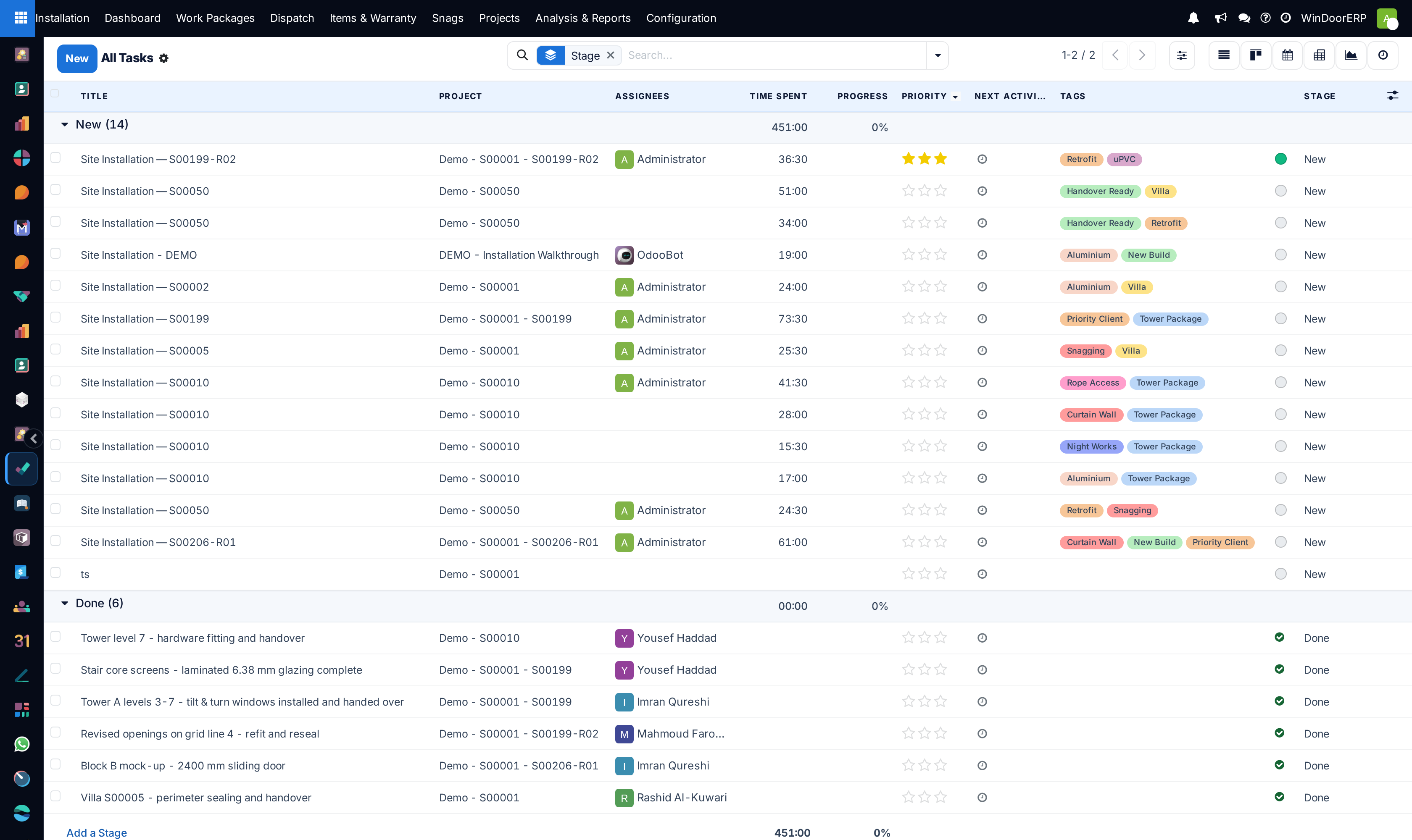
Navigate to Installation › Tasks › All Tasks.
-
02
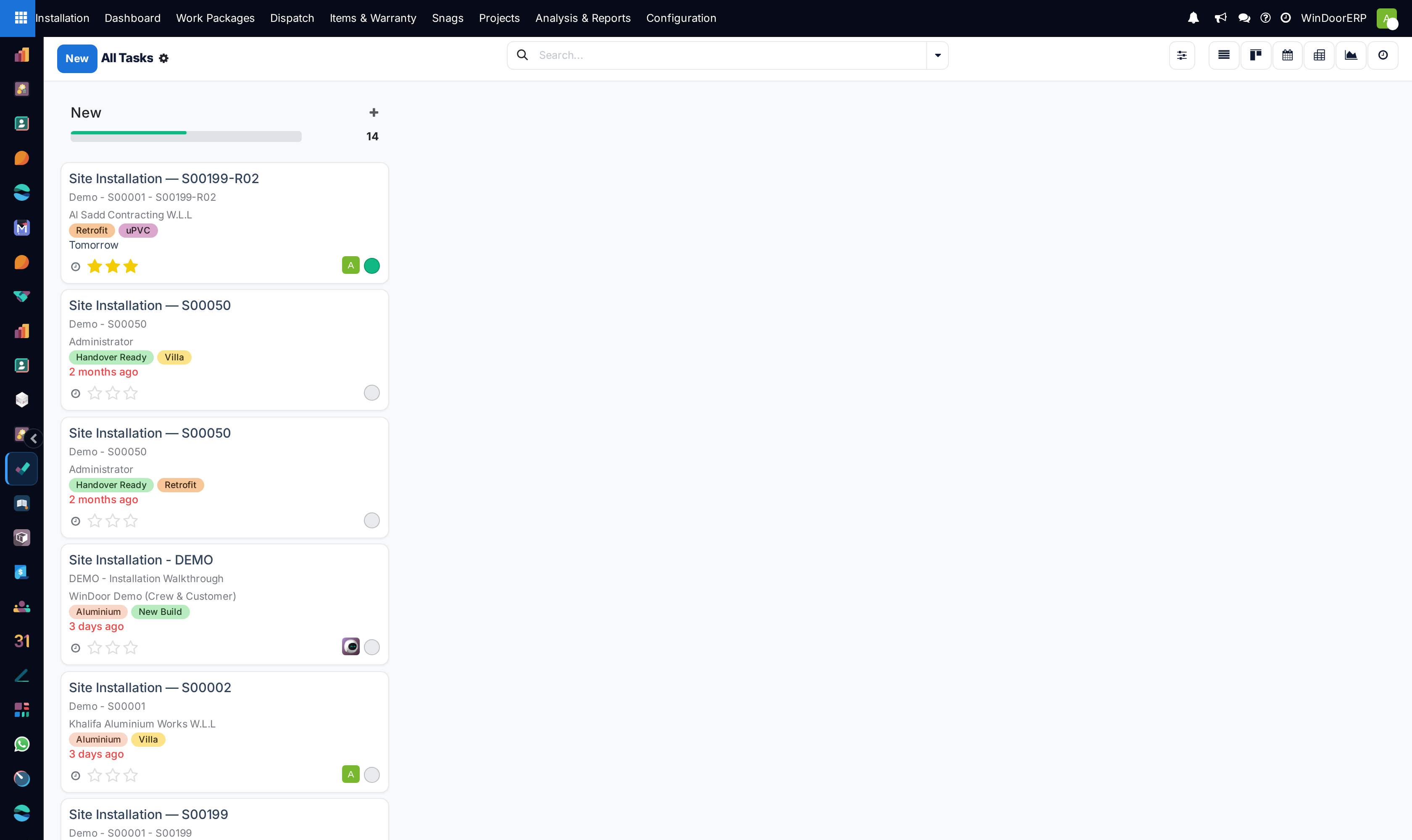
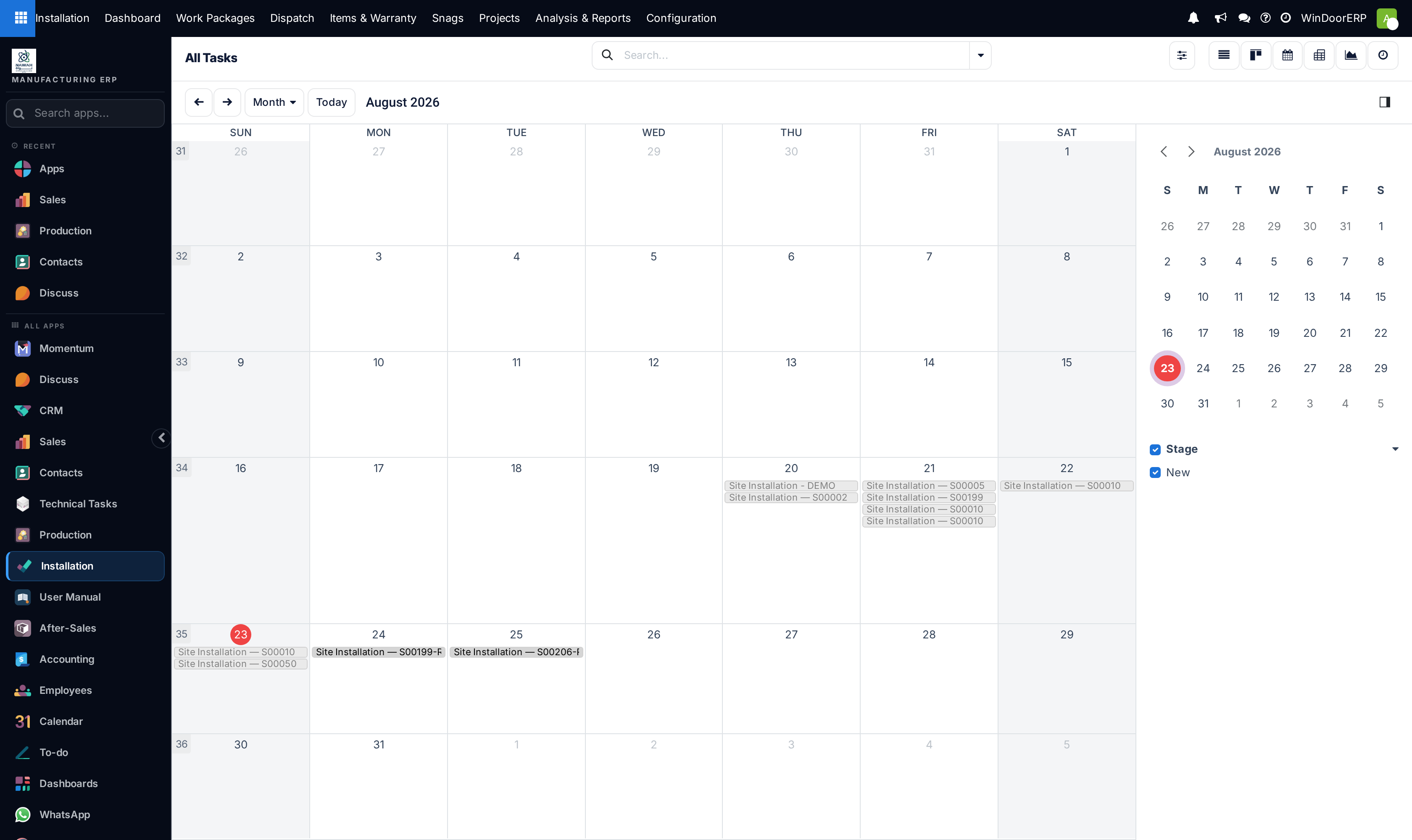
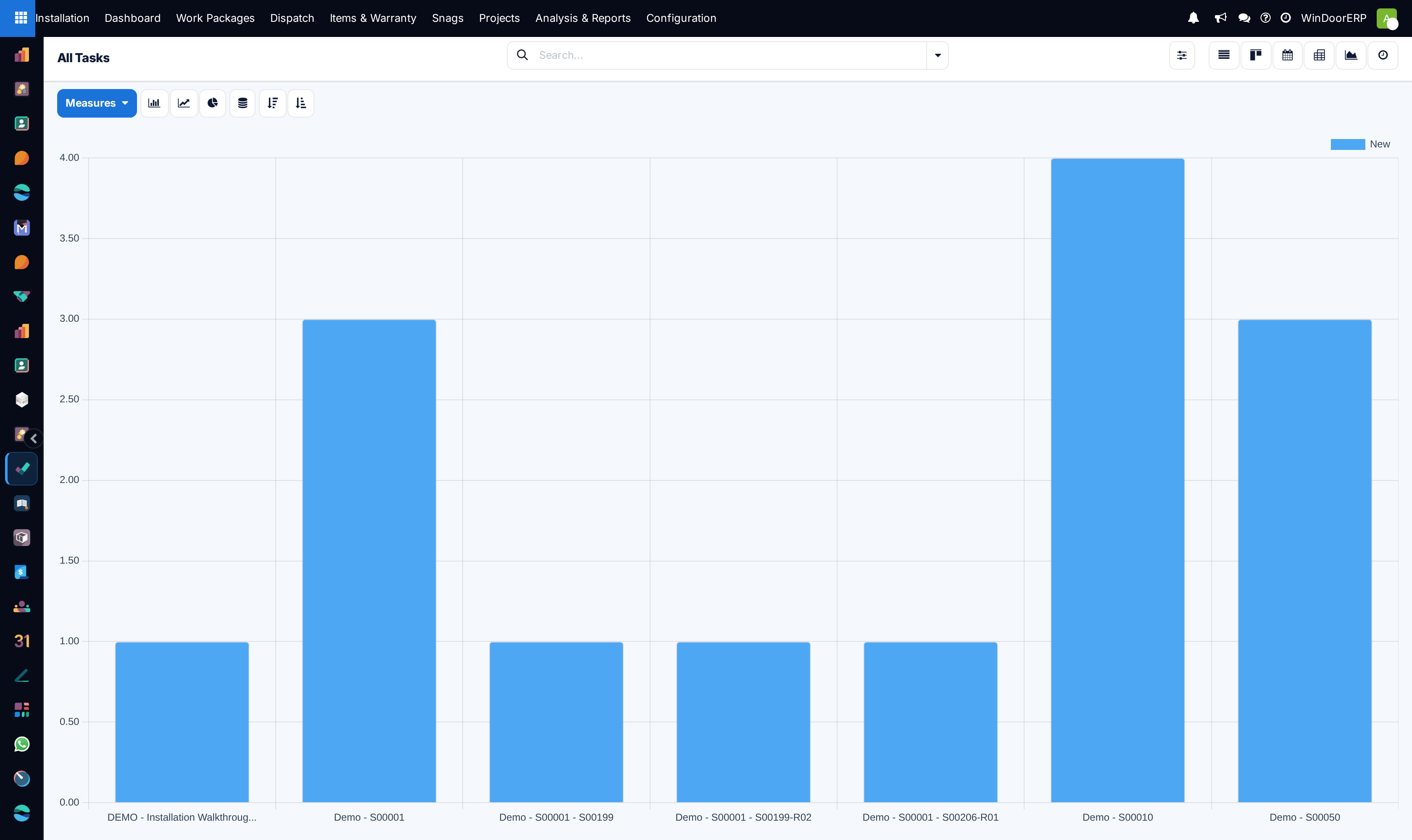
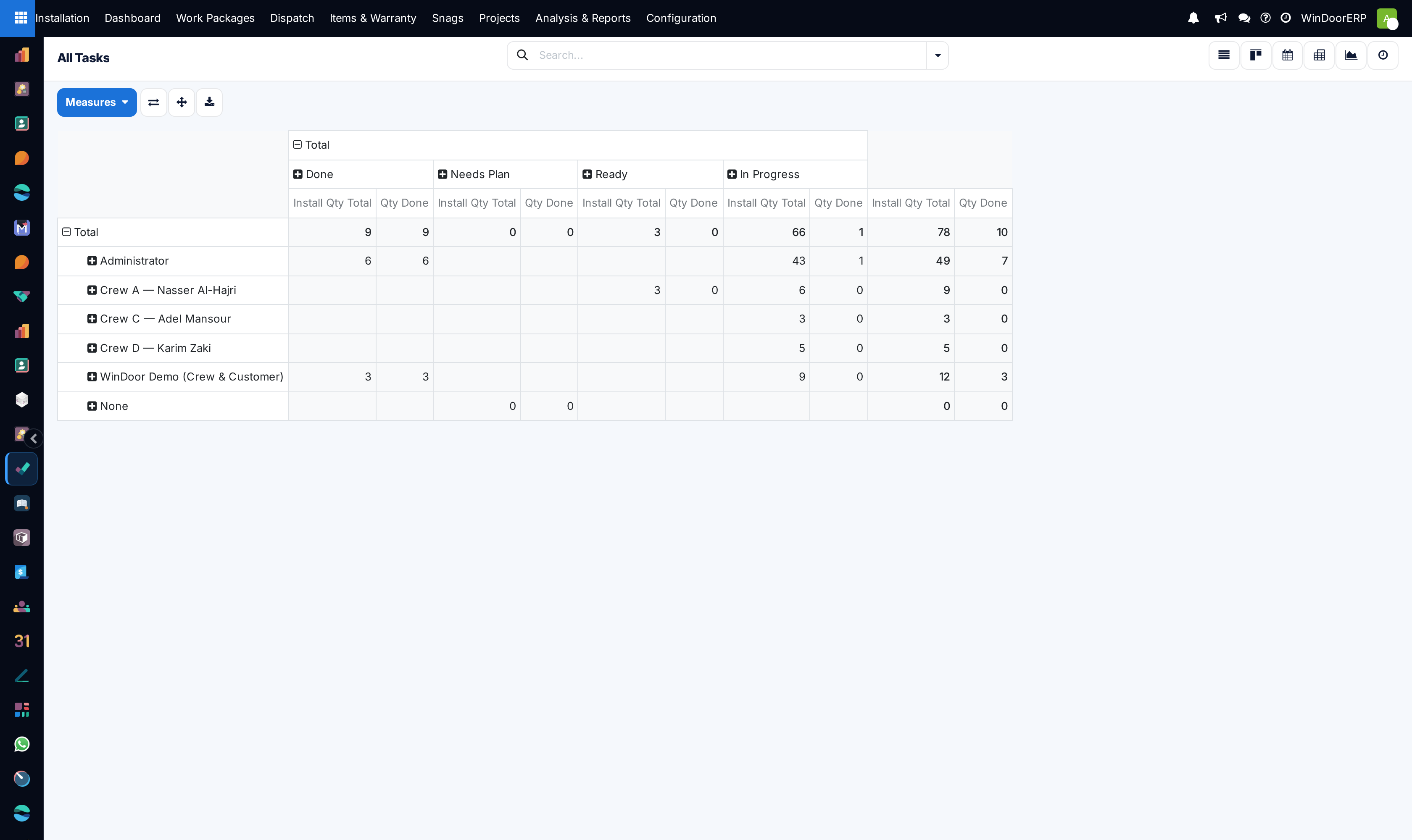
Switch between List, Kanban, Calendar, Graph, Pivot, and Activity views to analyze work allocation.
-
03
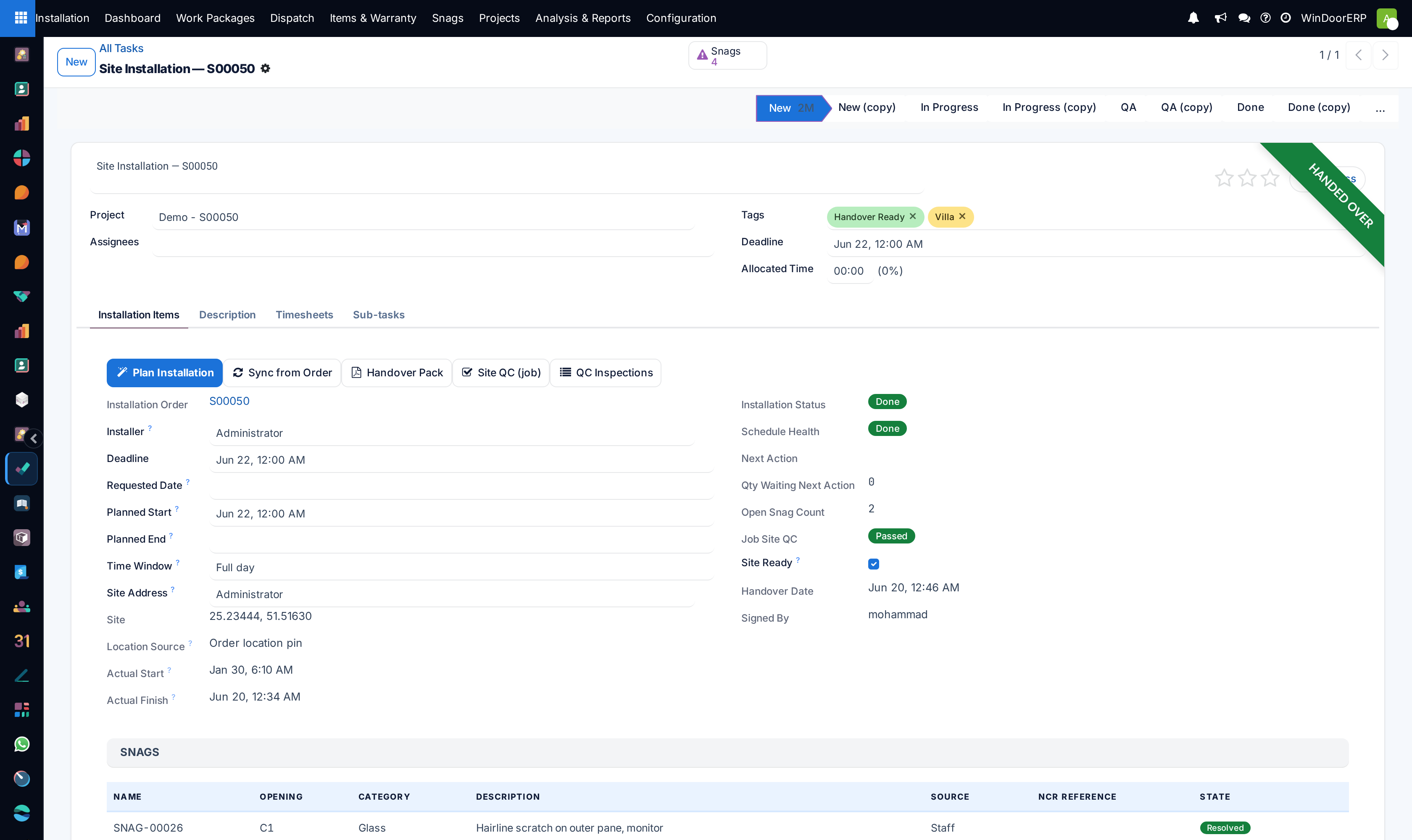
Open any task to inspect technical instructions, opening tags, estimated hours, and assigned field crew members.
-
04
Drag tasks across Kanban columns (To Do, In Progress, QC Verification, Done) as site operations advance.
Common mistakes
- Leaving site tasks unassigned, causing confusion over crew responsibilities.
- Failing to record actual completion dates, distorting project earned value analytics.
Was this article helpful?
Thanks — your feedback helps.
Running a window or door factory?
Ask for a demo