Manage unified master contacts directory, customer tags, and industry sectors
What this does
Centralizes all external corporate relationships (Individual Villa Owners, Main Contracting Firms, Architectural Consultants, Glass Suppliers, Subcontractors) in a unified address book.
Before you start
- Sales, Purchase, or Administrative access.
Steps

Important
Accurately tagging Architectural Consultants enables marketing teams to send technical aluminum specification catalogs directly to decision-makers.
-
01
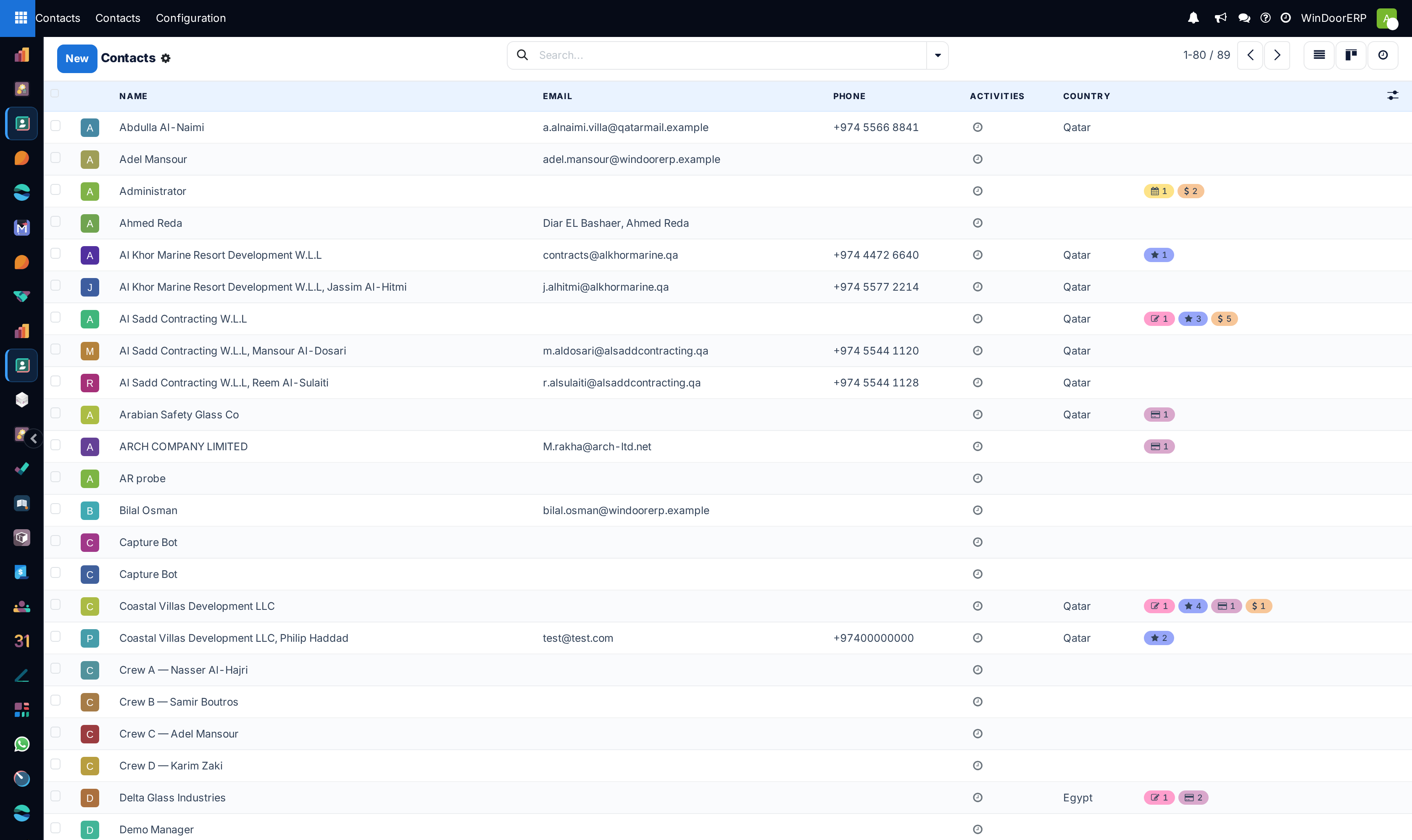
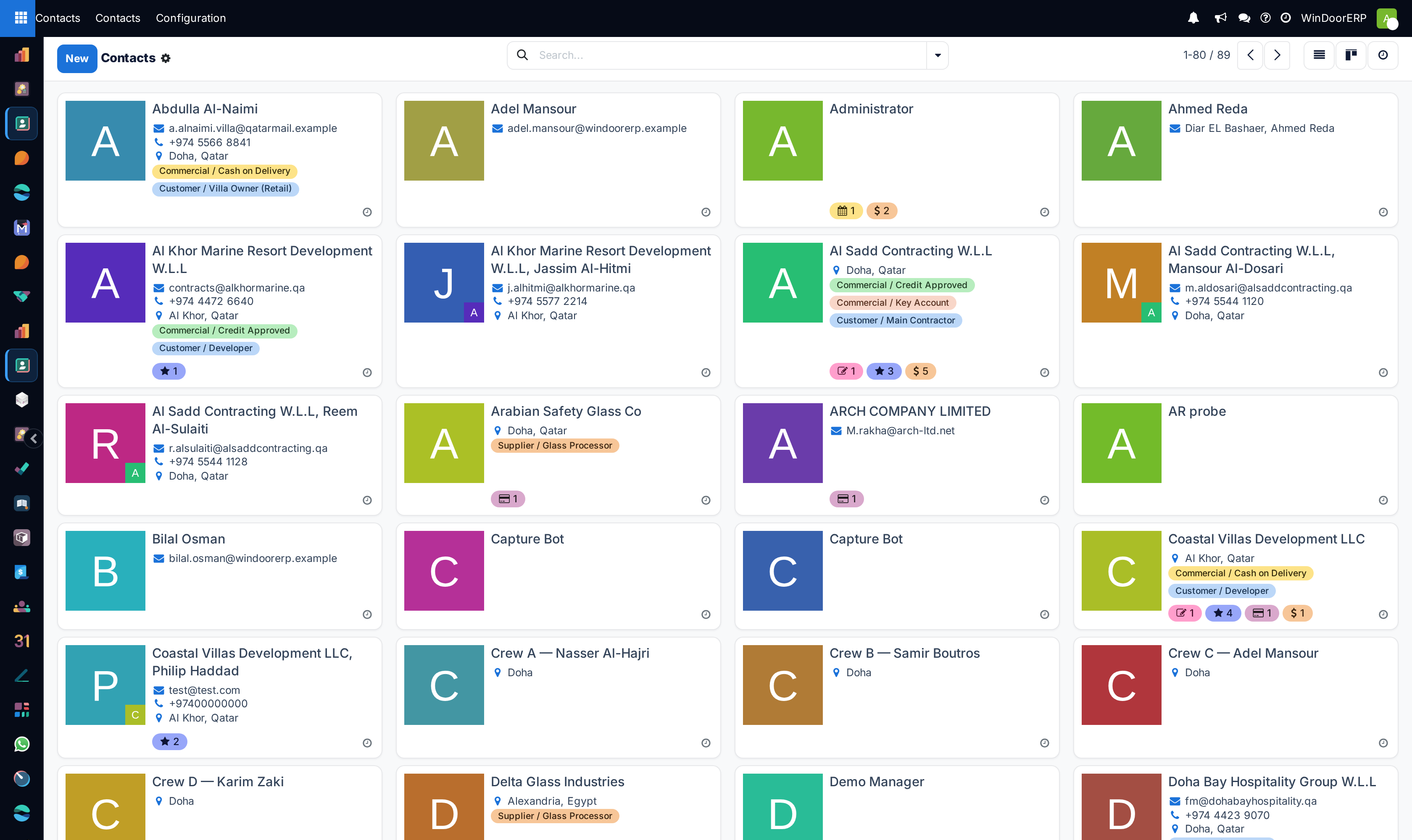
Open Contacts › Contacts across List, Kanban, and Activity views.
-
02
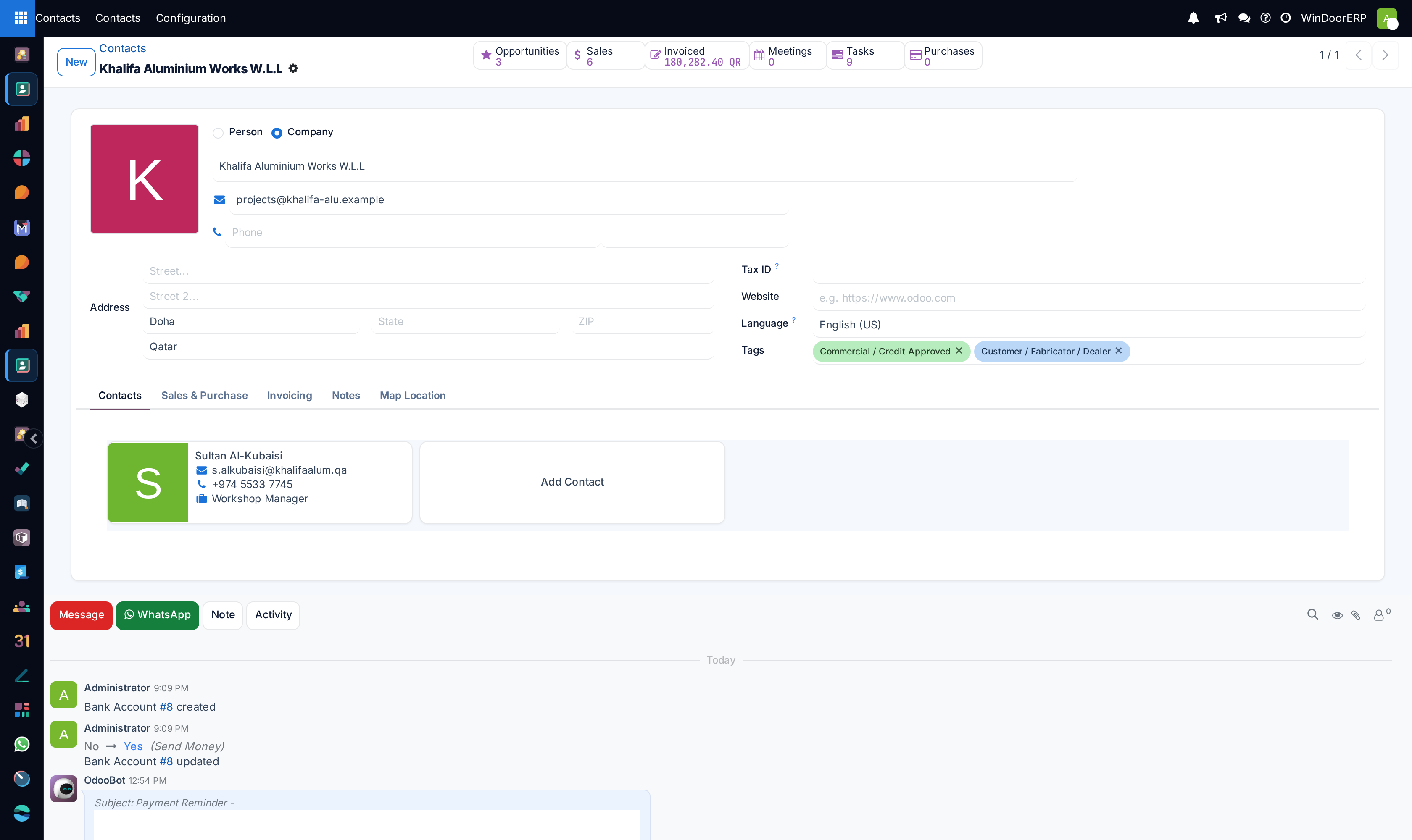
Click New, specify Individual or Company, and enter Address, VAT Number, and Phone.
-
03
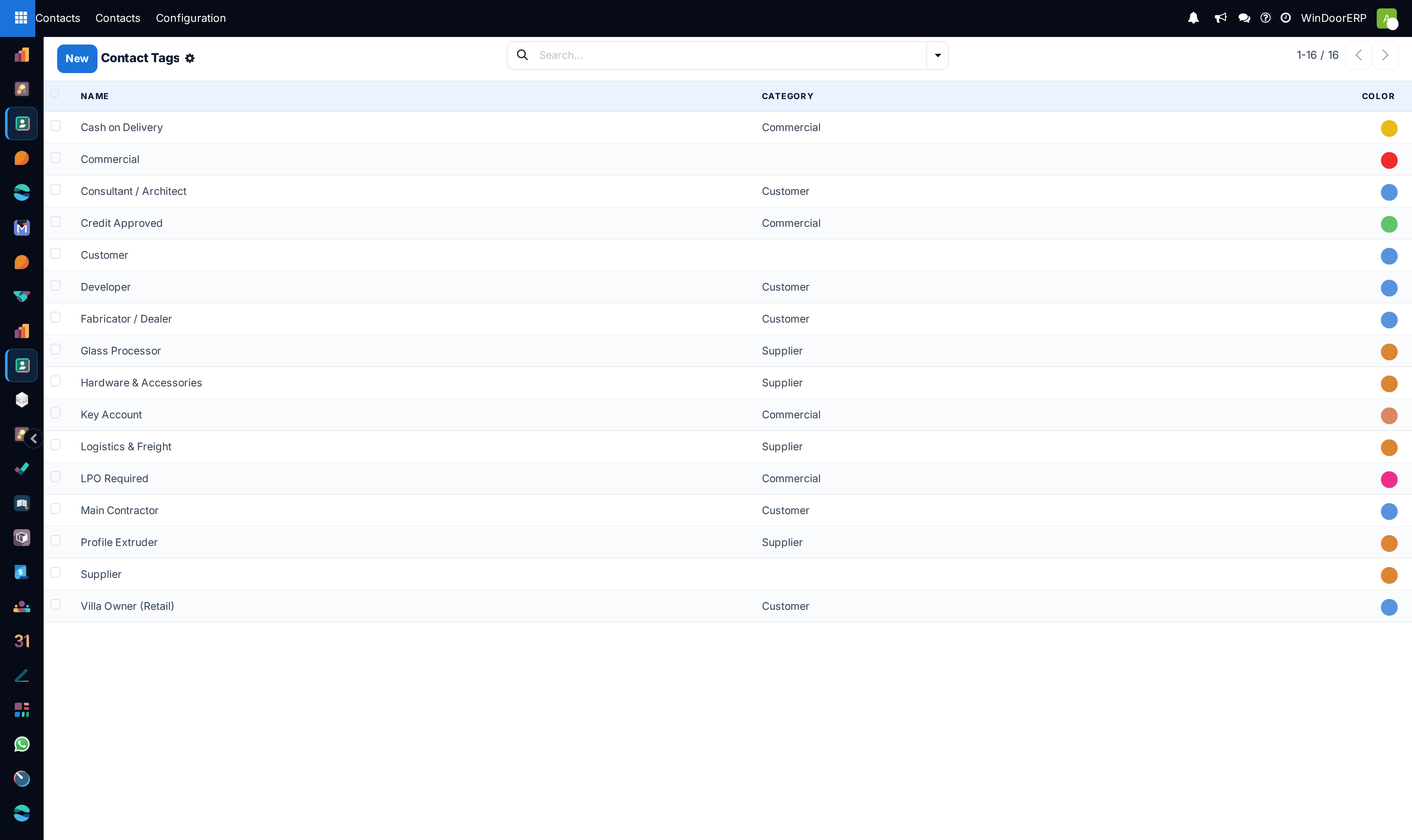
Assign descriptive Contact Tags (e.g. Tier-1 Contractor, Consultant, Key Account).
-
04
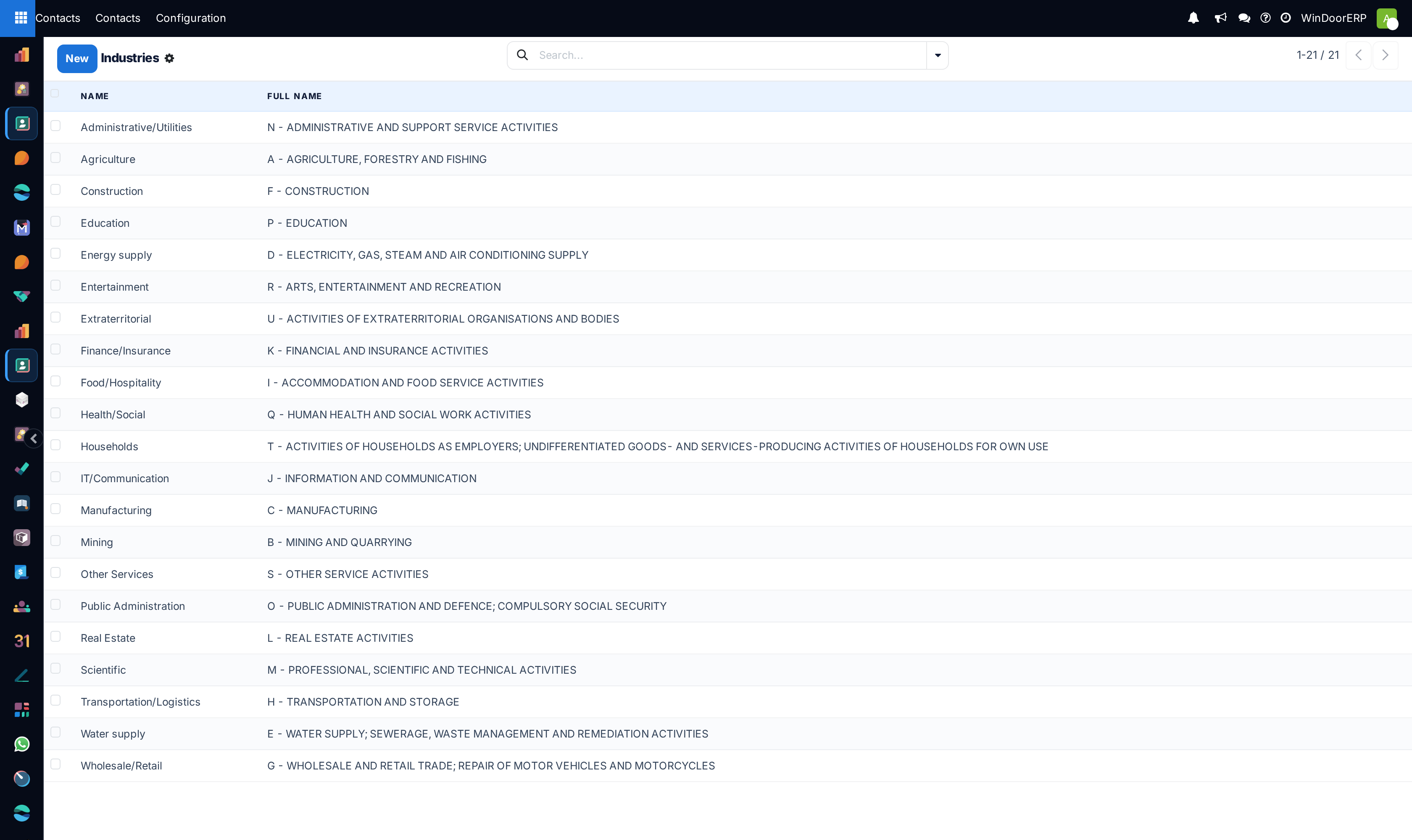
Classify business domain under Industries.
-
05
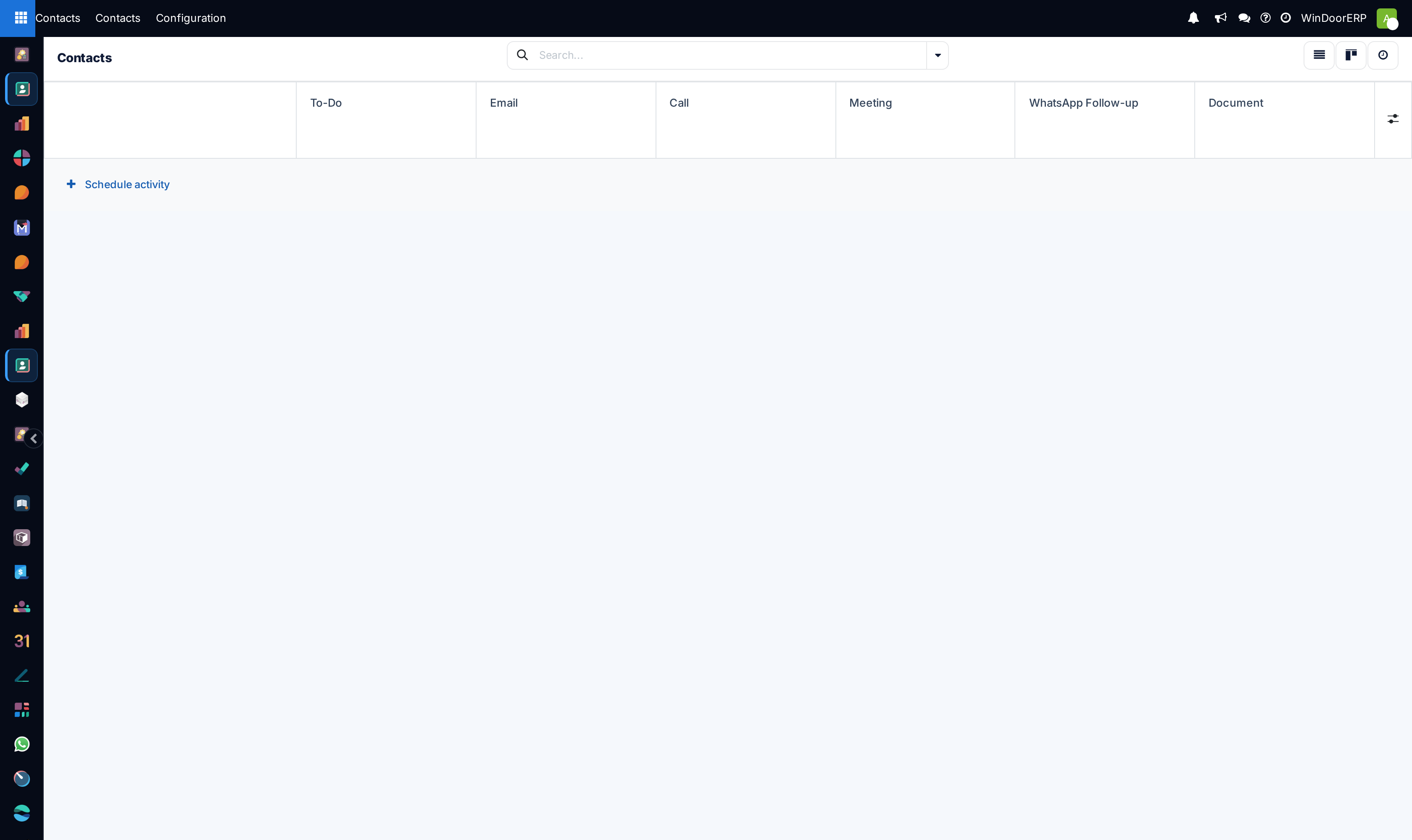
Schedule follow-up meetings or call reminders in Activity view.
Common mistakes
- Creating duplicate contacts for the same general contractor with slight spelling variations.
- Leaving corporate customer tax ID fields blank, causing electronic invoice validation failures.
Was this article helpful?
Thanks — your feedback helps.
Running a window or door factory?
Ask for a demo