Configure onboarding checklists, working shift schedules, departure reasons, and HR settings
What this does
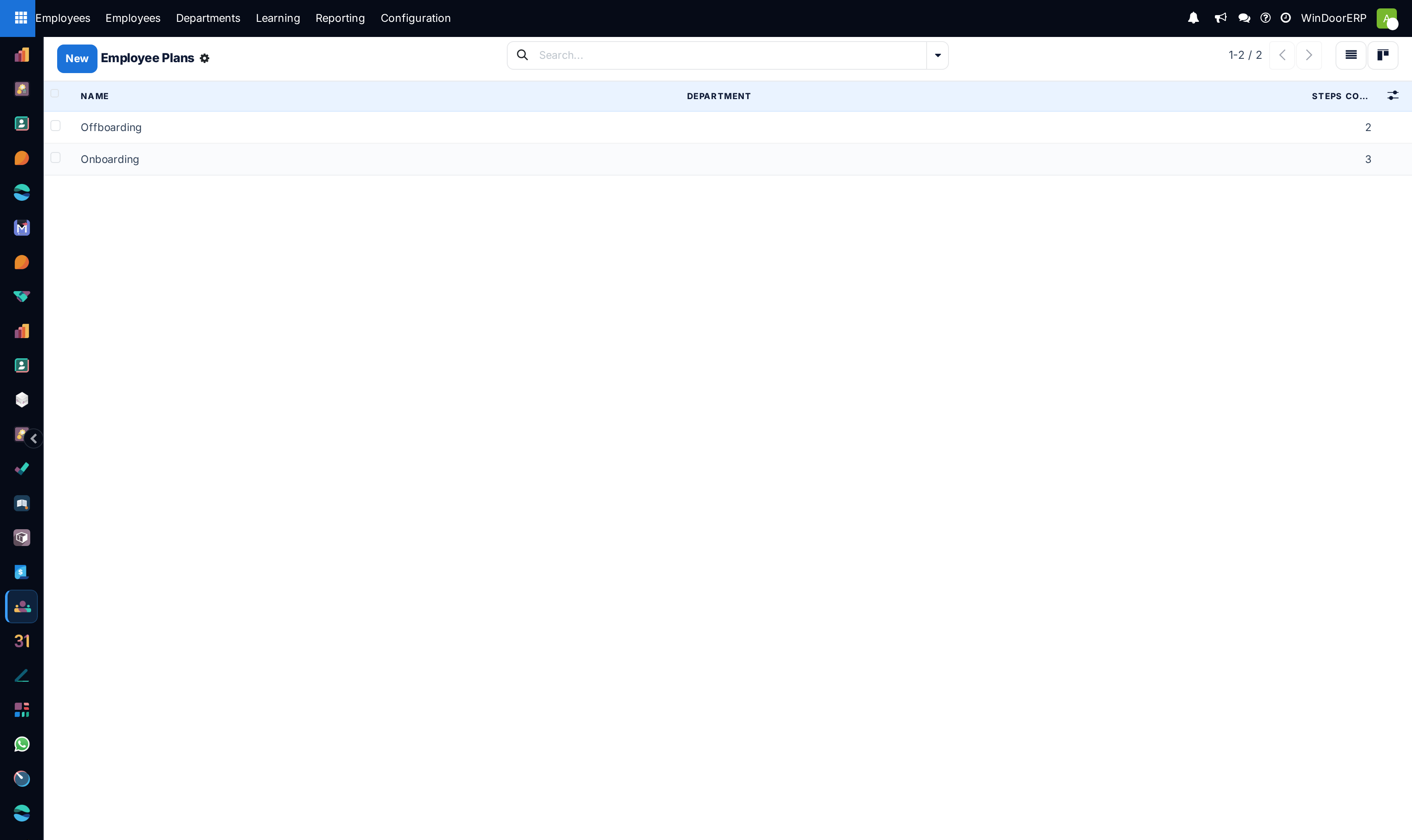
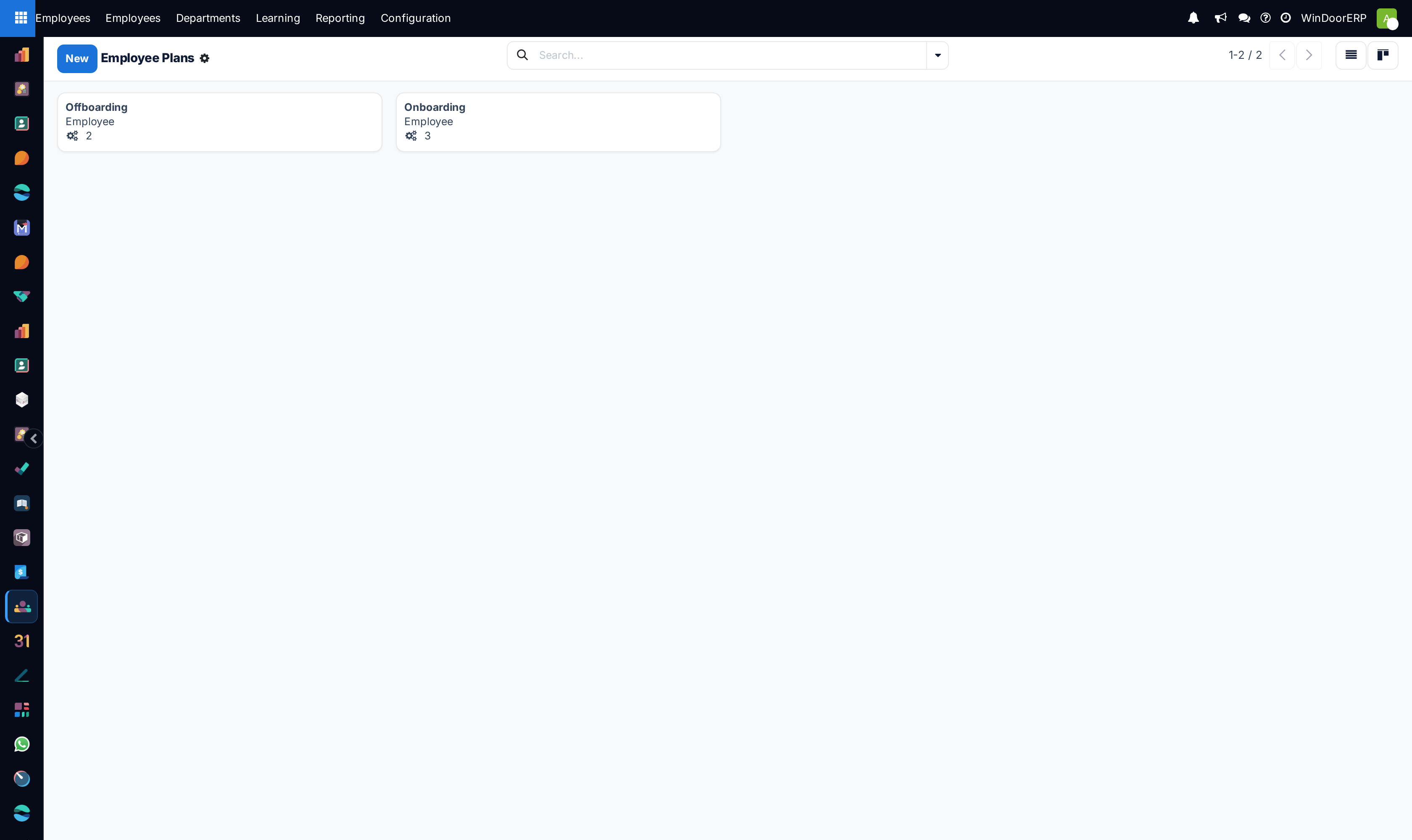
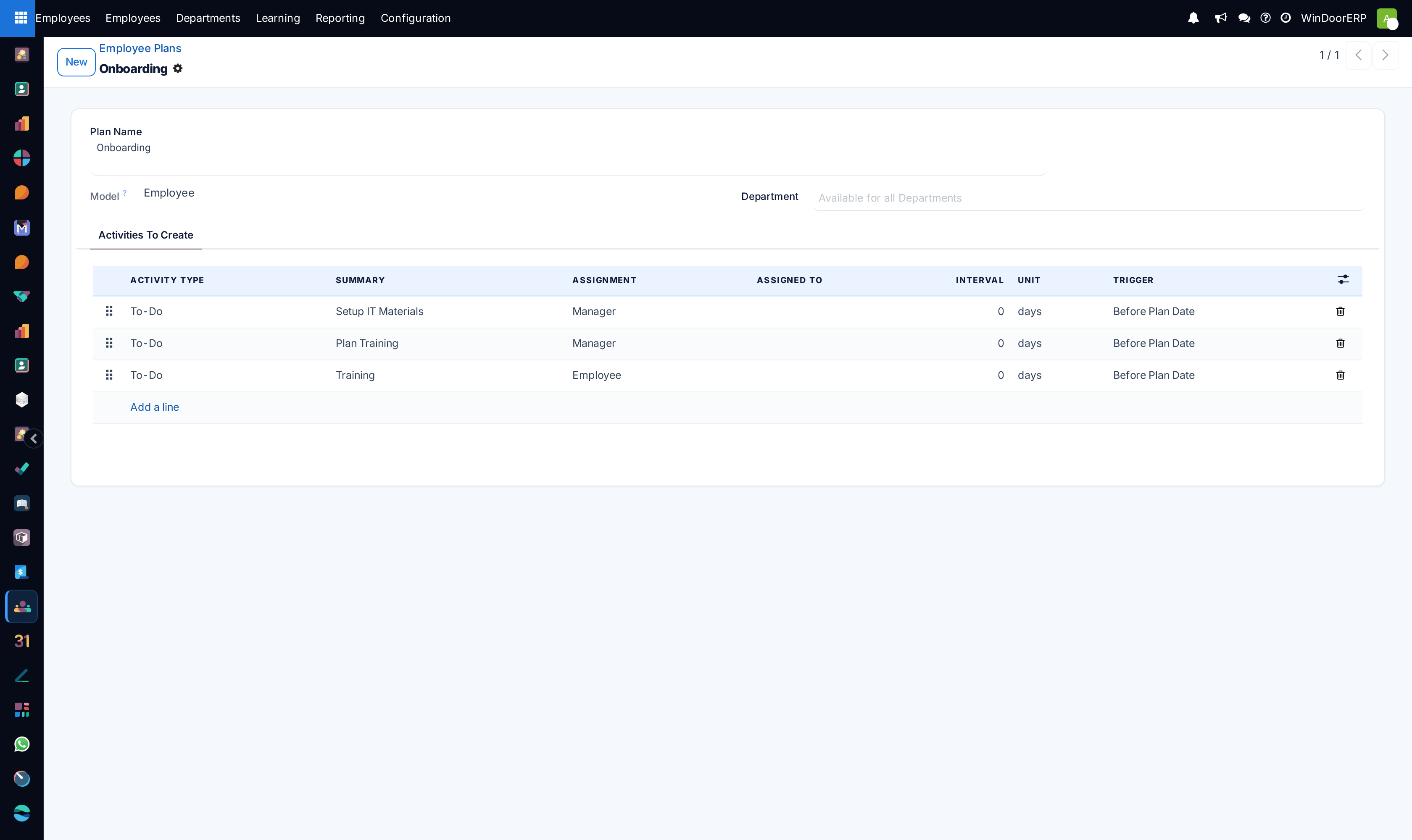
Configures automated onboarding and offboarding task plans, factory multi-shift working schedules (Day Shift, Night Fabrication Shift), departure reasons, and corporate HR policies.
Before you start
- System Administrator or HR Director permissions.
Steps

Important
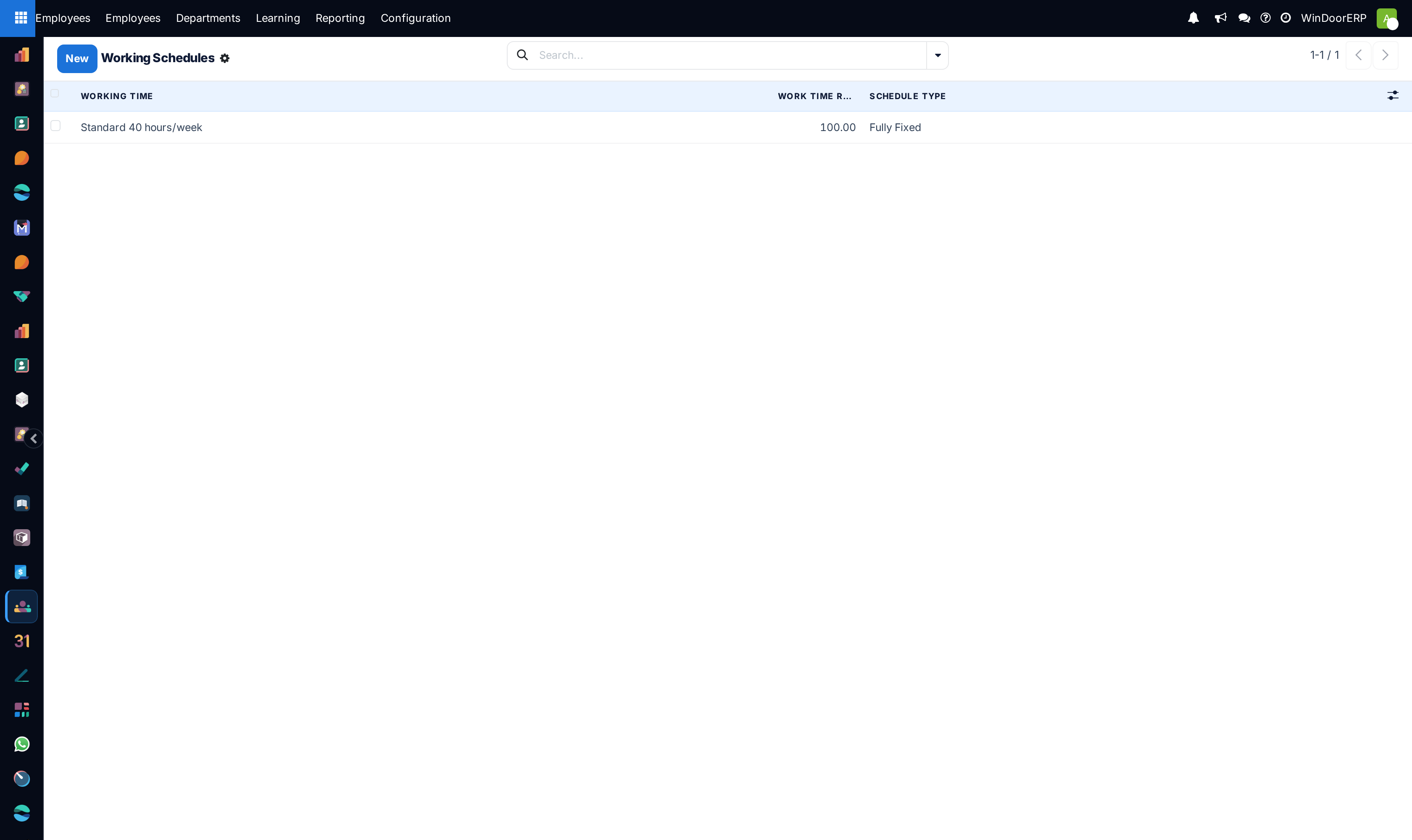
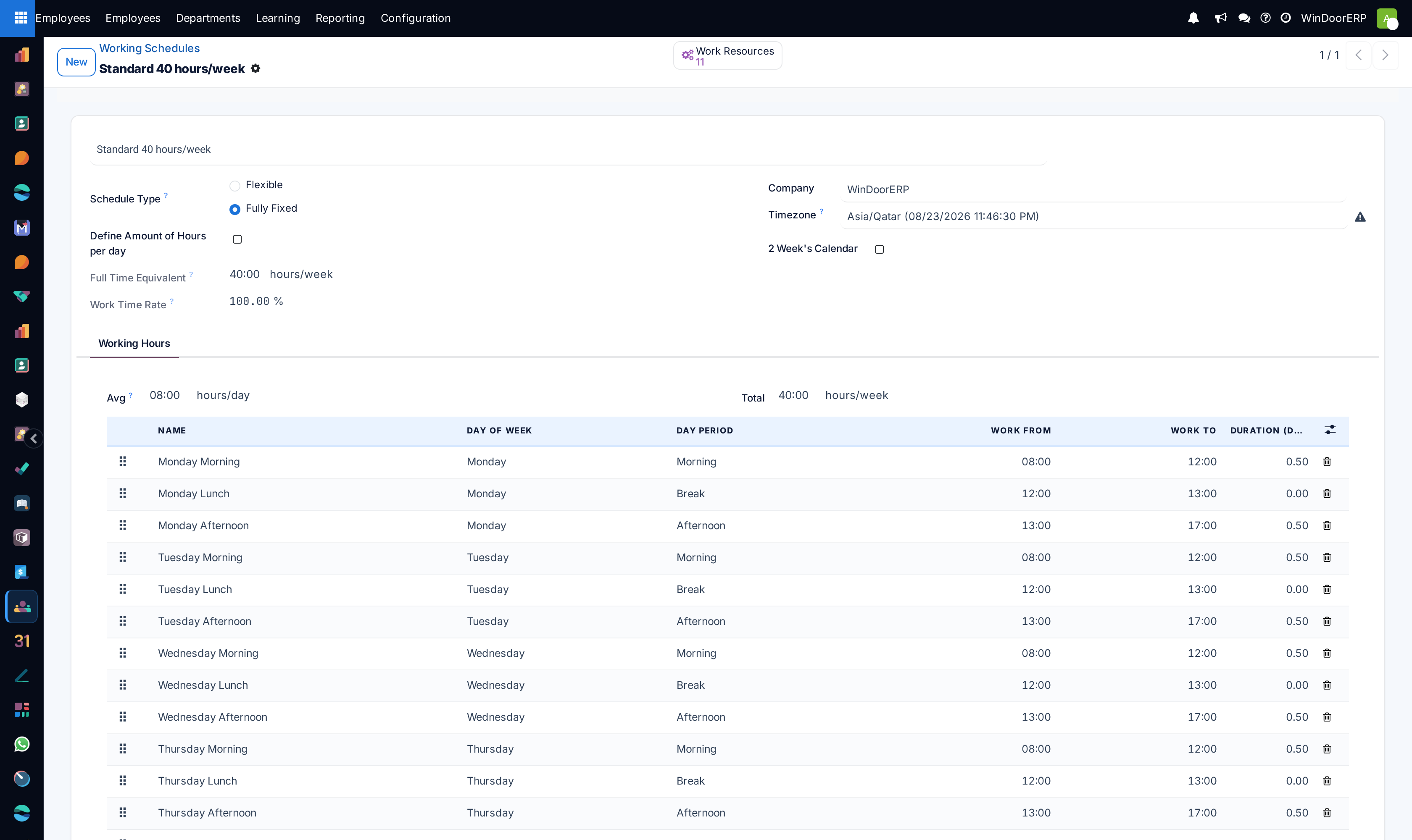
Configuring distinct Working Schedules for Factory Shopfloor (48 hrs/week) versus Engineering Office (40 hrs/week) ensures precise overtime calculation.
-
01
Open Employees › Configuration › Onboarding / Offboarding to define automated equipment checklists (safety boots, factory badge, measuring laser).
-
02
Configure factory shift hours in Working Schedules.
-
03
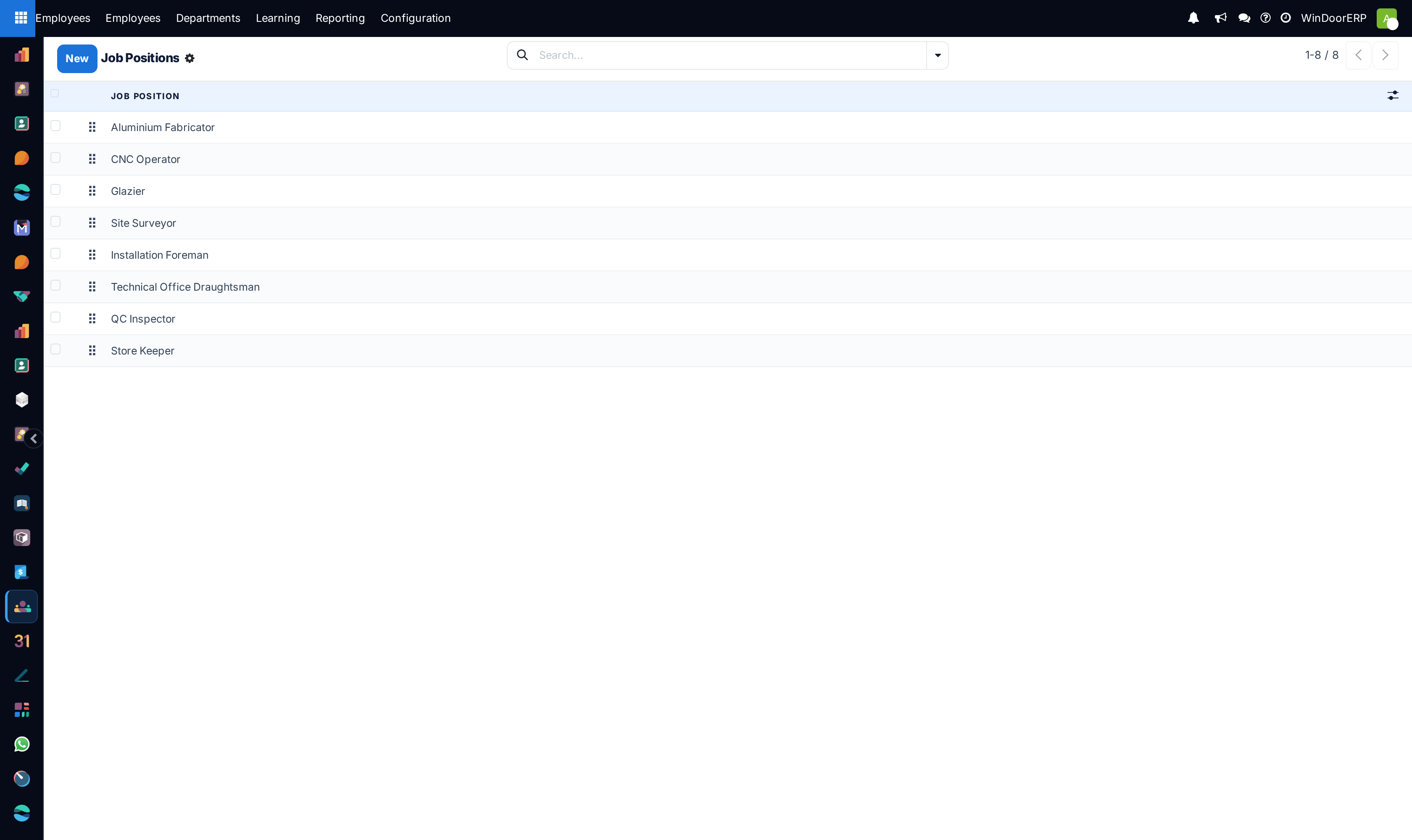
Manage standard job titles in Recruitment › Job Positions and Employment Types.
-
04
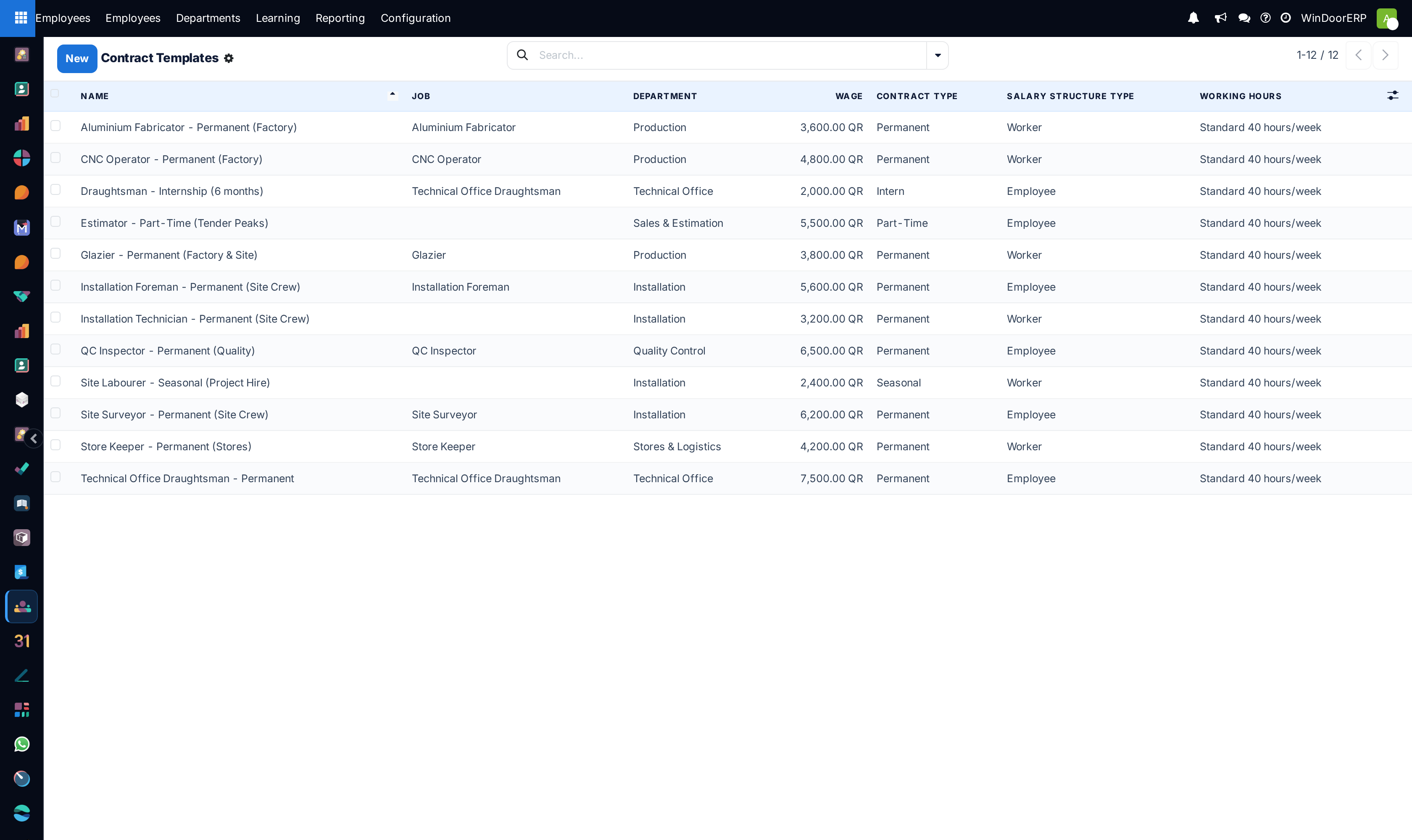
Standardize corporate contracts in Contract Templates.
-
05
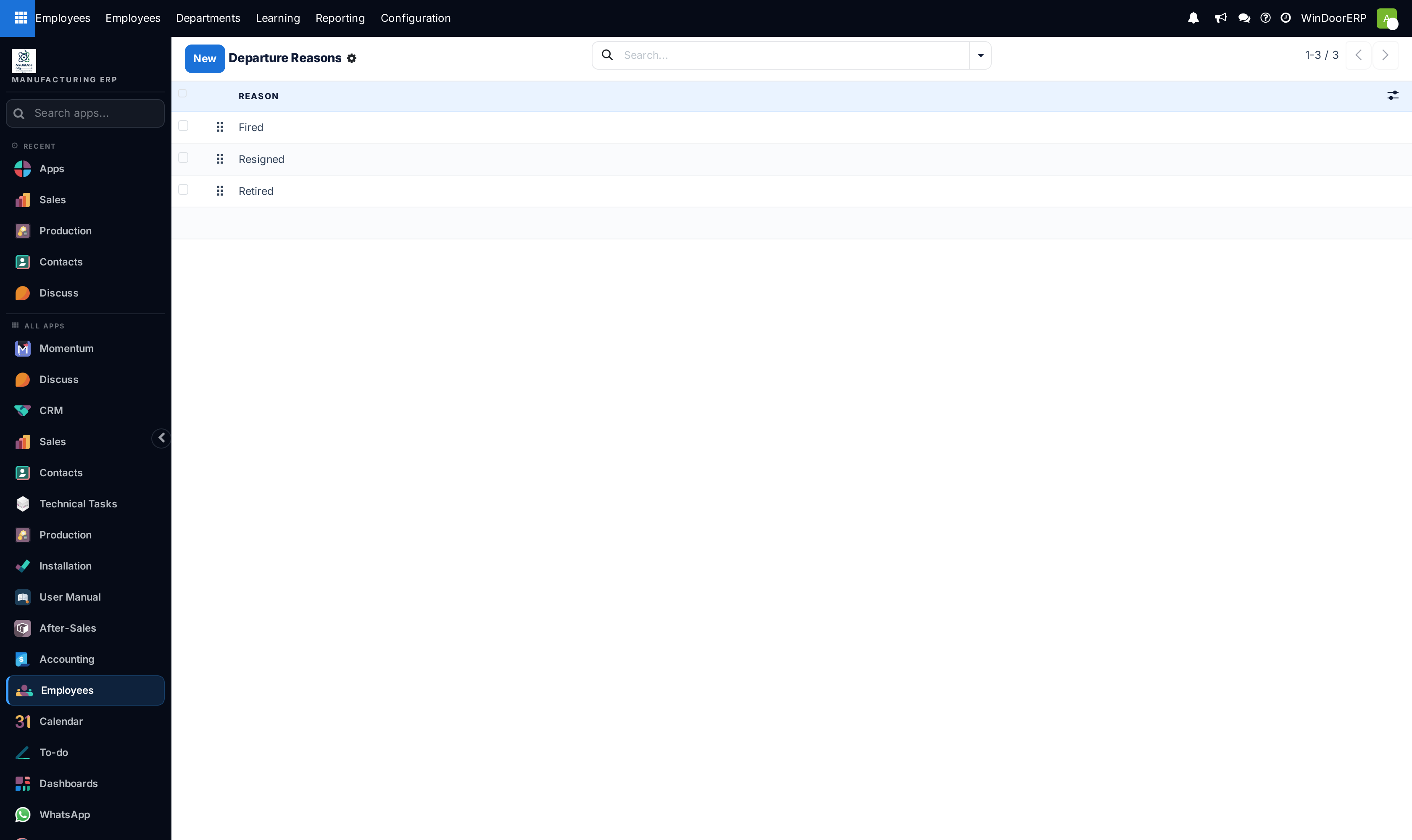
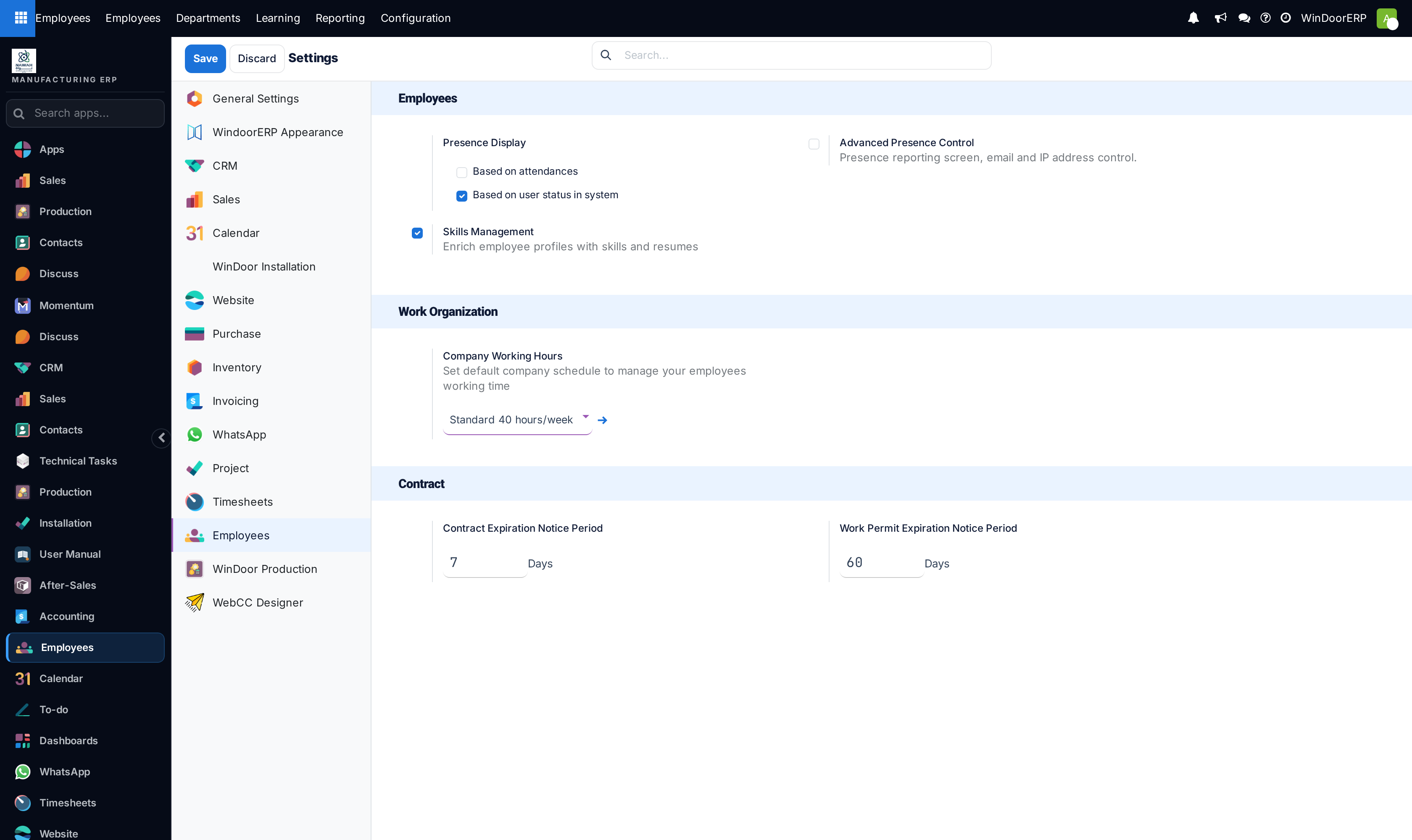
Review Departure Reasons and adjust global policies in Settings.
Common mistakes
- Offboarding an employee without completing asset return checklists for specialized measuring instruments.
- Changing working schedules mid-month without recalculating pending timesheet allocations.
Was this article helpful?
Thanks — your feedback helps.
Running a window or door factory?
Ask for a demo