Process customer credit notes, register multi-currency receipts, and manage customer accounts
What this does
Processes customer credit notes for contract scope deductions, registers inbound bank transfers and POS receipts, and reconciles customer subsidiary ledgers.
Before you start
- Posted customer invoice requiring adjustment or payment.
Steps
Important
Reconciling payments immediately removes invoices from automated debt collection reminder workflows.
-
01
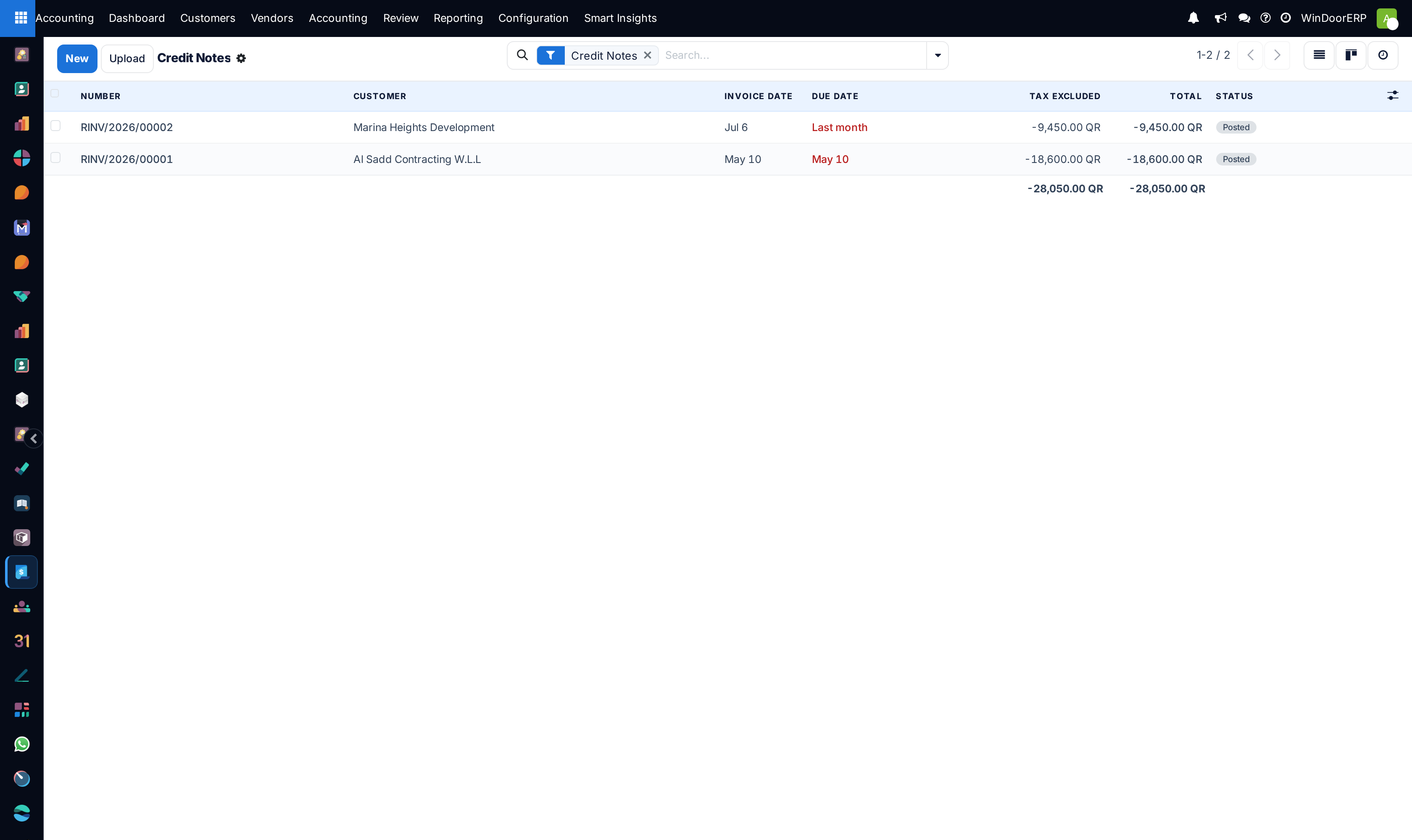
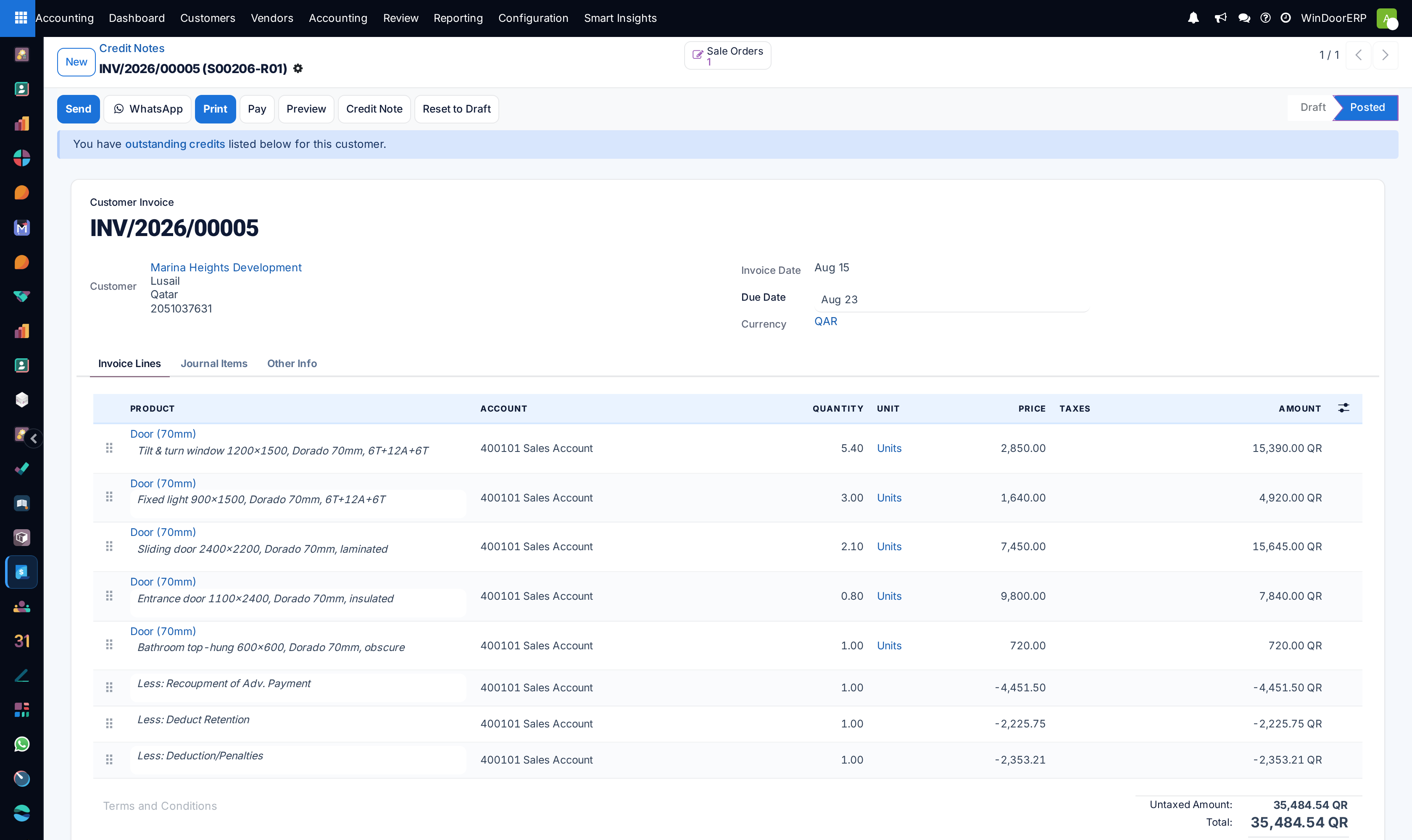
To adjust an invoice, open the posted invoice and click Add Credit Note.
-
02
Specify the Credit Method (Partial Refund, Full Refund and New Draft) and reason.
-
03
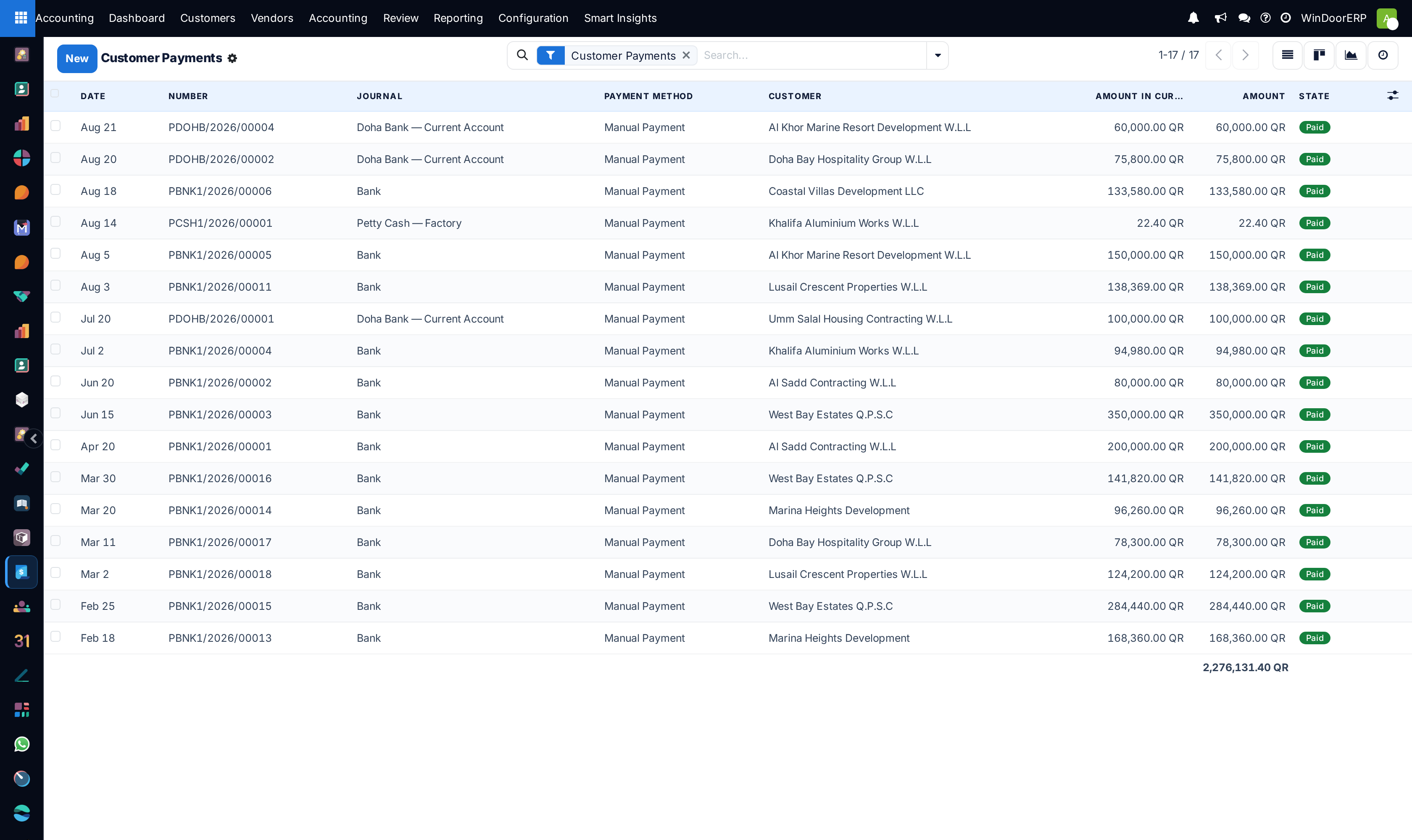
To register collections, open Accounting › Customers › Payments and click New (or click Register Payment directly on the invoice).
-
04
Select the Payment Journal (Bank Transfer, Cash, Online Portal), Amount, and Payment Date.
-
05
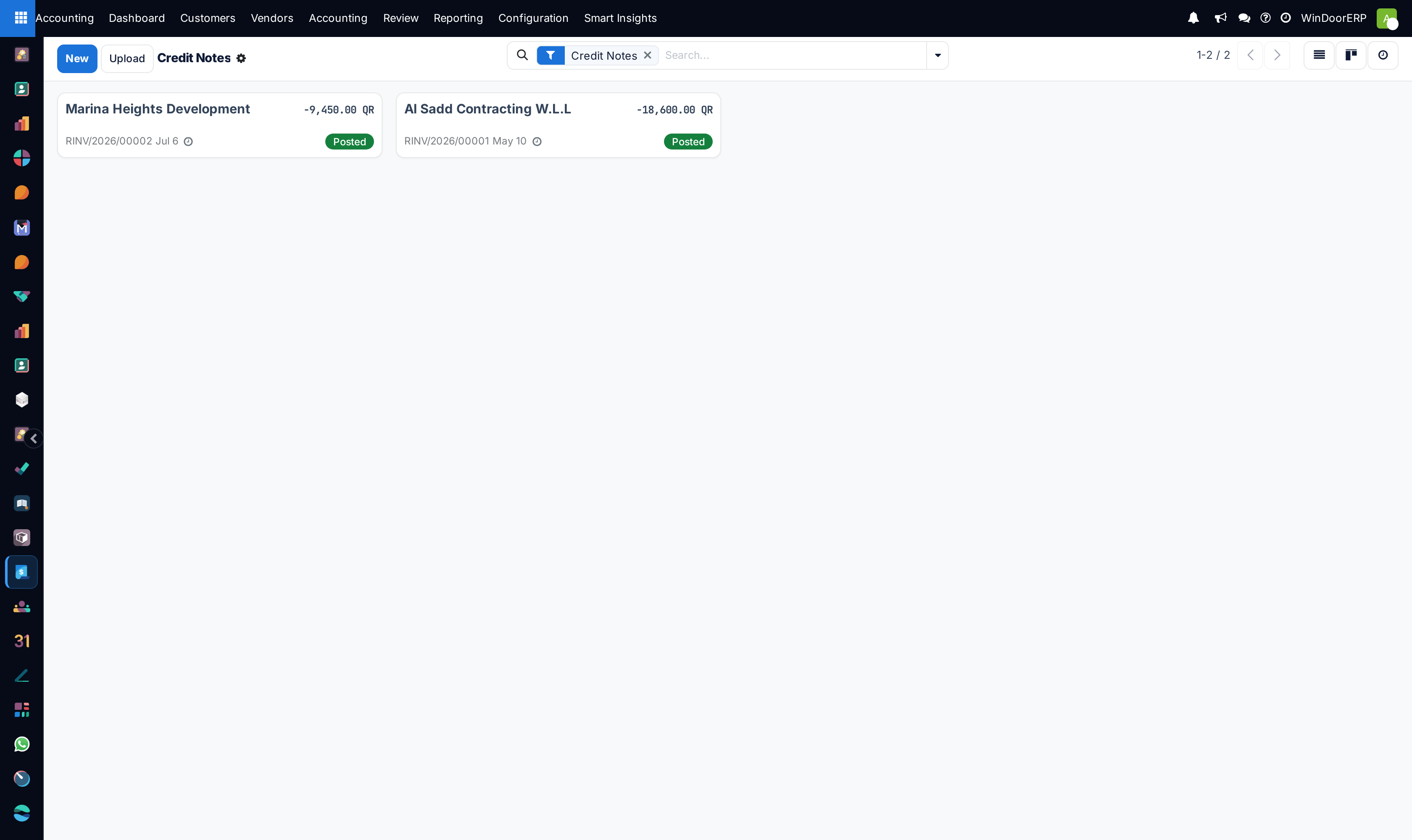
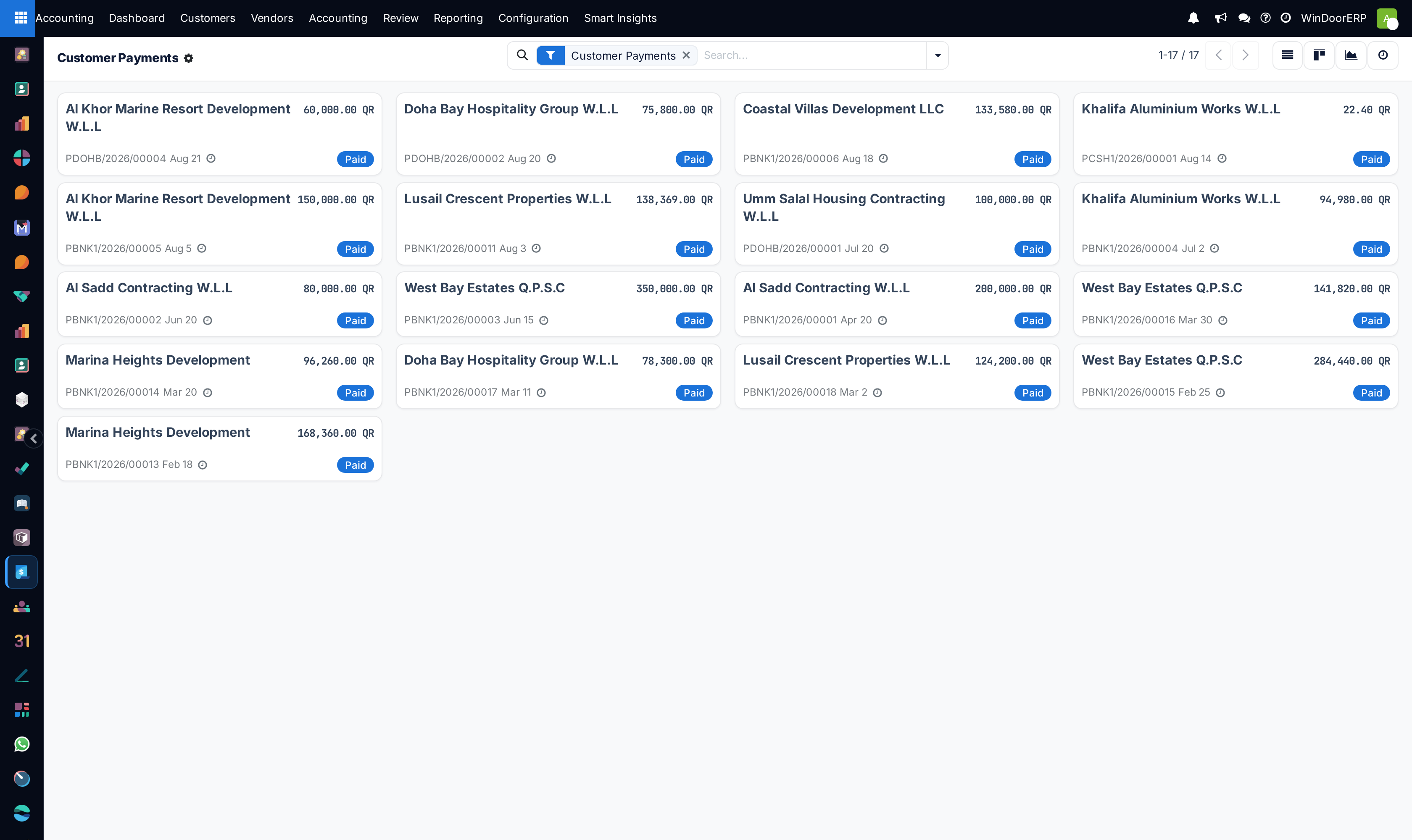
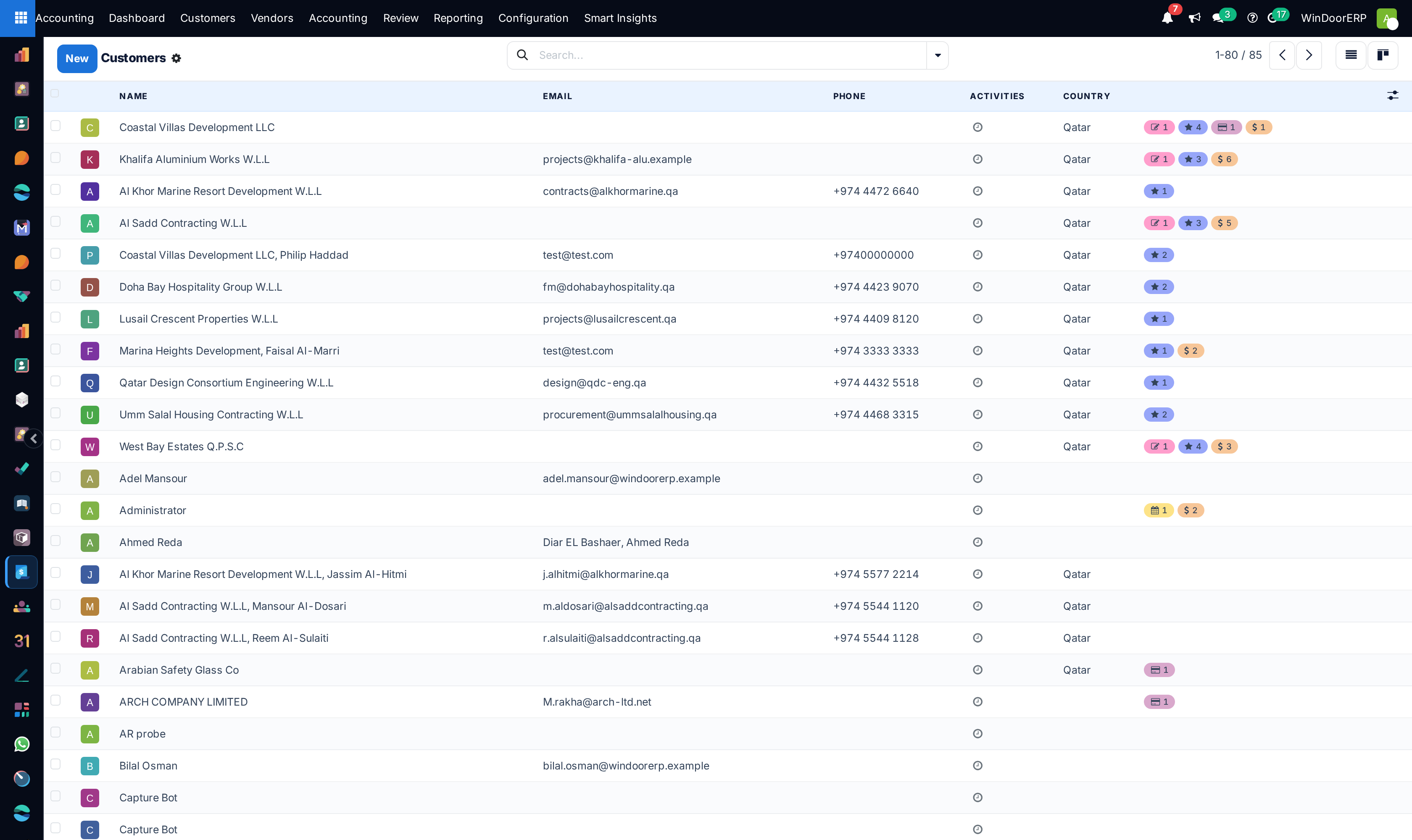
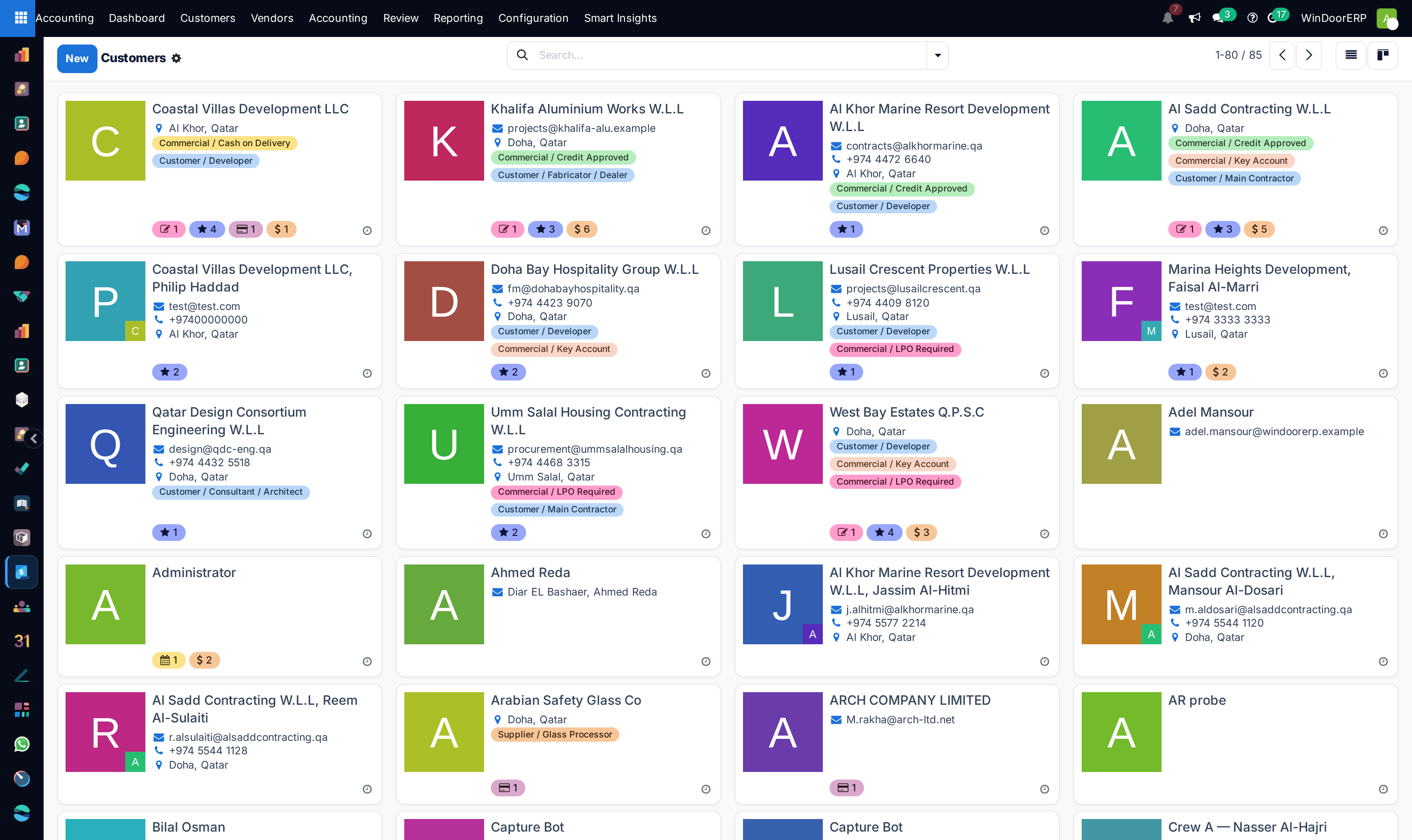
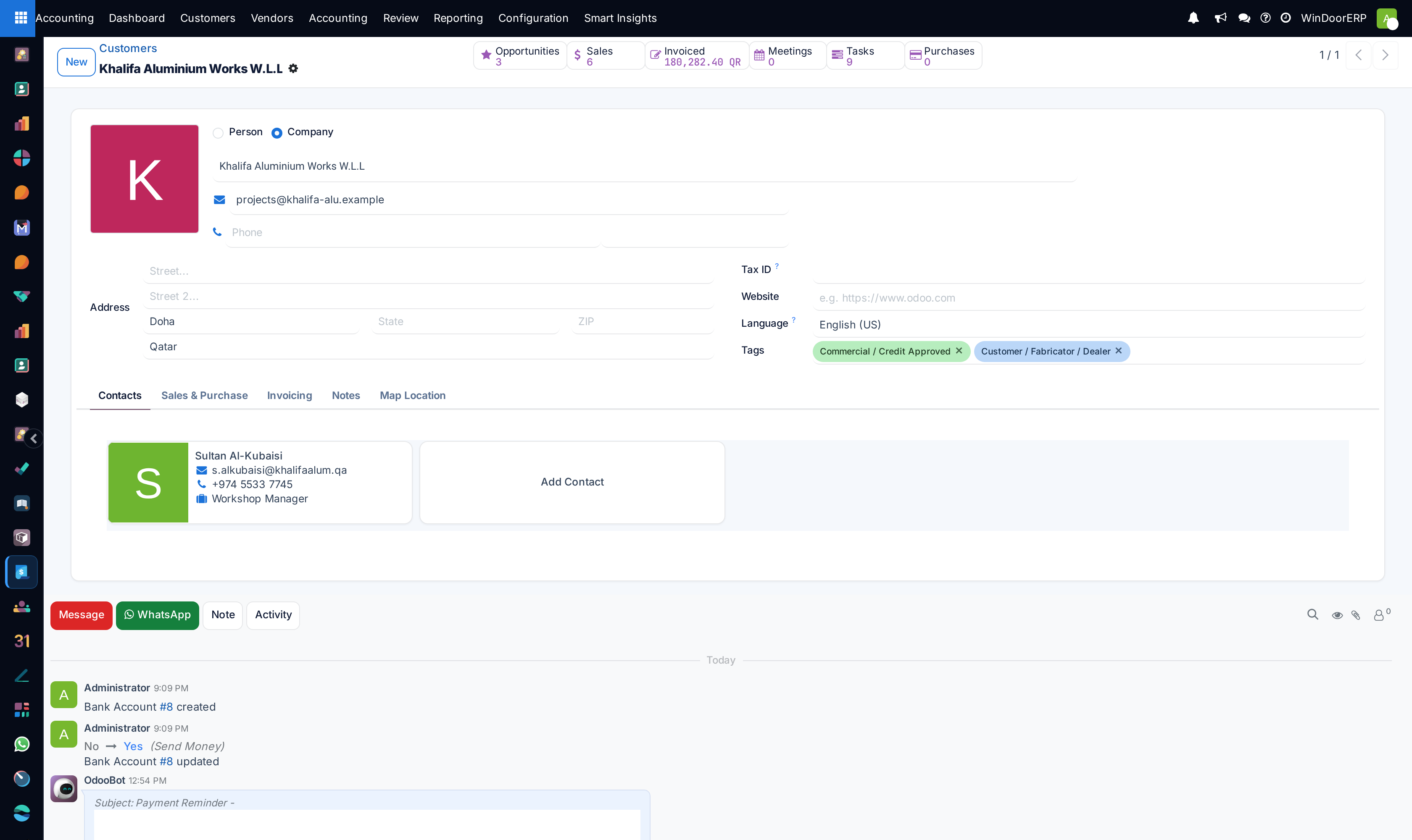
Review customer balances in Accounting › Customers › Customers across List, Kanban, and Form views.
Common mistakes
- Registering unallocated payments without linking them to specific project invoice lines.
- Issuing credit notes without formal management written approval.
Was this article helpful?
Thanks — your feedback helps.
Running a window or door factory?
Ask for a demo