Manage employee master profiles, department rosters, work locations, and job roles
What this does
Maintains comprehensive employee master records, factory department rosters (Aluminium Fabrication, Glass Processing, Powder Coating, Site Surveying, Site Installation), work locations, and direct manager reporting hierarchies.
Before you start
- HR Officer or Department Manager credentials.
Steps
Important
Assigning proper work locations ensures travel allowances and site survey per-diem rules calculate accurately in payroll.
-
01
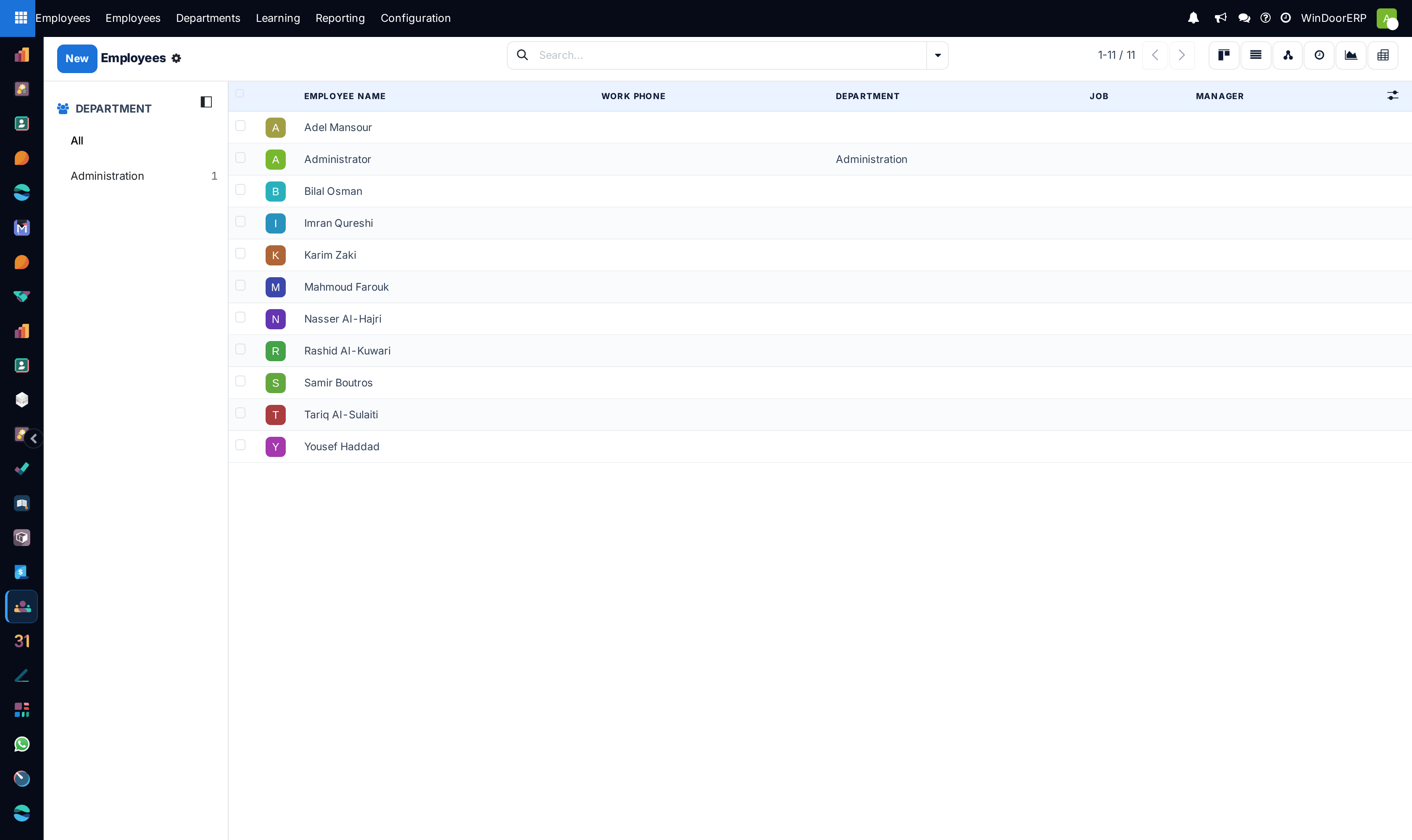
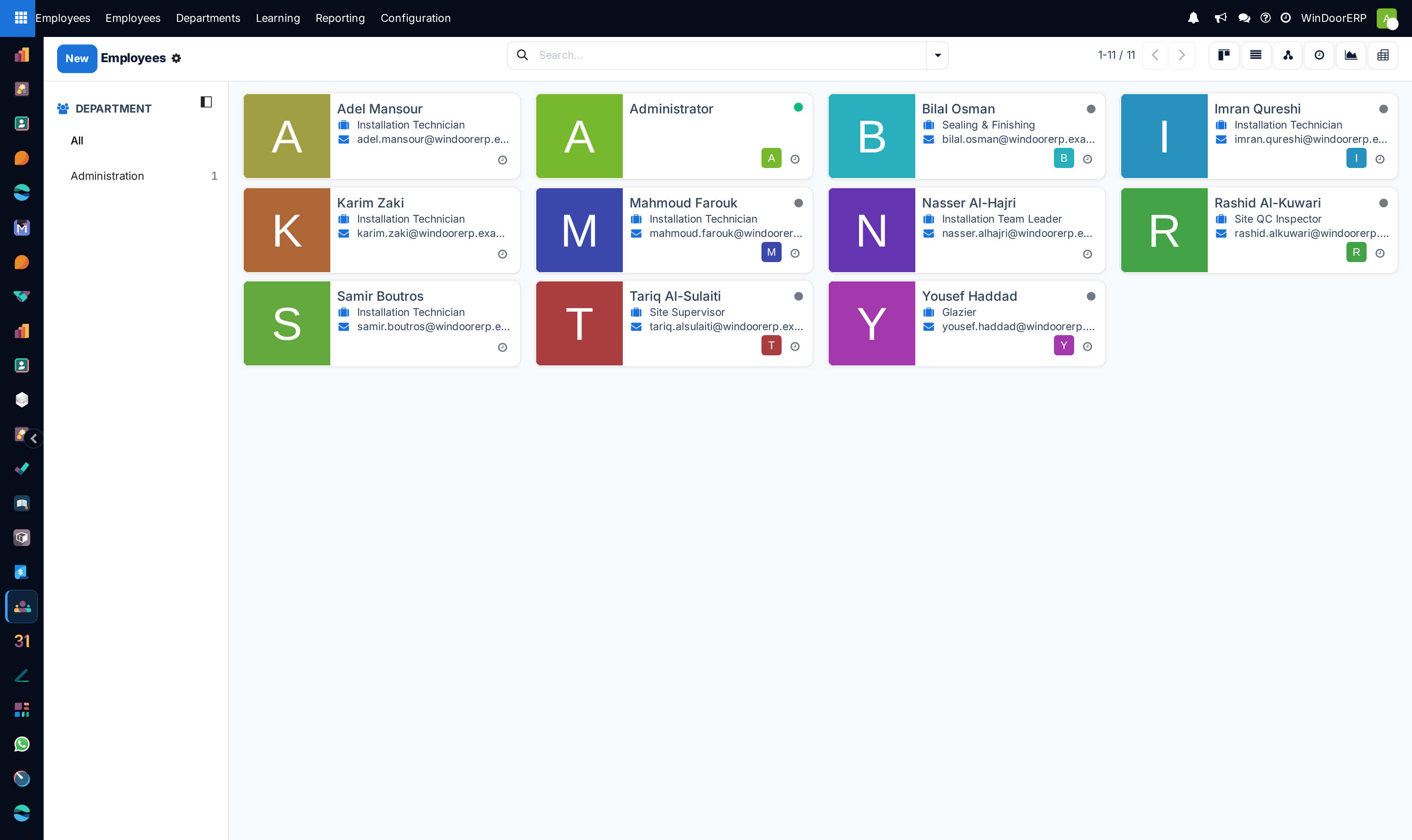
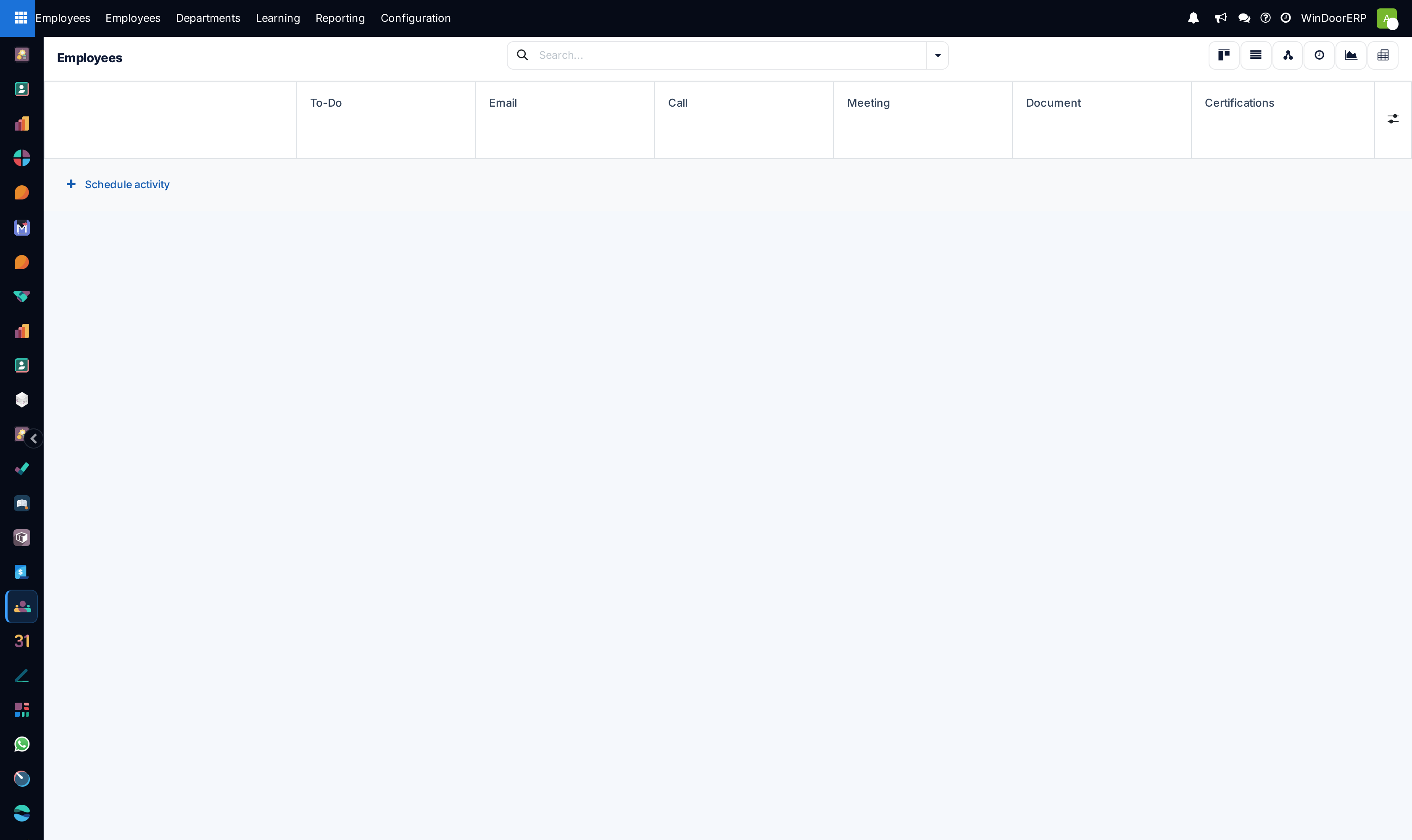
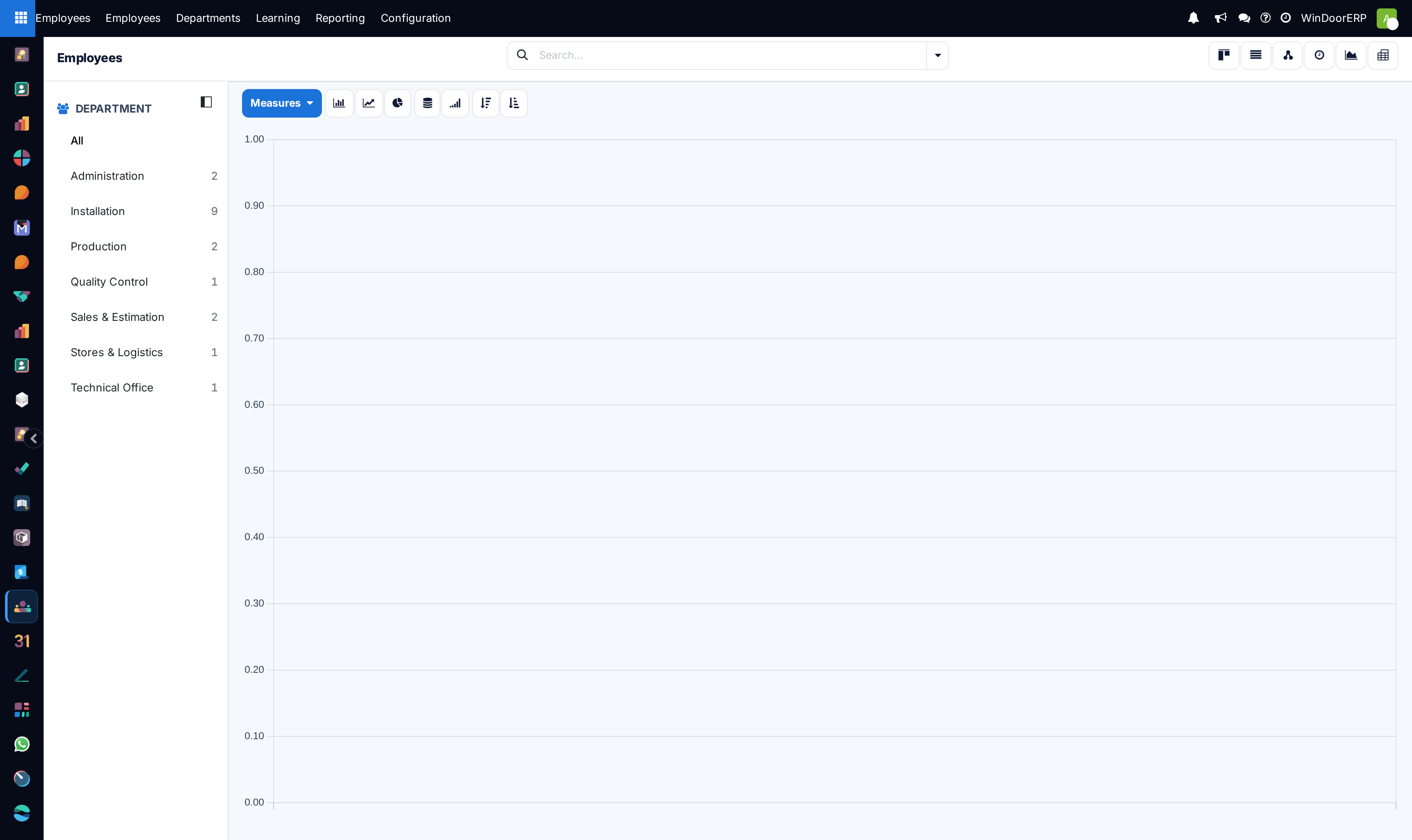
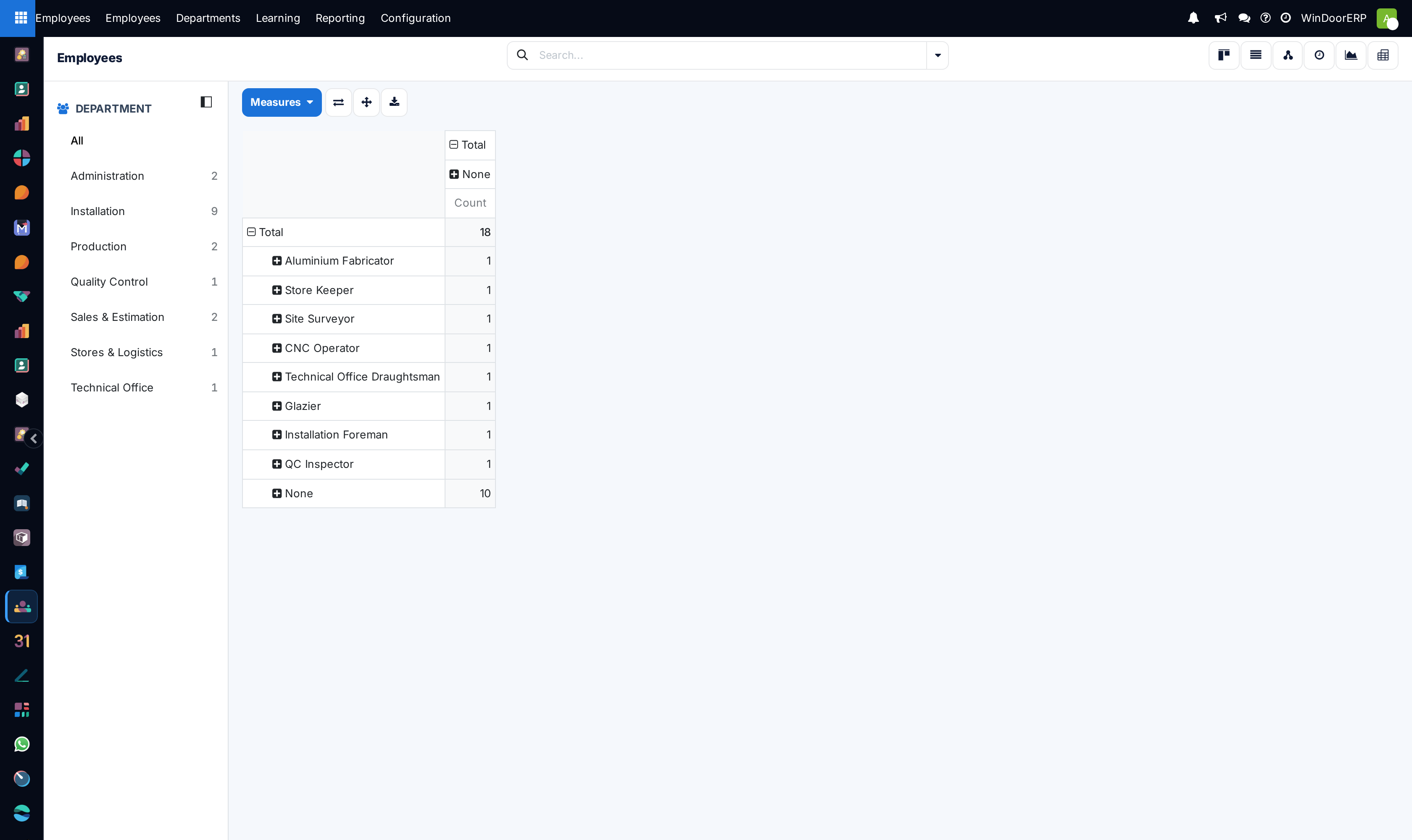
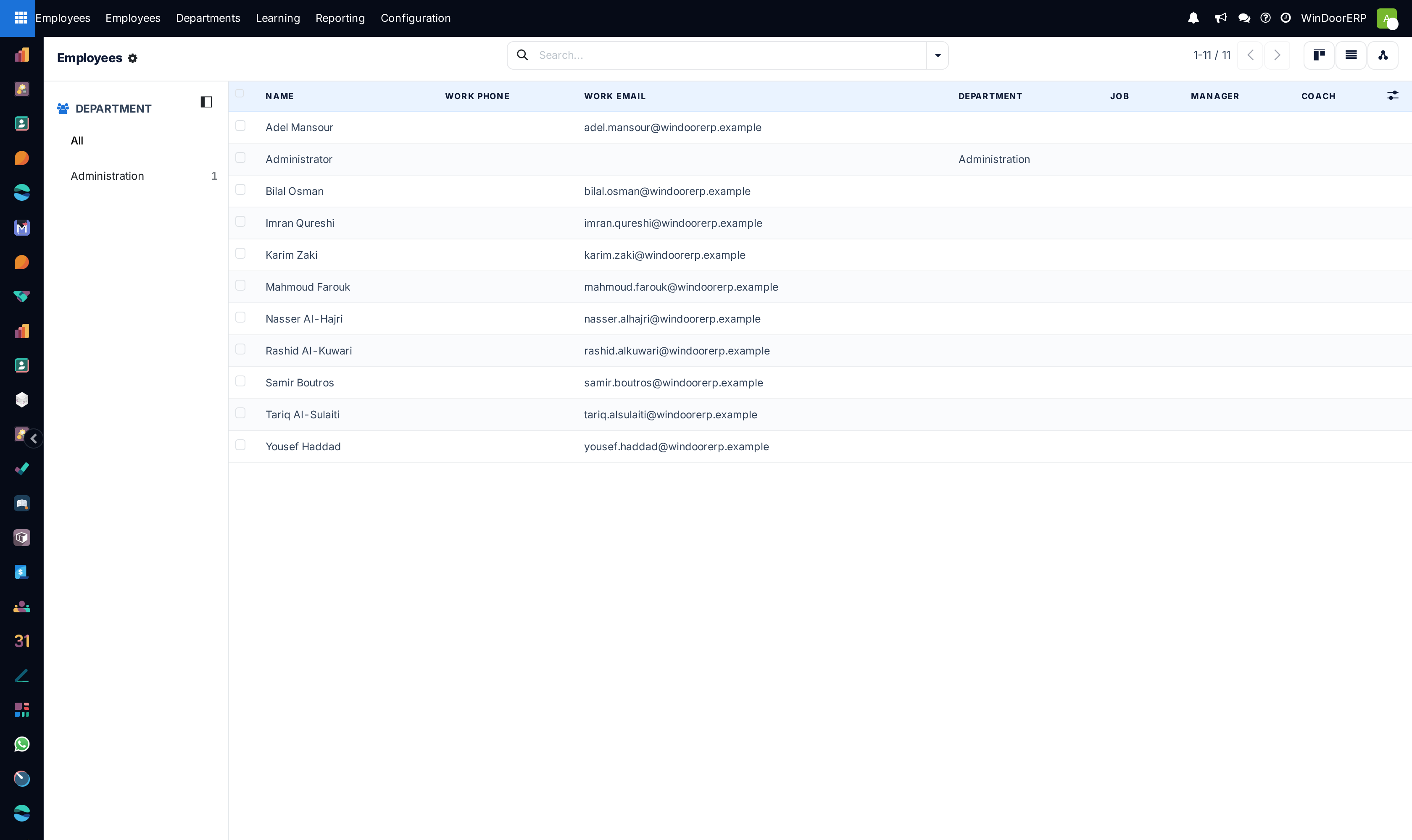
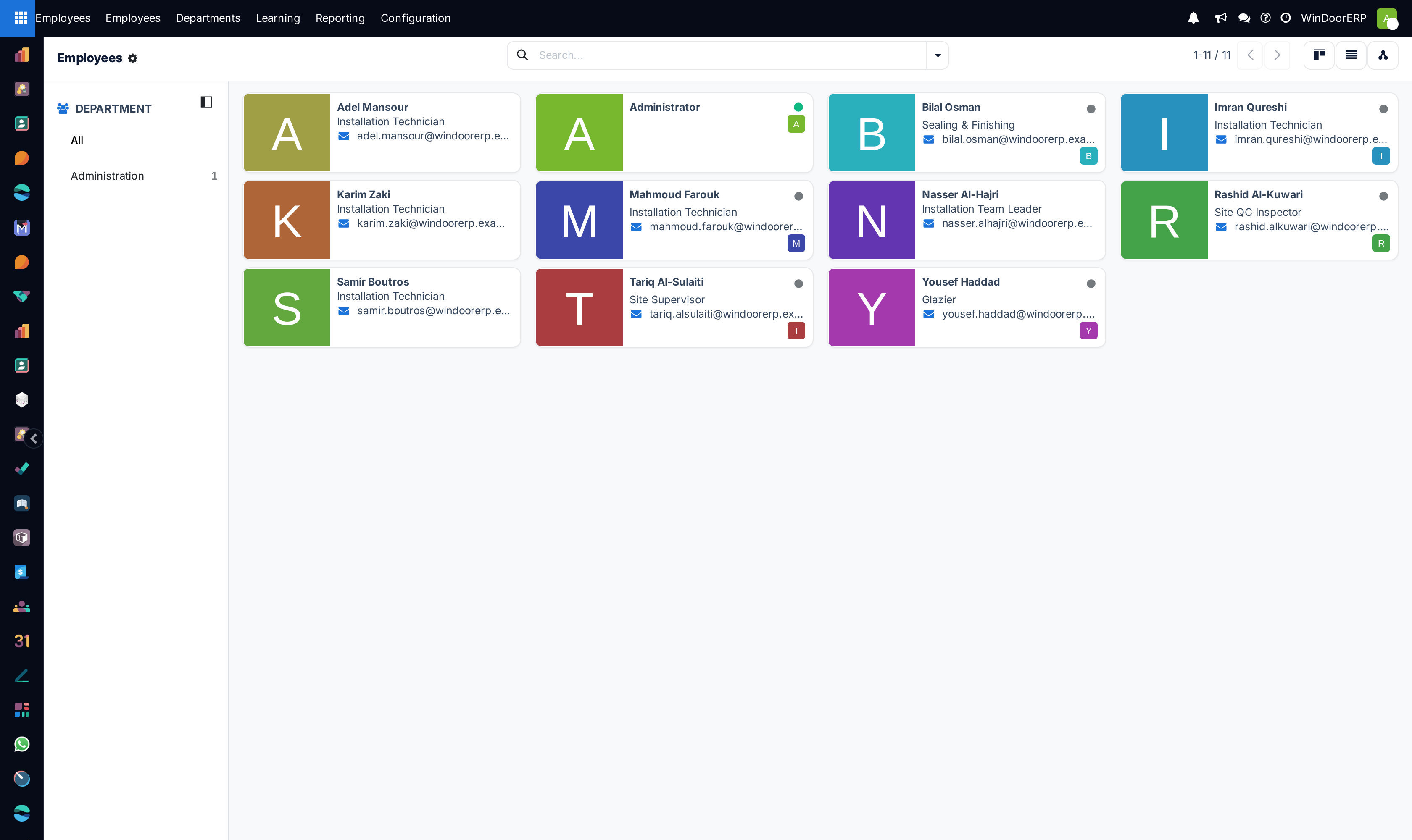
Open Employees › Employees across List, Kanban, and Activity views.
-
02
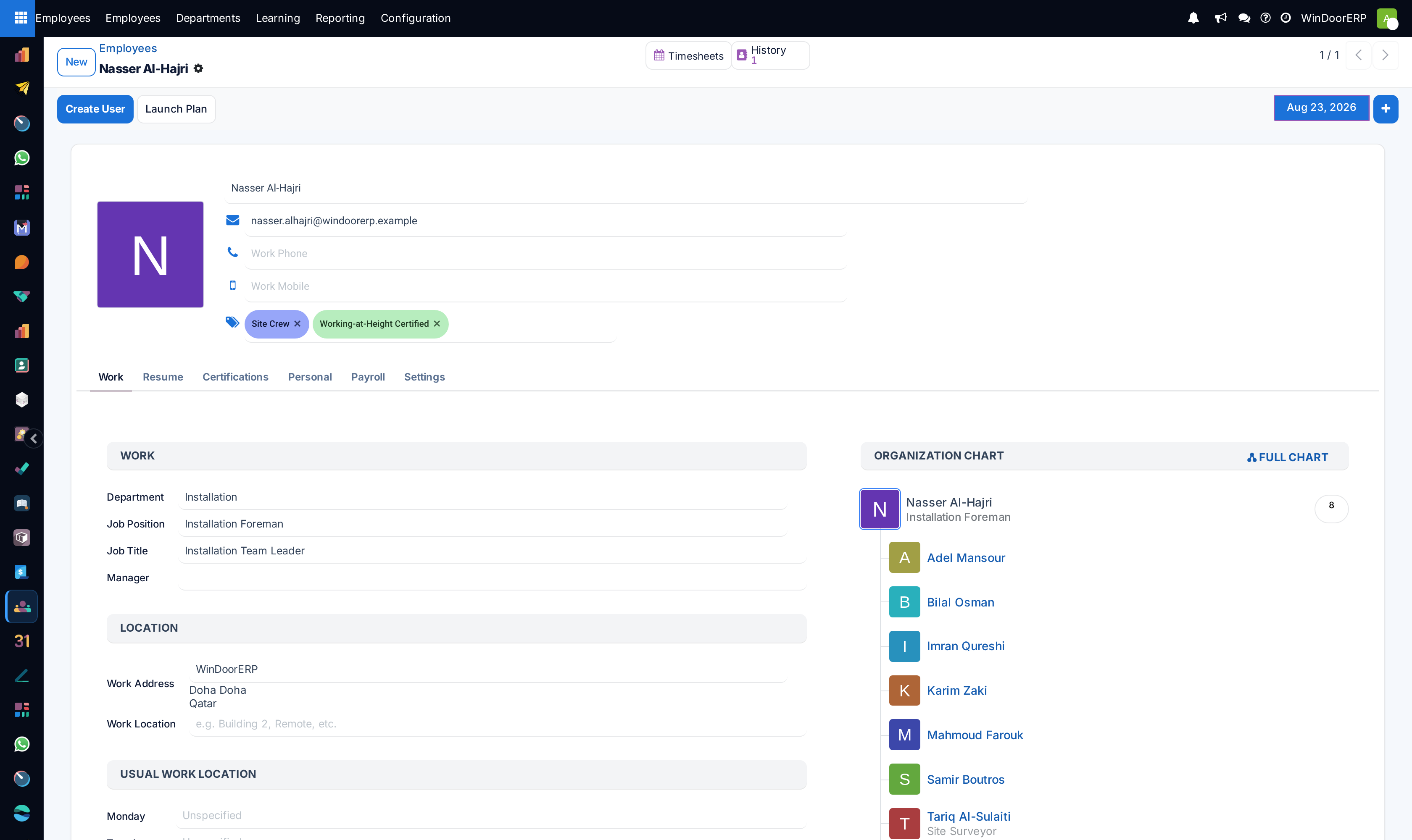
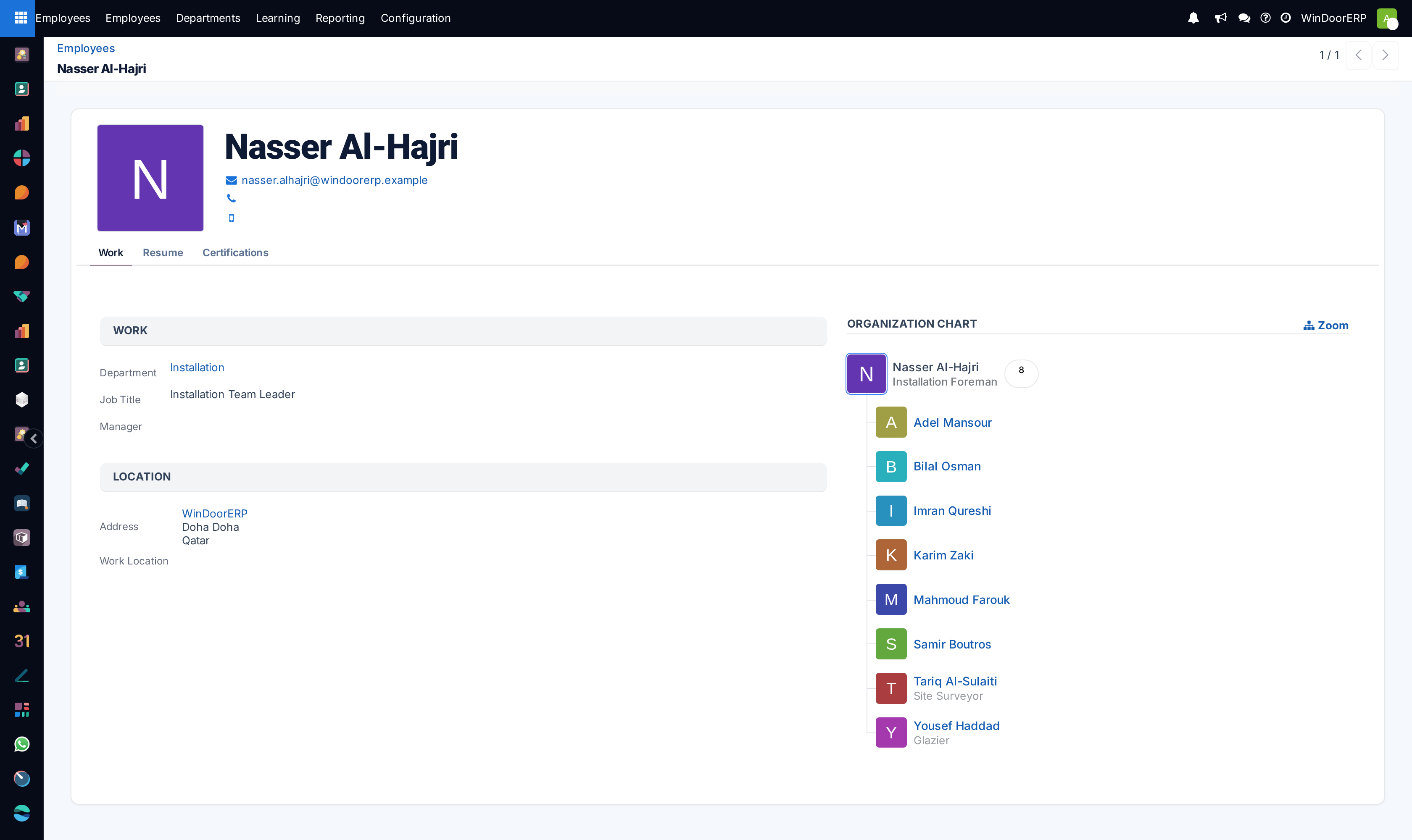
Click on any employee card (or click New) to maintain work email, mobile phone, job position, and department.
-
03
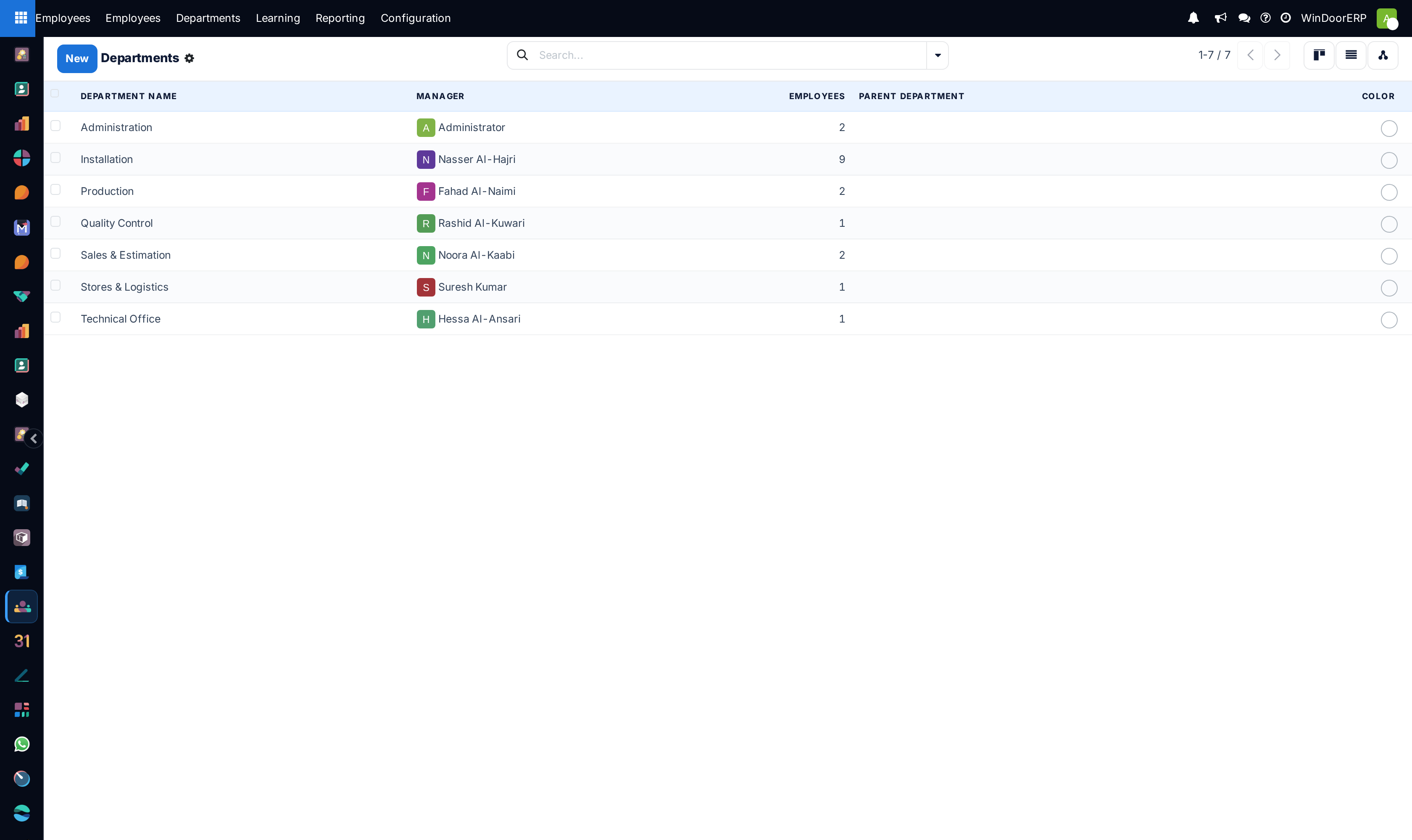
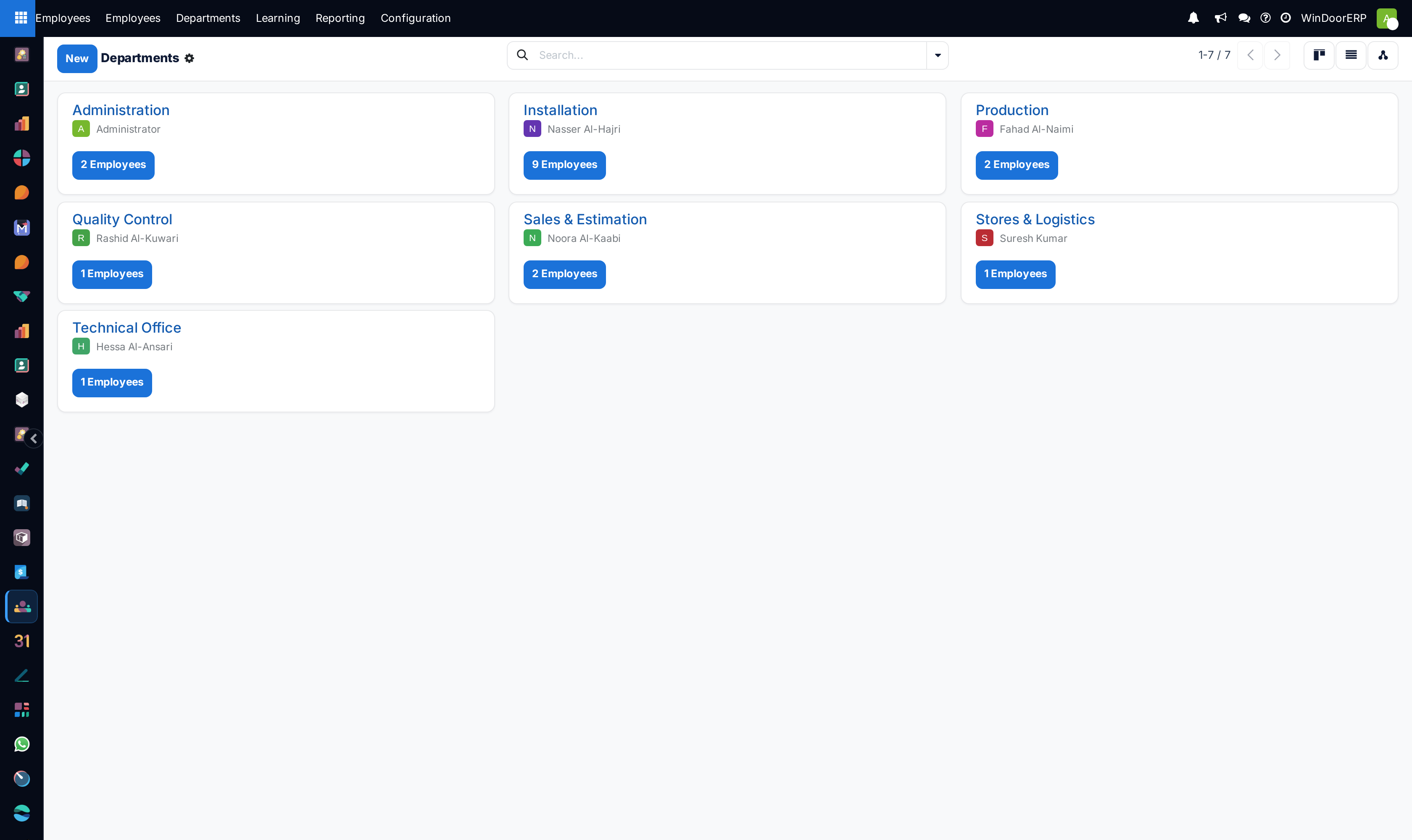
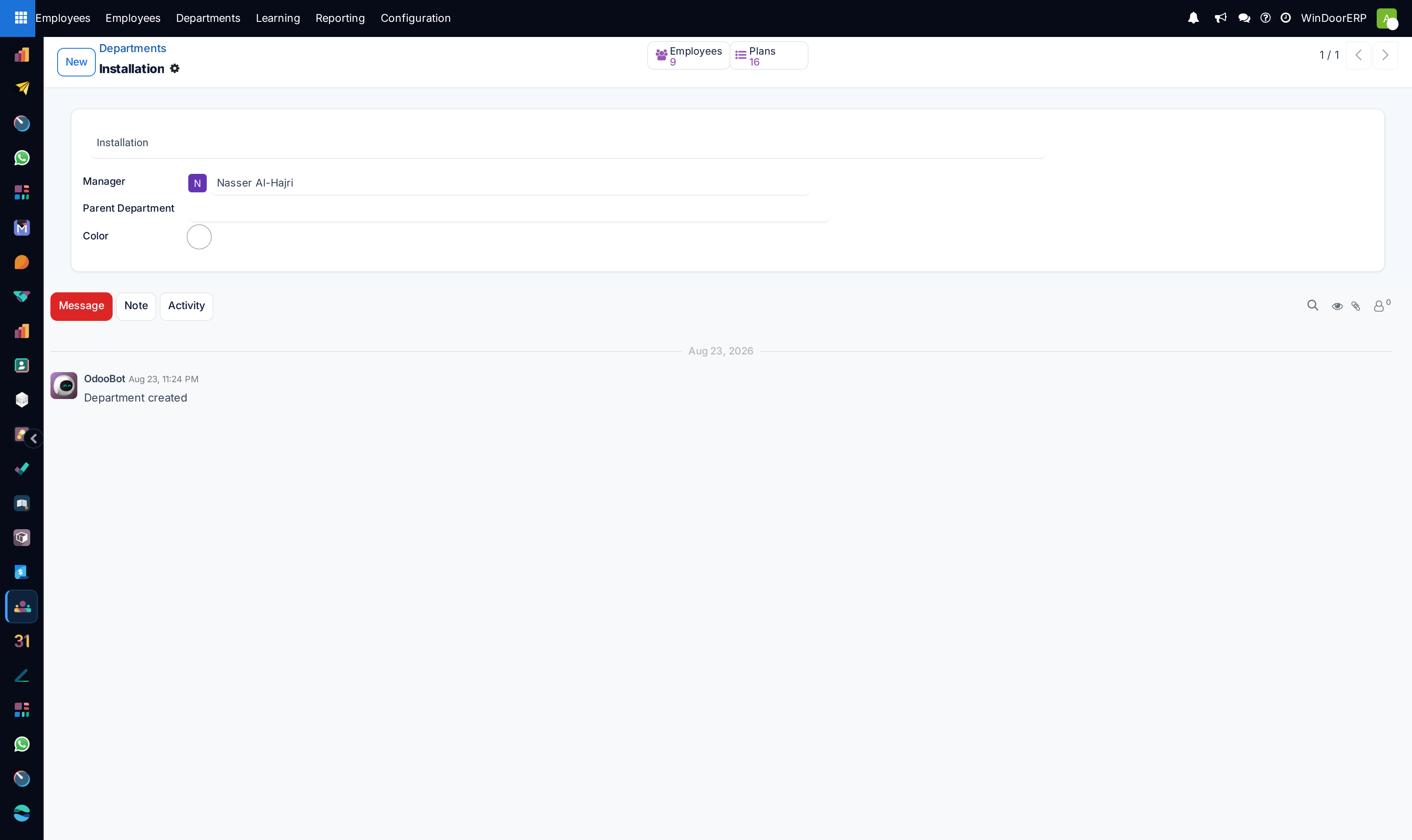
Open Departments to inspect team headcount, department managers, and appraisal schedules.
-
04
Explore Employees Directory for quick contact lookups across factory and site operations.
-
05
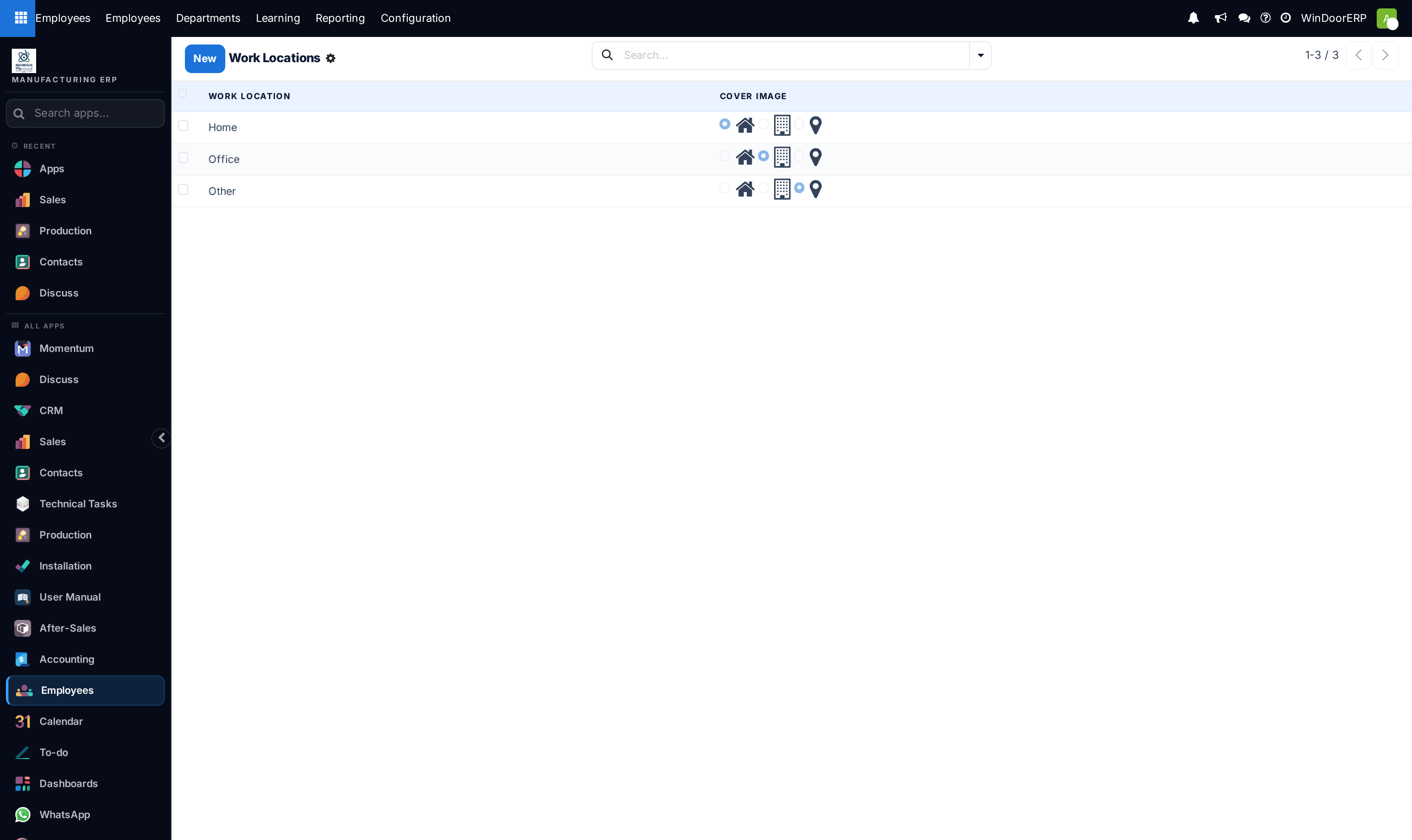
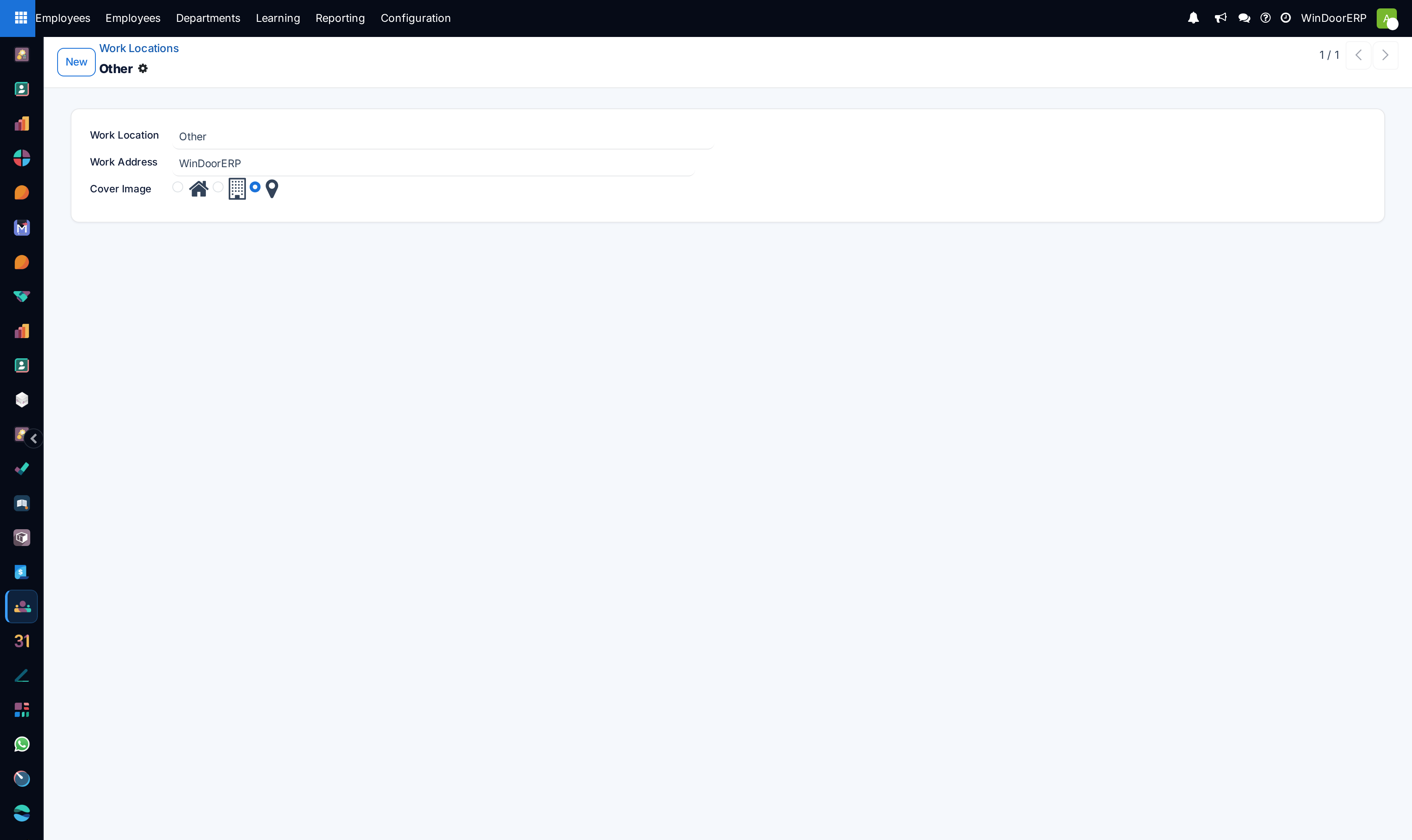
Review Work Locations (Factory Plant 1, Main Showroom, Site Field Offices).
Common mistakes
- Creating employee records without assigning a parent Department or direct Supervisor.
- Leaving departed employees active in active site installation crew rosters.
Was this article helpful?
Thanks — your feedback helps.
Running a window or door factory?
Ask for a demo