Install addons, update app list, import zip modules, and apply scheduled upgrades
What this does
Manages the ERP modular ecosystem, allowing administrators to discover official addons, update the server module registry, import third-party zip packages, and apply database migrations safely.
Before you start
- System Administrator privileges.
Steps
Important
Always take a full database snapshot backup before installing third-party community modules or applying major schema upgrades.
-
01
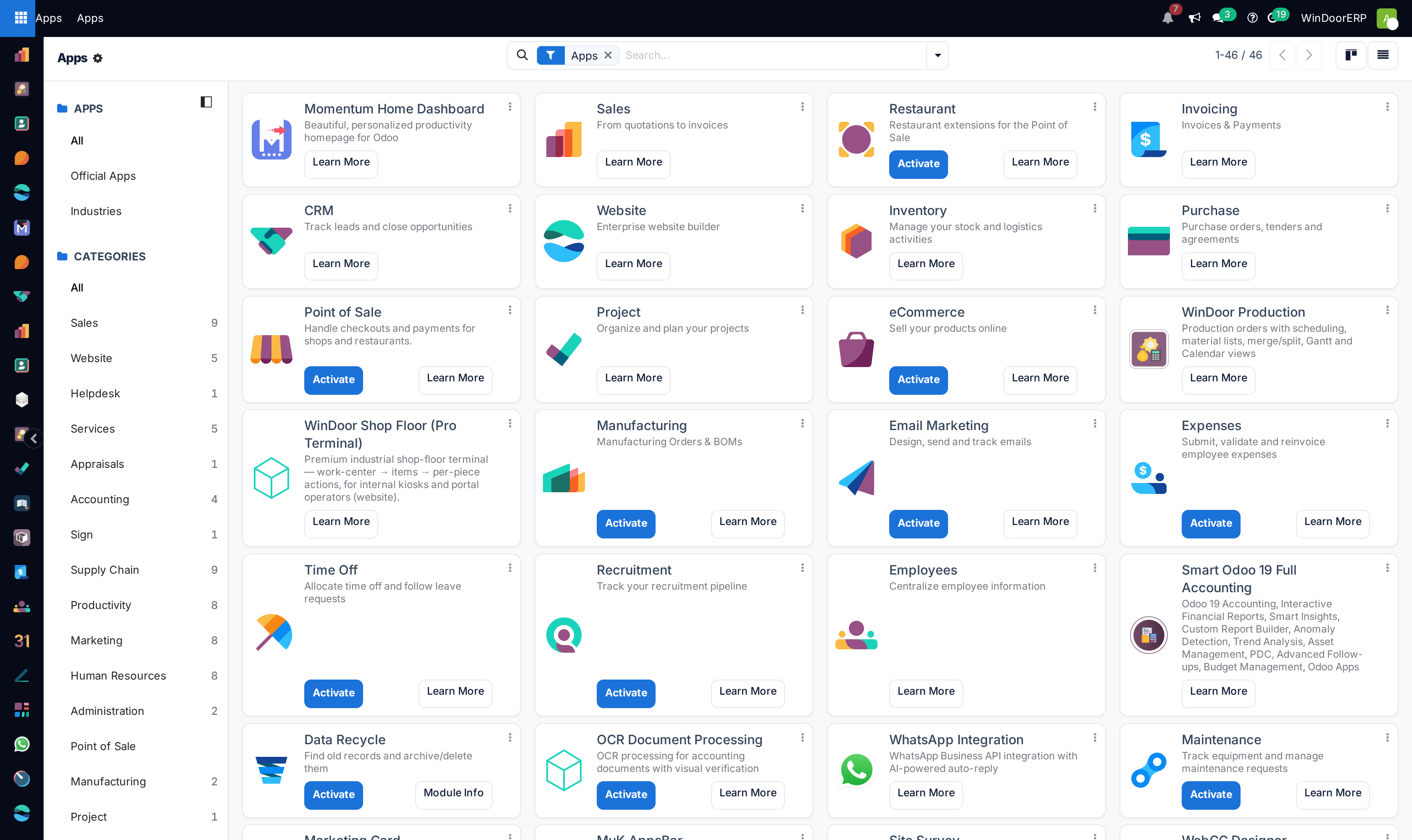
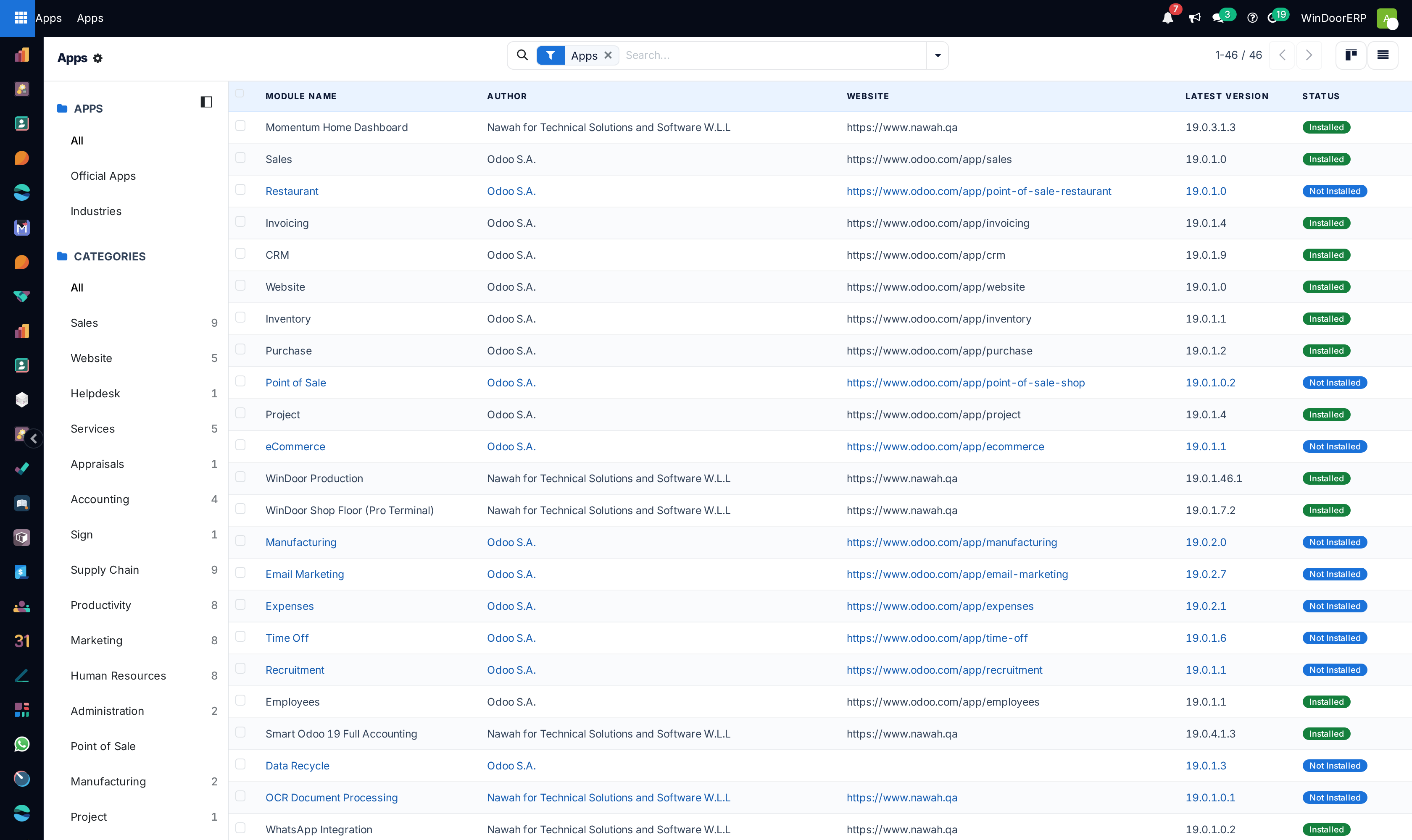
Open Apps to view installed and available modules in Kanban and List views.
-
02
Click Update Apps List after placing new custom addons in the server directory.
-
03
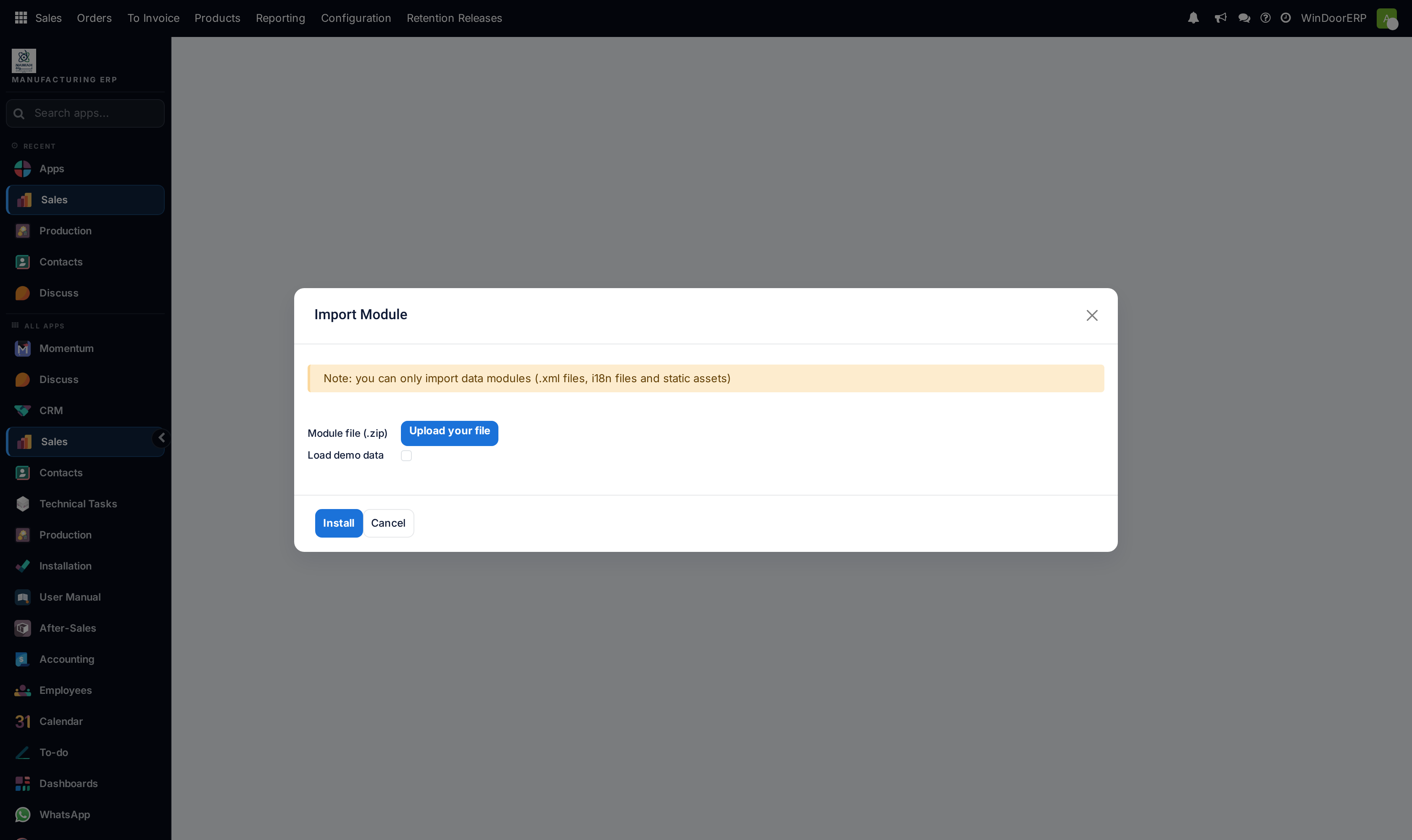
Use Import Module to upload zipped addon extensions.
-
04
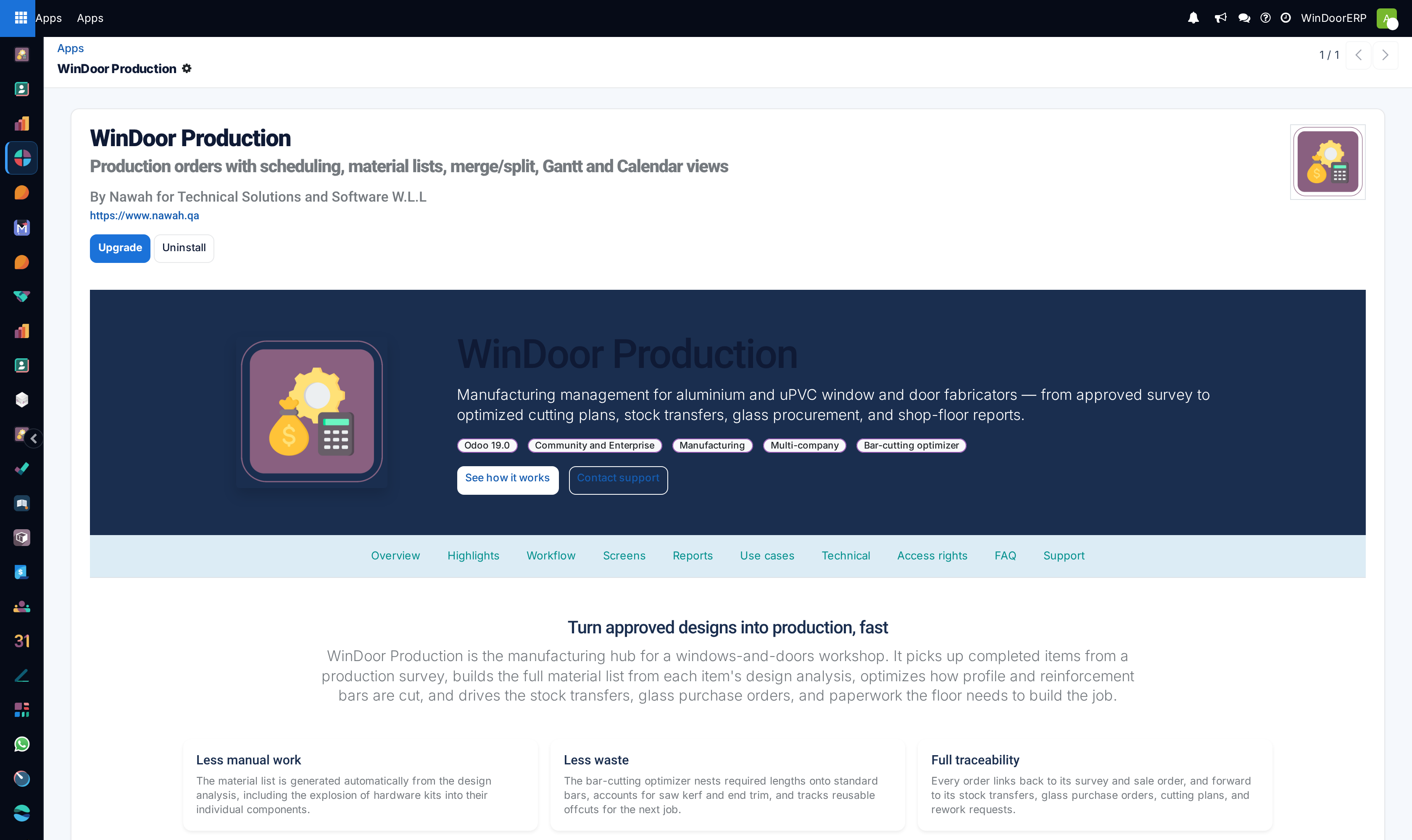
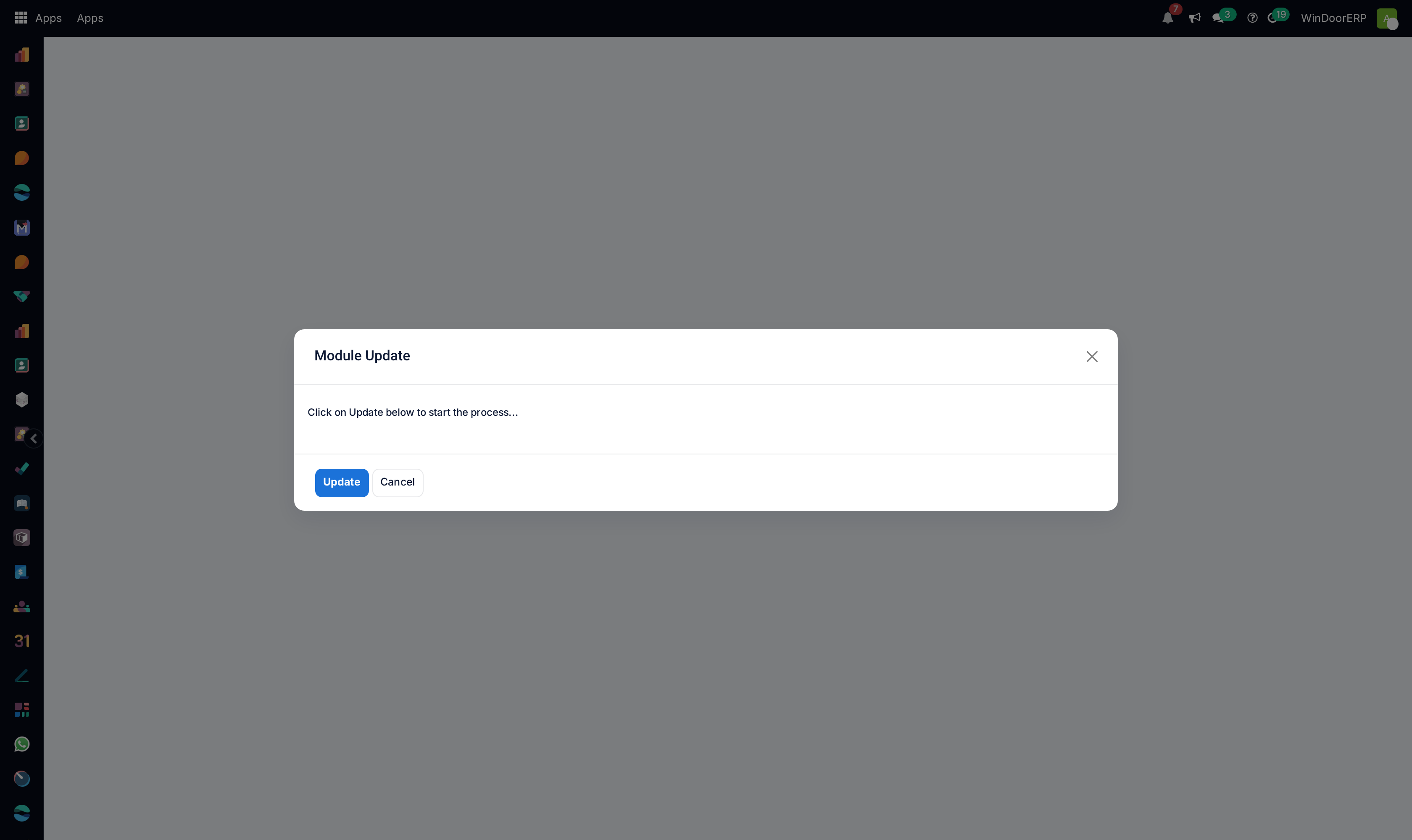
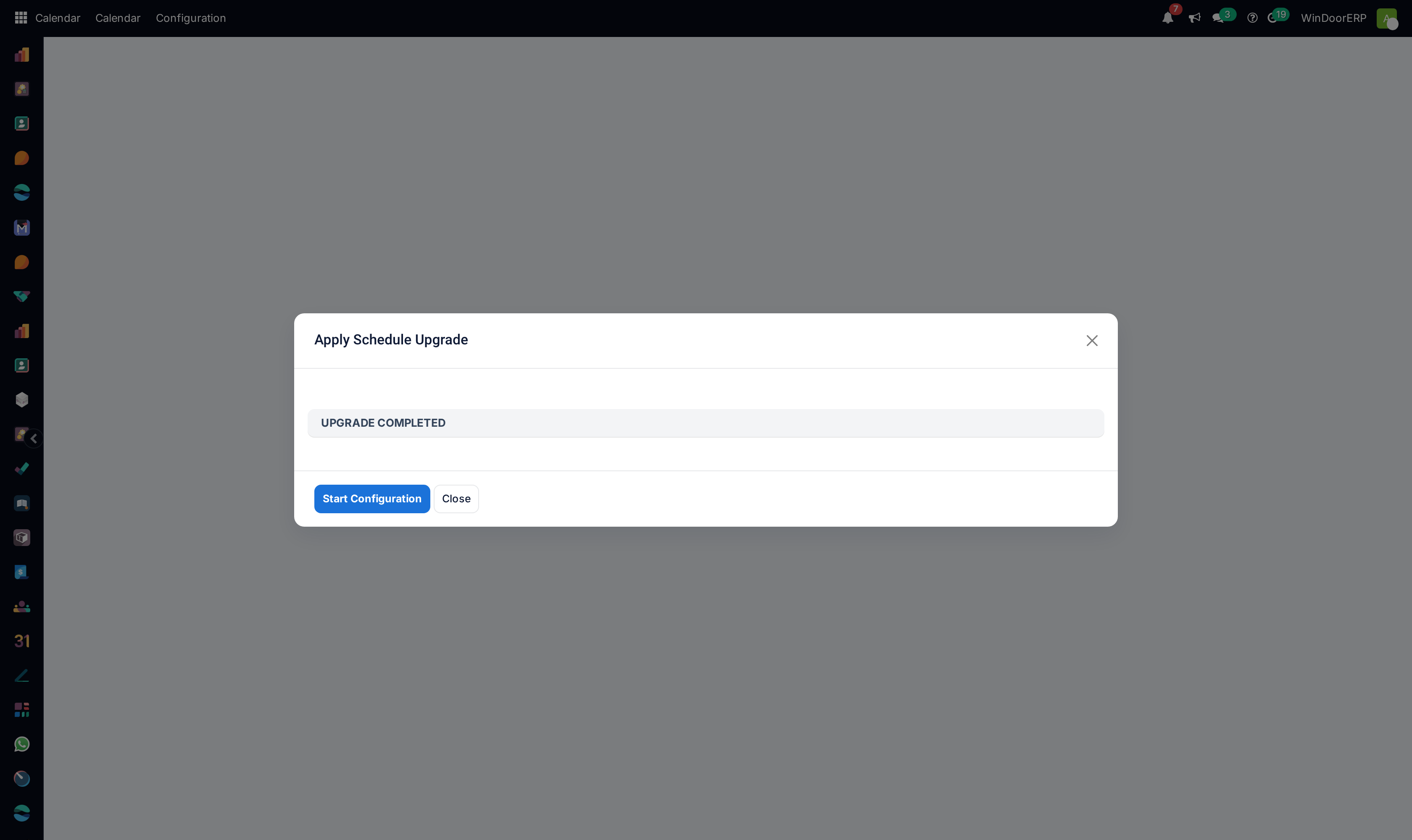
Review pending database schema changes in Apply Scheduled Upgrades.
Common mistakes
- Installing unverified third-party modules directly into the production cluster without prior staging validation.
- Restarting the Odoo server during an active module upgrade cycle.
Was this article helpful?
Thanks — your feedback helps.
Running a window or door factory?
Ask for a demo