Execute WebCC design analyses, discover JSON mapping parameters, and configure system drawings
What this does
Connects external CAD/CAM software engines with WindoorERP via dynamic JSON parameter field mapping, automated structural deflection audits, and system configuration profiles.
Before you start
- System Administrator or CAD Integration Engineer privileges.
Steps
Important
Dynamic JSON field mapping allows WindoorERP to integrate with any external fenestration estimation engine without modifying underlying Python model schemas.
-
01
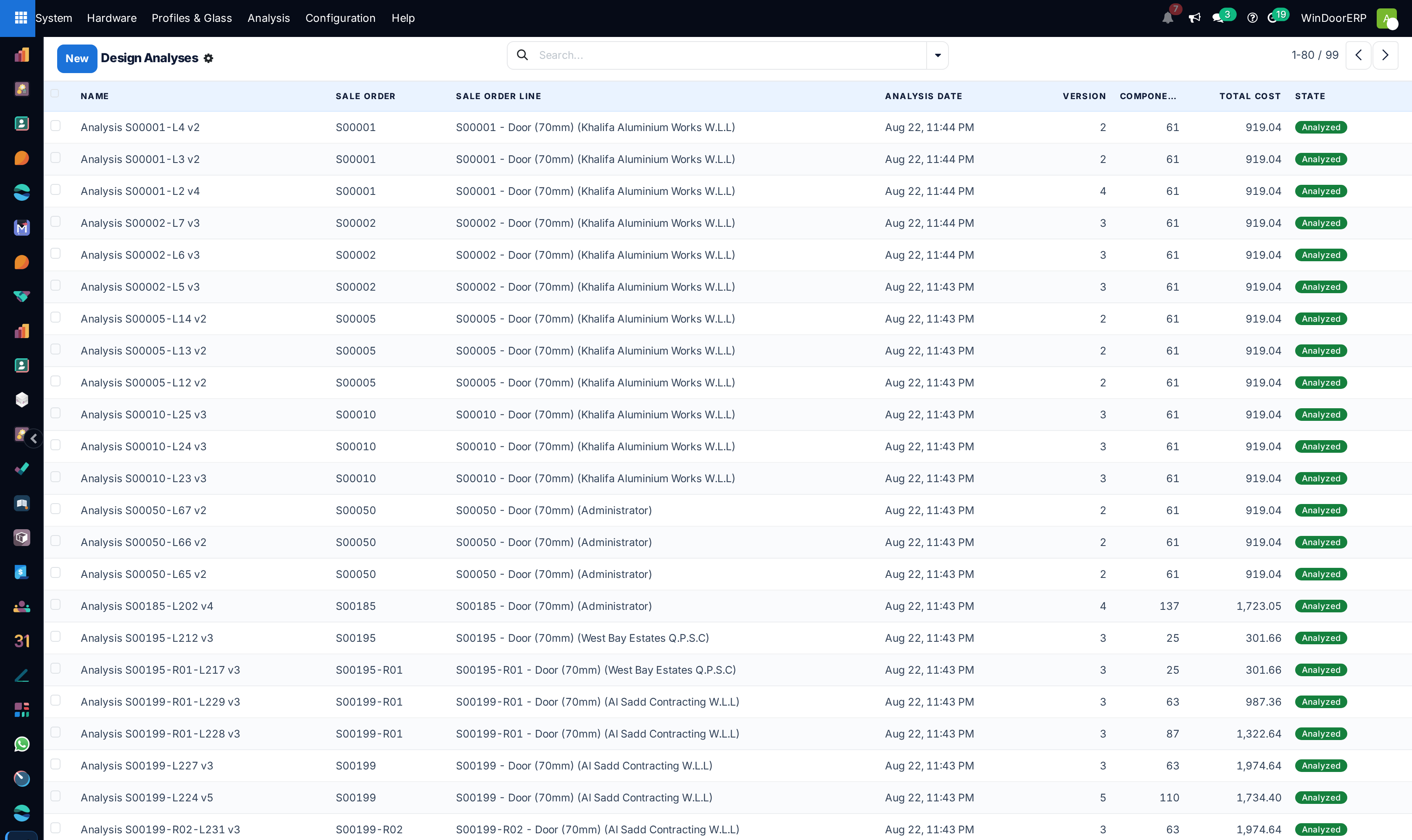
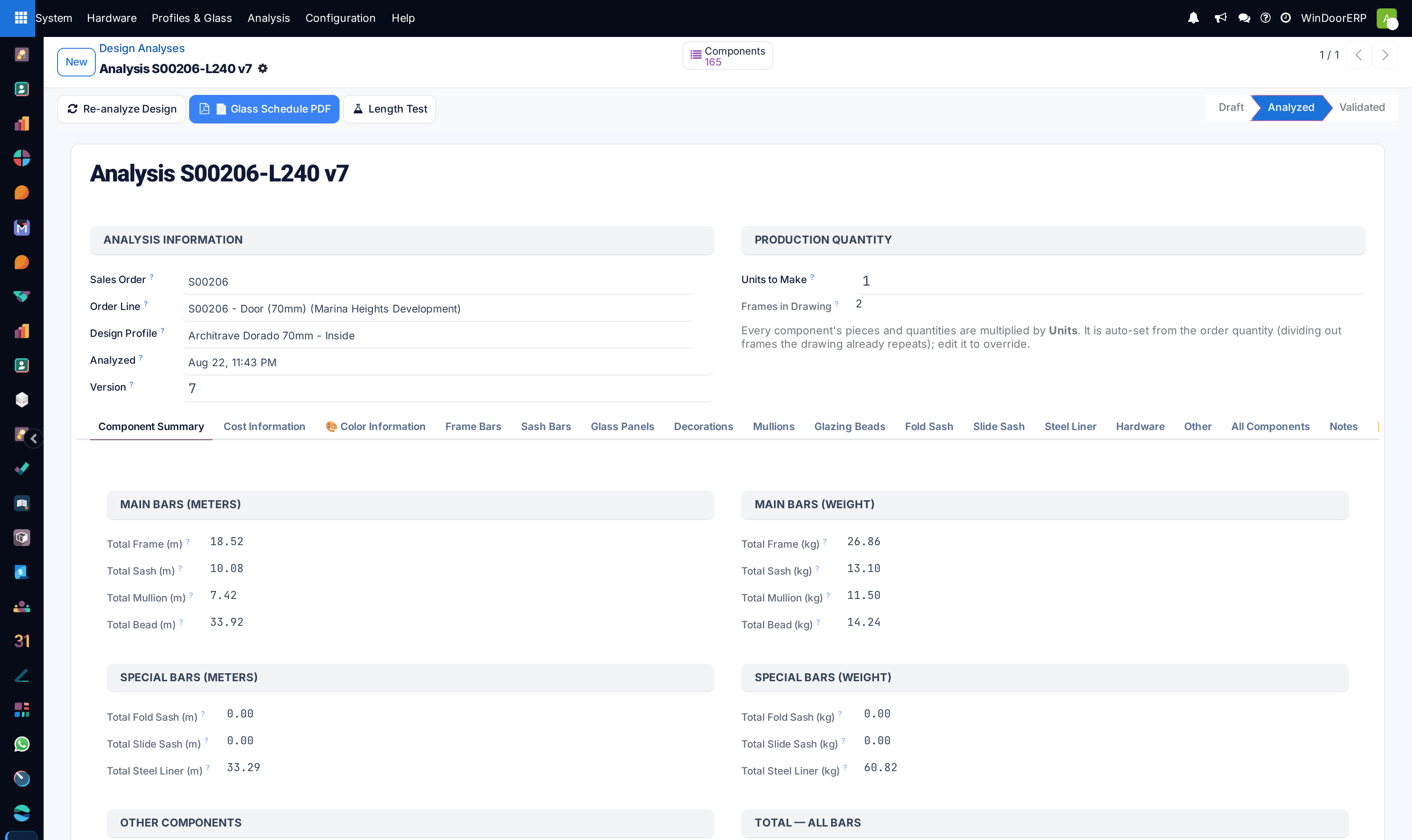
Open System › Analysis › Design Analyses across List and Form views to audit structural calculation jobs.
-
02
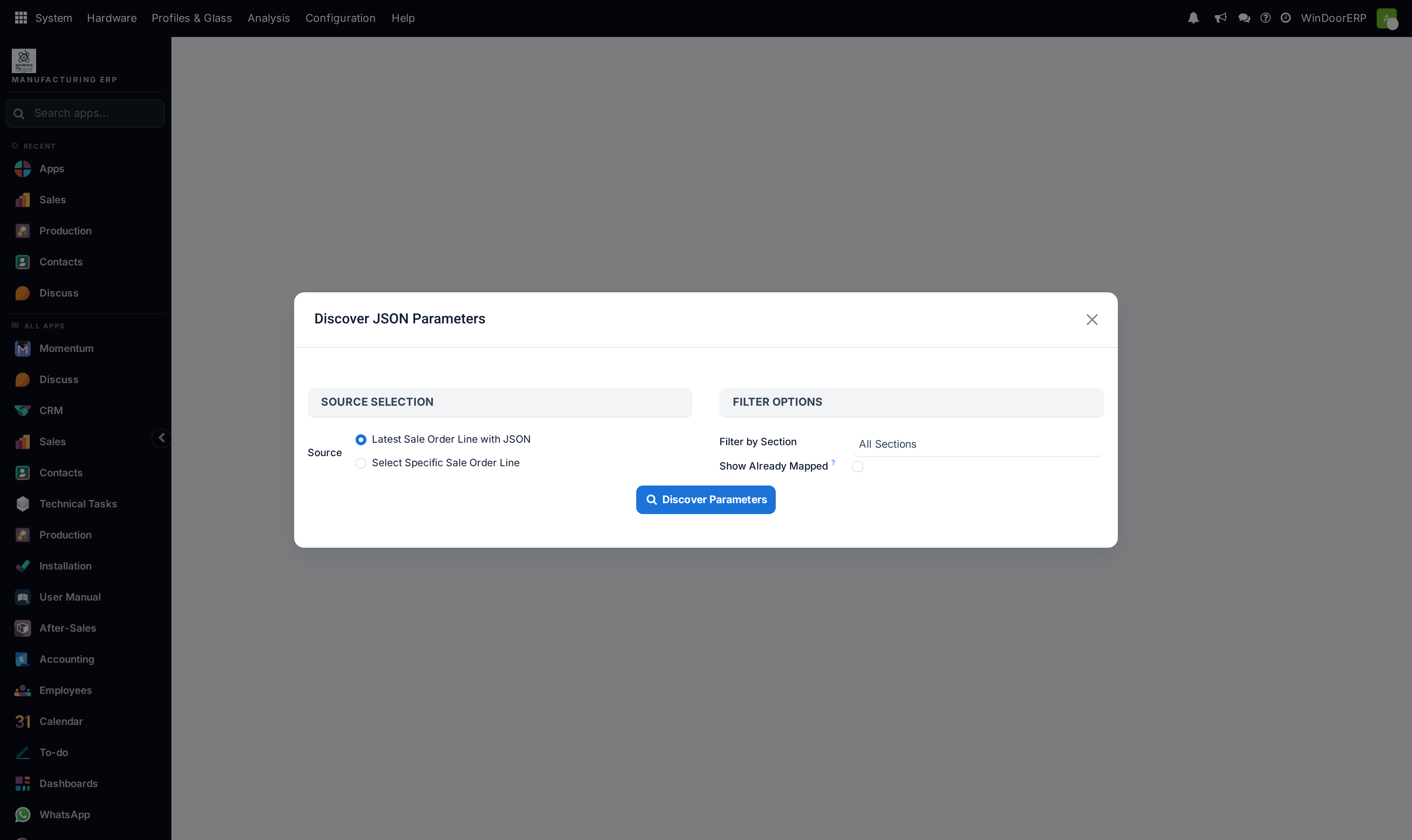
Navigate to JSON Mapping › Discover Parameters to extract parametric keys from raw CAD payloads.
-
03
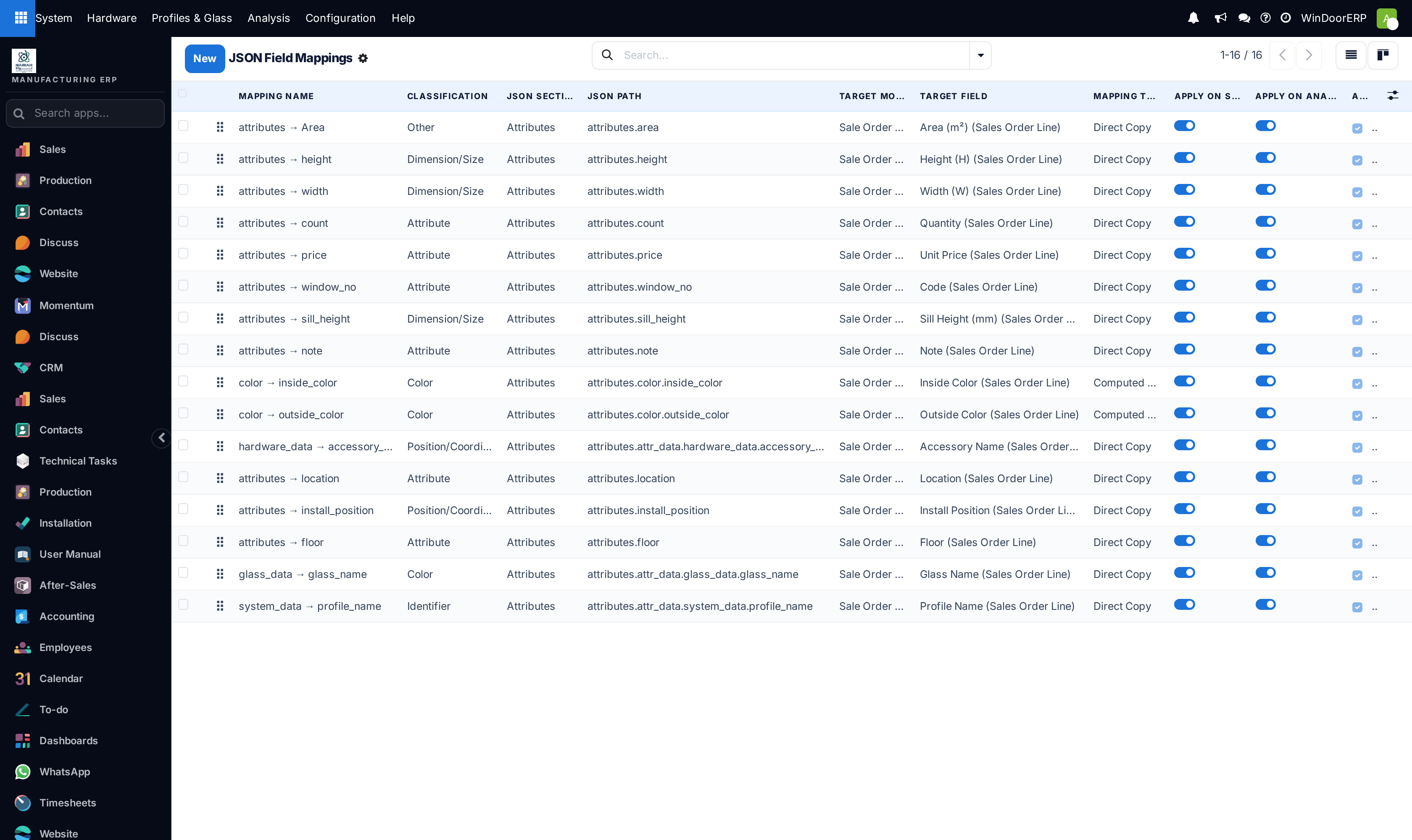
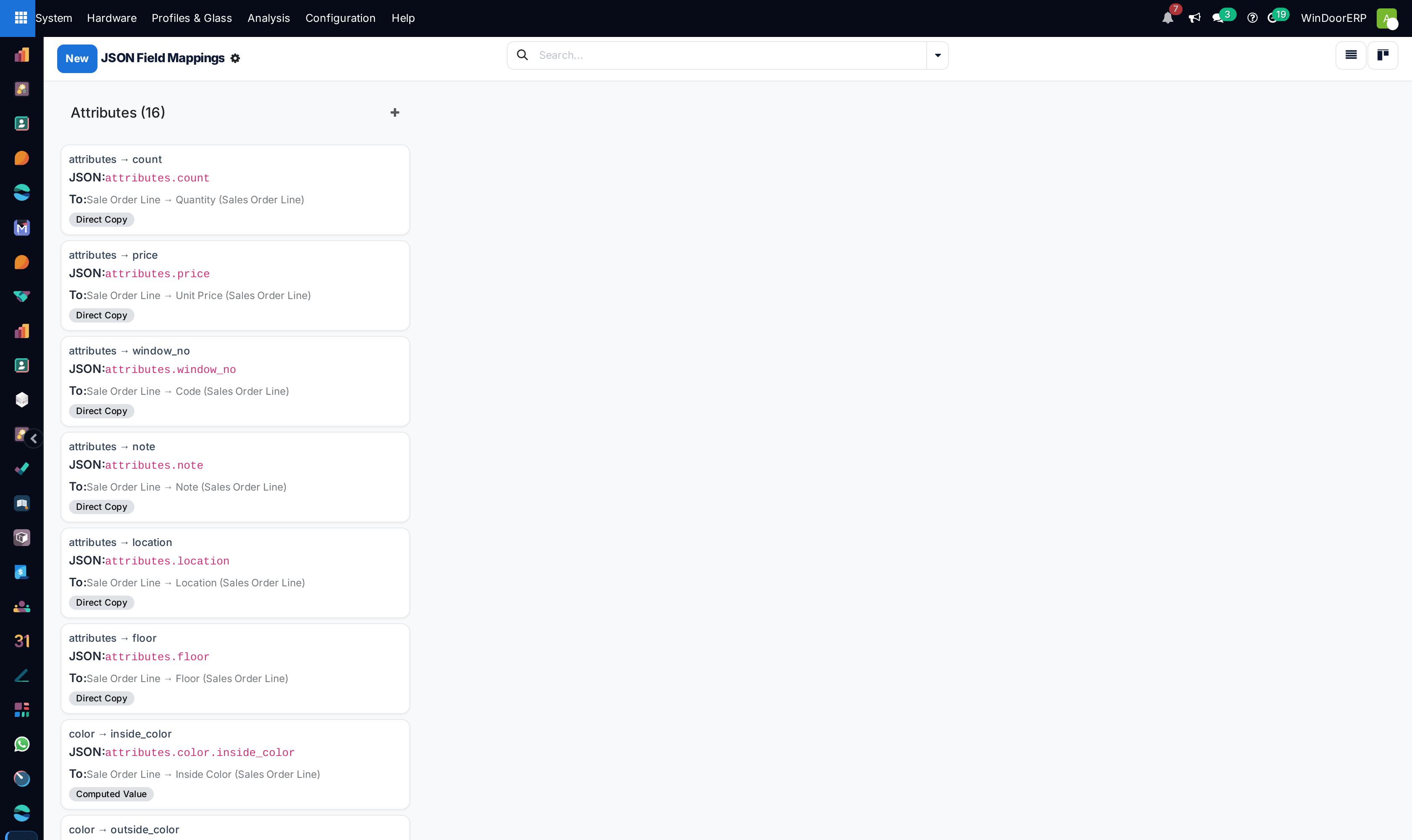
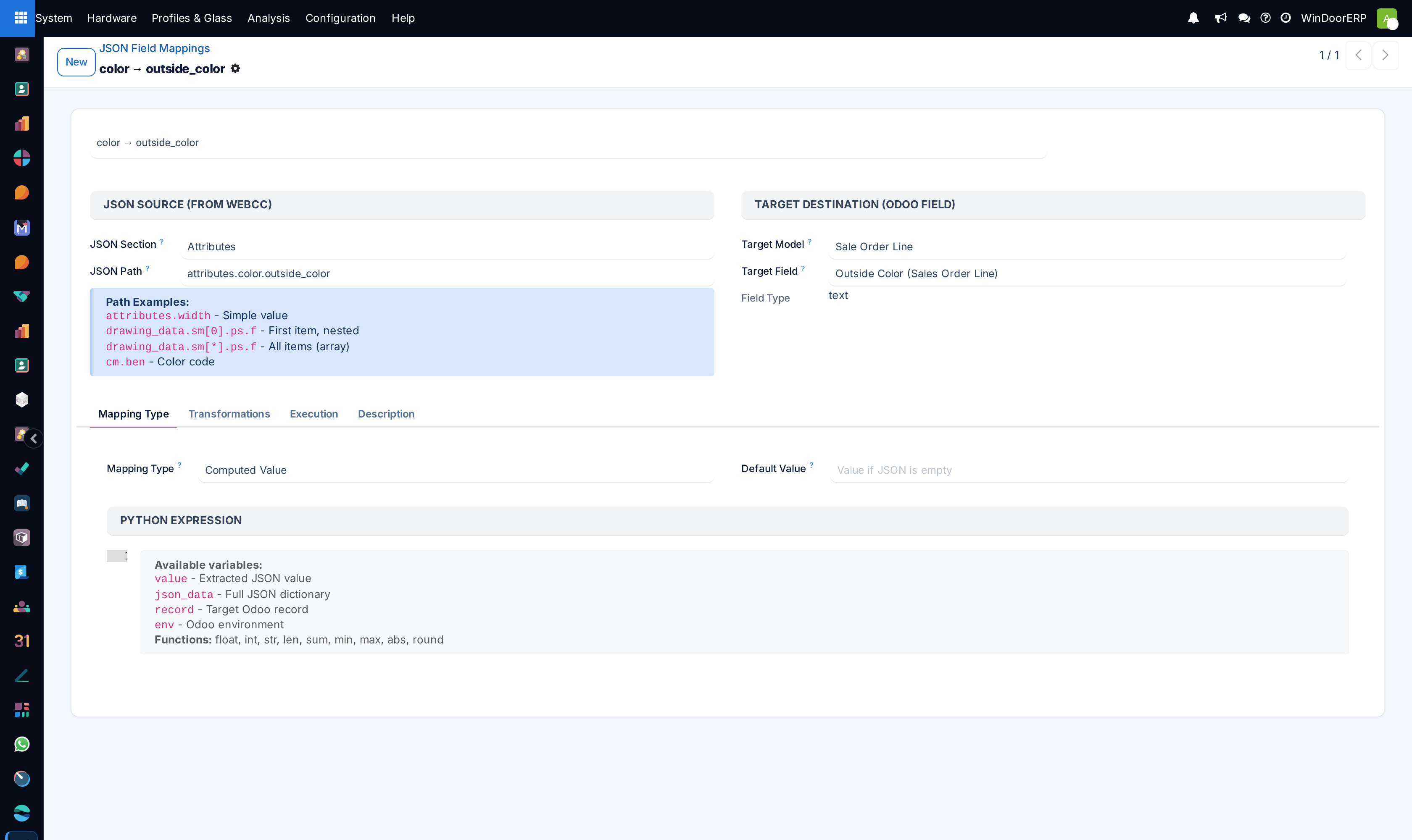
Map CAD attributes to ERP models under Field Mappings in List and Kanban views.
-
04
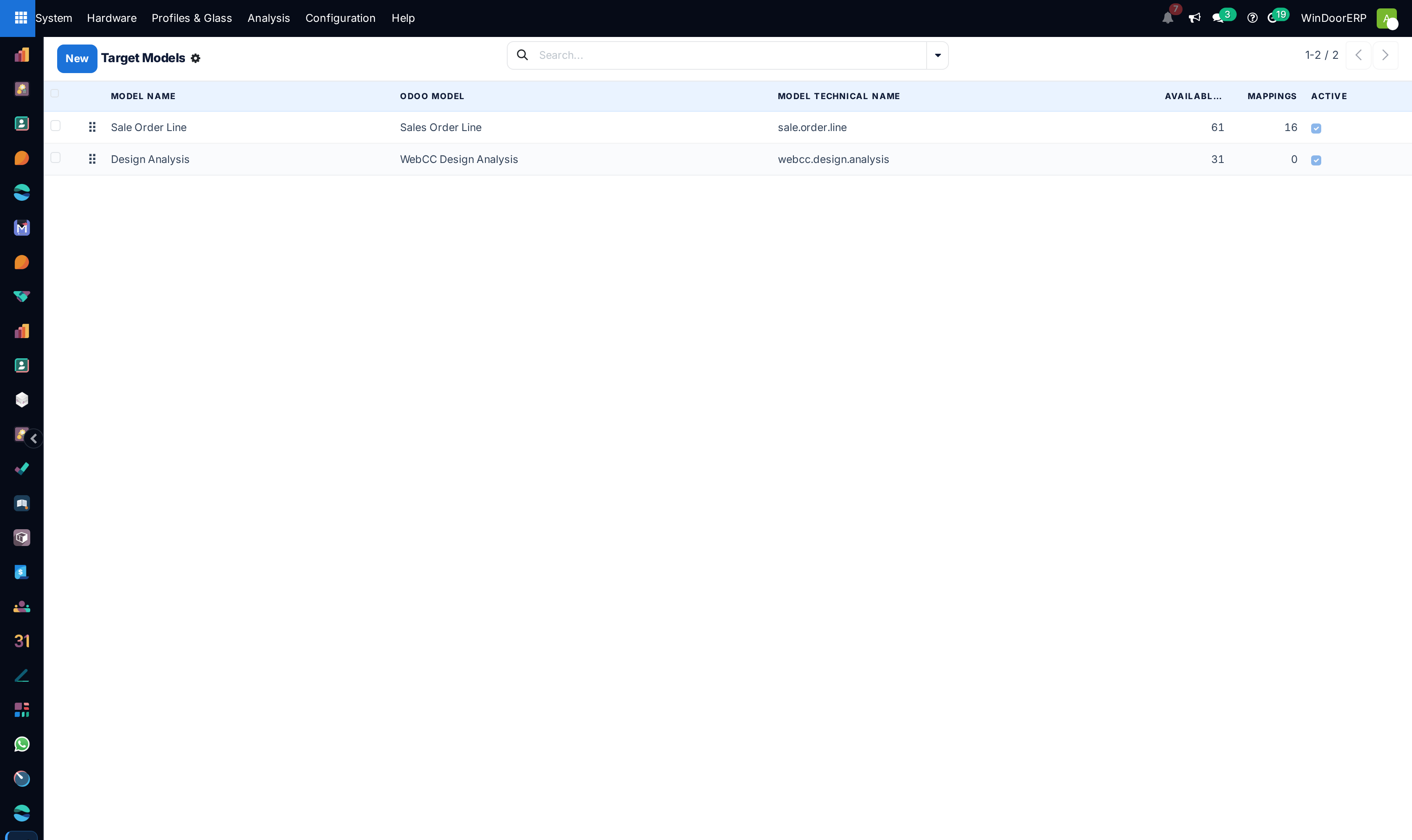
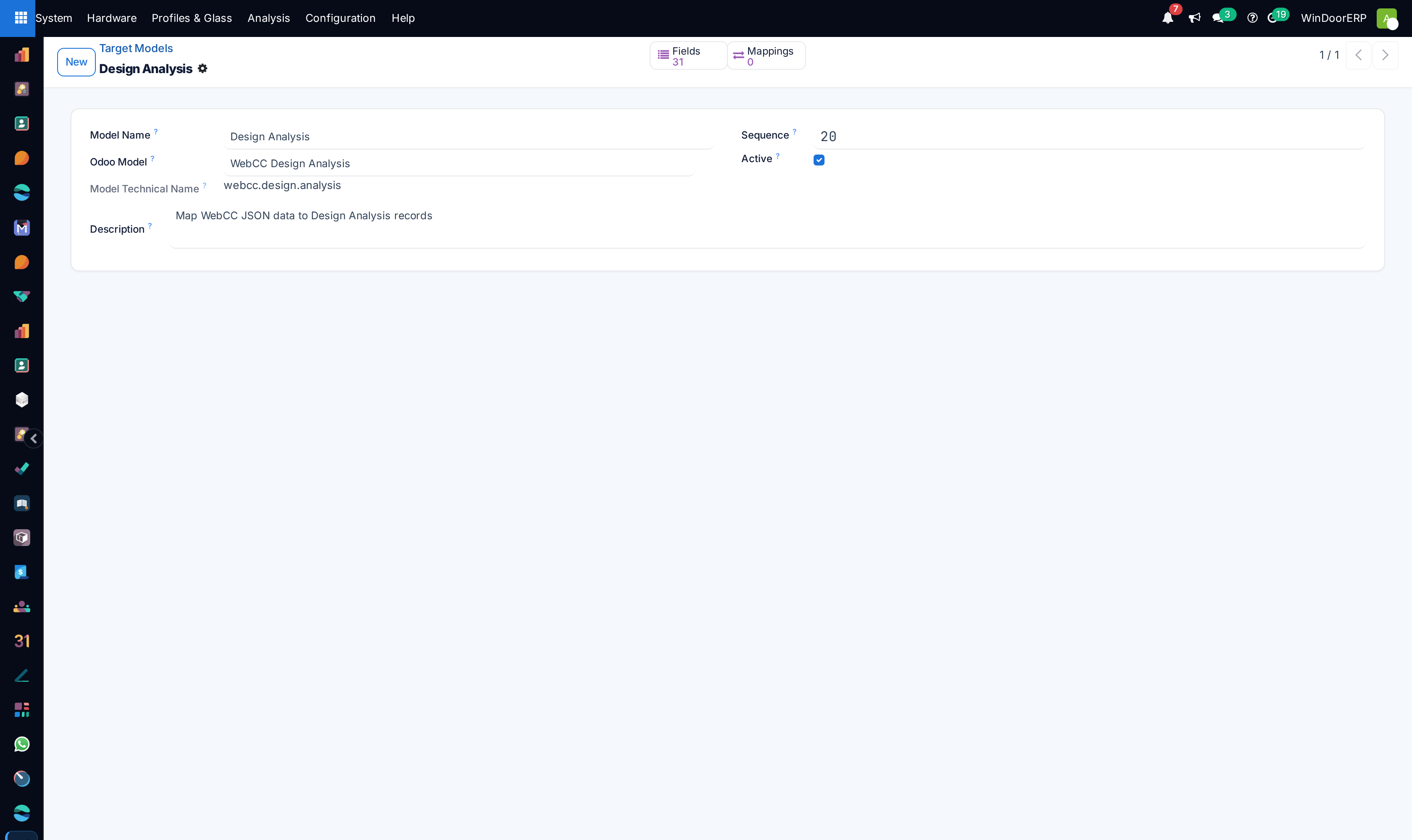
Verify mapped database tables in Target Models.
-
05
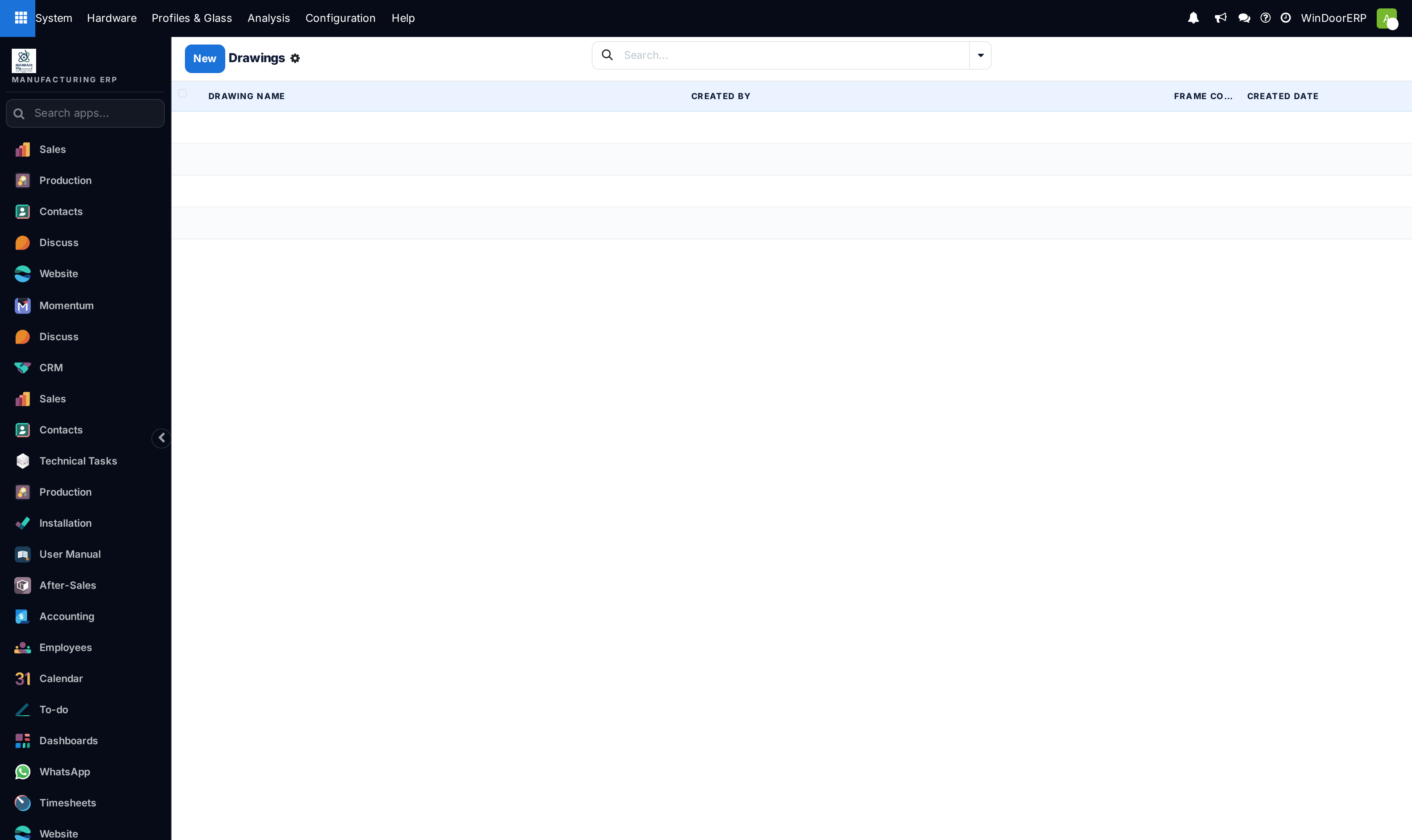
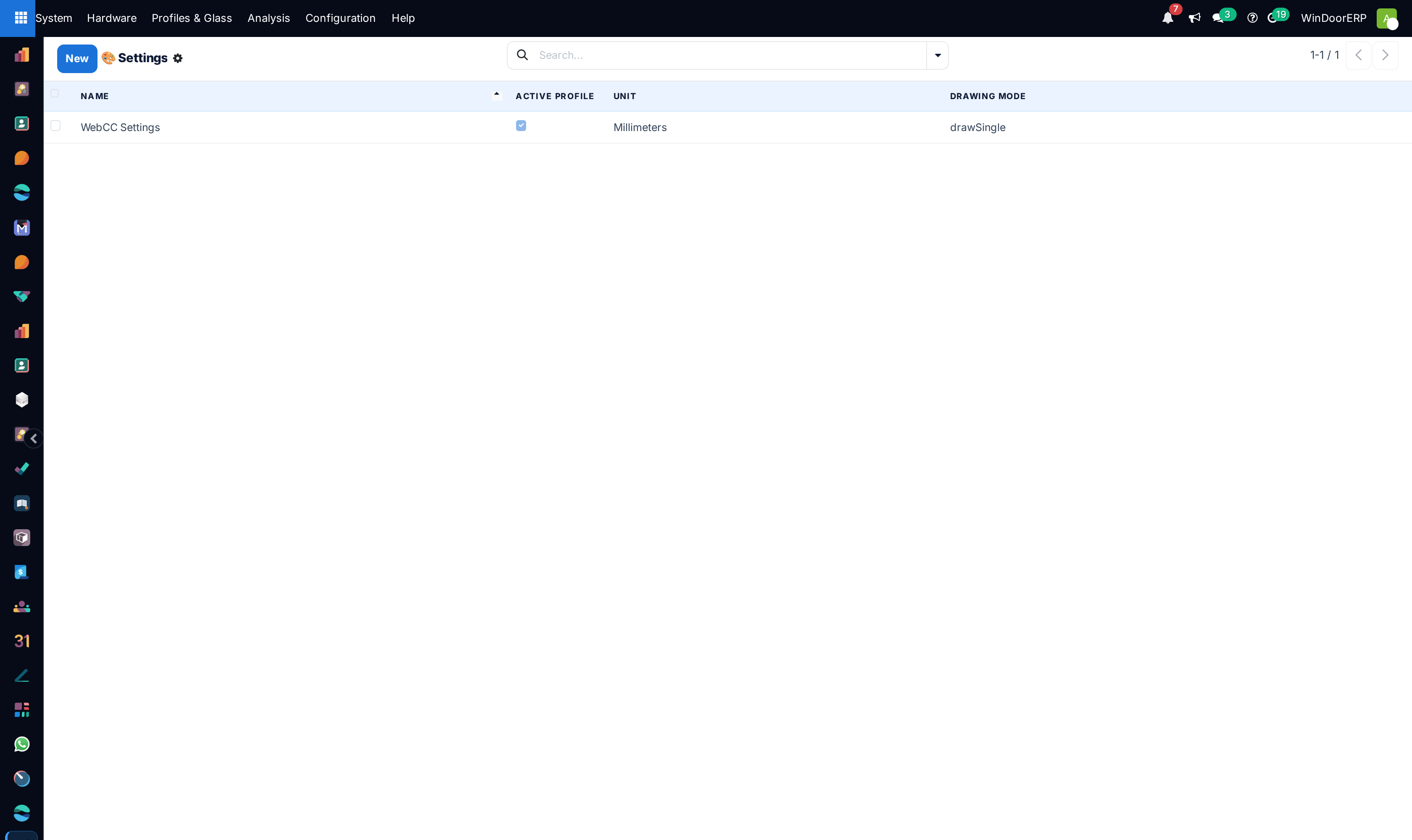
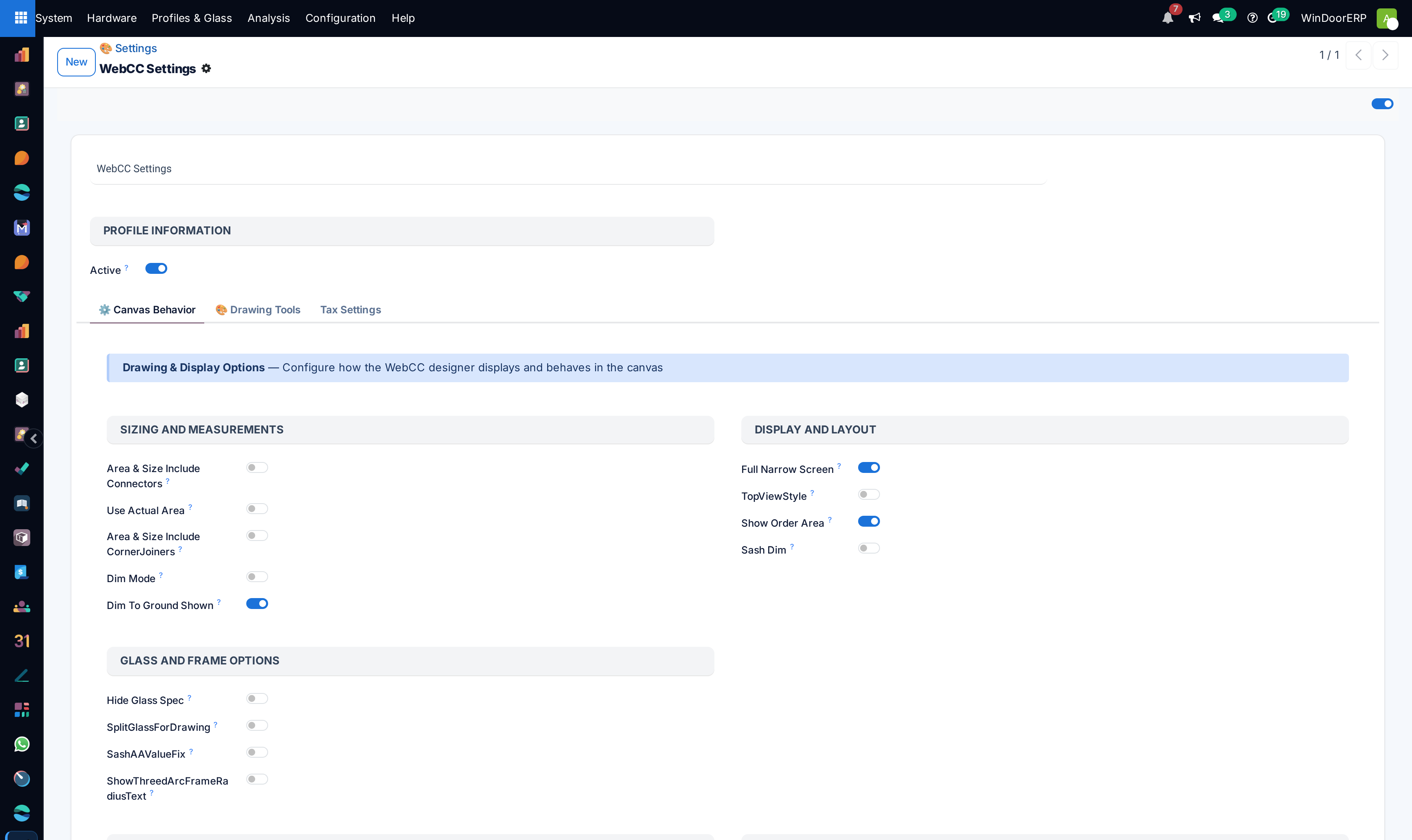
Manage system submittal blueprints in Configuration › Drawings and Settings.
Common mistakes
- Mapping numeric millimeter dimension strings as text fields, breaking mathematical BOM calculation formulas.
- Modifying core target model schemas without re-testing active WebCC design analysis endpoints.
Was this article helpful?
Thanks — your feedback helps.
Running a window or door factory?
Ask for a demo