Monitor factory production KPIs, throughput, and control alerts
What this does
Provides an executive bird's-eye view of active fabrication orders, daily window output, capacity utilization, and work center backlogs.
Before you start
- Ensure shop floor workstations are reporting live work order progress.
Steps
Important
Reviewing live dashboard alerts every morning ensures material delays and machining bottlenecks are resolved before causing order shipment delays.
-
01
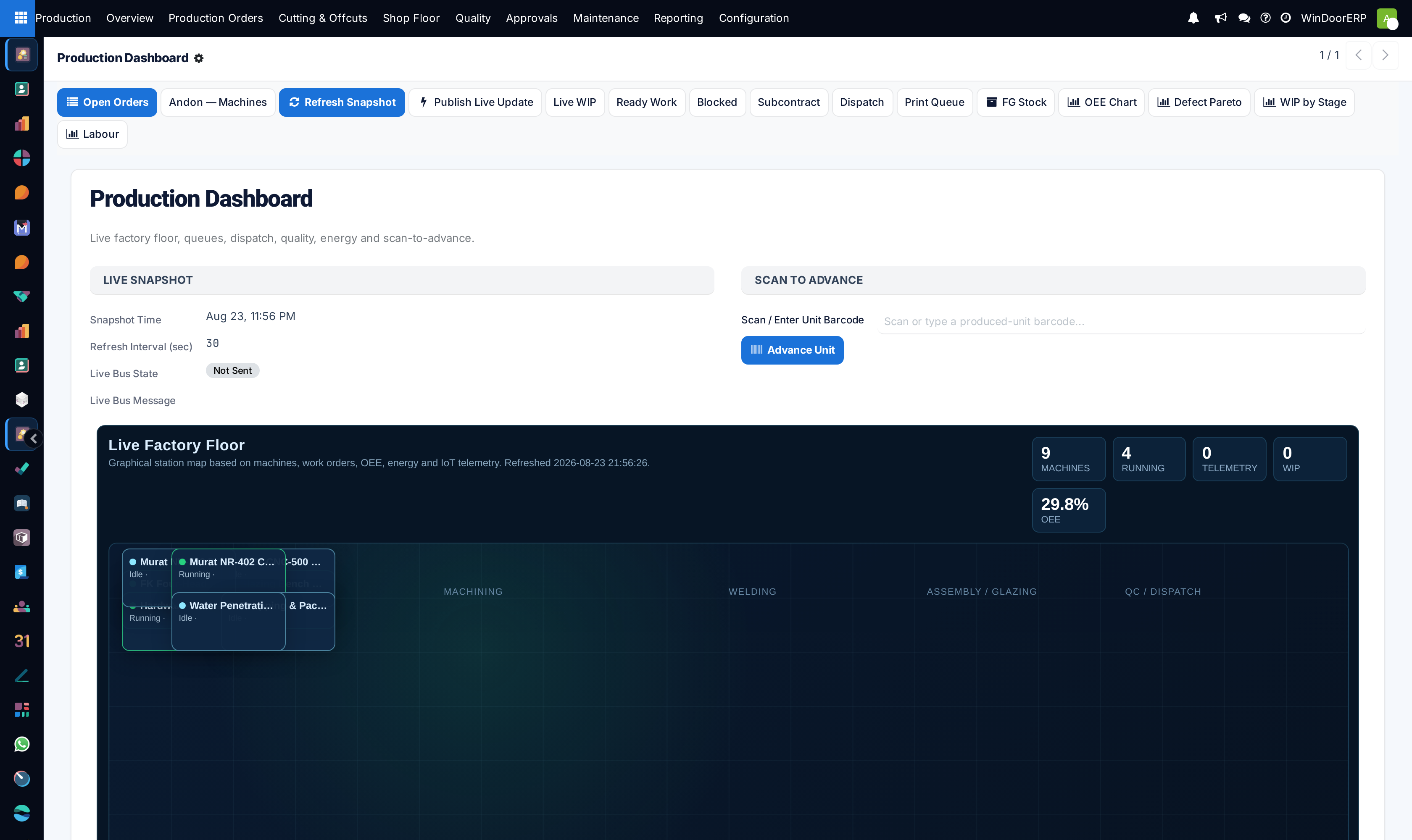
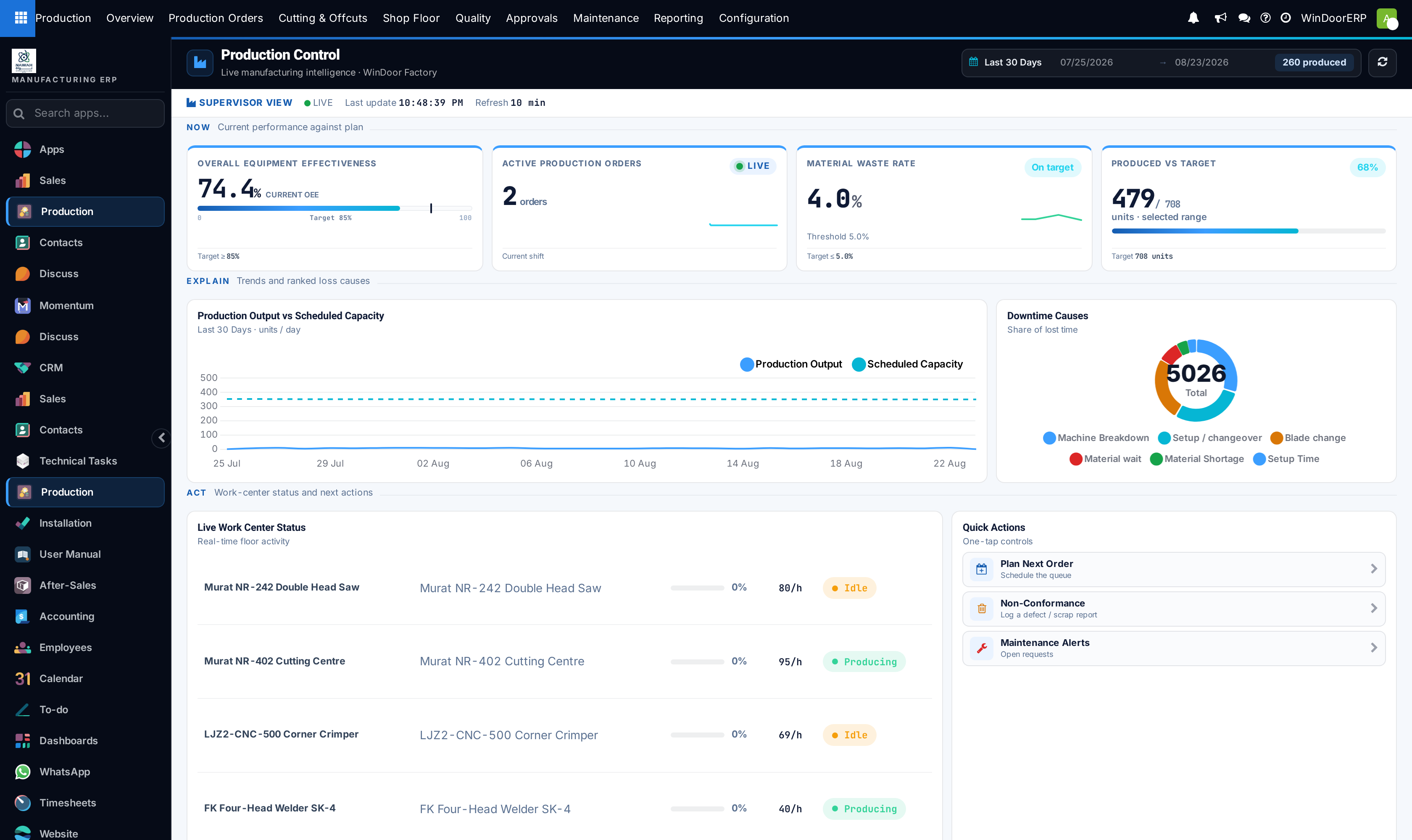
Open Production › Overview › Dashboard to review real-time factory metrics.
-
02
Inspect total fabricated units in progress against daily scheduled output targets.
-
03
Click on any alert card (e.g. Delayed Cutting Batches or QC Holds) to jump to affected work centers.
-
04
Toggle Production Control mode to view live machine states and active operator assignments.
Common mistakes
- Ignoring red machine downtime indicators on the central overview screen.
- Failing to refresh production control views after major shift handovers.
Was this article helpful?
Thanks — your feedback helps.
Running a window or door factory?
Ask for a demo