Generate, customize, and send parametric fenestration quotations directly from opportunities
What this does
Seamlessly converts qualified CRM opportunities into comprehensive parametric quotations with opening schedules, profile finishes, glass layups, and online customer approval portals.
Before you start
- Opportunity in 'Quotation' or 'Proposal' stage.
Steps
Important
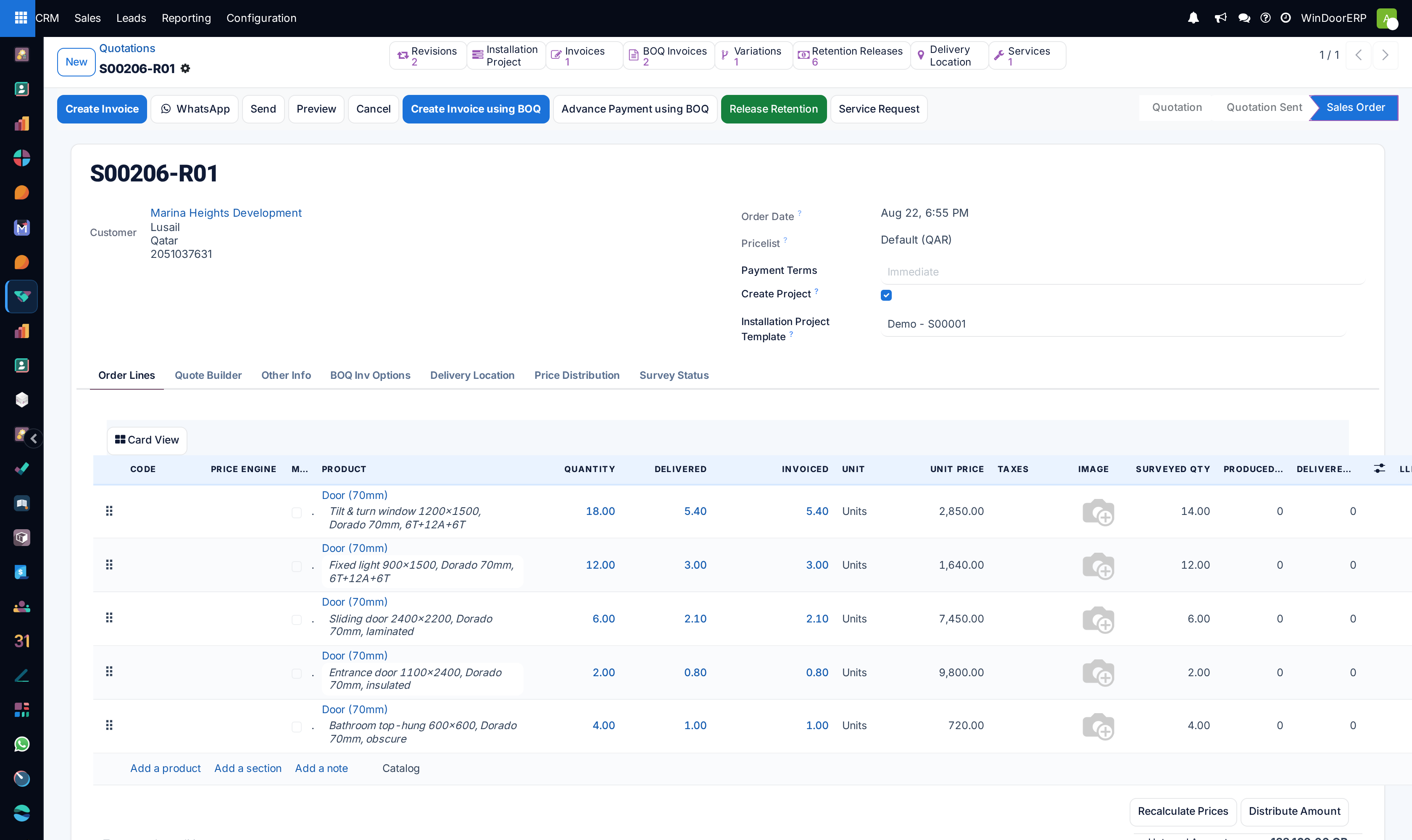
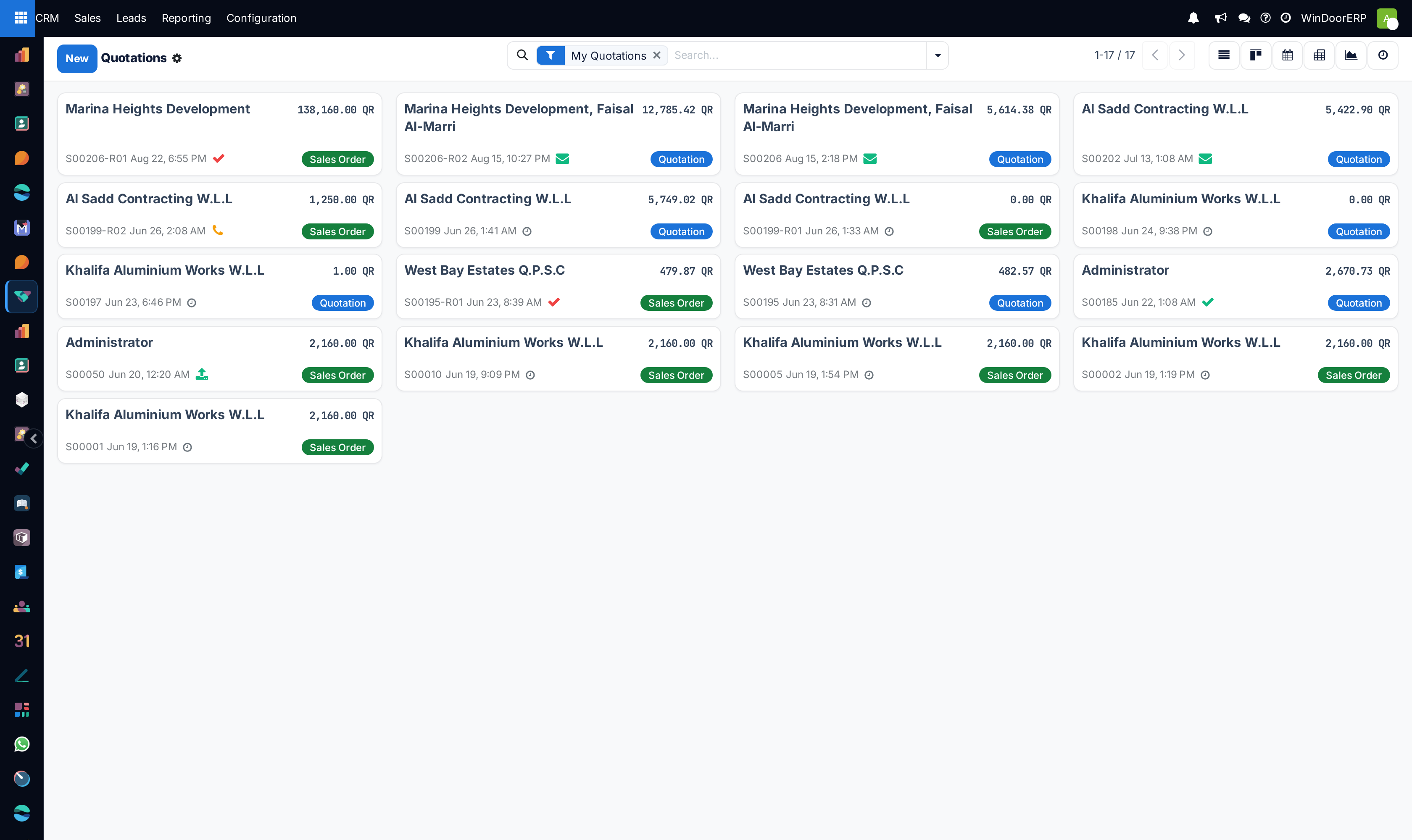
When a customer signs and approves the quotation online, WindoorERP automatically confirms the Sales Order and advances the CRM opportunity to the 'Won' stage.
-
01
Open the qualified opportunity card in CRM.
-
02
Click the New Quotation smart button at the top left.
-
03
The system automatically populates customer details, delivery address, project tags, and price lists.
-
04
Add fenestration line items: select profile systems (e.g. Thermal Break 65mm), glass specs (Double Glazed 6+12+6mm Low-E), and hardware sets.
-
05
Click Send by Email to deliver the professional PDF quotation with terms, payment milestones, and elevation submittals.
-
06
The customer reviews the quote online via the Customer Portal, approves specifications, and provides their digital e-signature.
Common mistakes
- Creating standalone quotations from the Sales app instead of using the Opportunity smart button, breaking lead source tracking.
- Sending quotes without setting payment terms and milestone retention schedules.
Was this article helpful?
Thanks — your feedback helps.
Running a window or door factory?
Ask for a demo