Manage factory CNC machines, saw equipment, vehicle assets, and automated depreciation
What this does
Tracks high-value manufacturing machinery (CNC machining centers, double-mitre saws, corner crimpers), installation delivery trucks, and automates monthly straight-line depreciation journal entries.
Before you start
- Asset Types and Depreciation Accounts configured.
Steps
Important
Capitalize installation tooling additions and major factory overhauls into existing asset records to adjust remaining asset book values automatically.
-
01
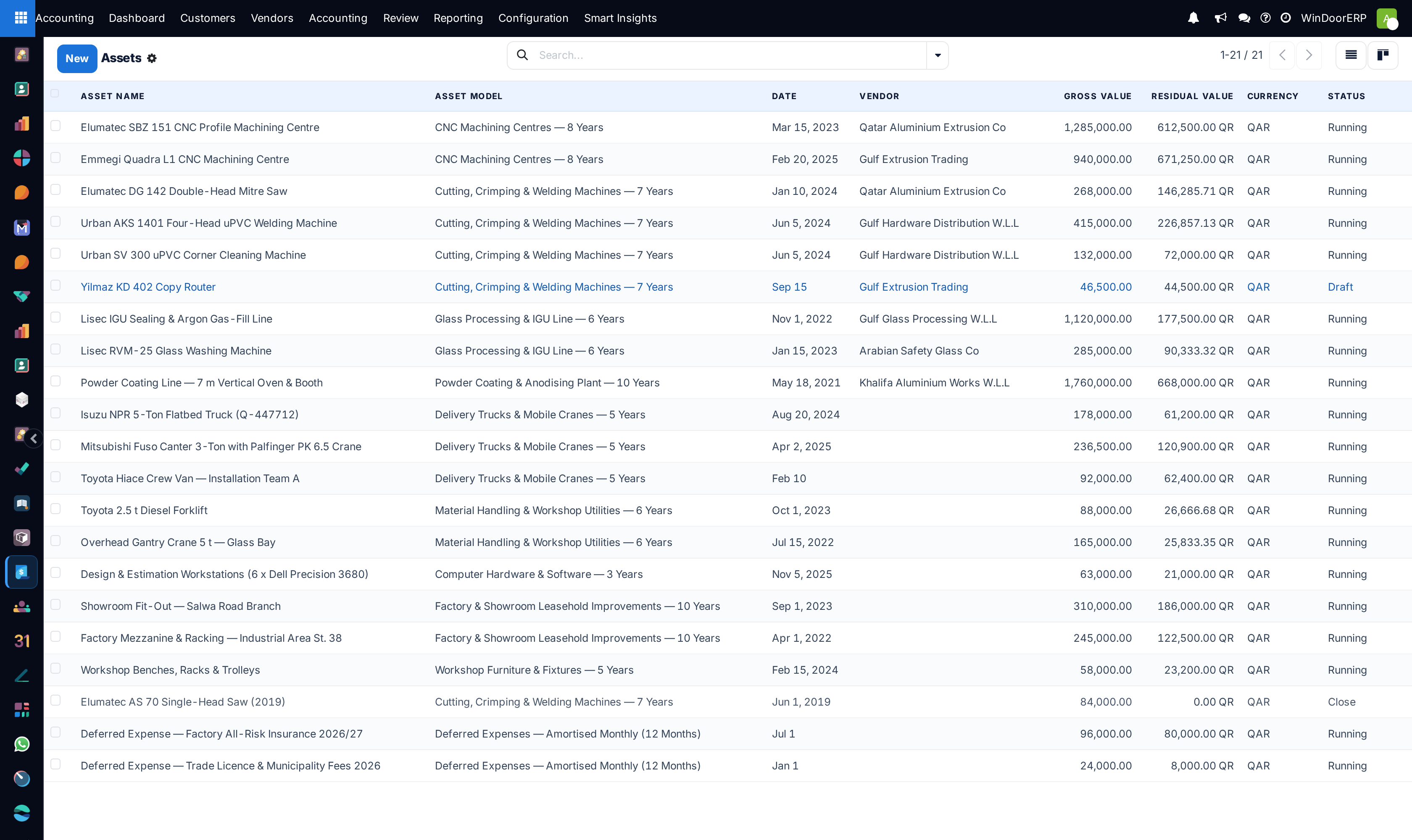
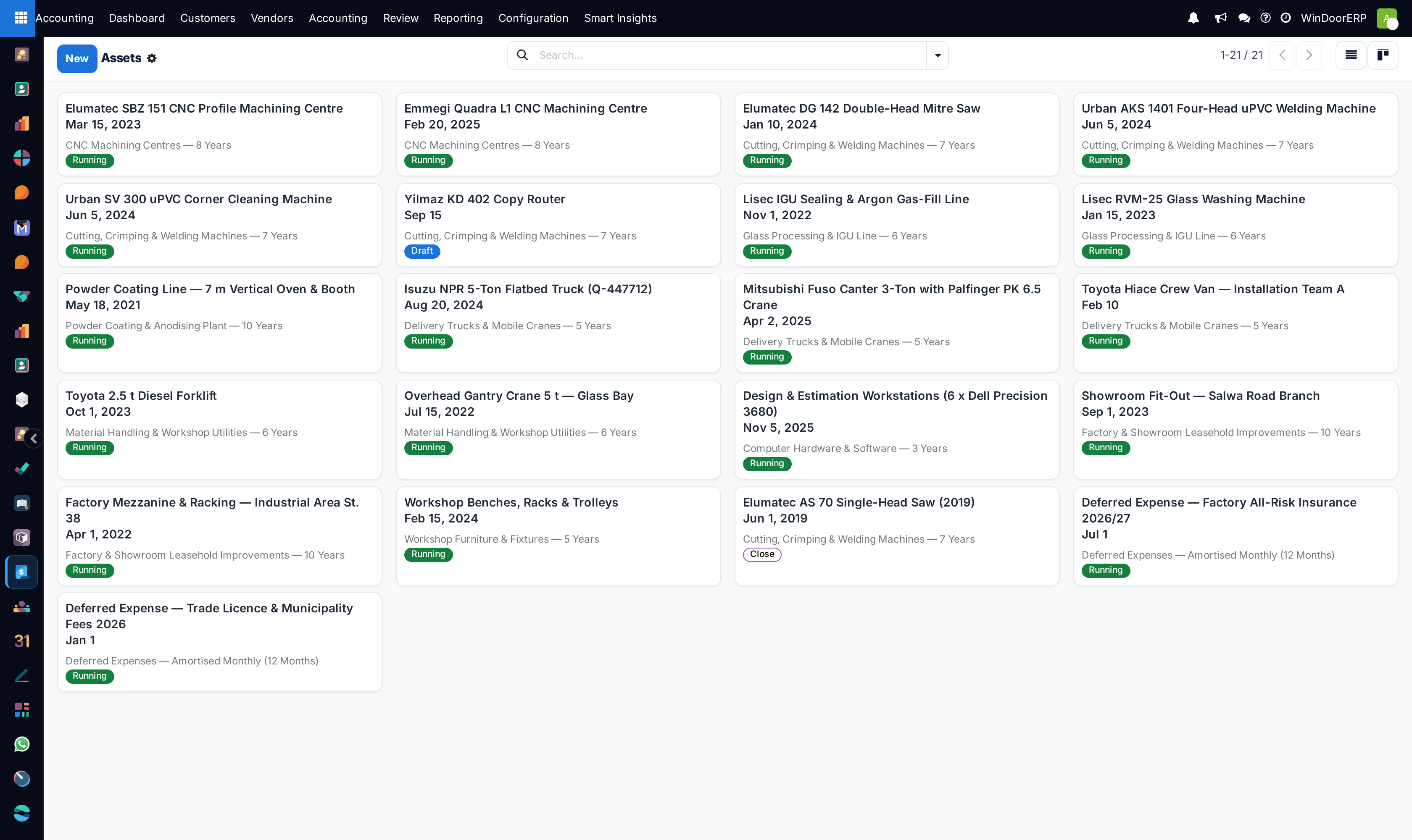
Open Accounting › Accounting › Management › Assets and click New.
-
02
Specify the Asset Name (e.g. 4-Axis CNC Machining Center), Original Value, and Acquisition Date.
-
03
Select the Asset Type (Factory Machinery 10-Yr, Vehicles 5-Yr) and Depreciation Method (Straight Line, Degressive).
-
04
Click Compute Depreciation to generate the multi-year monthly amortization schedule.
-
05
Click Confirm to activate automated monthly depreciation posting to the general ledger.
Common mistakes
- Expensing heavy capital CNC machinery directly as general period maintenance.
- Selling or disposing of equipment without recording formal asset disposal journal entries.
Was this article helpful?
Thanks — your feedback helps.
Running a window or door factory?
Ask for a demo