Manage confirmed Purchase Orders, blanket supply contracts, and 3-way matching control policies
What this does
Controls confirmed procurement contracts, blanket purchase agreements for bulk raw material price locking, and enforces strict 3-way matching (Ordered vs Received vs Billed) to prevent billing discrepancies.
Before you start
- Purchase Officer or Warehouse Receiving access.
Steps
Important
3-way matching guarantees that accounting only pays for raw materials physically inspected and accepted in the factory warehouse.
-
01
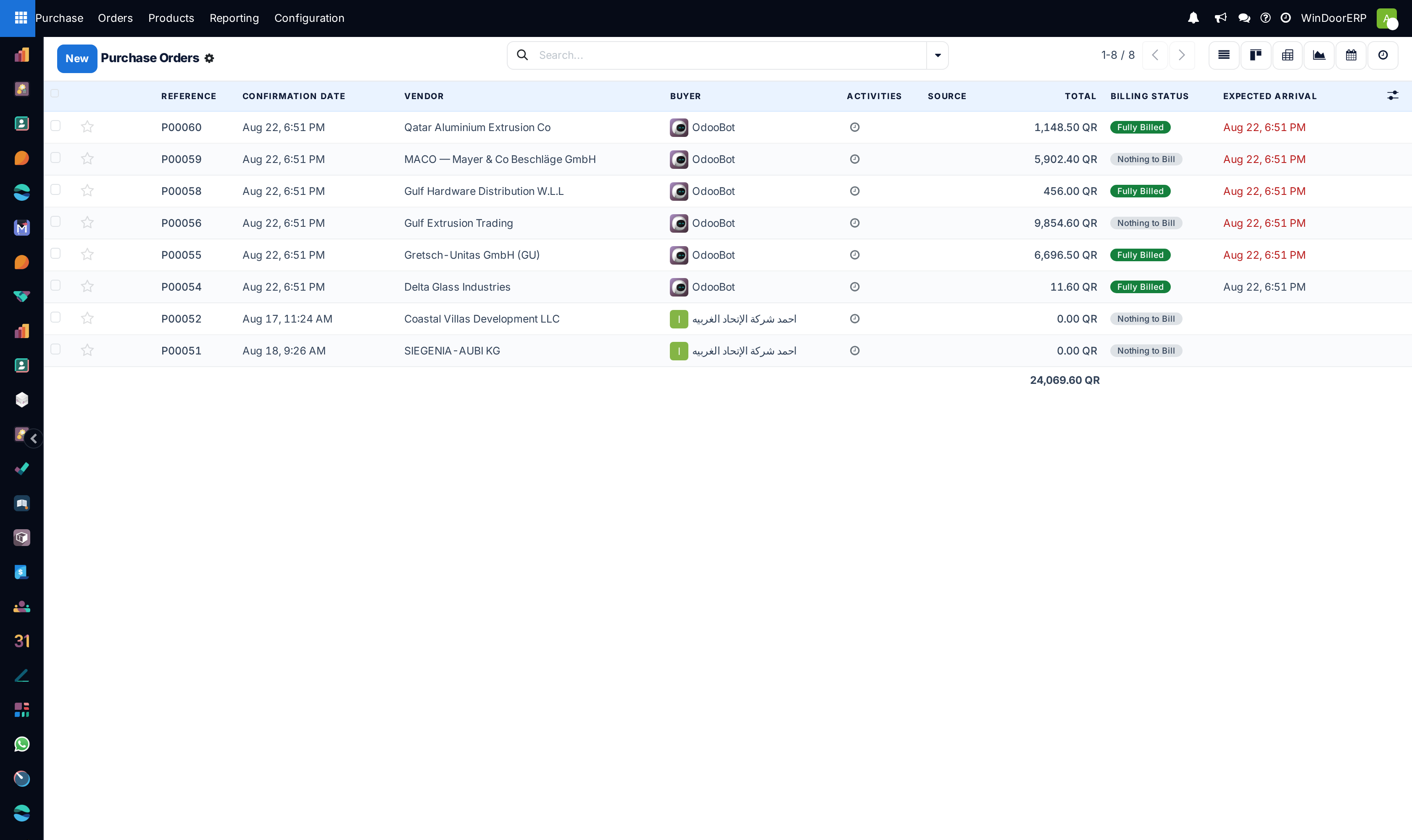
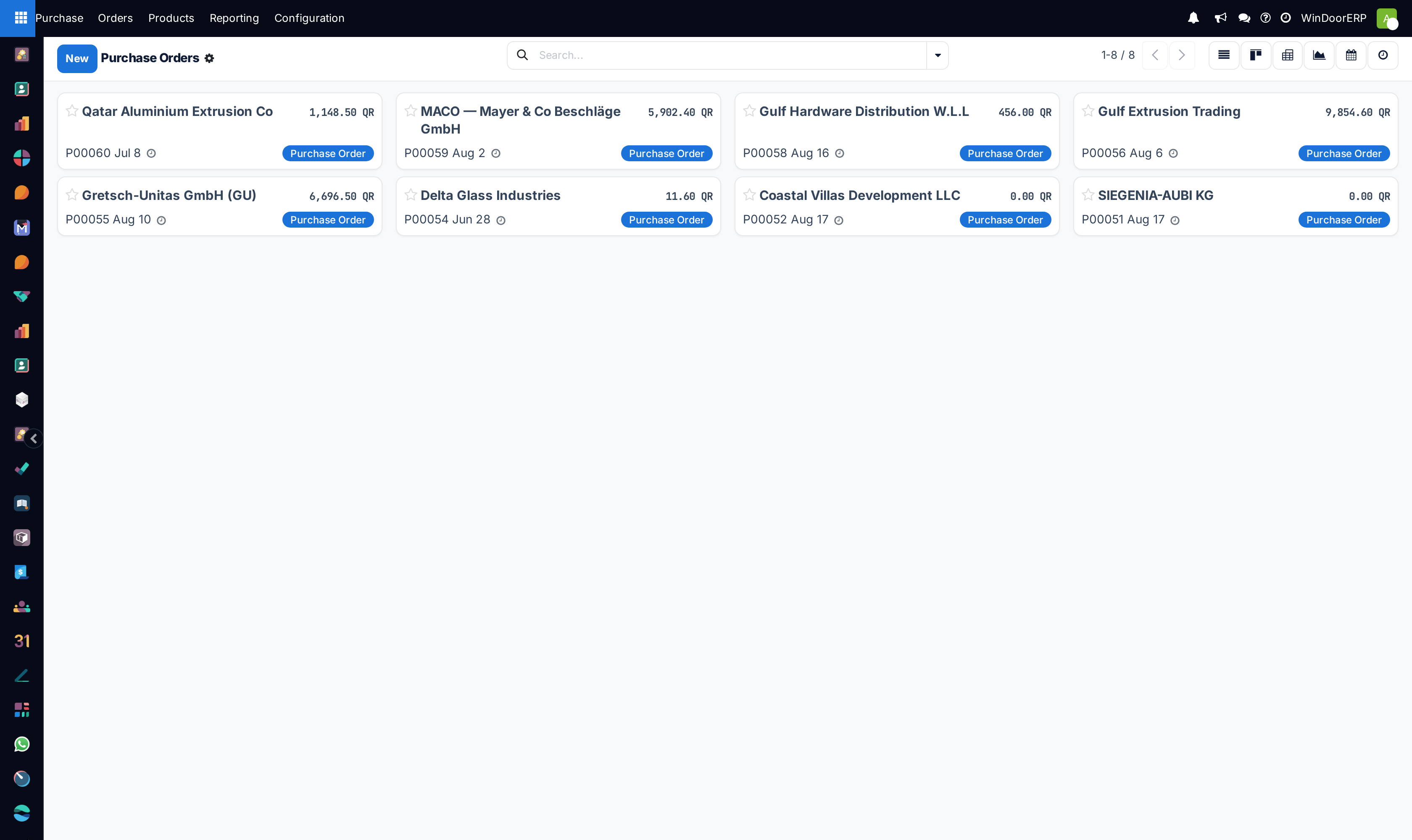
Open Purchase › Orders › Purchase Orders to view all active supplier contracts.
-
02
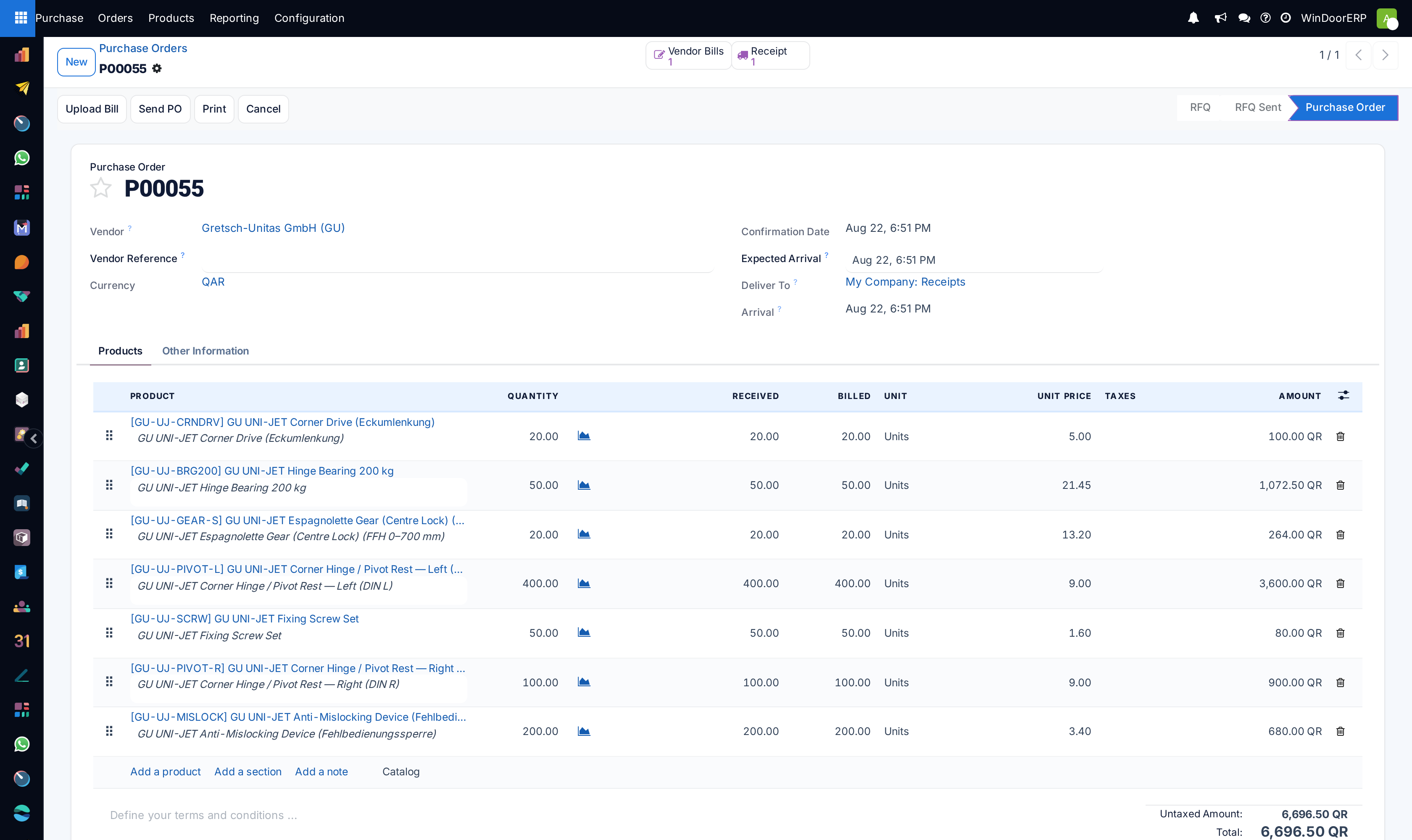
Open a confirmed PO to inspect linked smart buttons: Receipt (Warehouse Stock Picking) and Vendor Bills.
-
03
When physical goods arrive at the factory gate, warehouse staff receive the delivery against the linked PO receipt, recording exact bar counts and glass sheet dimensions.
-
04
To set up Blanket Orders: Go to Purchase Orders, create a long-term contract with fixed price per metric ton for 6 months, and trigger partial release orders against project fabrication schedules.
-
05
Under Bill Control Policy, enforce On Received Quantities (3-Way Matching) so accounting cannot pay for goods before the warehouse inspection is confirmed.
-
06
Click Create Bill to generate the vendor invoice with automated validation against received warehouse quantities.
Common mistakes
- Setting Bill Control to 'On Ordered Quantities', which risks paying for damaged or short-delivered glass sheets.
- Releasing blanket order quantities without linking them to specific manufacturing project IDs.
Was this article helpful?
Thanks — your feedback helps.
Running a window or door factory?
Ask for a demo