Maintain client profiles, architectural partners, sub-contractors, and account histories
What this does
Manages comprehensive partner profiles for homeowners, architectural engineering consultancies, developers, and general contractors, complete with credit limits and project history.
Before you start
- Sales Representative or CRM access.
Steps
Important
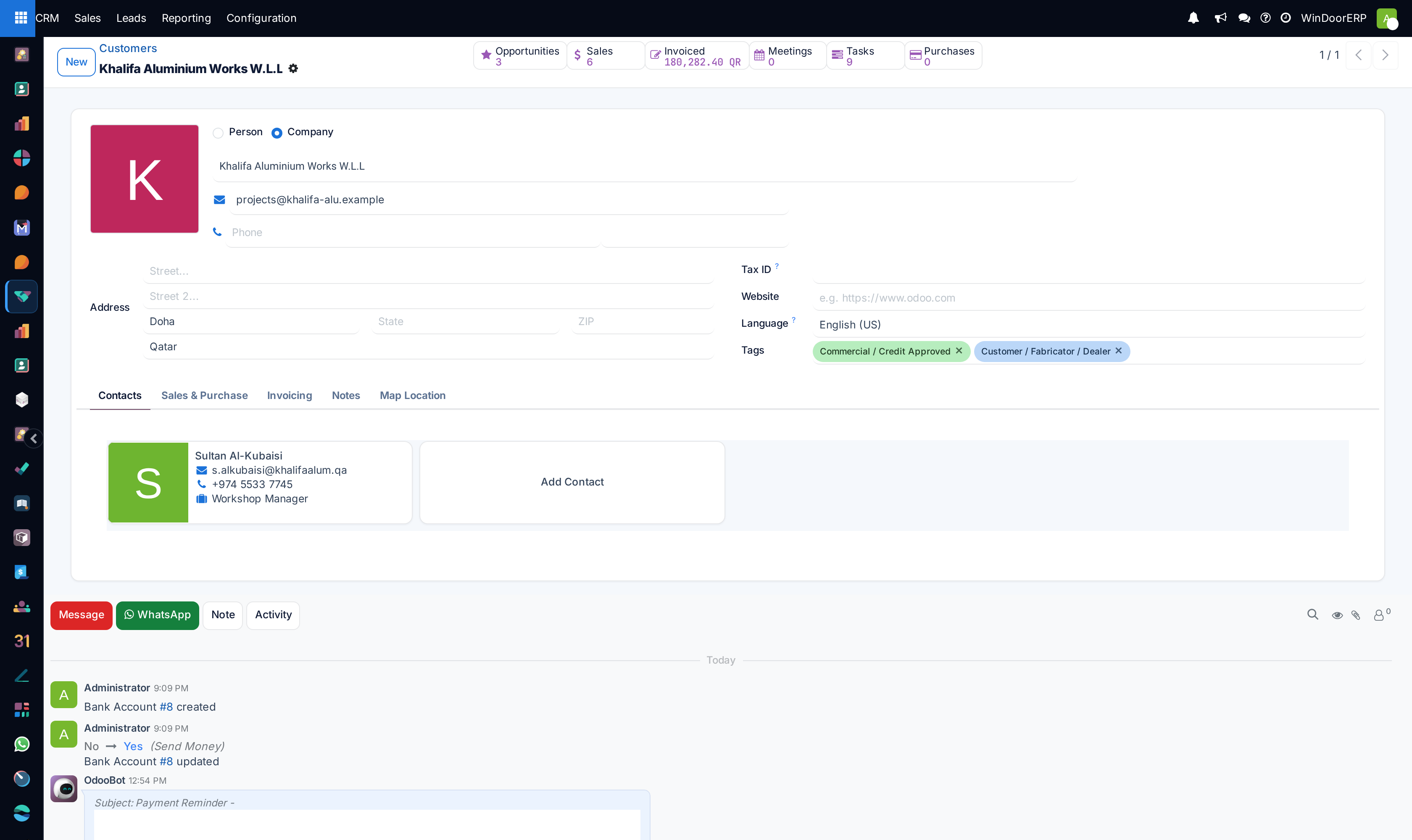
Linking multiple site engineer contacts under a single corporate contractor ensures all team members receive automatic quotation updates.
-
01
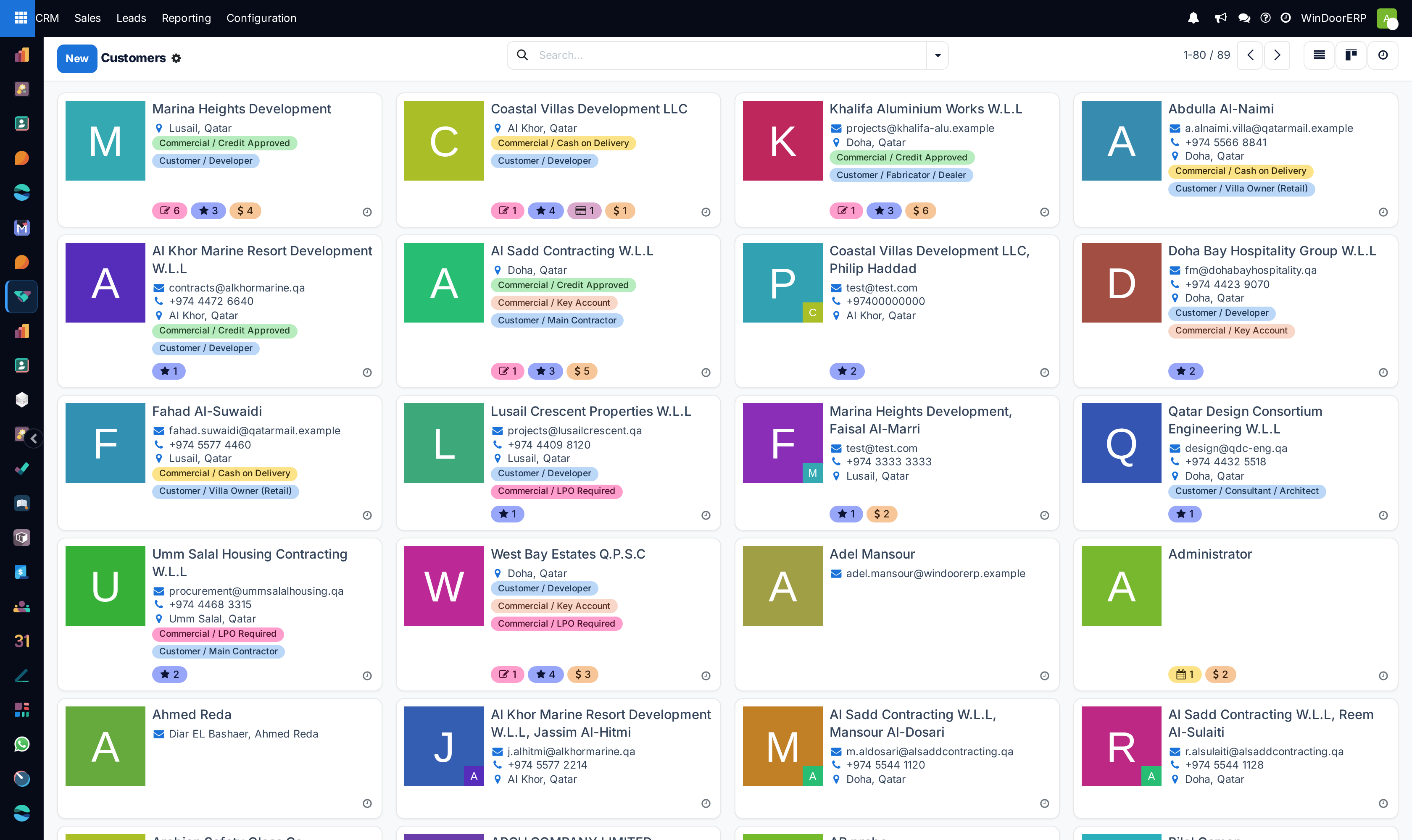
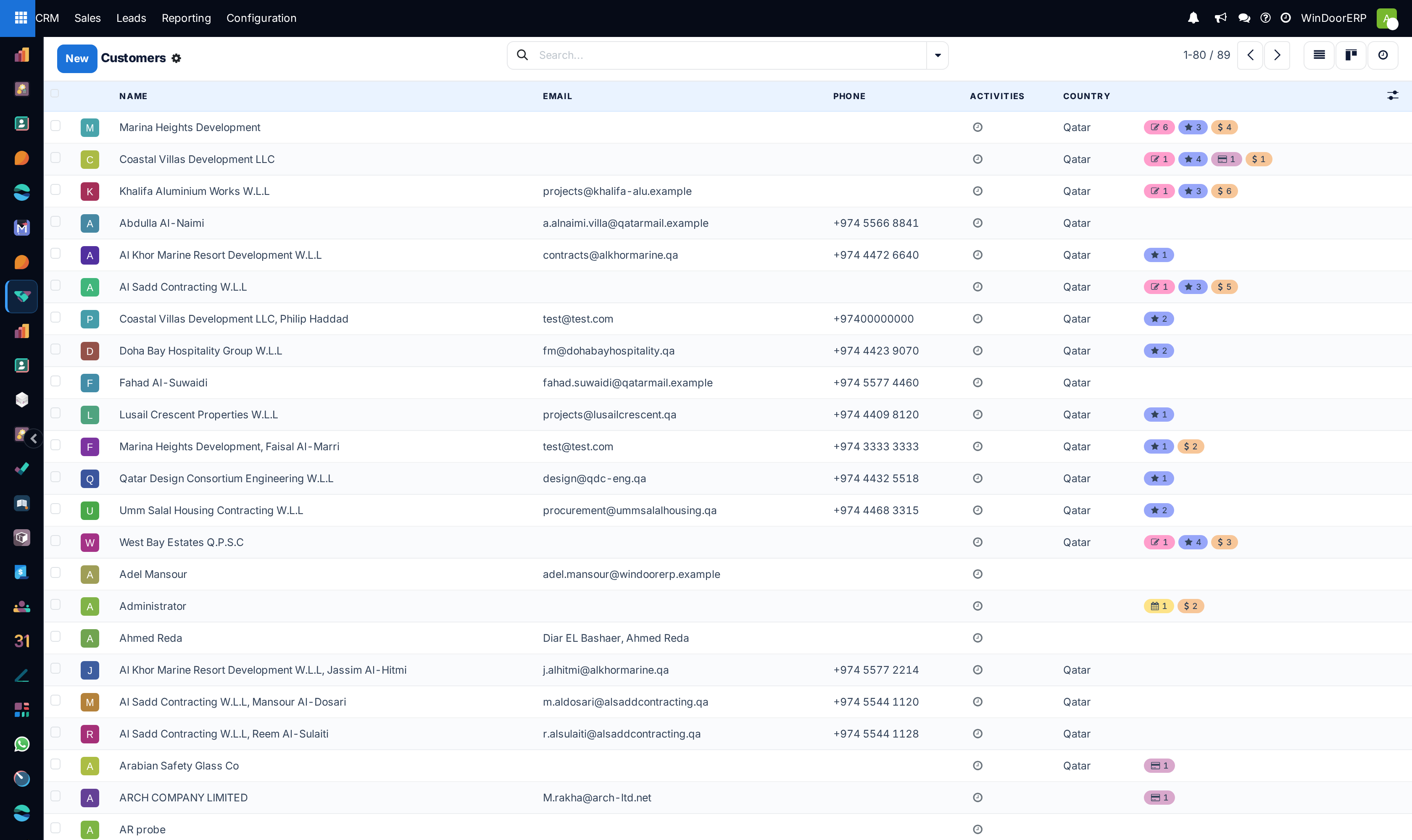
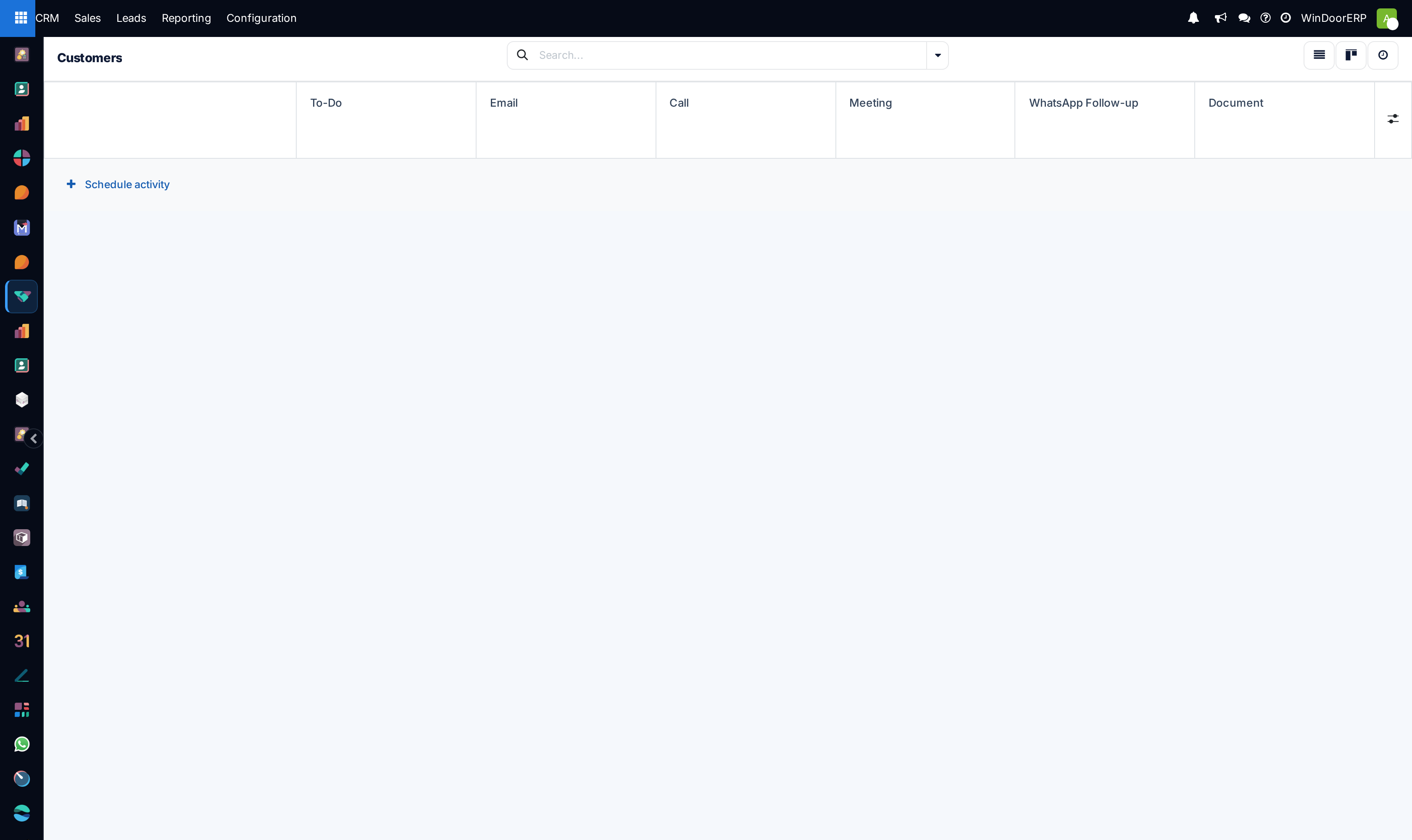
Open CRM › Sales › Customers across Kanban, List, or Form views.
-
02
Review customer contact details: official commercial registration, tax VAT numbers, site delivery coordinates, and key decision-makers.
-
03
Inspect customer financial indicators: total lifetime sales orders, open invoices, and overdue balances.
-
04
Categorize clients using tags: Architectural Consultant, Tier 1 Contractor, Villa Owner VIP, or Government Tender.
Common mistakes
- Creating separate customer cards for the same firm due to minor spelling differences in Arabic/English names.
- Neglecting to record credit limits on commercial contractors with post-dated cheque payment terms.
Was this article helpful?
Thanks — your feedback helps.
Running a window or door factory?
Ask for a demo