Manage team calendars, meeting reminders, personal checklists, and activity feeds
What this does
Coordinates cross-departmental site survey visits, client meetings, and factory production audits with Google/Outlook calendar synchronization, automated email/SMS reminders, and personal To-Do boards.
Before you start
- Active user account.
Steps
Important
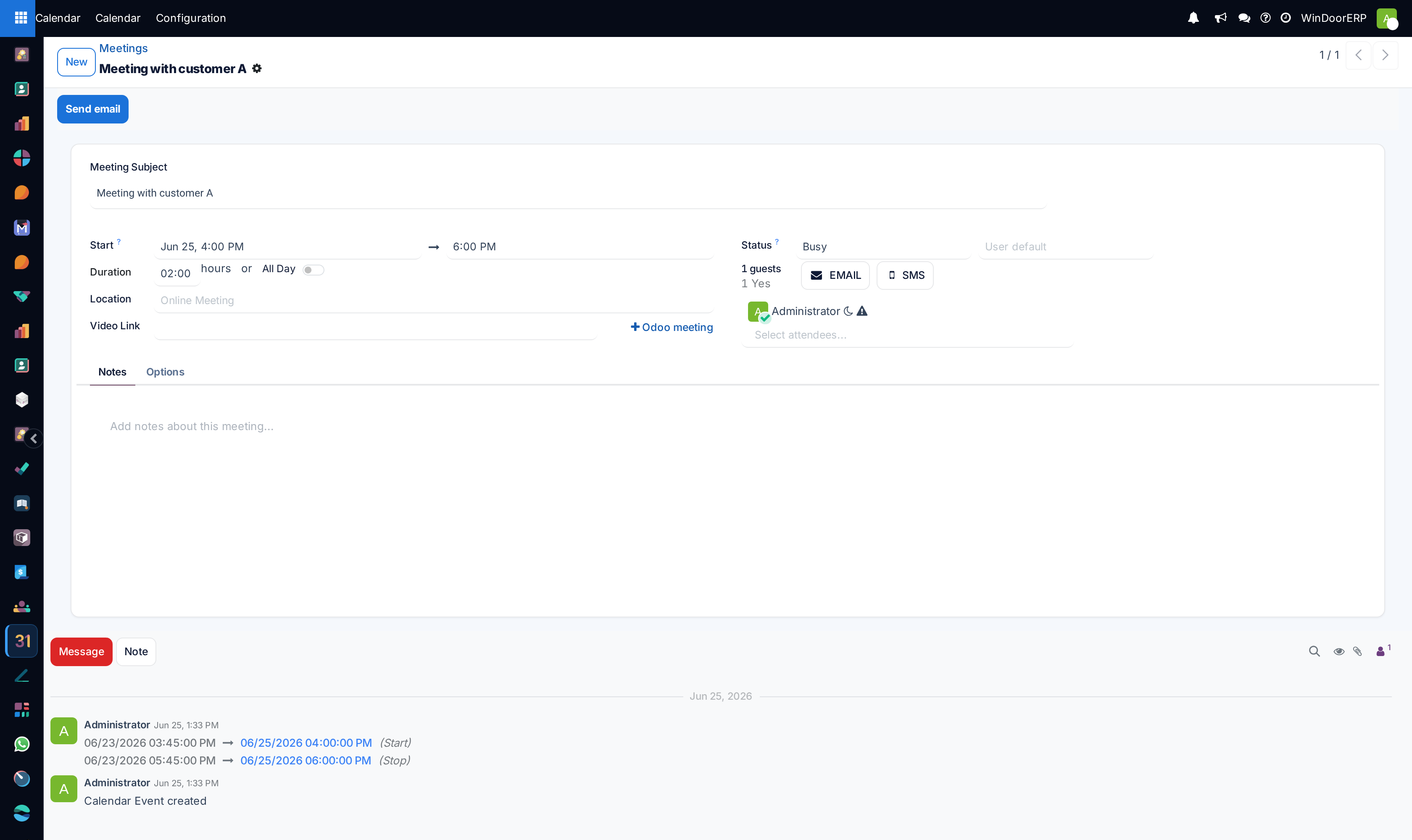
Booking client site surveys through the synchronized Calendar automatically updates surveyor mobile queues and prevents double-booking overlaps.
-
01
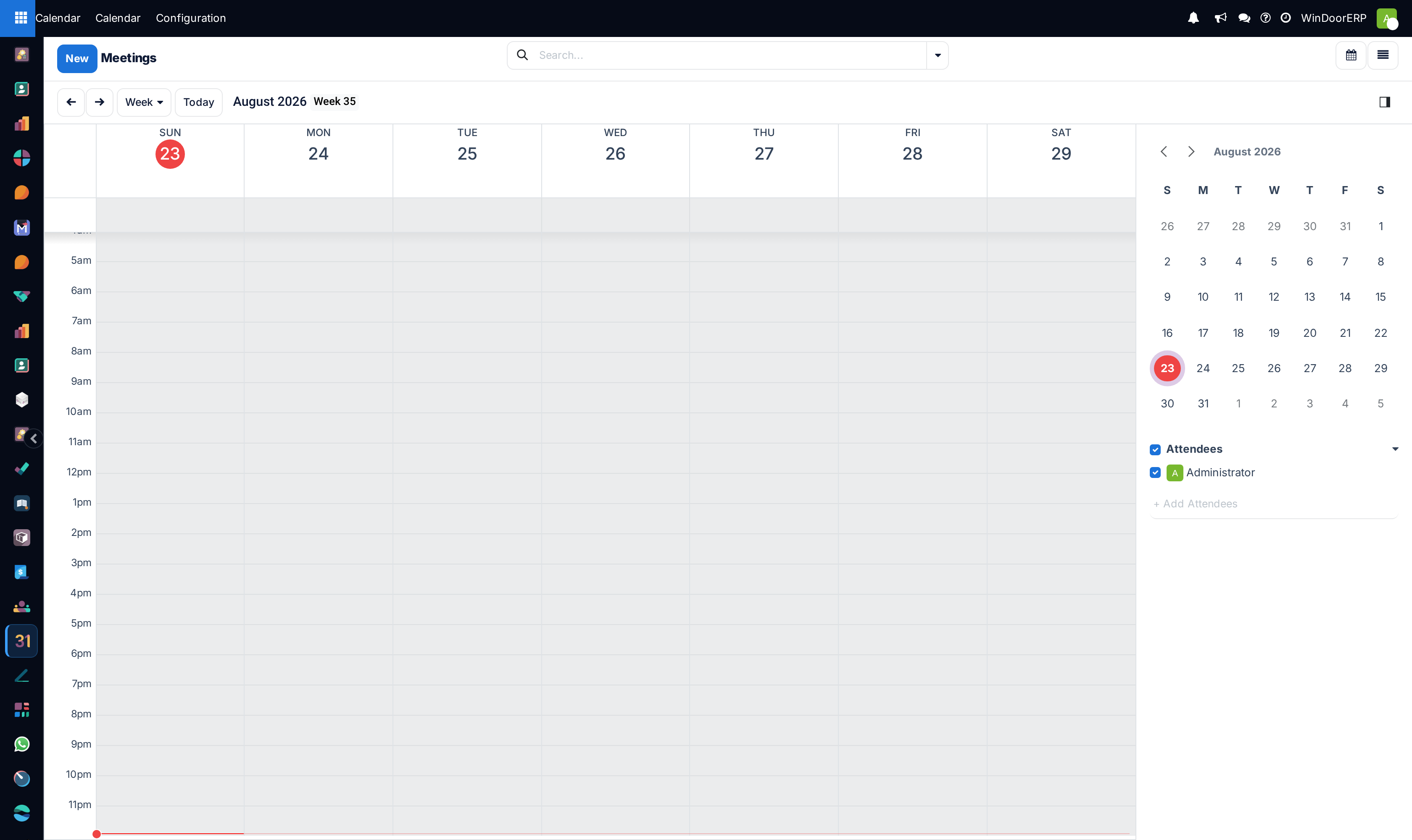
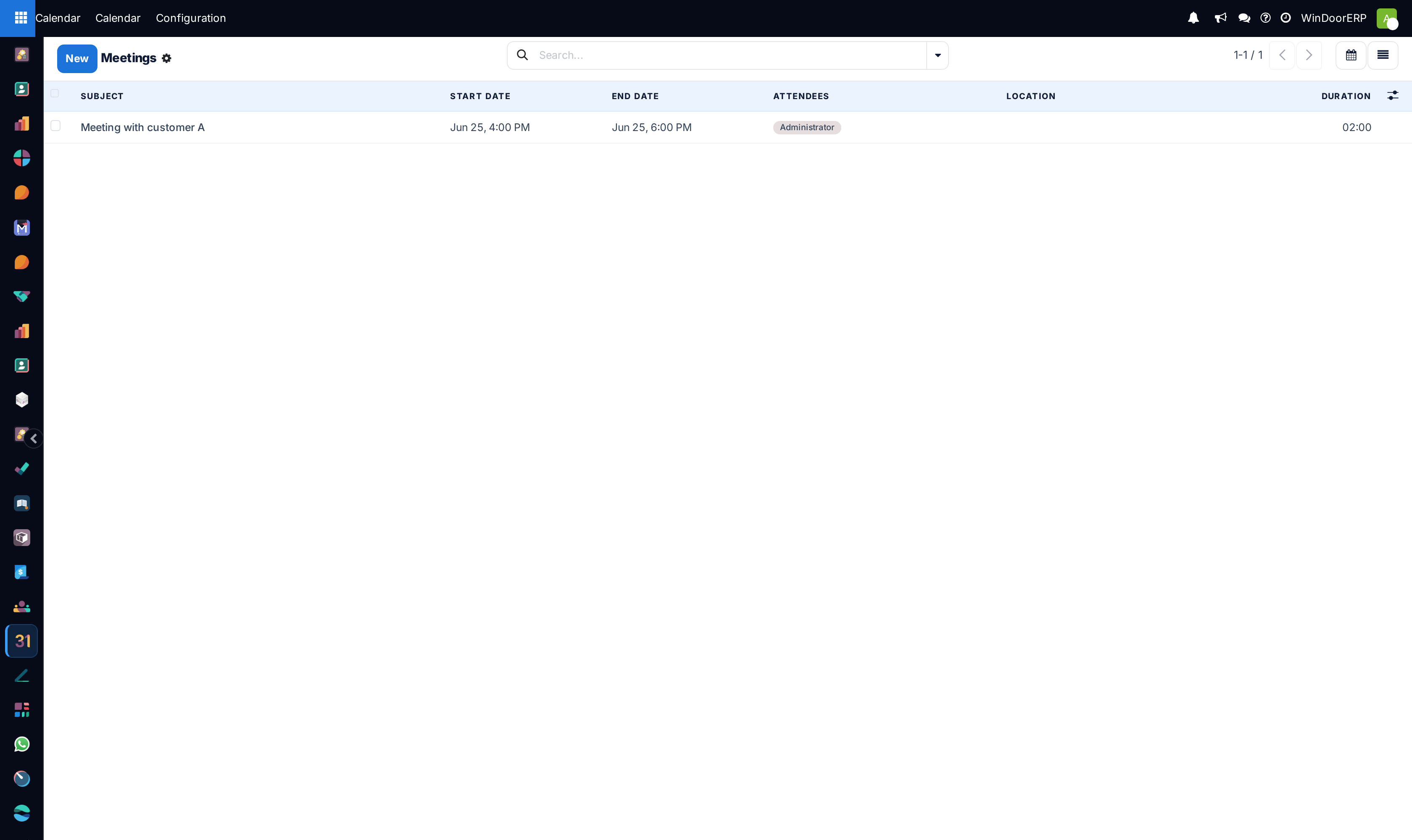
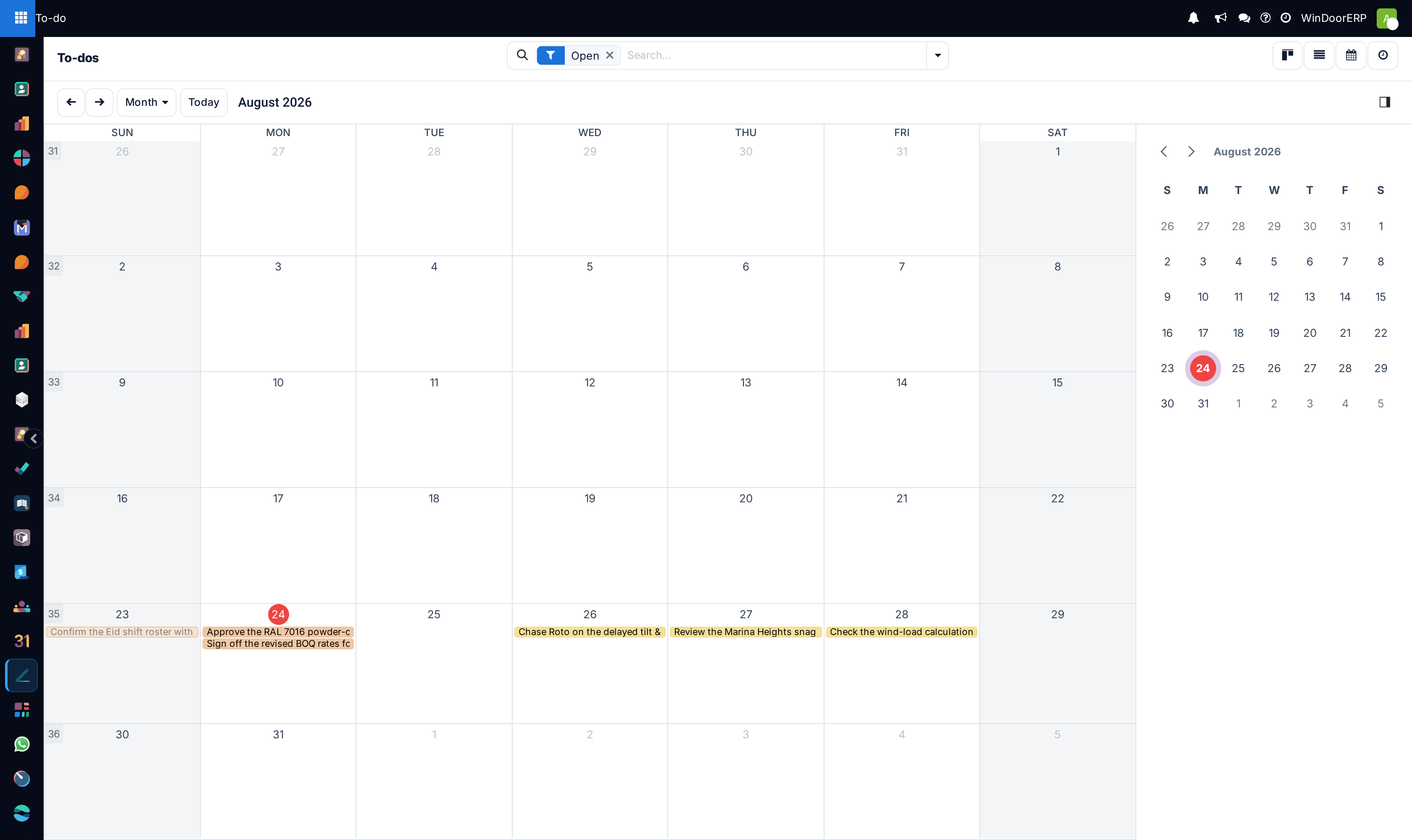
Open Calendar in Day, Week, Month, or List view to book meetings and site surveys.
-
02
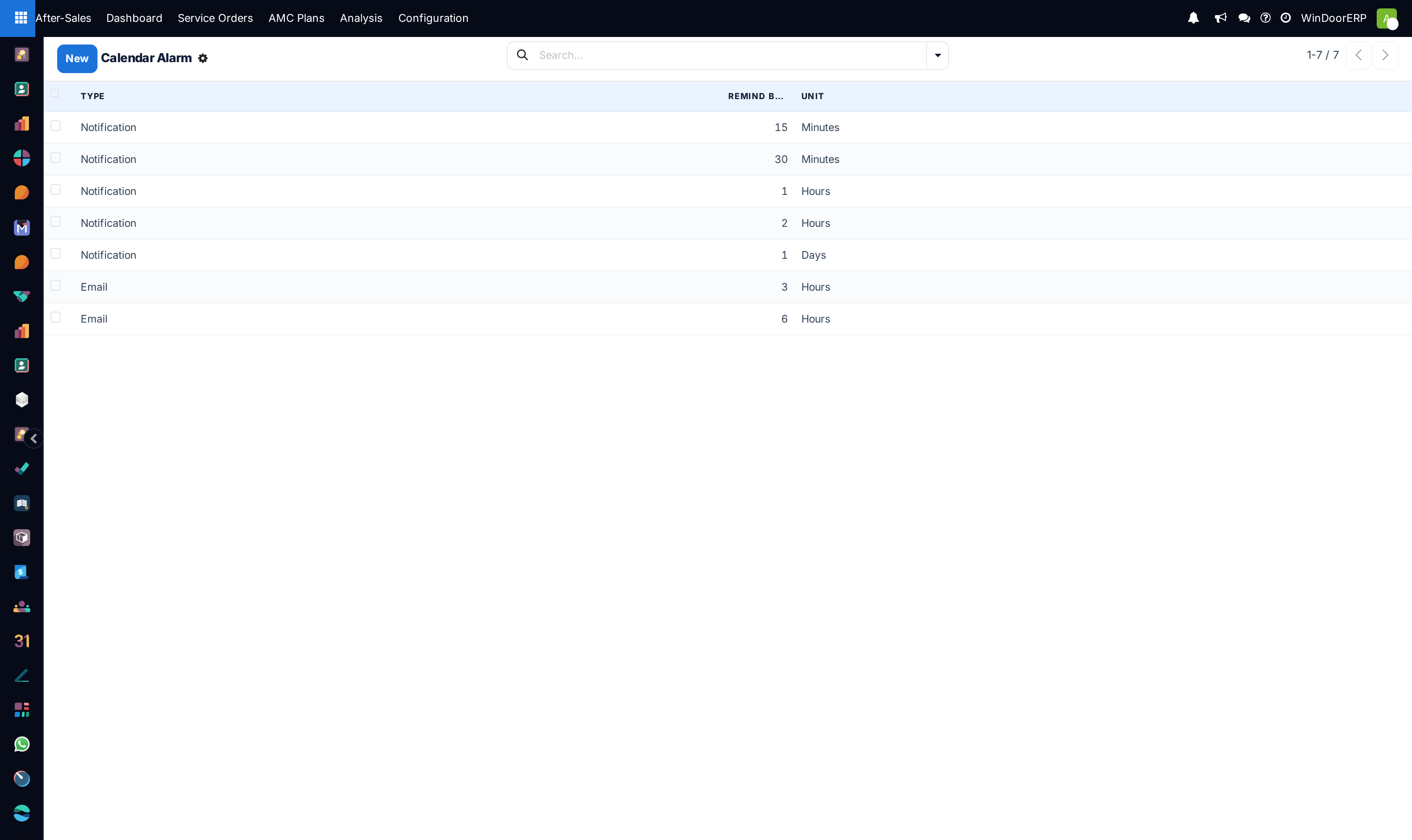
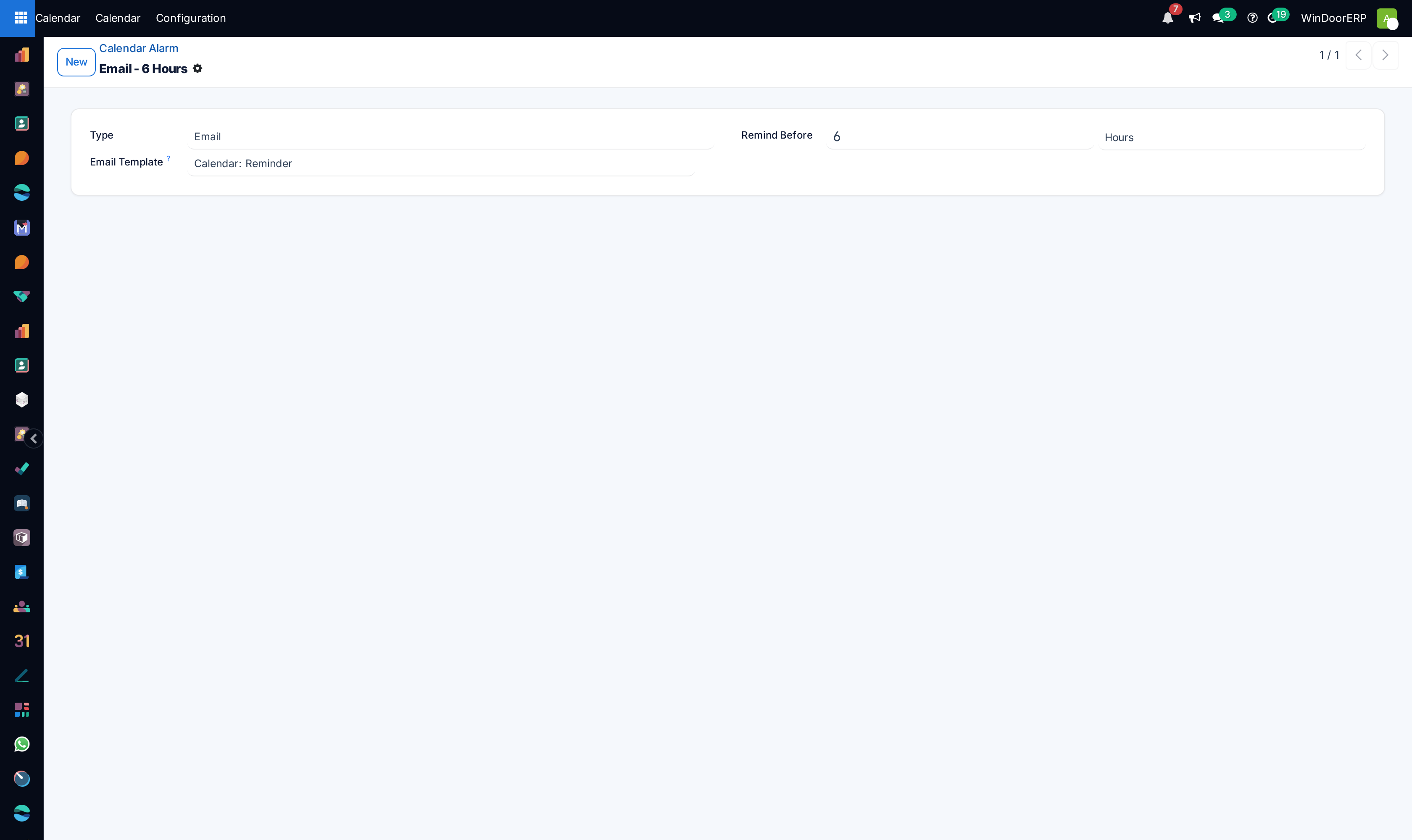
Configure recurring SMS and email alerts under Configuration › Reminders.
-
03
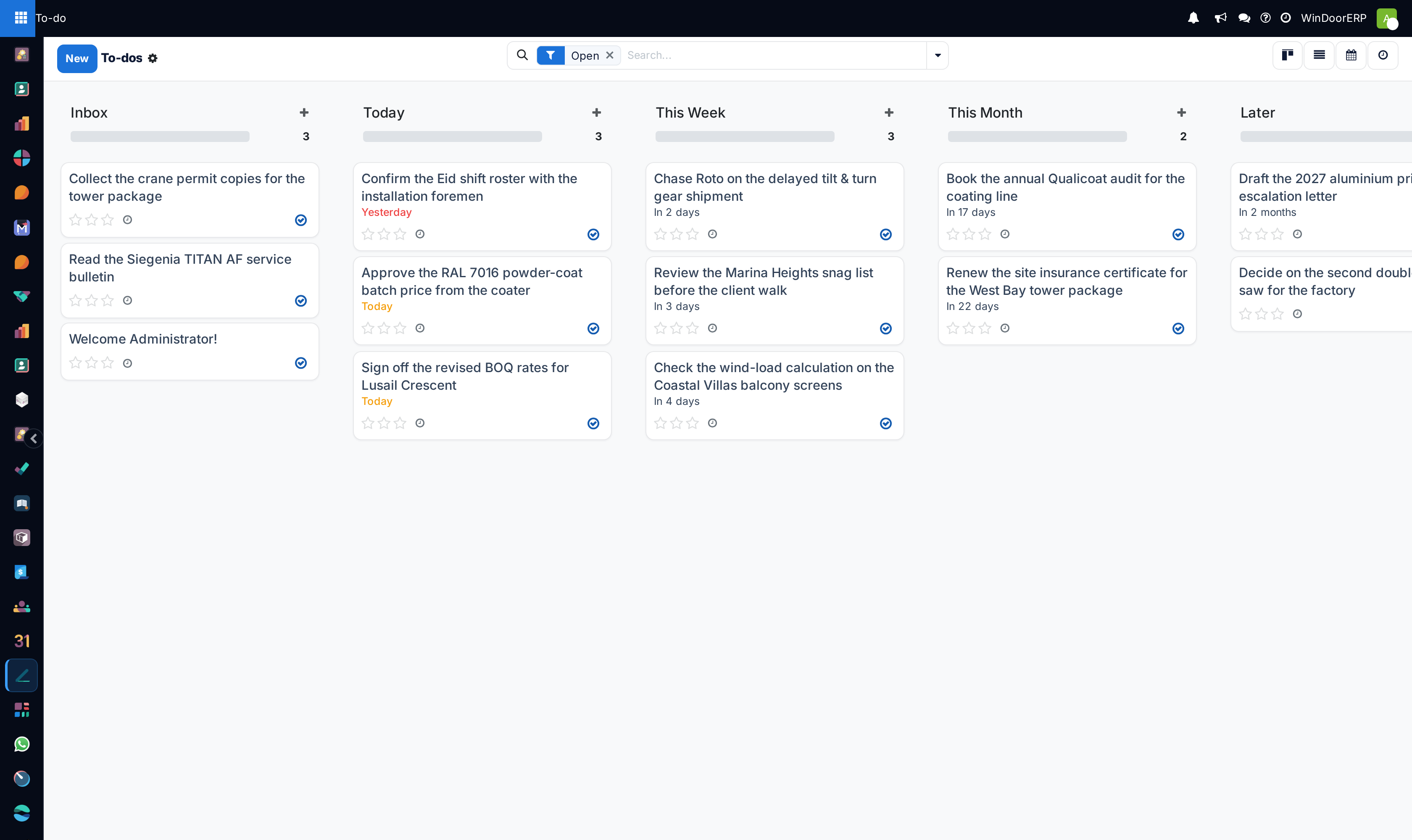
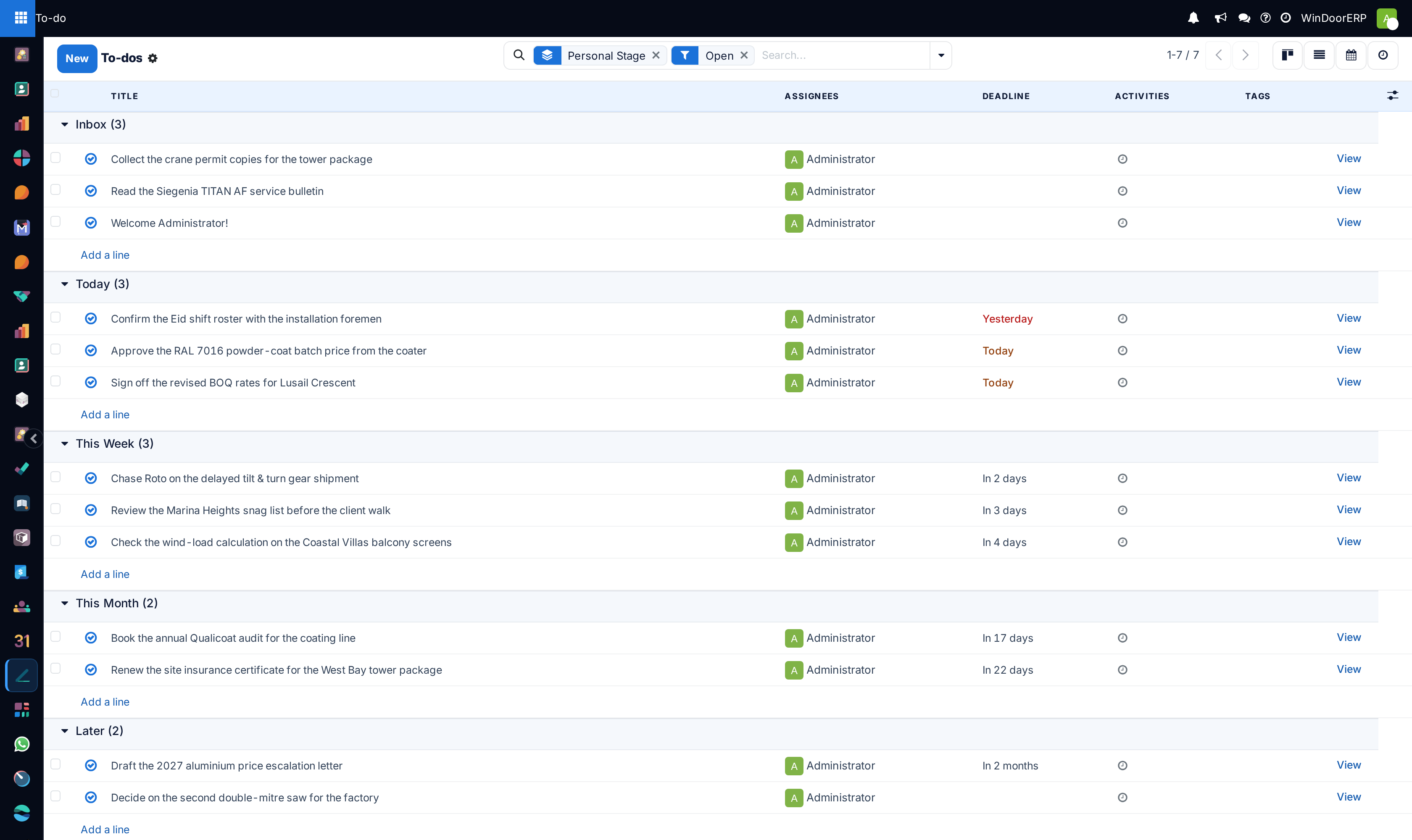
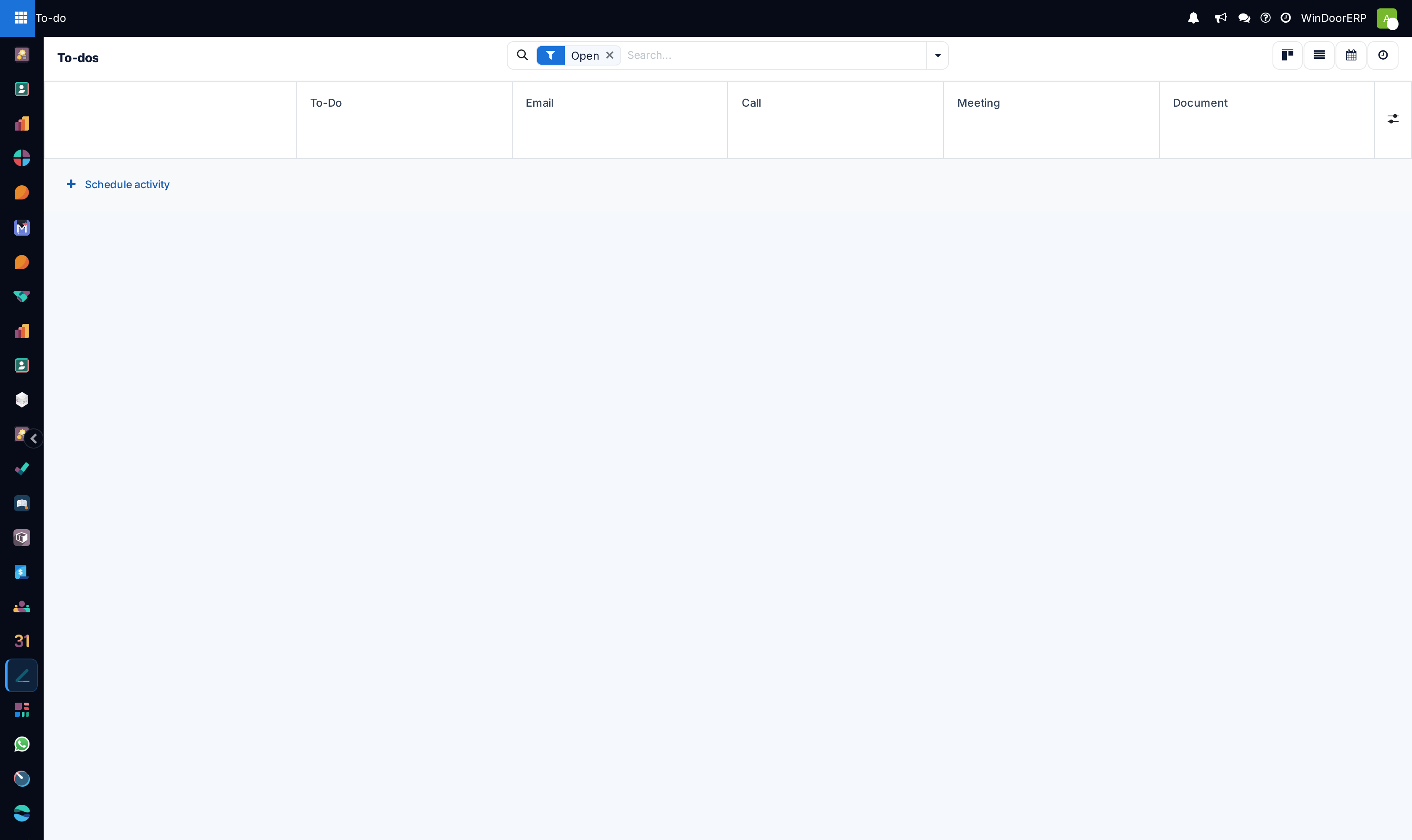
Open To-Do in Kanban, List, or Activity view to track personal action items.
-
04
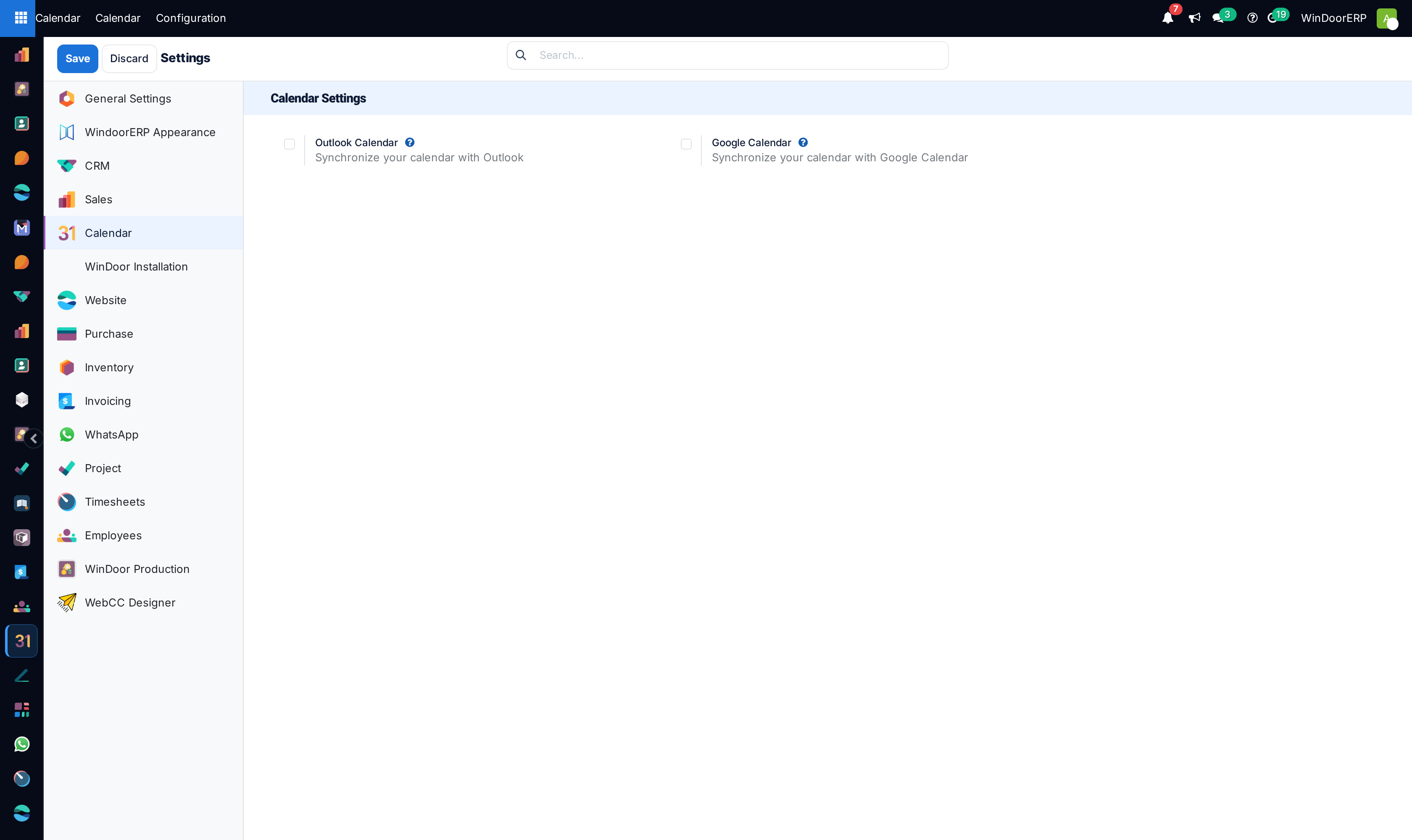
Sync calendars with mobile devices under Calendar › Configuration › Settings.
Common mistakes
- Scheduling external client site meetings without assigning an explicit location pin or Google Maps link.
- Creating high-priority project tasks as untracked personal To-Do notes instead of formal Project Tasks.
Was this article helpful?
Thanks — your feedback helps.
Running a window or door factory?
Ask for a demo