Manage project classification tags and recurring service revenue plans
What this does
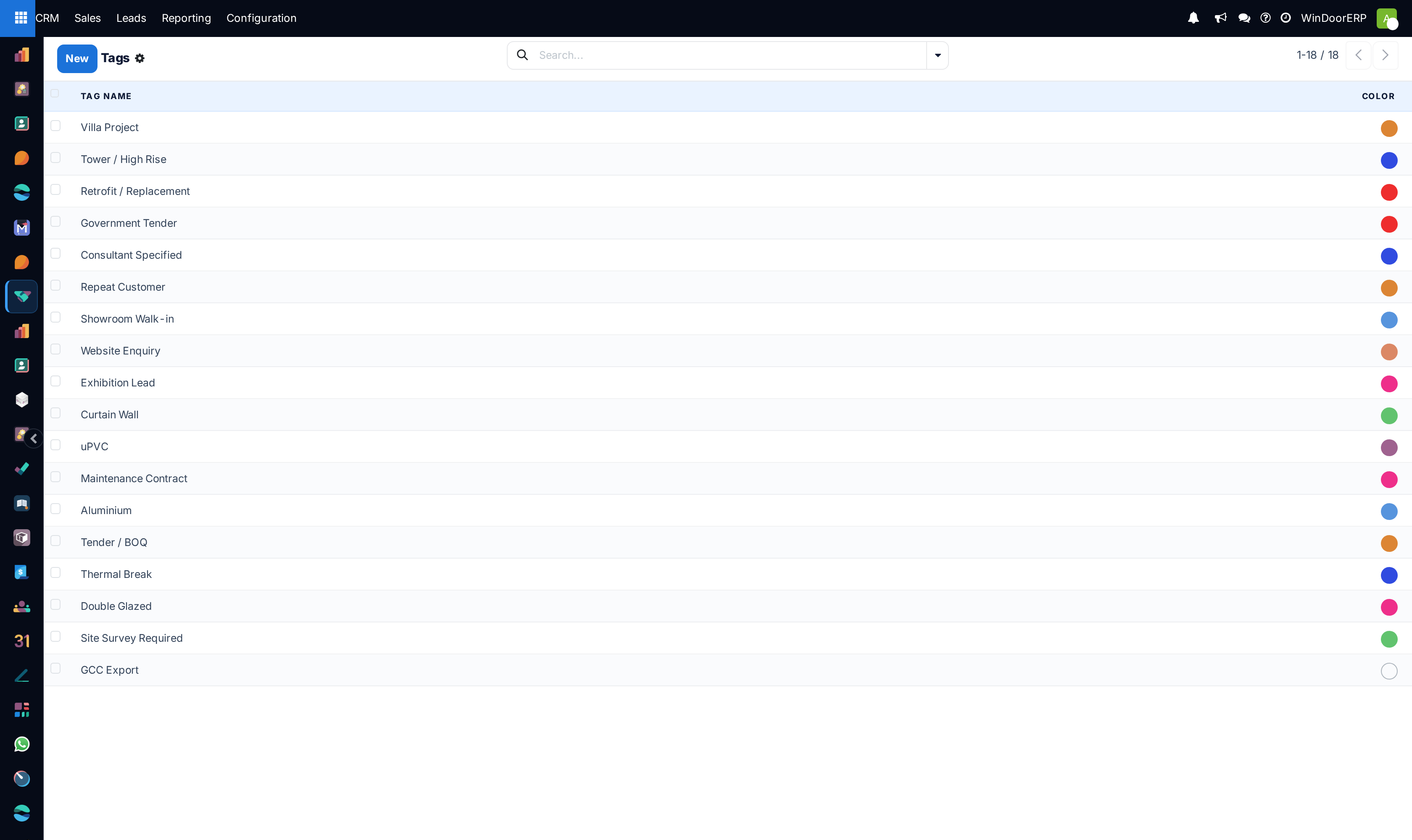
Organizes opportunity search tags (e.g. Double Glazing, RAL 9016, Motorized Louvers, Fire-Rated Glass) and sets up recurring maintenance plan intervals for annual facade service contracts.
Before you start
- CRM Configuration permissions.
Steps
Important
Tagging opportunities with profile series names enables instant filtering during supplier promotional discount campaigns.
-
01
Open CRM › Configuration › Pipeline Tags to maintain technical specifications tags.
-
02
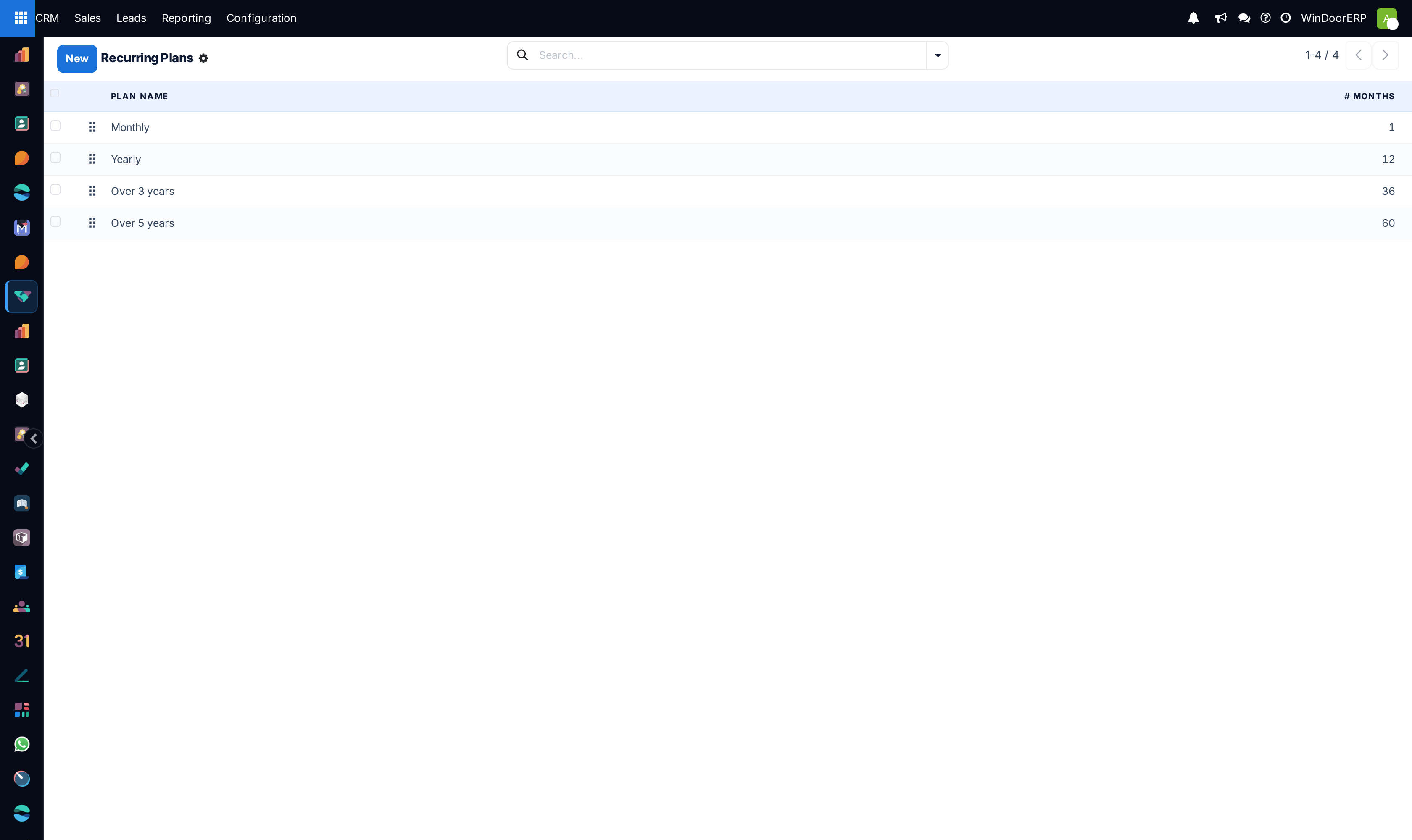
Open CRM › Configuration › Recurring Plans to define service billing cycles (e.g. Quarterly Facade Cleaning, Annual Hardware AMC).
-
03
Apply tags directly on CRM cards for instantaneous multi-criteria searching.
Common mistakes
- Creating hundreds of redundant tags with slight spelling variations.
- Leaving recurring revenue amounts blank on annual building maintenance tenders.
Was this article helpful?
Thanks — your feedback helps.
Running a window or door factory?
Ask for a demo