Create Requests for Quotation (RFQ), manage supplier bidding, and compare vendor tenders
What this does
Guides procurement engineers through creating RFQs for aluminium profile billets, structural glass packs, and multi-point hardware, comparing multi-vendor tenders and converting winning bids into purchase orders.
Before you start
- Purchase User or Procurement Officer access.
Steps
Important
Generating automated RFQs directly from Manufacturing Order material shortages prevents production line stoppages.
-
01
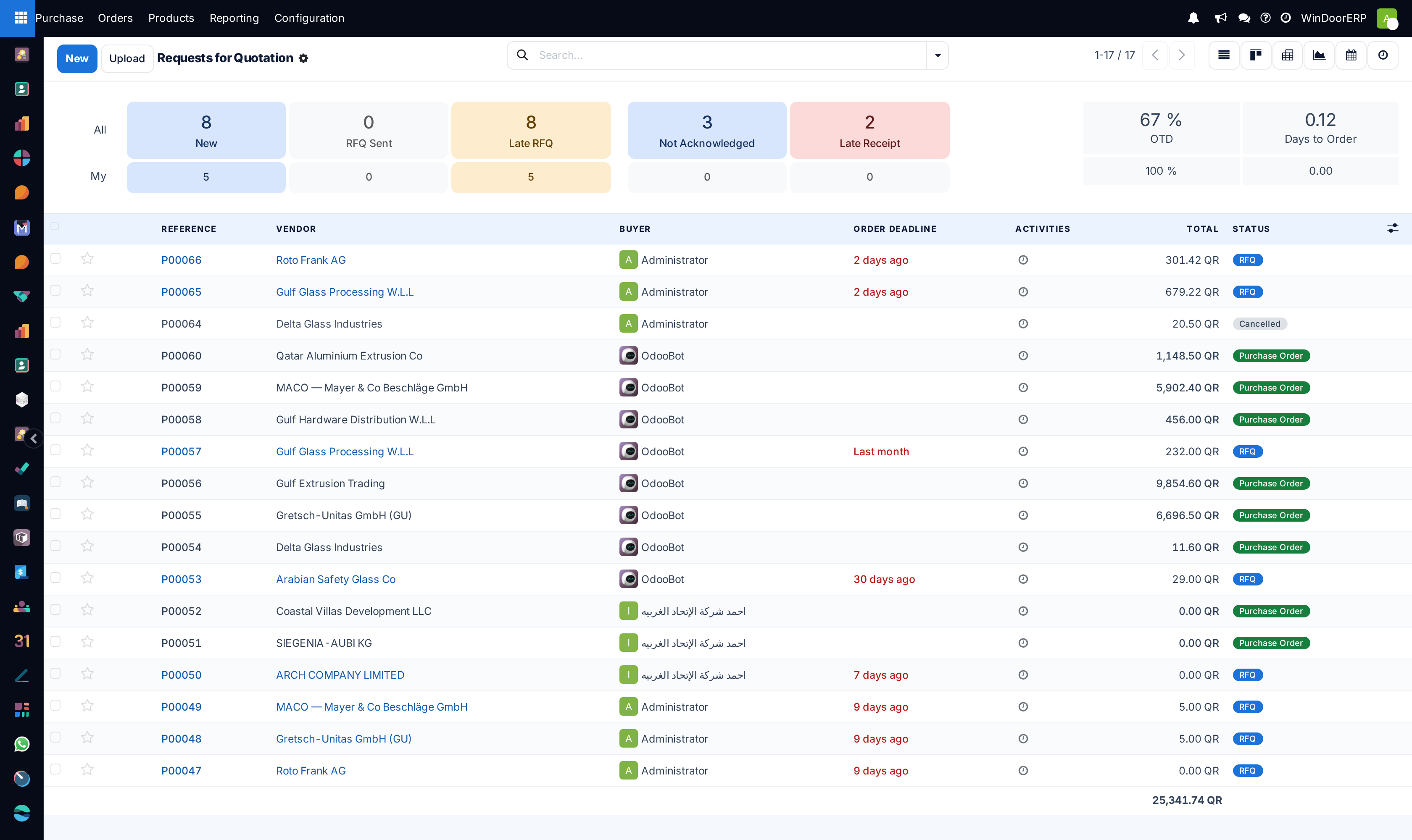
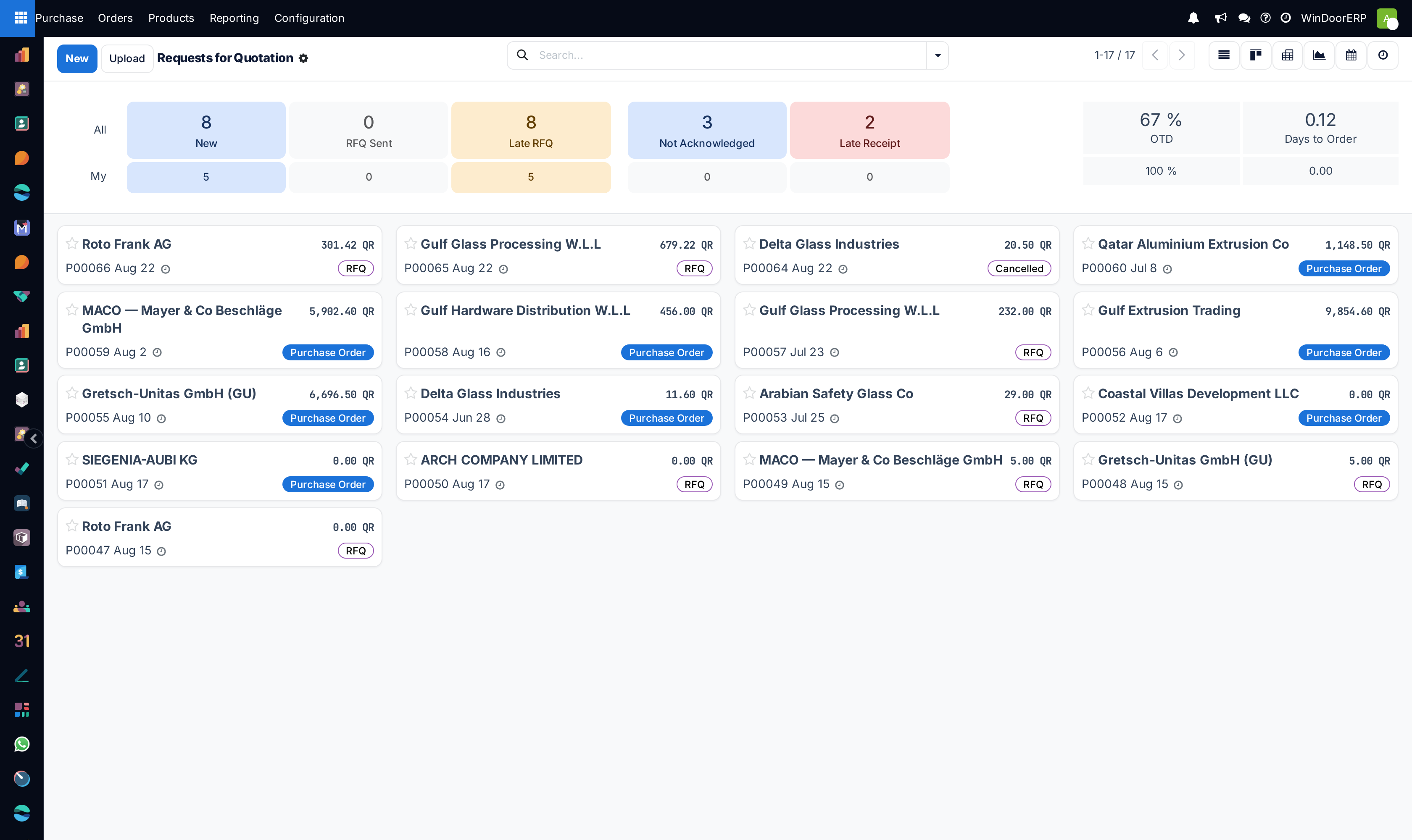
Open Purchase › Orders › Requests for Quotation and click New.
-
02
Select the Vendor, specify the Order Deadline, and set the expected Receipt Date.
-
03
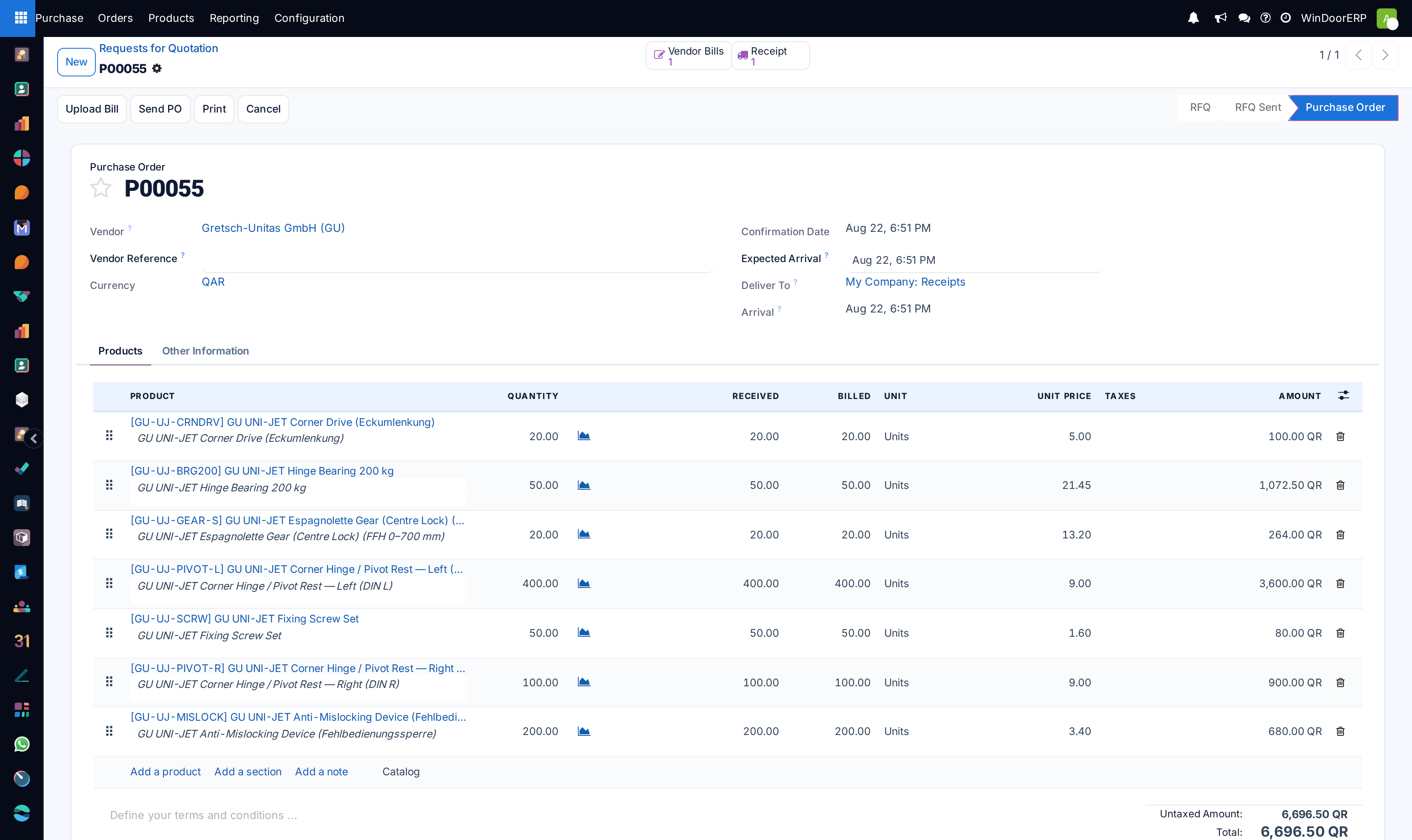
Under Products, add required extrusion profiles, glass packs (e.g. 6mm Low-E Glass Sheets 3.2m × 2.4m), EPDM rubber gaskets, or motorized hardware accessories.
-
04
Enter quantity, unit price (or leave blank for supplier quote), and target delivery warehouse.
-
05
Click Send by Email to deliver the automated RFQ document to suppliers with an online portal response link.
-
06
Once supplier bids are received, record their offered unit rates, payment terms, and lead times.
-
07
Use Call for Tenders / Alternative RFQs to compare bids side-by-side and select the best price/quality vendor.
-
08
Click Confirm Order to approve the winning quote and generate an official Purchase Order (PO).
Common mistakes
- Confirming purchase orders without specifying exact alloy extrusion temper grades (e.g. 6063-T6).
- Not entering supplier reference codes on RFQs, causing miscommunication with international vendors.
Was this article helpful?
Thanks — your feedback helps.
Running a window or door factory?
Ask for a demo