Collaborate across public channels, private project groups, direct messages, and pinned chatter
What this does
Connects factory supervisors, estimation engineers, site project managers, and executive leadership via dedicated real-time discussion channels (e.g. #factory-cutting, #site-snagging, #engineering-approvals).
Before you start
- Internal User access.
Steps
Important
Creating project-specific private channels keeps all CAD submittals and site approvals documented in one searchable thread.
-
01
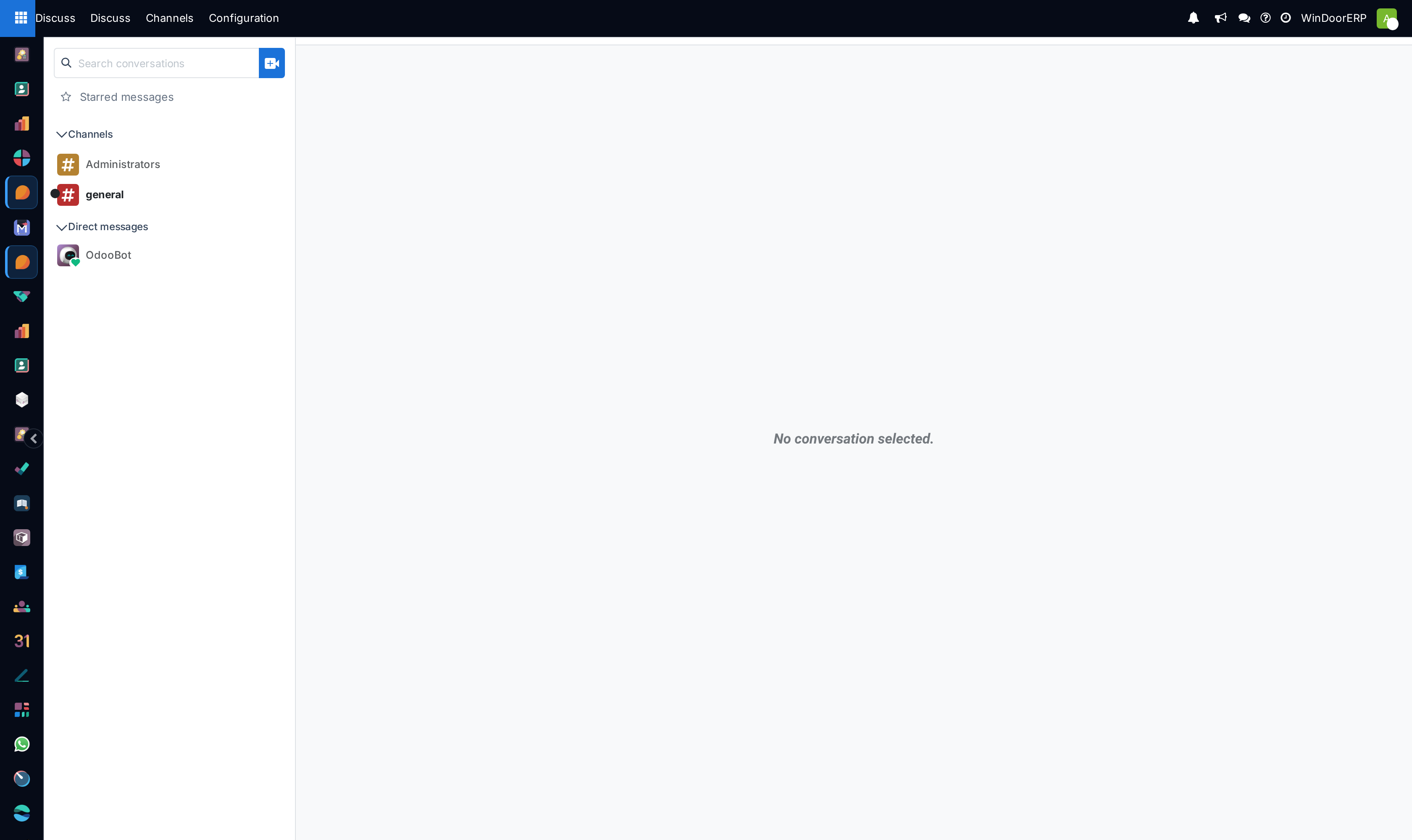
Open the Discuss application from the main app switcher.
-
02
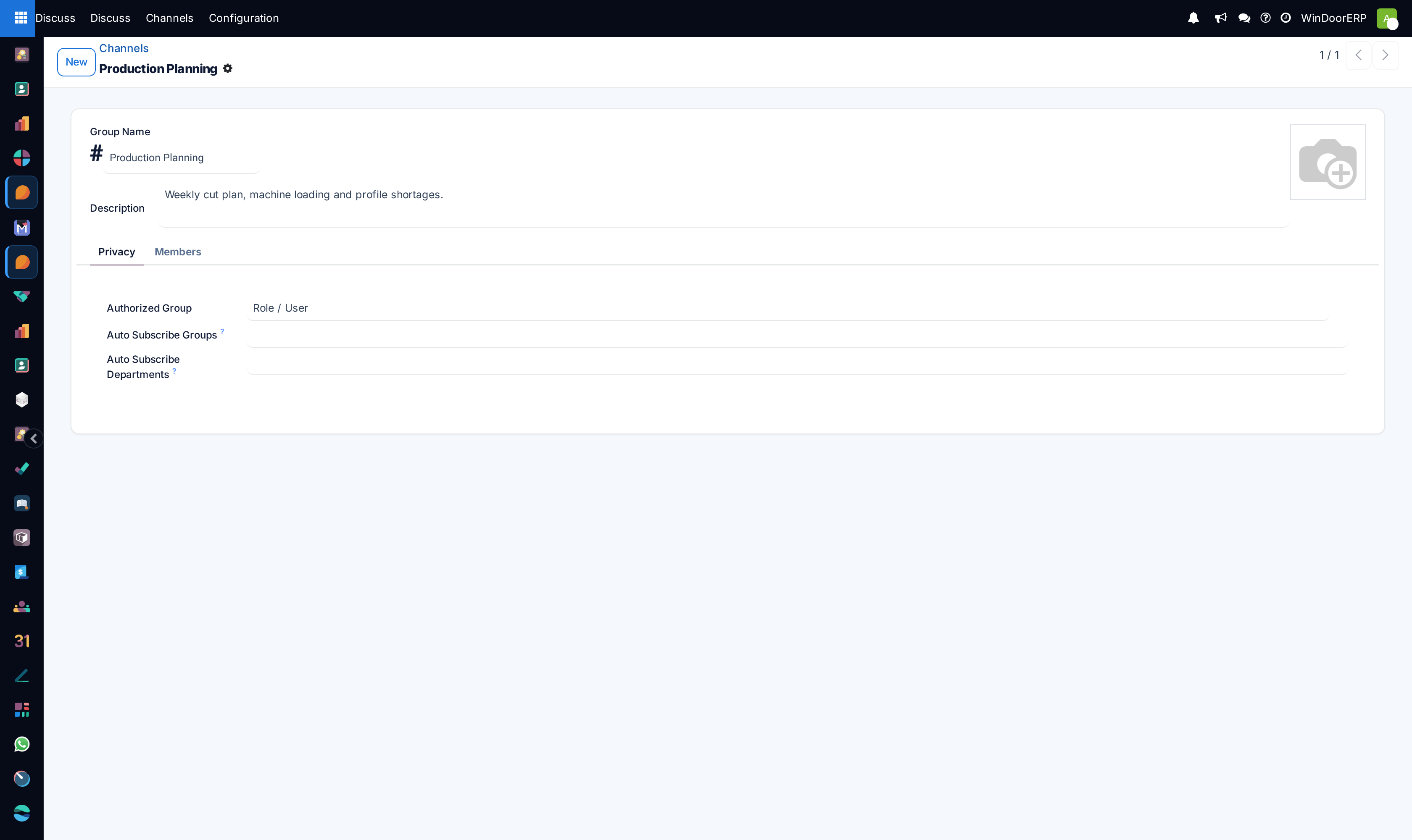
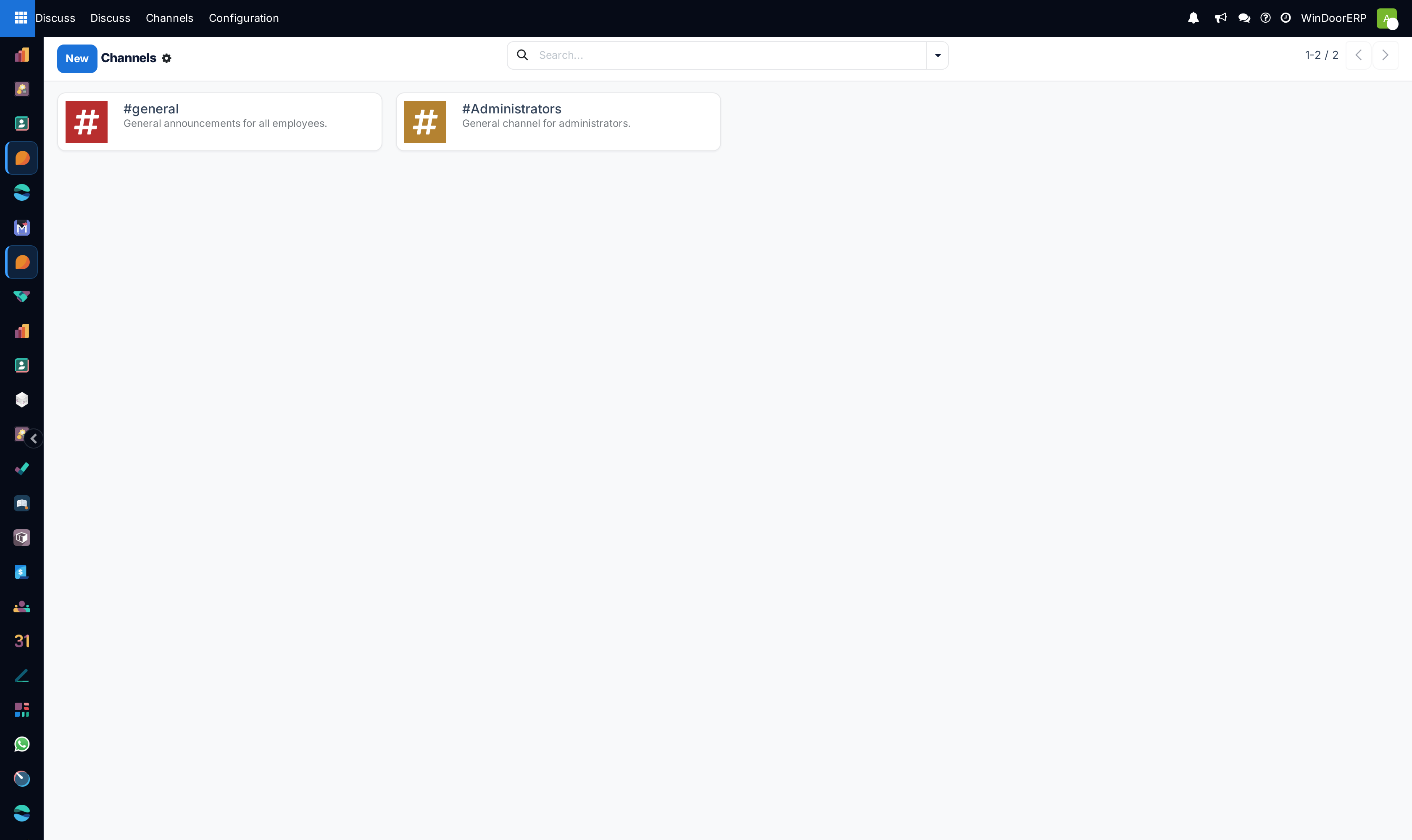
Under Channels, click + to join existing channels or create a new public/private channel.
-
03
Under Direct Messages, start 1-on-1 or multi-user private chats with colleagues.
-
04
Use
@namein any message to notify and ping specific project team members. -
05
Hover over important messages and click Pin to Channel to keep critical installation specs or site access guidelines easily visible to all members.
-
06
Drag and drop CAD elevation drawings, site photos, or PDF glass specs directly into the chat input bar.
Common mistakes
- Discussing confidential project pricing in general public channels.
- Uploading unlabelled site photos without referencing the specific window opening or villa number.
Was this article helpful?
Thanks — your feedback helps.
Running a window or door factory?
Ask for a demo