Plan and supervise master project tasks across all departments and stages
What this does
Provides department heads with a unified command center to organize, assign, prioritize, and monitor thousands of operational tasks across concurrent building projects.
Before you start
- Project tasks created automatically from project templates or added manually.
Steps
Important
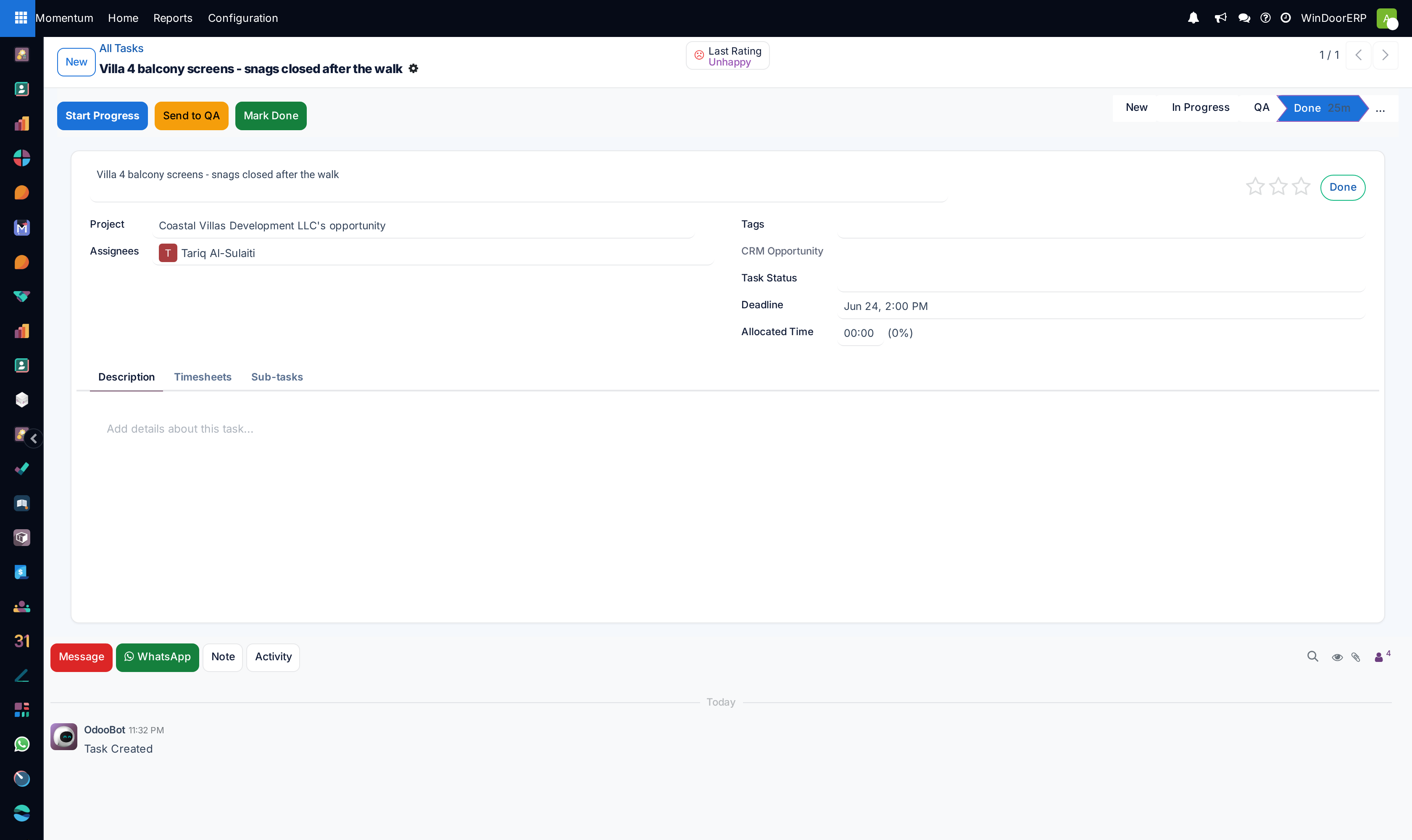
Set clear task deadlines and assignees to ensure automated email and push notifications alert engineers before milestone due dates.
-
01
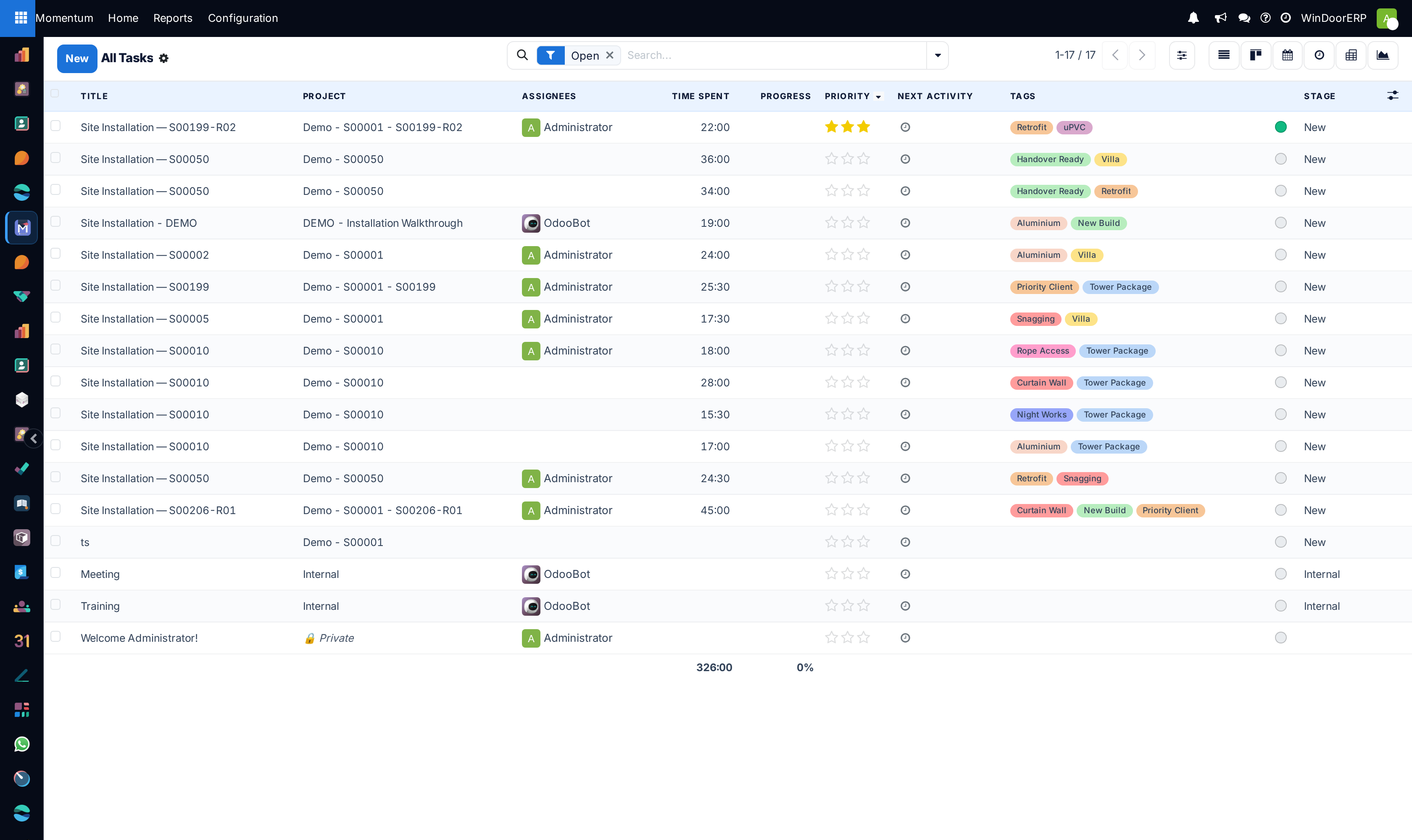
Navigate to Project › Tasks › All Tasks.
-
02
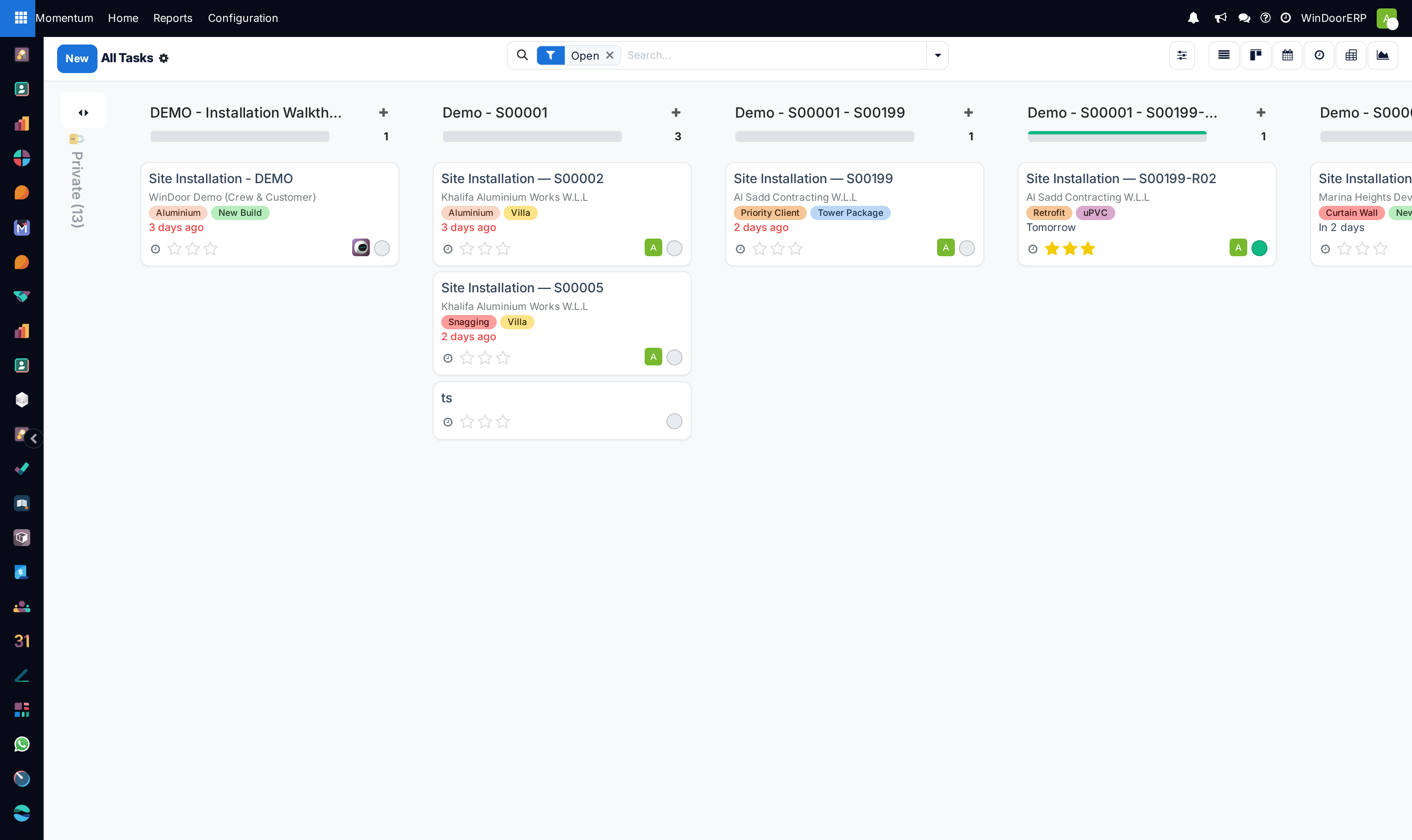
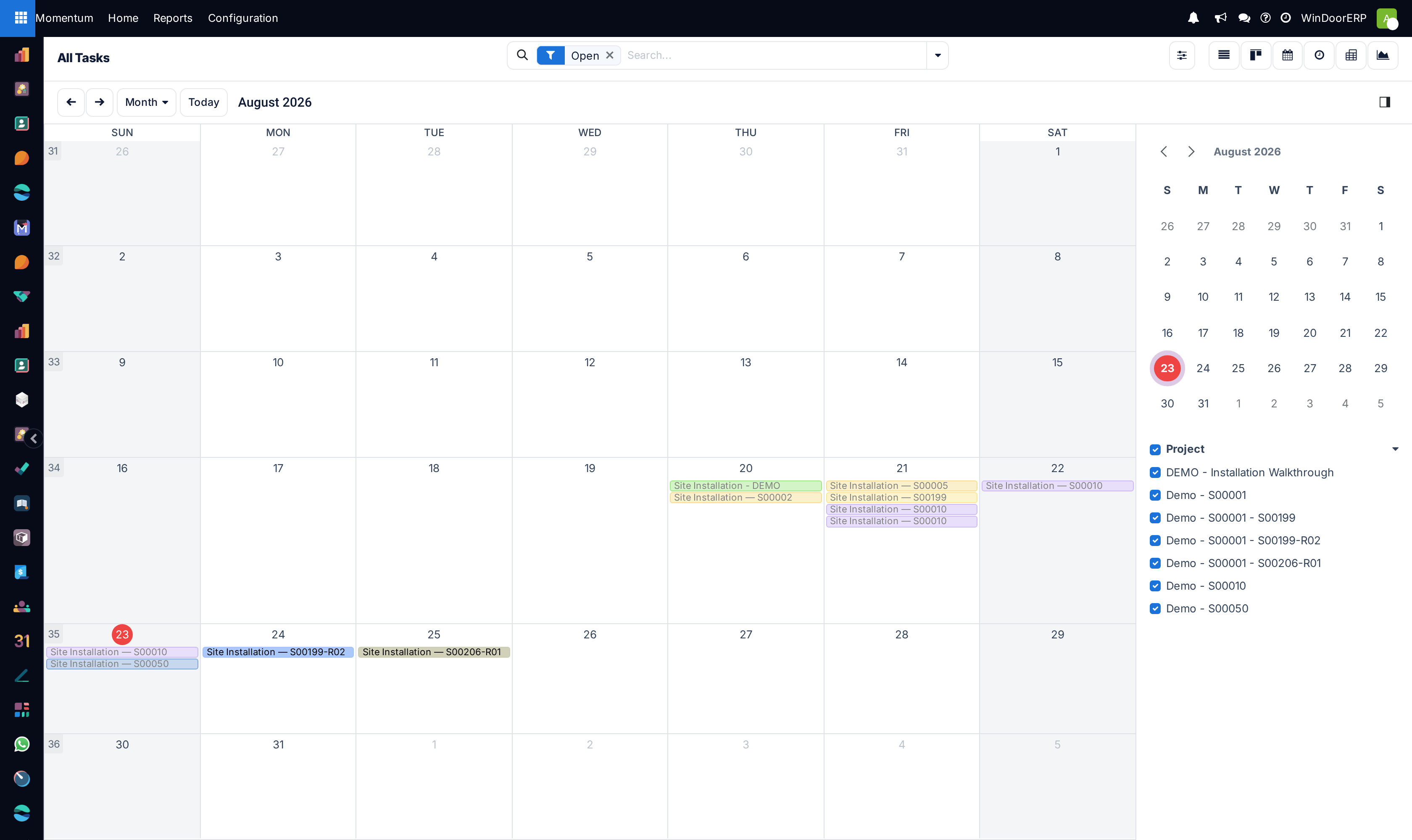
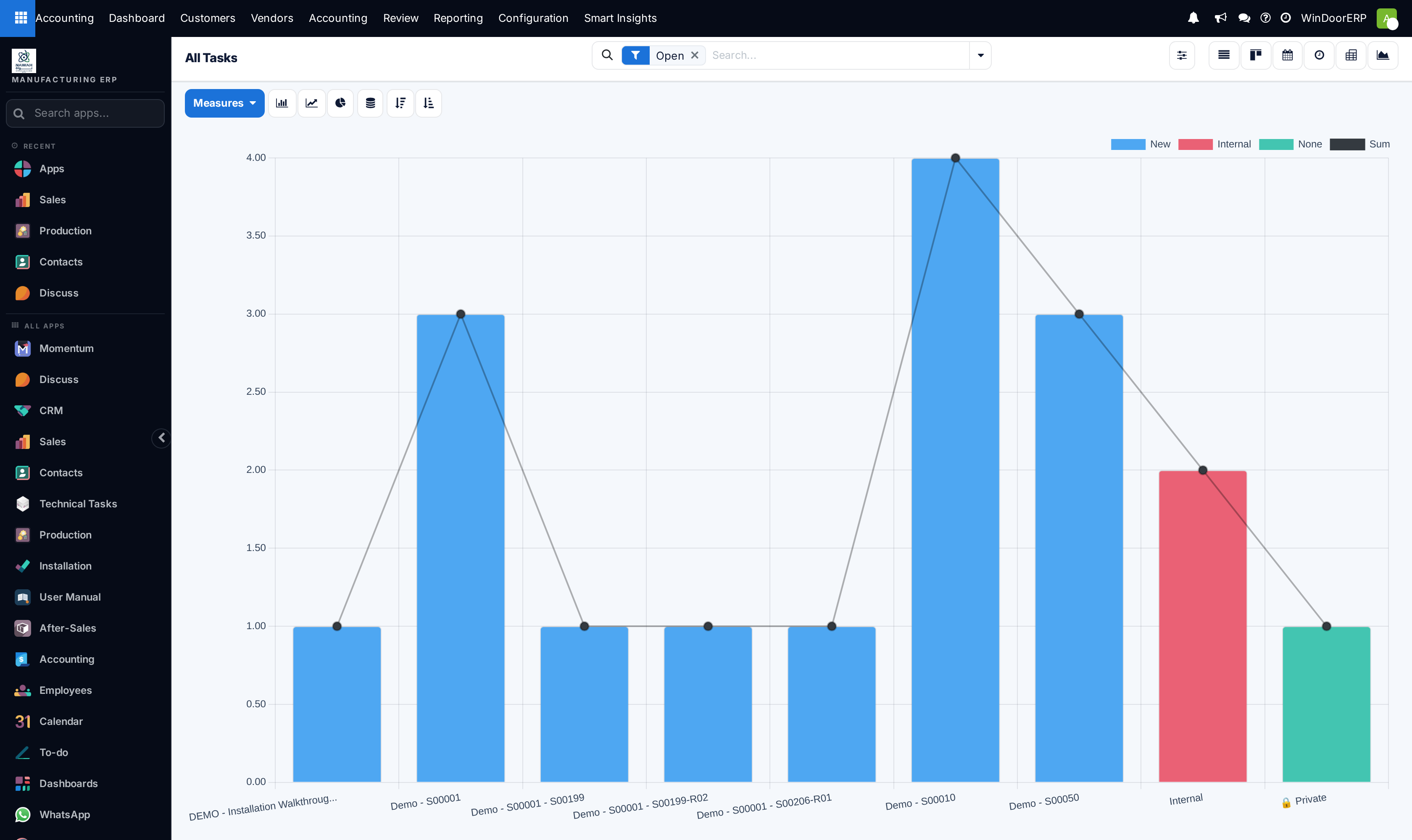
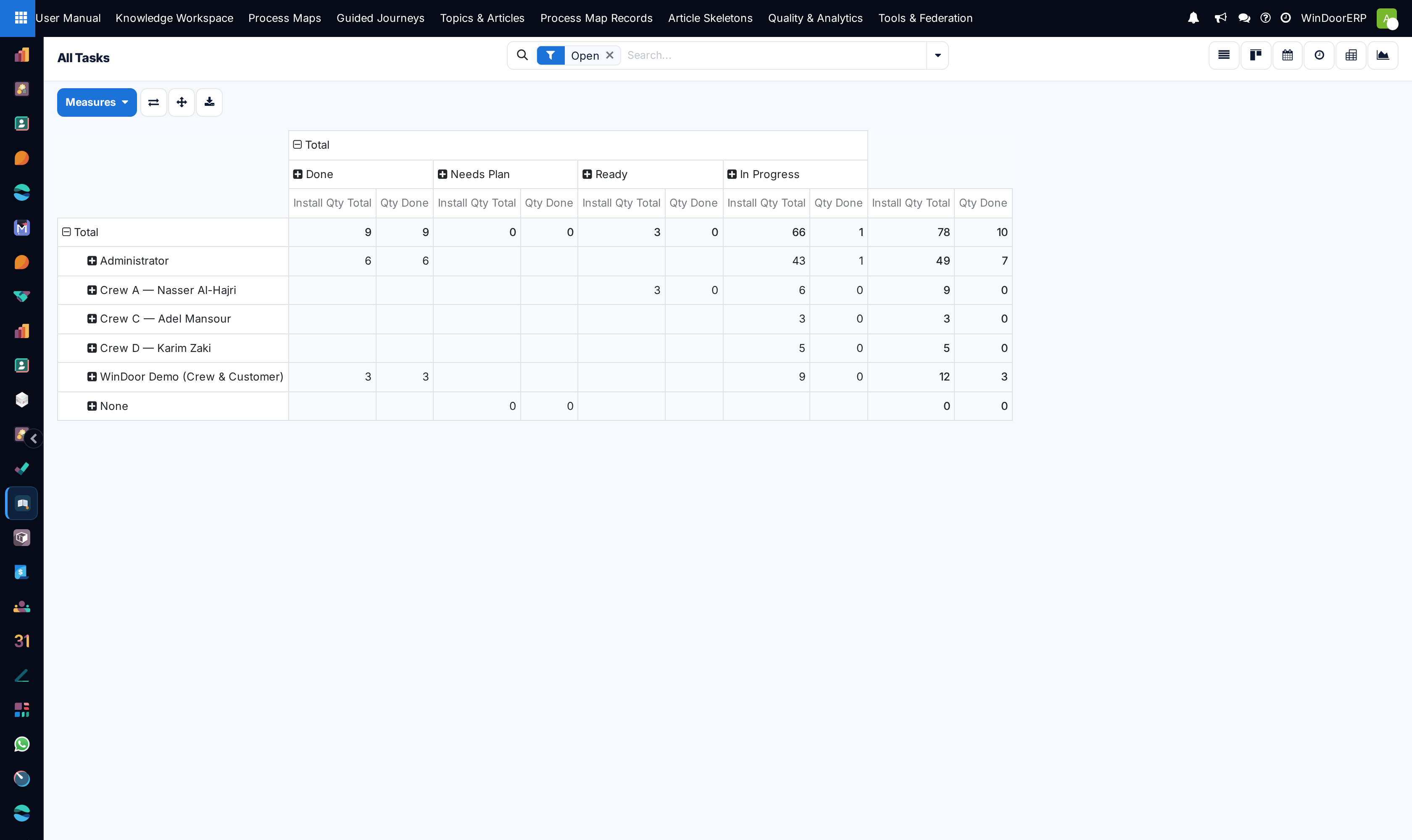
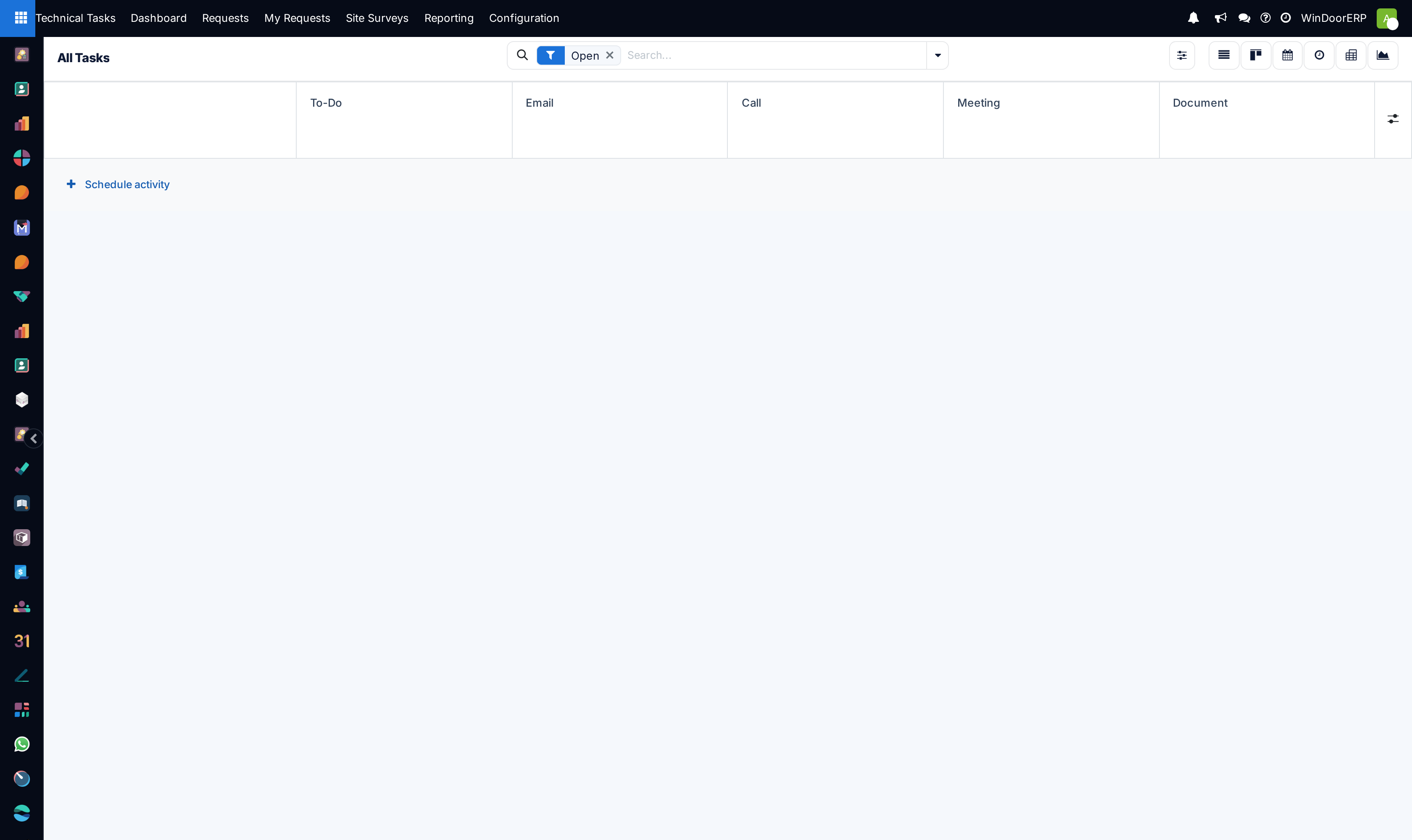
Switch between List, Kanban, Calendar, Graph, Pivot, and Activity views to analyze work distribution.
-
03
Drag and drop task cards across workflow stages (To Do, In Progress, QC Review, Done).
-
04
Use Filters and Group By (e.g. Group by Stage, Group by Assignee, Group by Project) to identify bottlenecks.
Common mistakes
- Creating broad open-ended tasks without measurable deliverables.
- Allowing overdue tasks to remain unreviewed on the task board.
Was this article helpful?
Thanks — your feedback helps.
Running a window or door factory?
Ask for a demo