Record manual journal entries, manage multi-dimension analytic accounting, and lock periods
What this does
Records adjusting journal entries, distributes revenues and direct job costs across multi-dimension project analytic plans (Project, System Series, Elevation), and enforces fiscal period lock dates.
Before you start
- Chart of accounts and analytic plans established.
Steps
Important
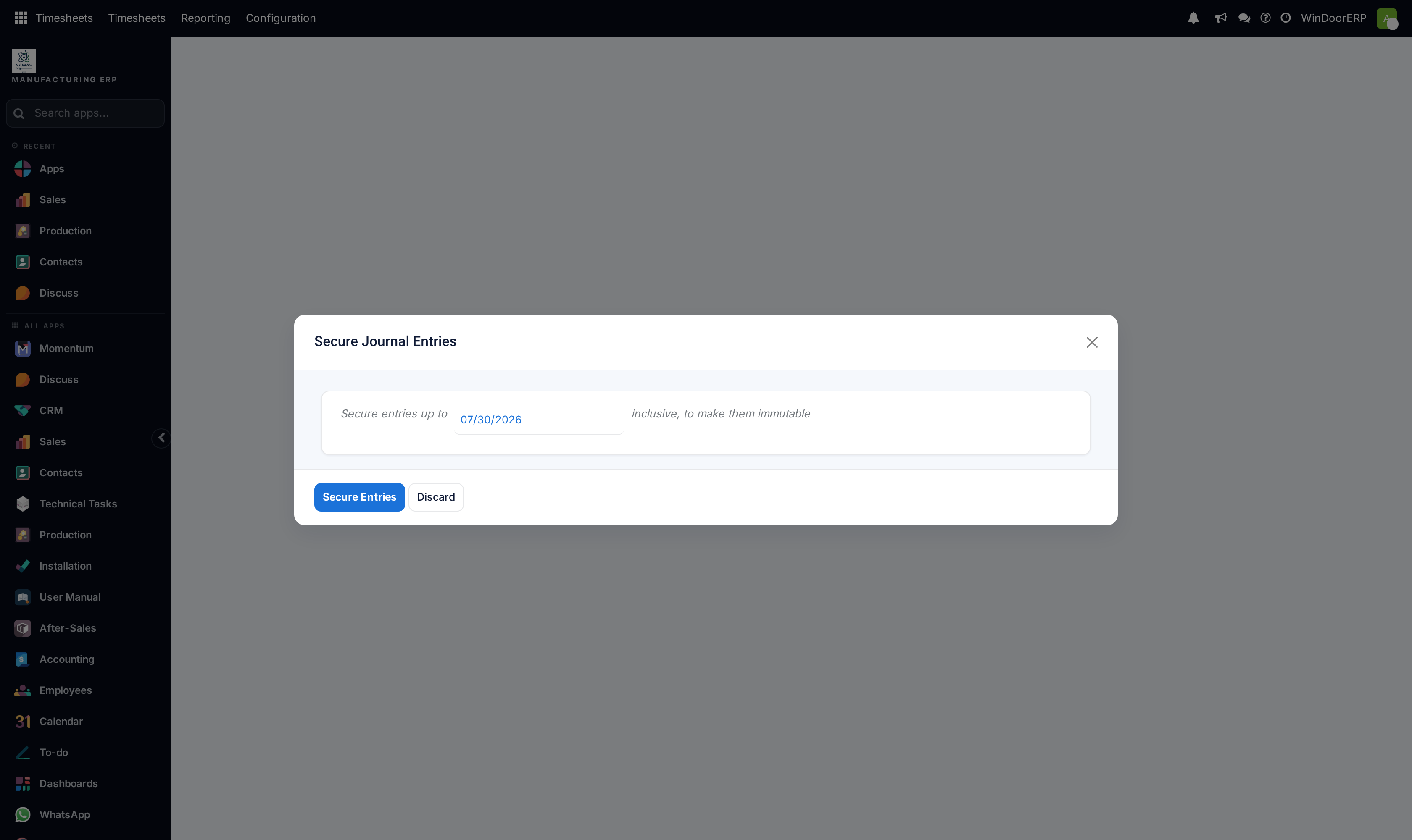
Period Lock Dates prevent unauthorized back-dated modifications to finalized quarterly VAT and audited financial statements.
-
01
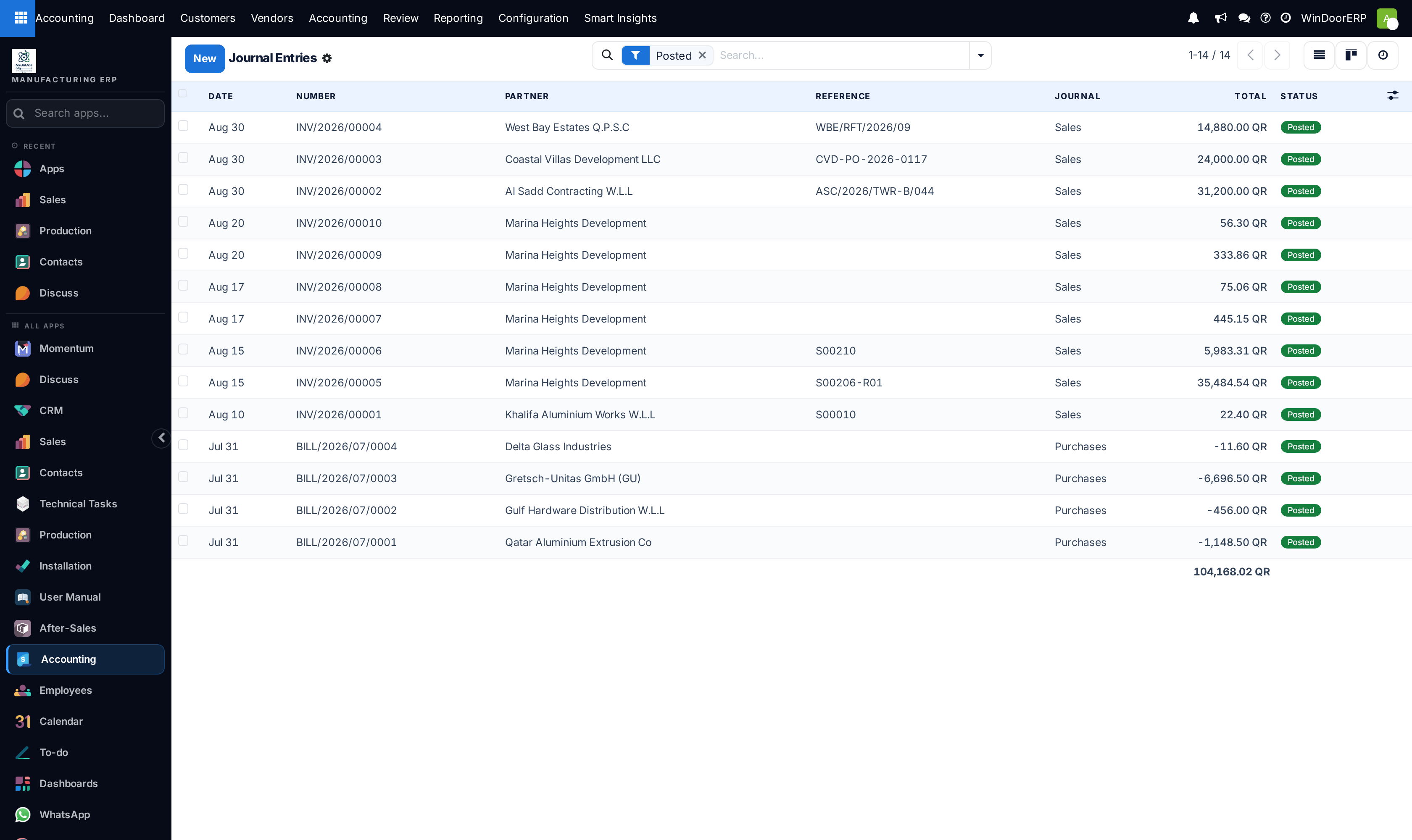
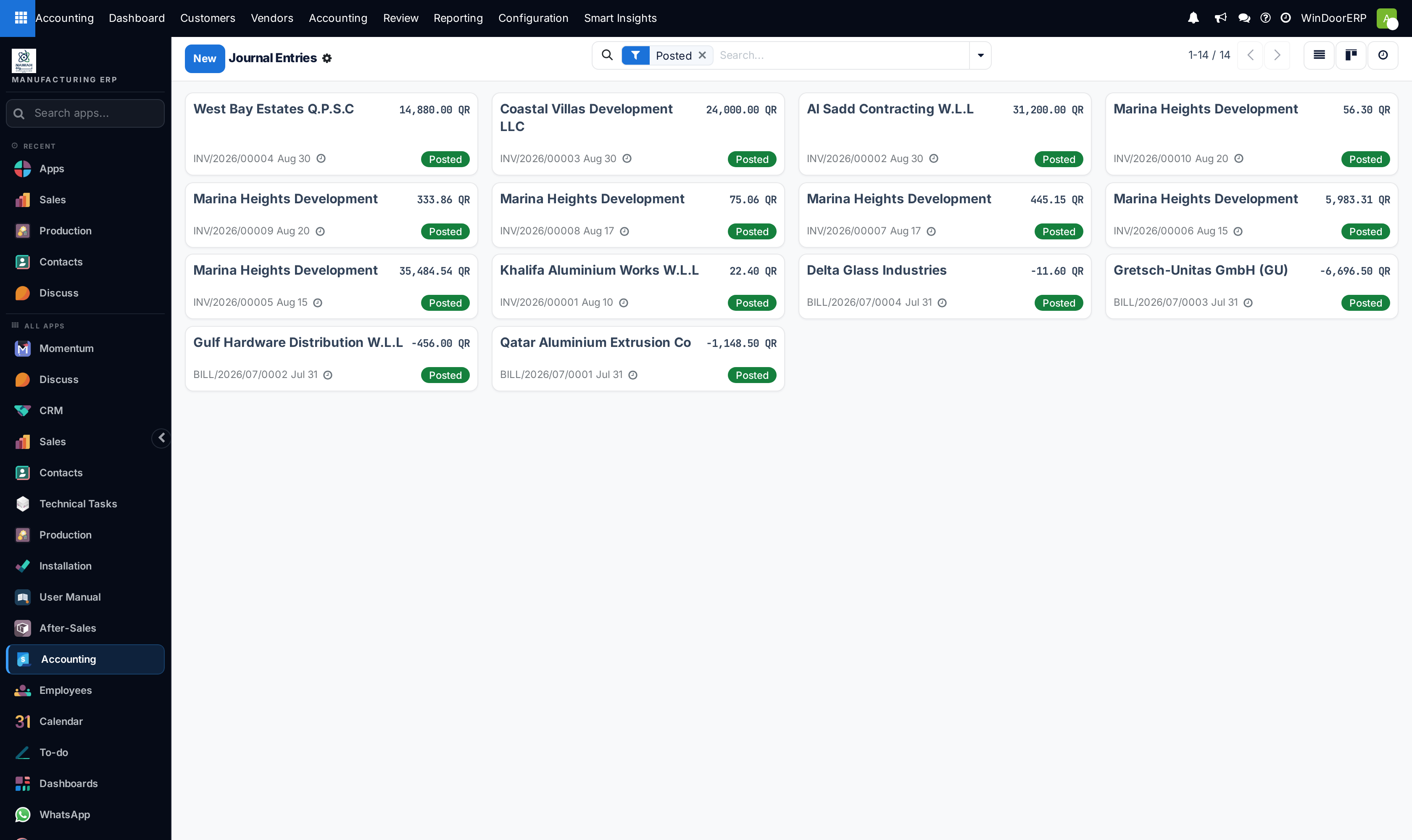
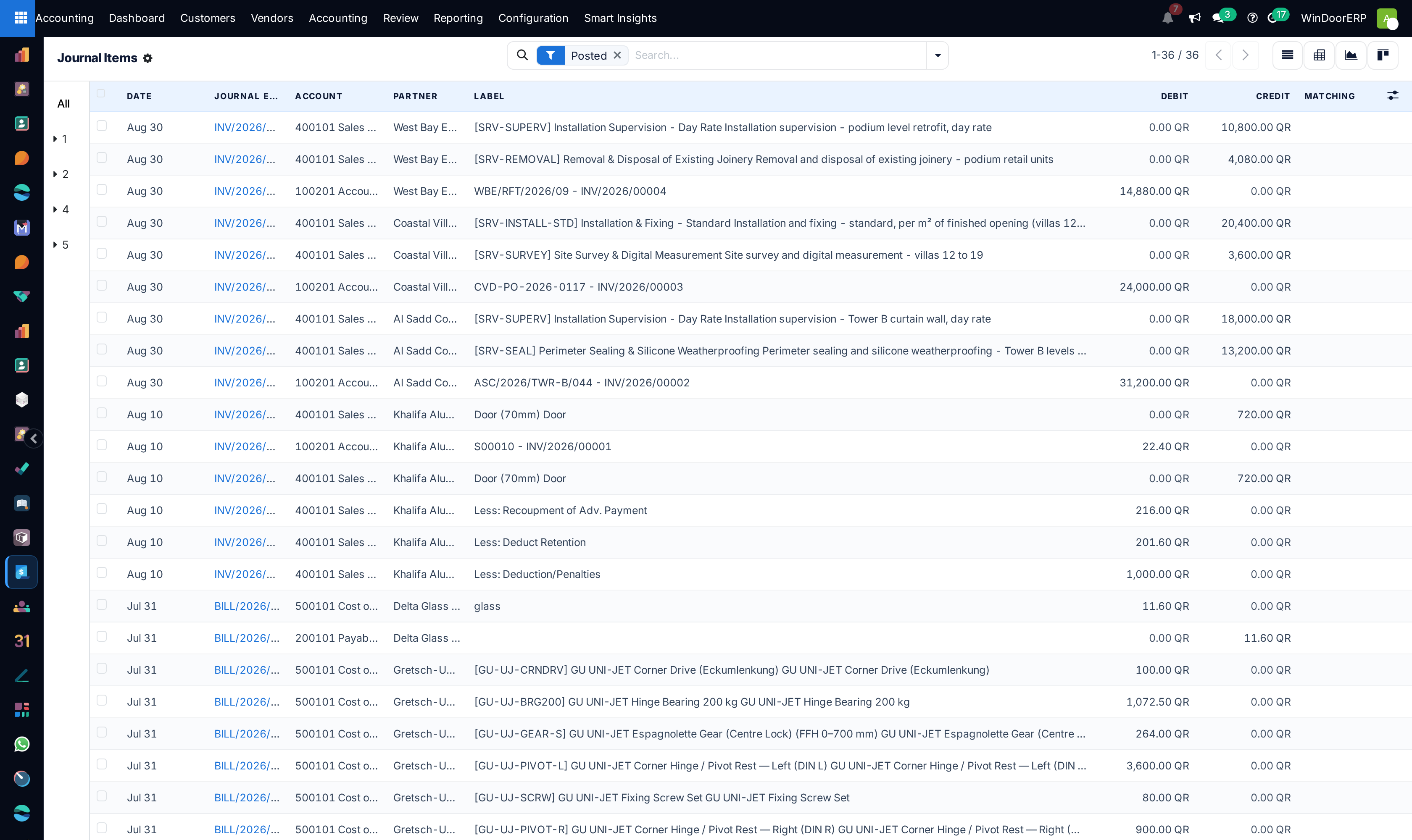
Open Accounting › Accounting › Journal Entries and click New.
-
02
Select the Journal (Miscellaneous Operations, Exchange Difference), Entry Date, and Reference.
-
03
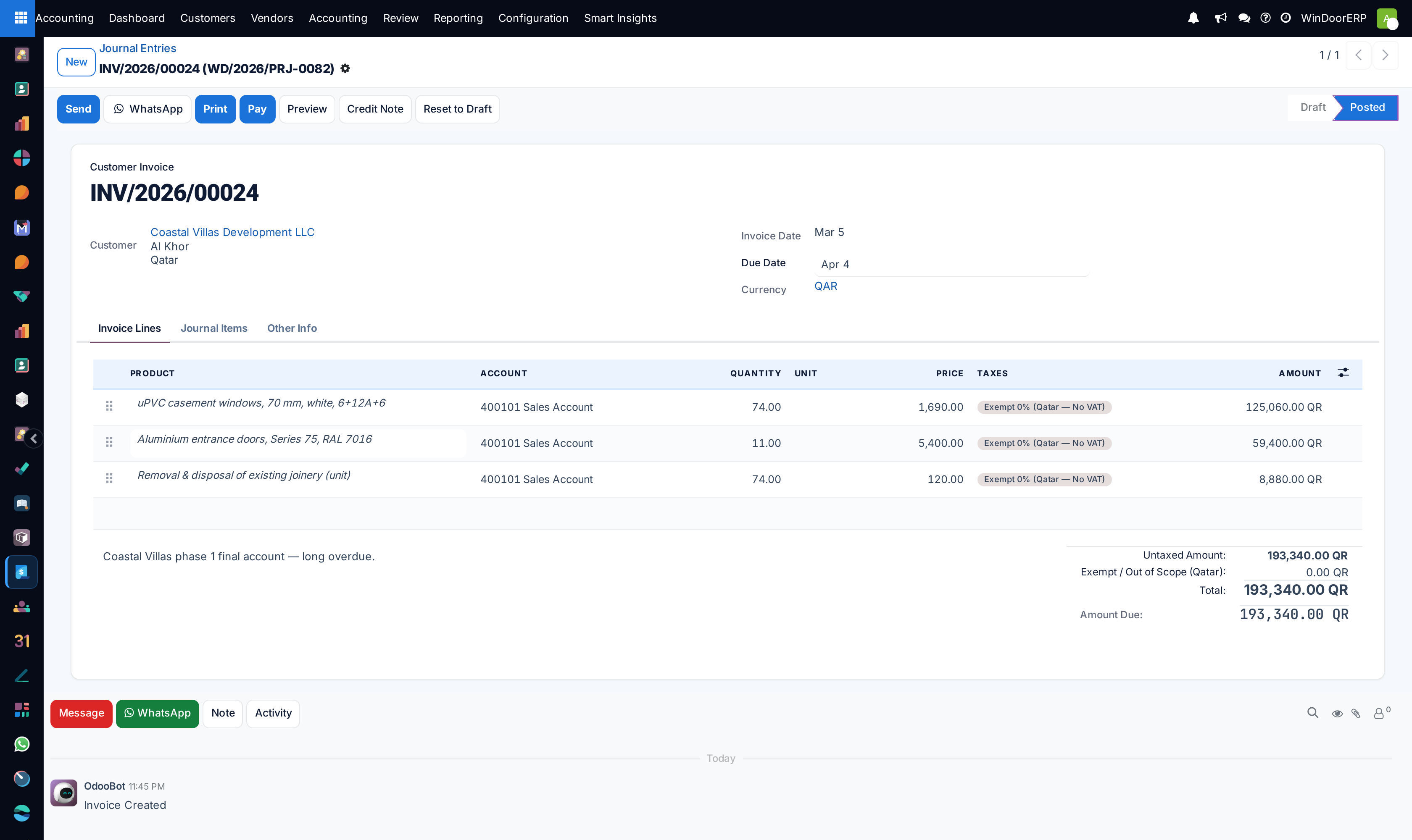
Add debit and credit lines ensuring total debits equal total credits.
-
04
Assign Analytic Accounts to route costs directly to active project contracts.
-
05
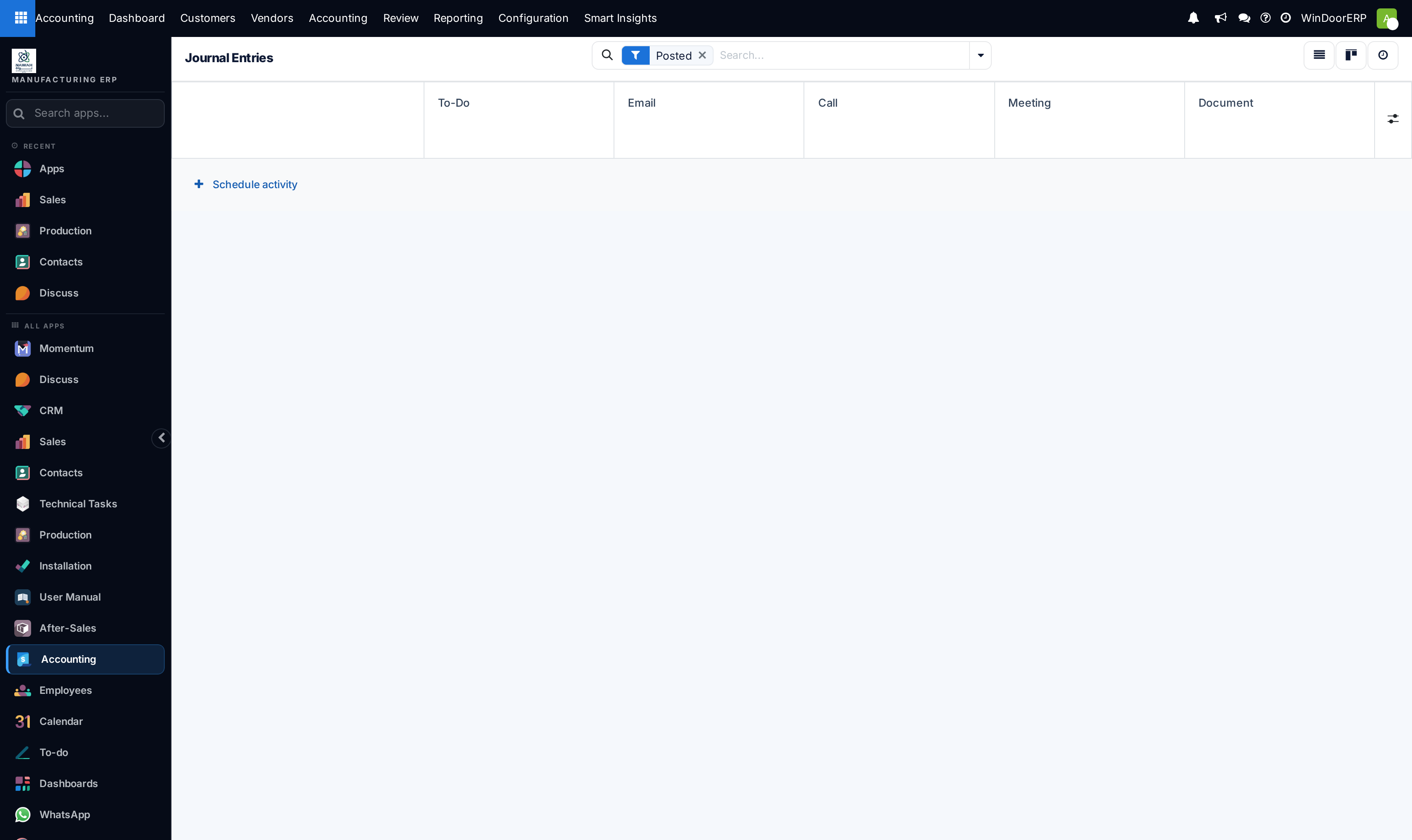
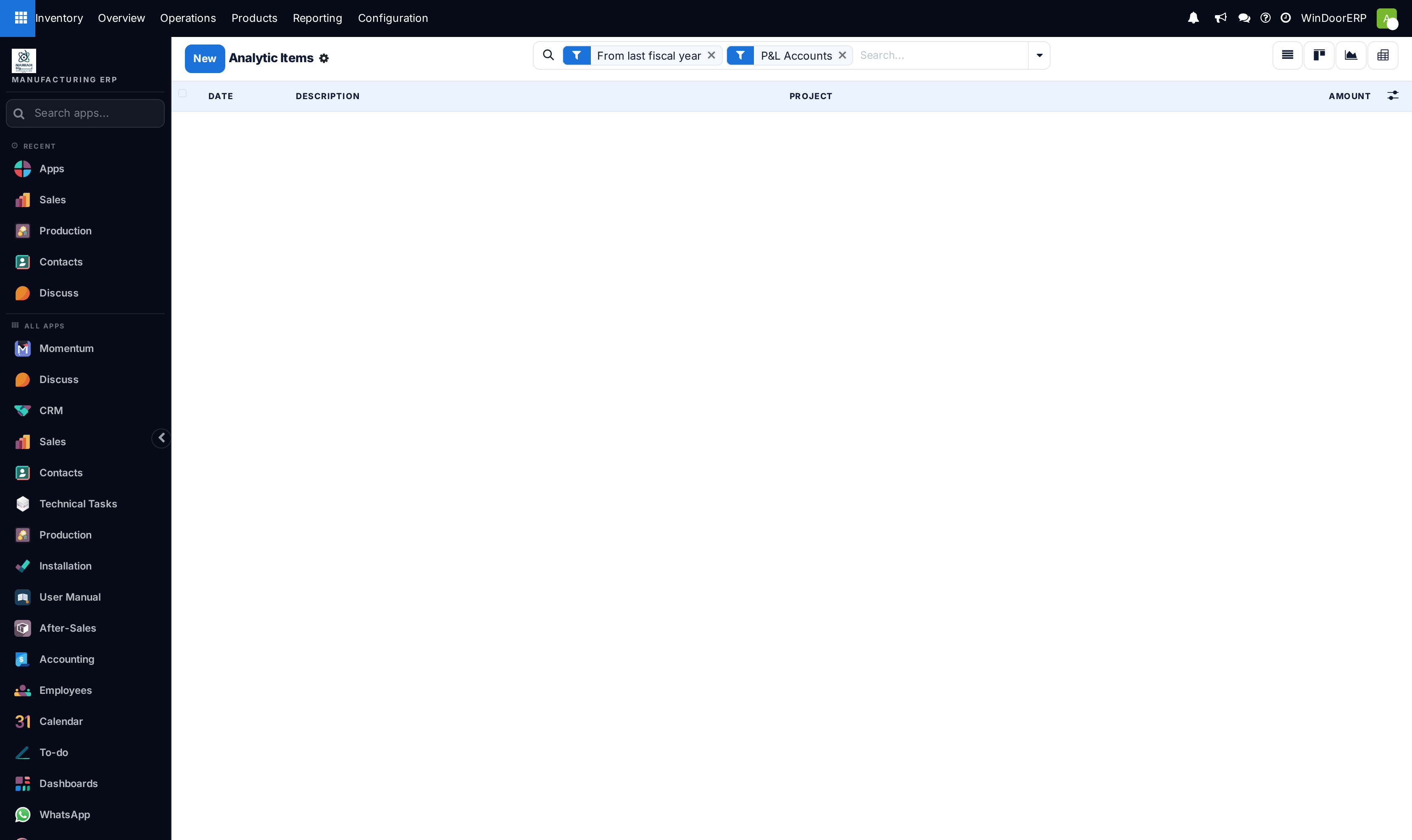
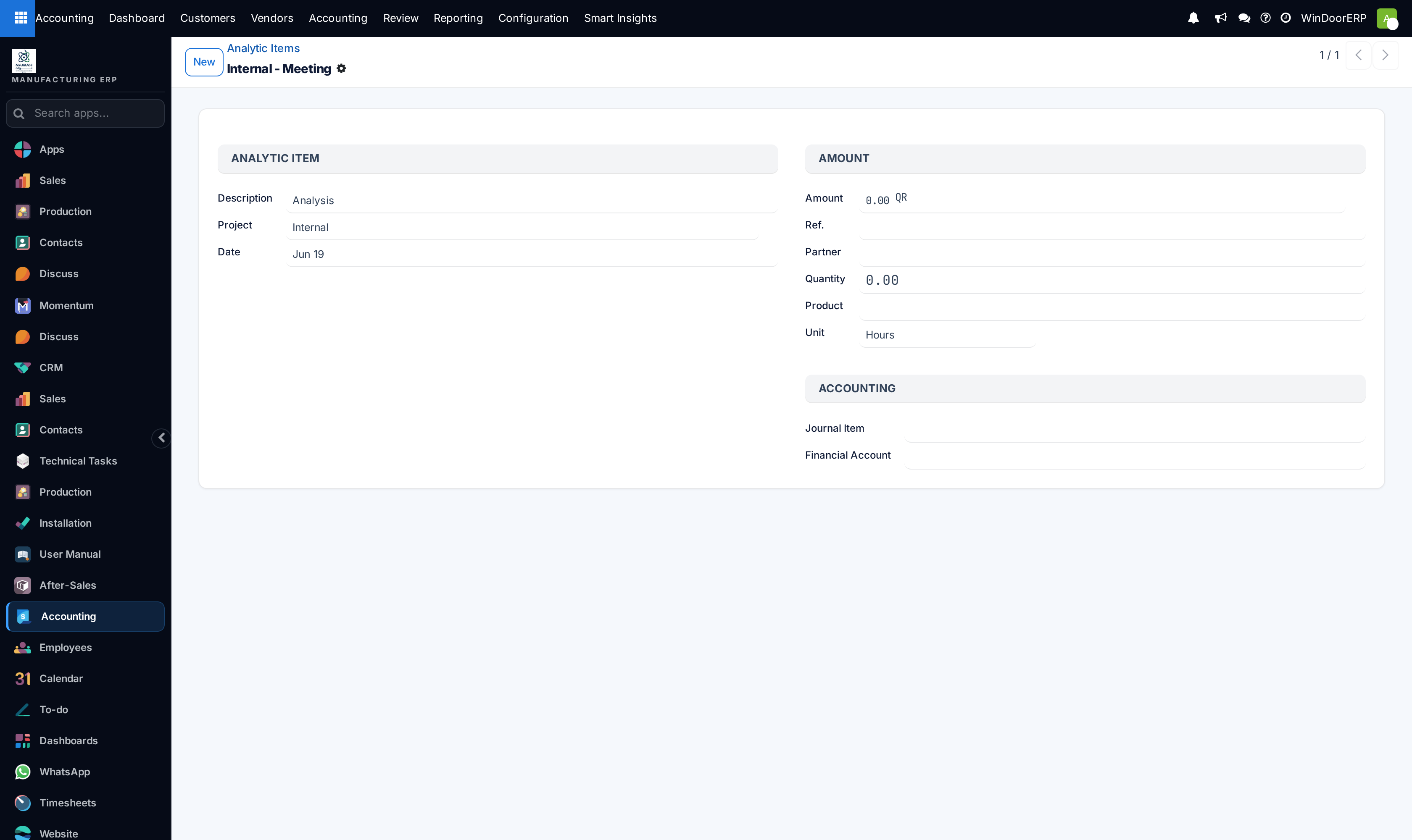
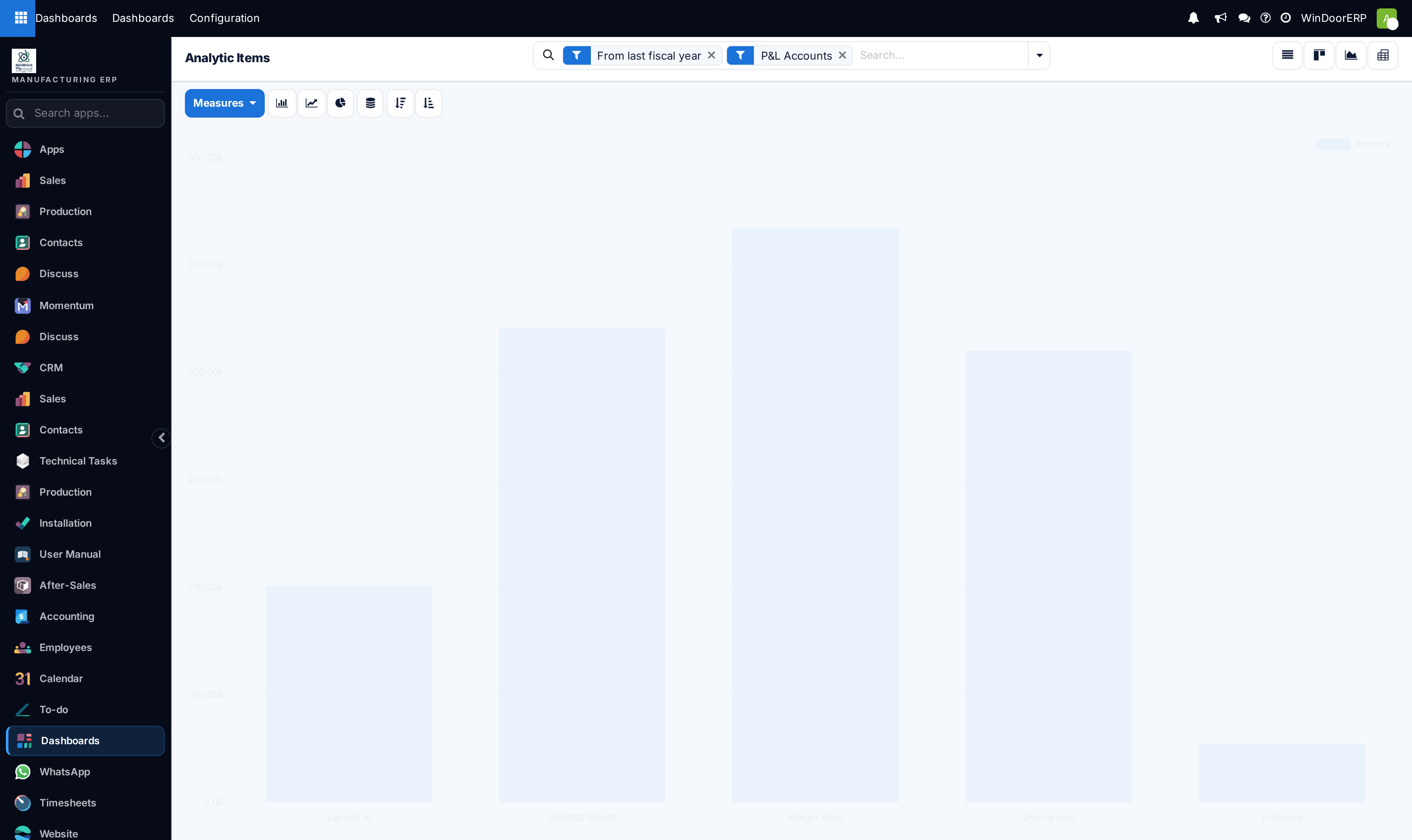
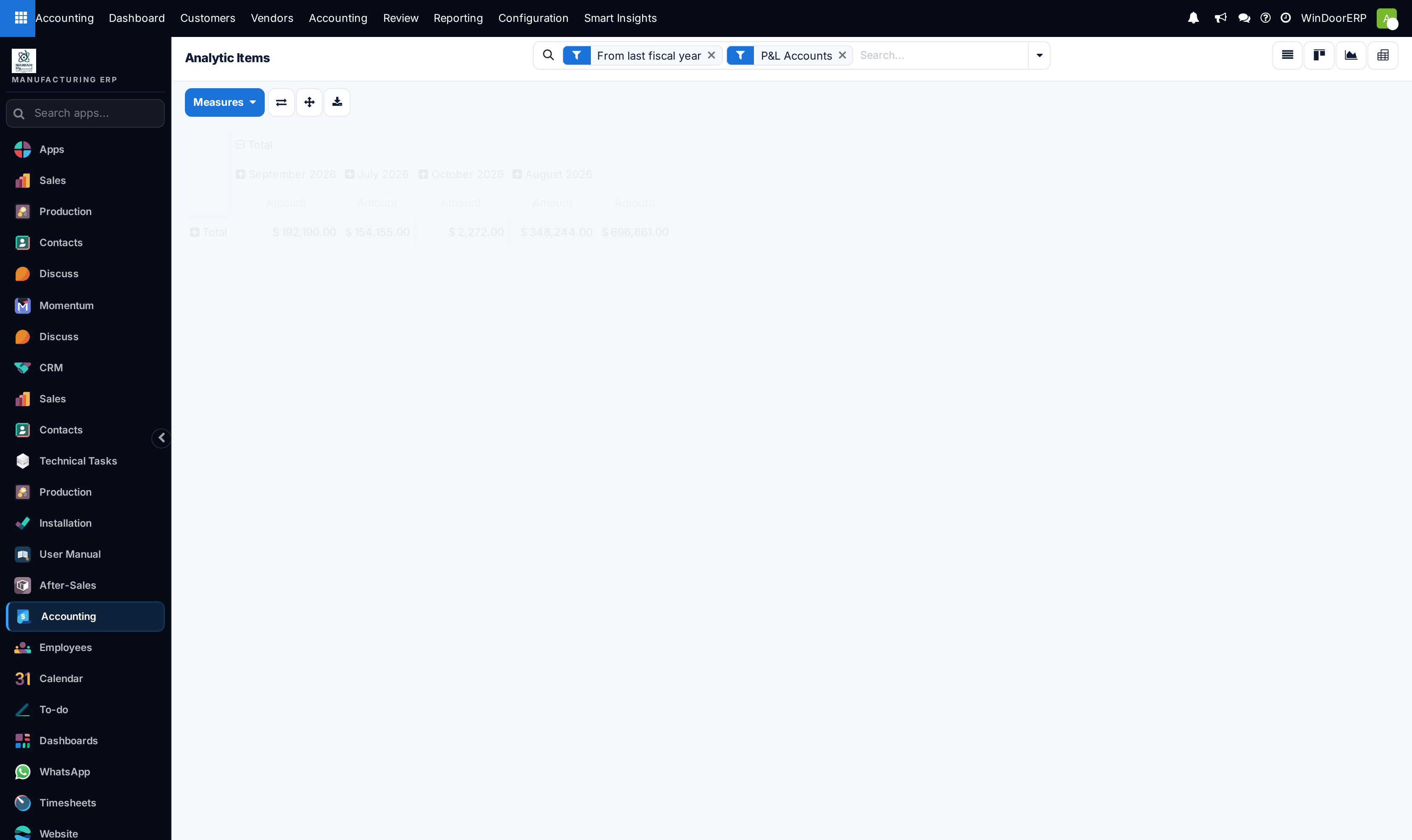
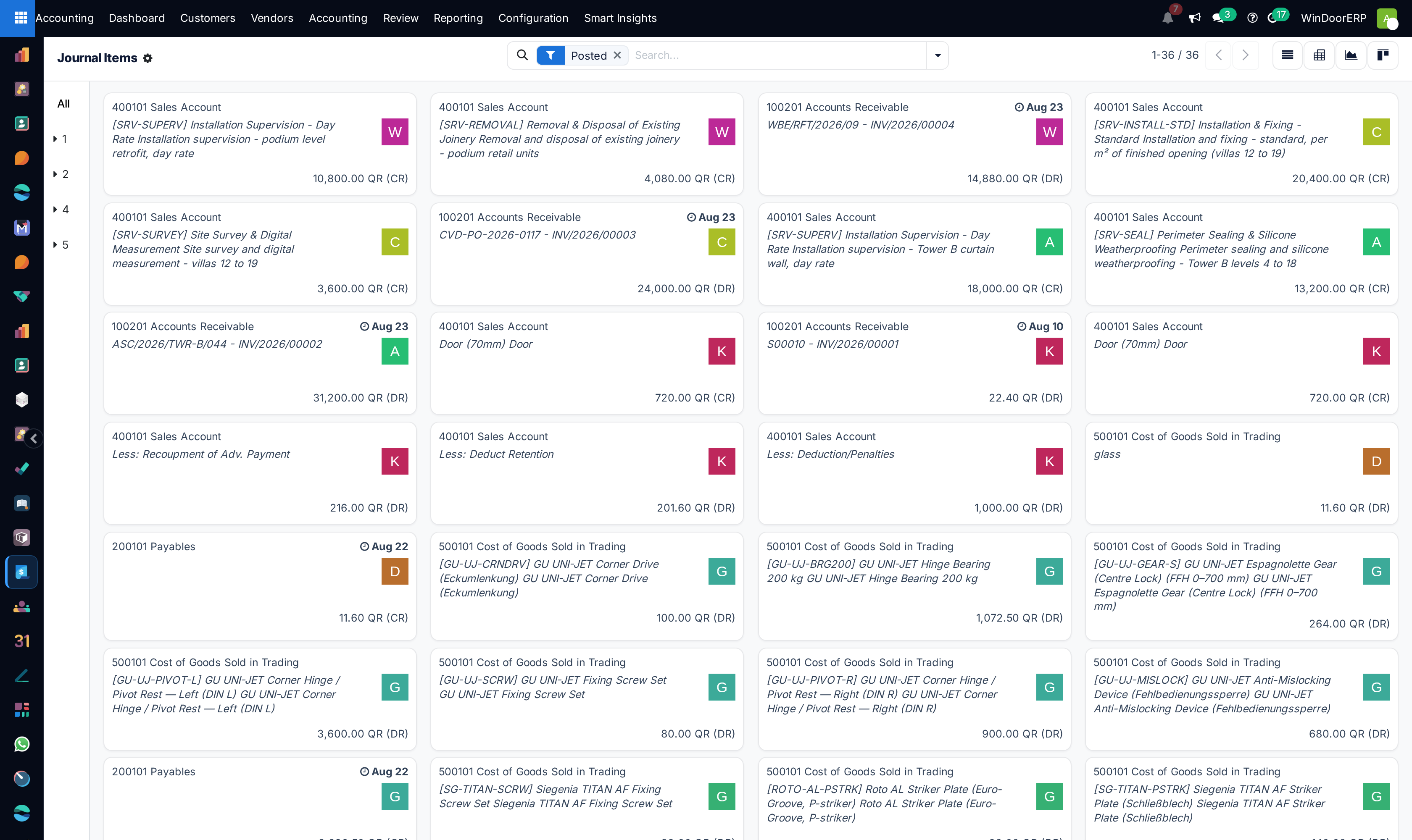
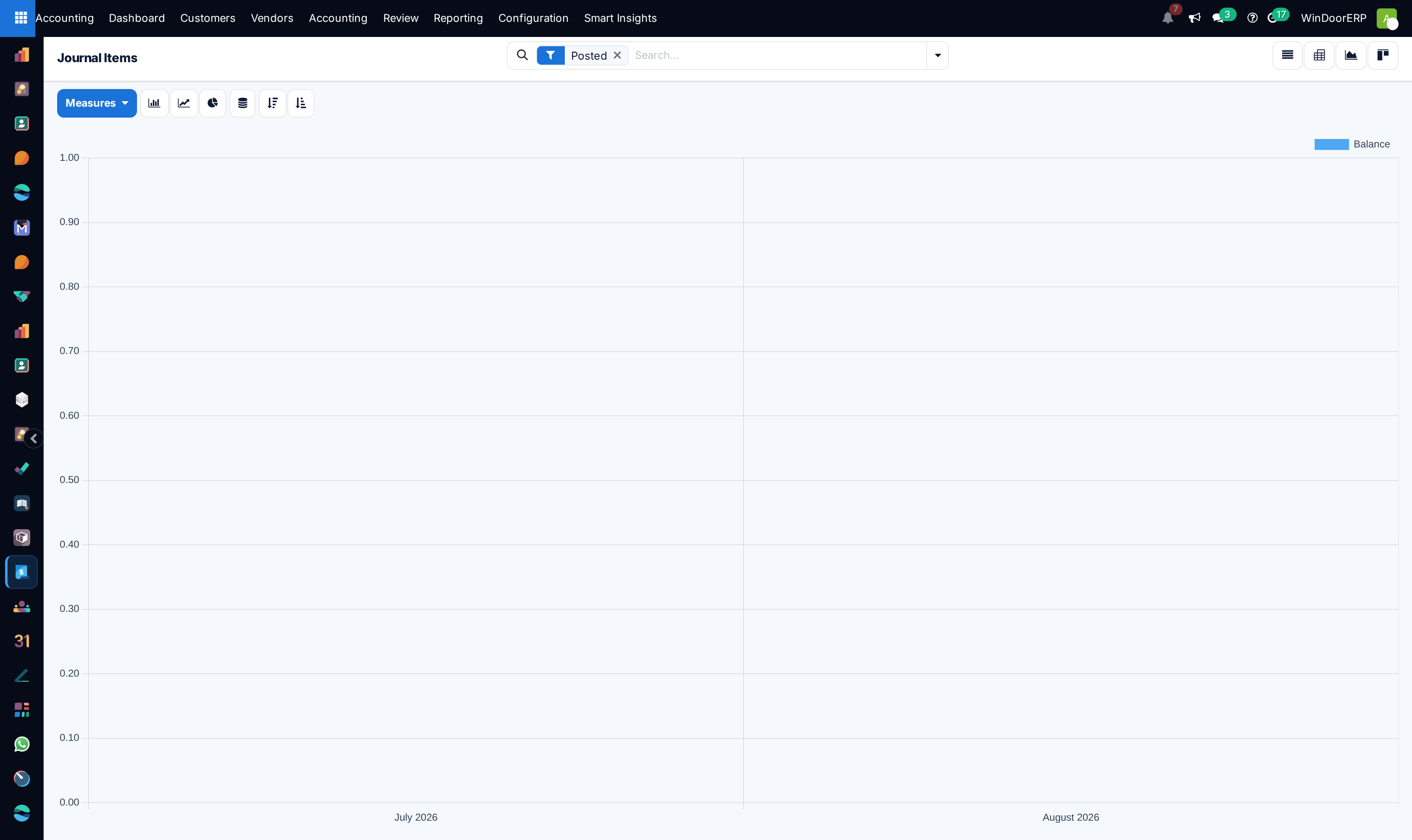
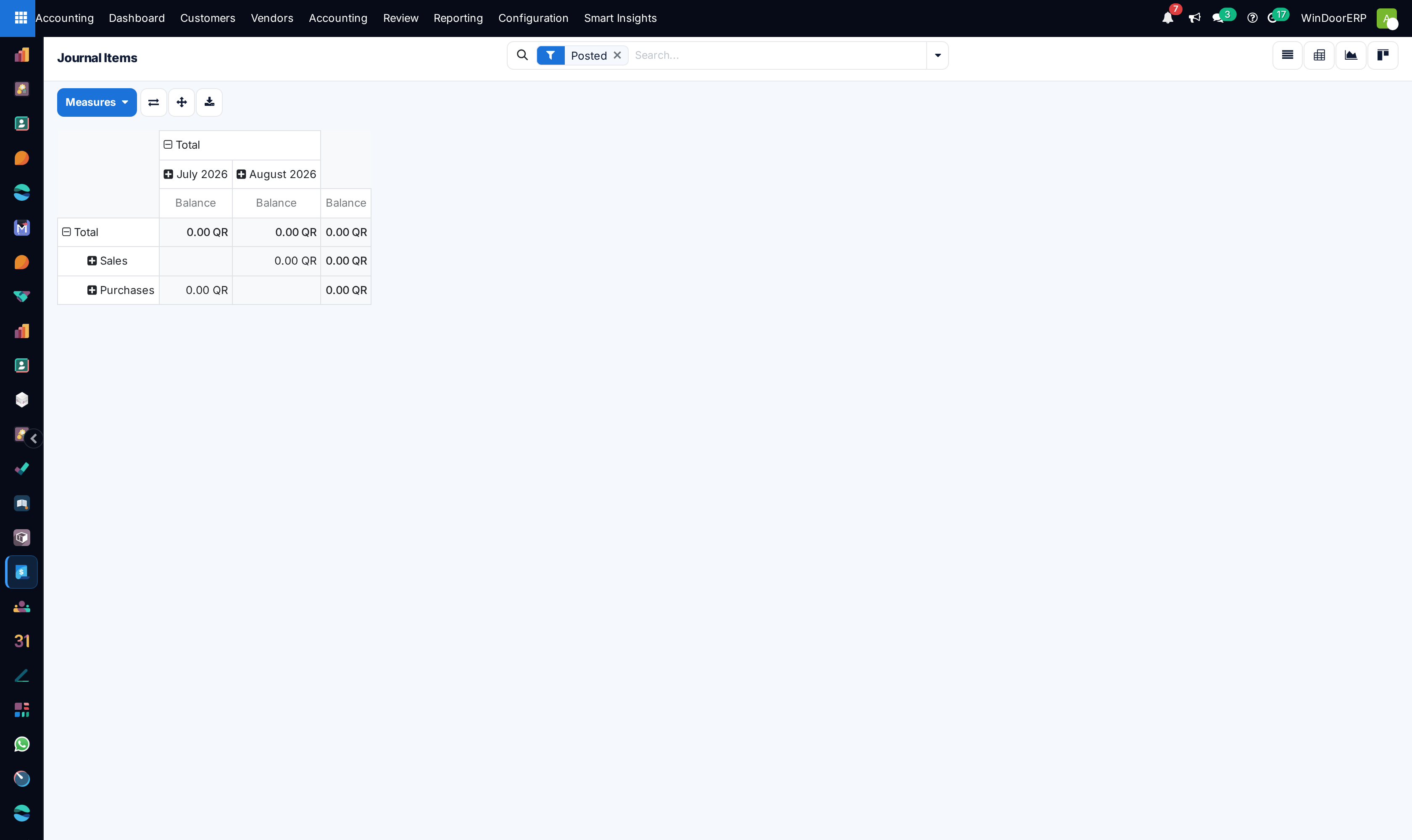
Open Analytic Items to inspect real-time profit and loss distribution across projects.
-
06
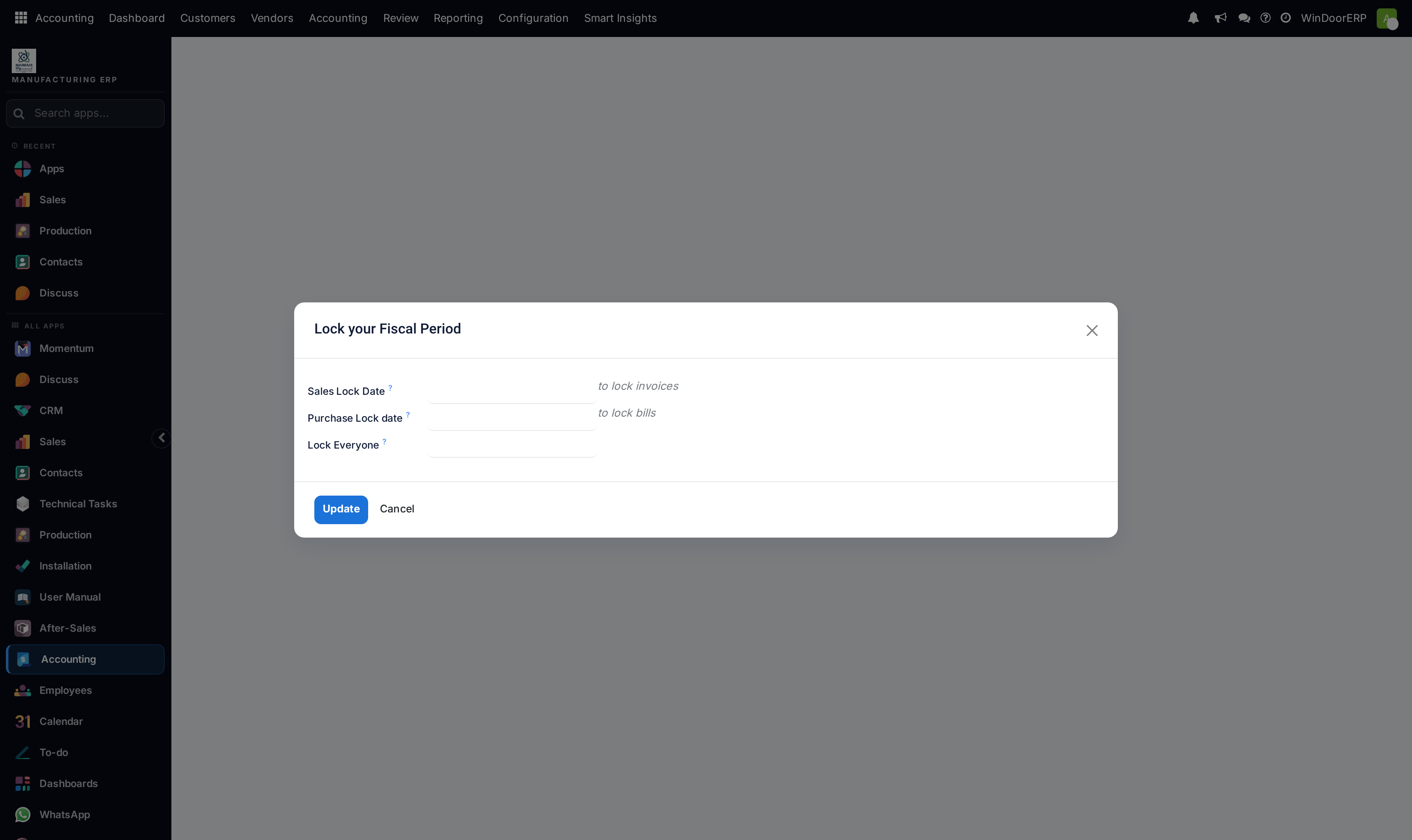
Under Accounting Actions › Lock Dates, lock non-adviser and all fiscal years to protect audited financial periods.
Common mistakes
- Posting adjusting journal entries without assigning project analytic cost distribution tags.
- Leaving previous fiscal years unlocked during active audit reviews.
Was this article helpful?
Thanks — your feedback helps.
Running a window or door factory?
Ask for a demo