Log employee project hours, fabrication time entries, and review company-wide timesheets
What this does
Tracks daily hours spent by design draftsmen, factory fabricators, and installation teams against specific Project tasks, feeding direct job labor costs directly into project P&L ledgers.
Before you start
- Active project tasks assigned to employees.
Steps
Important
Accurate timesheet recording on factory manufacturing orders feeds directly into actual versus estimated production job costing variances.
-
01
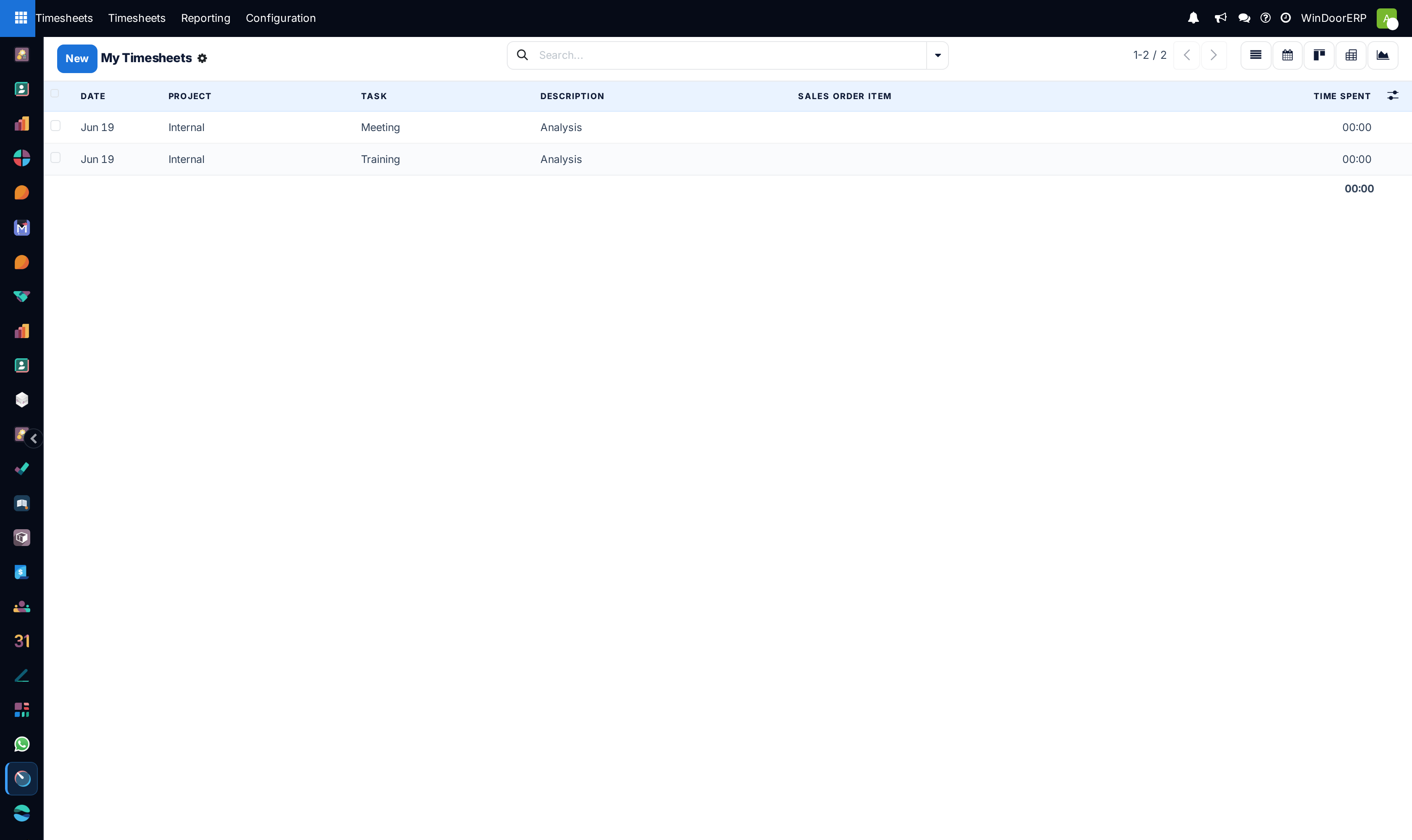
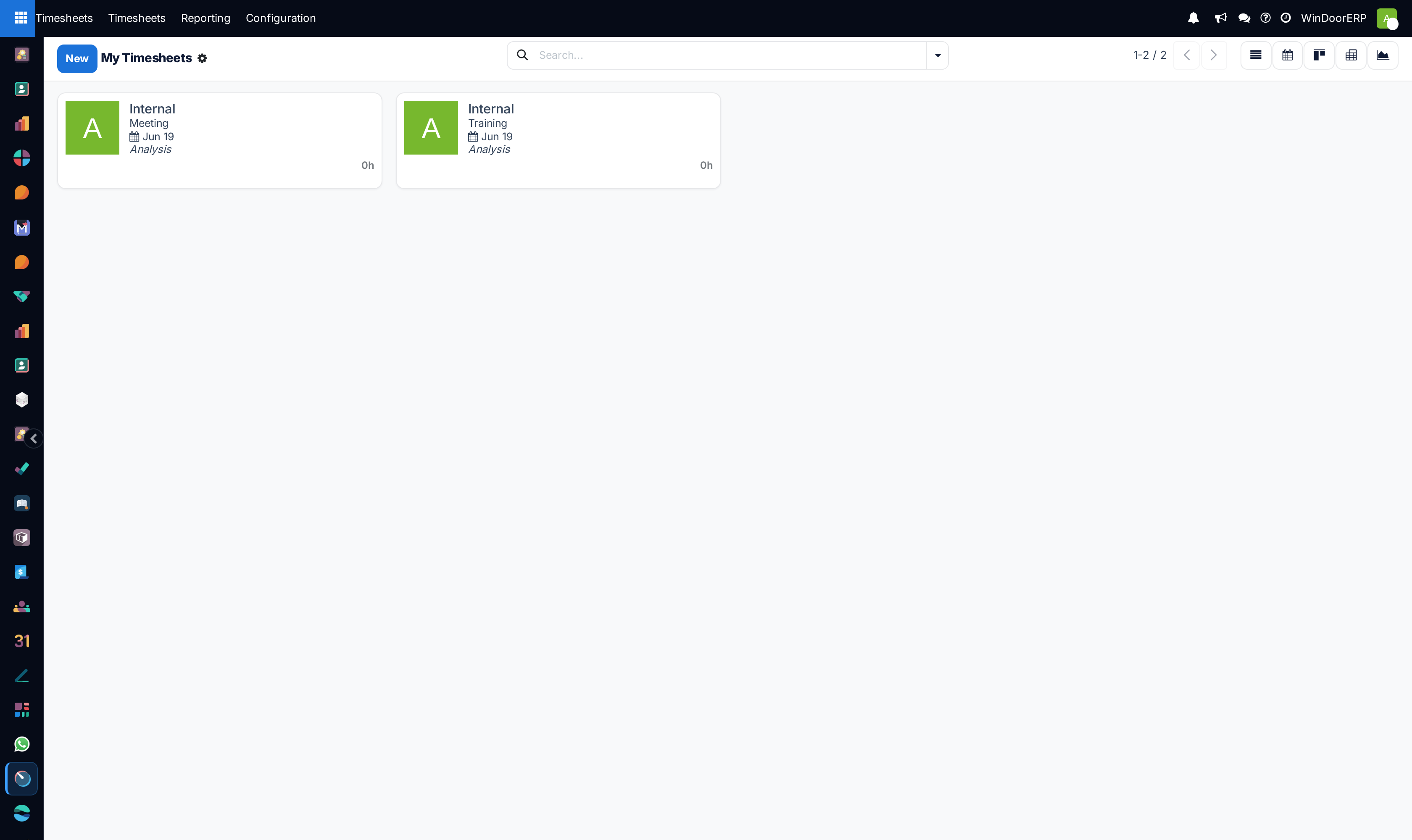
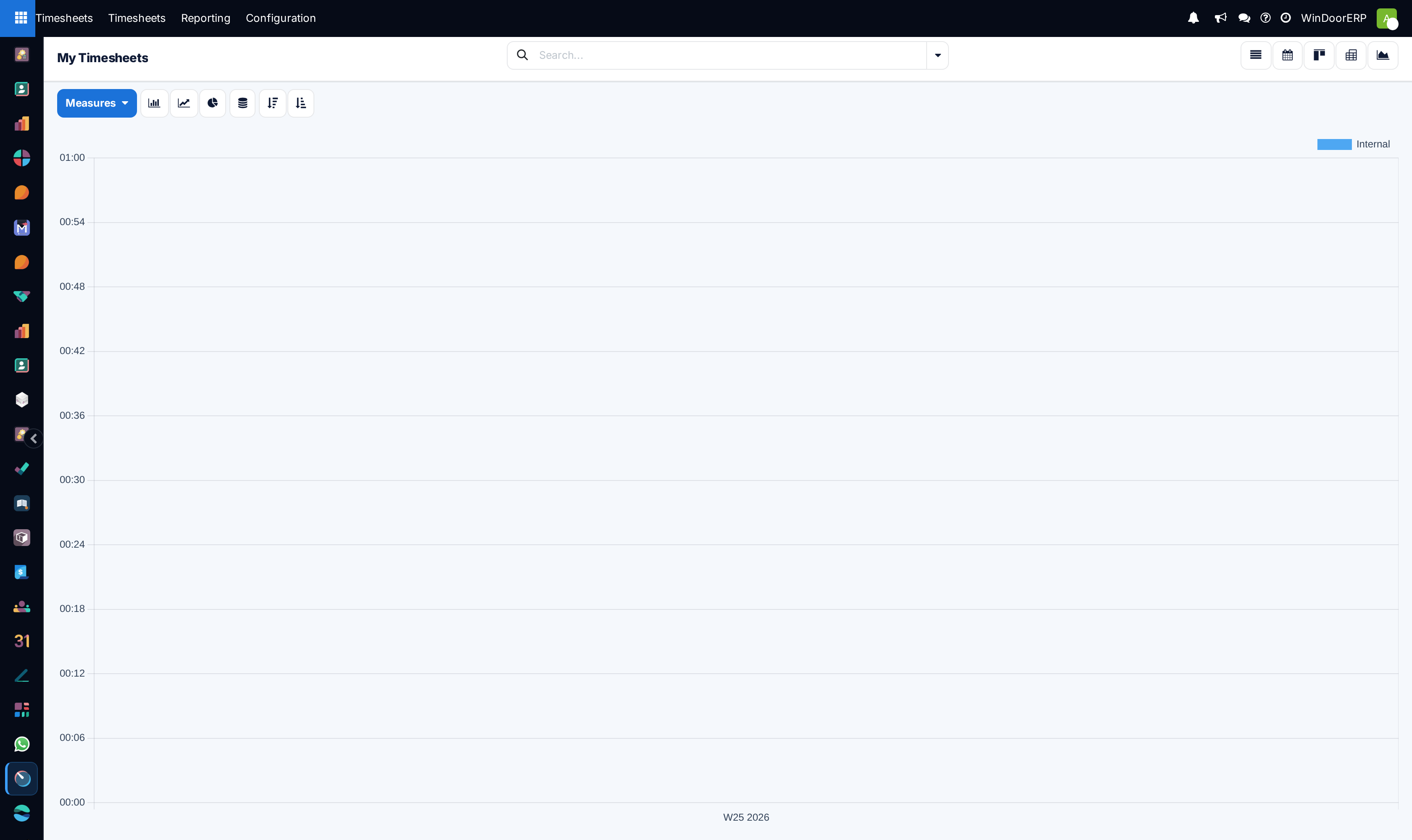
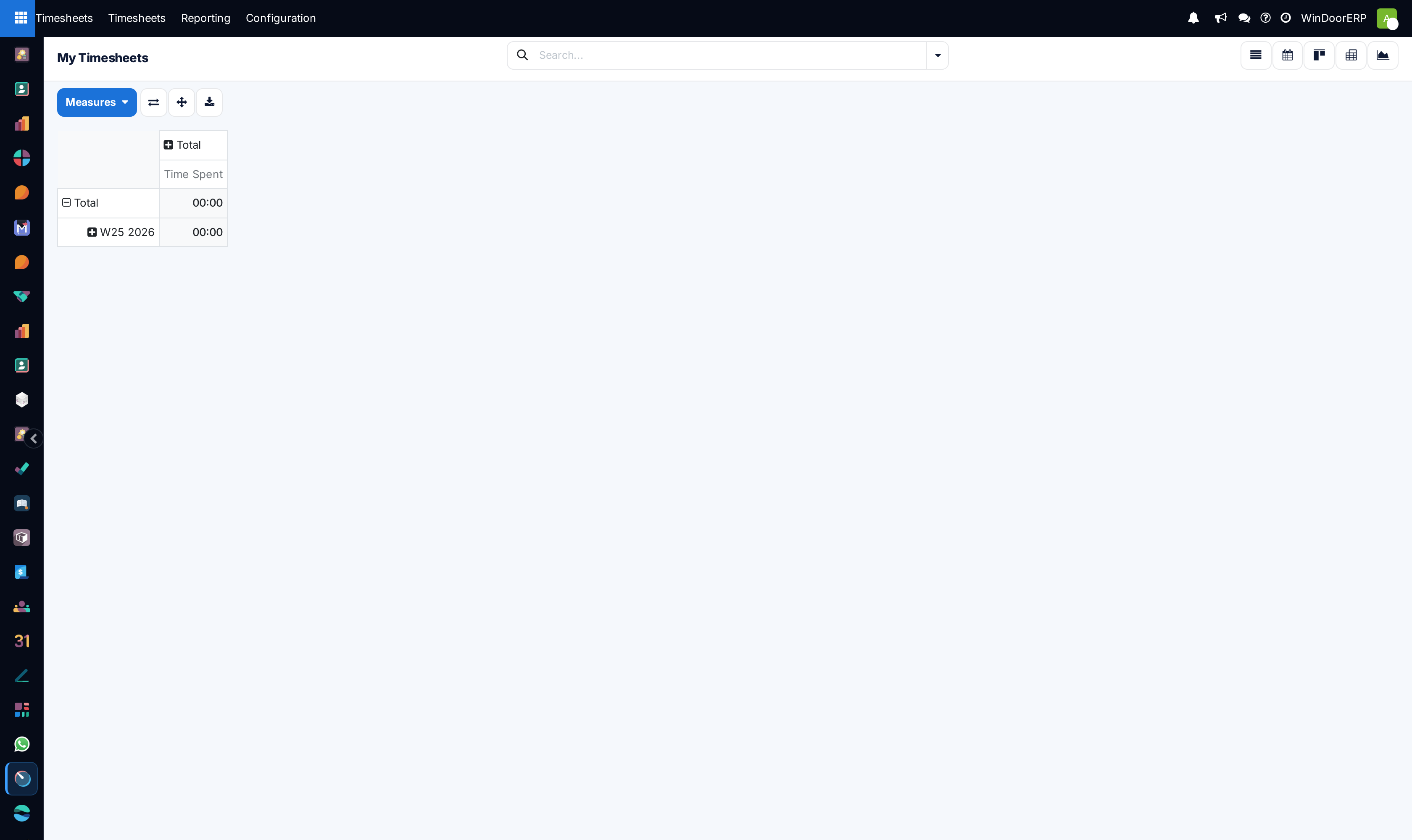
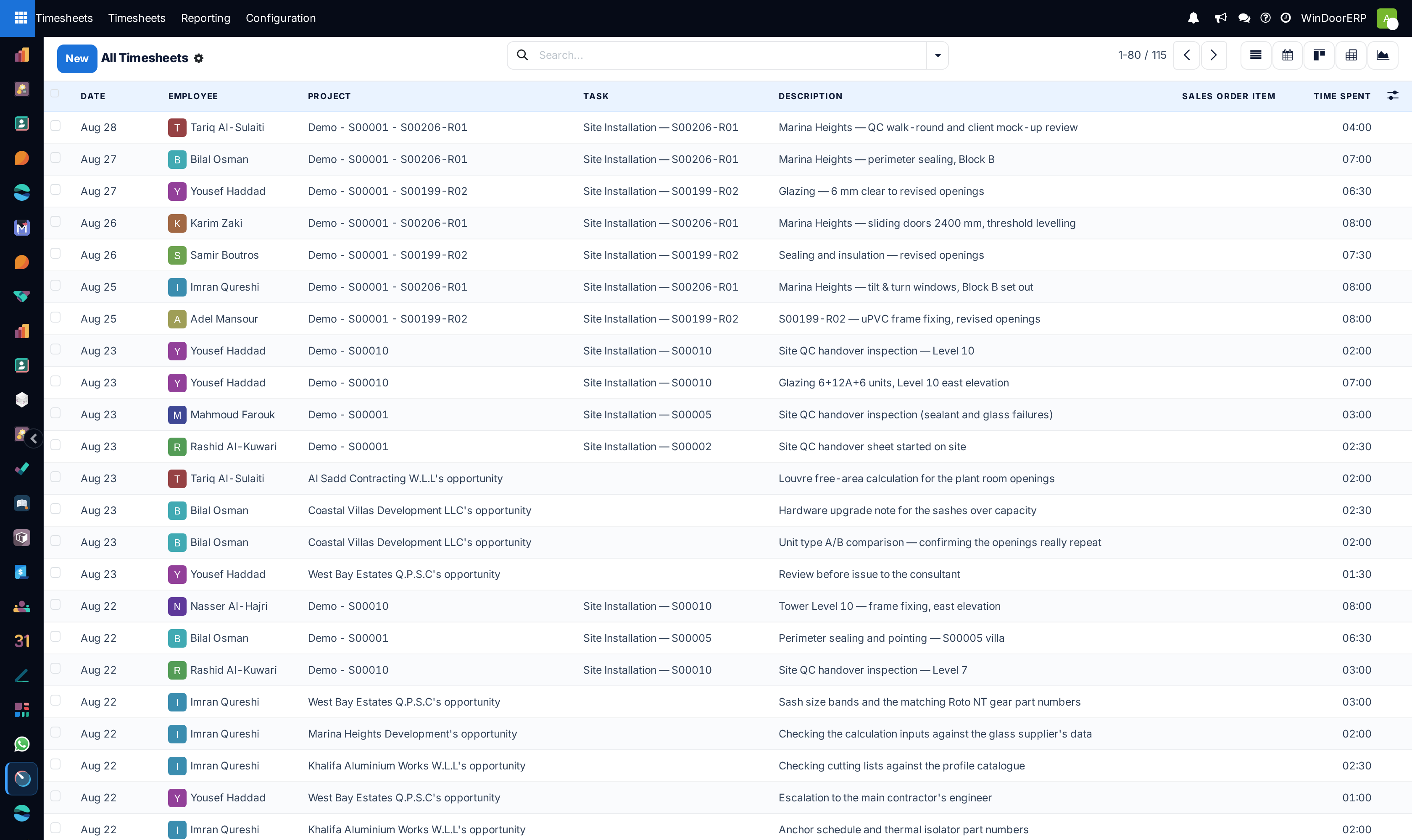
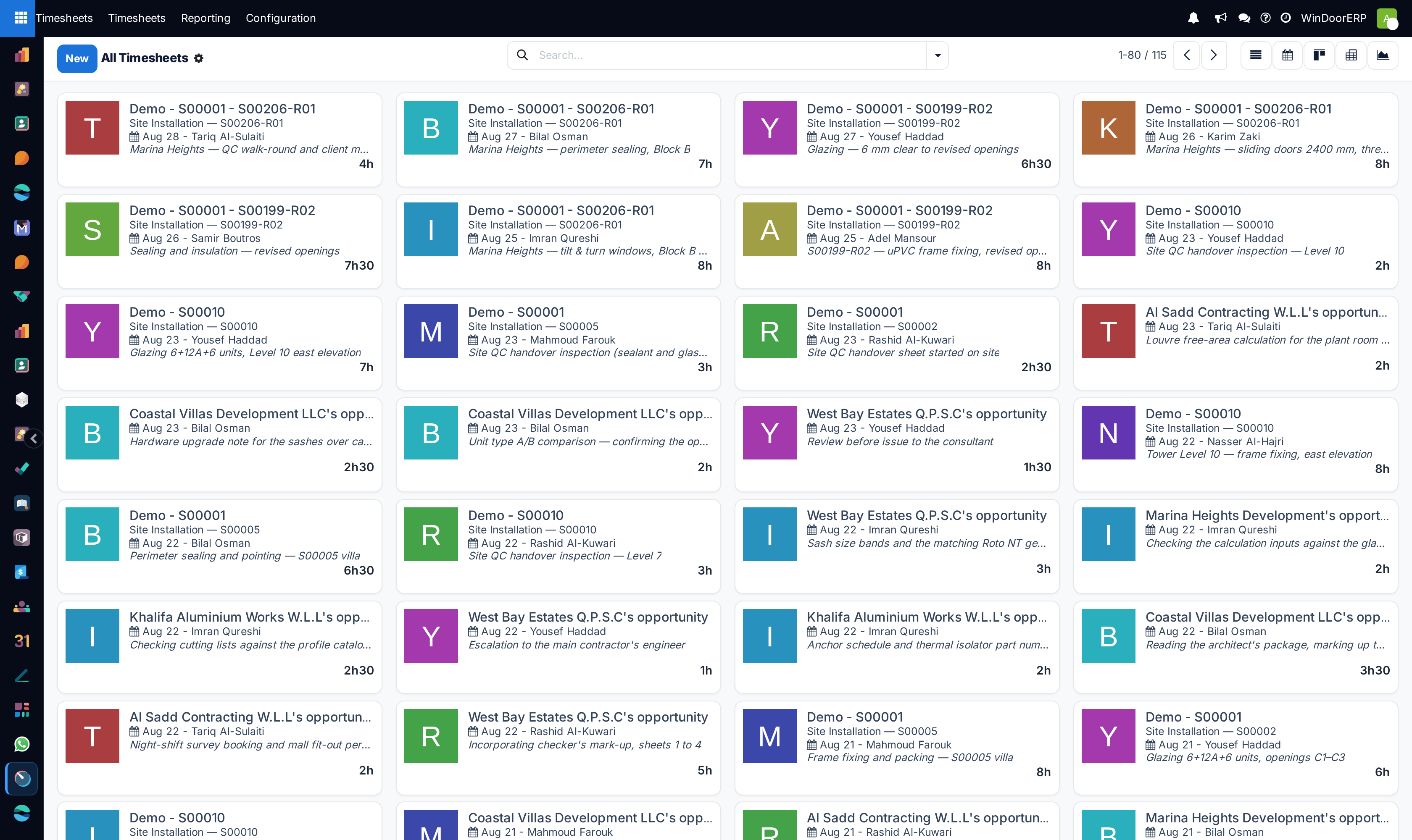
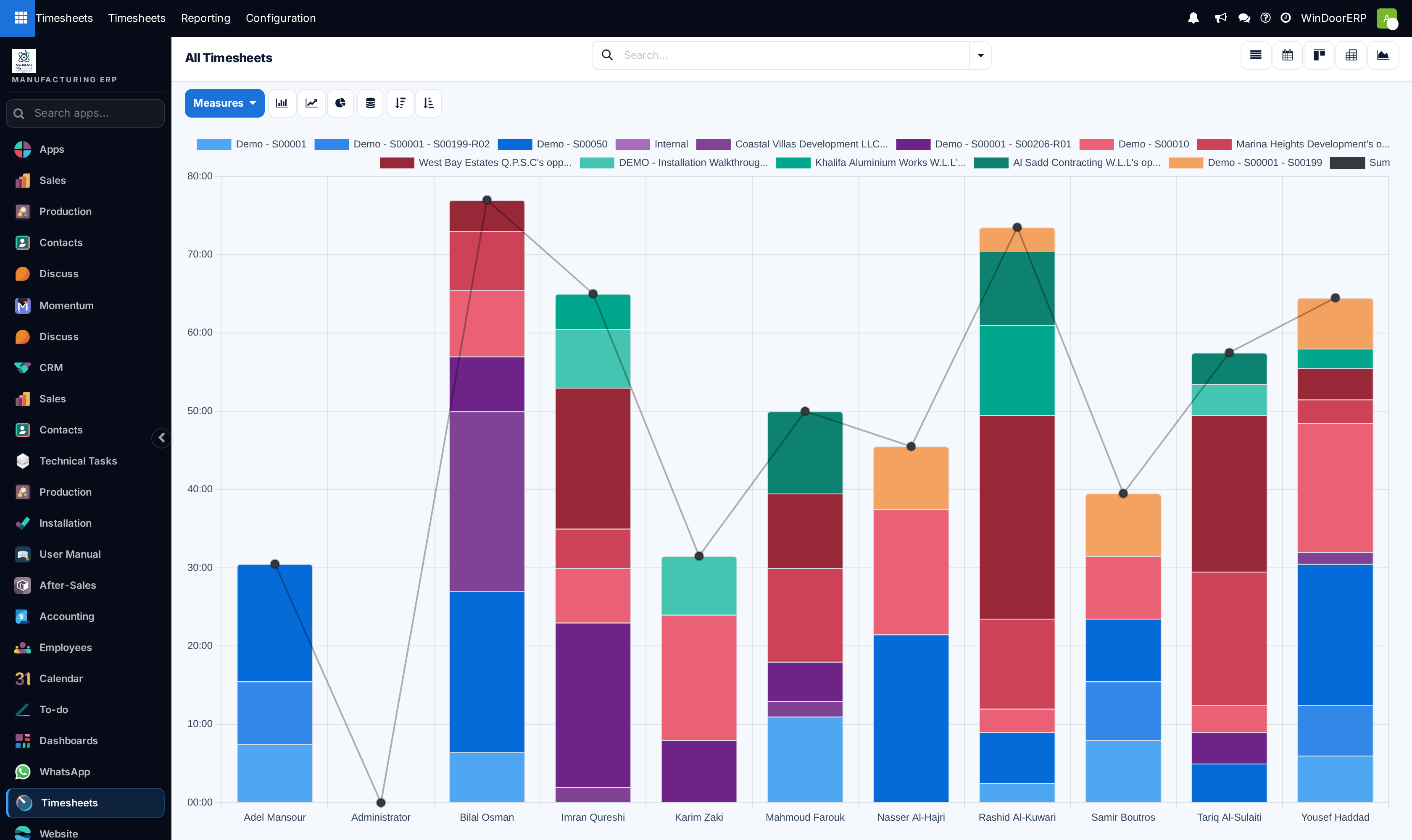
Open Timesheets › My Timesheets across List, Kanban, Graph, and Pivot views.
-
02
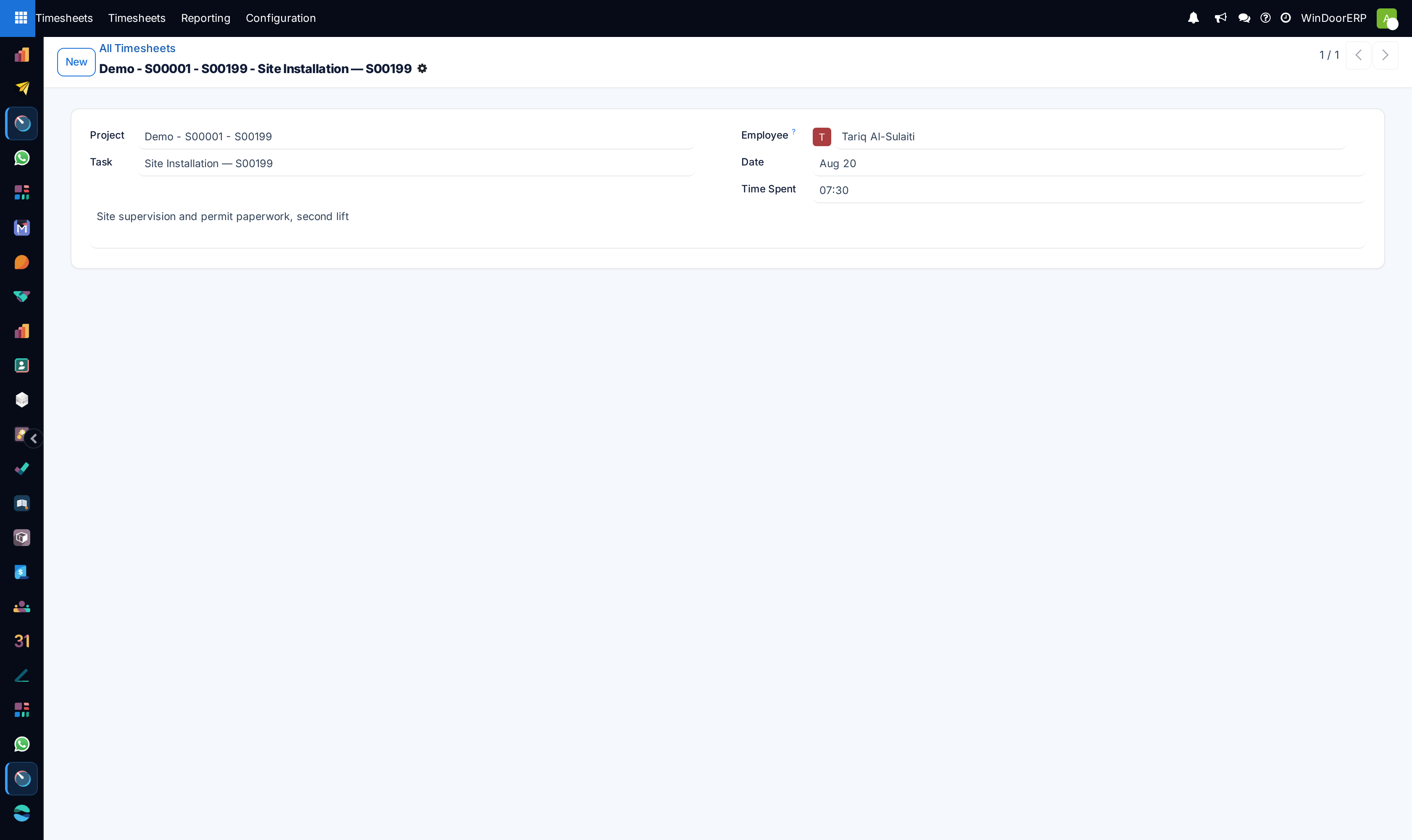
Click New, select the Project, Task (e.g. Shop Drawing Preparation, Curtain Wall Assembly), and enter spent Hours.
-
03
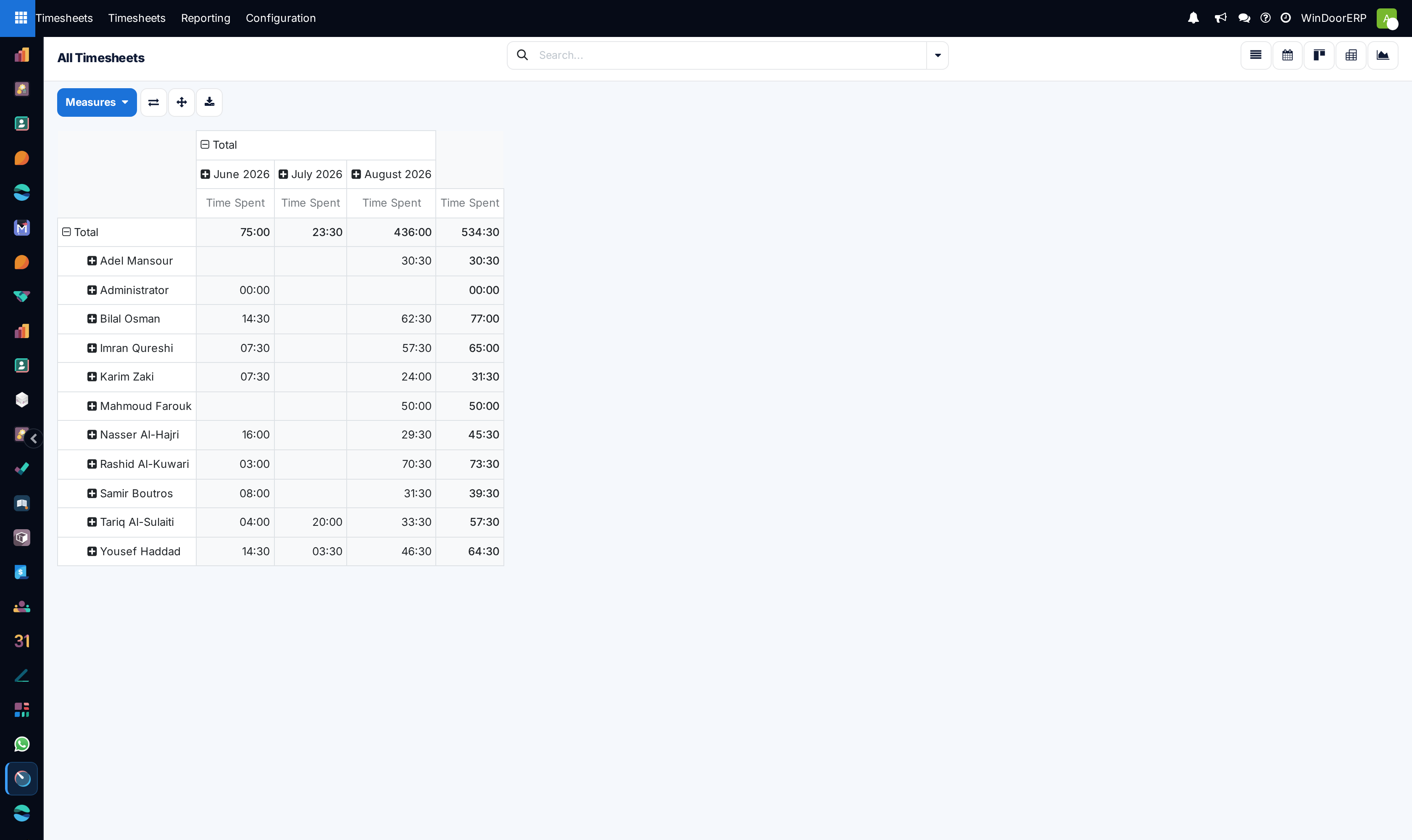
Managers open Timesheets › All Timesheets to review team time allocations across List, Kanban, Graph, and Pivot.
-
04
Validate time log descriptions and confirm entries for weekly payroll and project cost closure.
Common mistakes
- Logging bulk weekly hours on generic placeholder tasks instead of specific customer project codes.
- Approving unverified overtime hours without supervisor site log validation.
Was this article helpful?
Thanks — your feedback helps.
Running a window or door factory?
Ask for a demo