Configure Lost Reasons, mark deals as lost, unarchive, and analyze win/loss trends
What this does
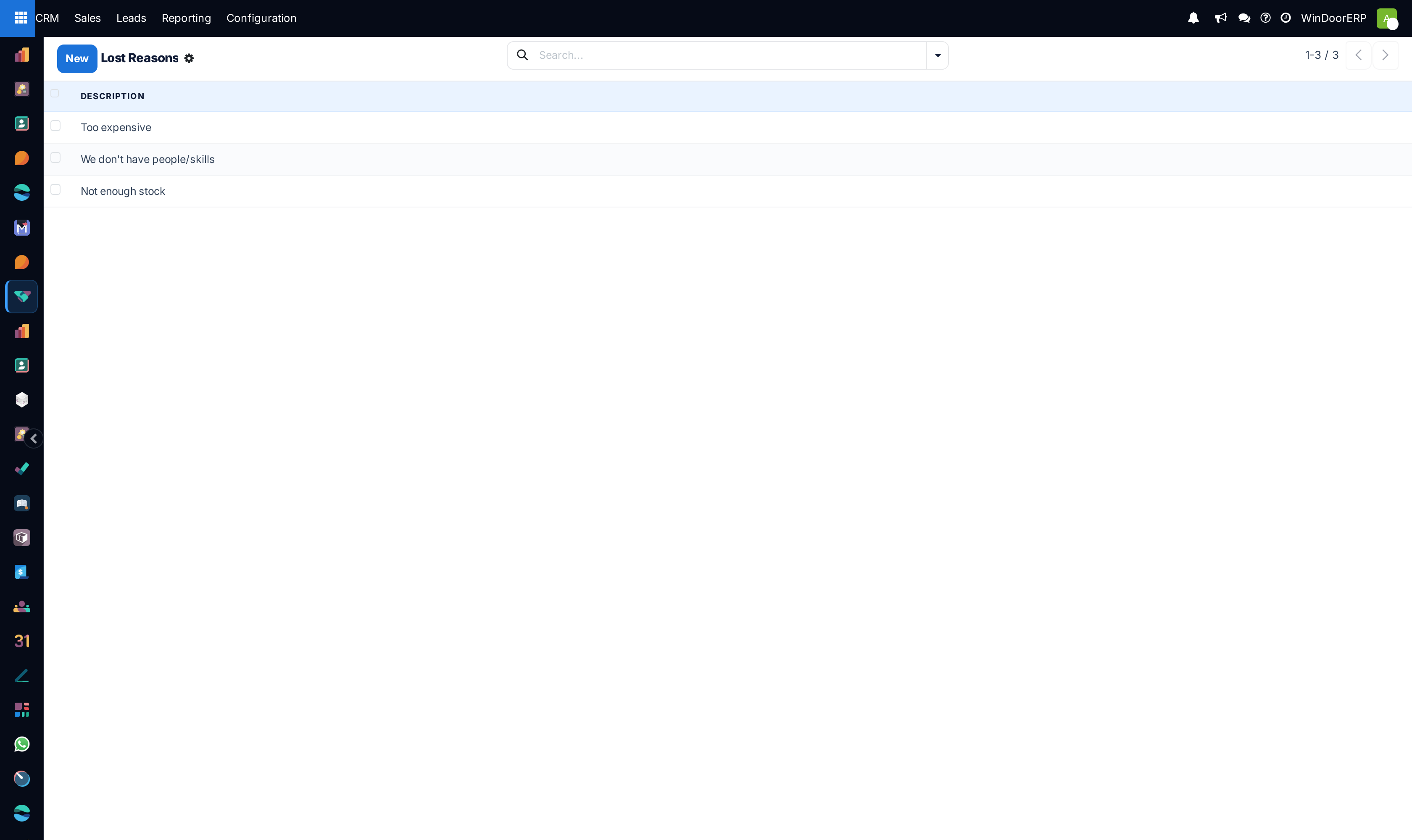
Maintains standardized loss reason categories (e.g. Price Too High, Competitor Cheaper, Project Postponed, Profile Series Unavailable), enables easy restoration of revived projects, and powers executive Win/Loss loss reporting.
Before you start
- CRM User / Manager access.
Steps
Important
Detailed closing notes provide vital market intelligence for engineering and purchasing to adjust aluminium profile markup strategies.
-
01
To mark a deal lost: Open the opportunity form and click Lost at the top left.
-
02
In the dialog, select a standardized Lost Reason and type detailed market feedback into the Closing Notes (e.g. Lost to local fabricator offering non-thermal break alternative).
-
03
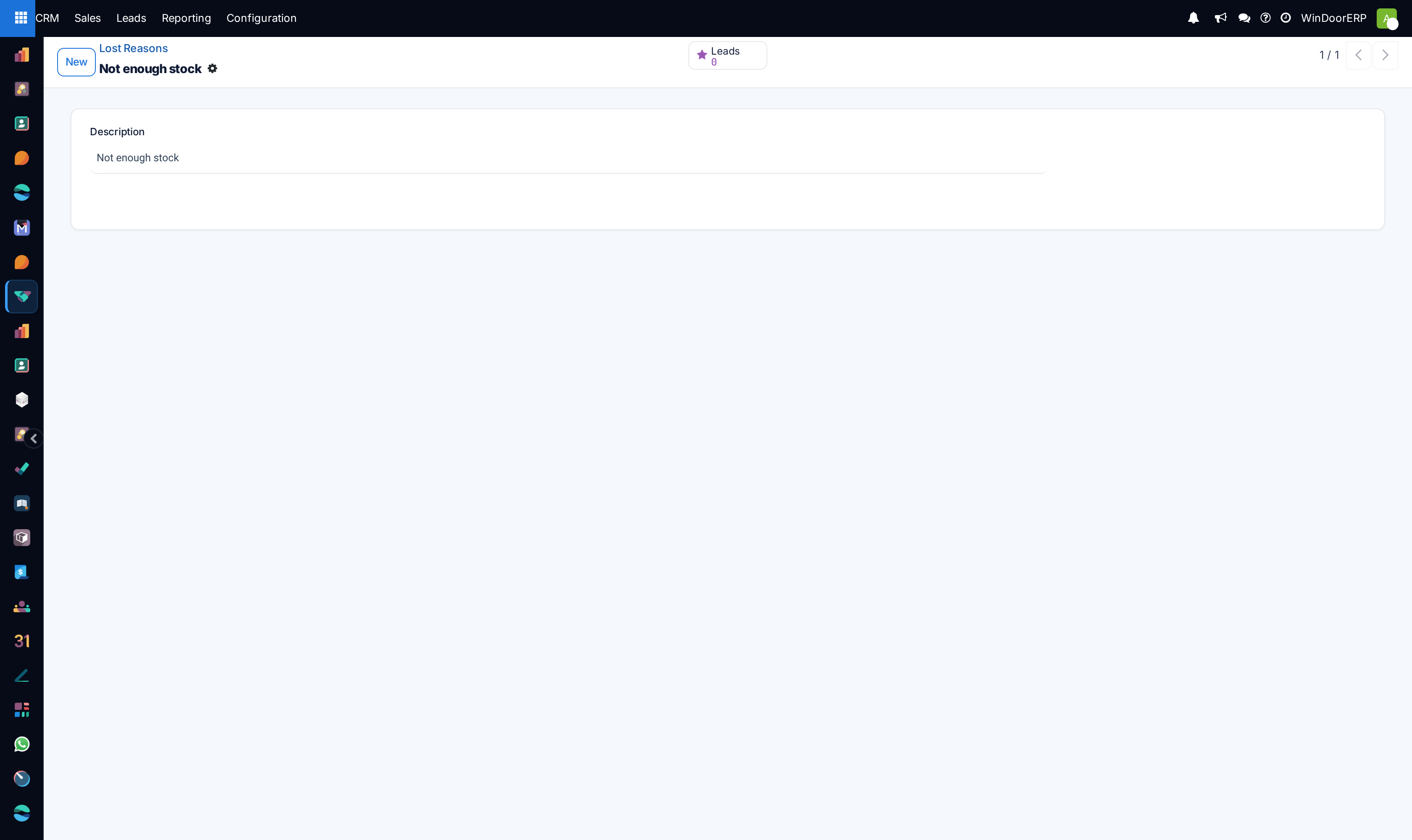
To configure categories: Open CRM › Configuration › Lost Reasons and click New.
-
04
To retrieve lost opportunities: In My Pipeline, clear default filters, click Filters › Lost, and inspect historical lost inquiries.
-
05
To restore a revived project: Open the lost opportunity and click Restore (or Action › Unarchive) to return it to the active pipeline.
Common mistakes
- Selecting generic 'Other' as a lost reason without providing explanatory notes in the chatter.
- Deleting lost opportunities from the database instead of marking them Lost, permanently destroying analytical win/loss history.
Was this article helpful?
Thanks — your feedback helps.
Running a window or door factory?
Ask for a demo