Configure Canned Responses and keyboard shortcuts for rapid customer and team messaging
What this does
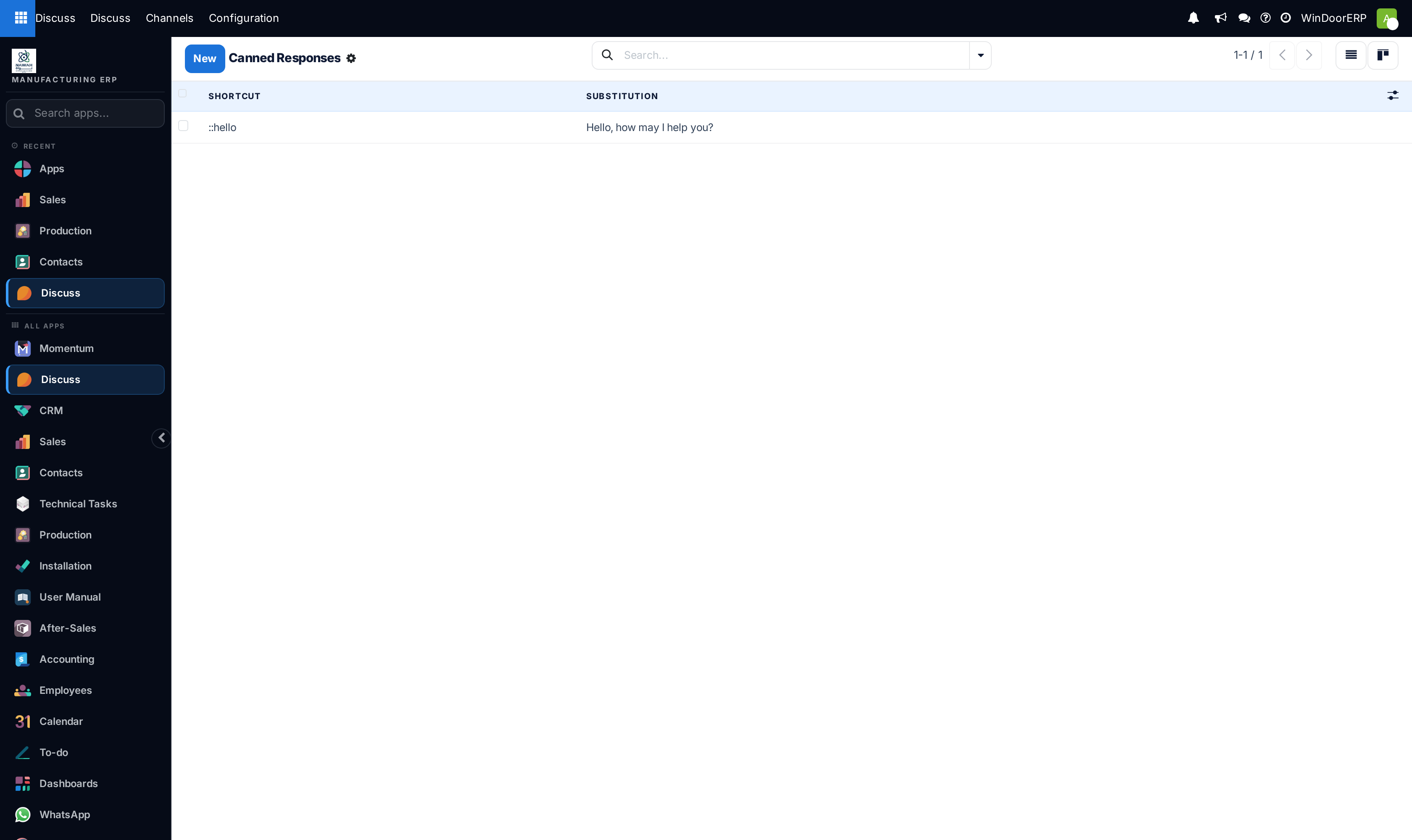
Configures standardized canned responses with instant keyboard shortcuts (e.g. typing :warranty inserts the complete 10-year aluminium & glass warranty statement).
Before you start
- Internal User access.
Steps
Important
Canned responses ensure consistent corporate messaging and save sales engineers hours of repetitive typing.
-
01
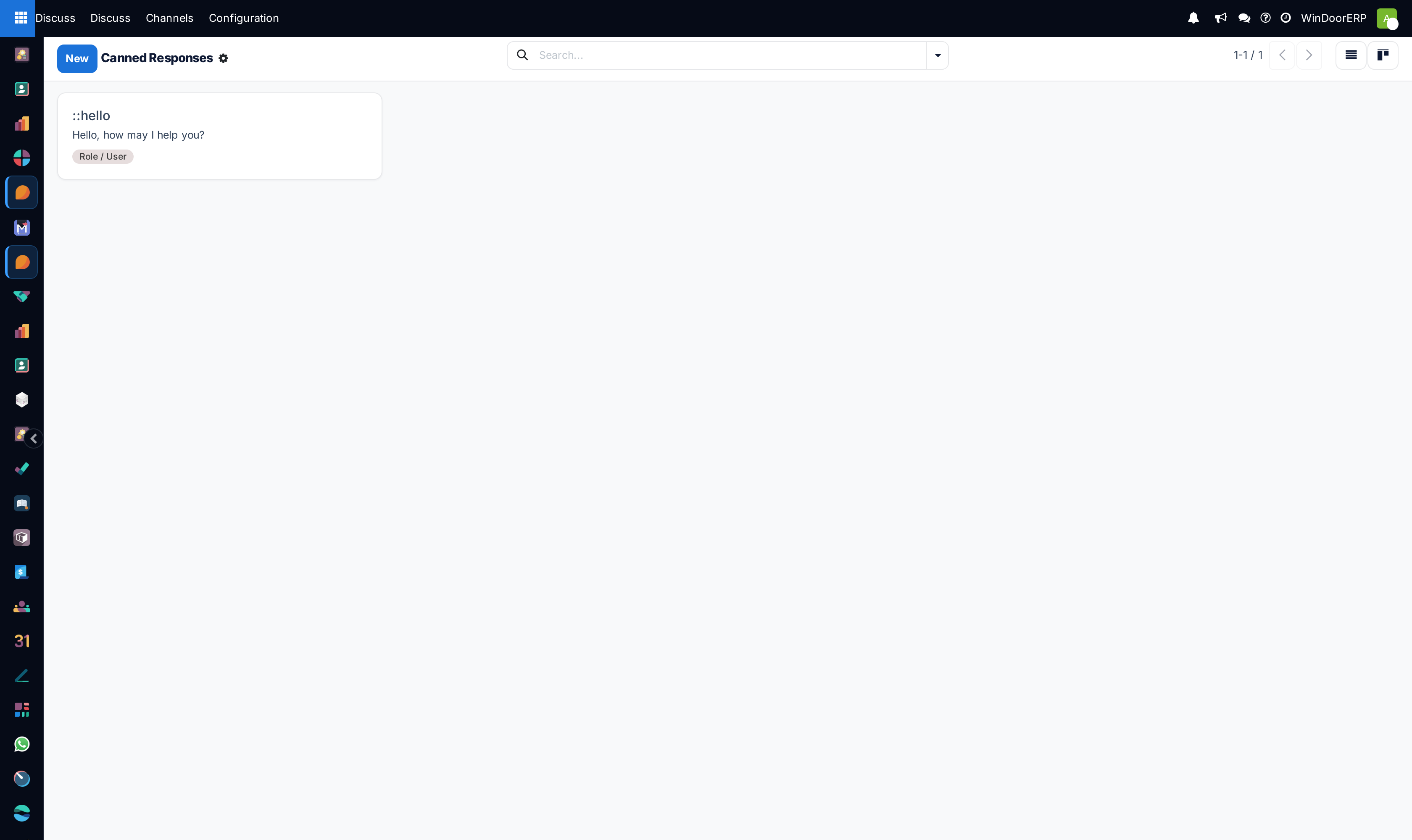
Open Discuss › Configuration › Canned Responses.
-
02
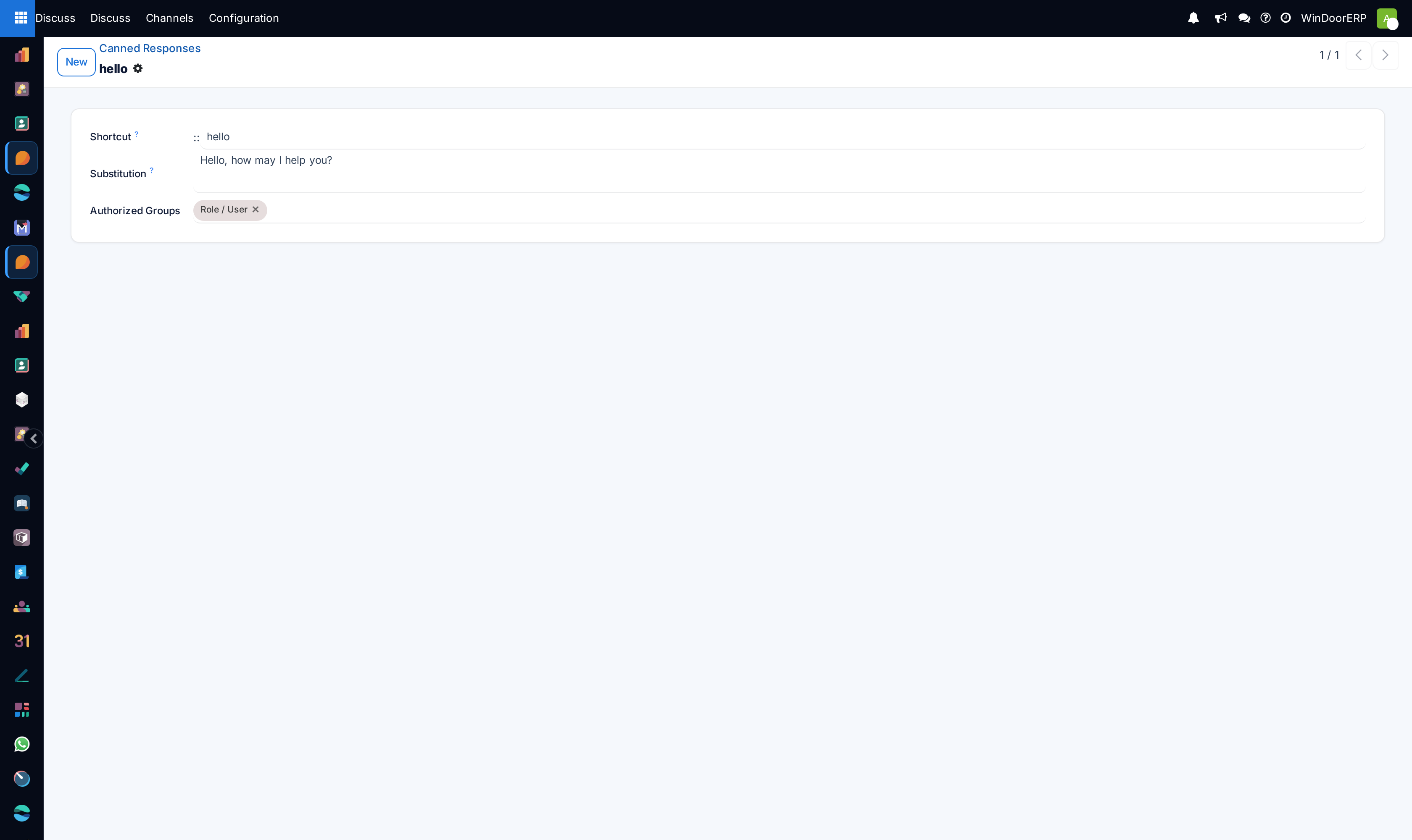
Click New to create a response shortcut.
-
03
Enter the Shortcut (e.g.
:sitevisit,:glasswarranty,:paymentterms). -
04
Type the complete standardized message body in Substitution.
-
05
In any chat, channel, or record chatter, type the colon prefix
:followed by your shortcut name and press Enter to expand the text.
Common mistakes
- Creating complex shortcut names that are difficult for team members to remember.
- Including outdated price quotes inside permanent canned response substitutions.
Was this article helpful?
Thanks — your feedback helps.
Running a window or door factory?
Ask for a demo