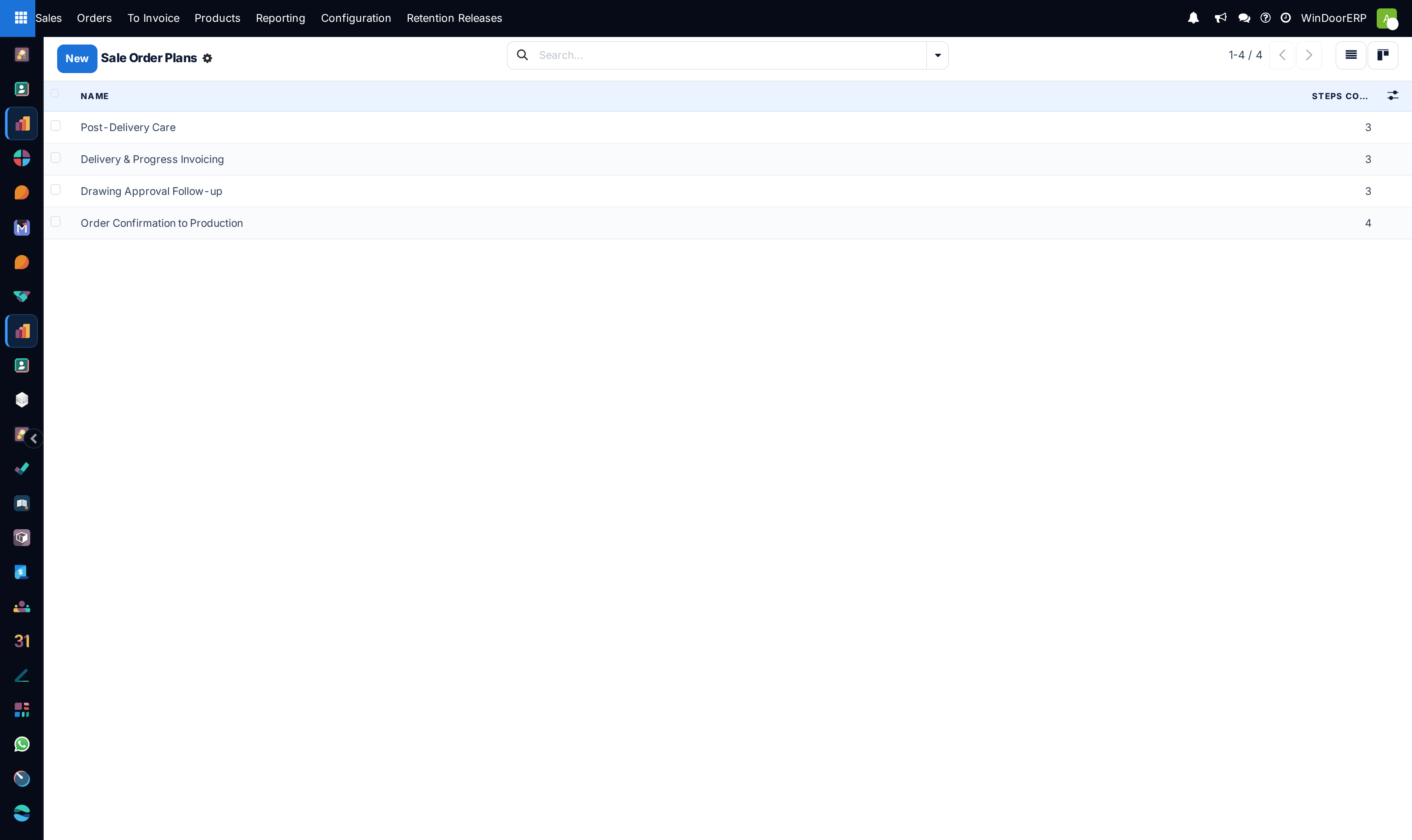
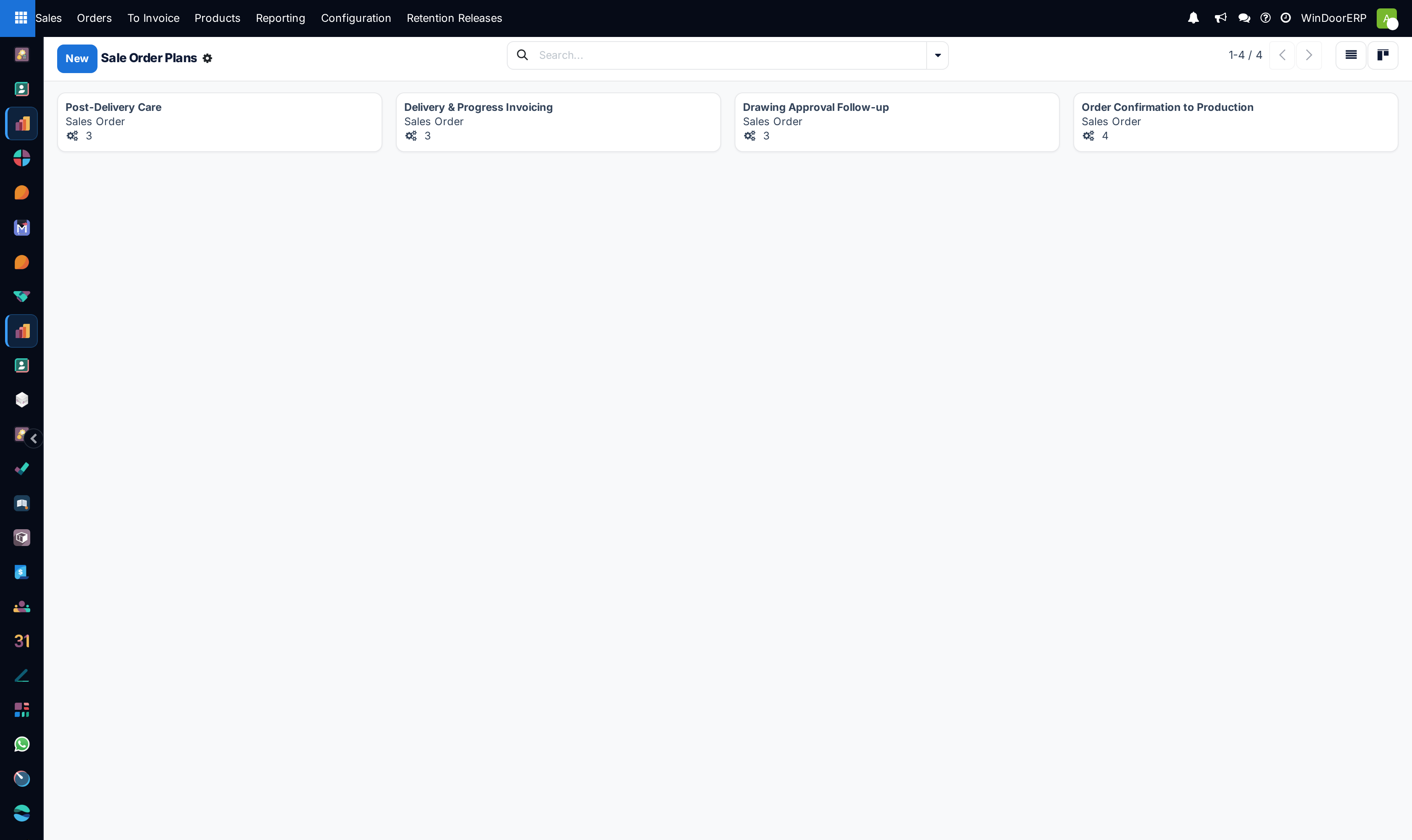
Configure automated sales Activity Plans for standardized quote follow-up workflows
What this does
Establishes standardized post-quotation follow-up workflows (e.g., 'Quotation Follow-up Plan': 1. Send Email Submittal -> 2. Follow-up Call after 48h -> 3. Sample Delivery -> 4. Contract Finalization Meeting).
Before you start
- Sales Administrator access.
Steps
Important
Standardized activity follow-ups increase quotation-to-contract conversion rates by over 35%.
-
01
Open Sales › Configuration › Activity Plans.
-
02
Click New and bind the plan to
sale.order(Sales Order / Quotation). -
03
Sequence steps with specific activity types, user roles, and execution day offsets.
-
04
Trigger the plan directly from quotation chatter to automate team follow-up cadences.
Common mistakes
- Setting generic activity descriptions without clear objective guidelines for sales reps.
- Assigning all follow-up steps to a single user rather than distributing technical and financial tasks.
Was this article helpful?
Thanks — your feedback helps.
Running a window or door factory?
Ask for a demo