Configure analytic plans, online payment gateways, payment tokens, and accounting settings
What this does
Configures analytic cost accounting dimensions, automated distribution models, customer online payment gateways (Mada, Visa, Apple Pay), and global accounting settings.
Before you start
- System Administrator privileges.
Steps
Important
Enabling online customer payment links directly on WhatsApp invoice notifications dramatically accelerates downpayment collection speeds.
-
01
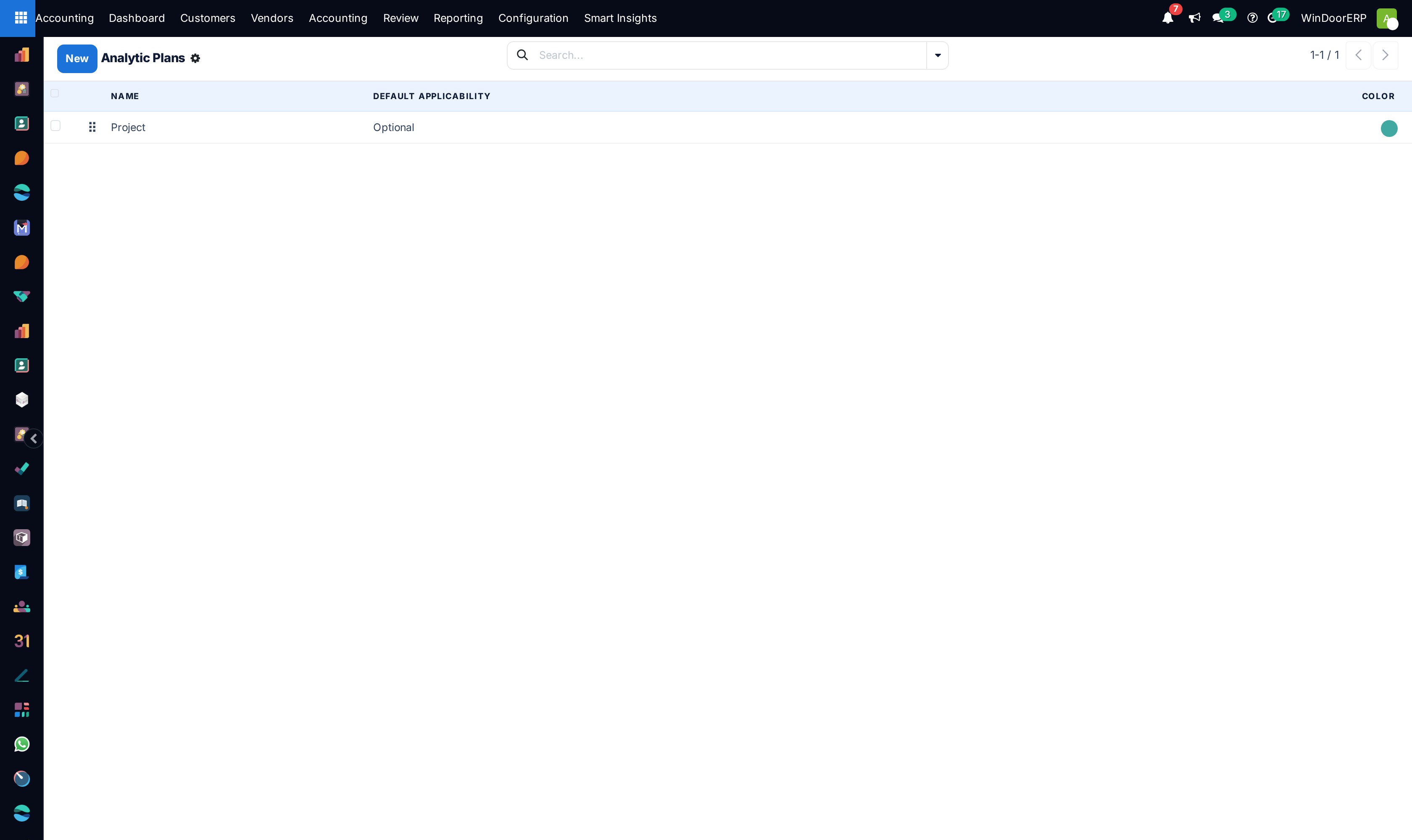
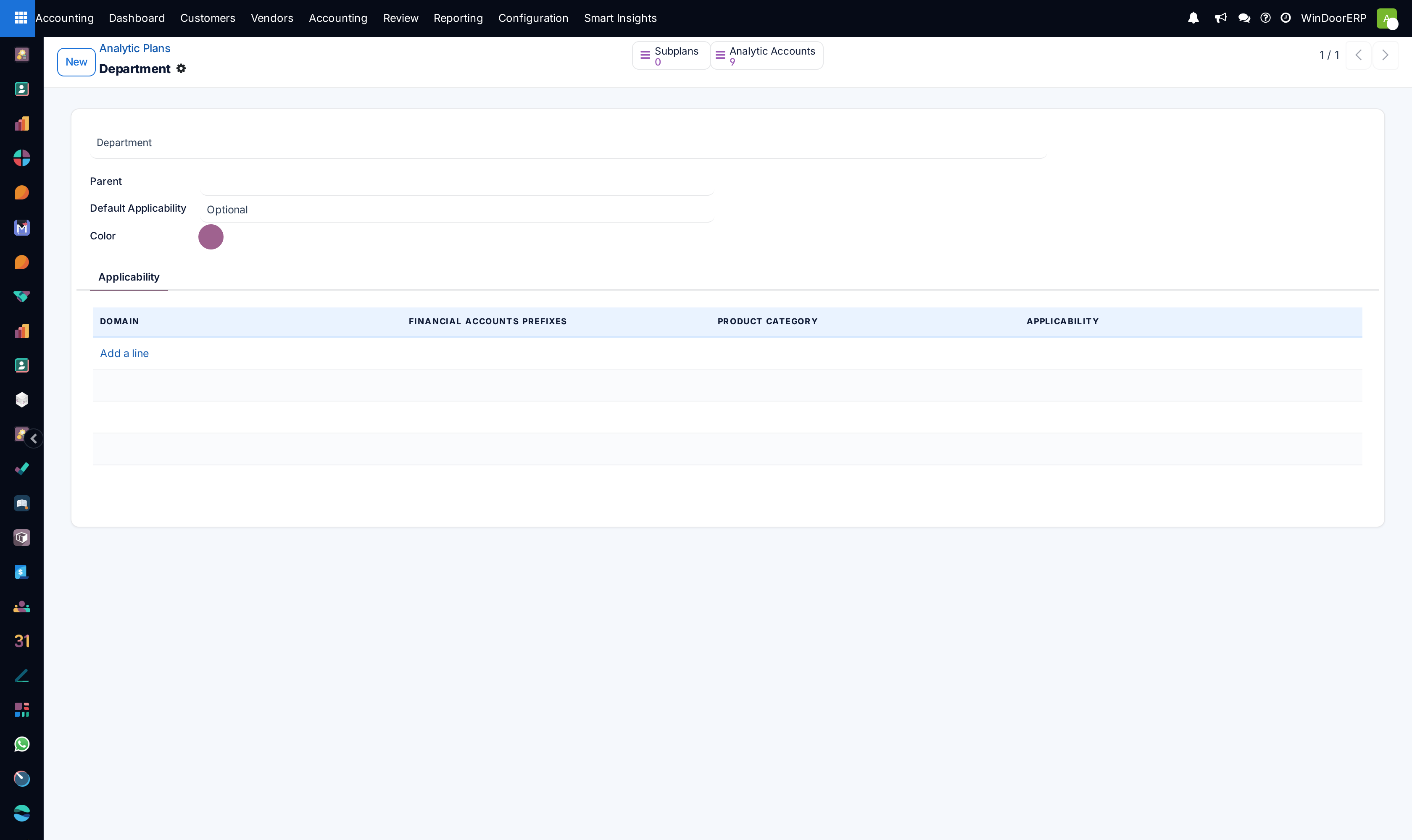
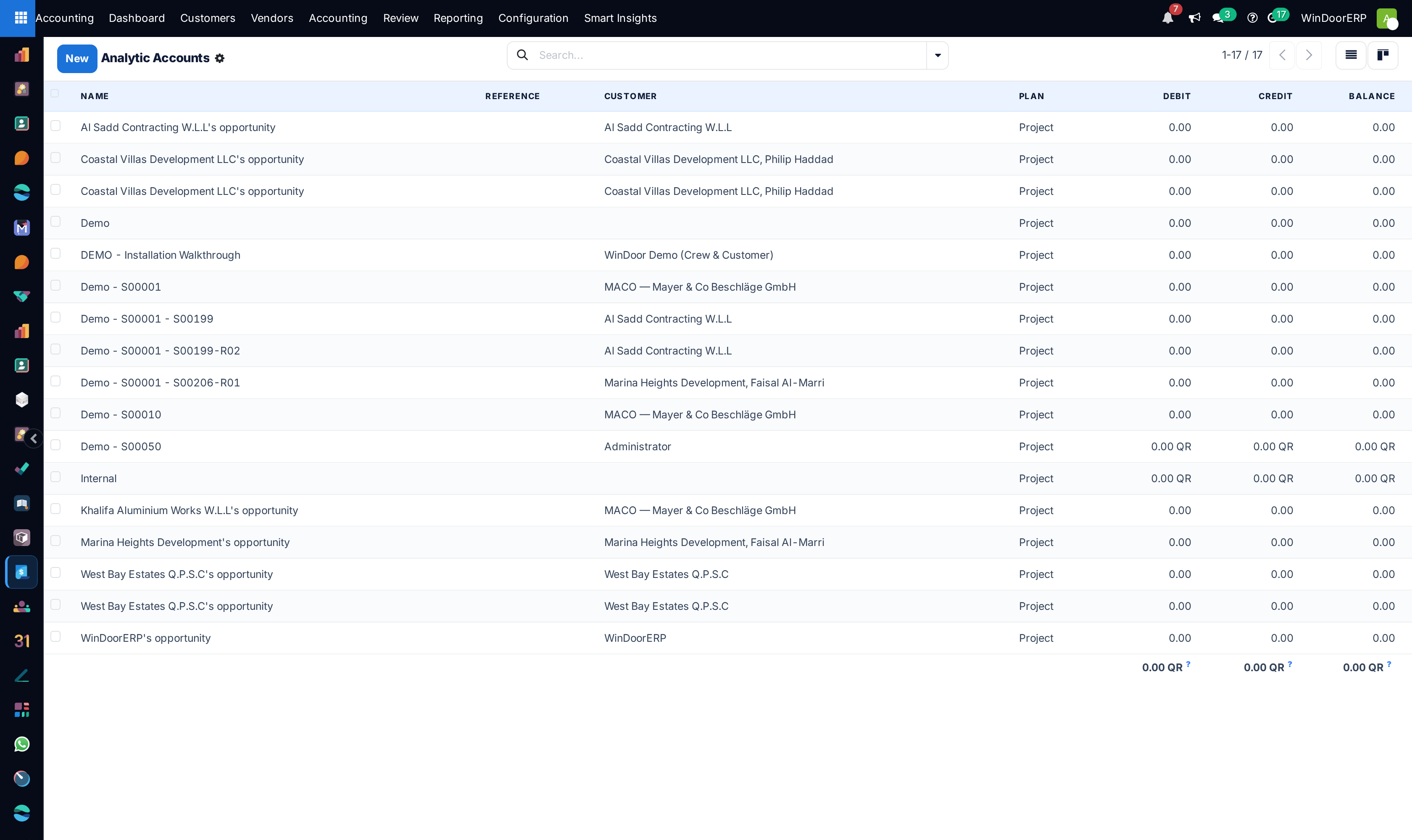
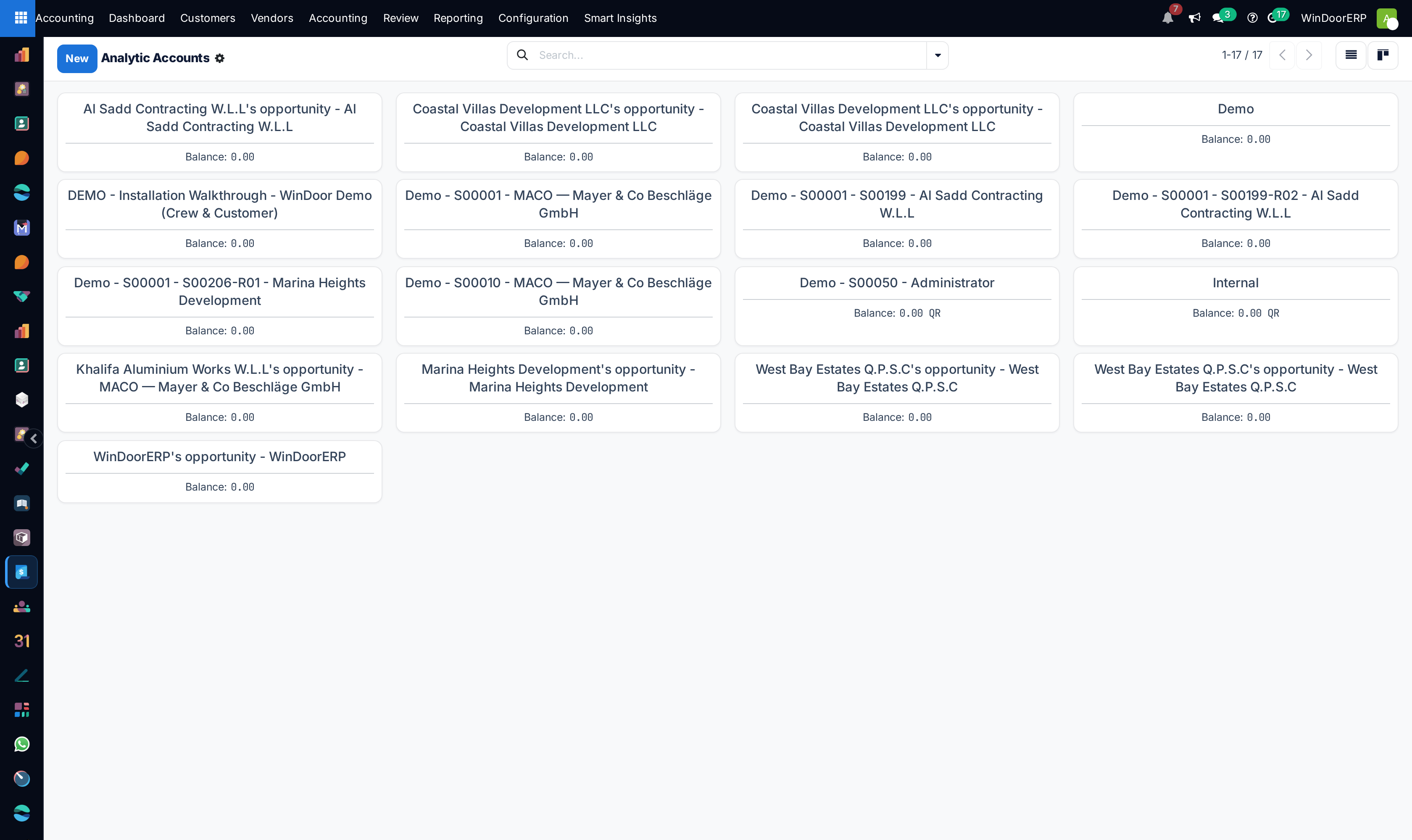
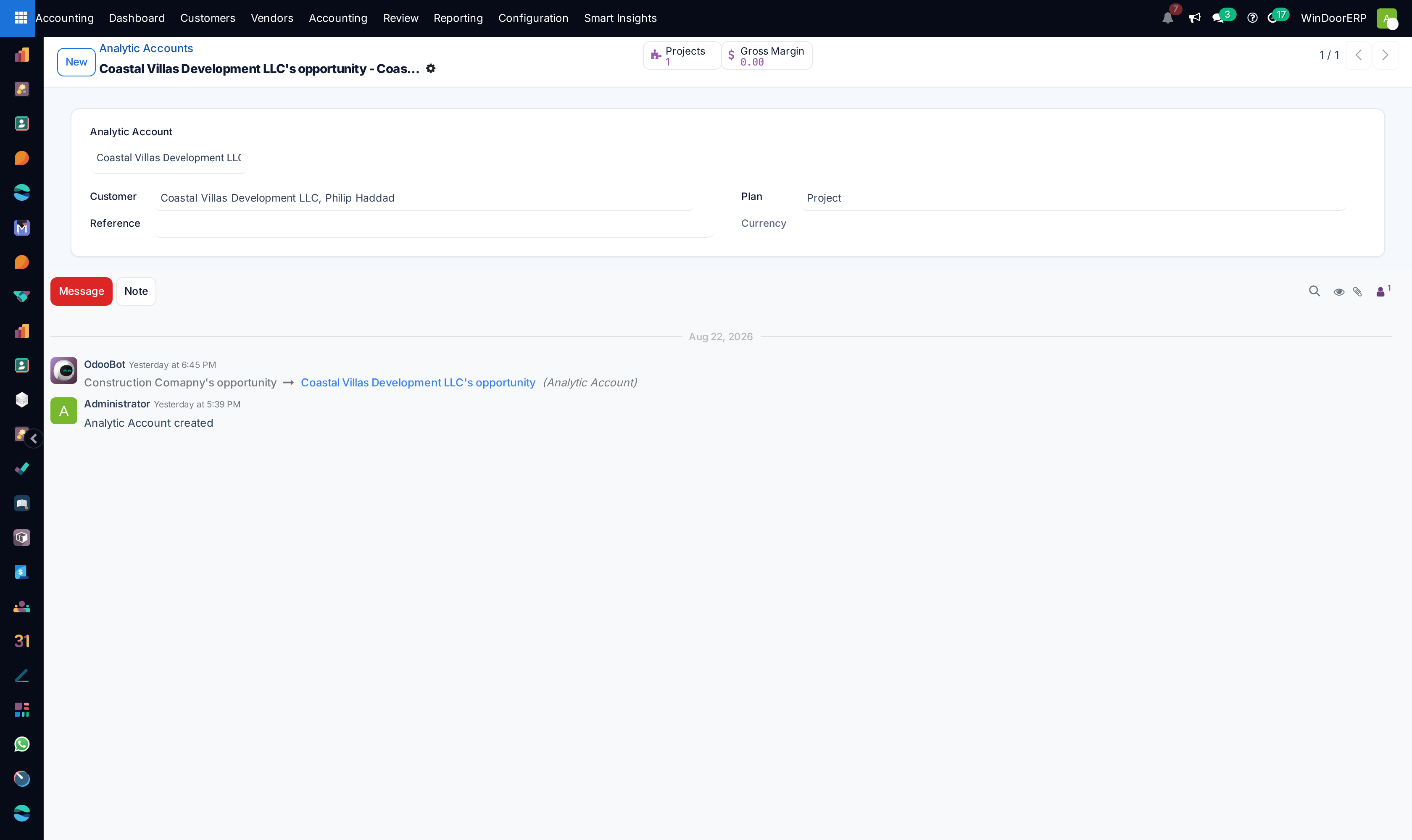
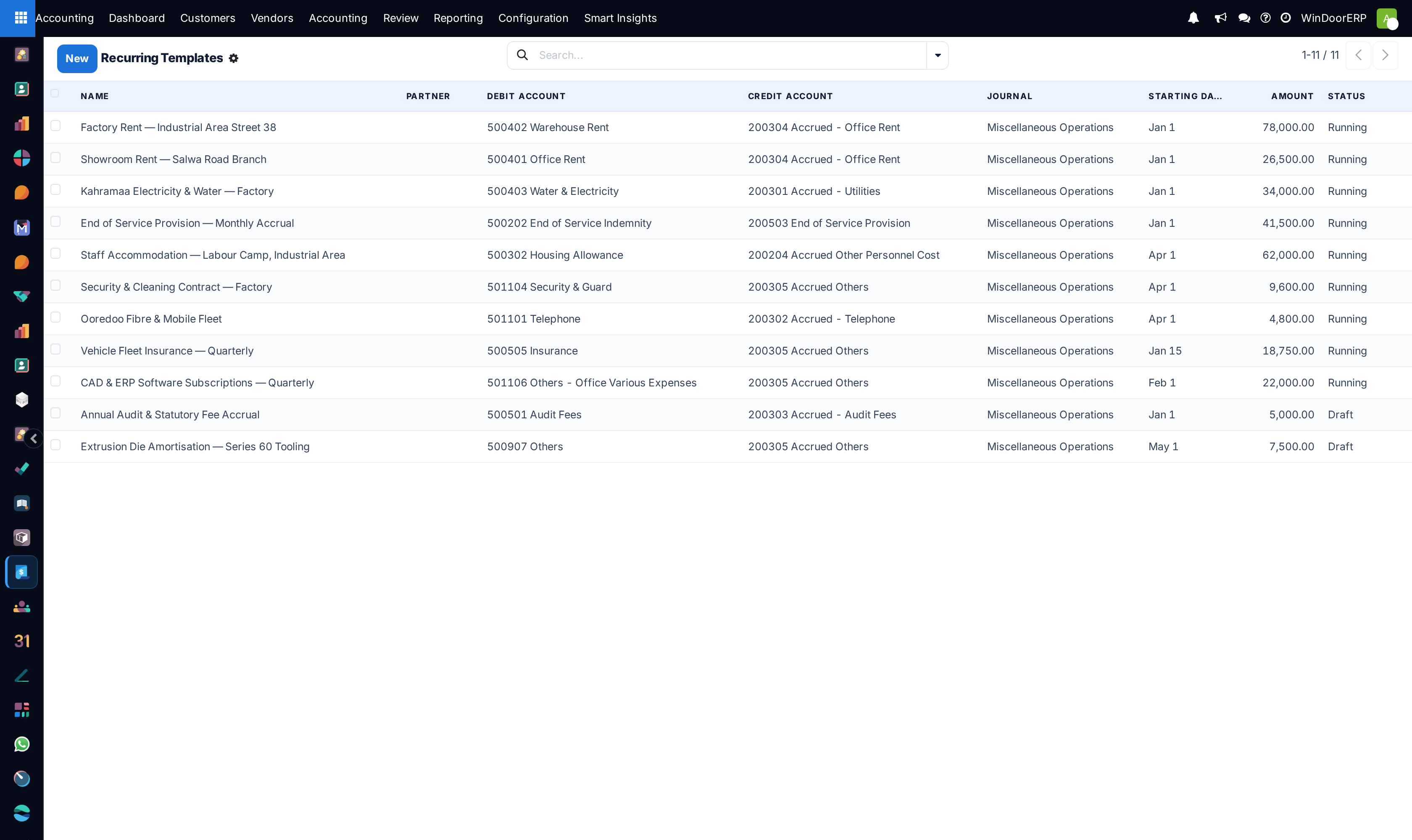
Go to Accounting › Configuration › Analytic Accounting › Analytic Plans and Analytic Accounts.
-
02
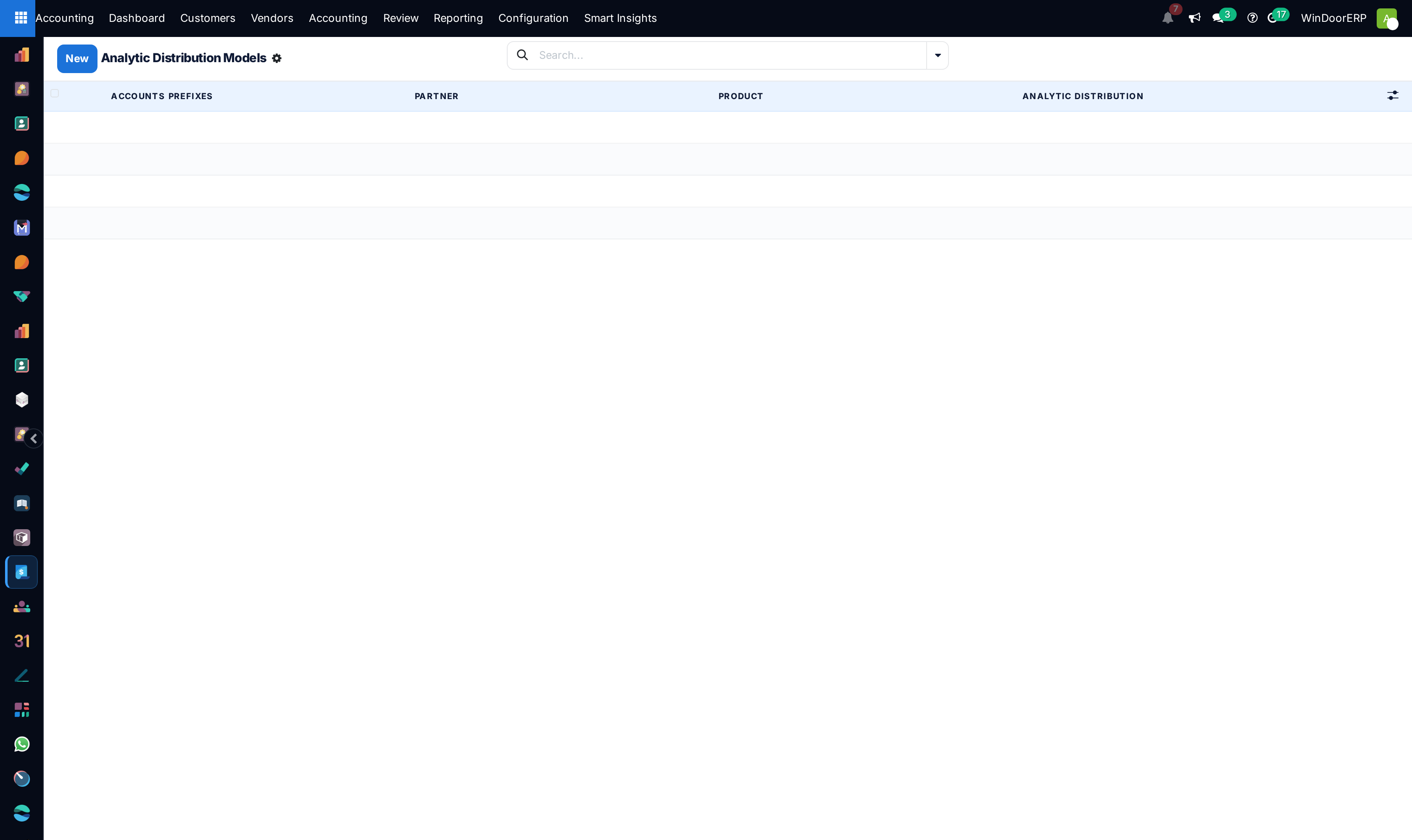
Configure Analytic Distribution Models to automatically assign project tags based on sales order lines.
-
03
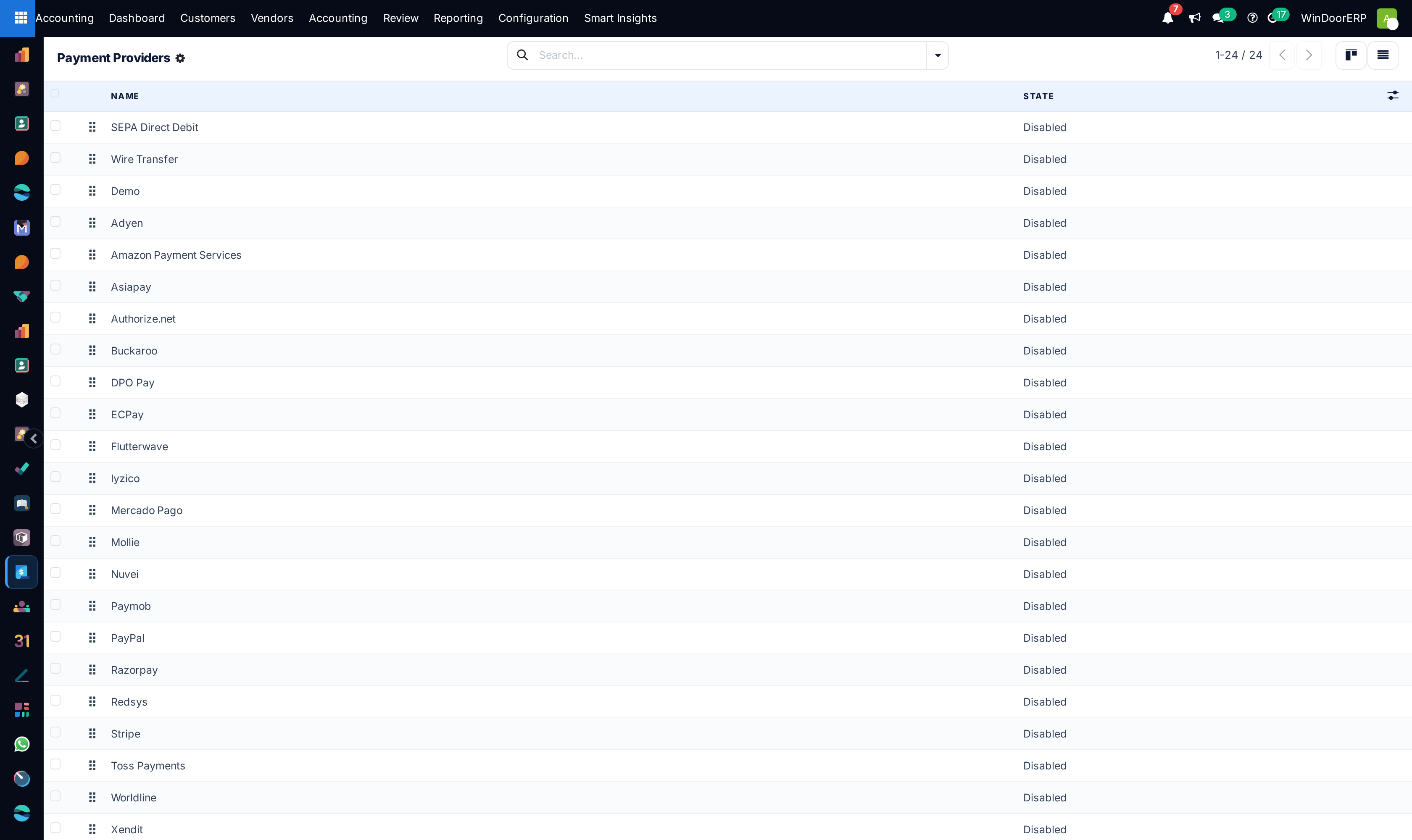
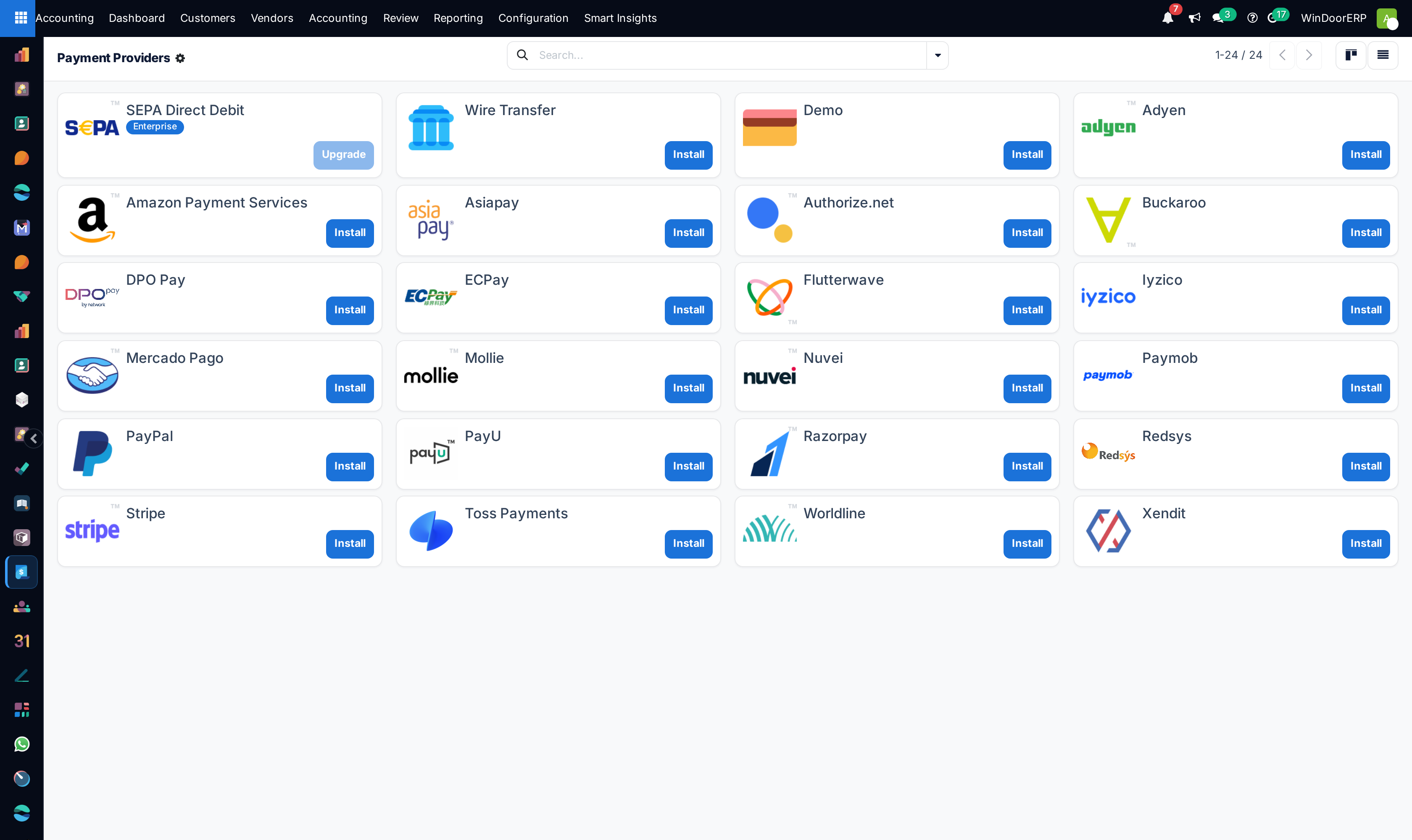
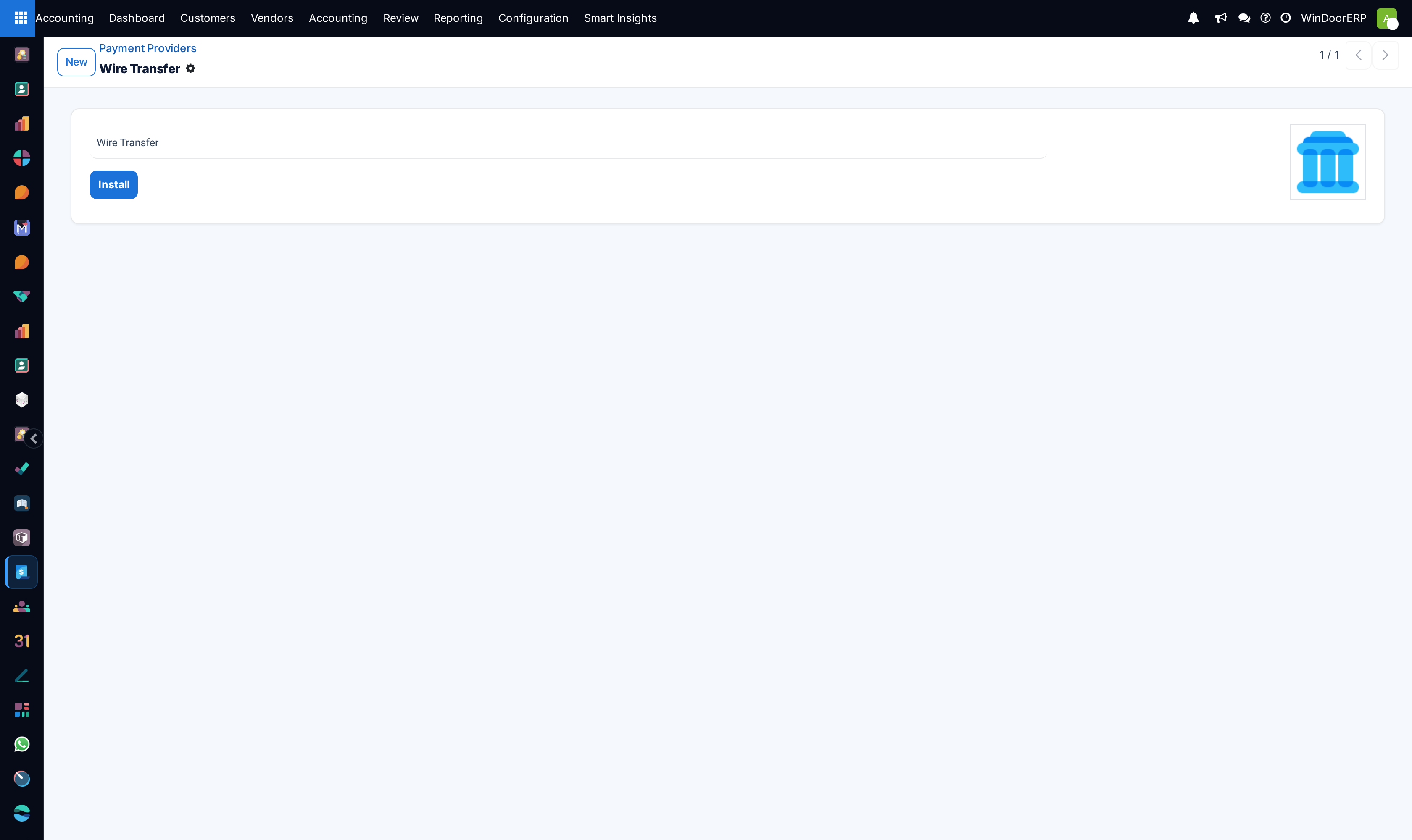
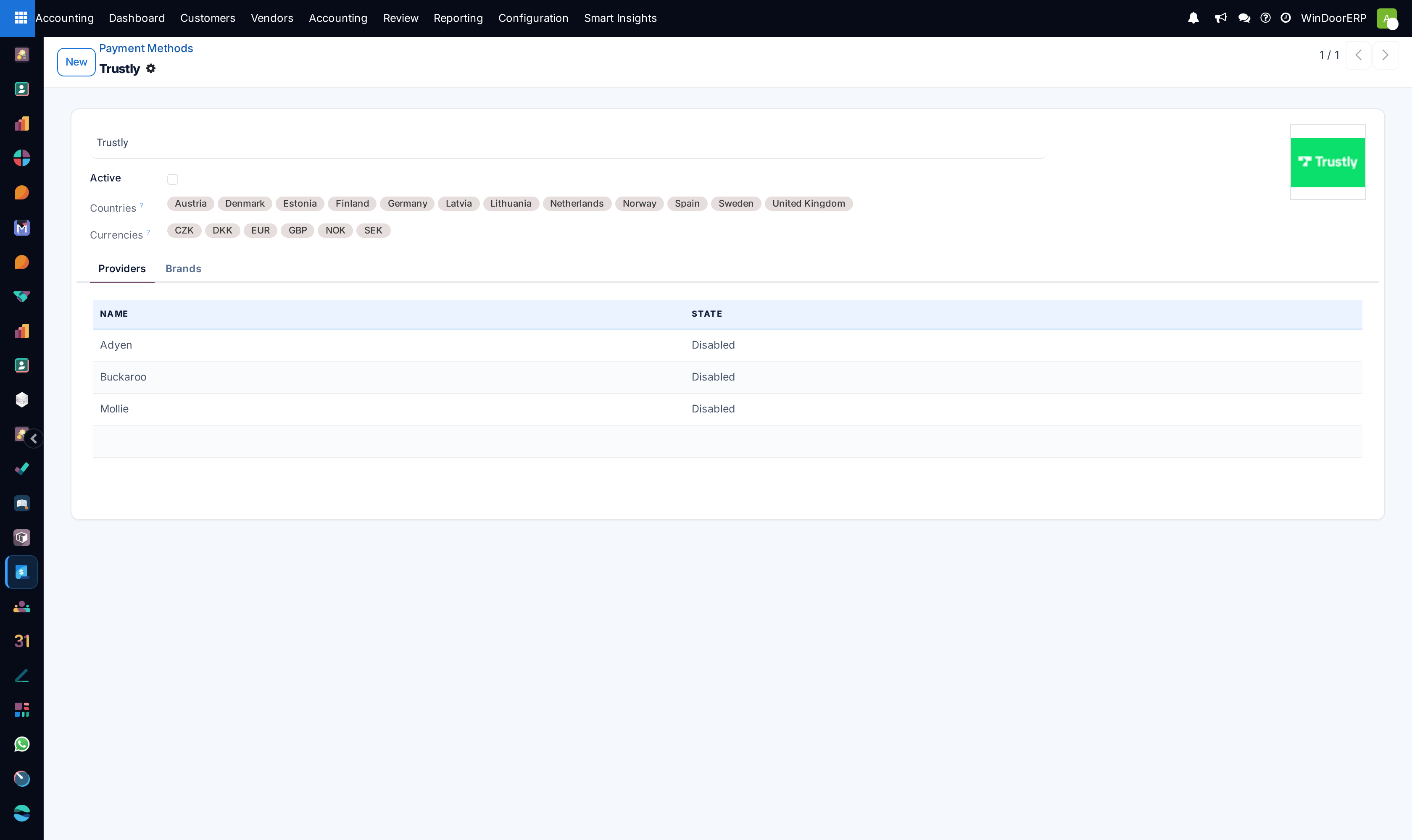
Navigate to Online Payments › Payment Providers to configure Mada, Apple Pay, and credit card processing.
-
04
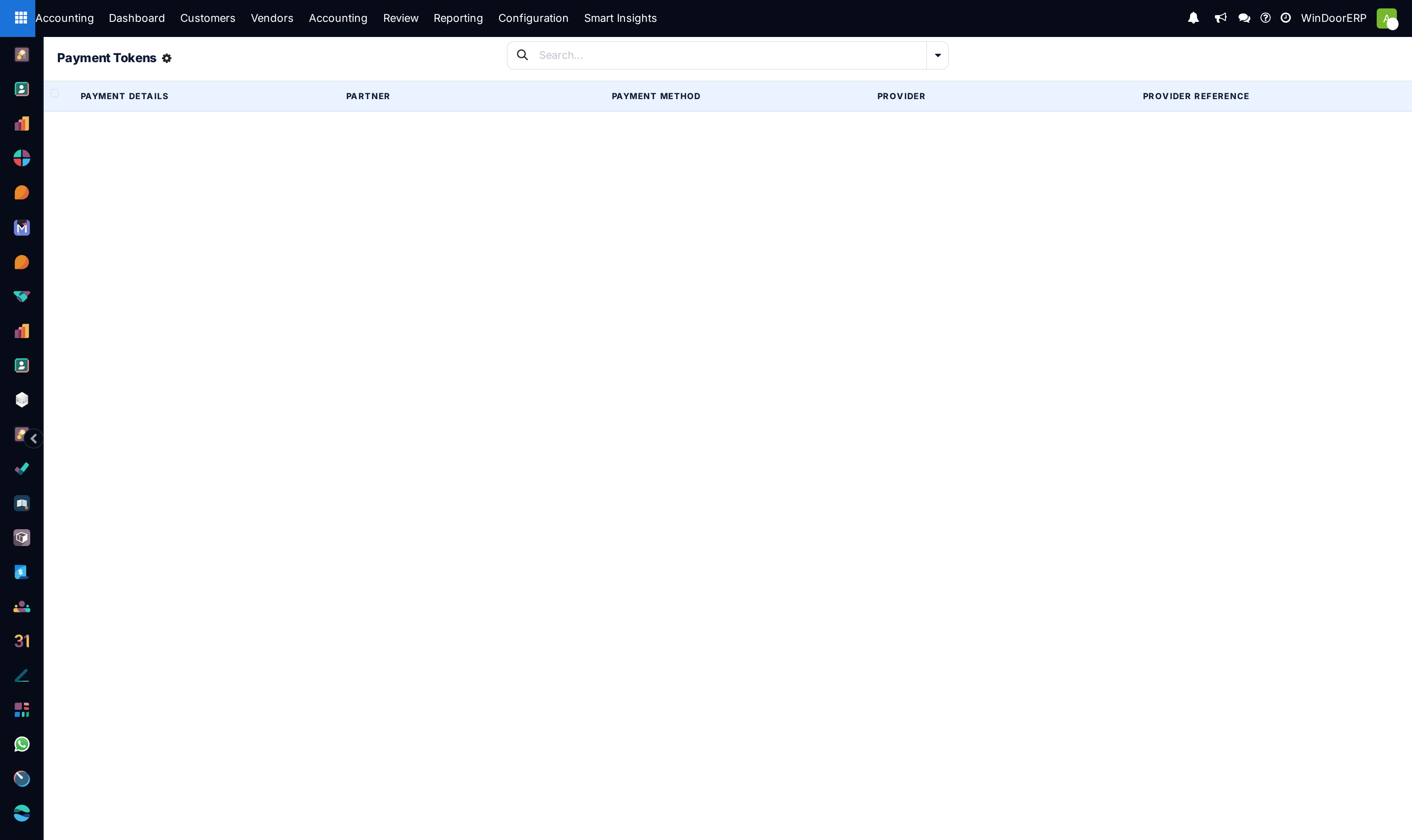
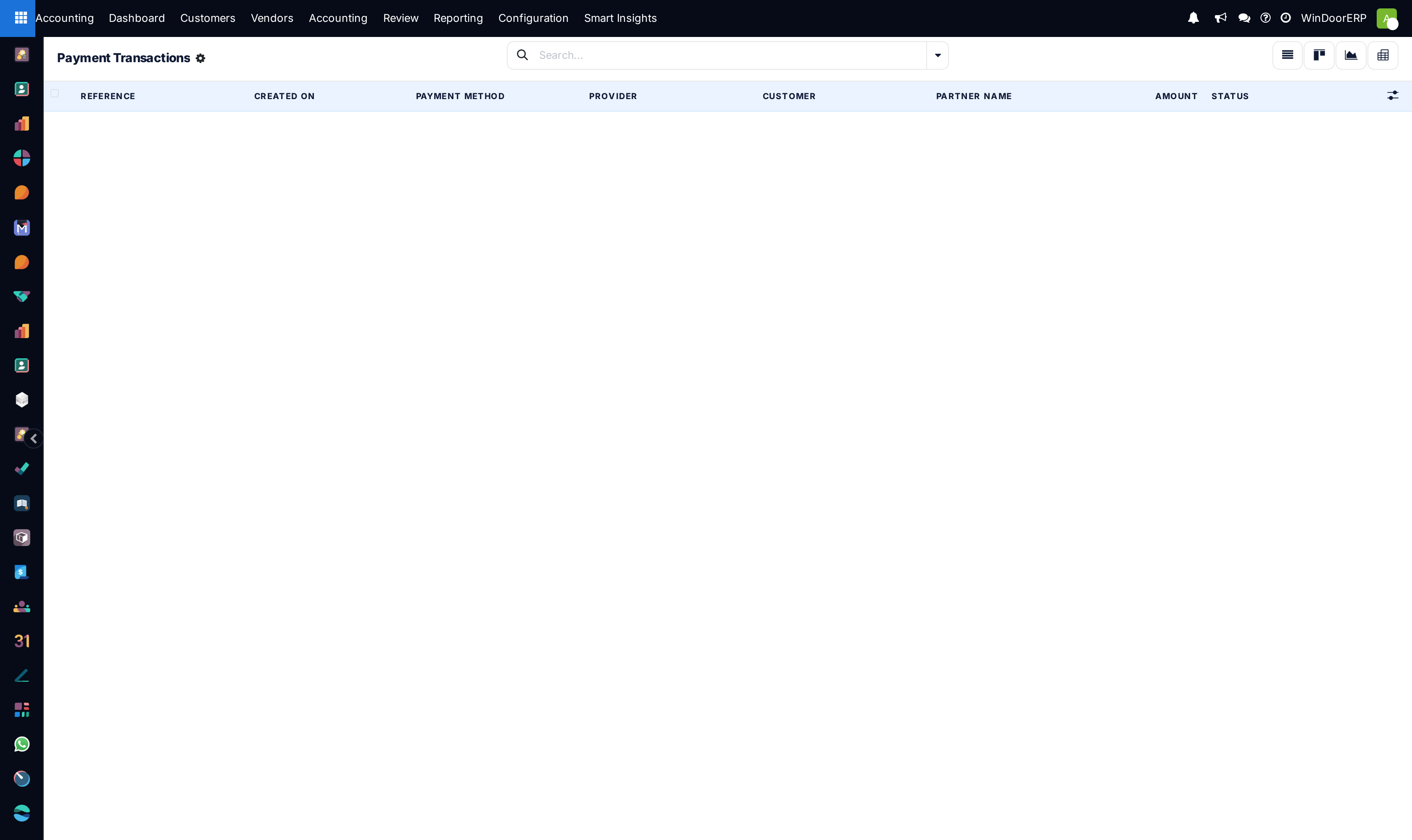
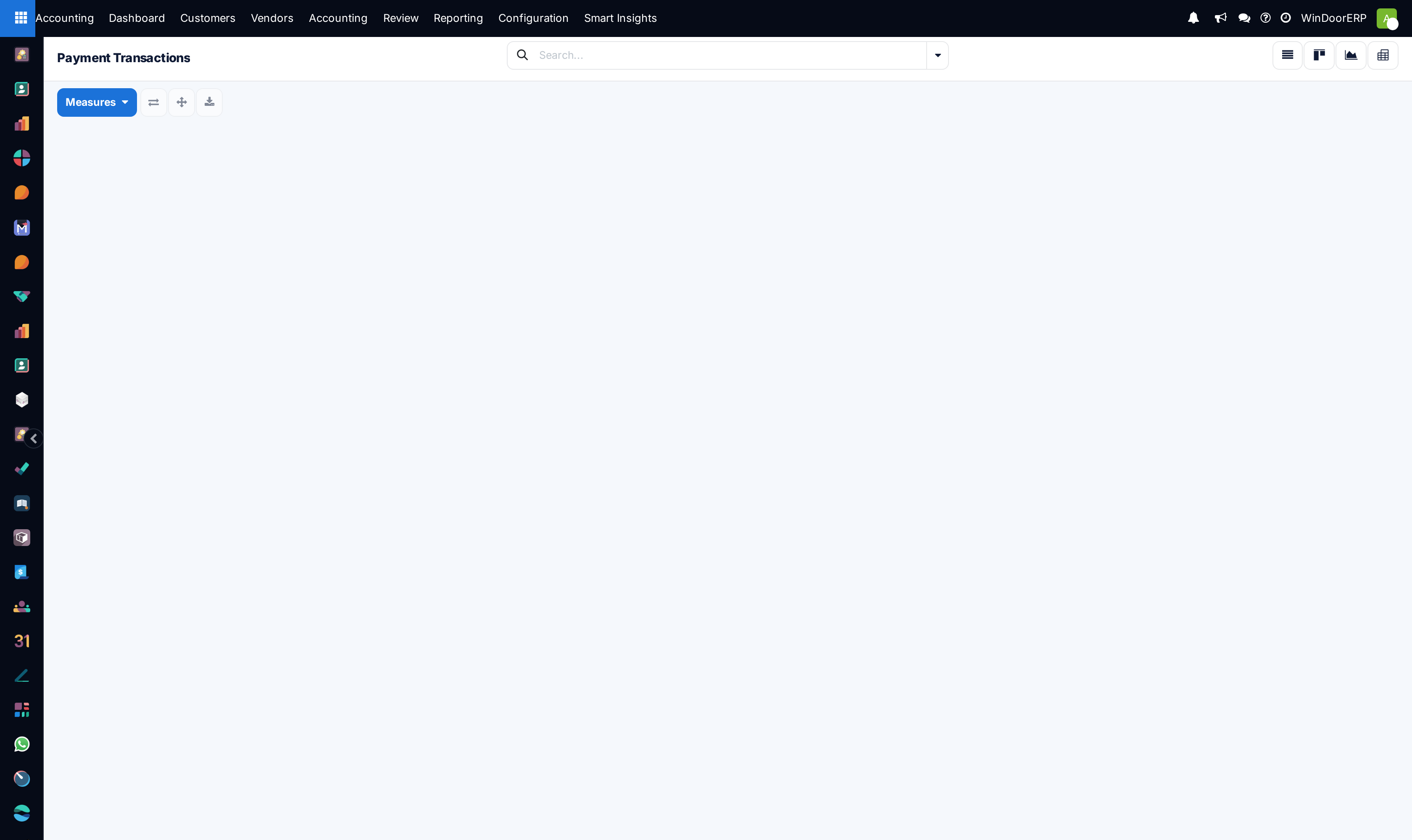
Review customer payment cards under Payment Tokens and transaction logs under Payment Transactions.
-
05
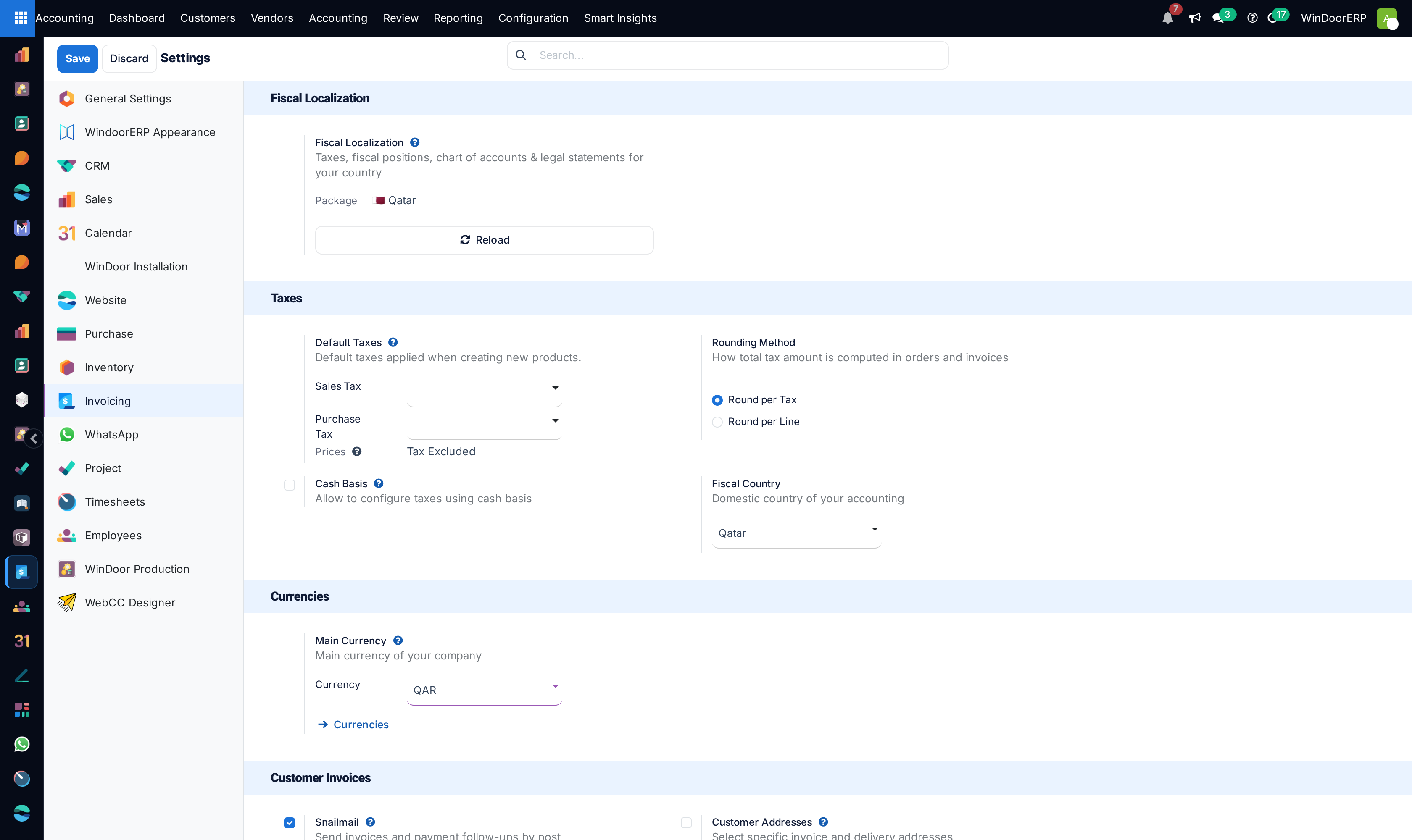
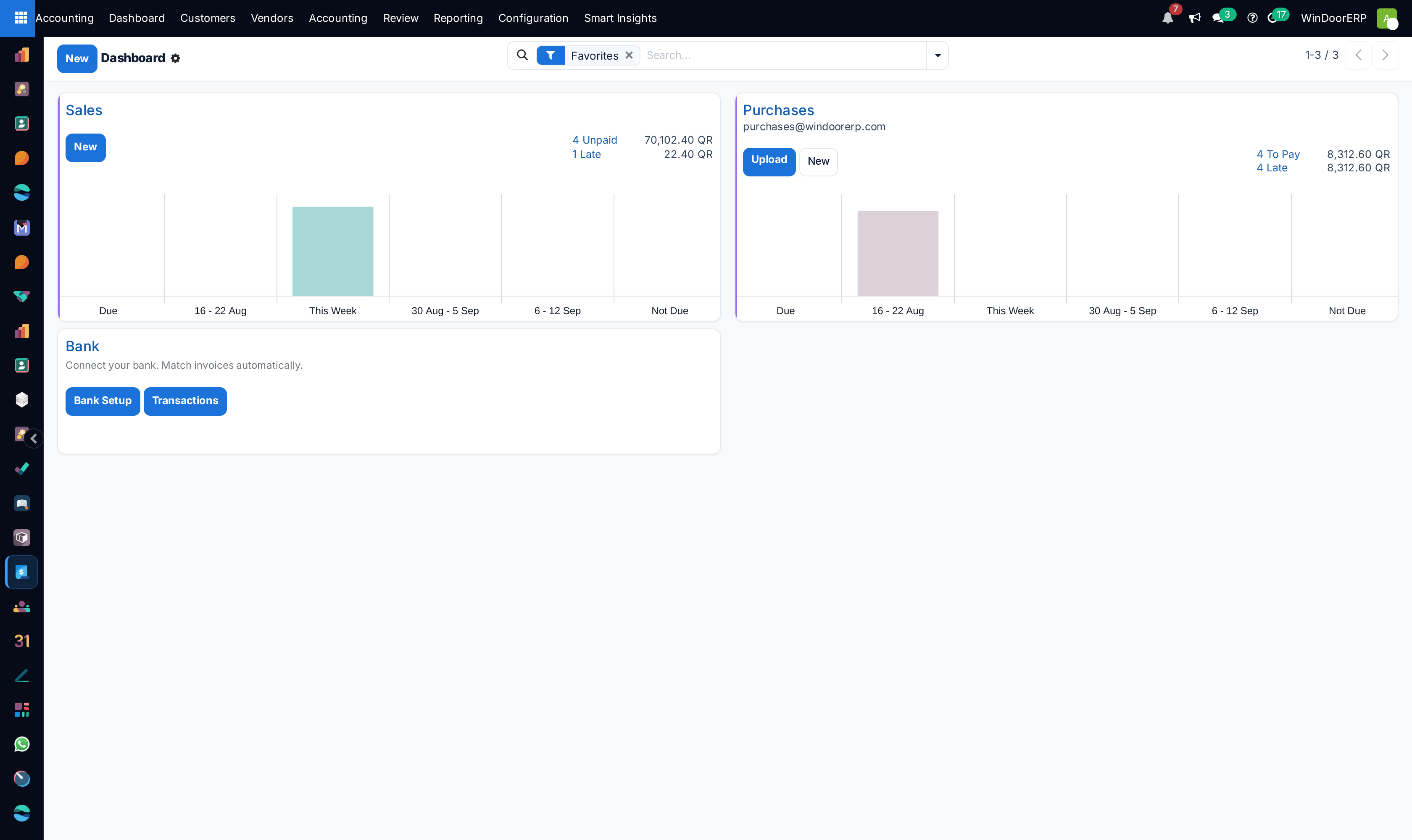
Open Settings to configure default tax rates, fiscal year close periods, and automated bank synchronization rules.
Common mistakes
- Leaving payment gateway credentials in test sandbox mode during live production billing.
- Setting incorrect default currency rounding precision, creating penny discrepancies on tax invoices.
Was this article helpful?
Thanks — your feedback helps.
Running a window or door factory?
Ask for a demo