Configure Chart of Accounts, VAT tax rules, journals, payment terms, and currencies
What this does
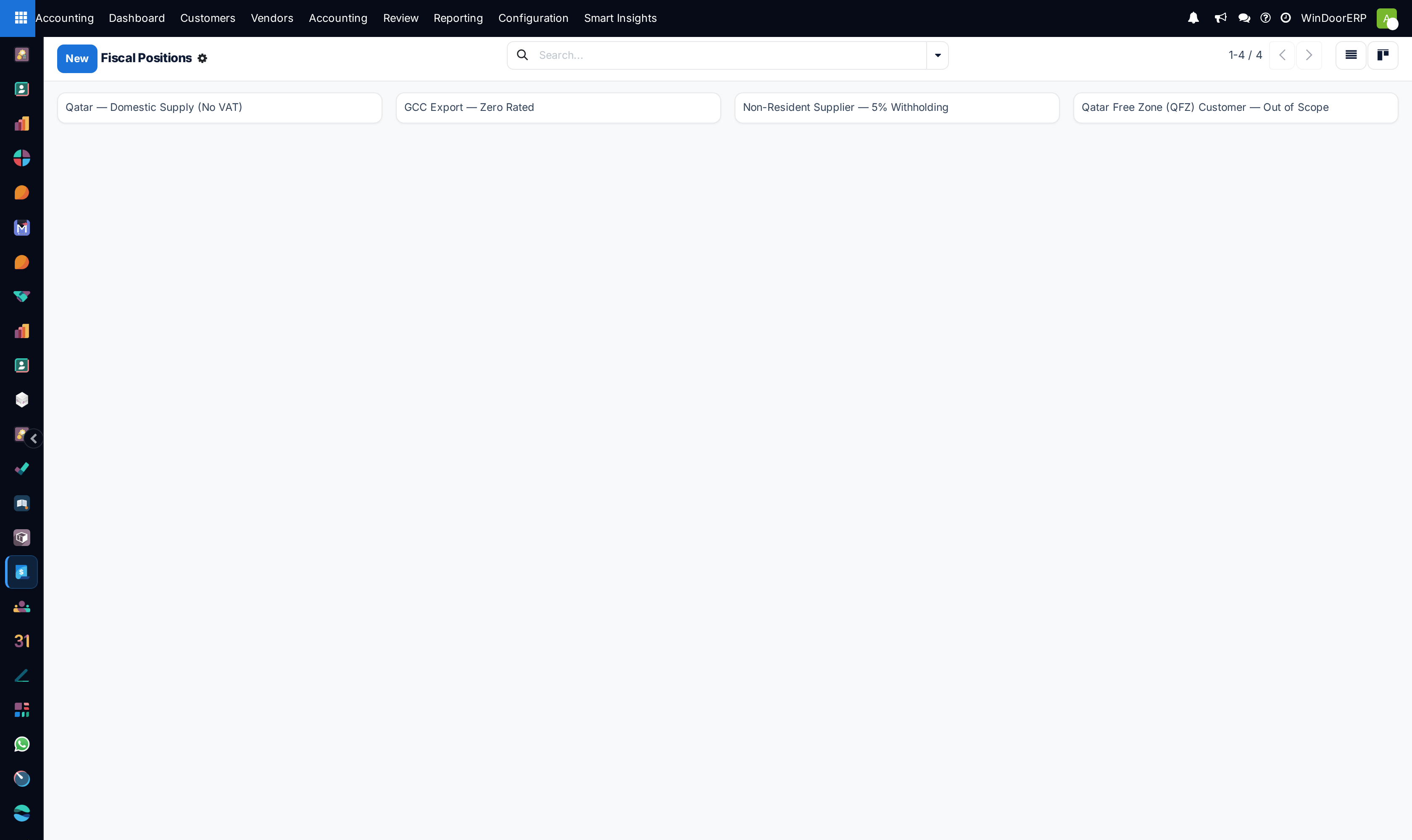
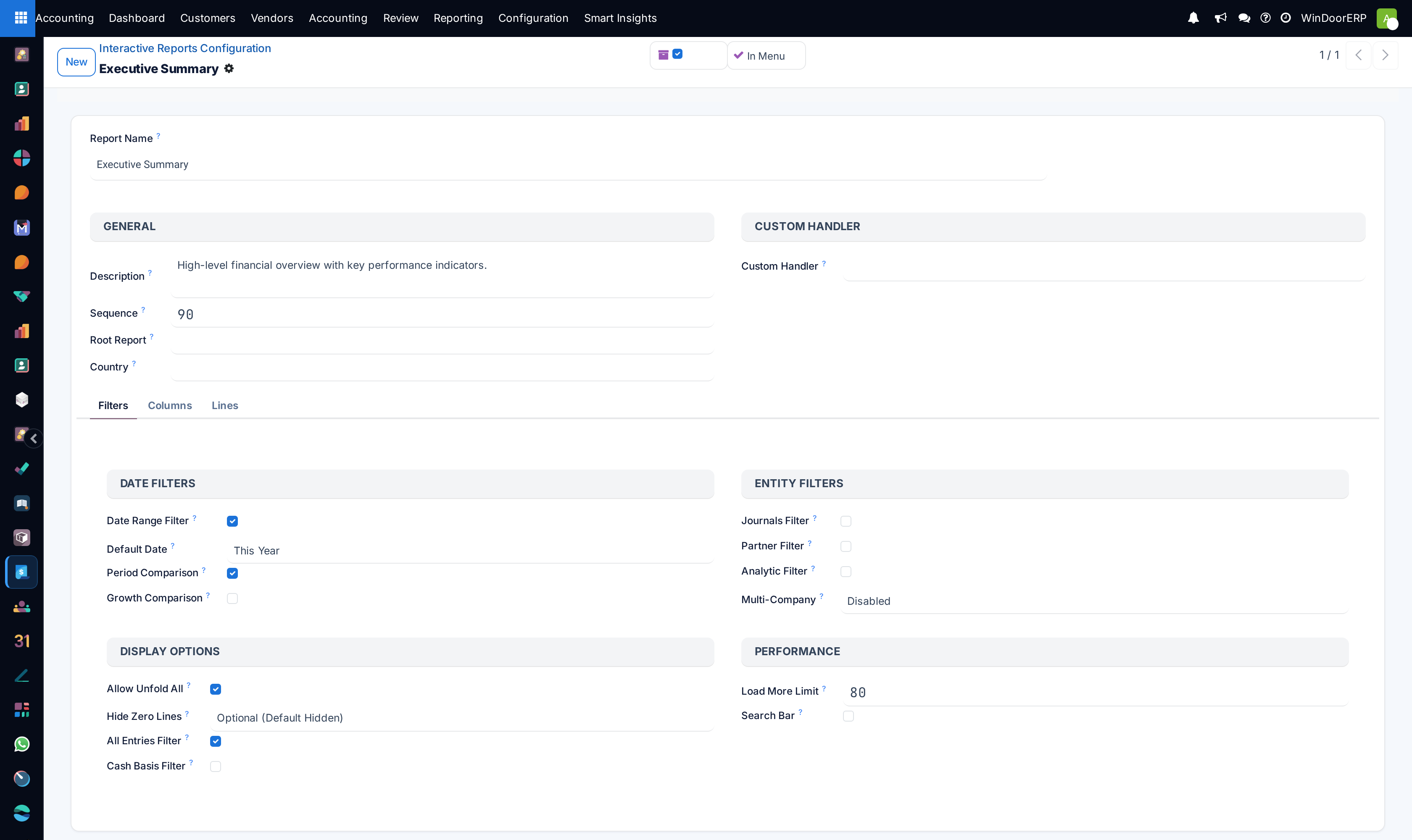
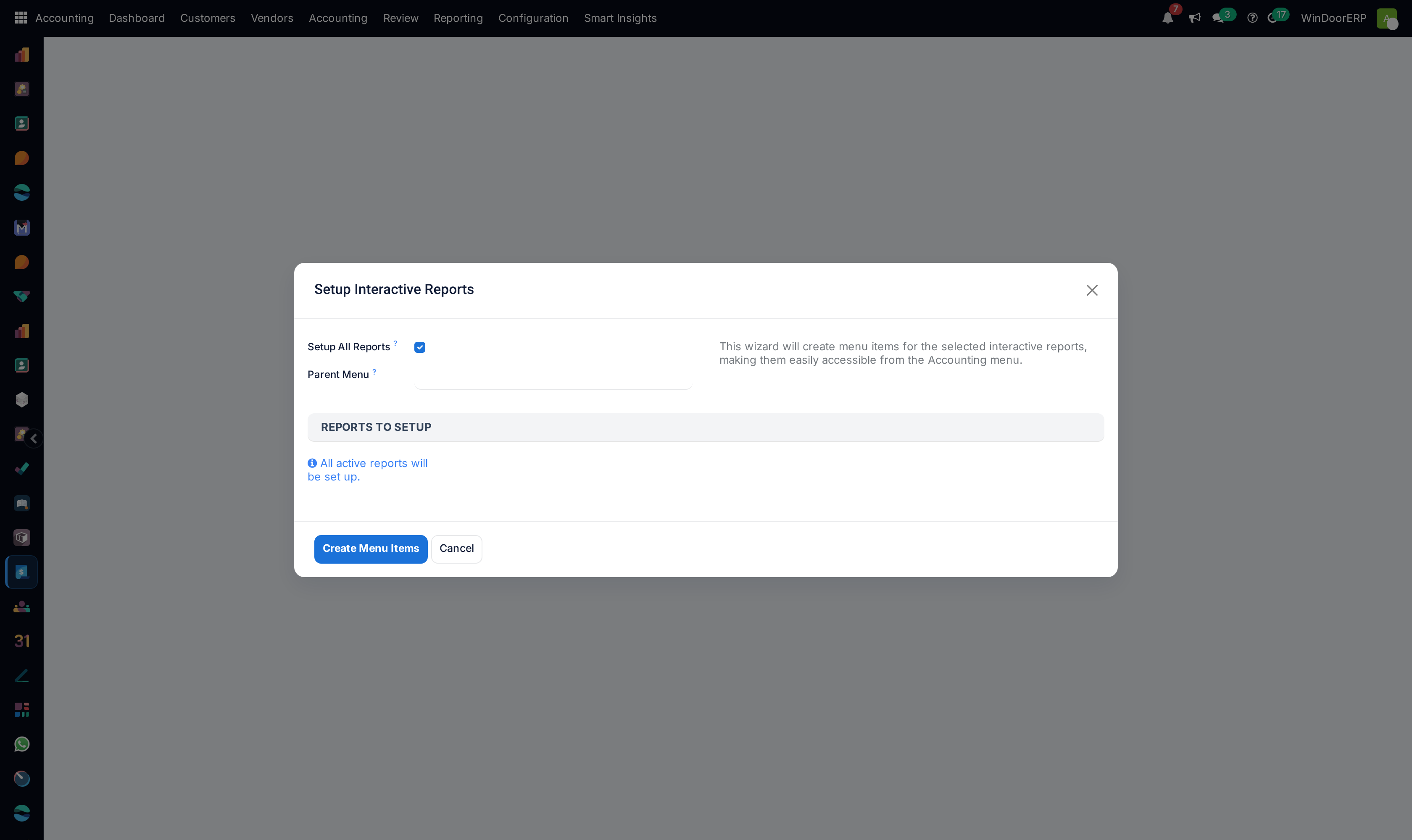
Configures core financial foundations including the unified fenestration Chart of Accounts, 15% VAT tax mapping rules, specialized accounting journals, contractual payment terms, and multi-currency exchange rates.
Before you start
- Chief Financial Officer or Administrator credentials.
Steps



Important
Structuring standardized Chart of Accounts codes for Raw Extrusions, Architectural Glass, and Specialized Hardware enables granular job-costing gross margin analysis.
-
01
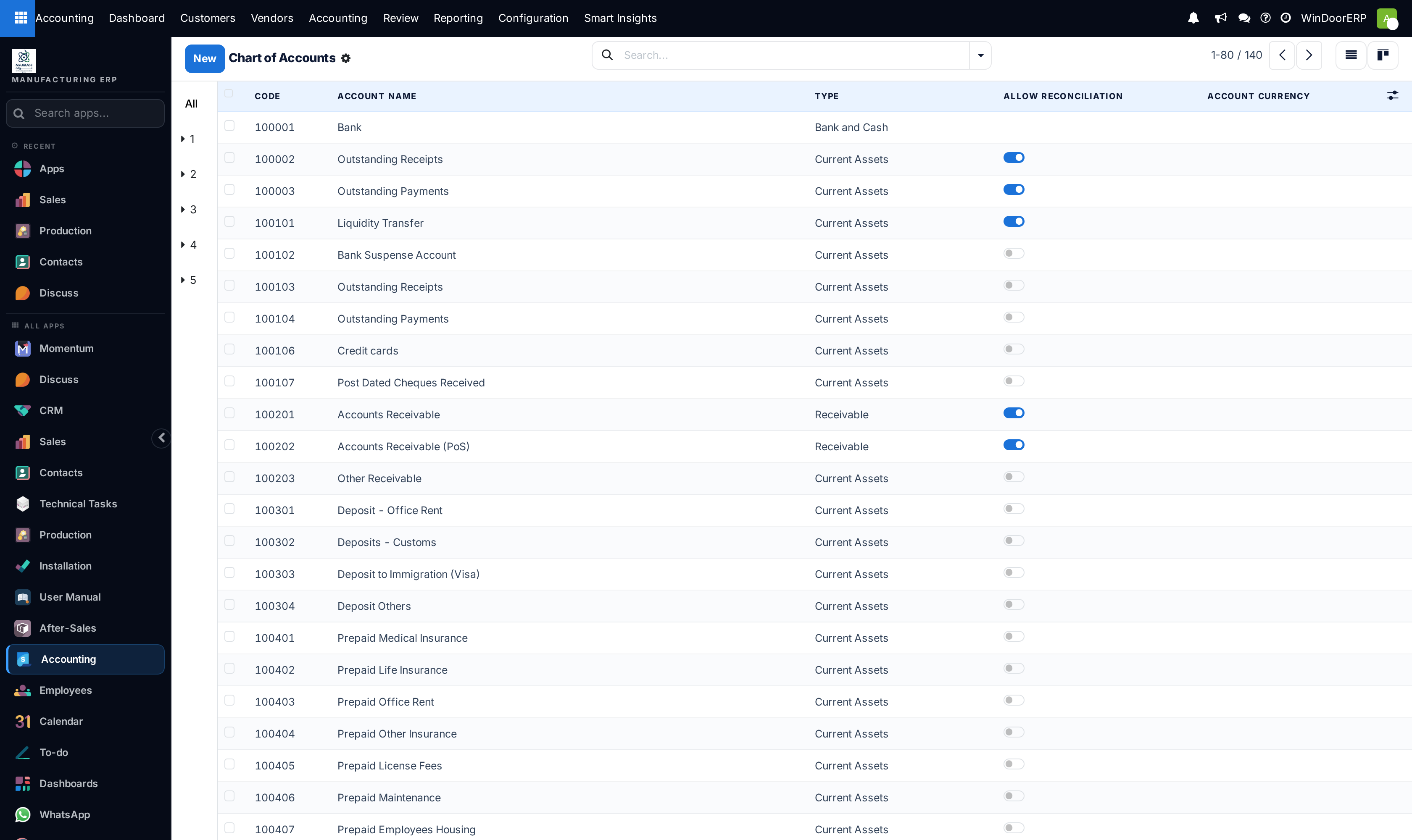
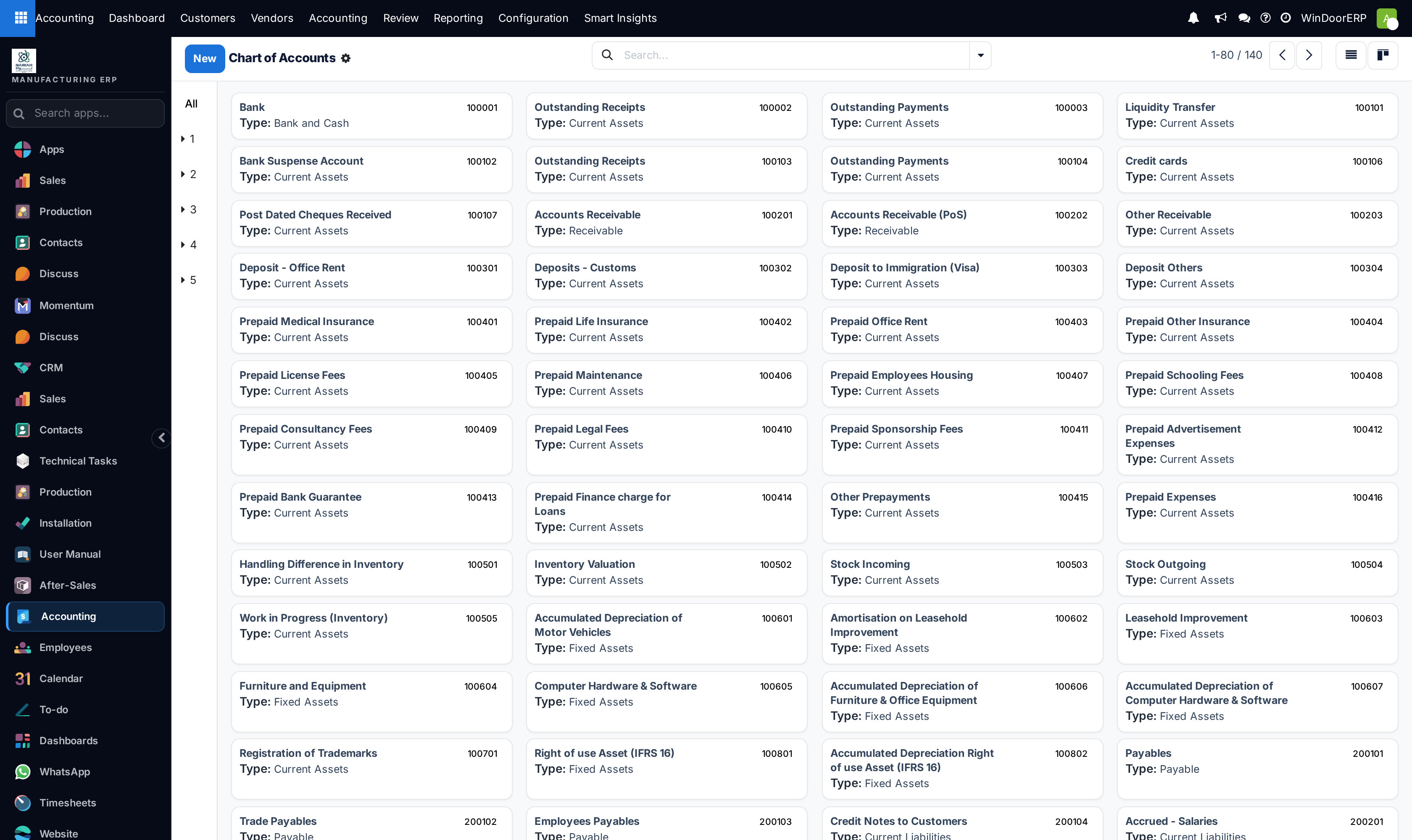
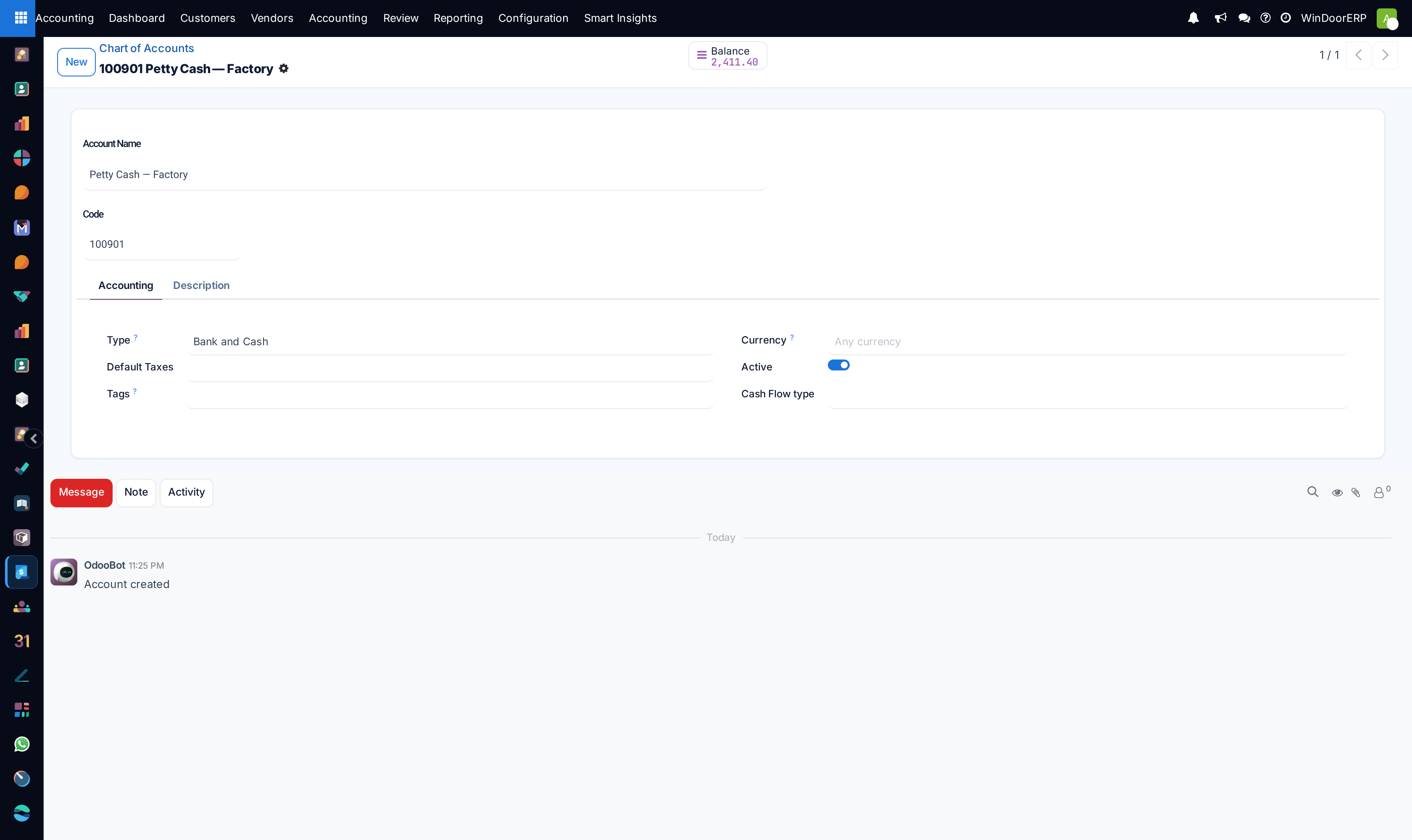
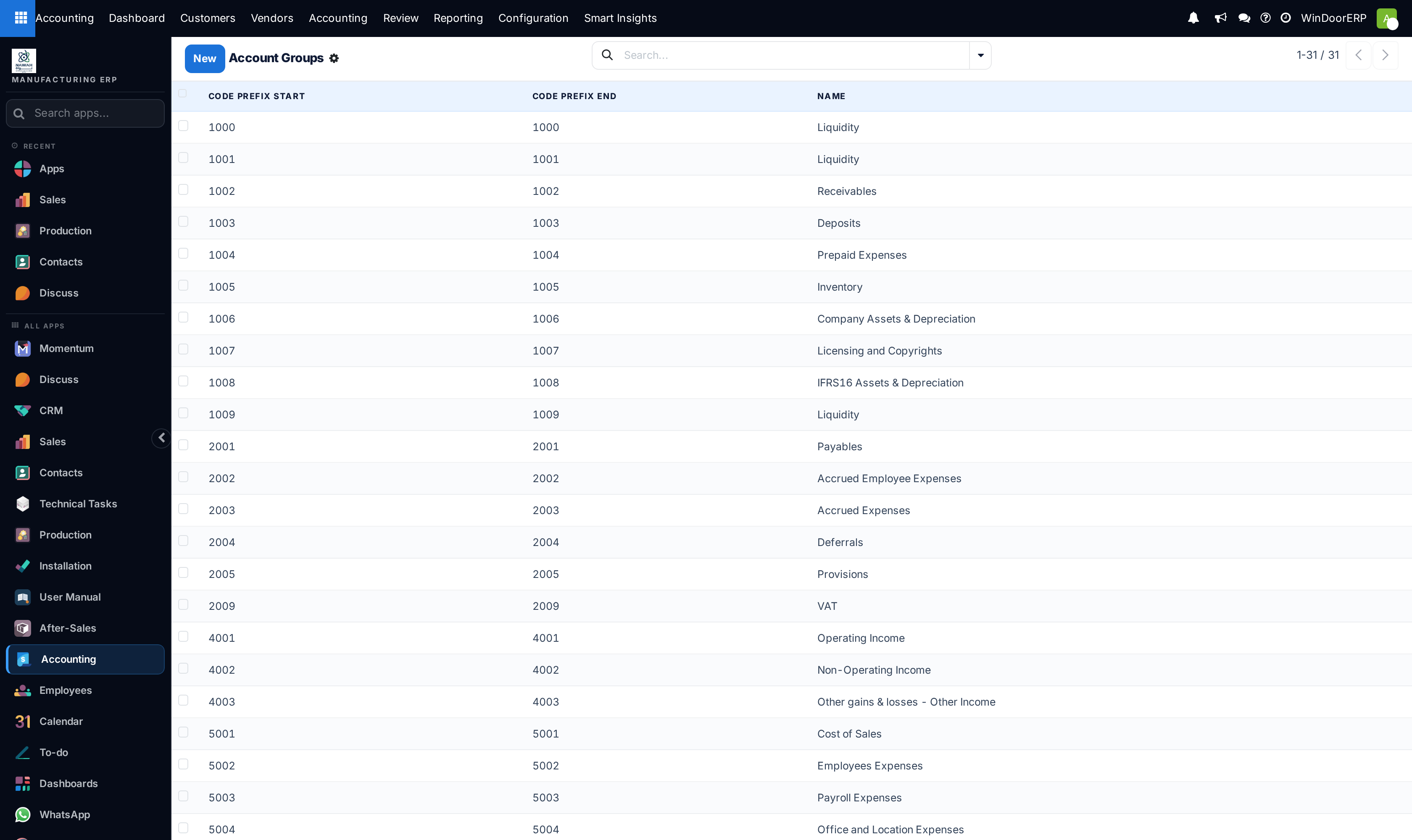
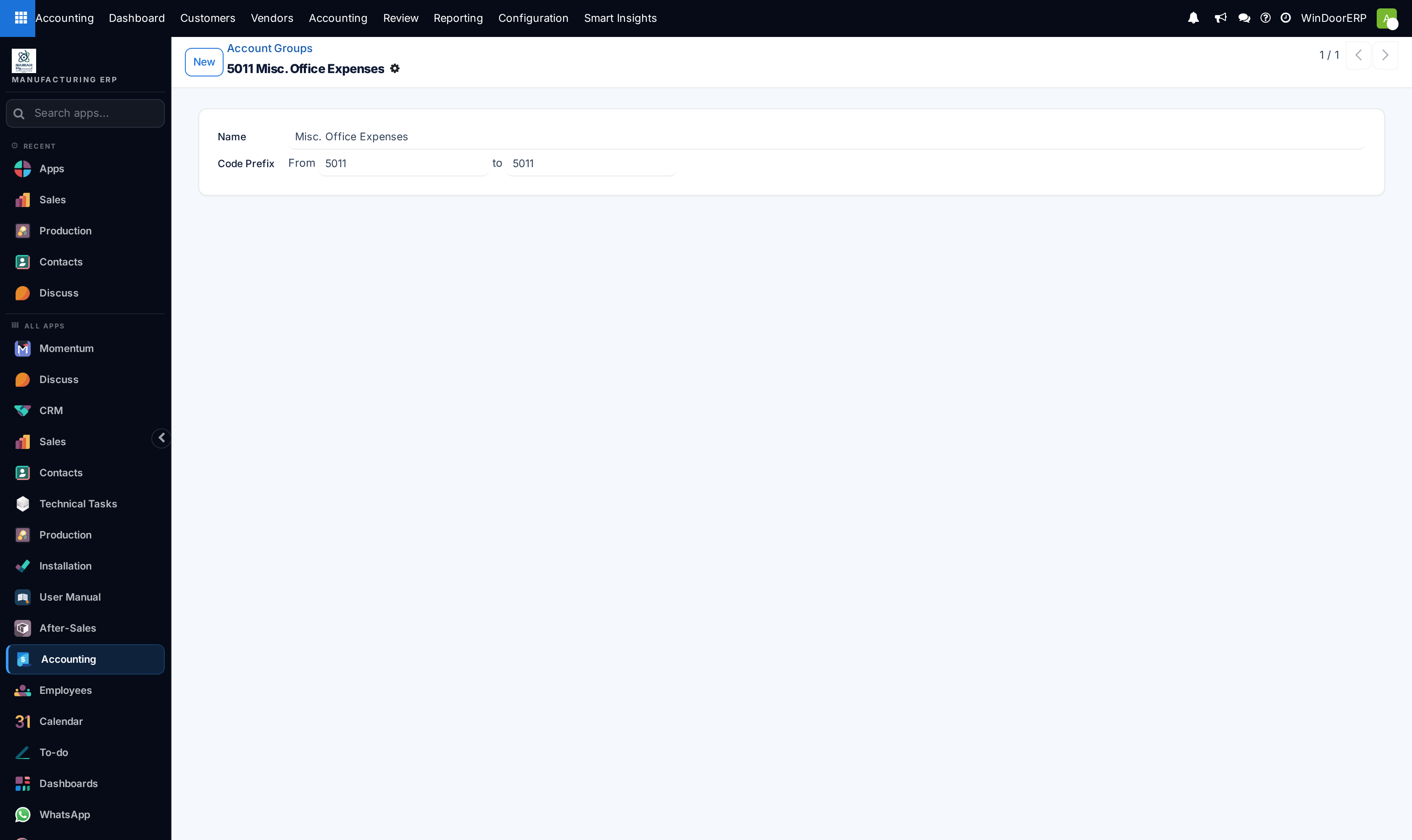
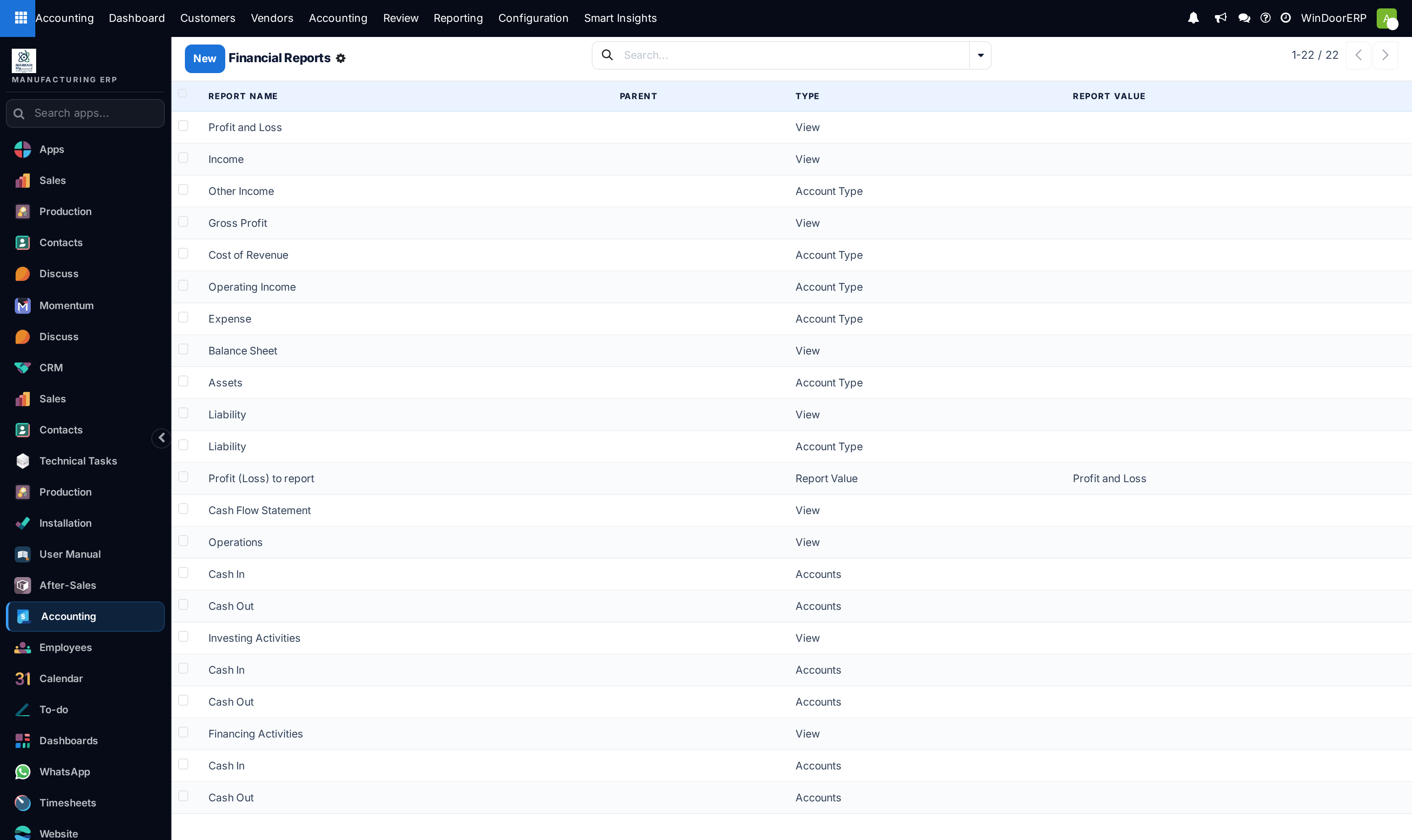
Navigate to Accounting › Configuration › Chart of Accounts to inspect account codes and classifications.
-
02
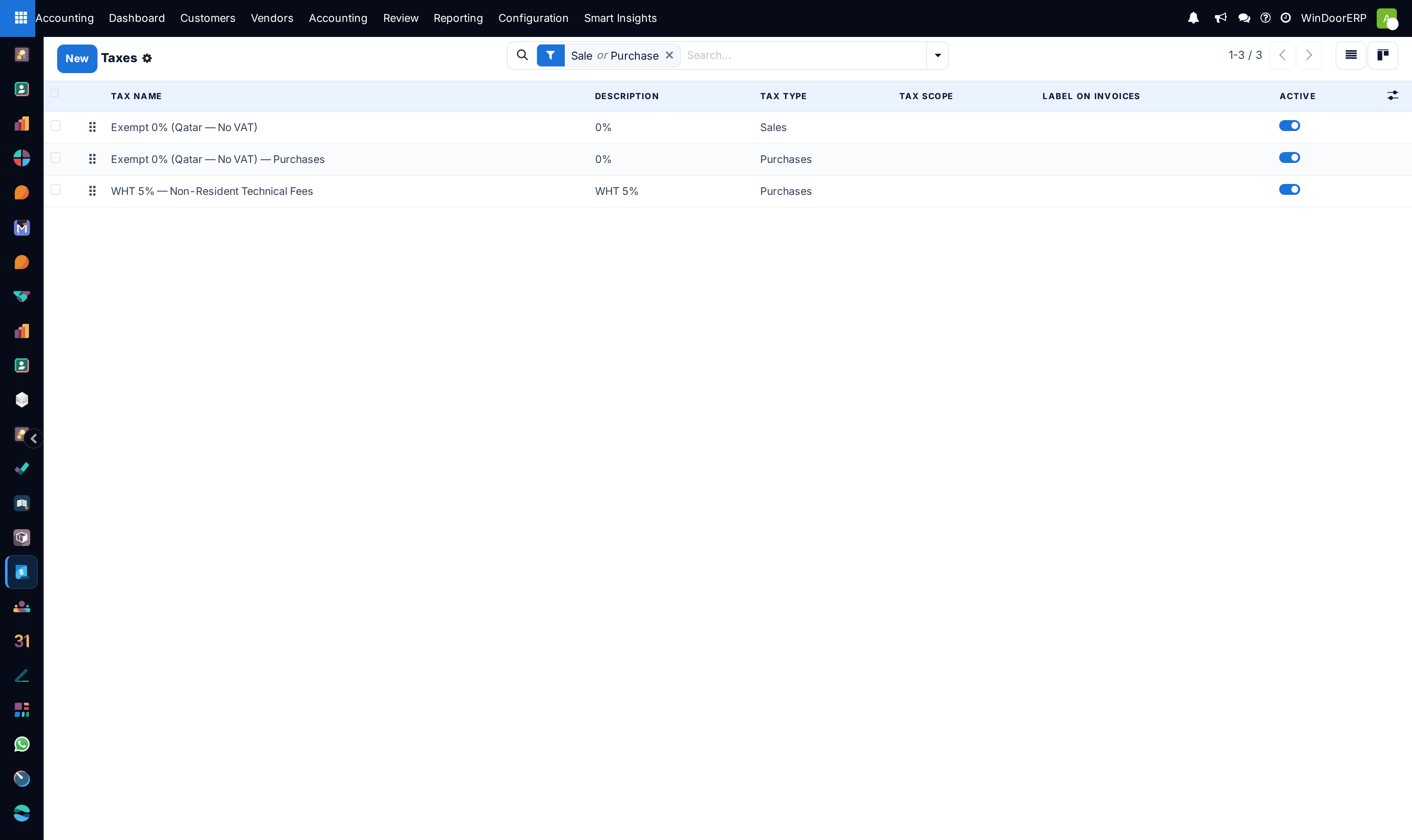
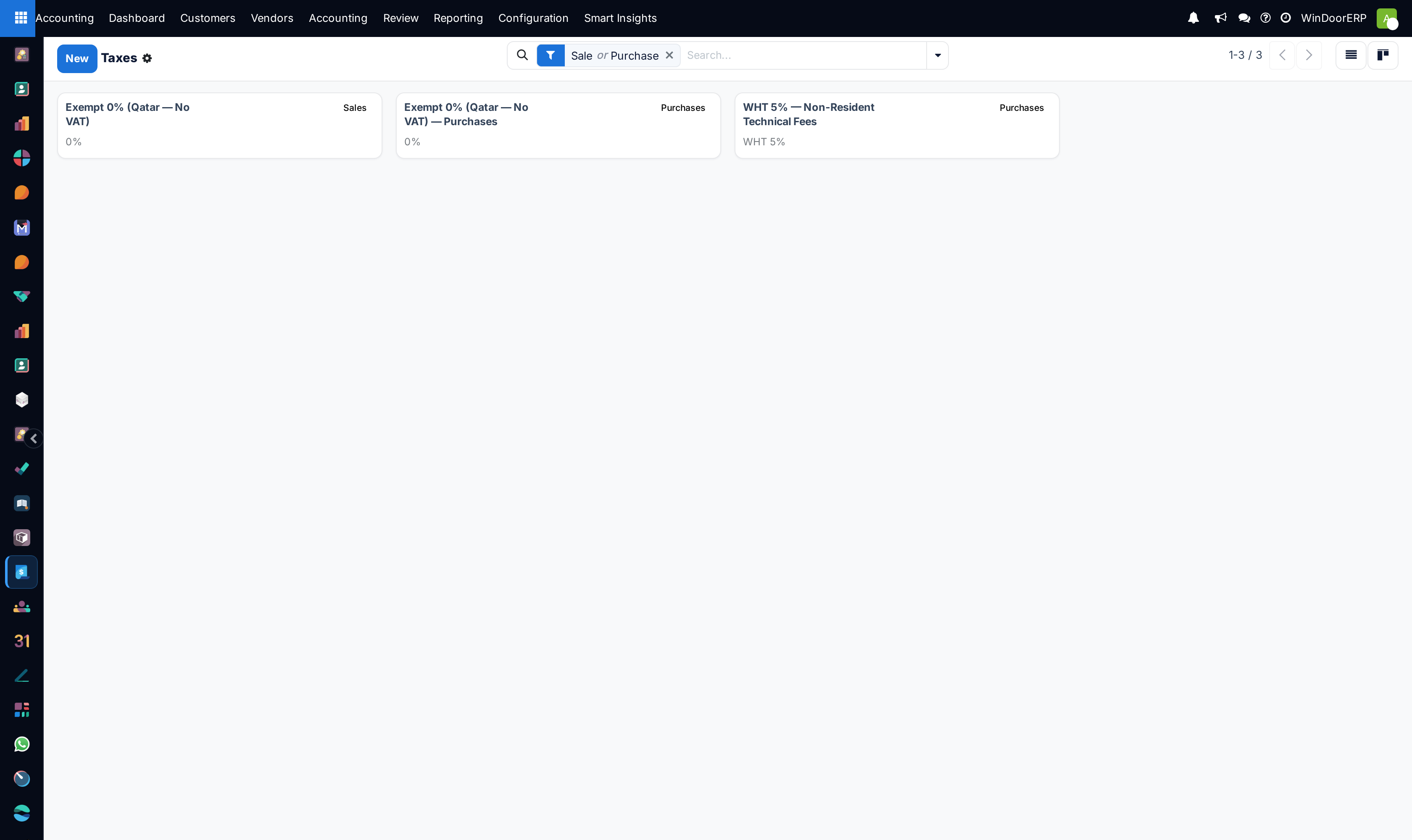
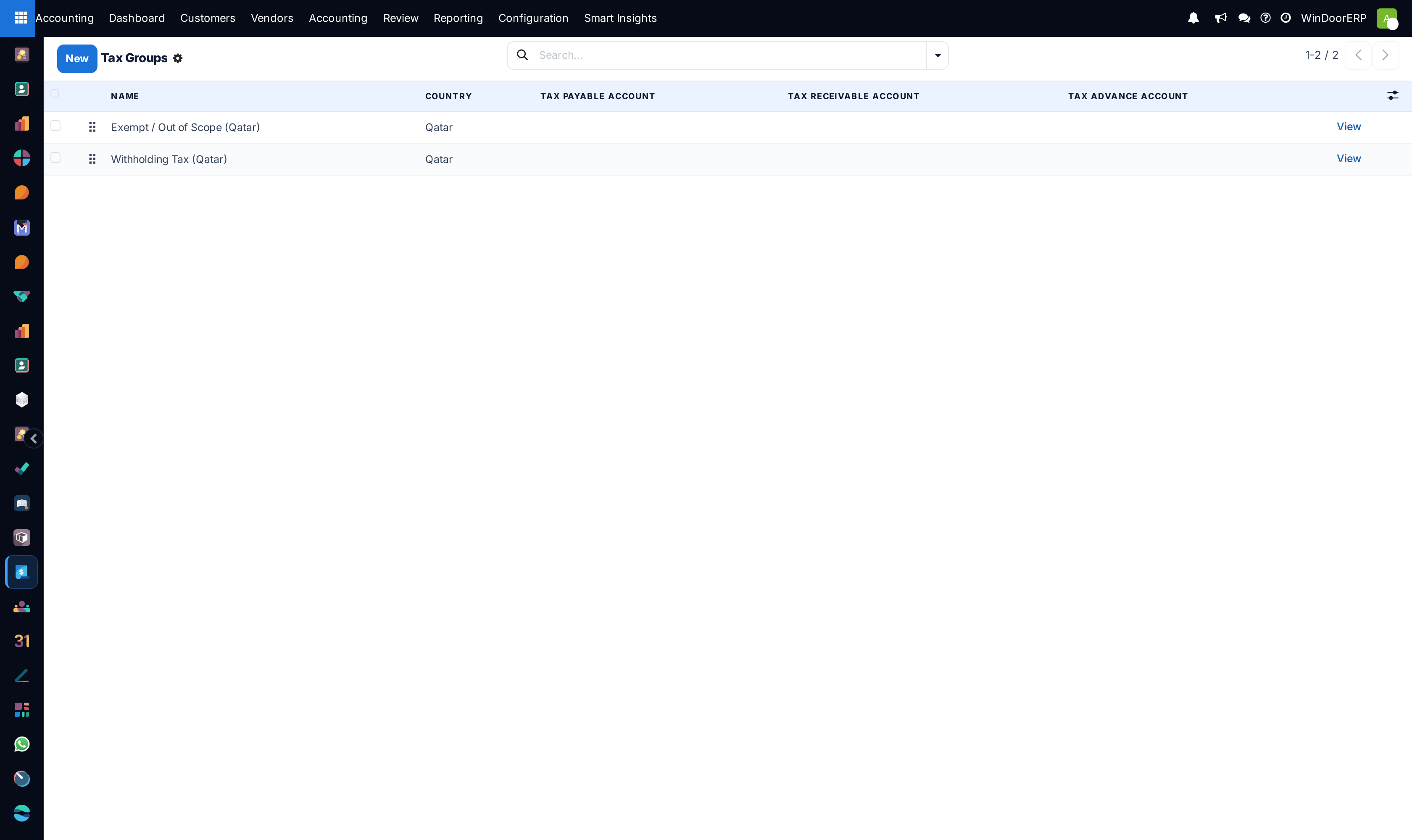
Open Taxes and Tax Groups to verify 15% Sales Tax and 15% Purchase Tax mappings.
-
03
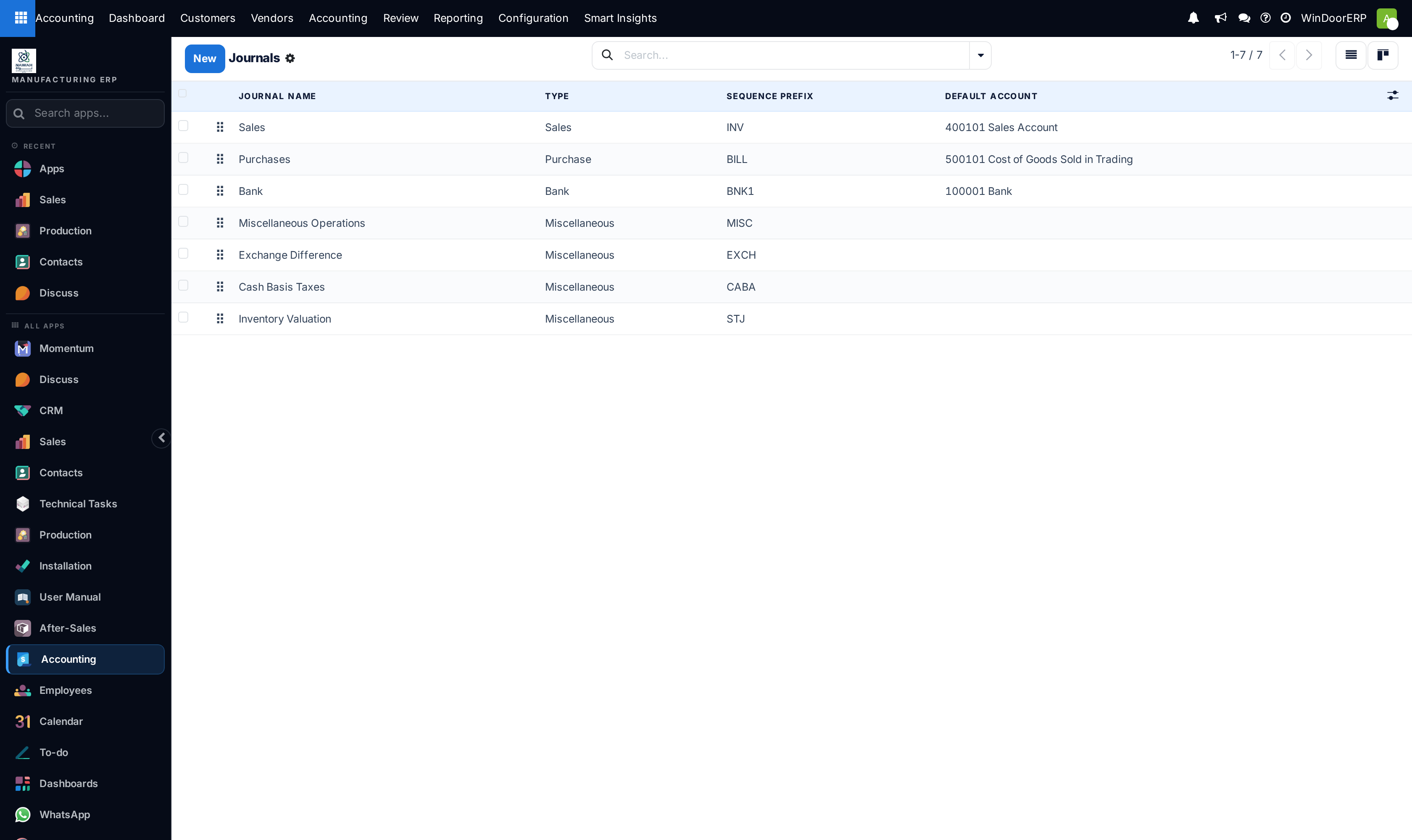
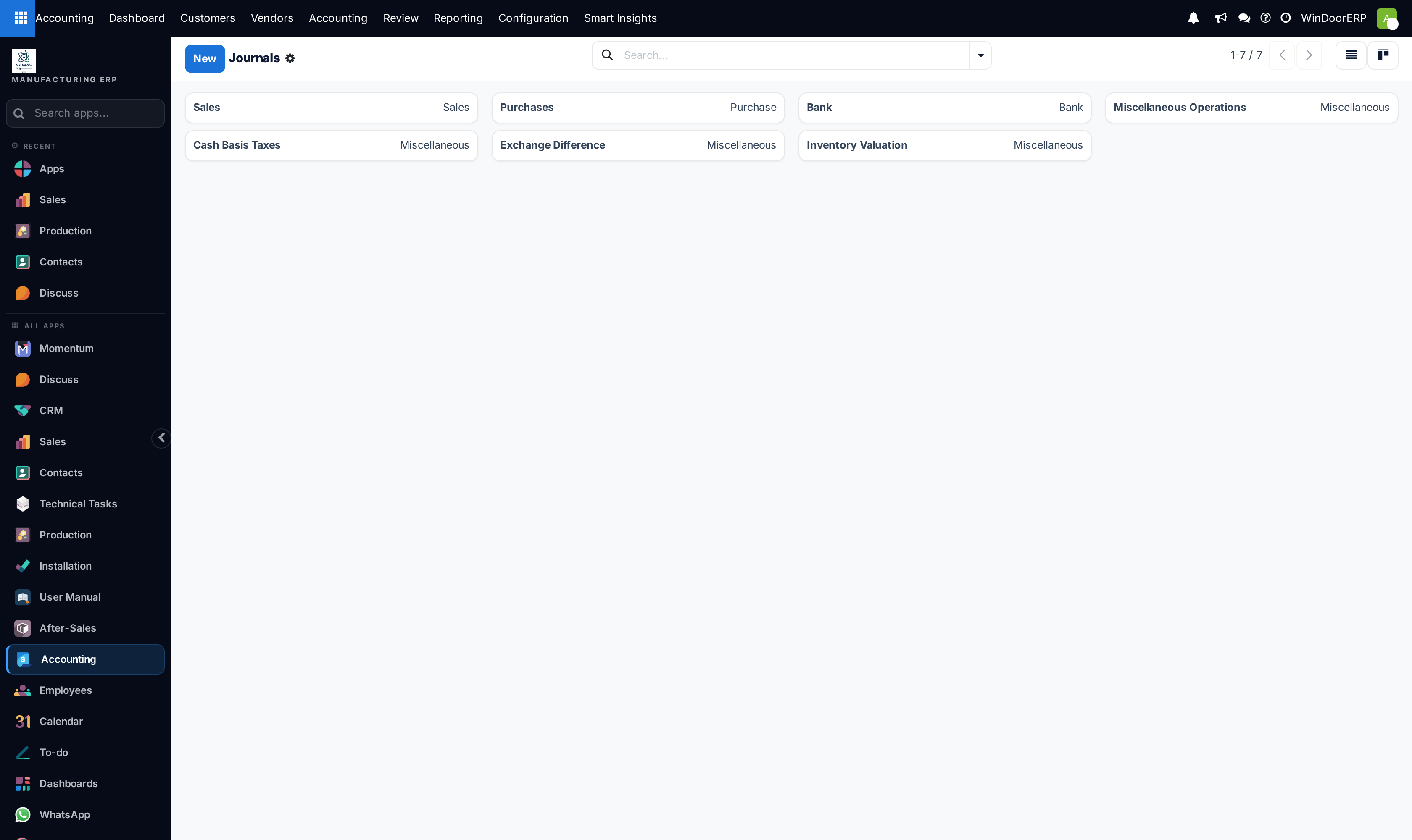
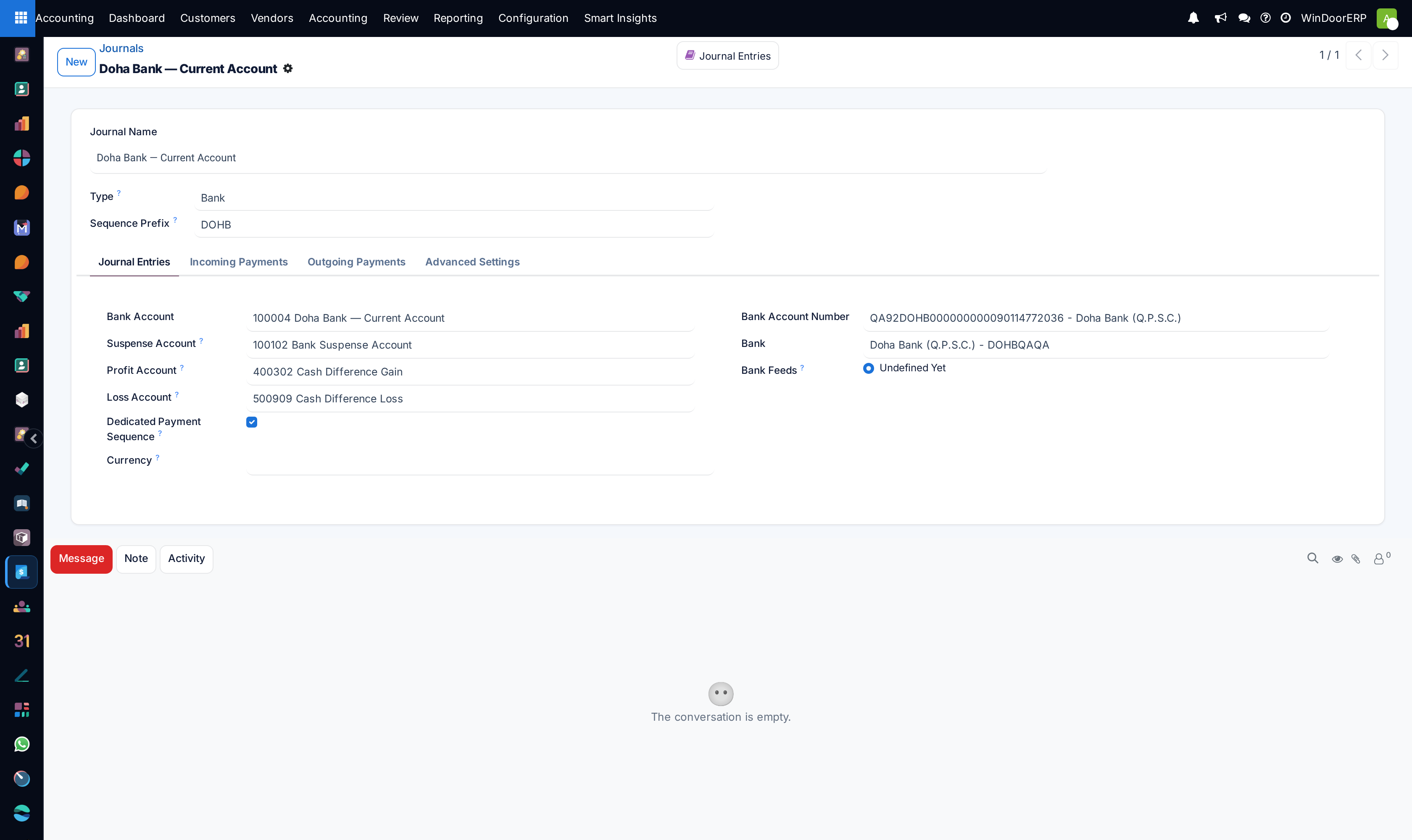
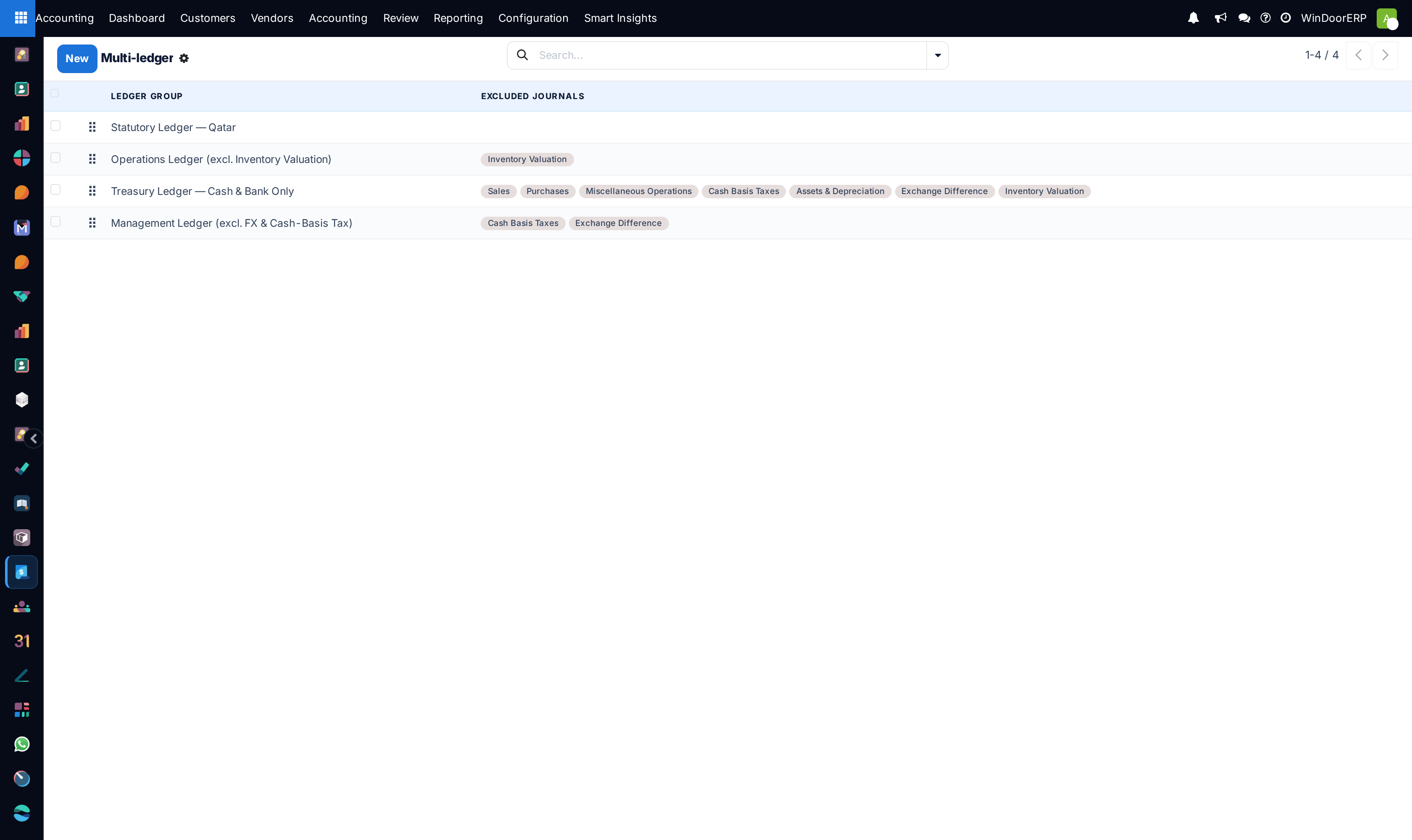
Go to Journals to define dedicated journals (Customer Invoices, Vendor Bills, Bank Accounts, Cash Registers).
-
04
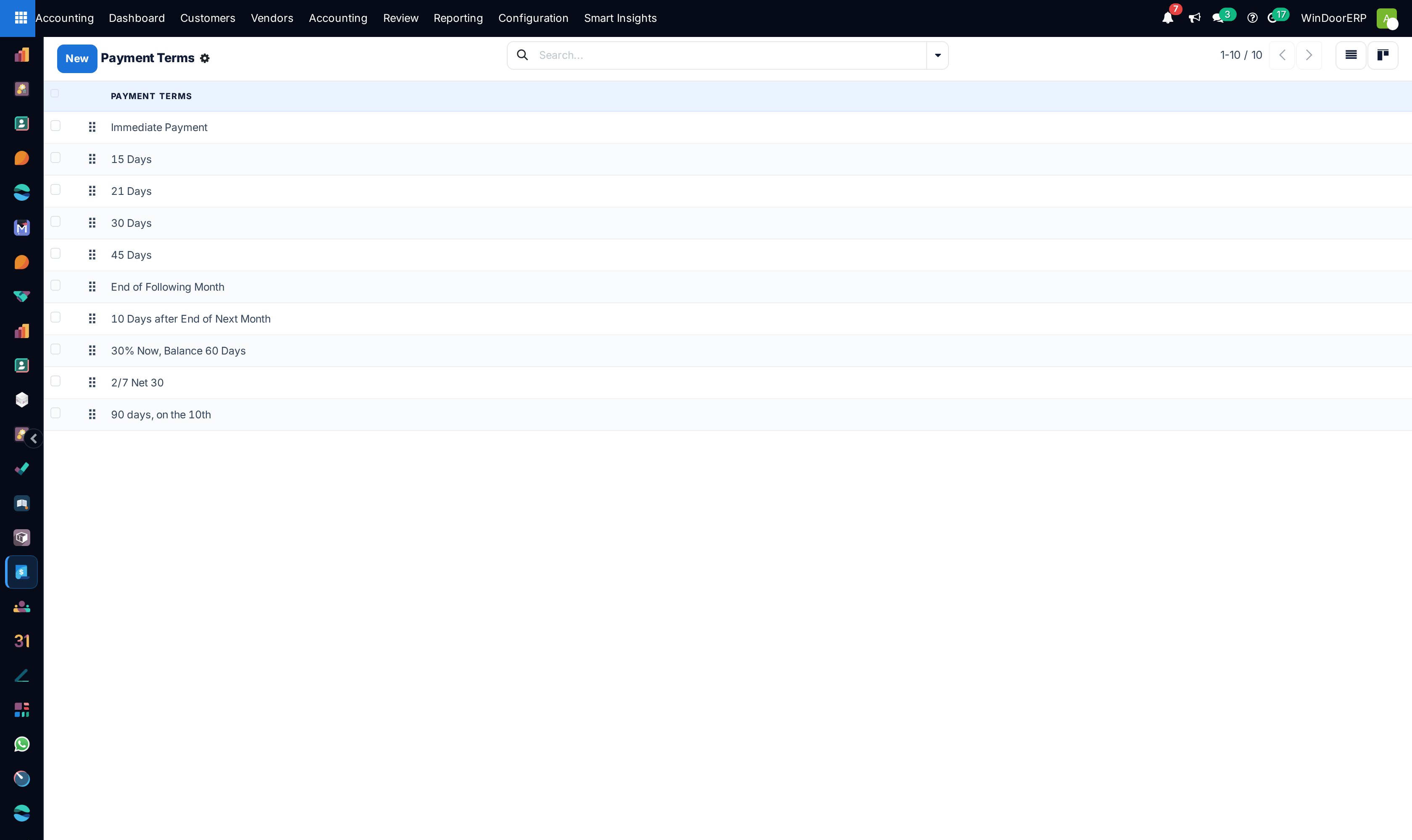
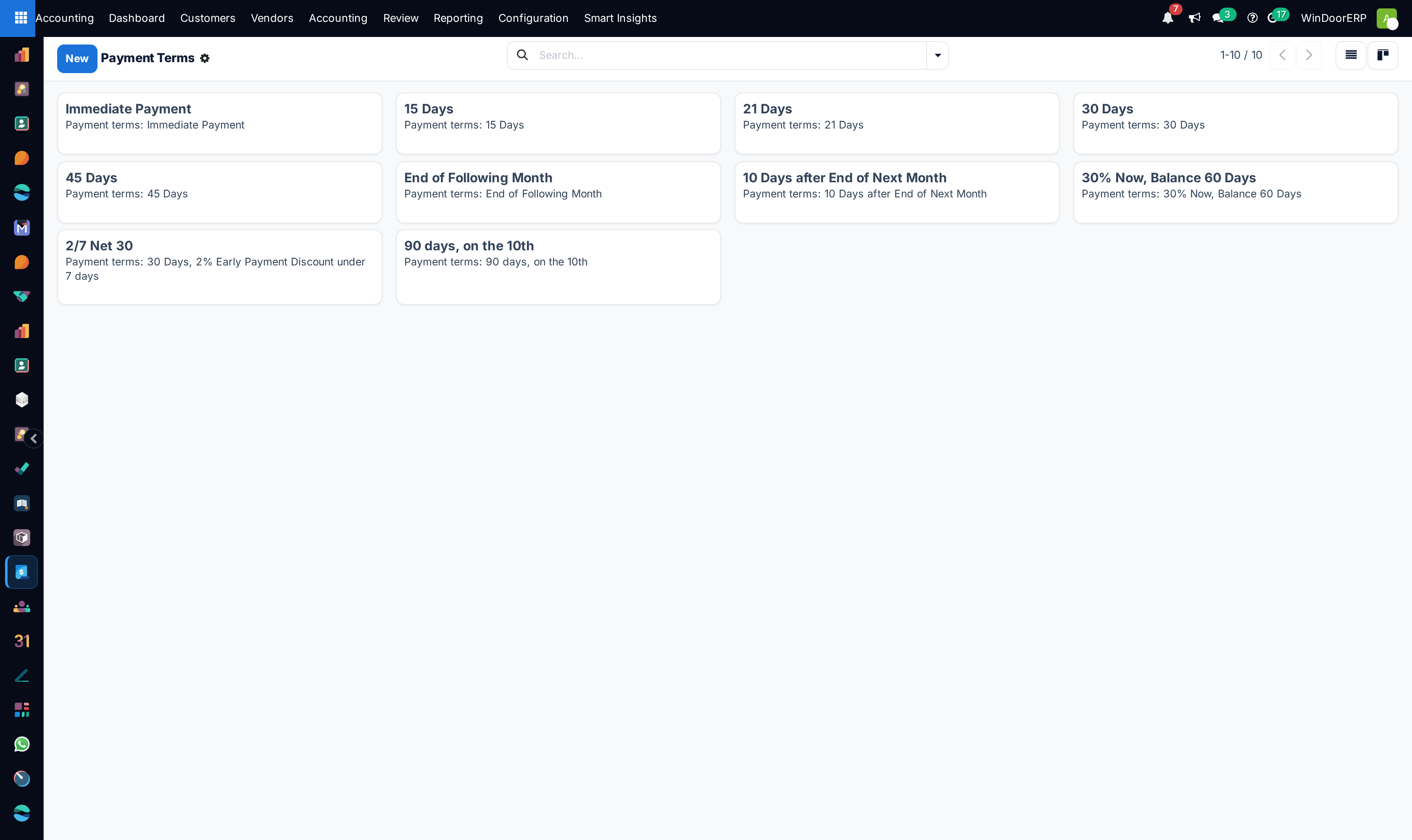
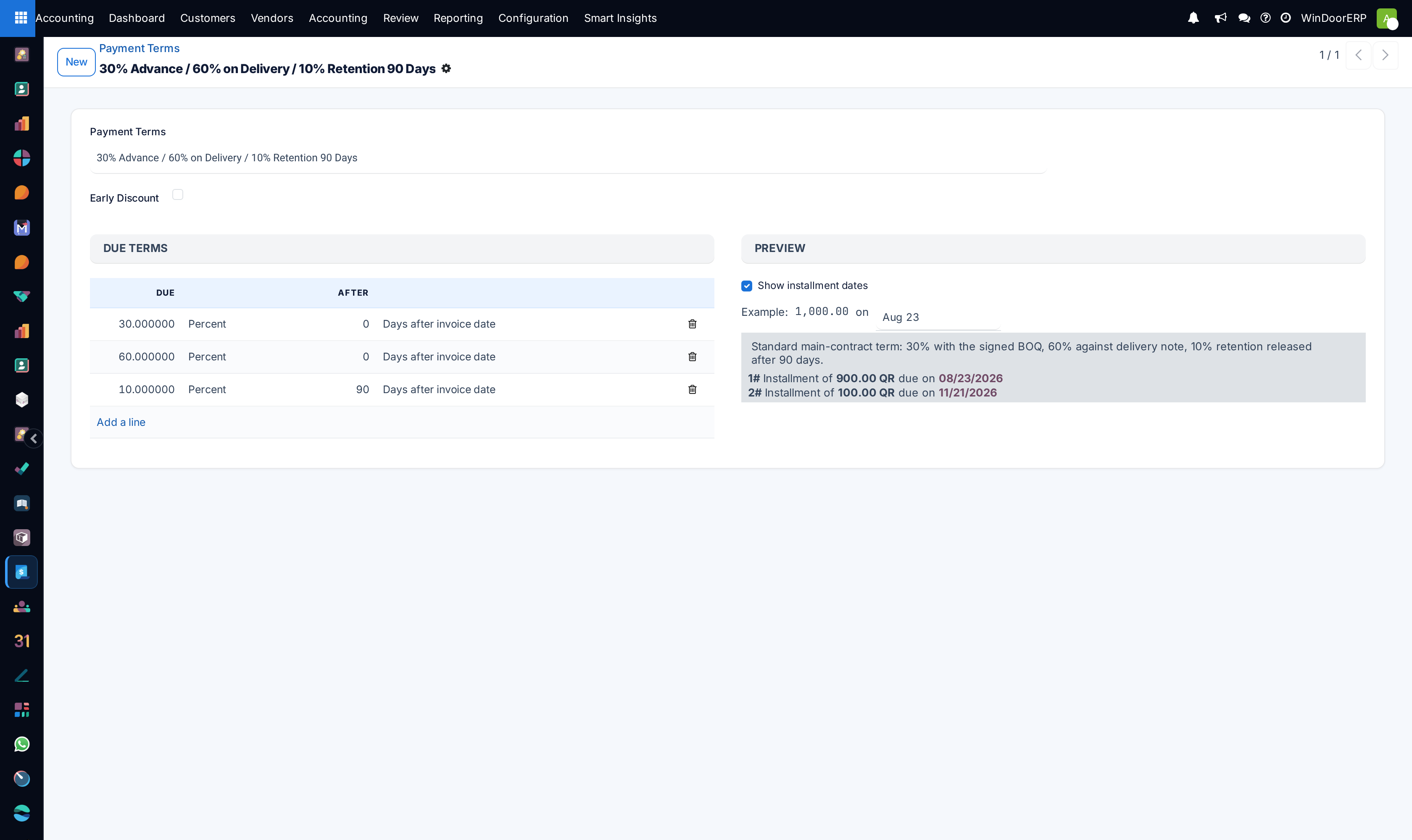
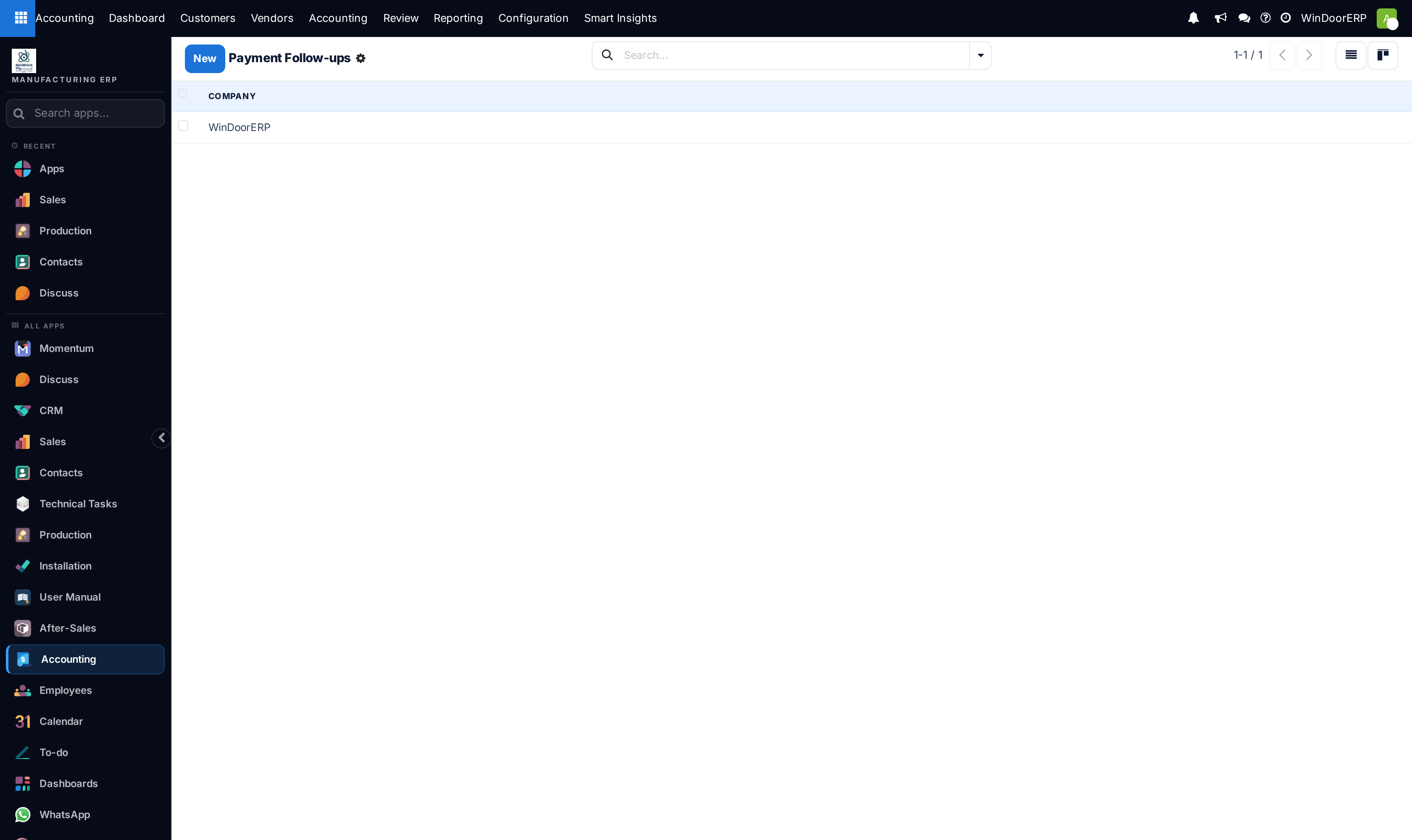
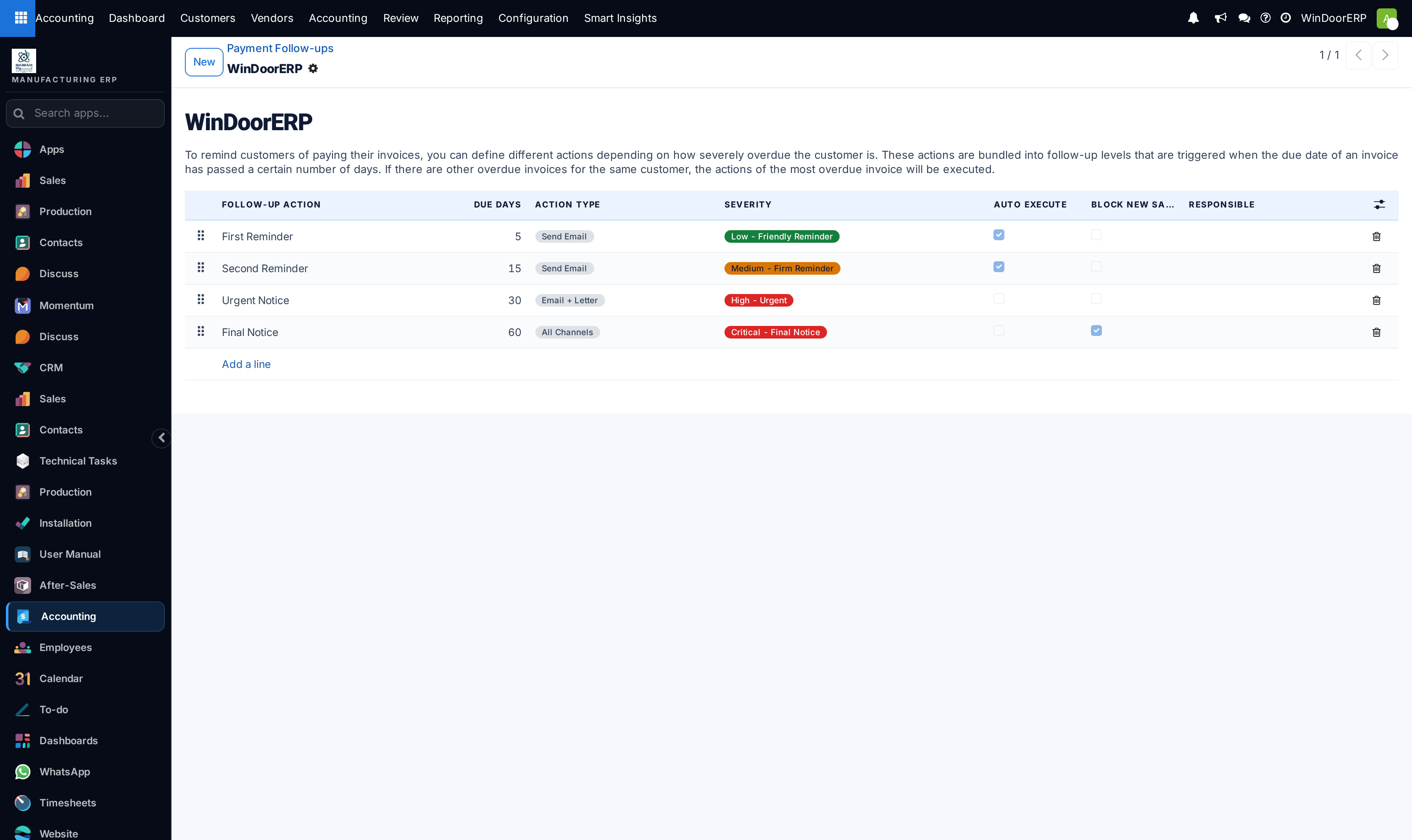
Configure Payment Terms (e.g. 50% Advance, 40% Delivery, 10% Handover).
-
05
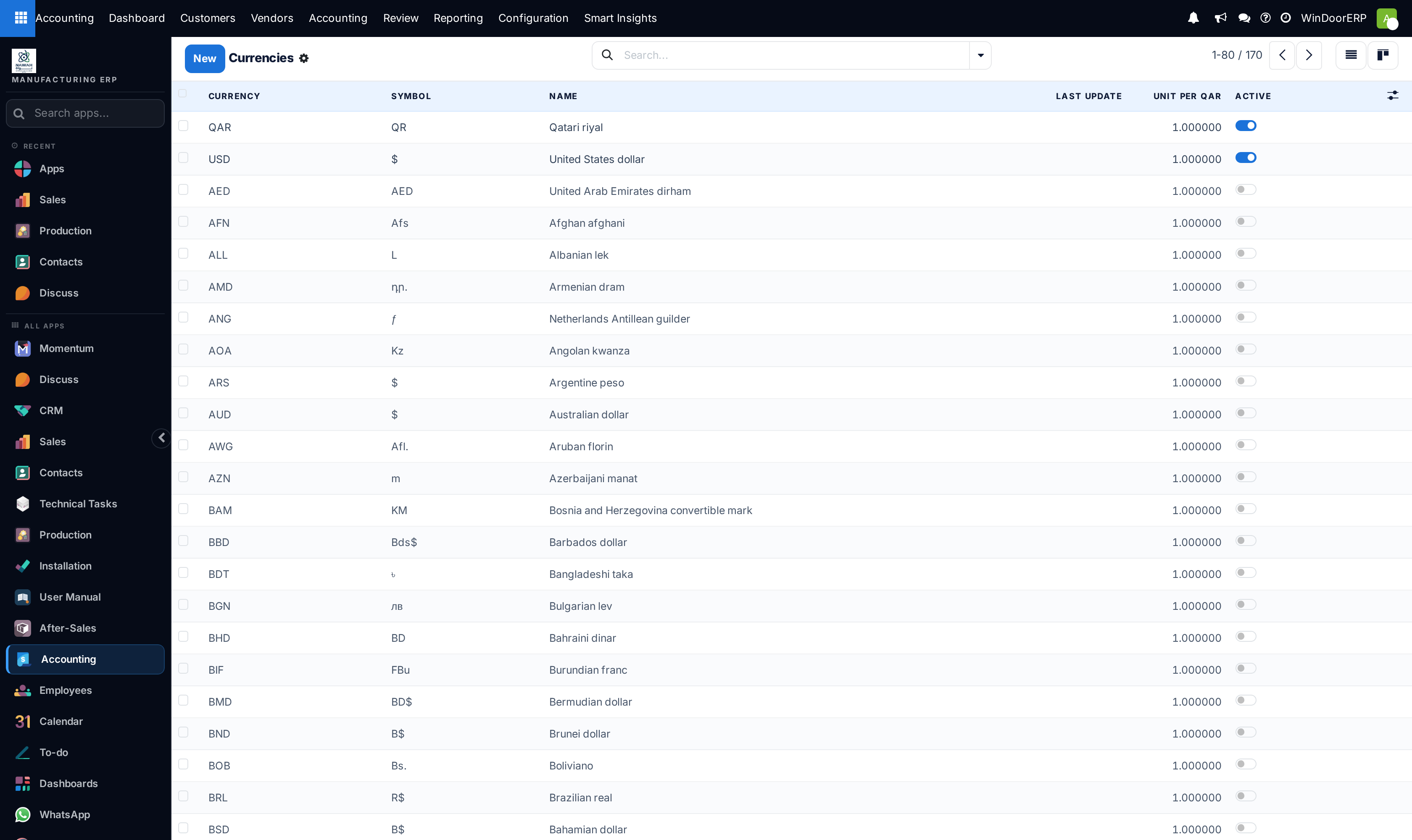
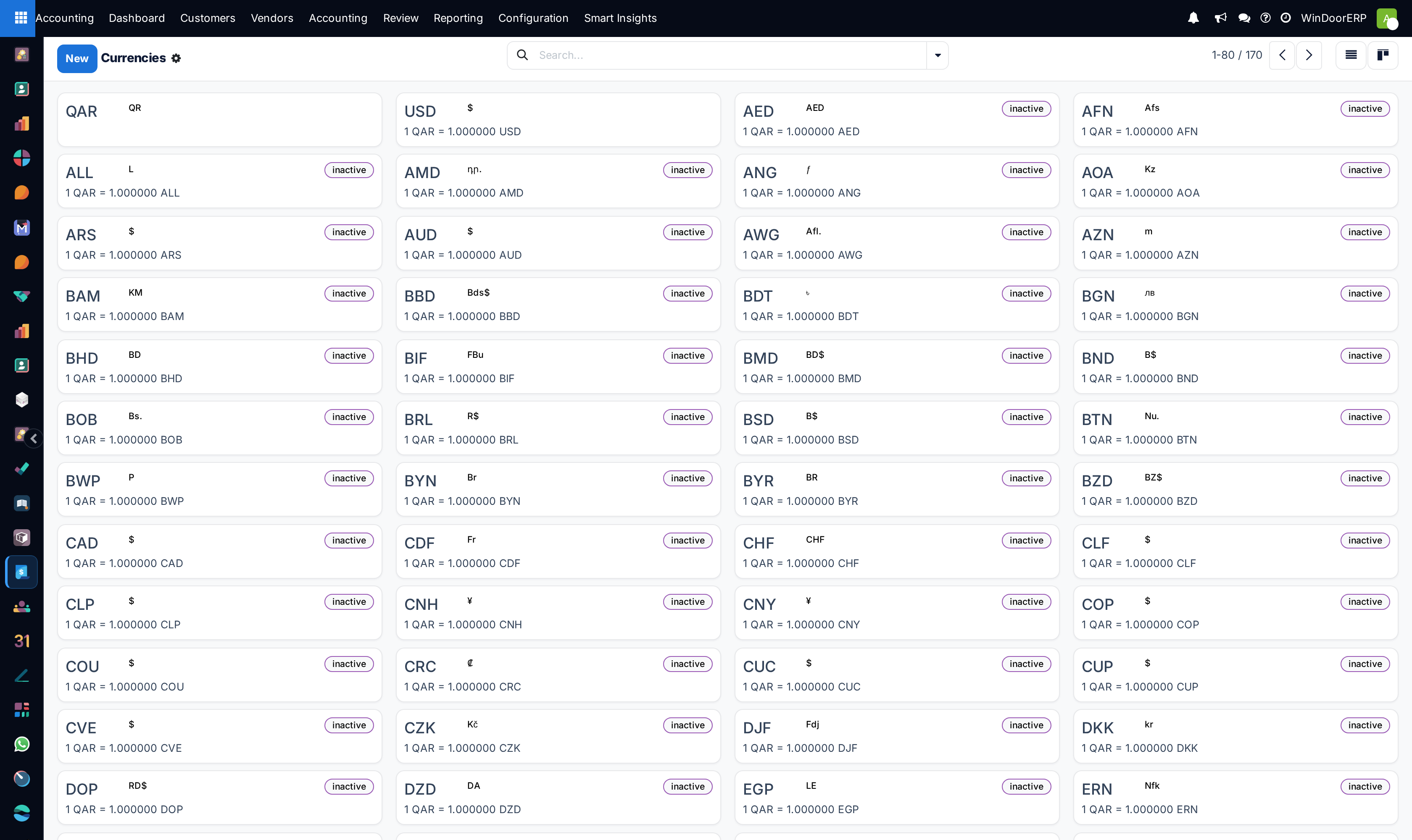
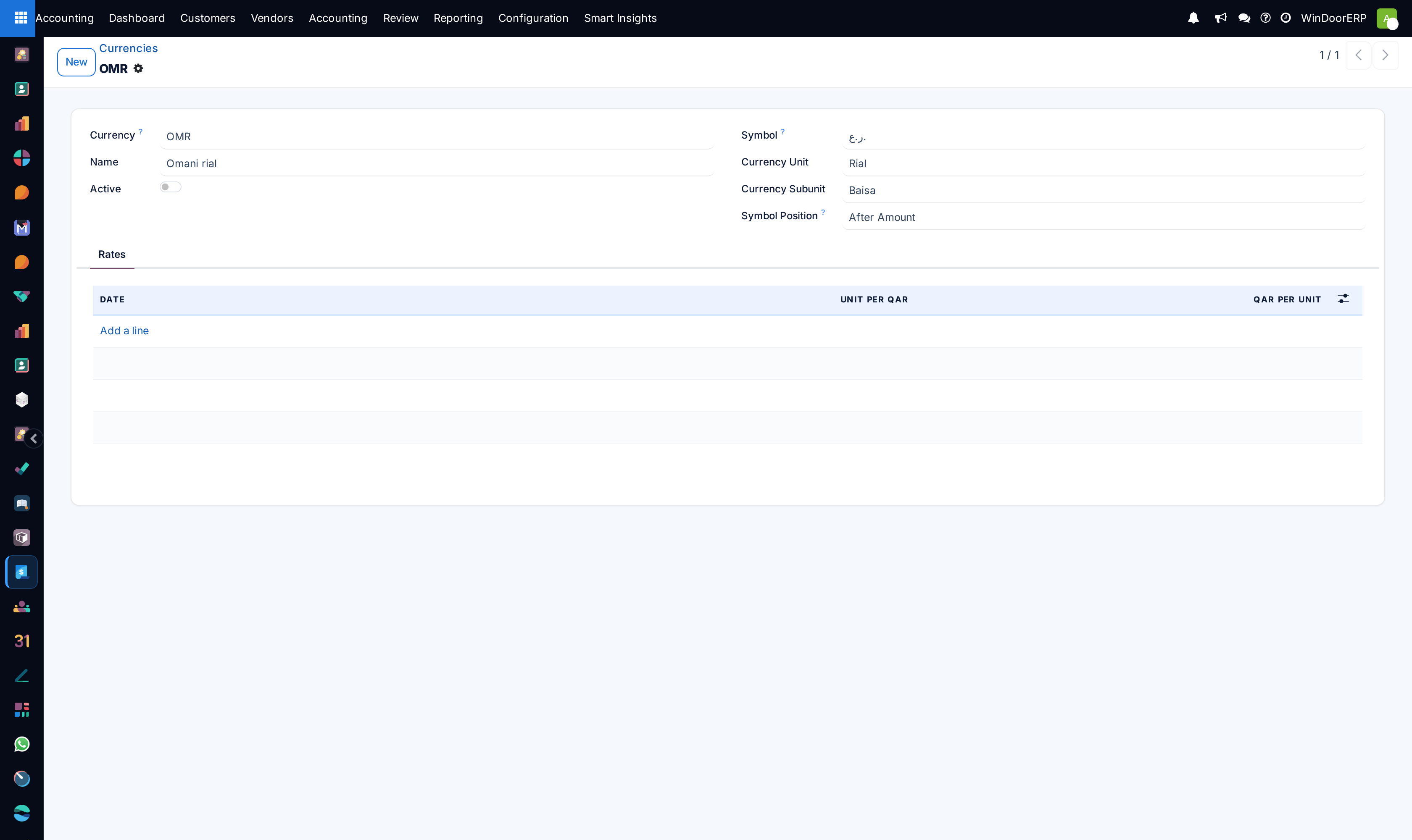
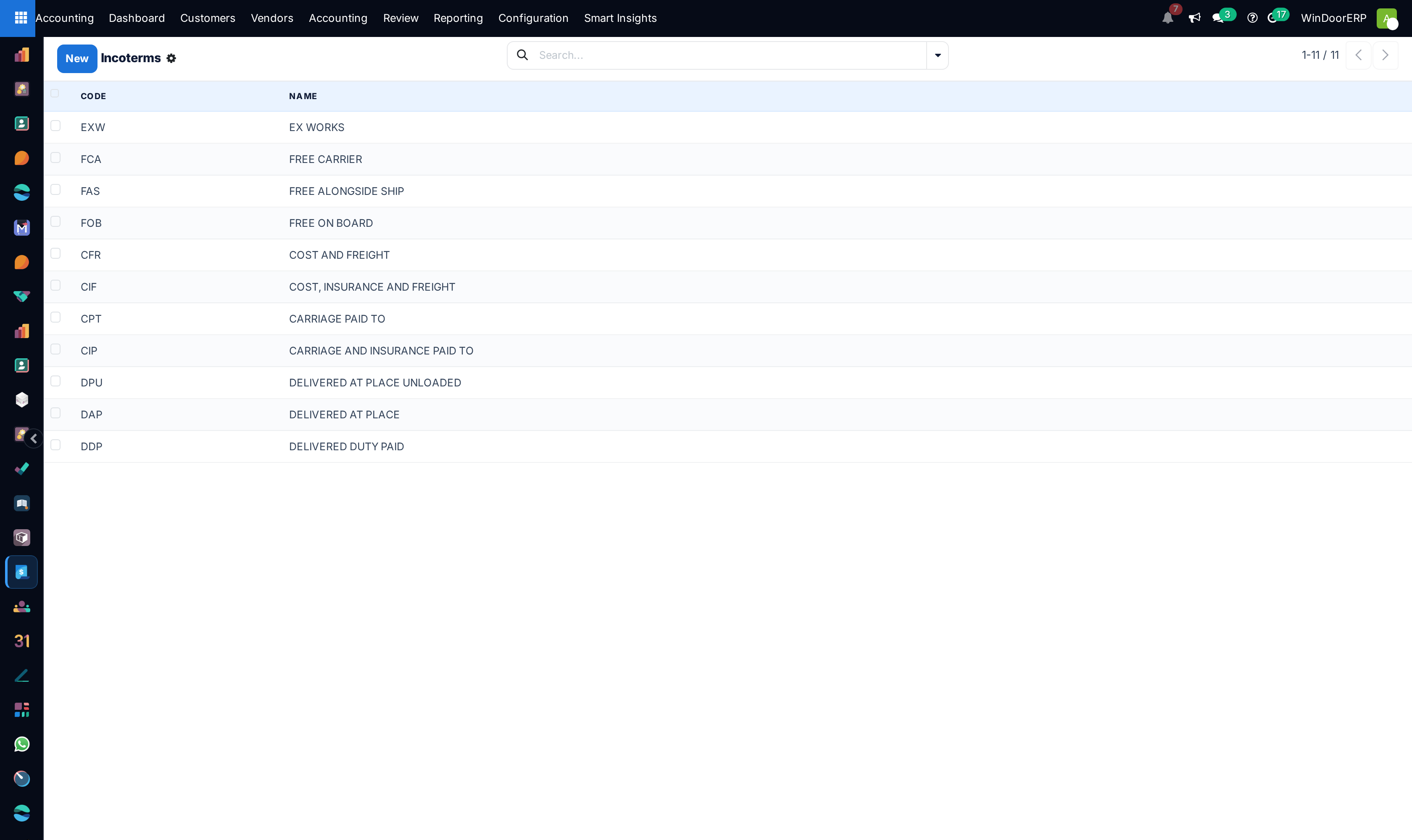
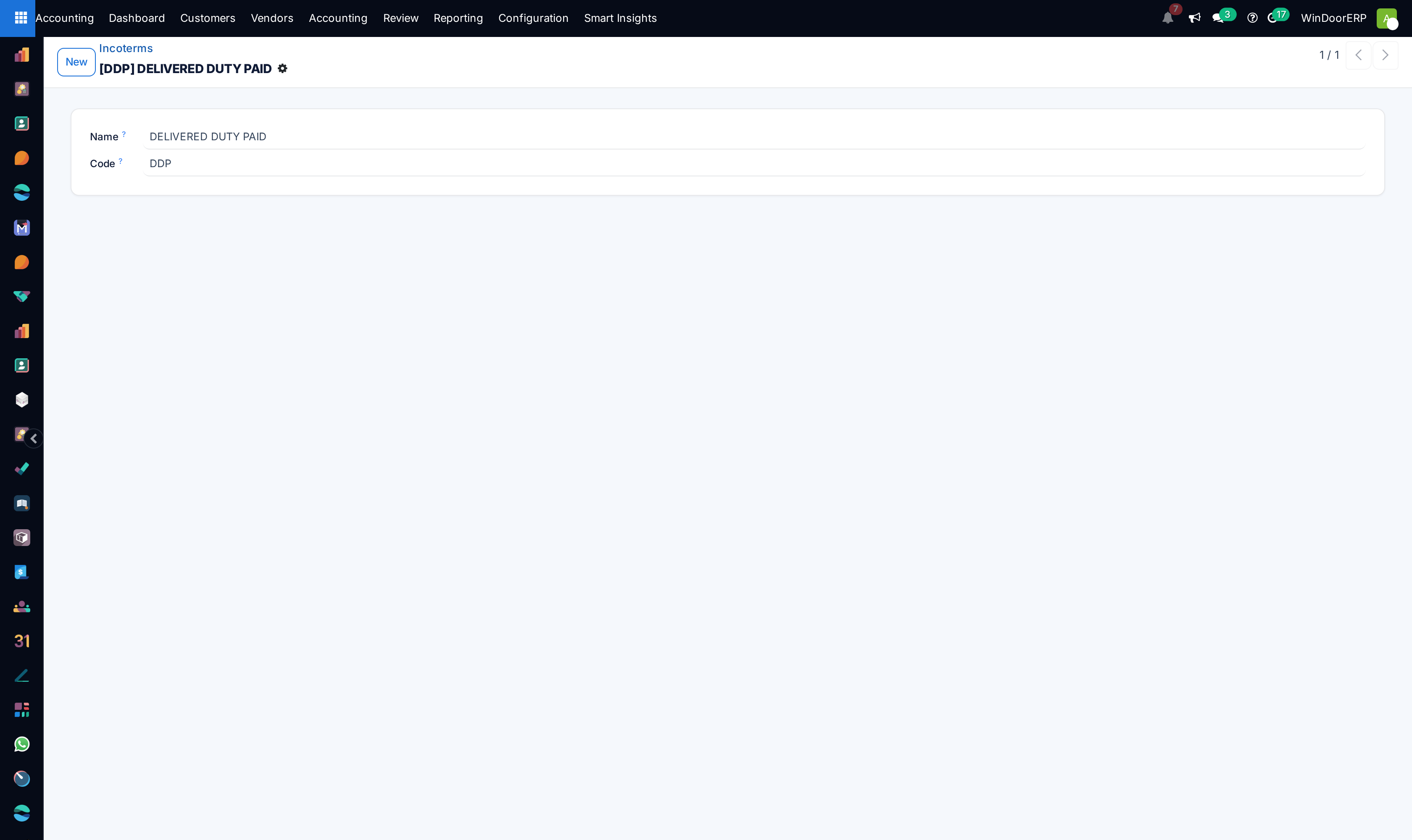
Manage international procurement currencies in Currencies and trade freight rules in Incoterms.
Common mistakes
- Creating duplicate general ledger accounts for existing standard accounts.
- Disabling multi-currency automated exchange rate synchronization for international hardware imports.
Was this article helpful?
Thanks — your feedback helps.
Running a window or door factory?
Ask for a demo