Configure predictive lead scoring rules, mining requests, and general CRM settings
What this does
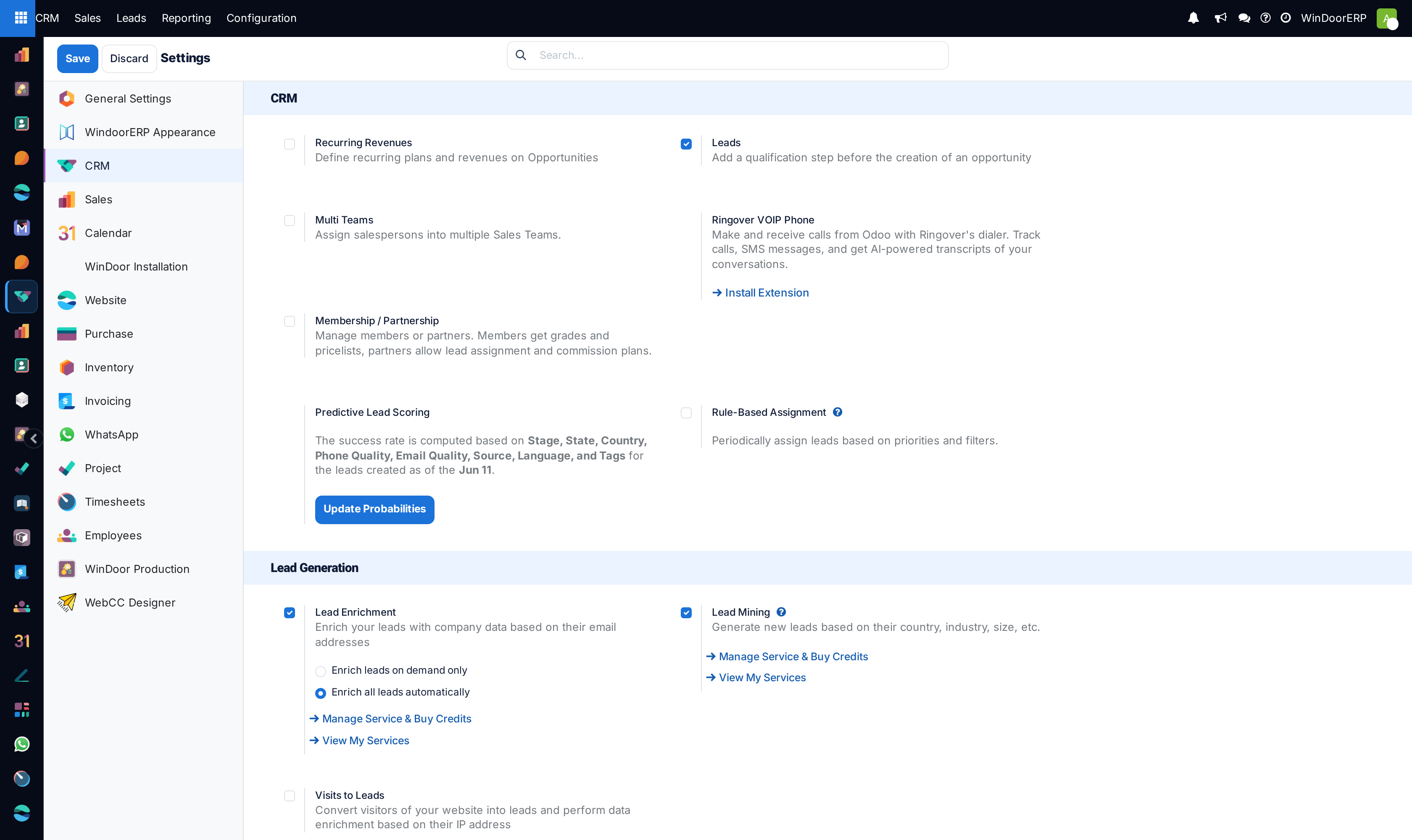
Controls global CRM operational switches in WindoorERP, encompassing predictive lead scoring parameters, automatic rule-based assignment intervals, and B2B corporate lead mining requests.
Before you start
- System Administrator access.
Steps
Important
Predictive scoring continuously learns from historical Win/Loss outcomes to fine-tune opening probabilities for future villa and tower projects.
-
01
Open CRM › Configuration › Settings to enable core modules: Leads, Multi-Teams, Predictive Lead Scoring, and Rule-Based Assignment.
-
02
Configure Predictive Lead Scoring variables: select attributes (e.g. Country, State, Phone Quality, Source) used by the engine to compute success probabilities.
-
03
Under Lead Assignment, toggle Running frequency (e.g. hourly or daily) for automated round-robin lead allocation.
-
04
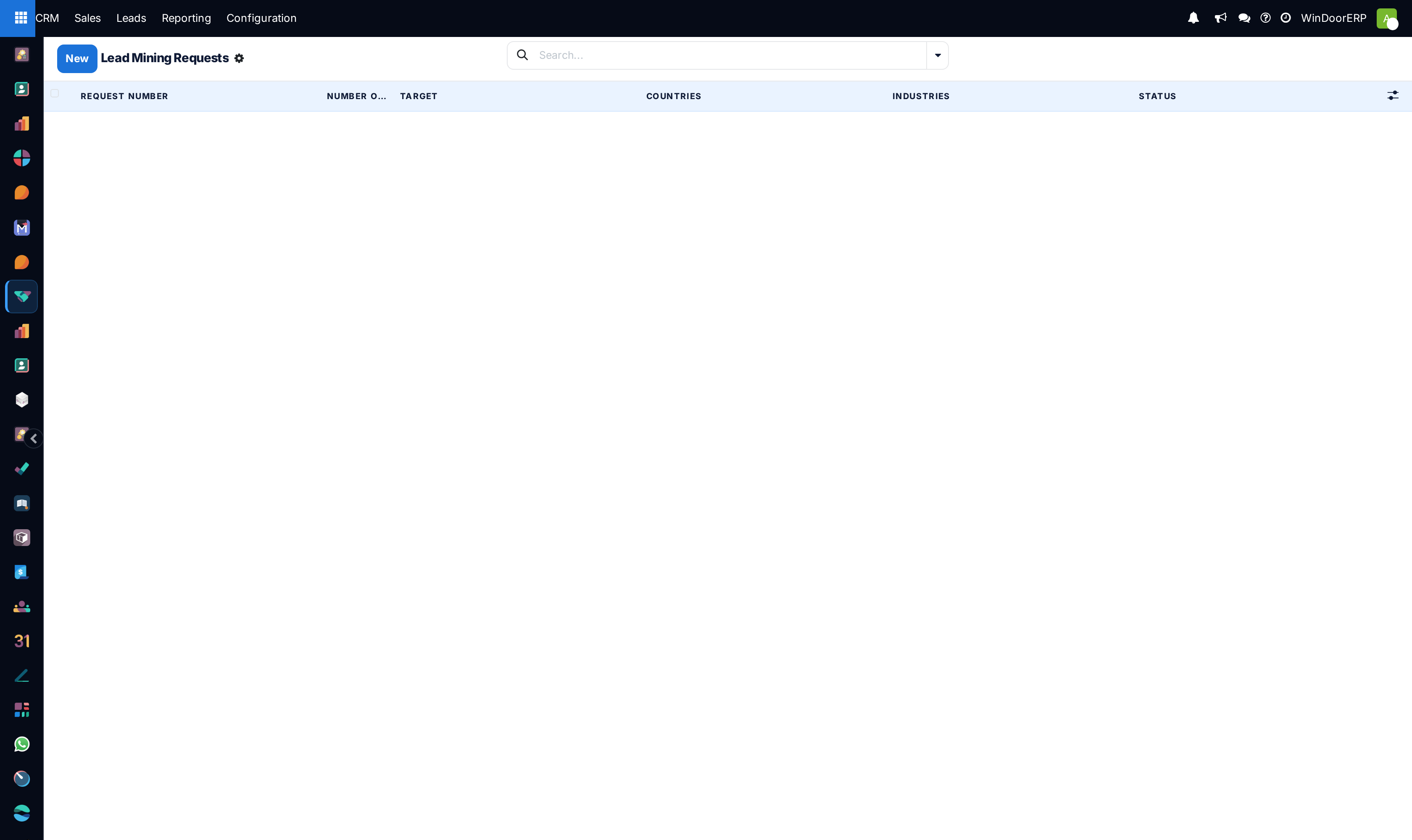
Navigate to CRM › Configuration › Lead Mining Requests to generate targeted contractor prospects by country and industry.
Common mistakes
- Enabling rule-based assignment without defining domain filters on sales team members.
- Forgetting to click Save in Settings before navigating to other administration screens.
Was this article helpful?
Thanks — your feedback helps.
Running a window or door factory?
Ask for a demo